sketchucation logo sketchucation
    • Login
    1. Home
    2. not registered yet
    3. Posts
    Oops, your profile's looking a bit empty! To help us tailor your experience, please fill in key details like your SketchUp version, skill level, operating system, and more. Update and save your info on your profile page today!
    Urasik Extensions | Lots of new extensions to check out Learn More
    N
    Offline
    • Profile
    • Following 0
    • Followers 0
    • Topics 243
    • Posts 1,067
    • Groups 1

    Posts

    Recent Best Controversial
    • RE: [Tutorial > Modeling] How a Pro Builds a House in SU pt 1

      Hi Kristoff,
      I only just found this thread and I'm finding it very useful indeed as I'm modelling my house in order to plan various improvements and alterations to services etc. I've got about six versions so far in various stages of completion which I realise is going to cause me major problem. Your tip about layers will be invaluable. Going right back to the beginning, would I be right in assuming that you could treat an imported 2D .DWG file in exactly the same way as you've used a .jpg image ?
      Thanks again for all your great input.

      Bigyin

      posted in SketchUp Tutorials
      N
      not registered yet
    • RE: [Tutorial > Modeling] How a Pro Builds a House in SU pt 1

      Guess What! I used HouseBuilder.rb to construct my house! Here is the file:

      (Invader ZIM)


      house_onstruct.skp

      posted in SketchUp Tutorials
      N
      not registered yet
    • RE: [Tutorial > Modeling] How a Pro Builds a House in SU pt 1

      I'm excited to see the next installment in this series! Keep it up!

      (rpargman)

      posted in SketchUp Tutorials
      N
      not registered yet
    • RE: Sketchy Masonite

      Dave,
      Thanks for sharing

      [Paul A]

      posted in SketchUp Components
      N
      not registered yet
    • RE: Corrugated Style

      Thank you Dave. πŸ˜„

      [sigue2000]

      posted in SketchUp Components
      N
      not registered yet
    • [Tutorial > Modeling] Onion Dome Flat Pattern

      This is reposted from the Pro User Forum as part of a discussion about creating a flat pattern for an onion-shaped dome.

      As an alternative to Jim's nifty script, here's a manual procedure I tried:

      http://img128.imageshack.us/img128/6522/dome1vg8.jpg

      The steps were:

      1. Draw a profile of the dome. Try to make the segments of the arcs (I used three arcs) approximately uniform in size. I turned on endpoints with a value of two to see what I was doing.
      2. Create the dome itself. I made this octagonal, which is what the one in the photo appears to be. Then I unsmoothed it.
      3. Lay out a series of intervals on a vertical line corresponding to the lengths of the segments on the original profile. I used Xline.rb to turn a series of lines into guides to mark the intervals. Then copy the horizontal lines on one sector of the dome over to their corresponding positions on the vertical line.
      4. Scale the horizontal lines by a factor of .5 to create a true half of the dome sector. Connect the dots.
      5. Mirror the half to create a whole sector.
      6. Copy the dome sector to a copy of the base of the dome and copy it around seven times. That's it.

      Here's a more detailed picture of the last step:

      http://img523.imageshack.us/img523/2239/dome2yv0.jpg

      Also, I have now attached the .skp

      -Gully


      onion dome.skp

      posted in SketchUp Tutorials sketchup
      N
      not registered yet
    • RE: [Tutorial > Modeling] Repeating Patterns - tire tutorial

      Thank you for the very nice tutorial ........
      We need Mooooooooooore!!!

      (dia2000)

      posted in SketchUp Tutorials
      N
      not registered yet
    • [Tutorial > Modeling] Repeating Patterns - tire tutorial

      Probably not the greatest tutorial, but the principles are good to know for any repeating pattern, particulary circular patterns. The main point is to create a "tile-able" component and use it over and over to reduce geometry.

      http://sketchup.google.com/3dwarehouse/details?mid=71087bdd960a32f99ba46b1cf4c24b7d

      http://www.sketchucation.com/forums/scf/sas/CornerBar/smalltiretutorial[2].jpg

      EDIT: attatched file as per request

      (brichins)


      tiretutorial.skp

      posted in SketchUp Tutorials sketchup
      N
      not registered yet
    • RE: A Pencil Style for ya...

      thanks for the workaround, will try it later but can't help thinking there must be a better way to convert .zip to a .style. I did not find anything using google.

      [frv]

      posted in SketchUp Components
      N
      not registered yet
    • RE: A Pencil Style for ya...

      thanks, very clear.
      Still, I just wanted to make some changes to a style and zip the folder again (by right clicking an choosing "create archive") after my photoshop work. When I zip the files into one I can no longer make it an .style file. When I type .style instead of .zip my OSX changes the file name in .style.zip and such a file is unreadable by SU.

      Strange but maybe I am totally not making a zipped files in the way SU can read it.

      [frv]

      posted in SketchUp Components
      N
      not registered yet
    • RE: A Pencil Style for ya...

      I downloaded the file again and it came on my dektop as i .stye file now and I tried it. Great style, thanks.

      Just hope to find out one day how to make a .style file on my mac. I can make .zip files and extract them, thats all really.
      By rightlclicking a file in OSX you can archive/compress it in zip format. Still, thats not a .style format.

      [frv]

      posted in SketchUp Components
      N
      not registered yet
    • RE: A Pencil Style for ya...

      thanks so much for looking into my problem, I think I should be more clear. When I download the pencil style all goes well. I get however the zipped version and so I only have the extracted folder. Sketchup does not regocnize this folder since it needs to be a .style file.

      So, how can I make all the extrated files into a by Skethup readable .style file. I have tried all sort of things, I can easliy extract a .style file to see whats inside. To get the file back to a .style file so it can be put in the styles library is the problem. When I zip it again the file reads .style.zip. Sketchup does not recognize such a style and neither does SU recognize extrated sets of files. What program doe you people on Macs use to make a .Style file?

      [frv]

      posted in SketchUp Components
      N
      not registered yet
    • RE: A Pencil Style for ya...

      on a mac it works like this.
      I can see the styles in the styles folders within the sketchupfolder. Then you remove the .style and automatically OSX turns it into a .zip folder you can uncompress by clicking it. Then you can see the content of a style. Now the problem is there. If you just have the uncompressed folder with the content how to make it one .style file that is readable by Sketchup on my Mac?

      Thanks for trying to help me but I am still stuck. I don't think many on Macs are using homemade styles otherwise this problem would have surfaced long before.

      I have also searched the Google groups but although Google might be great I couldn't find anything there.

      [frv]

      posted in SketchUp Components
      N
      not registered yet
    • RE: A Pencil Style for ya...

      Love to your style but got stuck with it. I am on a Mac. I can add .zip to a style and see what they look like inside but I have no idea how to get my Mac to make it into a .Style file again.
      There must be a trick to it everybody nows but me. Can anyone help me out?

      [frv]

      posted in SketchUp Components
      N
      not registered yet
    • RE: New bigger-marker style

      I'm glad you like the styles. I post last-one for today that I have named "dobble-lined".
      I'm thinking about creating some others styles next days; if somebody has some good suggestion about new styles, maybe I can try to realize them

      [chris71]


      doble-lined.style


      doble-lined_example.gif

      posted in SketchUp Components
      N
      not registered yet
    • New bigger-marker style

      Hi,
      here for you a new "rude" style I have created.
      Cheers!

      Chris

      [chris71]


      bigger-marker.style


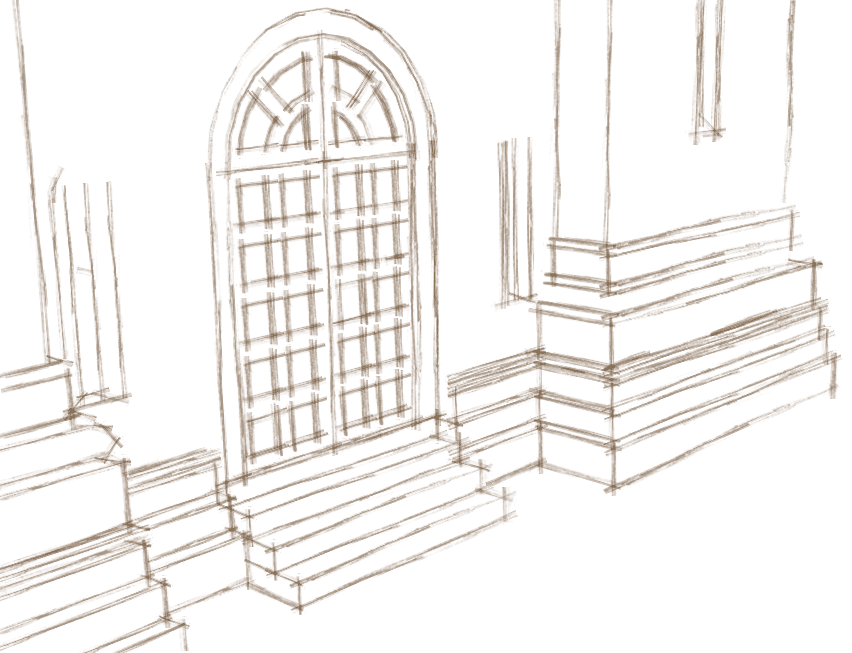
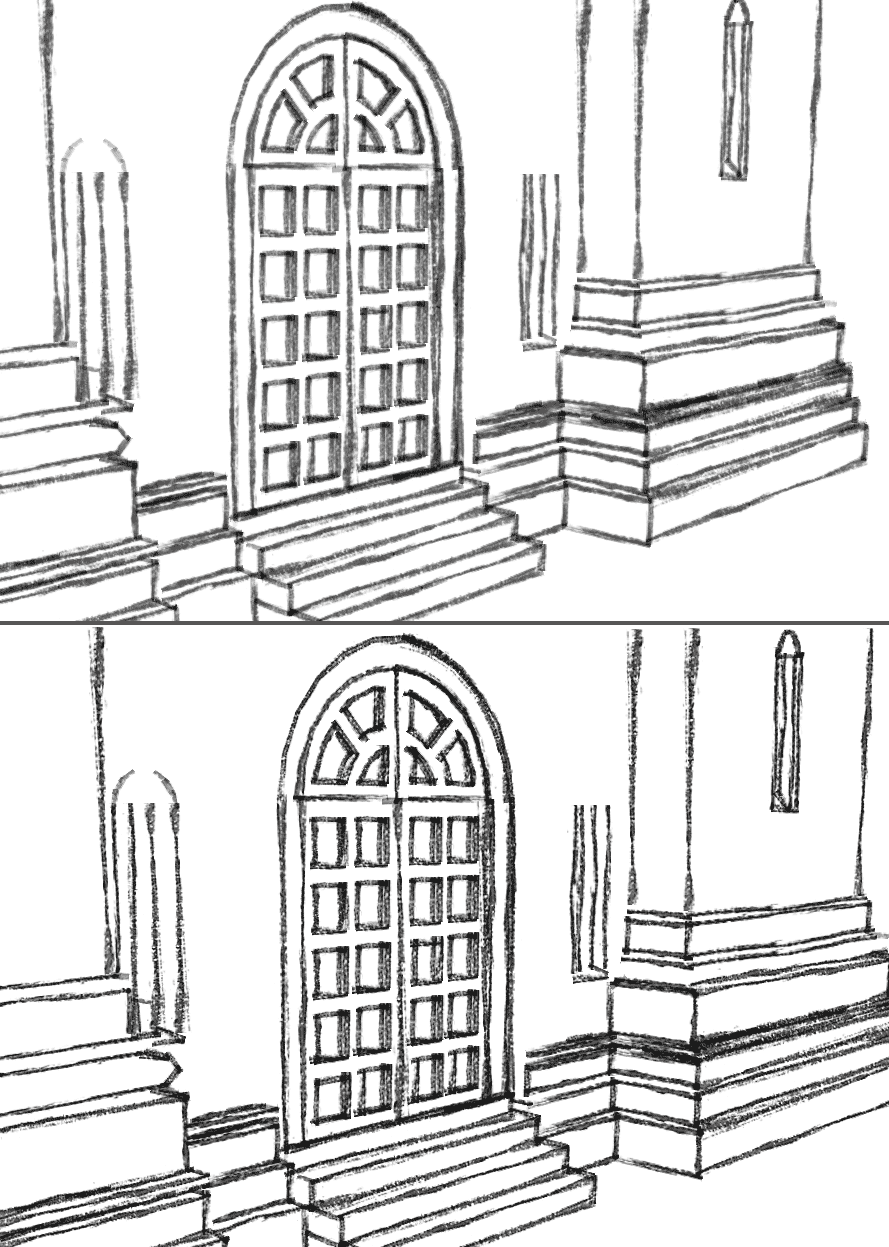
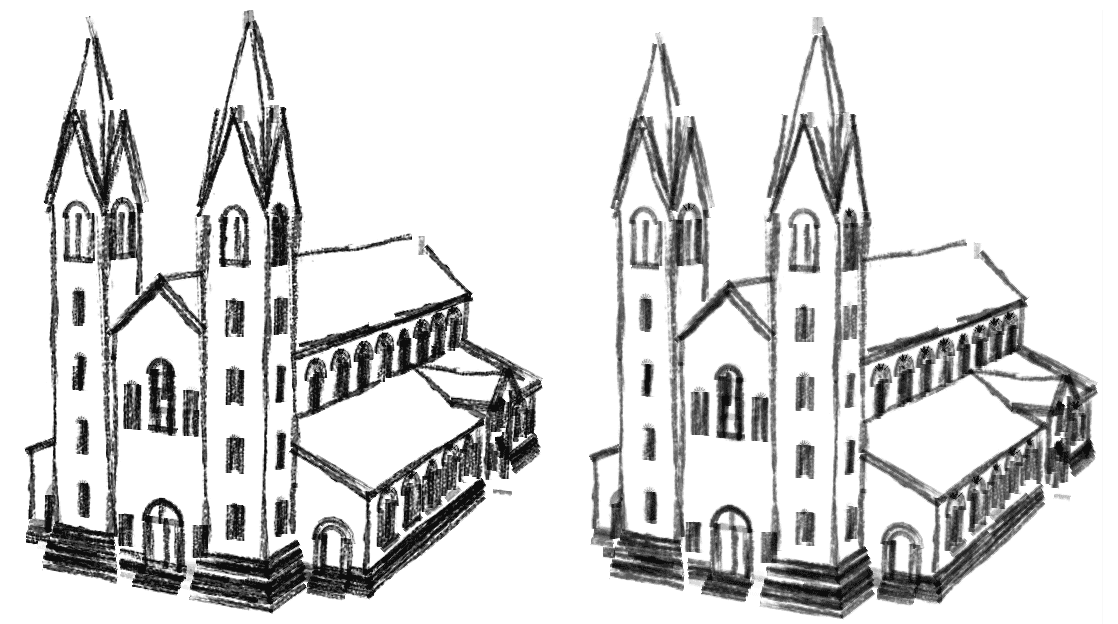
      church1-bigger-marker.gif


      church2-bigger-marker.gif

      posted in SketchUp Components sketchup
      N
      not registered yet
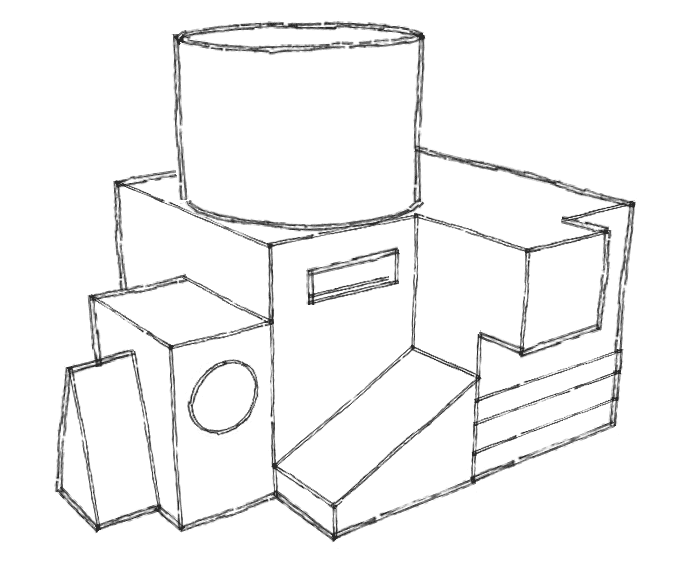
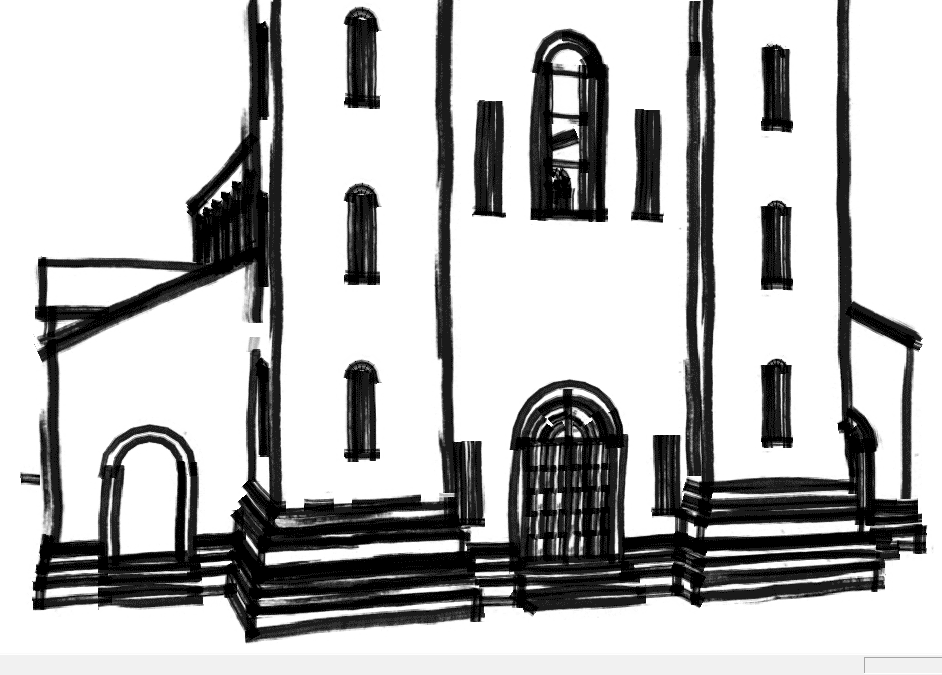
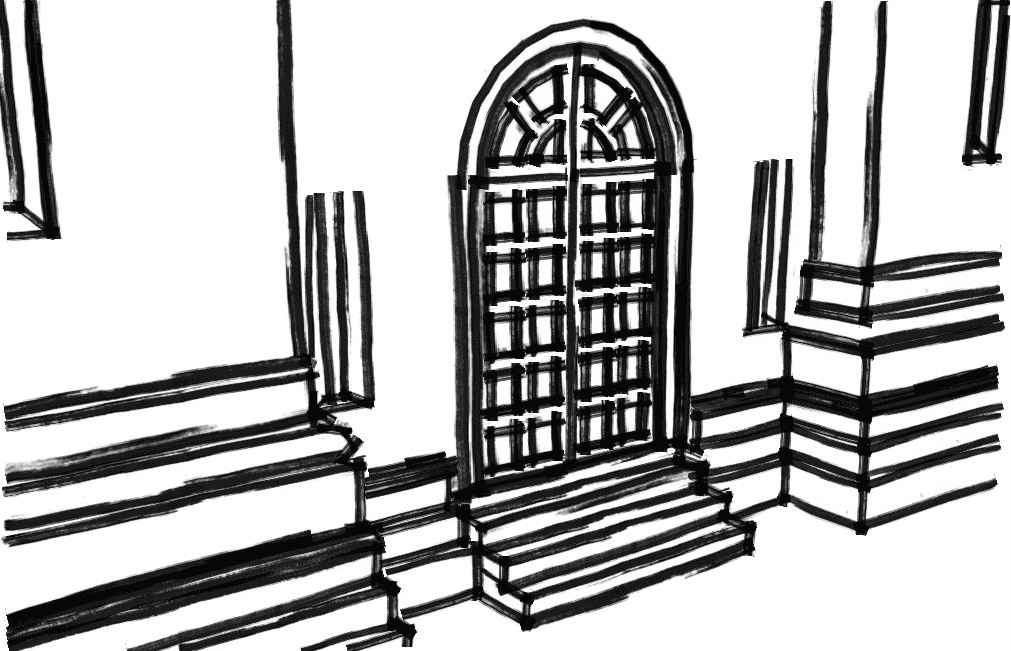
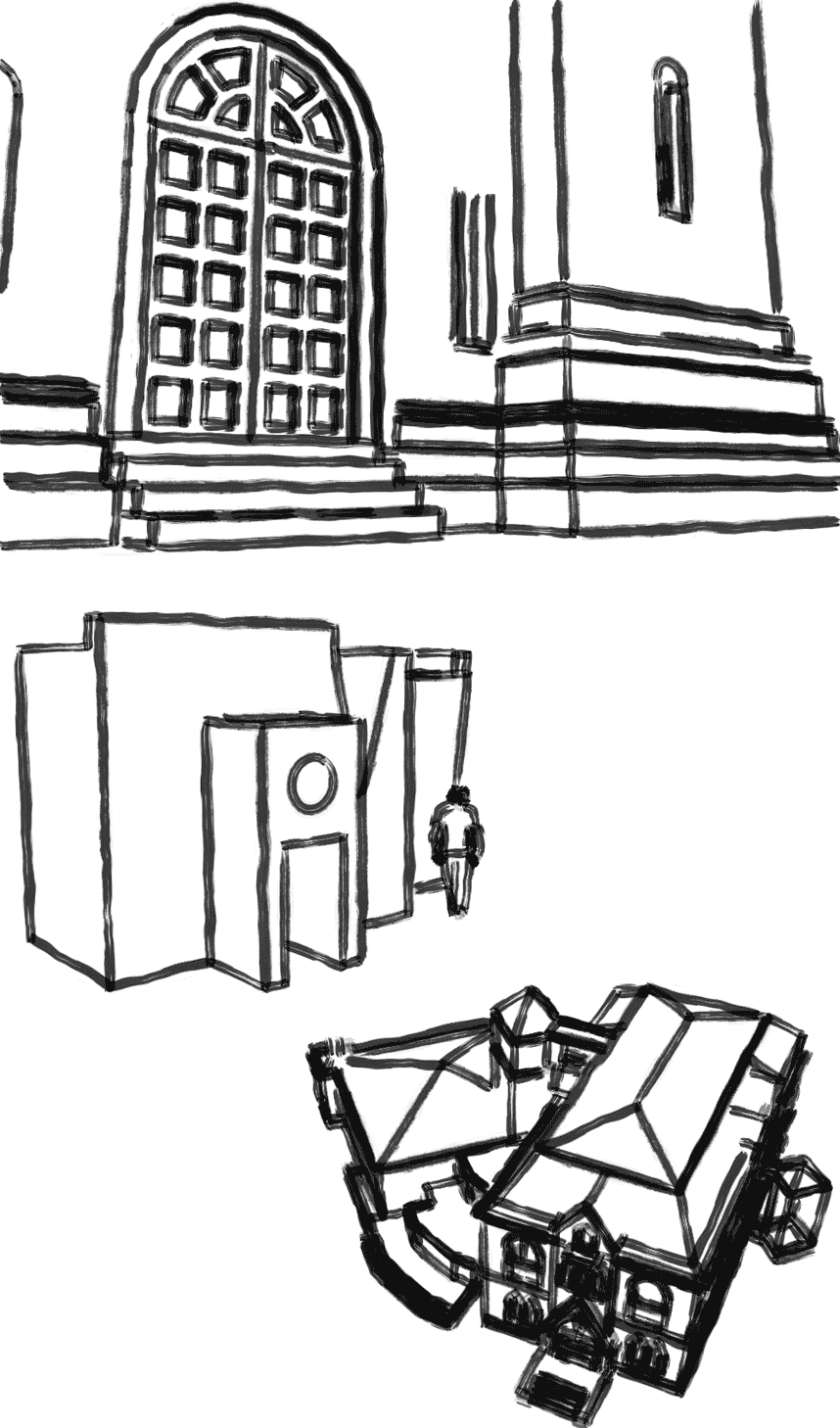
    • Zen-pencil style

      Hi guys,
      here you can try this new style. I have tried to reproduce a zen-pencil (big pencil used with black ink in a very quick way to capture the inspiration of the moment).
      I think this style express his nature if used to reproduce simples constructions. Anyway, also when used for more complex building can be useful as a more common pencil-style, as you can see in the examples.
      Best regards

      Chris

      [chris71]


      zen-pencil.style


      preview_zen-pencil.gif

      posted in SketchUp Components sketchup
      N
      not registered yet
    • RE: 2 new styles: "carboncino" and "crayon-darkbrown"

      Here the previews:

      [chris71]


      church1-crayon.gif


      church2-carboncino.gif


      church1-carboncino.gif

      posted in SketchUp Components
      N
      not registered yet
    • 2 new styles: "carboncino" and "crayon-darkbrown"

      The "carboncino" (italian name for the coal-chalk) become in 2 option, one more soft ("carboncino-light.style") and one more contrasted ("carboncino-strong.style").
      The crayon-darkbrown is an other pencil-style with a very "sketchy taste".
      Best regards

      chris

      [chris71]


      carboncino-light.style


      carboncino-srtong.style


      crayon-darkbrown.style

      posted in SketchUp Components sketchup
      N
      not registered yet
    • RE: Styles Oddity

      Hi, I'm the author of the "buggy" styles, is my first post here.
      I know the problem of these styles, but I don't know how to avoid it. I tried the last suggestions about saving the styles with a new name but for me it didn't work, I have always the problem: the first of my styles I choose is the only I can see in the document.
      If somebody find the solution, I'will be glad if he can post here the styles corrected.
      Thanks, and I'm happy to have found a new refernce forum about sketchup!

      [chris71]

      posted in SketchUp Components
      N
      not registered yet
    • 1 / 1