I just used the divide, protrude and jitter plugins as a little test, here are some results

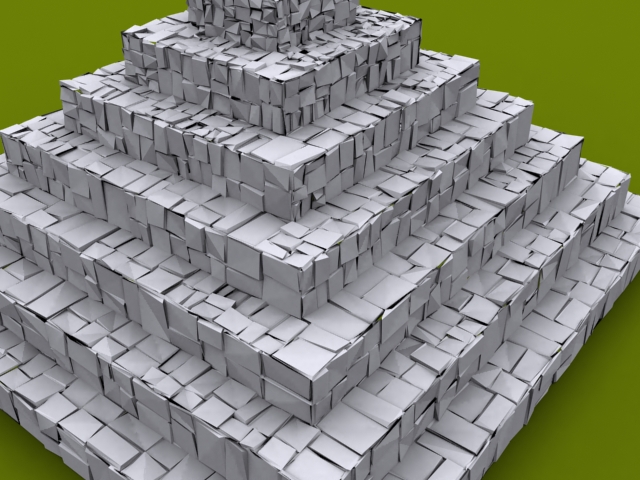
I just used the divide, protrude and jitter plugins as a little test, here are some results
Yes thankyou heaps for that, anyideas on the other one.
I don't need it, I have another one so maybe I will just delete it.
EDIT: I just found that it makes alot of holes, is there a plugin to fill holes in?
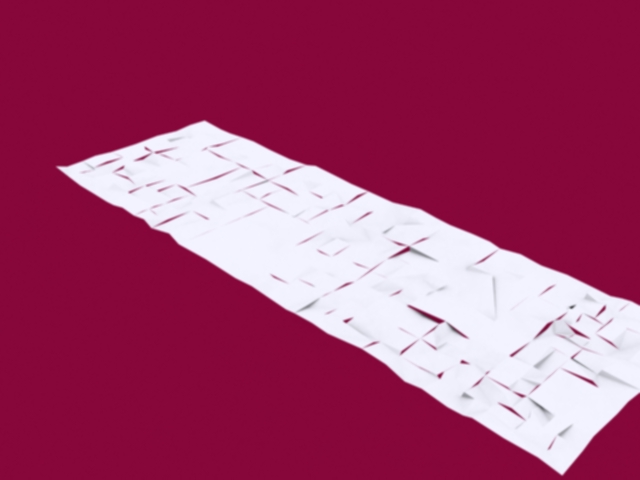
My bad, I should have realised..
Has anybody got a copy. Thanks.
Hello all, I recently have had some problems with the jitter plugin from HERE
I get the error message
@unknownuser said:
Error Loading File jitter.rb
C:/Program Files/Google/Google SketchUp 7/Plugins/jitter.rb:1: syntax error
<!DOCTYPE html PUBLIC "-//W3C//DTD XHTML 1.0 Transitional//EN" "http://www.w3.org/TR/xhtml1/DTD/xhtml1-transitional.dtd">
^
C:/Program Files/Google/Google SketchUp 7/Plugins/jitter.rb:2: syntax error
<html xmlns="http://www.w3.org/1999/xhtml">
^
C:/Program Files/Google/Google SketchUp 7/Plugins/jitter.rb:3: syntax error
<head>
^
C:/Program Files/Google/Google SketchUp 7/Plugins/jitter.rb:4: invalid regular expression; there's no previous pattern, to which '' would define cardinality at 1: / Copyright 2008 Google. /
C:/Program Files/Google/Google SketchUp 7/Plugins/jitter.rb:4: syntax error
<script type="text/javascript">/ Copyright 2008 Google. */ (function() { var a=window;var b="start";function d(f){this.t={};this.tick=function(g,h,c){c=c?c:(new Date).getTime();this.t[g]=[c,h]};this.tick(b,null,f)}var e=new d;a.jstiming={Timer:d,load:e};try{var i=null;if(a.chrome&&a.chrome.csi)i=Math.floor(a.chrome.csi().pageT);if(i==null)if(a.gtbExternal)i=a.gtbExternal.pageT();if(i==null)if(a.external)i=a.external.pageT;if(i)a.jstiming.pt=i}catch(j){}; })()
^Error Loading File stair_maker062.rb
undefined method `add_item' for nil:NilClass
I also have a problem with stair Maker plugin.
I have had no experience with rubies but the jitter looks like javascript not ruby??
I am just trying to add a rough look to my model. Maybe I will share it in the gallery. (it is a detailed pyramid btw) 
it somehow looks like a scale model and then some others look like they were painted on with a very fine brush, overall it has an artistic feel either way you look at it.
Good Job!..
make it a group then flip it, then delete the original then explode it...
lol thats funny, i will try to get more up later but keep losing soo much quality in jpeg is there any way i can make the quality like bmp formats...
its just a product of the way the texture laid itself out, i didnt really do anything sorry..
try using intersect with model and then delete the unwanted geometry
edit: nvm misread the question
it seems your right, strangely i didnt turn it on, thankyou!
this is weird..
when im texturing with the same material it will make on face one color and another face another color...
is this true bug or is there a simple fix..
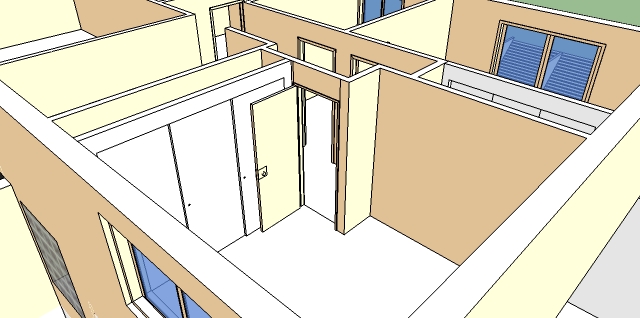
instead of modelling the bristles you be better off making a block and applying a texture that has transparency
note: for the transparency to work you would need to use an external renderer....
the grass is just a texture and it is included in the meterial library i believe..
Over the course of time i will be sharing some of the models i make, some of them will be cabinets used for whoever knows what..
Anywho I have uploaded the first of many, a tall cabinet with two doors, two drawers and an inset for an oven and a microwave.
This was a custom job for someone i know but they dont mind me uploading it.
Enjoy!
btw more will be coming soon and the doors and drawers open with the interact tool..
p.s. i also should say that as i get better with dc's i will be making them more dynamic for users to cahnge them around..
its taken me a while but i finally found some time and worked on the landscape of where it it situated..
i hope you like these two
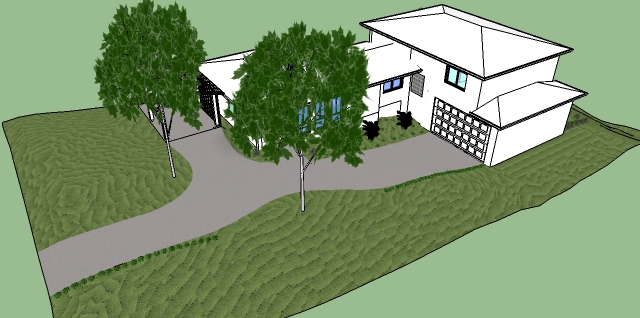
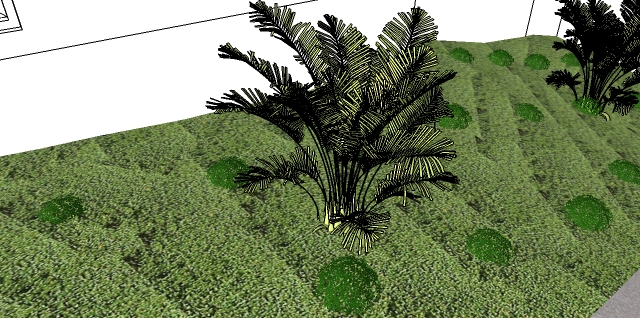
what do you think of the textures mostly???
@unknownuser said:
Nah, I for one dont subscribe to censorship and secondly it may serve as a lesson.
And if I stop responding like this it will die into obscurity soon anyway.
point taken!..
you could just copy the object and paste it inside the component...