sketchucation logo sketchucation
    • Login
    1. Home
    2. gilles
    3. Posts
    Oops, your profile's looking a bit empty! To help us tailor your experience, please fill in key details like your SketchUp version, skill level, operating system, and more. Update and save your info on your profile page today!
    🔌 Easy Offset | Offset selected faces in SketchUp in positive and negative offsets. Download
    Offline
    • Profile
    • Following 0
    • Followers 0
    • Topics 30
    • Posts 1,284
    • Groups 1

    Posts

    Recent Best Controversial
    • RE: [REQ] un-select everything

      @jeff hammond said:

      @gilles said:

      @jeff hammond said:

      are we talking about exiting groups or un-selecting selected items? 😕 i'll read back through the thread a little later.

      Both.

      what if you aren't editing inside a group (raw geometry) and you have some items selected? will ESC deselect those items? i've tried it on a macpro and a mbp now and it works on neither. for that, i have to use the 'select none' shortcut.
      (though the way i usually do this when there is no blank space to click in is to select a new item which i can see then shift-select it in order to clear all selections.. just i bad habit i've developed over the years where i should probably be using the shift-cmmd-A shortcut)

      Yes this works, I' running Mountain lion Mac book pro SU V8.

      As I said before ESC does not deselect with some tools when they are active.

      posted in Plugins
      gillesG
      gilles
    • RE: [REQ] un-select everything

      @jeff hammond said:

      @gilles said:

      AZERTY, do you think this could make a difference?

      not sure.. i guess a few more mac users would have to try it to see..
      also, i wonder if everyone in the thread is talking about the same thing and i might of replied too quickly prior to fully understanding the question.

      are we talking about exiting groups or un-selecting selected items? 😕 i'll read back through the thread a little later.

      Both.

      posted in Plugins
      gillesG
      gilles
    • RE: [REQ] un-select everything

      It does not work with some tools when they are active.
      posted in Plugins
      gillesG
      gilles
    • RE: [REQ] un-select everything

      AZERTY, do you think this could make a difference?

      posted in Plugins
      gillesG
      gilles
    • RE: [REQ] un-select everything

      @jeff hammond said:

      fwiw, on mac, esc doesn't clear a selection(s)..

      it's cmmd-A for select all & shift-cmmd-A for deselect all

      It does for me or maybe I've a fake Mac 💚

      posted in Plugins
      gillesG
      gilles
    • RE: [Plugin] Three Line Tools (Updated March 9th, 2009)

      Same thing with the 3 tools:

      Error; #<NoMethodError; undefined method `GetString' for nil;NilClass>
      /Library/Application Support/Google SketchUp 8/SketchUp/Plugins/clf_vertical_line_maker/clf_vertical_line_maker.rb;102;in `onLButtonUp'
      /Library/Application Support/Google SketchUp 8/SketchUp/Plugins/clf_vertical_line_maker/clf_vertical_line_maker.rb;286
      Error; #<NoMethodError; undefined method `GetString' for nil;NilClass>
      /Library/Application Support/Google SketchUp 8/SketchUp/Plugins/clf_vertical_line_maker/clf_vertical_line_maker.rb;182;in `onLButtonUp'
      /Library/Application Support/Google SketchUp 8/SketchUp/Plugins/clf_vertical_line_maker/clf_vertical_line_maker.rb;102
      Error; #<NoMethodError; undefined method `GetString' for nil;NilClass>
      /Library/Application Support/Google SketchUp 8/SketchUp/Plugins/clf_vertical_line_maker/clf_vertical_line_maker.rb;286;in `onLButtonUp'
      /Library/Application Support/Google SketchUp 8/SketchUp/Plugins/clf_vertical_line_maker/clf_vertical_line_maker.rb;182
      
      posted in Plugins
      gillesG
      gilles
    • RE: Problems to shape the concentric top layer of a skate

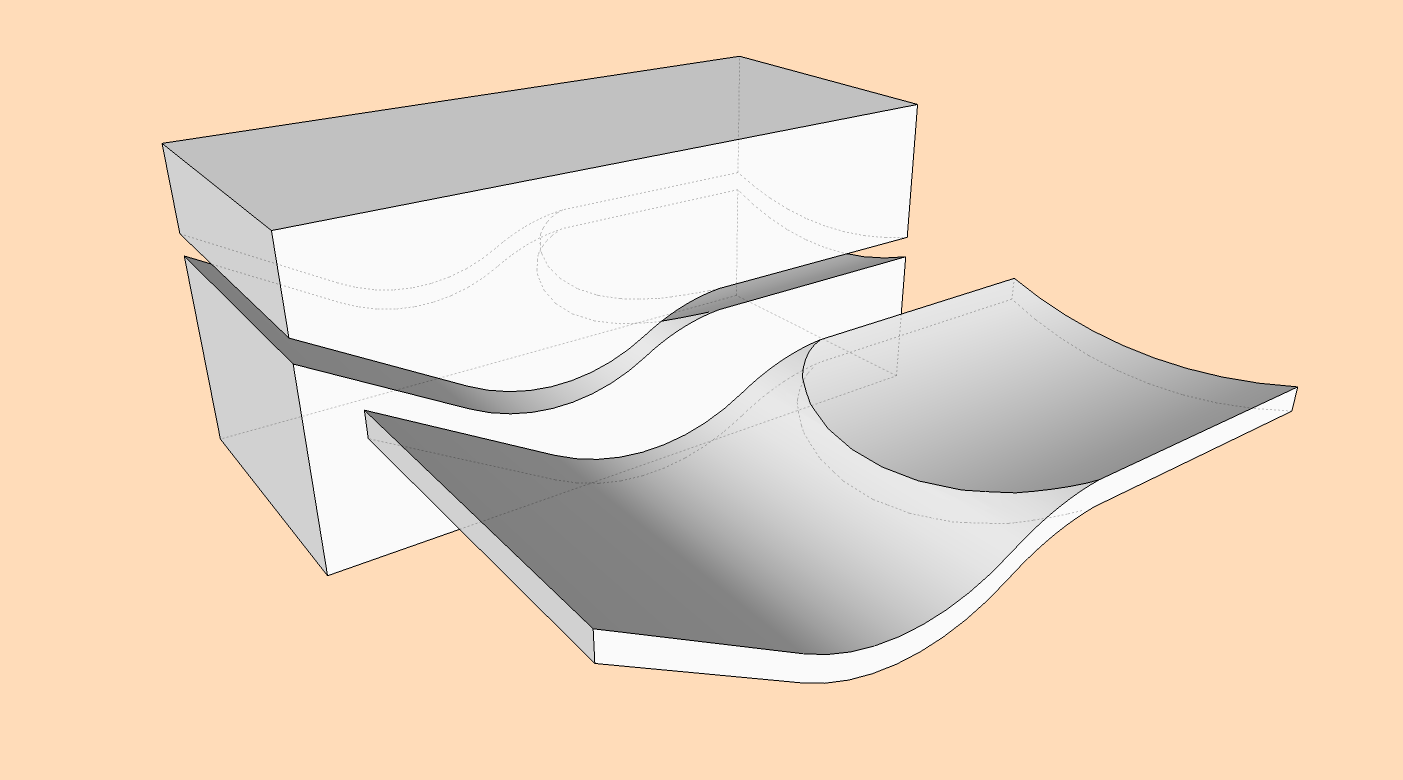
      As a result.


      -intersect3.png

      posted in Newbie Forum
      gillesG
      gilles
    • RE: Problems to shape the concentric top layer of a skate

      Non tu te fais très bien comprendre et j'en ai tenu compte.

      Maintenant je crois qu'il faut continuer en anglais ou poster sur le forum français.

      posted in Newbie Forum
      gillesG
      gilles
    • RE: Problems to shape the concentric top layer of a skate

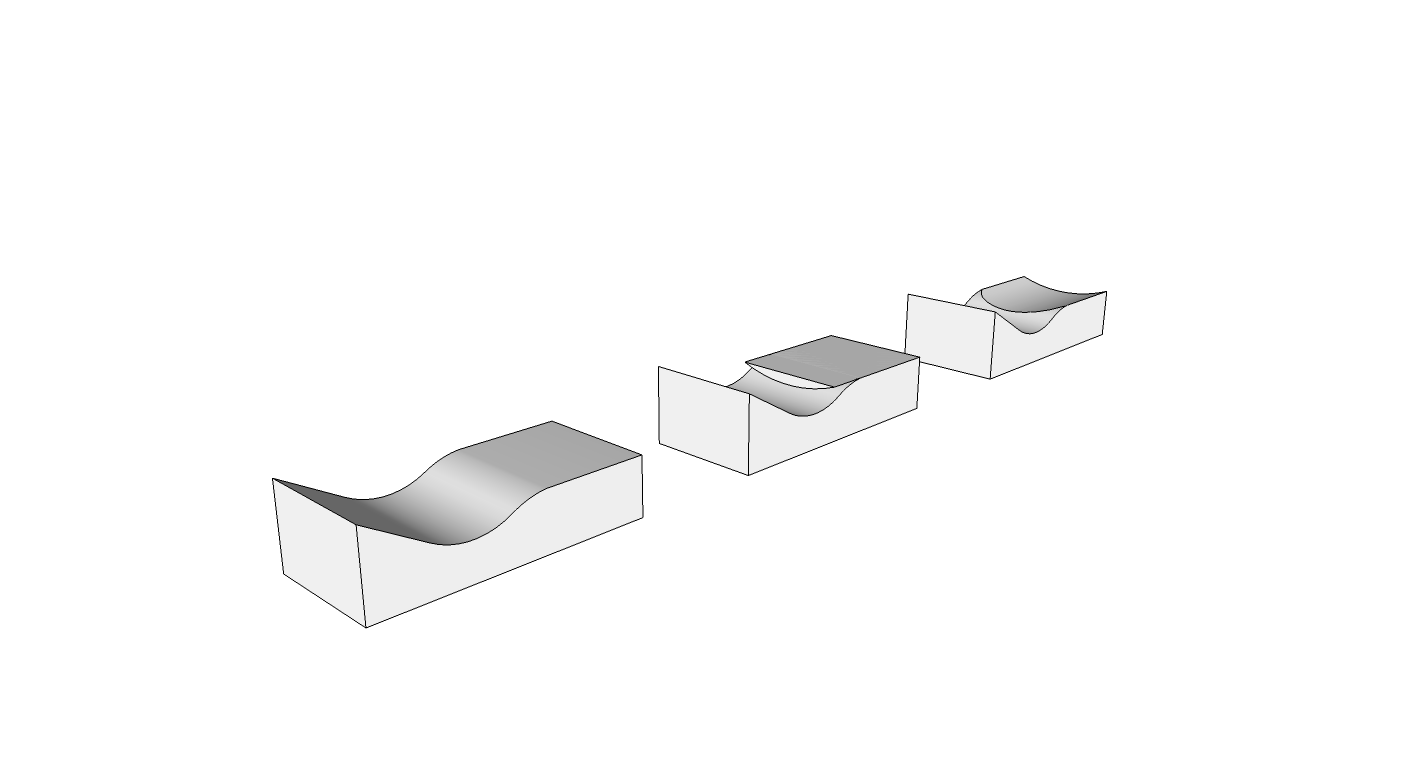
      Même principe en négatif tenant compte de l'épaisseur.


      -intersect2.png

      posted in Newbie Forum
      gillesG
      gilles
    • RE: Problems to shape the concentric top layer of a skate

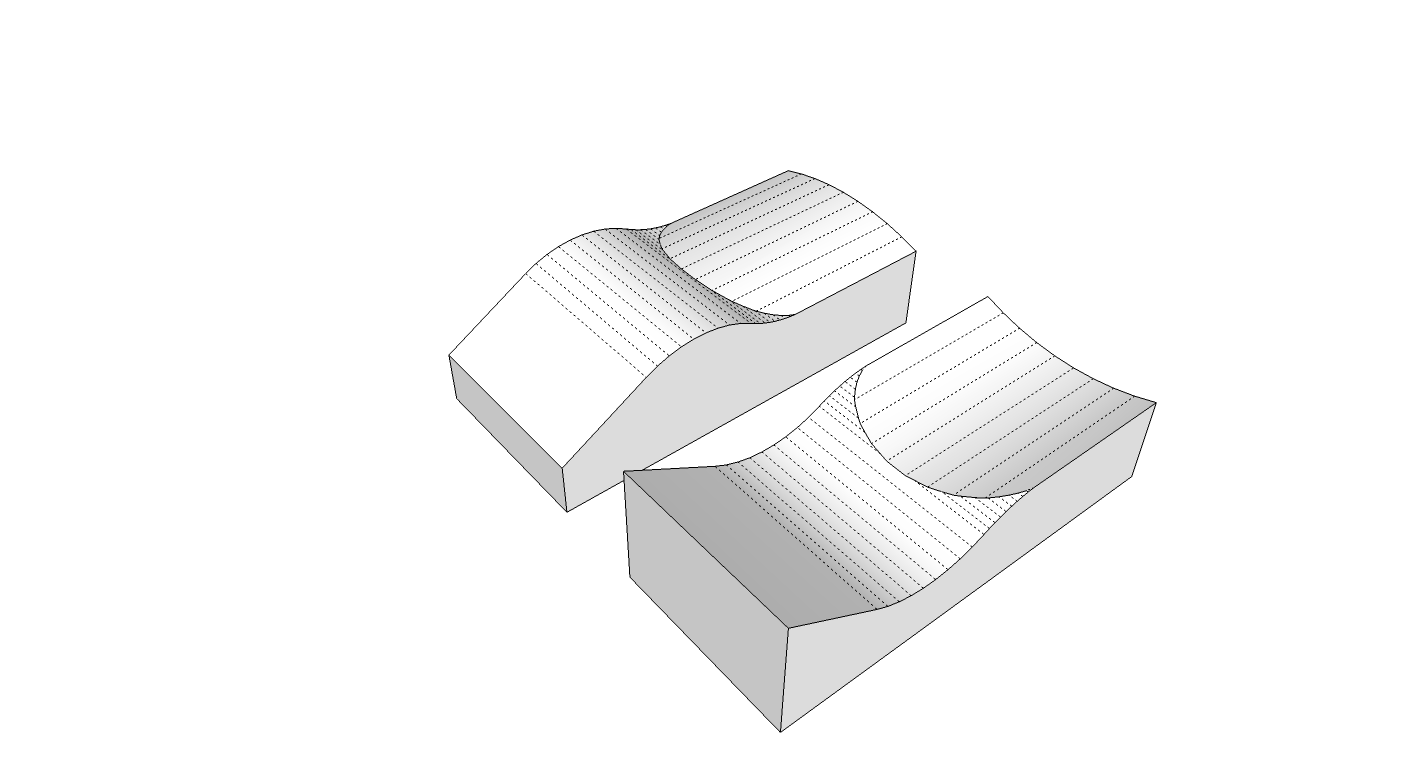
      Intersection of two shape do the trick.


      -intersect.png

      posted in Newbie Forum
      gillesG
      gilles
    • RE: Installing Plugins

      Have a look there:

      Link Preview Image
      How to install Plugins in SketchUp | SketchUcation

      How to install Sketchup Plugins

      favicon

      (sketchucation.com)

      posted in SketchUp Discussions
      gillesG
      gilles
    • RE: 250,000+ SCF Membership

      We should create a lobby to force Trimble reading our wish list. 💚 💚

      posted in SketchUp Discussions
      gillesG
      gilles
    • RE: Hi to everyone out there, and a question too

      Share your file so we can mess it up.

      posted in Newbie Forum
      gillesG
      gilles
    • RE: Array Object Around Ellipse

      search for Component stringer in Plugin store.

      posted in SketchUp Discussions
      gillesG
      gilles
    • RE: Disparition d'une partie du dessin

      La pièce jointe aussi a disparue!

      On dirait bien le phénomène "clipping plane" désactiver la projection parallèle si activée ou jouer avec accélération matérielle/réponse rapide, dans préférences/ openGL.

      posted in SketchUp Discussions
      gillesG
      gilles
    • RE: Can I have a Gripes &amp; Bitchin' for Su 2014 thread?

      +10

      posted in SketchUp Discussions
      gillesG
      gilles
    • RE: Hello from Norway

      It's all about small edges issue, under 1mm they may not create face so scale again before proceeding Curviloft.

      PS: don't draw geometry on another layer than Layer0.
      Layers are made for visibility put groups or components on them.

      posted in Newbie Forum
      gillesG
      gilles
    • RE: Hello from Norway

      @keknor said:

      @box said:

      Can you attached the part so we can look at it better.

      I tried to attach it as SKP file but it is 10mb and the forum allow only 4mb. I tried to scale it down to 50% but it did not get smaller in mb.I tried to export as collada file, but the filetype is not allowed.

      What do I do next?

      Scale will not affect file size, you can reduce the file size in a first time using purge in Window/Model info/statistics/purge. Then save and look in Model info/file to see your file size.

      If it is not enough save a model with no texture.

      posted in Newbie Forum
      gillesG
      gilles
    • RE: Real Circle Guides

      @tommyk said:

      Those are nice tools. Thank you for the tip. I also didn't think about the benefits of being able to draw tangents.

      All of that said, the plugins don't have the quick and clean feel of the theoretical circle guide that I had in mind. I use Sketchup because I find it a highly productive (quick) tool for modelling. I'll have a look into the Ruby API and see if what I want can be provided as a plugin...

      Welcome to polygonal drawing, forget about geometry with the circle.
      Workaround, workaround.

      posted in SketchUp Feature Requests
      gillesG
      gilles
    • RE: Automatic version save-as

      Pilou, why don't you switch? 💚


      500x_apple-1.jpg

      posted in SketchUp Discussions
      gillesG
      gilles
    • 1 / 1