Wikii
Any chance of adding an align face/profile perpendicular to endpoint fcn?
Maybe just a separate script would do or does one exist that will pick face and align by selecting the endpoint of the path??
dtr
Wikii
Any chance of adding an align face/profile perpendicular to endpoint fcn?
Maybe just a separate script would do or does one exist that will pick face and align by selecting the endpoint of the path??
dtr
Wiki Thank you Thank you 
WOW this is the real missing link in SU fixed at last.
This worked perfect right out of the box.
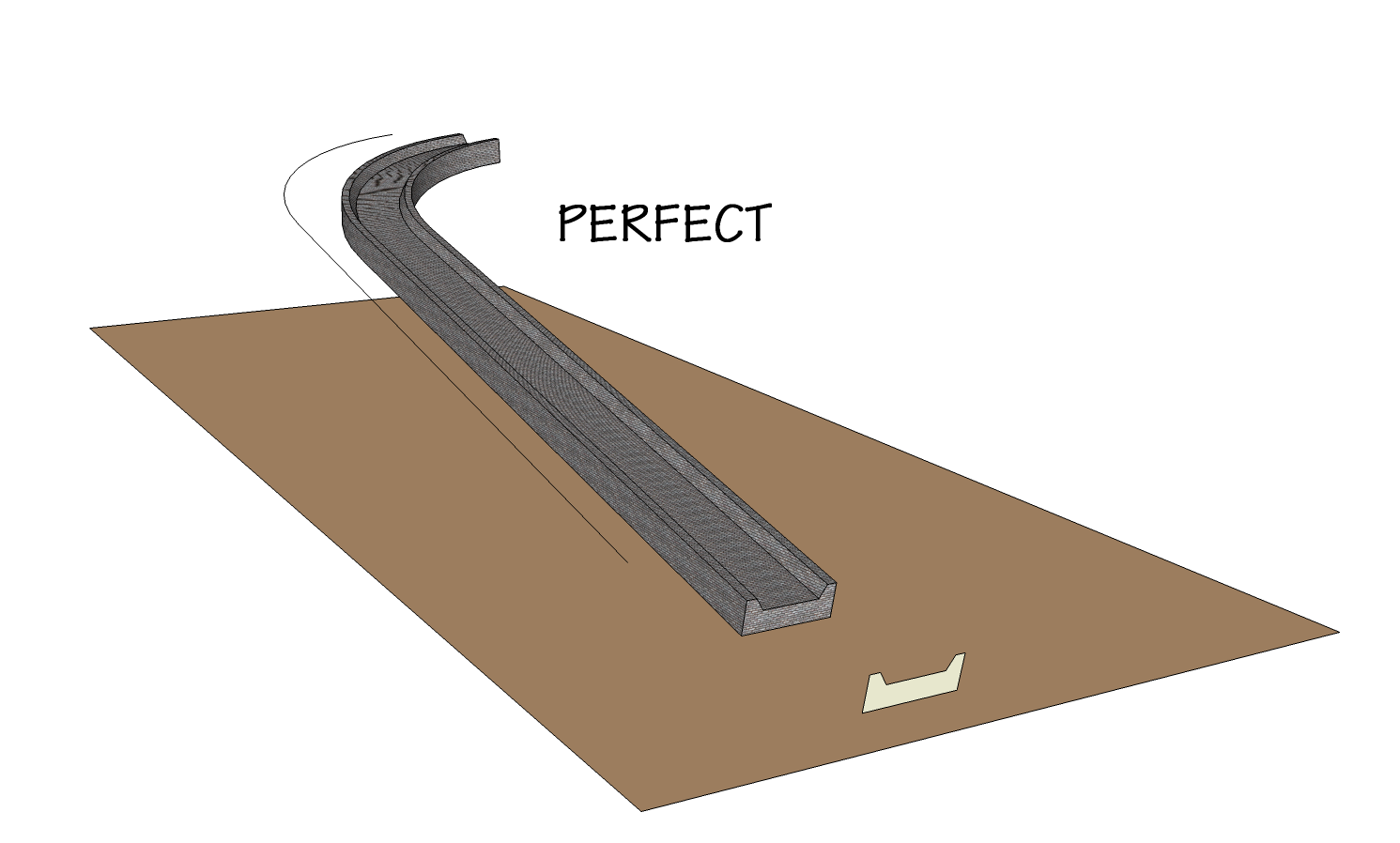
For Architects developing roadways on non level topography this is a must have tool and for the handrail up sweeping stairs this will be a life saver.
I have begged, offered bribes, and even bathed every day to hopefully have someone put this together with no luck until the Wizard of Code delivered.
An icon would be a helpful addition if not too troubling to add.
Just brilliant and generous.
Thanks more than I can properly express.
dtr Architect
PERFECT.png[/attachment]
Hi Dale
Many thanks for the reply and explaining the difficulty in developing a library reader or editor.
Apologies for chewing on you leg on this and I will go directly to Smustard and get a proper copy of this killer app just to keep things even.
Regards
dtr
BumZai
No mouse navigation and KRASH
Just like FZ A PIA
Dale
Just another request for visual viewer/editor for shape libraries please.
With the expanding scope of shape libraries it would be a big help to be able
to select the most used profiles and make ones own group without having to scroll through the menu and pick and choose.
Just a shape source in SU or equal would do the job.
Maybe thumbnails like in xnView.
dtr
KT again
Photonmap fine + AA
3 min
edit light/dark in KT
dtr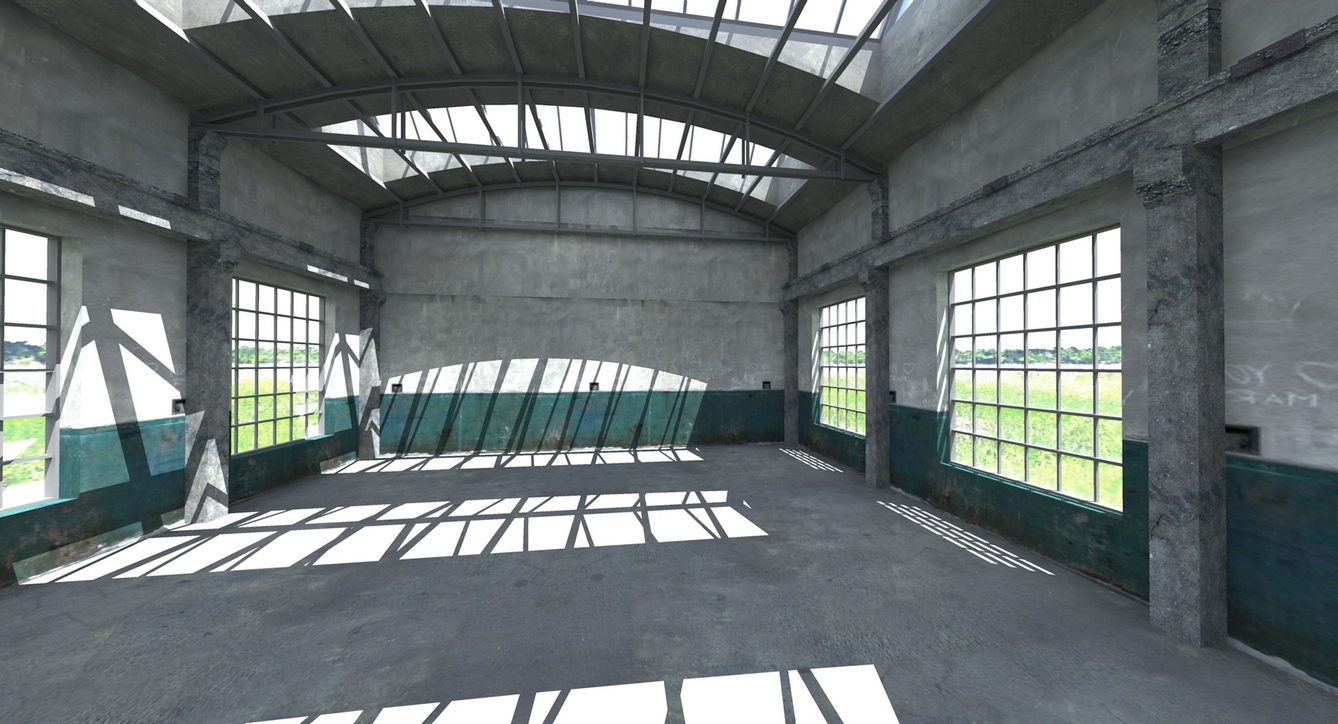
How about the fastest render comparison ?
Killer quick @ 20 secs
KT Photonmap quick
edit light/dark in KT
Global hdr
dtr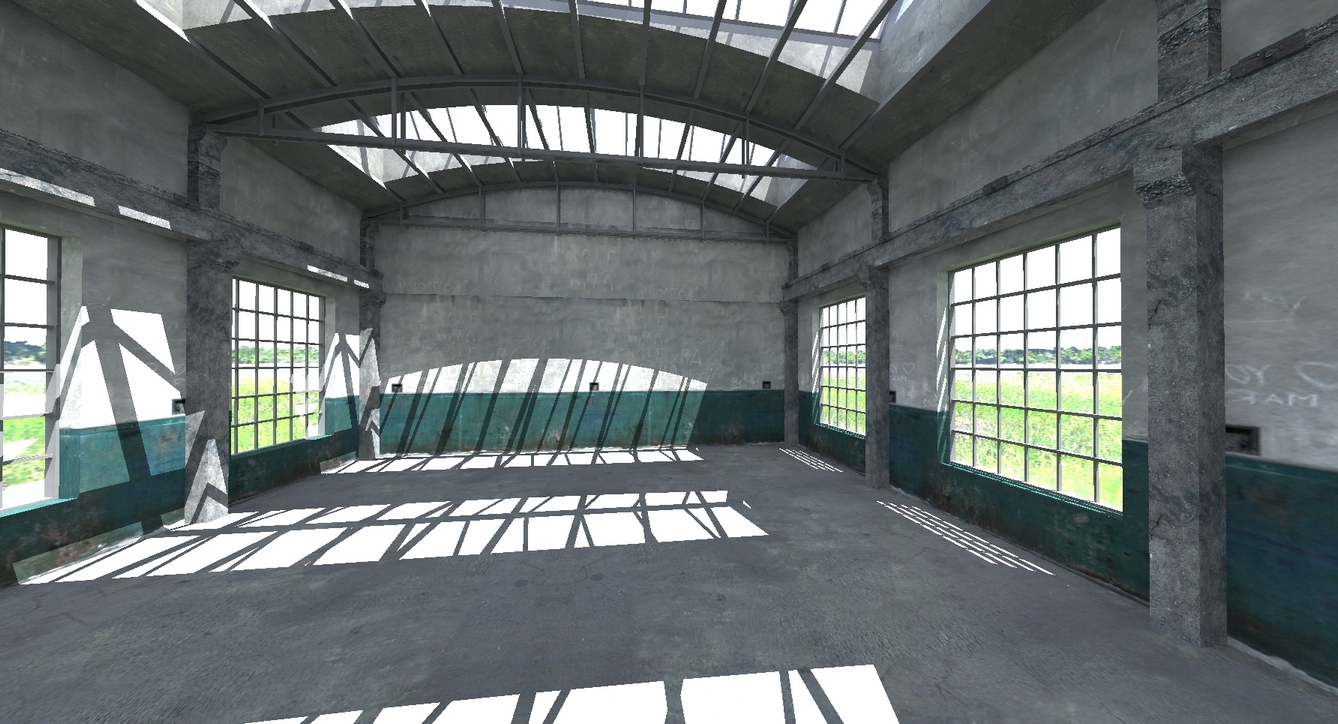
Dale & All
I get a profile but no origin (red dot) ref.
Back to IE 6 and thank you Microsoft for the "New and Improved"
Dave
BooTools at work
Thanks to EarthMover for the boulders.
Exploded and then grouped.
Union and re-texture from boulder material list.
Good way to build a large rock form for we the lazy.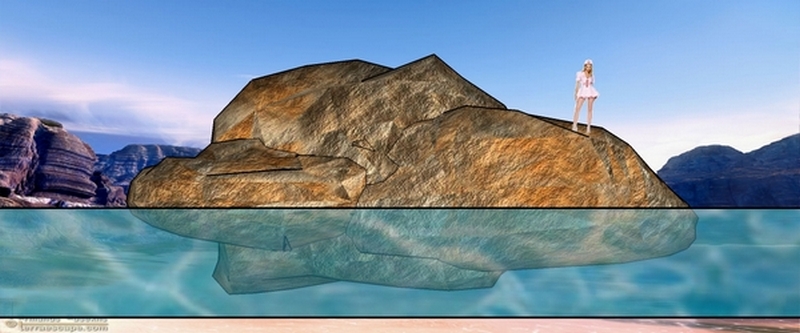
dtr
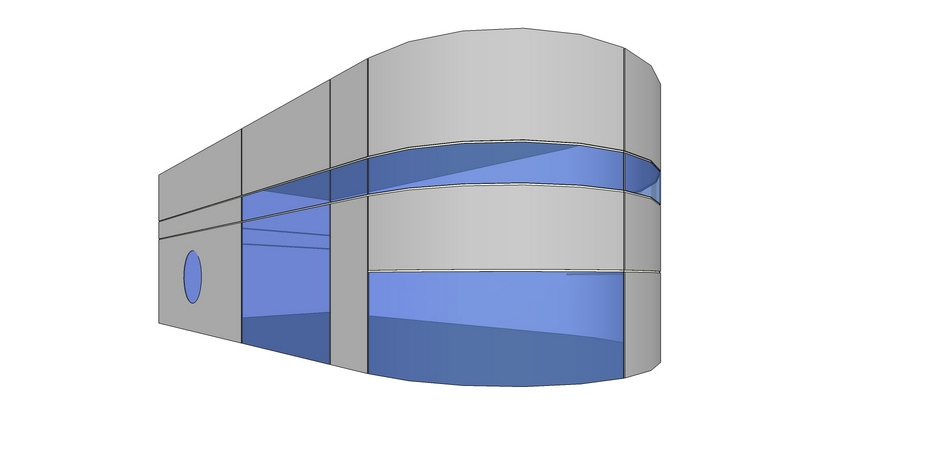
For Architects in particular
Thanks to the incredible Rubys Profile Builder and Bootools one can finally and quickly create recessed reveals on building surfaces.
The "Plough" ruby to dig troughs in surfaces just never happened but using these rubys in combo it is a no brainer to make it a reality.
Profile Builder is well worth the price of admission and a must have for everyone. 
BooTools is a freebee gift from "Whaat" aka Dale and a personal thanks for same.
A SU Tut is attached to show how.
My gratitude to all you coders who have given so unselfishly.
Cheers and do check this out.
Dale
You said
BTW, I intend to create more free downloadable profile libraries based on user requests. There are also ways to create to Profile Libraries from an Excel spreadsheet. I hope to create a tutorial for this someday. If you take a look at the file format for the PLB files, you can probably figure it out. The format is 'NAME x1 y1 x2 y2 x3 y3 ....'<
Please explain how to format for spread sheet (CSV ?) and also how to convert the spread sheet to a vector graphic of each profile.
We all would like to share libraries and just need a little help to set them up and edit outside of PB.
Thank you
dtr
Howard'L
This is really super and gota have utility but does need some way to get into the Libraries to view / select etc without having to scroll through the profiles one at a time.
They are just ascii files and if anyone knows how to view and or convert each to a vector graphic that would be good start.
Not my expertise but sure would be a "Giant Step" (Trane) to make PB more versatile. 
dtr
Peweuk
It looks like a real bug and was the same for me. 
If you explode the group the texture will be as expected.
dtr
Merry Christmas to you too Dmitry
Driving Dimensons is a real and special Christmas present and thank you.
A small one from the USA for all to enjoy.
dtr Architect
aka Dave #2
RE Turbocad.
If one exports a [flattened] model as a 3d dwg both the dimensions and text will export and be editable in Tcad.
Text edits as [multi-line]
Just select entity type [multi-line] & [dimen] to change global properties of each.
I just save a copy as file_name_flat.skp so as to keep the SU 3d file as is.
All SU "layers" also export.
I still use Tcad 12.5 for this 2d work.
dtr
Hi Tomot
Very useful and your organization setup is right on.
Thanks a bunch
dtr Architect
Dmitry
2d lines can be used to generate 3d walls and as reference for plan development too.
(Also one can convert lines to construction lines and vice-versa with existing scripts for grid and reference use.)
Parametric line adjustment when developing design schemes is very useful.
A constraint to retain the angle at corners would be helpful in this regard.
(a lock corner/angle/geometry function perhaps)
dtr
Dmitry
I would have expected that the upper segment that was edited would affect the related face and the object would stay in place not rotate and distort/displace.
Also the distortion did not occur on an adjacent face that was edited in a similar way.
As this is segment driven how would groups and components be parametric without opening same ?
A convert to SU mode dimensions & back to DD would be very useful too.
2d for layout seems best use for the beta iteration.
Just some thoughts.
dtr