I remember somewheres seeing a program that seemed to use a huge displacement and texture map, as well as other things, to make scenery. I don't know if that's really what's going on, but that would be my first guess. http://www.uisoftware.com/Voyager/
Oops, your profile's looking a bit empty! To help us tailor your experience, please fill in key details like your SketchUp version, skill level, operating system, and more. Update and save your info on your profile page today!
Urasik Extensions | Lots of new extensions to check out Learn More
B
Offline
Posts
-
RE: The art of displacement
-
RE: Is this forum for children?
I can't believe no-one's used the afro smiley here yet!

-
RE: Simple questions...
I wasn't just thinking of sound effects, but also for some other things, like triggers that would do different things depending on how hard they are hit.
-
Simple questions...
my question; will it ever be possible to have ontouch work only if there is a certain amount of force in a collision
i.e.: if force>=500 then playsound("wood1.wav"), or in any other way?
(force being something like the value for breakable joints) -
RE: If Formulae (Help)
Proper way to write it:
if getVar("thrst")>=2000 then setVar("bthrst",1);end; -
RE: Hover box
Good! I've been going for something fairly similar, but automated. It doesn't use springs, but does use the ontouch function in a way. I'm currently figuring out how to get it to do what I want it to, and am getting closer

...Also, what challenge? -
RE: Failing Formulas?
...my first example? all you have to do is type getVar("foo")* before each value. Here's something you may find familiar, with this technique in use
Dies completely (except bombs) after frame 500.By the way, C.Phillips, mind explaning that script? I wouldn't mind figuring out how it works
What's g?
...all I can get so far is that gas is 100, if gas is smaller than 0, then the motor stops, and when up is pressed, g is equal to gas, which is equal to one less than g, thus lowering the value by 1 each frame up is>0 (pressed). But can you just use a letter as a variable? It doesn' seem to work for me... -
RE: Failing Formulas?
...That is what you're looking for physicsguy, isn't it?
-
RE: SU save directory
Unfortunately, I think you were right before; I don't think there's any way to set a default folder to save models. It just goes to the last folder you saved a model in, and we get a list of recent places. That's it. I could be wrong though, you never know.
-
RE: Failing Formulas?
yup.
if frame==0 then setVar("foo",1);elsif frame==100 then setVar("foo",0);end;What it means: if frame is at 0, then set the variable "foo" to 1. if the frame is at 100, then get the variable "foo", and set it to 0. End.
fails at 100.skp
NOTE: the script can be put in the onTick box of any object. -
RE: Formula and User Interface
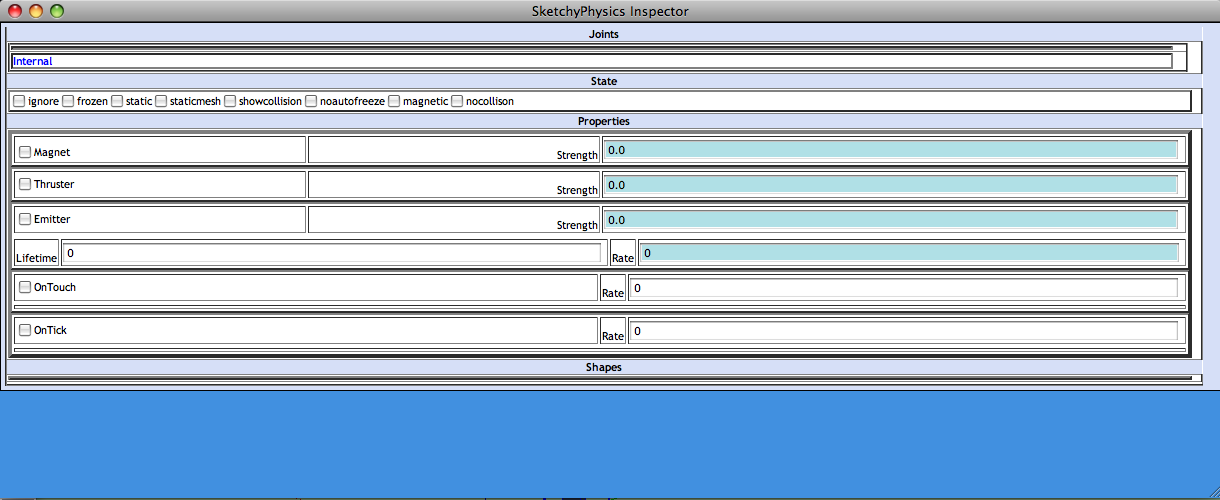
The box is small, but you can write as much as you want. it just won't all be visible at once. Except for in SP3X, where the boxes appear around half as wide as the UI window, which makes it even easier.
-
RE: Explosion
make all parts magnetic, put a non-collision static magnet with strength of 1000 or higher in the middle, press play.
-
RE: [Plugin] Shape Bender Beta
@chris fullmer said:
Oh bummer! Well I just PM'ed Chris Phillips, we'll see if he has any thoughts about what the problem might be and if its fixable.
The alternative is to always draw the line from right to left, and if the arc is oriented the wrong direction, just cancel out of the shape bender and scale the arc manually on the red axis. Then re-run shape bender and the curve will be oriented correctly. a litle more time consuming, but its not bad.
Chris
...I just move the first line to the other side of my shape. it seems to do the same thing.
-
RE: [Plugin] Shape Bender Beta
The home and end keys don't seem to work either

I'll try to figure out which script might be breaking it...
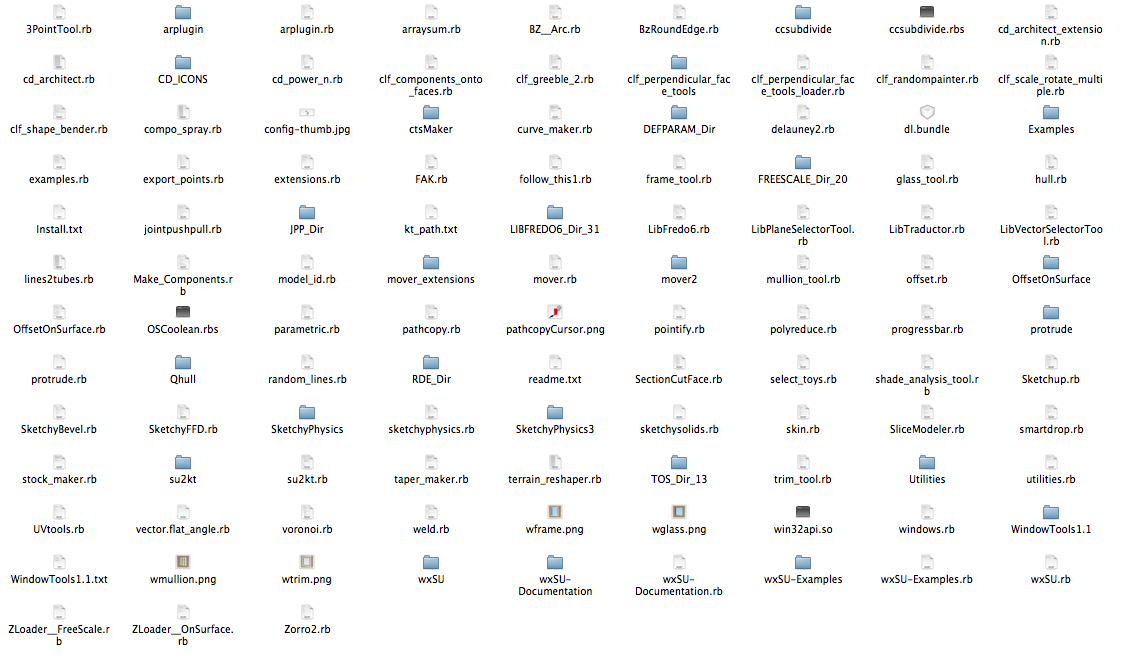
The good news: when all other rubies are removed, I don't get the problem, so it MUST be another script breaking it. -
RE: [Plugin] Shape Bender Beta
You might not believe this, but on my first try, I managed to find what script was breaking it...
I don't know if it's for all versions, but I know that at least the version I have is breaking it...
(drumroll)...SketchyPhysics3X. I still don't know which file in particular, but something in sketchyphysics seems to break the ability to toggle in your script.
... bad luck for me...
 -
RE: Overly dark renders, and etcetera
so...do I remove them untill after the comp???
-
RE: Overly dark renders, and etcetera
Oh, I didn't notice that... but it's not in the comp section... so we can't even post them in the gallery?
 These are great! What are you making them for?