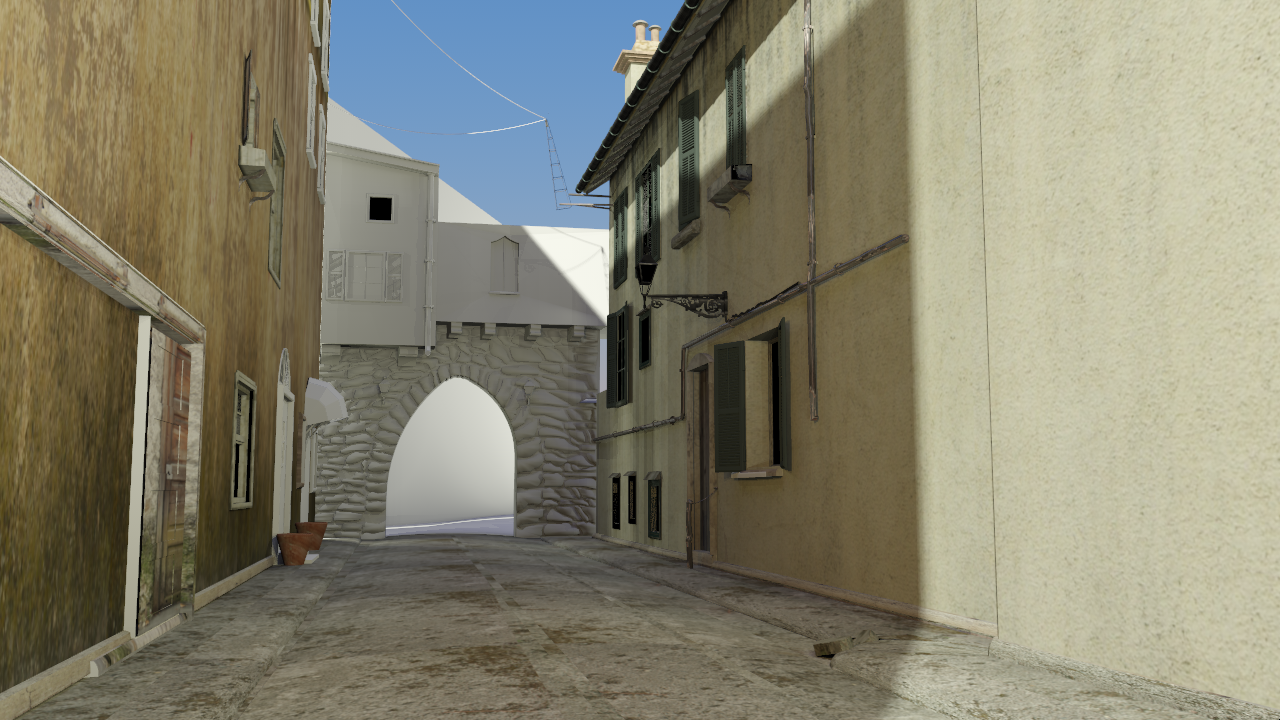
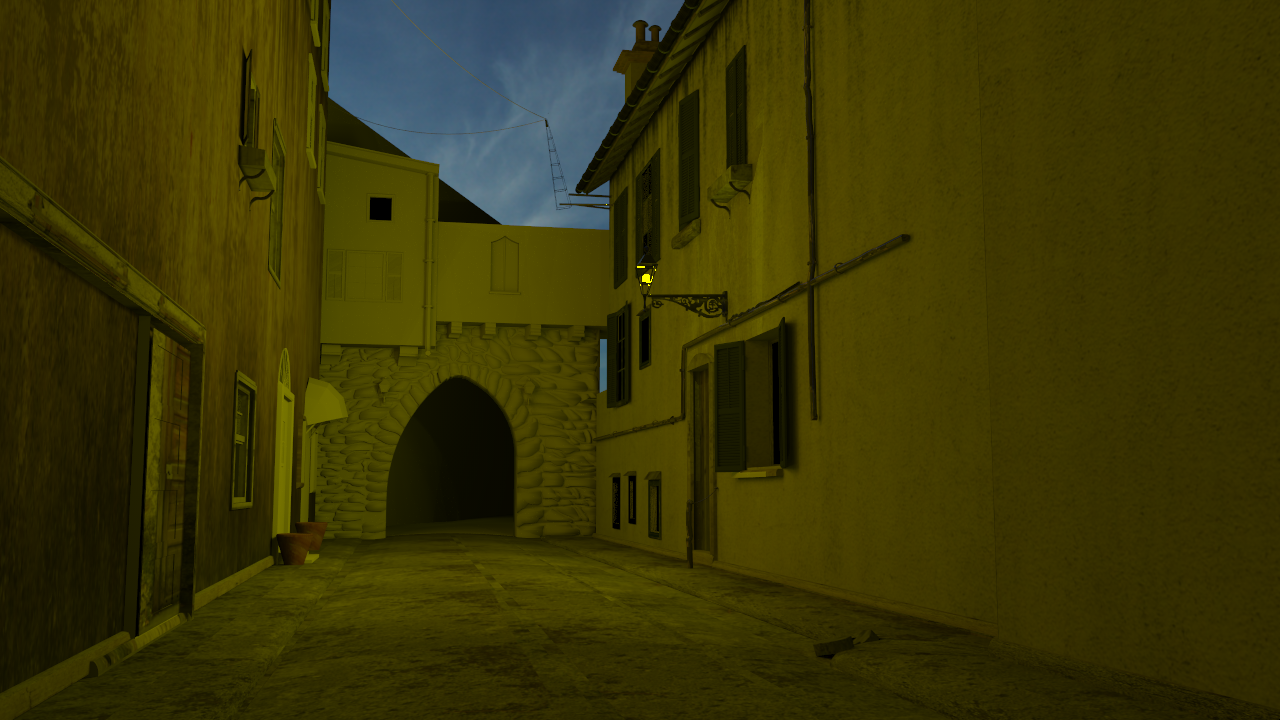
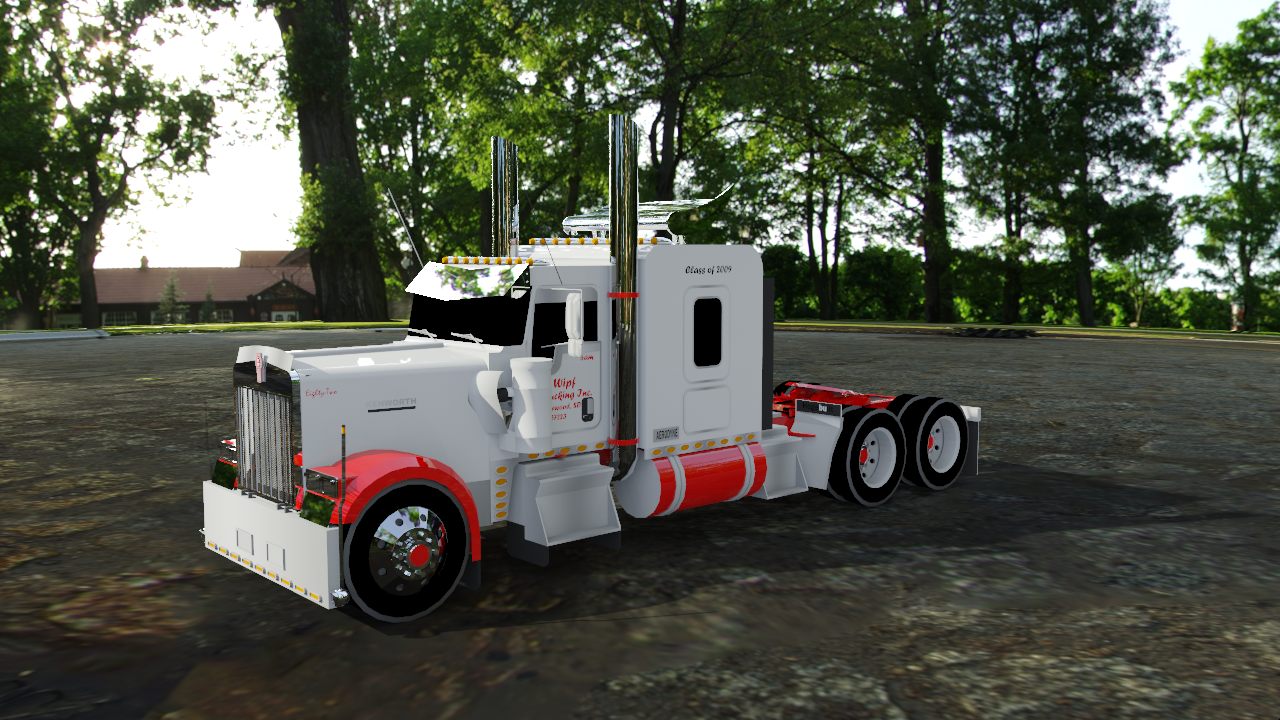
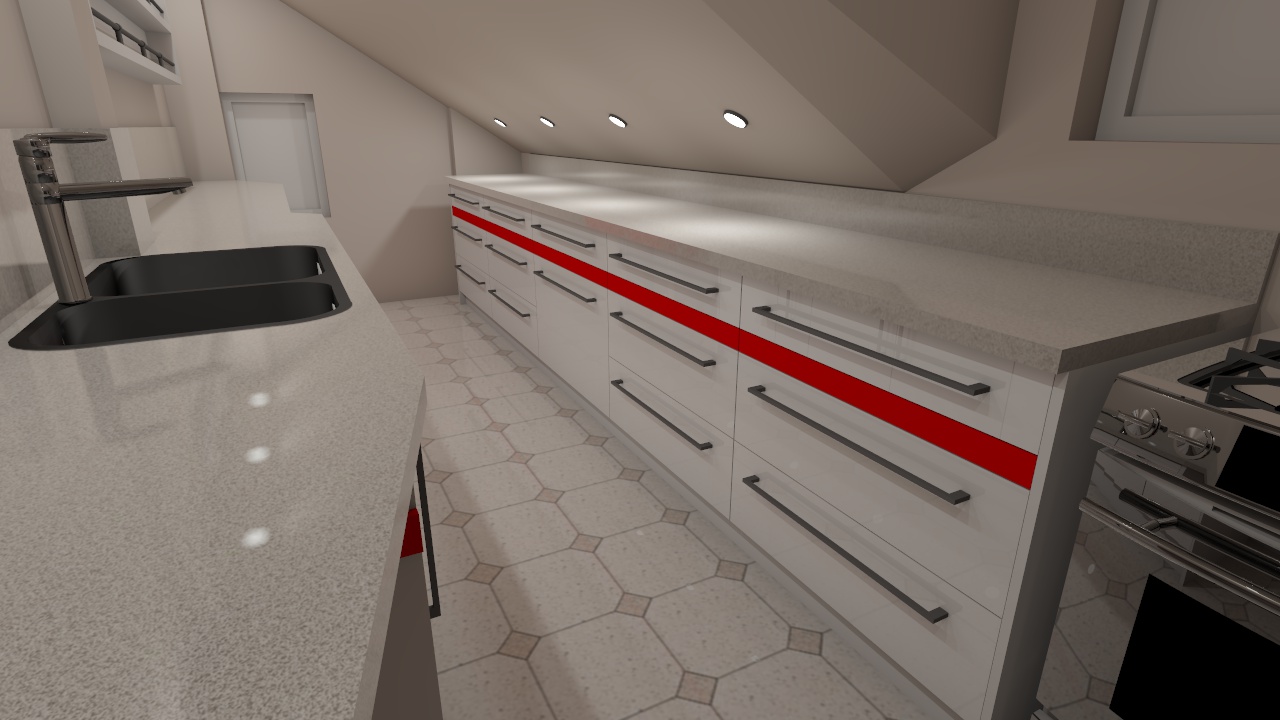
We updated Brighter3D to version 2.2.0, which works natively in 64bit, just like SketchUp 2015. When installing, it automagically chooses 64bit or 32bit, according to your SketchUp installation, so you’ll not worry about that...
Oops, your profile's looking a bit empty! To help us tailor your experience, please fill in key details like your SketchUp version, skill level, operating system, and more. Update and save your info on your profile page today!
Urasik Extensions | Lots of new extensions to check out Learn More
B
Offline
Posts
-
Brighter3D 64-bit released
-
RE: Changes in 2015
Maybe you are right...
For people doing renderings 2015 is first professional version (thanks to 64bit and possibility to use whole memory).
From the other side v8 is last true free version (according to the license)...Do you know any recent statistics on SU versions usage?
-
RE: Changes in 2015
@unknownuser said:
t's a bit vague - what exactly doesn't work of these calls? Do you see Ruby's packing methods returning different results?
Is the DLL you are calling actually 64bit?
Does the function you are calling actually use ints - or are you using some other type that might be different on 64bit OS?Yes dll is 64bit, I was passing double value as a pair of two ints. On c++ side it was double parameter, and call was passF.call(packedF[0],packedF[1]) on ruby side.
@unknownuser said:
On a side note - the Win32API has been deprecated for a long time. It has many limitations and is easy to cause crashes with. The recommended now is using Fiddle.
That solves my problem, it does work now - thank you!
It is a pity that there is no fiddle on SU < 2014 (with old ruby),
and I need to use ancient Win32API.so method for backward compatibility. -
RE: Changes in 2015
Packing float value into two integers, and passing to double parameter function,
seems no longer works in 64bit SU2015.passF = Win32API.new(mydll,"PassDouble",["L","L"],"V")
packedF = [rubyFloat].pack("D").unpack("LL")
passF.call(packedF[0],packedF[1])Any tips?

-
RE: Changes in 2015
SU2015 can be installed in two versions 32 and 64bit.
Is there a way to check which is installed from ruby api?Sketchup.version
returns: 15.0.9350 -
Realtime material preview, roughness, phong/ward brdf...
Sample scene by Tomasz Gacek rendered by latest (2.1) version:
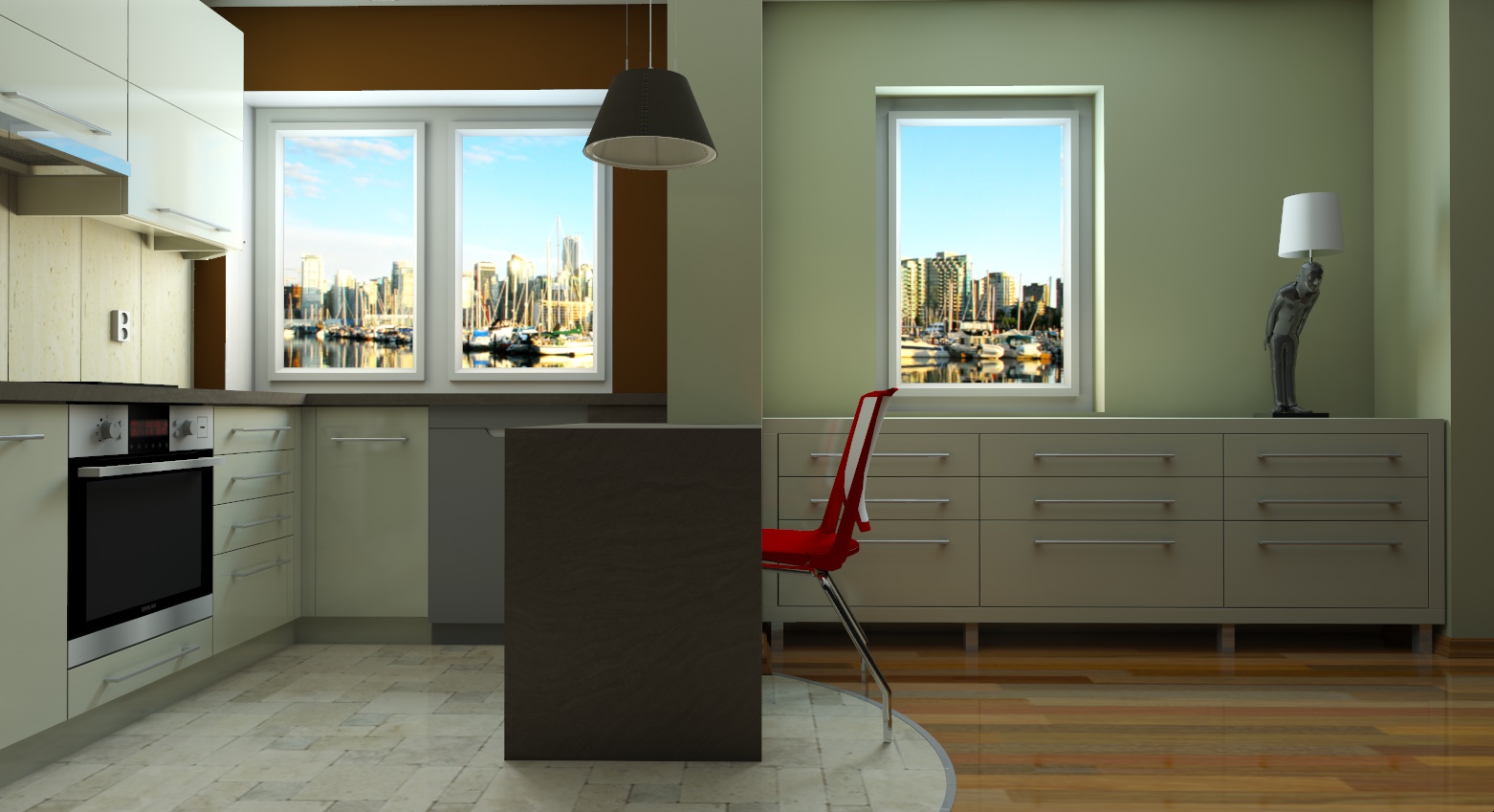
First of all, any change in in Materials parameters will be now previewed in a Realtime window. No more “try and render”!
The changes will be instant, reflecting true lighting conditions. Of course, we remind you that in these Previews (also on Render and Effects Studio Window), you can Pan with the cursor, and zoomin/zoomout with the mouse’s wheel. Cool!Also, we introduced Material Roughness property, which allows to render stunning blurry/fuzzy reflections in Unbiased Progressive Rendering Mode.
Speaking of real life, you have now two new presets for specific materials widely used: Phong BRDF and Ward BRDF, for plastic, and plastic/brushed steel/metal, respectively. These two functions are mature solutions widely used for creating realistic renderings.
We hope you’ll enjoy these enhancements, as much as we enjoyed creating them.
Happy and Easy Render to you all!Please enjoy short video introduction in Full HD @1080 below:
-
RE: Recommend a few Interior Renderers
I would try http://www.brighter3d.com, it computes such images in the minutes:
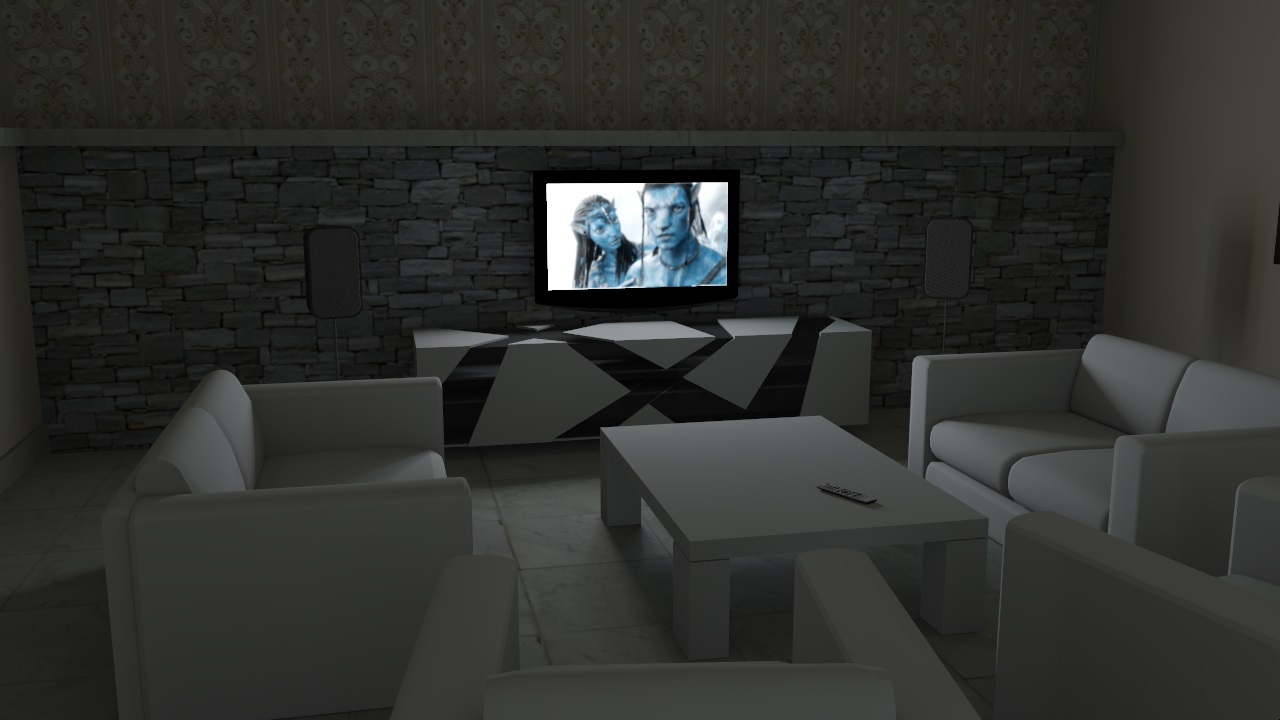
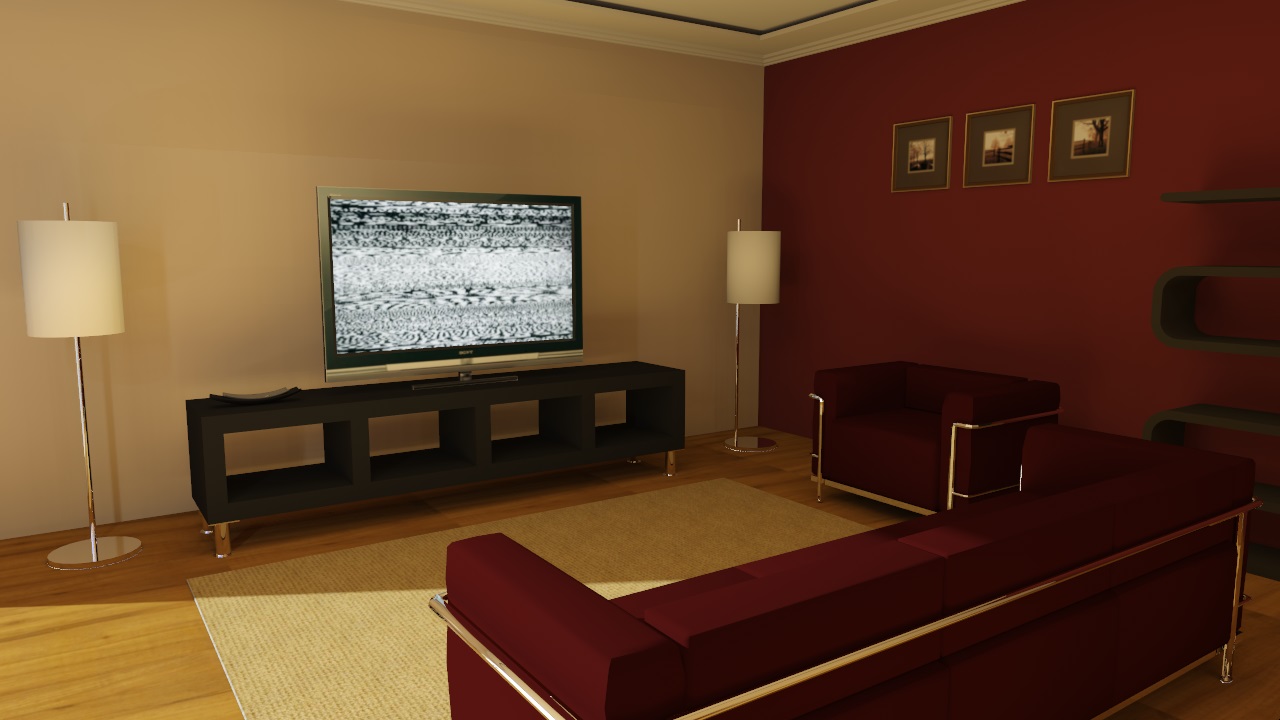
There is free version with resolution limit, and pro cost is only about 60$ till 1.10.2014.
-
RE: Brighter3d 2.0 released - new unbiased rendering mode
2.0.2 update released:
fixes:
– caustics for regular method
– color of daylight background
– automatic check for updates (once a day) -
Brighter3d 2.0 released - new unbiased rendering mode
We are pleased to announce the next generation Brighter3D – the major 2.0 version.
This new stage in Brighter3D’s evolution is based on several innovations and user experience improvements, which we hope will make your renderings a snap. Well, of course rendering is a quality game, but in this respect, we empowered you in this version with tools and algorithms which will truly make your efforts a breeze.What’s up:
• A new, innovative, Unbiased Progressive Rendering Mode (UPRM) which allows you to render a preview in some seconds and then in iterative steps, a great image in minutes. You can then stop the rendering when the quality suits you for the purpose – a bright and smart way of rendering!
• A completely new way of mapping a HDR Environment Map, which makes you feel like you are inside the scene. It matches your scene not only with Rotation, but also with Pan/Move.
• Capability to load HDR/EXR images in Effects Studio (PRO Version only).
• Capability to scale HDR maps (PRO Version only). An excellent way to make truly realistic renderings by matching scale of objects with the environment.
• Lights now have Temperature in Kelvins. You can mix different temperature lights in a scene, giving a touch of authenticity and realism.
• New Shadow Catcher material, which can fine-tune a shadow in a given scene at unprecedented realistic levels.
• New Faces Rotation Tool. Previously, Brighter3D attempted to automatically fix wrongly oriented faces in Sketchup – an widespread known problem in Sketchup in conjunction with rendering programs. Now this tool is doing its job on a user voluntary command, giving full control to the final result in an efficient way.
• Full direct animation from Sketchup Tabs, with Parametric Animation.
Supports: Keyframe Animation, and any other animation plugin that can export to Tabs)
• Tweaks in the user interface graphics and experience.
• IMPORTANT! All these new gems are given as a free upgrade for all PRO Version users!We’ve prepared a video with the new features, please enjoy in Full HD @1080 below:
-
RE: Render challenge - water caustics
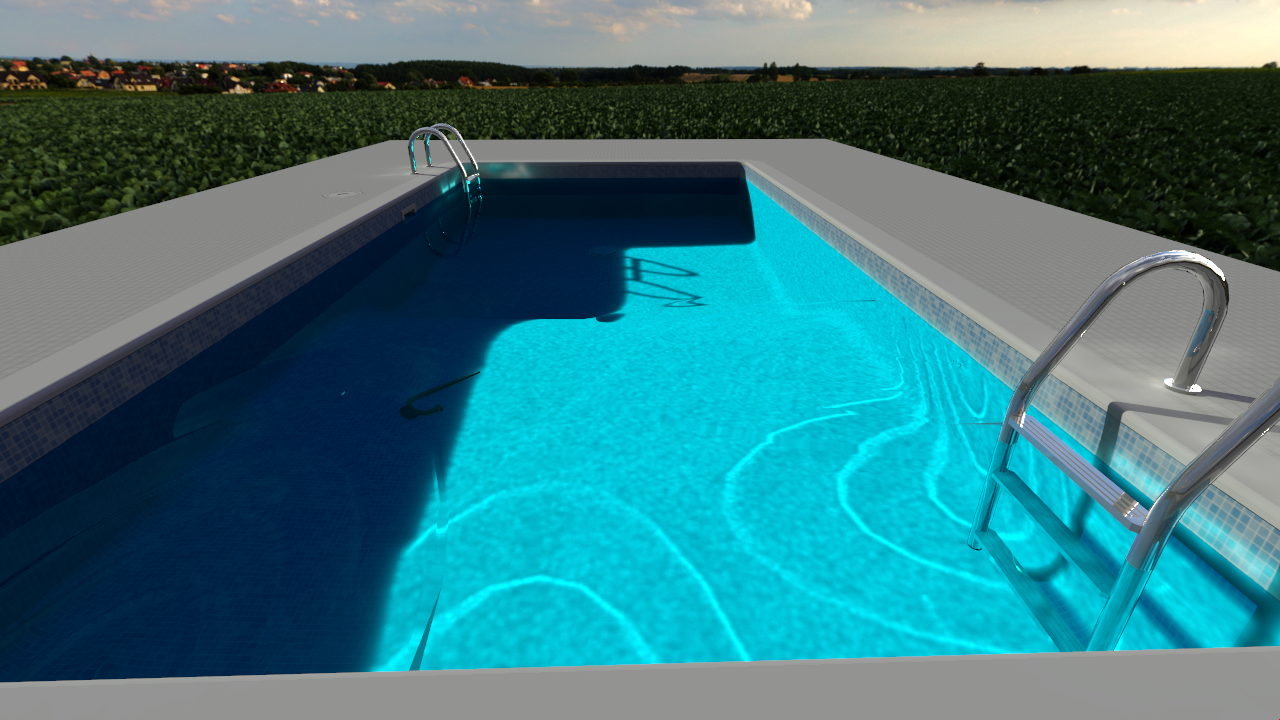
brighter3d PRO 2.0 (not yet available).
Model from previous rendering competition (a bit cut).True caustics.
Settings:
Caustics:10
Adjust lighting: caustics = 8.90, rest = 0.0
Sun samples: 64
Sky samples: 781
HDR map only as a backroundOverall time: 128 seconds
-
RE: Sample Model for Rendering - Ferrari
Brighter3D 1.15.0 PRO, HDR IB lighting, sorry for ugly stand - no shadow catcher material yet...
49 seconds
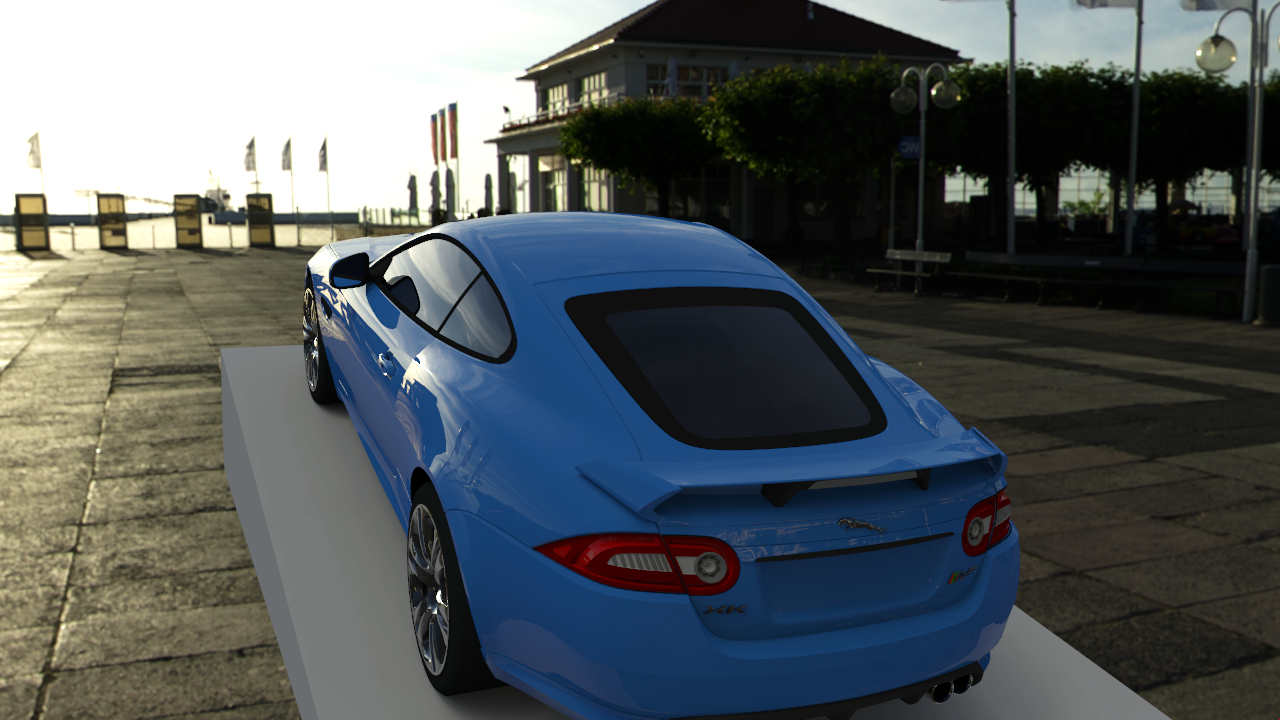
51 seconds
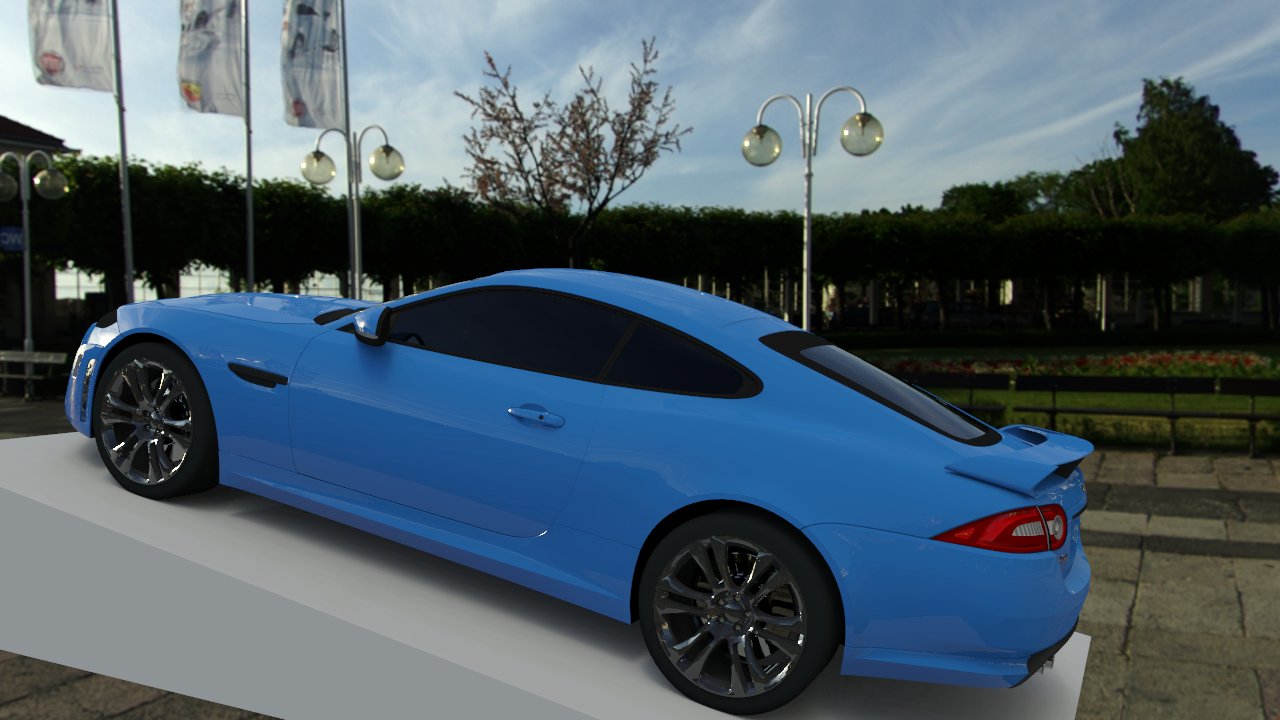
-
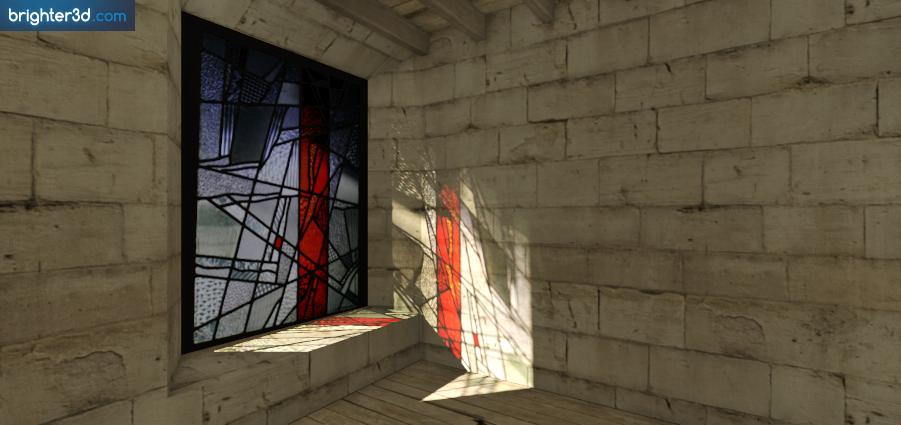
RE: Render this: Stained glass
I like this rendering threads more and more,
just fixed propagation through textured glass...brighter3d 1.16 (free) 39 seconds (7 threads).
-
RE: Sample Model for Rendering - Water
Brighter3D 1.15.0 PRO, 283 seconds (a lot of time for antialiasing),
daylight + HDR as a background,
P3 tone mapper with contrast and glare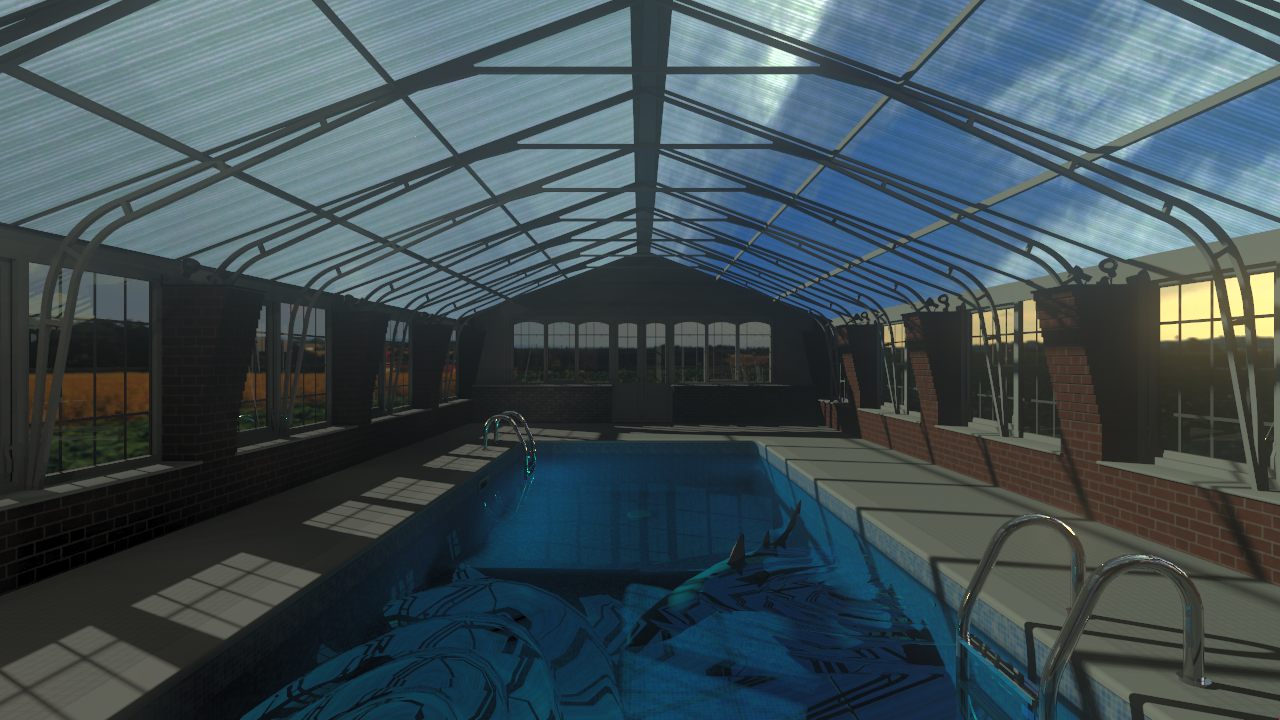
-
RE: Model for Rendering Samples - Green Dragon
Material:
Dragon Greendif:0.00,ref:0.20,tra:0.79,ior:1.30,dens:21,beer:1,fre:1
Brighter3D 1.15.0 PRO
144 seconds
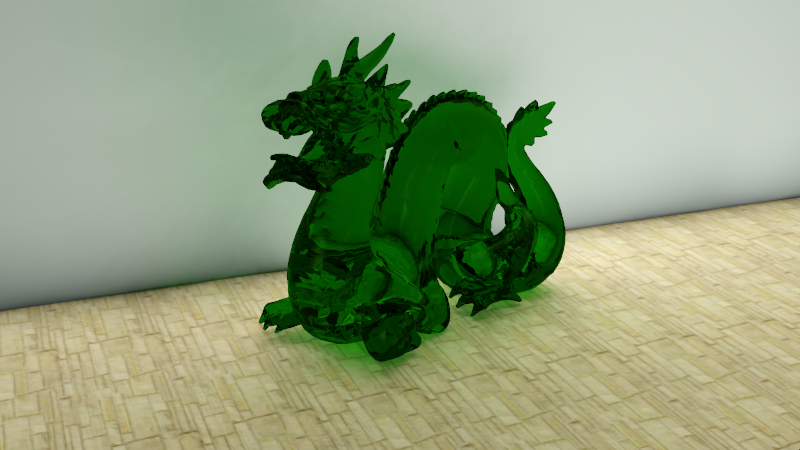
Brighter3D 1.14.2 PRO
Material:
Dragon Greendif:0.72,ref:0.28,fre:1
72 seconds
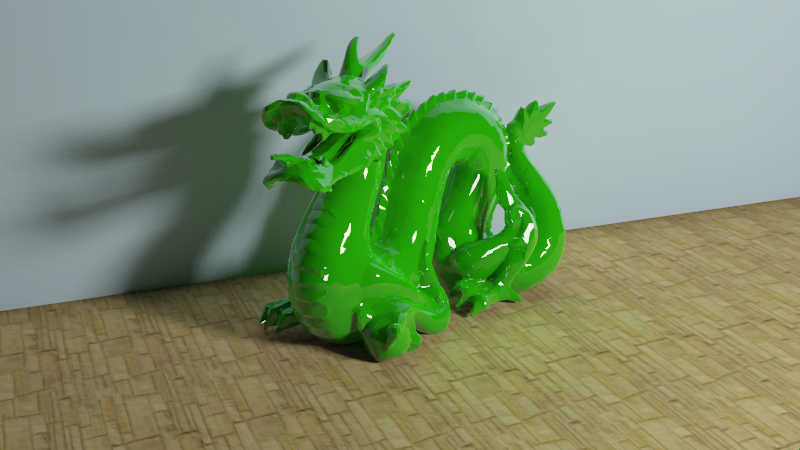
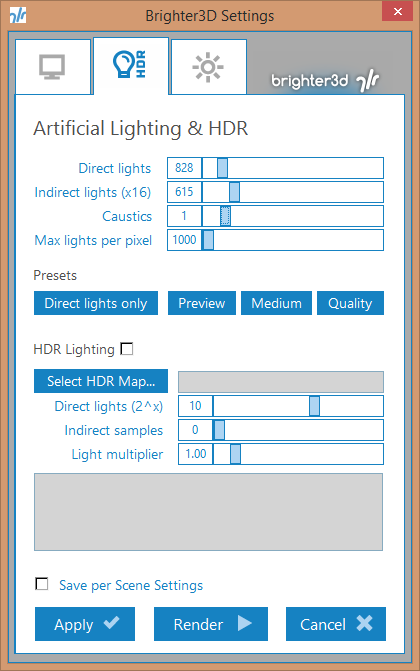
Settings (caustics=0 for second image):
-
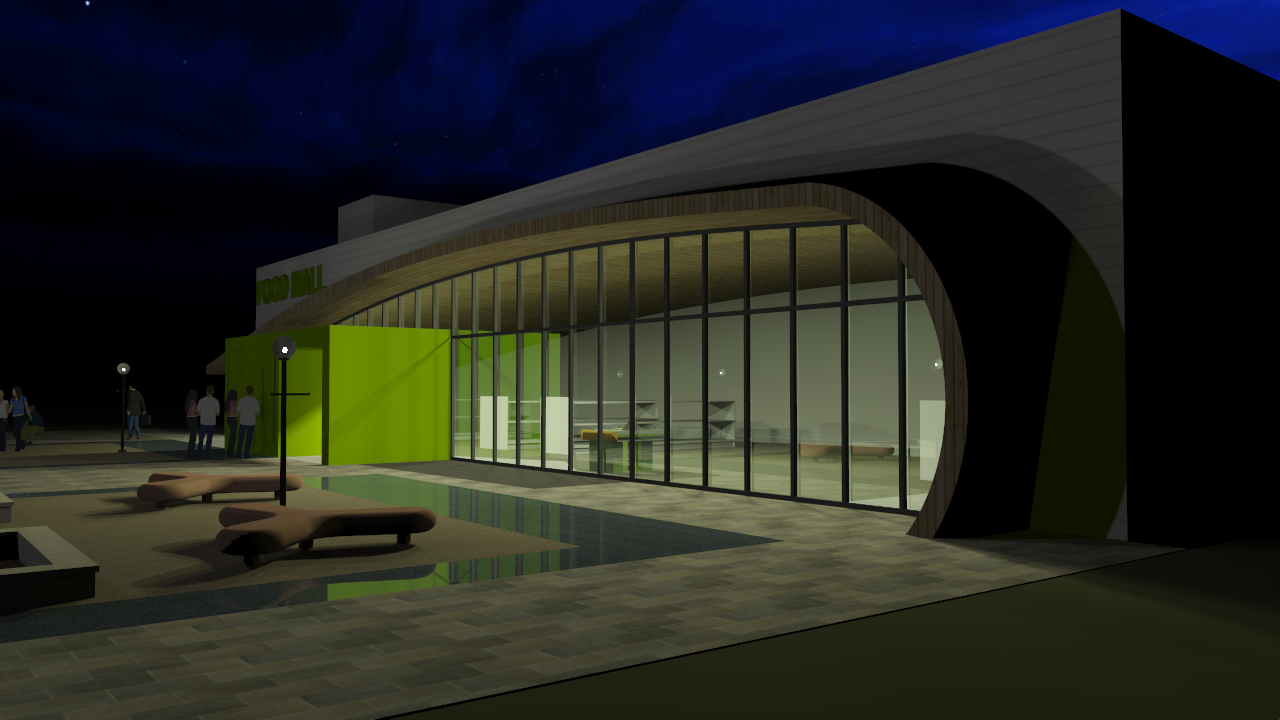
RE: Third Rendering Sample Model - Exterior at Night
Brighter3D ver 1.15.0 PRO, artificial light + hdr as a background, 186 seconds
-
RE: Sample Model for Rendering
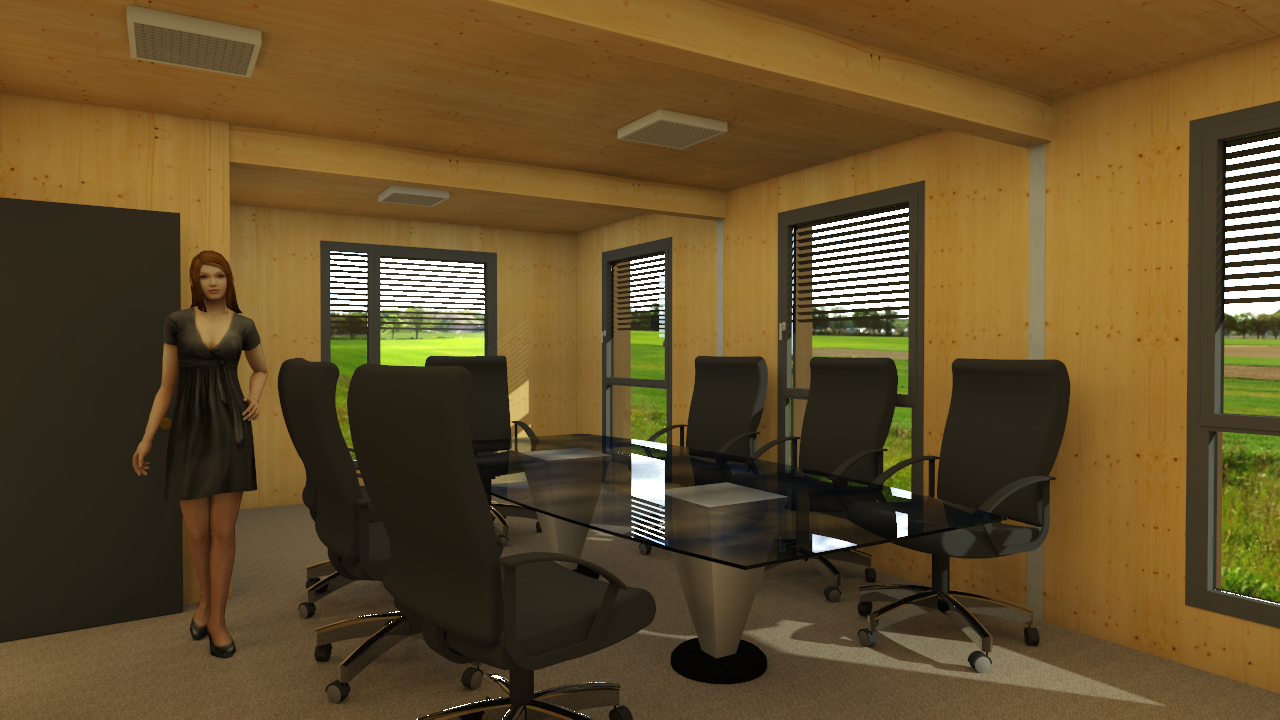
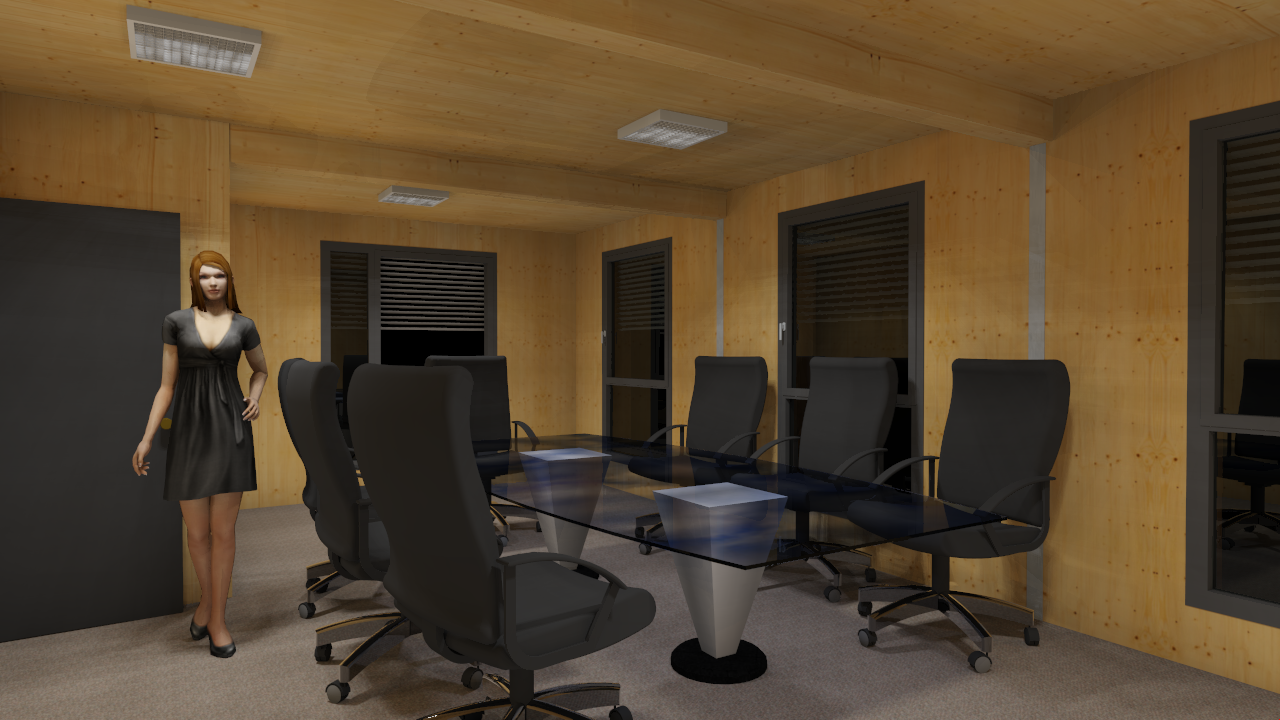
Brighter3D PRO 1.14.2, 1280x720 (720p)
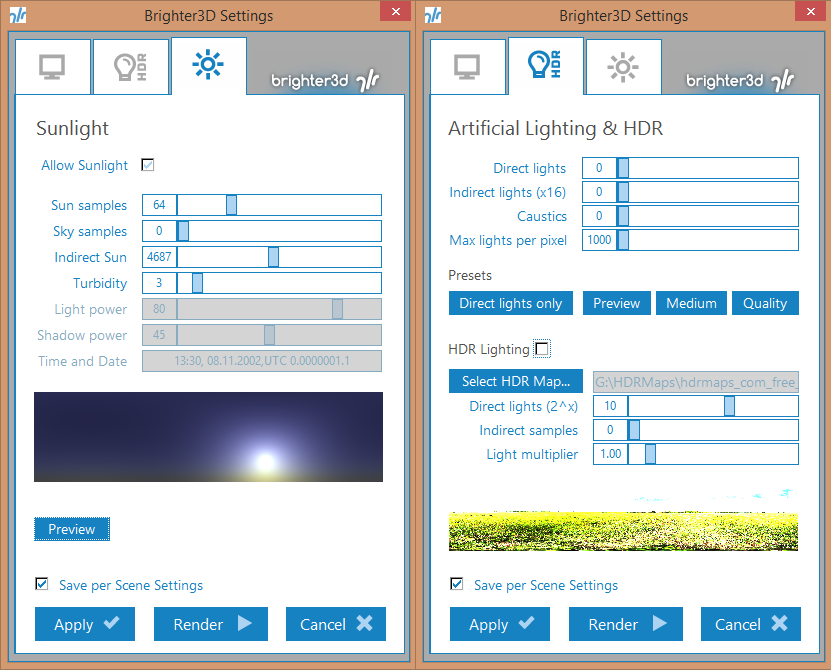
Sunlight with HDR as a background (252 seconds)
Settings:
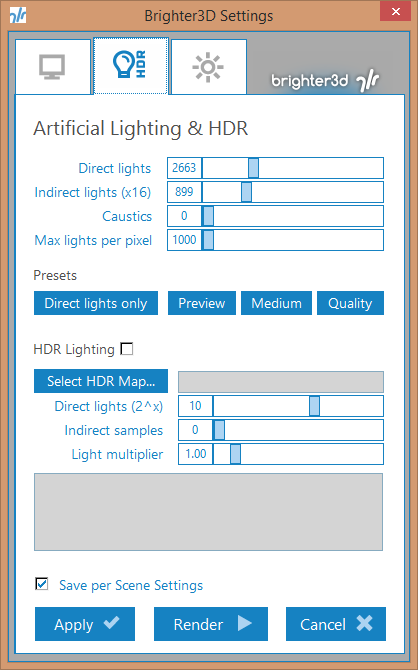
Nightlight (289 seconds):
Settings:
You can post it on your web page...