@panixia said:
@gordon mclaren said:
I use the "Personal Command Menu" often and would definitely like to see it working again.
I have a workaround for this.
Assign some weird shortcut to your menu item (I say "weird" because maybe you don't want to waste some available handy keyboard shortcut for this).
Then create a ruby script button and type in the following:
shell = WIN32OLE;;new("WScript.Shell")
> shell.SendKeys "InsertYourWeirdSendkeyShortcutHere"
>
Insert your shortcut between quotes using the "Microsoft sendkeys" syntax, you can find the reference at this link:
Here's an example.. this one would be equivalent to press "Ctrl+Shift+Alt+F11" each time you hit the toolbar button.
[attachment=0:16wbl6tz]<!-- ia0 -->SendKeysShortchut.JPG<!-- ia0 -->[/attachment:16wbl6tz]
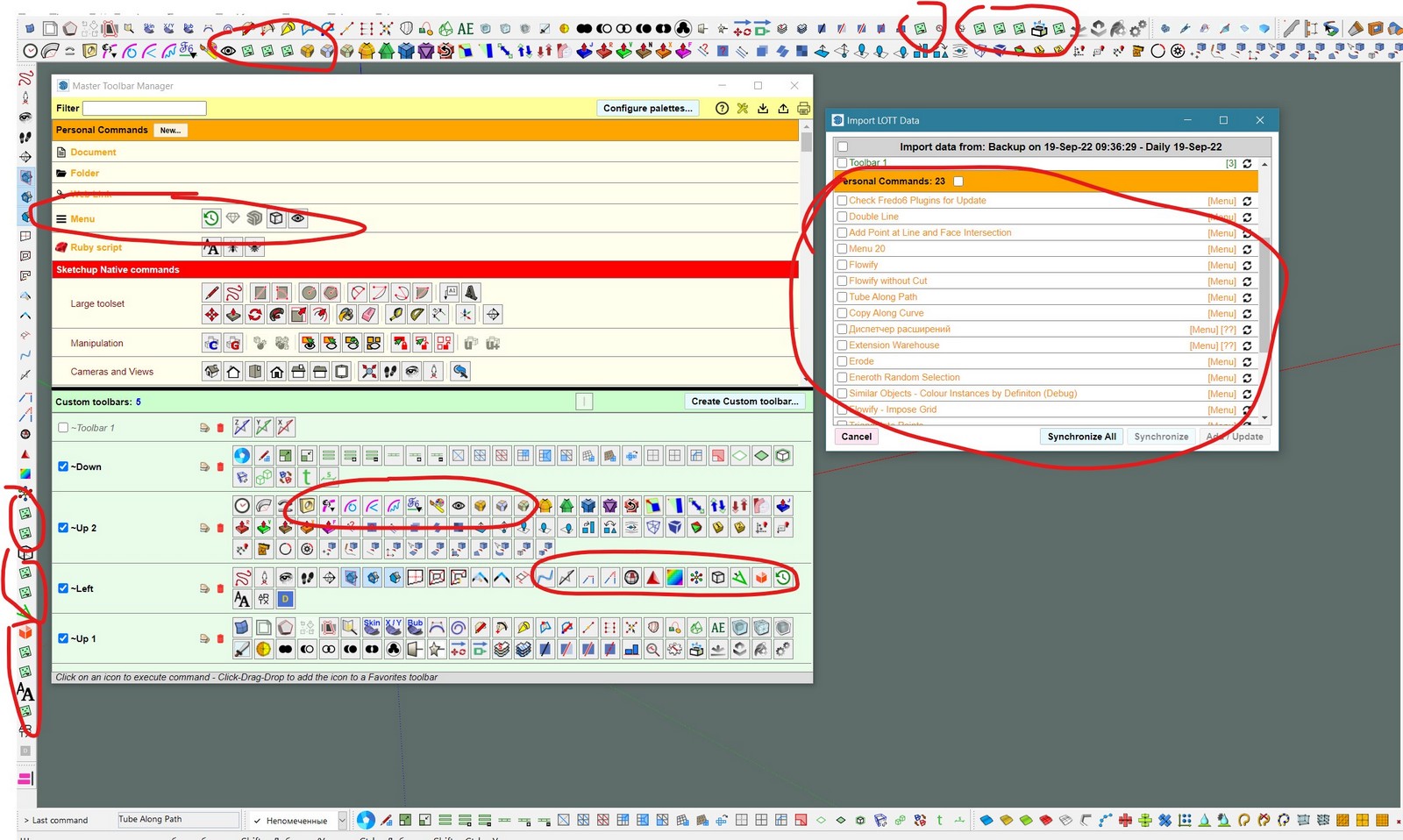
Hi. I could not figure out your instructions on how to restore the tools from the "Menu" ((
Maybe write in more detail? Thank you in advance.



 ((
((
