First Rayscaper Test
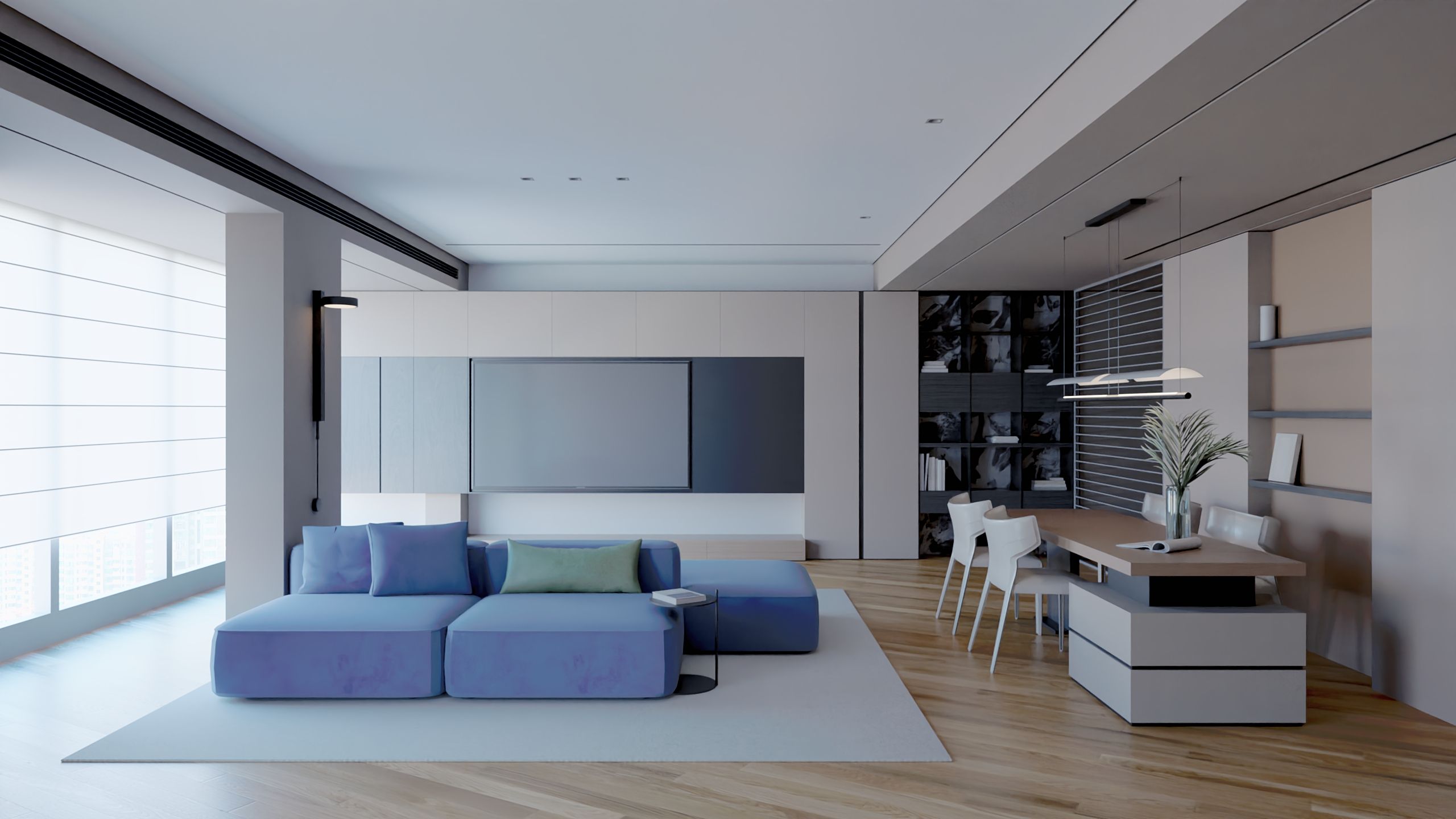
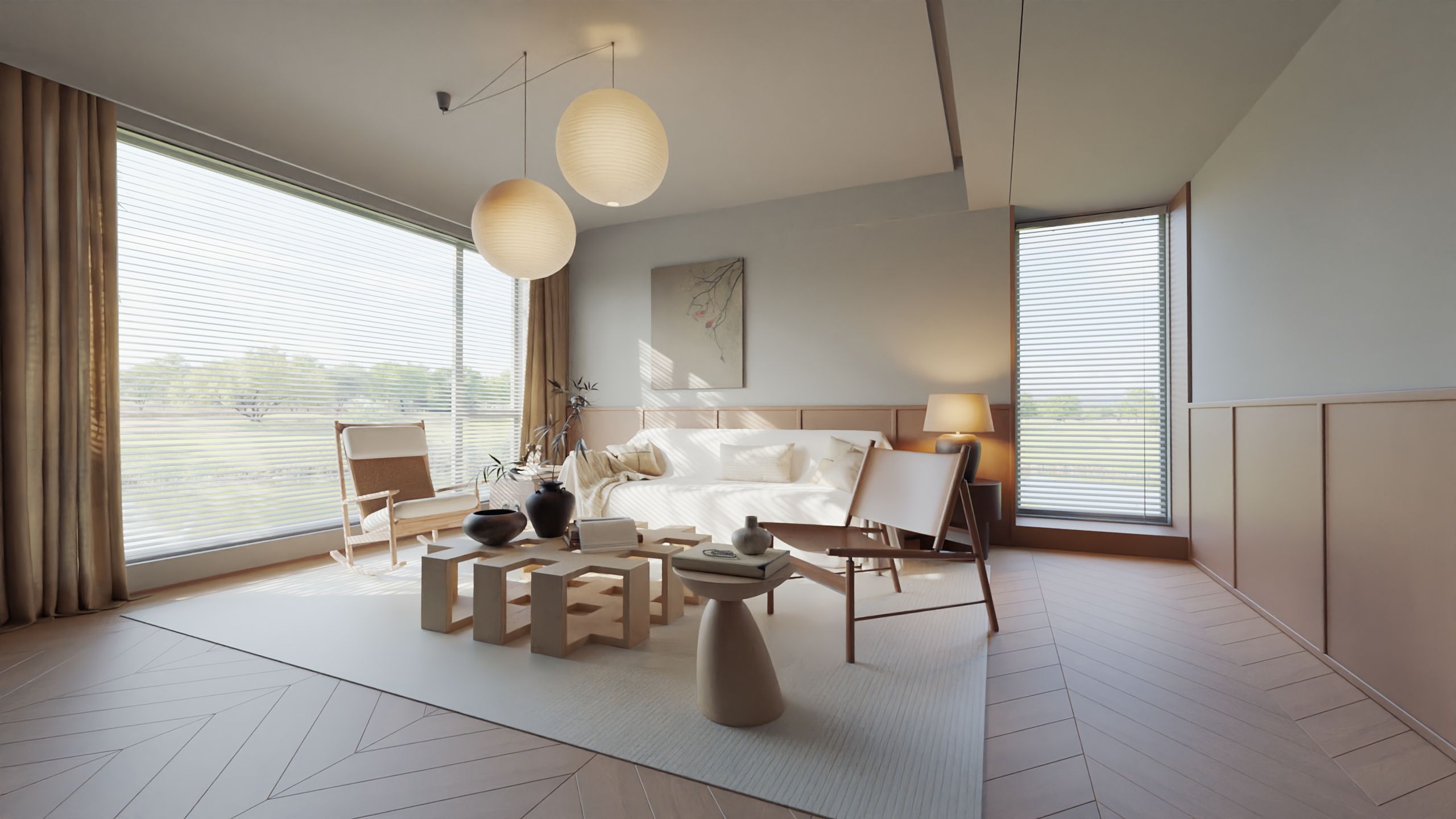
-
@krass Reinhard was the default before. Note that we are dropping it in the next release. It's just shit compared to the others
 It's a relic from a different time in computer graphics.
I feel your pain. We're doing a release soon, so the presets won't make it into that one. But I try to get it into the next release.
-
This post is deleted! -
@pixelcruncher
Hi
I have seen the update of version 0.9.99.. After trying, I temporarily stopped my testing. I understand that Rayscaper is moving towards a more streamlined and simpler roadmap. But I cannot understand that the performance function of the material (The new standard material) will further shrink. All the suggestions I mentioned before regarding the organization are now only two:- There are two modes for setting rendering sampling parameters: simple and advanced. The 0.9.99 version uses simple mode, while the previous version reverts to advanced mode.
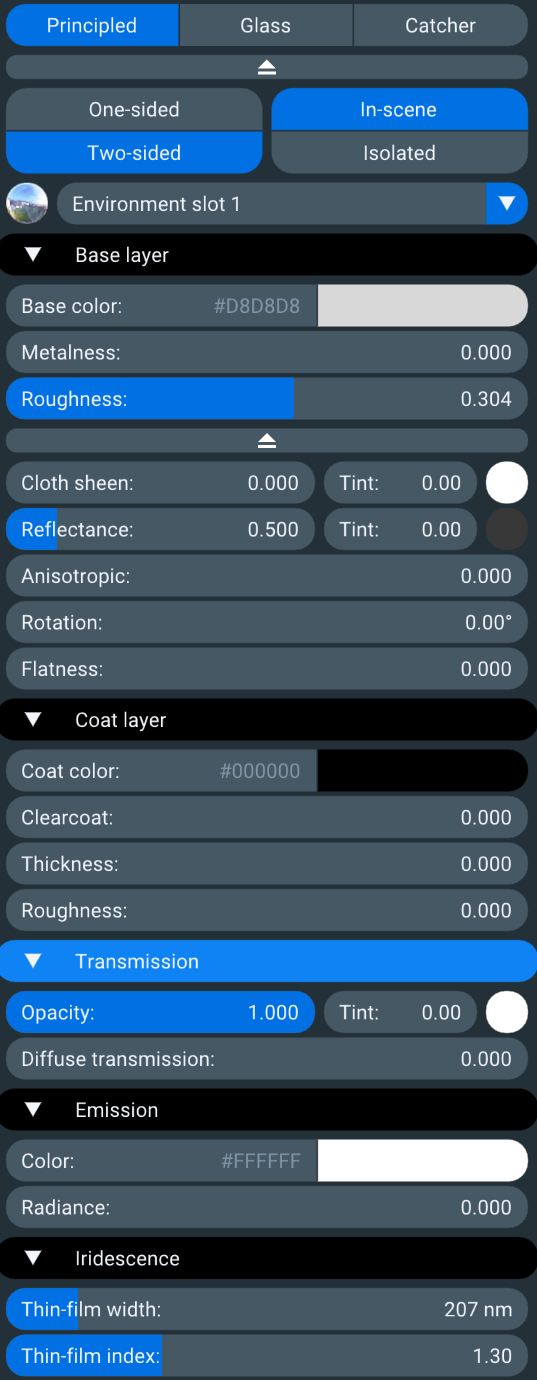
- The material function (standard material) needs to be continuously improved in the future based on the existing foundation. I strongly recommend referring to the material system logic of Lighttracer, so that PBR can complete various material functions based on it (I don't understand why the necessary functions of semi transparency and anisotropy disappear in the new version)
The material system of lighttracer is shown in the attached image, with reference to the left and right
-
Hello, are you using a Mac?
-
@lightscape Sorry about that; that's a regression in the latest build.
They should be in the advanced section, but I made some UI tweaks, and the advanced section now renders as hidden. This will be back in the next release.
-
@lightscape the 0.9.100 version is out which should work better.
-
@pixelcruncher
Many thanks for you work!I will Try 0.9.100 -
@Krass
No,i use windows -
@pixelcruncher
I am recommending a designer around me to try Rayscaper. After discussing, we hope to add a scene setting function that can record the size, tone mapping parameters, environmental parameter status, etc. of each camera when it produces an image.. At the same time, different scene states can be rendered in batches at once.. This is the most desired feature to be added at this stage. Learn from the batch rendering function of Thea Render -
For a batch render—and pending the availability of adjustable settings for each individual scene—you can currently render scenes using animation mode by setting the frames-per-second to the lowest possible value; this works very well, with automatic exposure.


Hello! It looks like you're interested in this conversation, but you don't have an account yet.
Getting fed up of having to scroll through the same posts each visit? When you register for an account, you'll always come back to exactly where you were before, and choose to be notified of new replies (either via email, or push notification). You'll also be able to save bookmarks and upvote posts to show your appreciation to other community members.
With your input, this post could be even better 💗
Register Login


Advertisement