[Plugin] FredoSection - v1.5a - 15 Jan 26
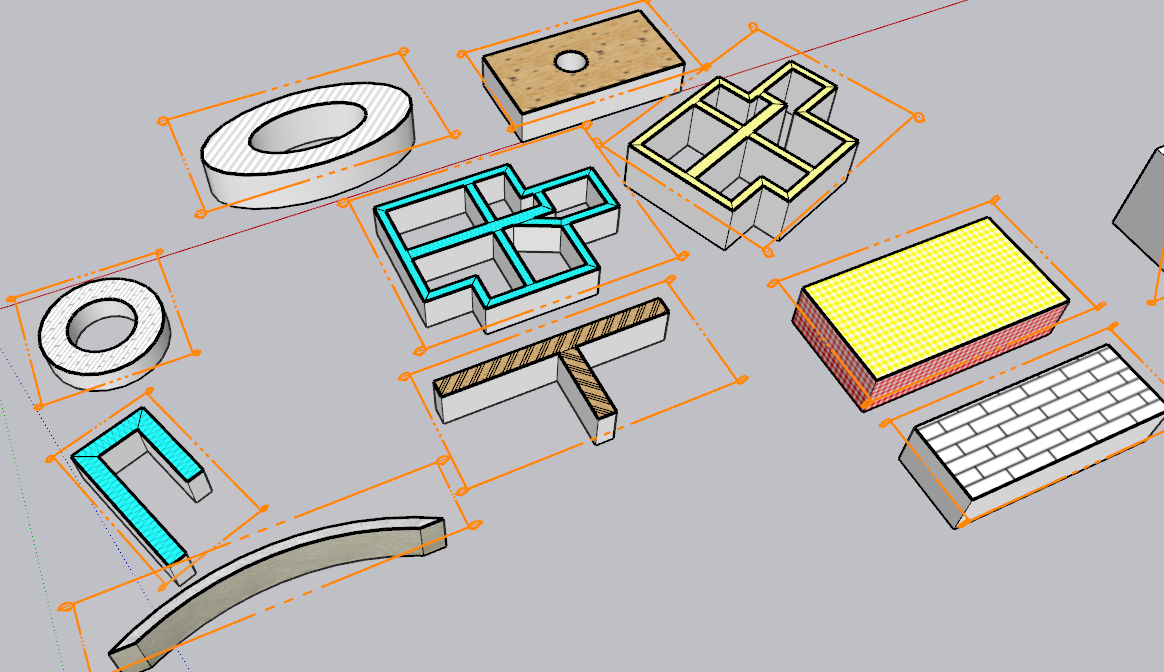
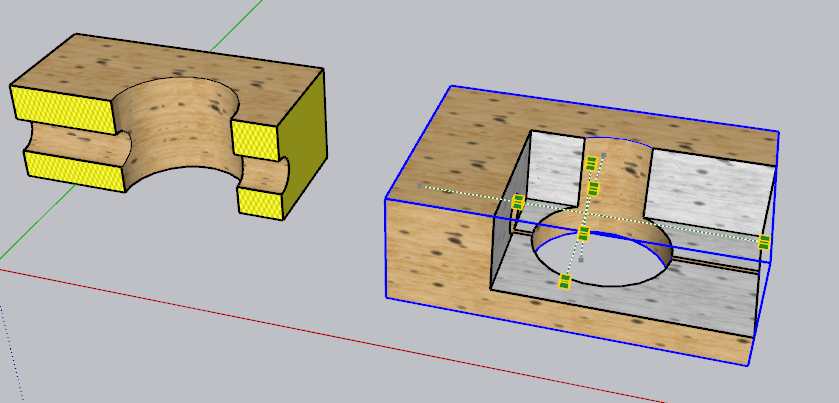
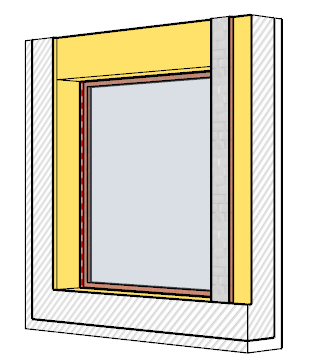
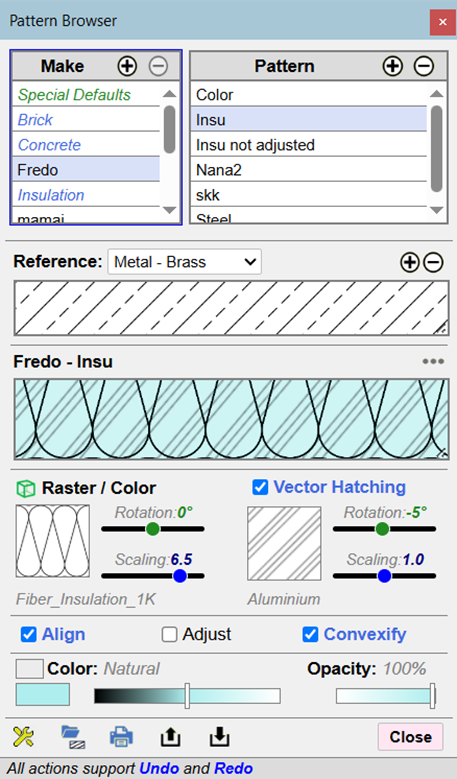




-
NEW RELEASE: FredoSectiont v1.4a - 08 Jan 26
Requirements
- LibFredo6: v15.8a or above
- Sketchup version: SU2026 and above
FredoSection 1.4a is a major release including:
- Bug fixing for Section Boxes
- Introduction of Pattern Modes (container and/or Tag) and the possibility to assign patterns to tags, as shown in the video below.
Home Page of FredoSection for information and Download.
-
NEW RELEASE: FredoSectiont v1.5a - 15 Jan 26
Requirements
- LibFredo6: v15.8a or above
- Sketchup version: SU2026 and above
FredoSection 1.5a is a maintenance release including:
- Major bug fixing (issue with displaying the Color Selector)
Home Page of FredoSection for information and Download.
-
I've been working with the plugin today on a series of drawings for some cabinetry.
Curious if there's a way to add to the Vector hatching library or if that's not something that can be customized? There are a number of materials (plywood, solid wood, stone, etc...) that I'd like to have Vector hatches for.
Thoughts? -
Currently, the Vector hatching is not customizable but I can easily add any type of hatching, including with dashed lines, multiples, etc.....
For a general customization of vector patterns, this should be possible based on providing a repeatable component.
However, I am interested in seeing the kind of patterns you want for plywood, solid-wood and stone, and why raster images would not work.
-
Adding more standard vector hatch types (ANSI) would be a huge time-saver for me. Currently, LayOut doesn't export them as vector entities, which I need when collaborating with other offices
-
There are a lot of ANSI vector hatch patterns...
Here are 900+ paid -
https://www.etsy.com/uk/listing/1602392539/900-autocad-hatch-library-2d-cad?ls=r&external=1&rec_type=cs&ref=landingpage_similar_listing_top-5&pro=1&dd=1&content_source=c2a30f16a8732b6e51f219c67c46c892%253ALTc4ad72921e17107e0a3f67f035a6ecc77a3039a0&logging_key=c2a30f16a8732b6e51f219c67c46c892%3ALTc4ad72921e17107e0a3f67f035a6ecc77a3039a0
These are free -
https://www.cadblocksdwg.com/hatch-patterns-download.htmlPerhaps suggest a base set of say 16 patterns ?
If they can add their own patterns it's then down to each user ? -
I am not familiar with the DWG export from layout.
My understanding is that:
-
Sketchup only uses Raster material. There is no such concept as Vector pattern. Otherwise, this is just linework.
-
Layout renders the Sketchup model based on these Raster materials and treats them as images. I am not aware that Layout would convert them to vector.
-
Layout seems to have a concept of Pattern which can be used for filling shapes. That may well be converted to vector patterns (.pat) when exporting to DWG. However, my understanding is that this only applies to shapes created and painted in Layout, not coming from the 3D model.
-
FredoSection Vector Hatching is just a set of edges and faces, as the rest of the geometry. So, it renders as such in Layout. But I don't think it will end up as CAD patterns when the Layout document is exported to DWG.
I don't know if I am correct....
-
-
Thank you, all, for picking up this dialogue.
First off, I should give my thanks and gratitude to Fredo6 for making this plug-in happen. Thank you!
For my workflow, I avoid using anything but the Vector setting for scenes in Layout, and I don't use a style that shows the textures unless it's abosolutely needed . Raster doesn't handle lines well and is 'fuzzy'. The Rastor materials included look great in Sketchup, but don't translate over to Layout. When I tried a hybrid compromise, the Rastor section fills become blurry and not very useful.
I'd be more than happy to give examples of hatch patterns I'd love to see available for the types of materials I use creating drawings for cabinetry (in addition to the Vector patterns currently available at least four different types of sheet goods, three types of solid wood, plaster/gypsum and stone countertops would all be fantastic).
If it's something that's doable with relative ease for you, Fredo, how can I help? -
Raster materials often look blurry in Layout (especially when you zoom). However, when you print the document on paper at the correct paperscale, you get a readable pattern visually.
Anyway, to help progressing, I would suggest you post a few images of you vector patterns (e.g. four different types of sheet goods, three types of solid wood, plaster/gypsum and stone countertops).
-
Here's a group of them that were on the https://www.cadblocksdwg.com/hatch-patterns-download.html website that TIG shared previously. If this group were avaiable, that would be great so far as I'm cencerned.
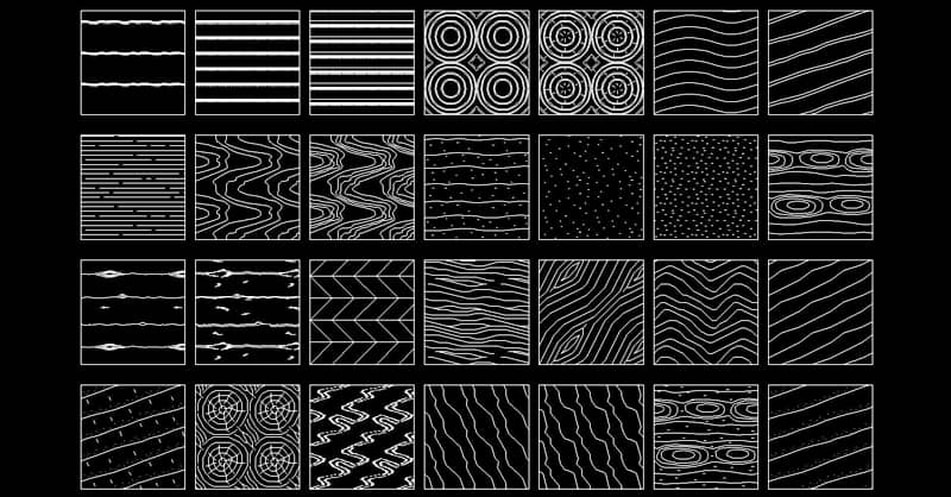
-
Getting these patterns as Vector is technically feasible, at least by me in FredoSection.
However, if you use them in a real model, that would represent a lot of lines (and a longer time to decoarte cut faces). Keep in mind that in FredoSection, a Vector pattern is just drawing edges in the model. Already with simple hatches, you have a lot of geometry created.
As suggested, could you try with these patterns in Raster (most of them are in the standard materials, under 'Patterns') and check they print correctly when the proper paperscale is set in Sketchup scenes and corresponding Layout viewports.




Advertisement