Sketchucation Tools 5.0.4
-
Thank you for whatever you did. It works as expected now.
-
@Dave-R said in Sketchucation Tools 5.0.4:
Thank you for whatever you did. It works as expected now.
Thank you for checking.
-
I have installed the latest version (5.0.4) of Sketchucation Extension Store and like previous users get the "Loading... Click Continue if page does not refresh" message with a "Continue" button which appears to do nothing. I've read through Tig's responses and looked, using extension manager, for any extensions which don't report a version number. The only one I found was SCF Licence which doesn't have a version number, author, copyright details or description. All of the other plugins have version numbers and about a third of them need to be updated, which is why I installed the extension store. I seem to be going round in circles with this.
I'm using Sketchup Make 2017 (yes I know) and don't want to spend the large, to me, sum of money required to get a desktop version, as I'm just a hobbyist using the software for leisure. Is there any way to fix this problem or should I just give up and leave all the plugins as they are?
-
@coffeeholic53 said in Sketchucation Tools 5.0.4:
Is there any way to fix this problem or should I just give up and leave all the plugins as they are?
Just install extensions manually by downloading RBZ files from site.
2017 is using very old and no longer supported web dialog systems.
-
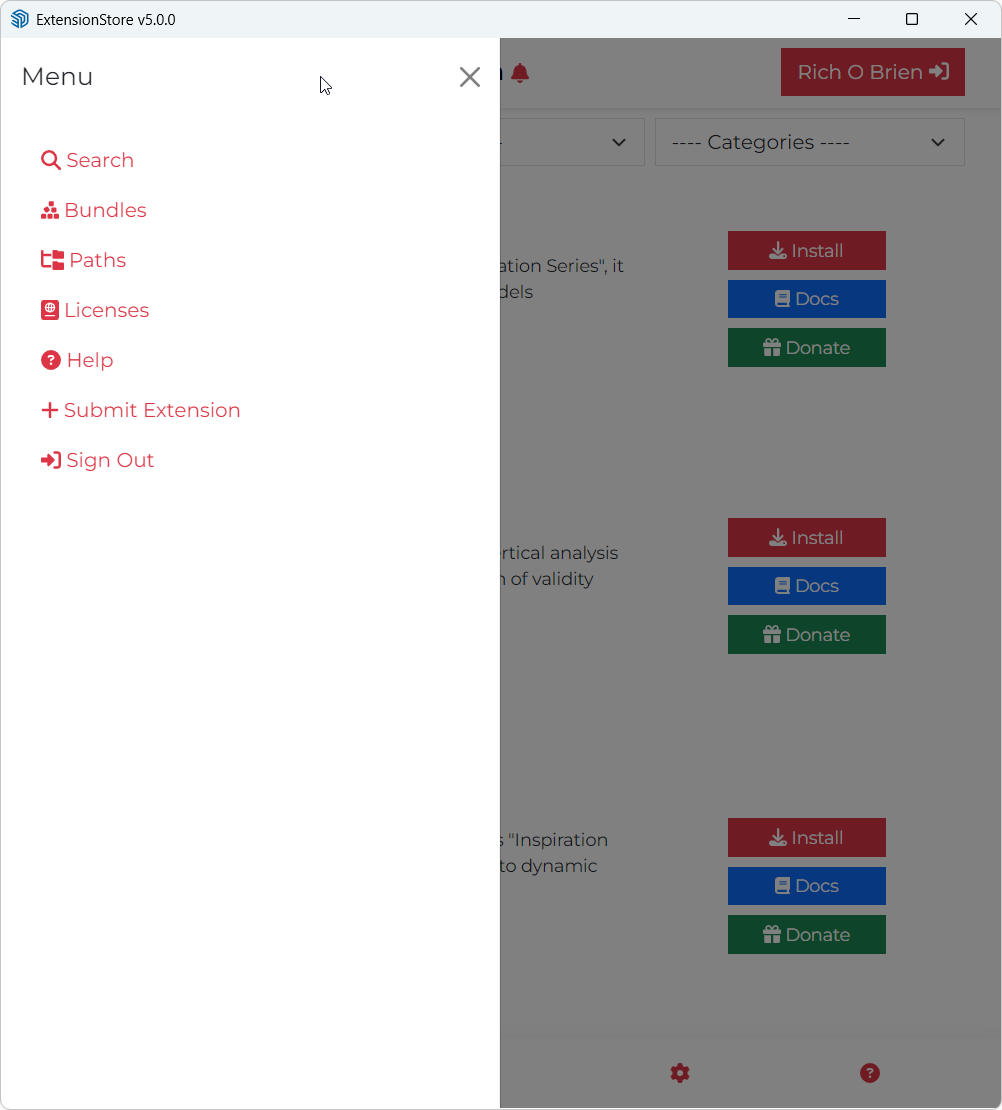
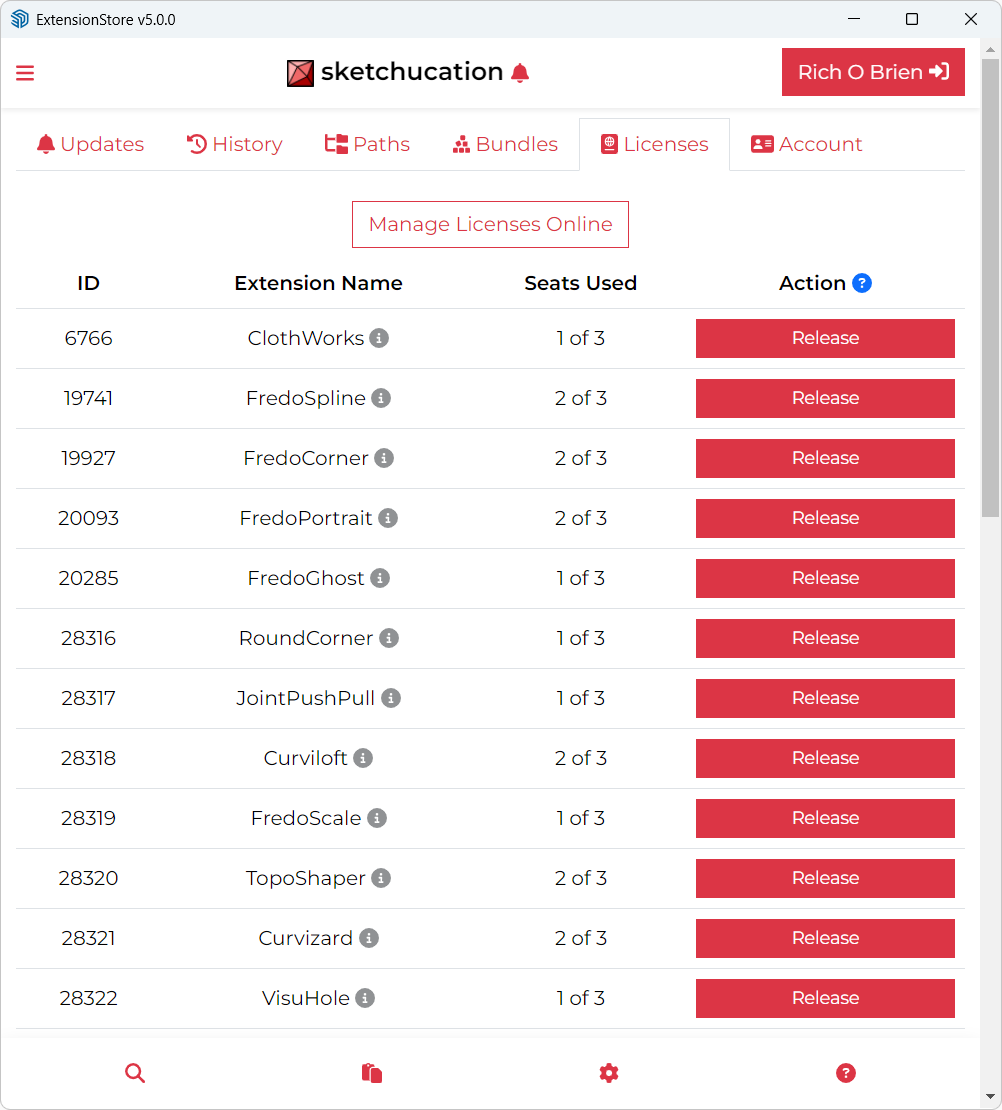
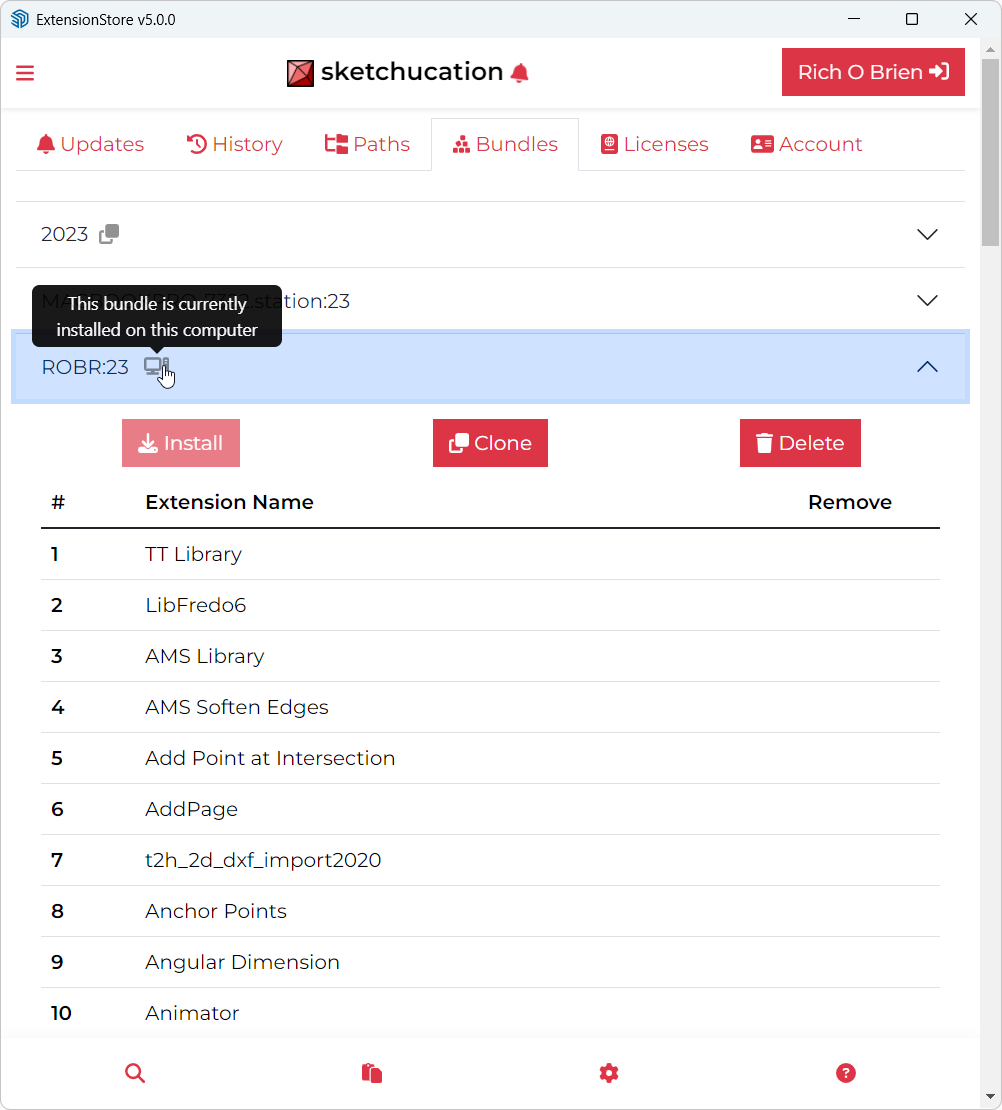
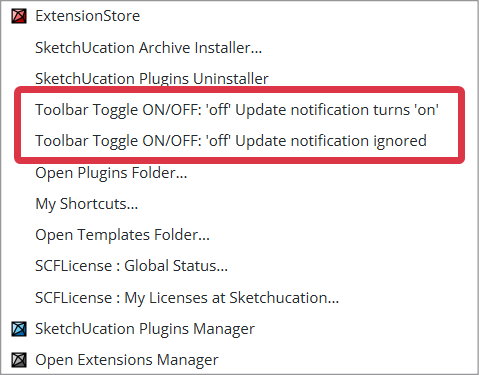
Starting with version 5, the third button opens the default SketchUp Extension manager, so there is no way to create sets and manage.
The second and the third buttons always showed different packages (plugins and extensions), now you end up with the default SketchUp windows.
Maybe this was intentional... or maybe not - i just pointed out. -
@FlorinAp
This change was intentional.
Over time the changes to the built-in Extensions Manager made it so much like our own that there seemed little purpose in the duplication. The loss of 'Sets' for the Extensions was decided on balance to be acceptable, because changes in how the SketchUp API allowed dynamic extension status setting has meant that our version was error prone. when doing this. Also the use of 'Sets' remains possible from within our Plugins Manager - because all extensions are also plugins [loading from a .RB file] it allows you to manipulate them in the same way with 'Sets' within that dialog...






Advertisement