You Have Exceeded Your Allowed ..
-
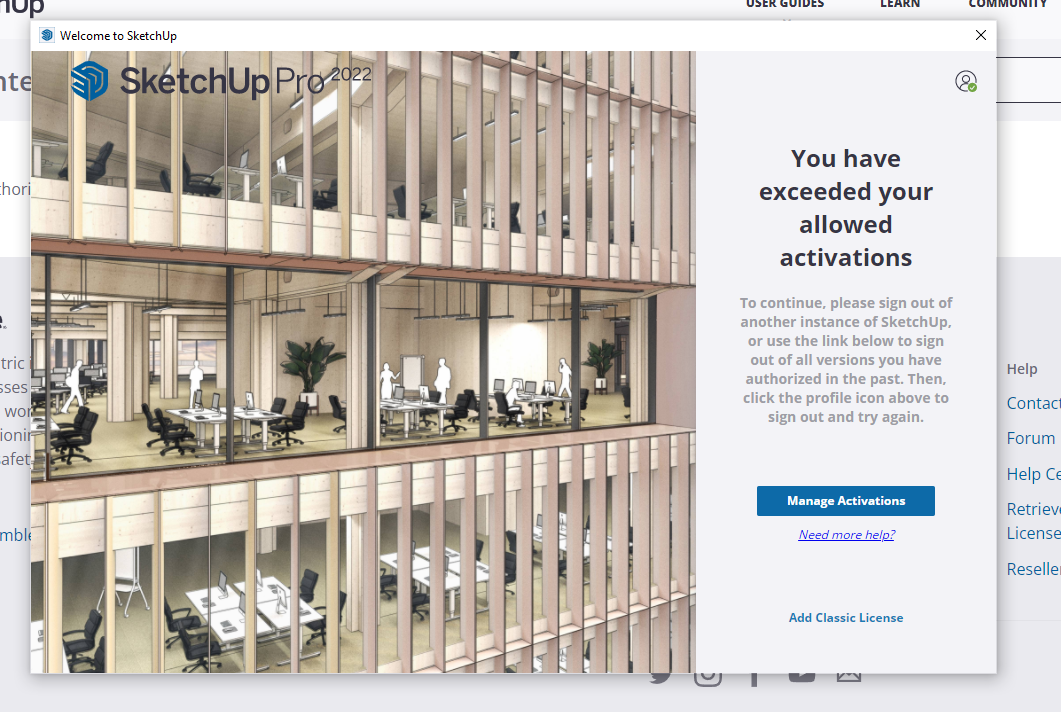
My computer crashed again, now when I open SUp I get this message WTF.
I sign out all things SUp, login using google as always, try and open my model and get that screen again, I tried three times.. I restarted computer once. Caught in a loop here need to be modeling!
-
Try this.
-
nope, I deauthorized and still no joy, getting that same screen still ..
-
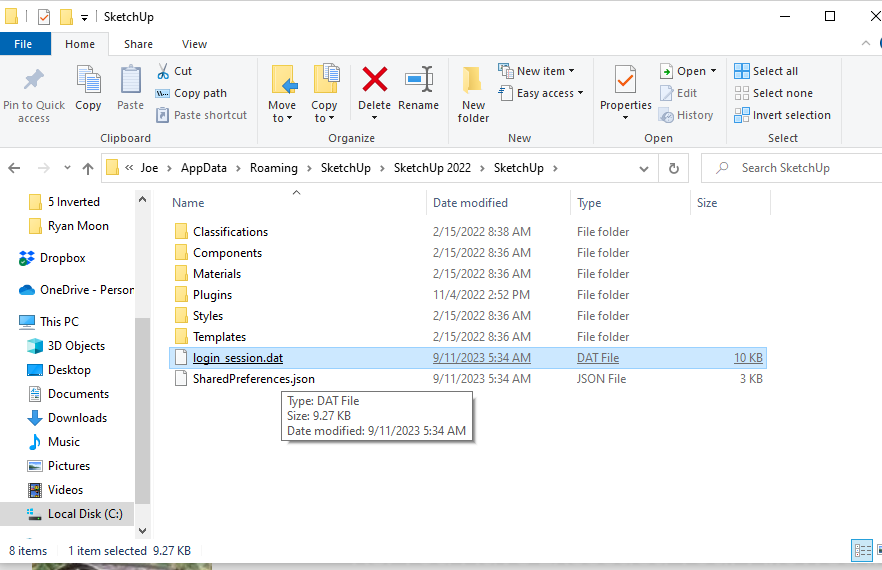
I found another post and it said to go to %appdata%\SketchUp\SketchUp 2023\SketchUp and delete login_session.dat.
Replace 2023 with 2022 if that's what you're using.
-
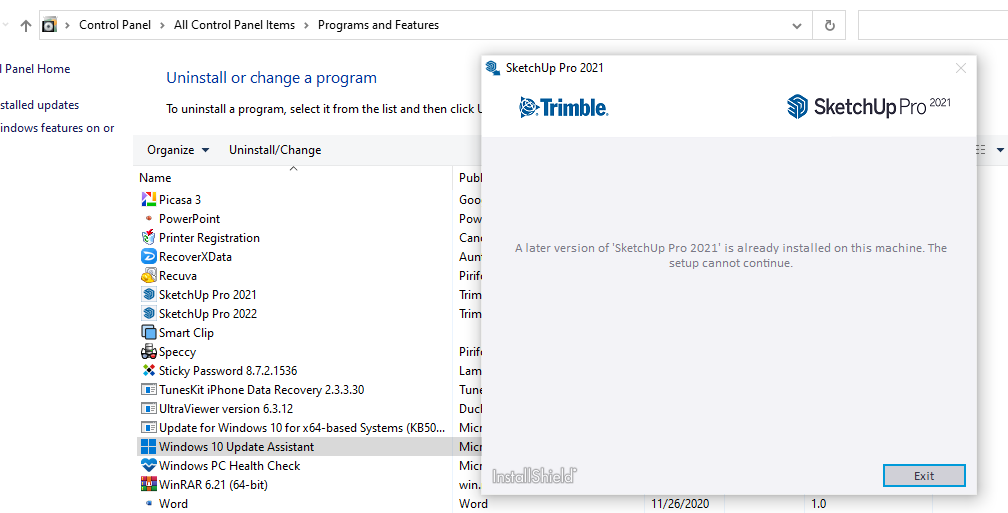
OK is this a clue? I have 2021 and 2022 installed, just tried to Remove 2021 and got this message.
-
Hey Gus I can't find that login_session.dat, how do I find that for 2022?
-
@joe wood said:
login_session.dat, how do I find that for 2022?
C;\Users\SomeName\AppData\Roaming\SketchUp\SketchUp 2022\SketchUpOr just open explorer and paste this into address bar and hit enter
%appdata%\SketchUp\SketchUp 2022\SketchUp
You should see the login_session.dat file there
-
well, under Users I have two entries, and neither has that AppData, and I don't see it when I do a Search for AppData
-
@joe wood said:
well, under Users I have two entries, and neither has that AppData, and I don't see it when I do a Search for AppData
Appdata is not visible (it's system hidden) which is why I suggested pasting into address bar.
-
Pasting that in to my browser address bar?
-
Windows Explorer address-bar...
-
Yeah the "%appdata%" acts like a wild card and explorer should find it. Otherwise you can click through in Explorer under c:\users...
-
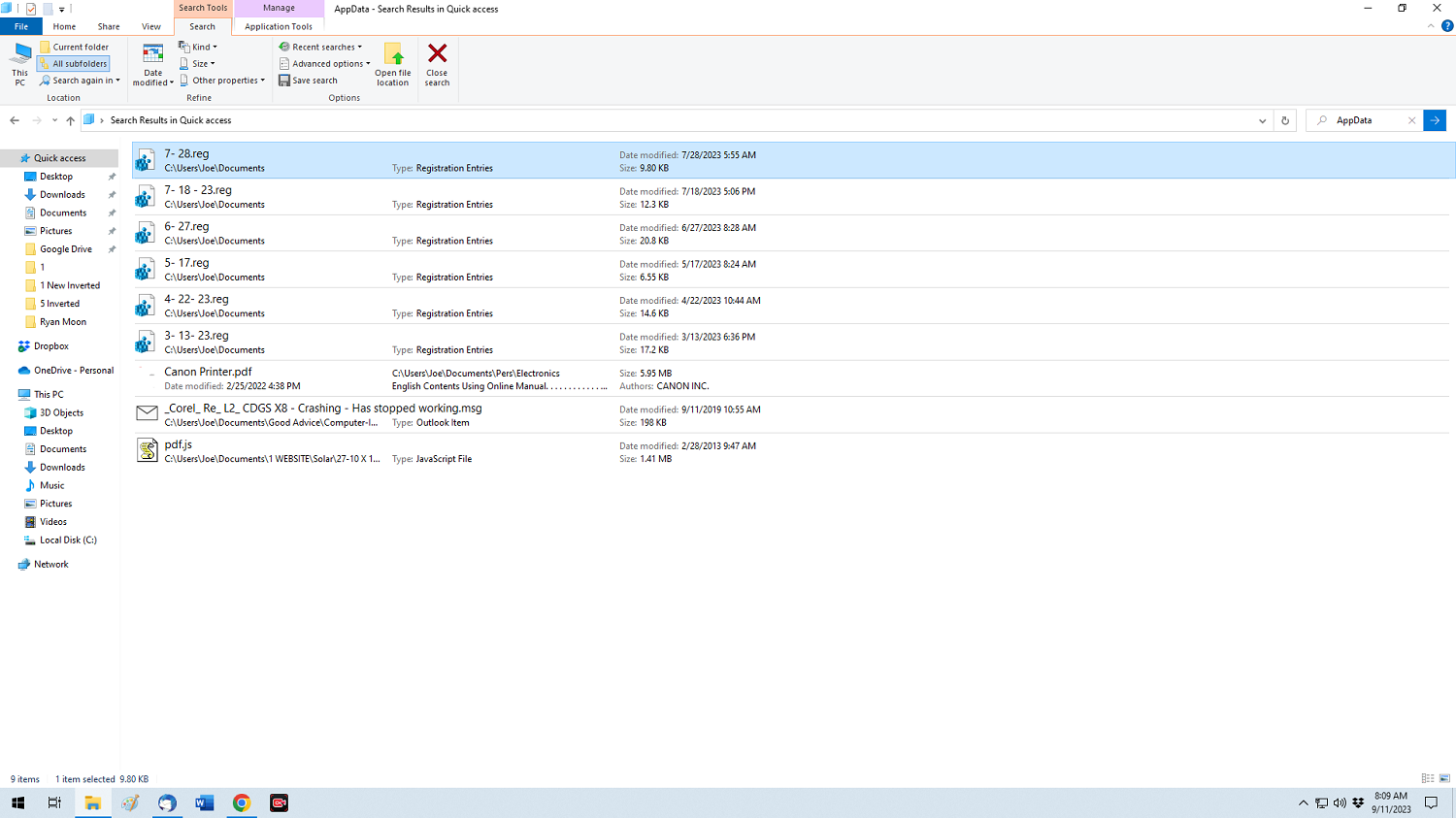
OK did that but all I see are registry backups?
-
Sometimes in Windows when I'm not able to uninstall a program because something got messed up along the way I just reinstall the program I want to uninstall and then uninstall it with "Add or Remove Programs."
-
Found and deleted it!
-
You can ignore those registry backups.
-
That fixed it, thanks for that Gus! And everyone else, for the hand holding!
-
@joe wood said:
That fixed it, thanks for that Gus! And everyone else, for the hand holding!
Happy to help.




Hello! It looks like you're interested in this conversation, but you don't have an account yet.
Getting fed up of having to scroll through the same posts each visit? When you register for an account, you'll always come back to exactly where you were before, and choose to be notified of new replies (either via email, or push notification). You'll also be able to save bookmarks and upvote posts to show your appreciation to other community members.
With your input, this post could be even better 💗
Register Login


Advertisement