Lock doesn't lock
-
Hi,
We just noticed a strange and potentially dangerous behavior of the Lock function.
We use 2020 ver.
To replicate it, please follow the following steps in any model with several components:
1)Lock one of the components
2)Select the locked component and an unlocked one
3)Use move tool and input a measure (ex.: 10m)
Both the components will move though the locked one should not.
Another time in which this happens is if you use a plugin to move the locked components. For example we tried with one of our internal tools and [Chris Fullmer Scale and Rotate multiple].
Hoping to receive a quick response, Best regards -
How about sharing an example model file where this happens. Or at least a screen capture video showing it. I don't see the behavior at all. In the attached GIF I followed your steps exactly and get the expected behavior, not what you describe.
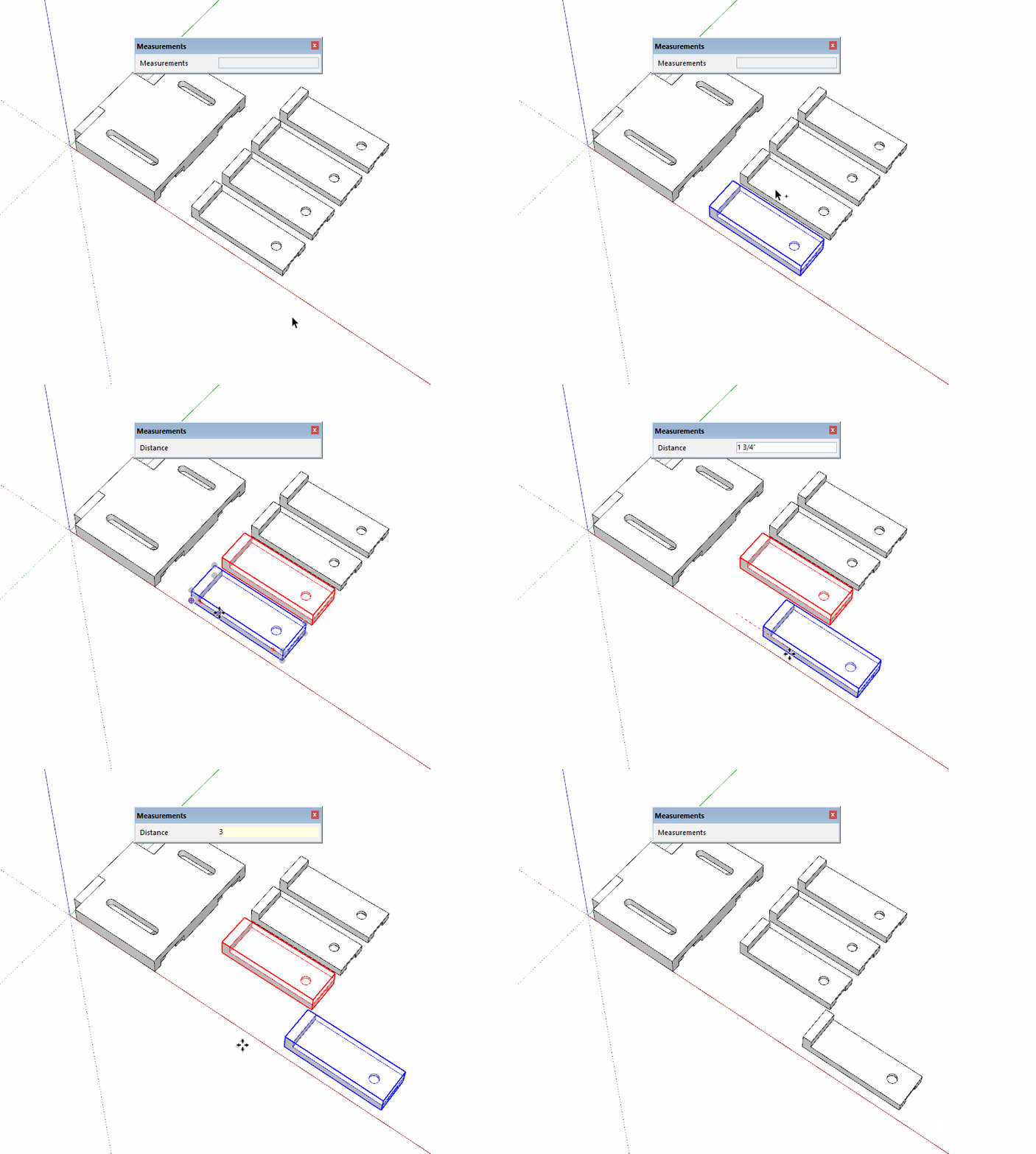
Is it possible you are opening the component for editing and moving the content inside?
-
As Dave_R says I can't repeat this - the locked component stays locked and doesn't move...
Plugins can ignore an object's locked-status, unless they specifically check for it...
-
I can replicate it. And I'm pretty sure it has been mentioned before. Can't remember where or when. I think I may have even posted a thread on it.
I just tested and can replicate it in 2020,2019,2018,2017 and SU8 all the versions I have on this PC. SU8 has no plugins at all.
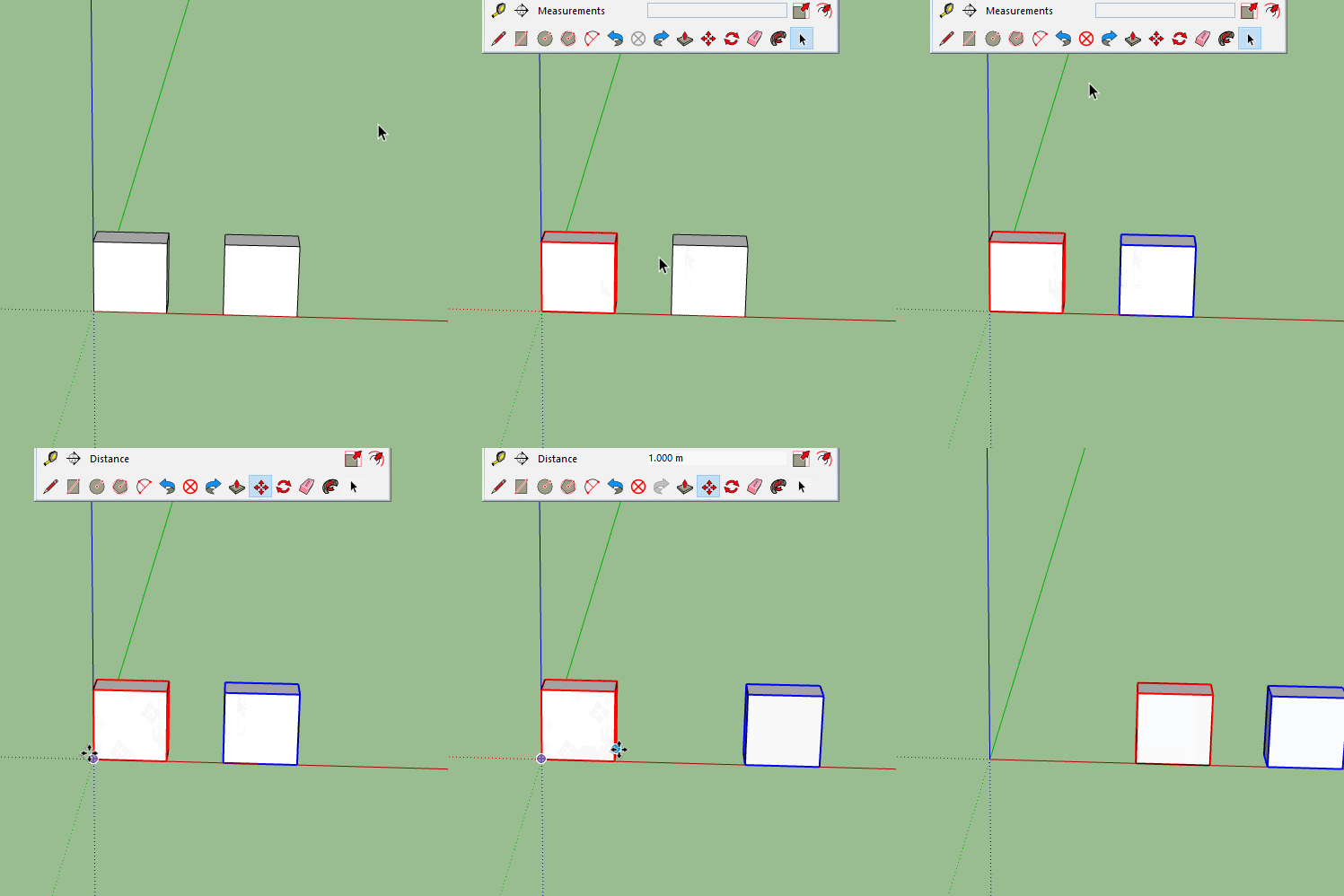
-
@Box
I can replicate it too.
If you pick a point and move the cursor in the desired direction and type in a distance+enter or drag the objects to a new location, then only the unlocked objects move, BUT if you pick a point and drag the objects, then initially only the unlocked objects move, but typing in a new distance+enter moves the unlocked AND locked objects by that distance...I also confirm it in earlier versions, so it's not a v2020 regression !
-
You'll also get it if you do click to start and click to finish then type.
I remember spotting this when using a stylus because a move is easier with two taps then type, rather than drag type. -
I reported it as a bug...
-
Thanks everyone for taking time to check this.
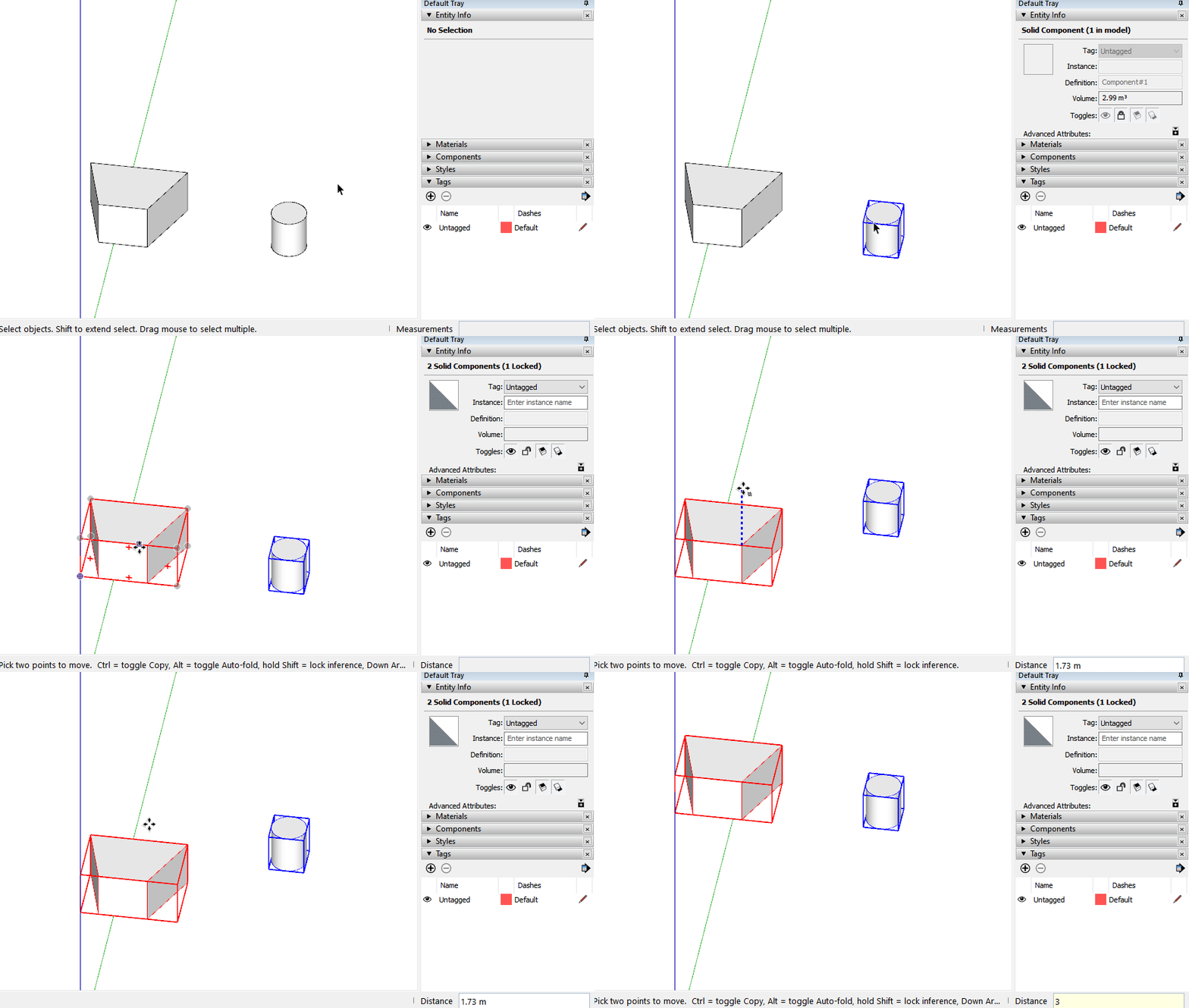
What I wanted to report was exactly that behavior.
We are located in Japan so, sorry for the delay in response.
I am attaching the GIF I prepared anyway.
Is it possible to know a timeline for this kind of bug to be solved?
Best regards
-
Unfortunately we here are like you, with no direct knowledge of the dev-team's work.
It appears that it's a longstanding issue, but there is now an official bug-report lodged...
Although I just checked up on it and no one from the dev-team has looked at it yet, and there's another report about something else ahead of it in the queue too !
So I don't expect an announcement of a fix anytime soon...




Hello! It looks like you're interested in this conversation, but you don't have an account yet.
Getting fed up of having to scroll through the same posts each visit? When you register for an account, you'll always come back to exactly where you were before, and choose to be notified of new replies (either via email, or push notification). You'll also be able to save bookmarks and upvote posts to show your appreciation to other community members.
With your input, this post could be even better 💗
Register Login


Advertisement