[Plugin] ClothWorks v1.8.0 - 28 Apr 2024
-
Excellent work! This is an incredible plugin. I can't figure out a way to create a round table cloth instead of a rectangle. Appreciate any assistance!
Thanks! -
@ronmero said:
I can't figure out a way to create a round table cloth instead of a rectangle. Appreciate any assistance!
Thanks!I'd start with a circle for the tablecloth.
-
Hi Guys. I don't know what has happened, but recently my SketchUp keeps crashing the second I start a cloth simulation. Maybe two seconds in it crashes the latest. I don't know what I have changed to my system, other than doing a windows upgrade recently. Would anyone know what could be causing this or how to solve it`? I'm on the latest sketchup version 2022.
Thanks so much in advance and best regards!
-
What version of Windows are you using? Is it the Preview build?
-
Do you get a Bug Splat message when SketchUp closes?
Could be due to your Windows upgrade, especially if you are using Windows 11 Preview build. Could be due to graphics driver issues, possibly graphics drivers that don't support the Windows uild you are using. Could be due to incorrect installation of SketchUp. The correct method for installation requires right clicking on the downloaded installer and choosing Run as administrator.
What graphics card do you have?
I would anticipate that if you haven't got a legitimate license for Clothworks or you haven't correctly installed the license certain features wouldn't work but it wouldn't crash SketchUp.
Please update your forum profile to include SketchUp version and operating system version. That information helps us help you.
-
@yatu said:
Hi Guys. I don't know what has happened, but recently my SketchUp keeps crashing the second I start a cloth simulation. Maybe two seconds in it crashes the latest. I don't know what I have changed to my system, other than doing a windows upgrade recently. Would anyone know what could be causing this or how to solve it`? I'm on the latest sketchup version 2022.
Thanks so much in advance and best regards!
EDIT: I can get it to work very inconveniently like this: I need to make a clean reinstall of the plugin, and while I don't close SketchUp, the plugin will work normally. Once I reopen SketchUp, it keeps on crashing the second I start to simulate... do you think this is a licensing problem?
Hi,
Can you try a fresh install of sketchucationtools and clothworks? Please follow the steps in the installation manual: https://antonsynytsia.github.io/manuals/ClothWorks/installation_manual_v174.pdf
Start from the Uninstallation Steps and then the Installation Steps.
Let me know how it goes after performing these steps. I am not sure if this is ClothWorks or SketchUcationTools
-
Guys, thanks for the offered help! I'm currently away on vacation and will try your suggestions once more once I'm back. Anton, I was already on Windows 11 and did the official service update. And I already have tried the clean uninstallation / re-installation, which leads to clothworks working as it should - until I close Sketchup and reopen it, then it starts crashing.
Dave, I don't get a bug splat window, it just closes immediately. I am running a legit Sketchup and clothworks license. If it was a windows / graphic driver related issue, I doubt I could get it to work after a fresh reinstall. I've got a RTX 3090.
Thanks so far for your help, I'll keep you posted!
cheers
-
@yatu said:
Guys, thanks for the offered help! I'm currently away on vacation and will try your suggestions once more once I'm back. Anton, I was already on Windows 11 and did the official service update. And I already have tried the clean uninstallation / re-installation, which leads to clothworks working as it should - until I close Sketchup and reopen it, then it starts crashing.
Dave, I don't get a bug splat window, it just closes immediately. I am running a legit Sketchup and clothworks license. If it was a windows / graphic driver related issue, I doubt I could get it to work after a fresh reinstall. I've got a RTX 3090.
Thanks so far for your help, I'll keep you posted!
cheersThanks for the detailed feedback. I haven't personally tested ClothWorks on Windows 11. It's interesting that it only works on the first try. Suggests this may have to do with copying binaries versus loaded existing-copied binaries.
-
Hi author. I am in Vietnam and I see that the technical community uses Sketchup in architectural design and other fields a lot, and at the same time I have noticed that people also use your ClothWorks Plugin. I have researched and aim to help people make good use of this Plugin in my country's technical community, as well as make your application more known. I would like to contribute a complete Vietnamese translation of the application. We look forward to your interest and will integrate this translation into the application in future updates.
Thank you. -
Hi Anton,
I can also confirm that Clothworks plugin crashes SketchUp 2022 pro (without any bugsplat info) a moment after I press toggle play button to start cloth simulation. I have a powerfull laptop MSI GS66, so hardware shouldn't be an issue here. I have Win 11. Sketchup, sketchucation and clothworks plugins are up to date. I tried to unistall and reinstall clothworks according to Your guide and nothing changed. Even simple file with rectangle (cloth) and cylinder (collider) crashes right after simulation starts. Can you please help? -
@hank_hogan said:
I can also confirm that Clothworks plugin crashes SketchUp 2022 pro (without any bugsplat info) a moment after I press toggle play button to start cloth simulation.
Hmmm.... I'm not seeing this with SketchUp 2022. 6 or 7 year old computer with Nvidia GeForce 960.
Click on the picture.
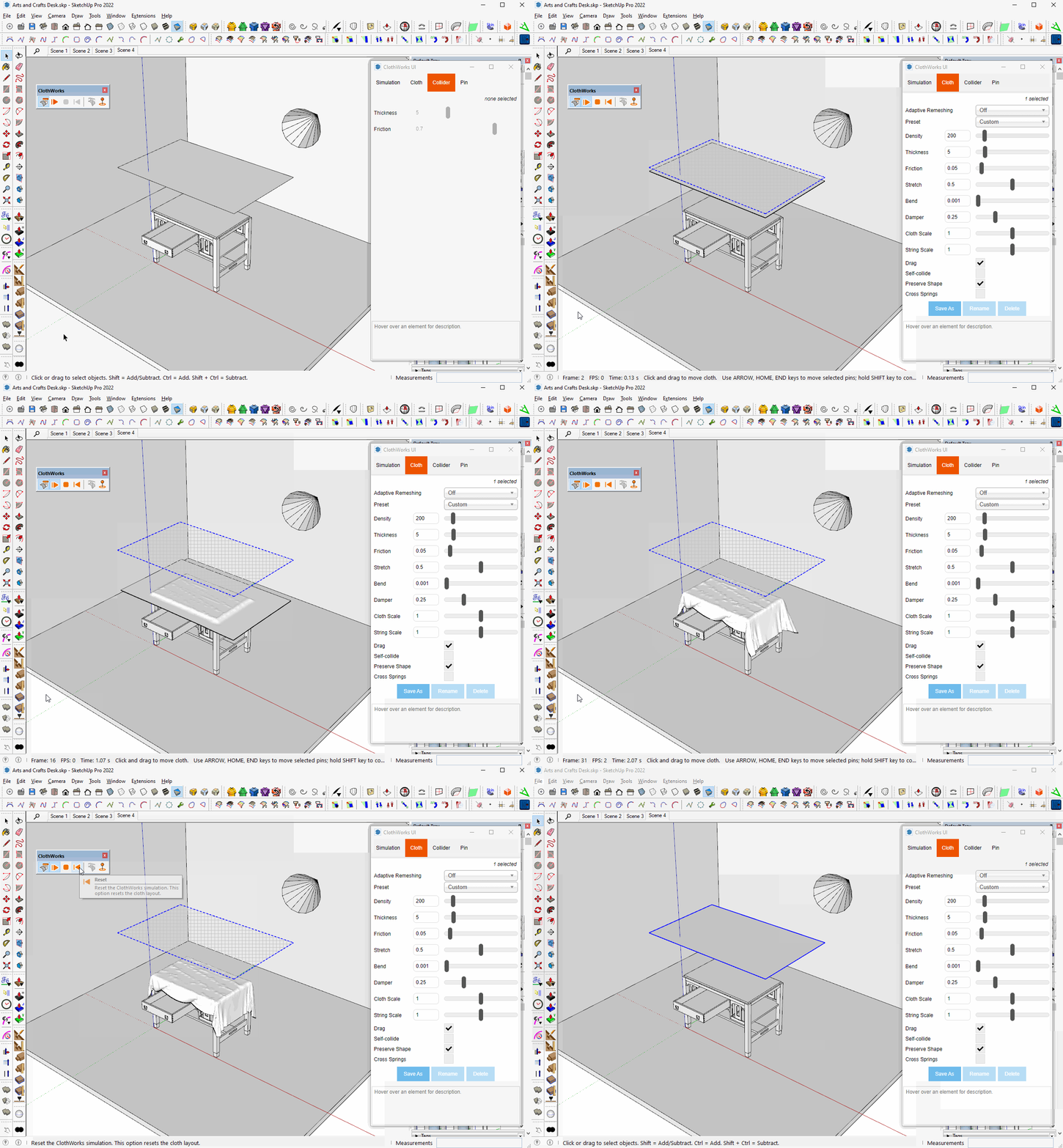
What graphics card in your computer? Windows 10 or Windows 11?
BTW, your profile indicates you are using 2017 Make. Please update your info. Thanks.
-
As I wrote, I have Windows 11 Pro. Also I have i7-11800H 2.30GHz, 32GB RAM and RTX 3080.
Sorry for inacurate profile info, it's just been corrected.
-
@unknownuser said:
I can also confirm that Clothworks plugin crashes SketchUp 2022 pro (without any bugsplat info) a moment after I press toggle play button to start cloth simulation
Lots of additional info is missing. Your input mesh or simulation settings could be the cause.
In many cases its the simulation settings that cause SketchUp to buckle. Try sharing a simple file that 100% fails on your system.
-
At firts I tried default setting suggested by plugin. Then I tried settings presented in plugin's author in manual. All leads to the same effect... but ok, I see I'm in the minority of users with such problem, so it's cause must be on my end. Will keep looking. Thank You all for help.
-
As Rich suggested, share the file that shows CLothworks crashing SketchUp so we can try to help you. No point in trying to sort it out on your own when there's help freely available.
-
@hank_hogan said:
At firts I tried default setting suggested by plugin. Then I tried settings presented in plugin's author in manual. All leads to the same effect... but ok, I see I'm in the minority of users with such problem, so it's cause must be on my end. Will keep looking. Thank You all for help.
Hi,
Thank you for the report!
Would it be possible for you to share the model with me? You can send me a private message or email to clothworks@sketchucation.com
Thanks,
Anton -
For some reason I have no xontextaul menu with right click. Has somethng changed?
Stay well folks.
-
@mike amos said:
For some reason I have no xontextaul menu with right click. Has somethng changed?
Stay well folks.
Make sure you're right-clicking on top level group/component to see the clothworks context menu.
-
Yes mate, got that and the basics. Something wrong with the model. At least that's the only thing I can come up with. Tried a new model and the context menue was apparent. Completed the process fine this time.
What can you do when clicknology has a fit of 'sod you'.
-
Hello!
I'm trying to find a way to simulate a cloth but with rounded corners and not using the Adaptive Grid subdivision, since it really messes up the mesh.Is there someone?
Tks





Advertisement