Image Trimmer Plugin issue
-
After I flatten the image.
-
What do you mean by 'flatten' ?
The 'smooth' step I referred to is actually called 'simplify' in the closing dialog [it attempts to 'smooth' the outline], and it is optional - so just cancel it...
Because of something unfathomable in your image the 'simplifying' fails, so do not do it...
I'll try and see if I can get to the bottom of this issue, but as I'm not getting any error messages of use, then I have a lot to get through... -
I think I've found the cause for the 'simplify' failure.
It's how the newer version of SketchUp handles exploded entities !
I can fix that...
I'll publish an update in the ImageTrimmer main thread asap.But it might not fix your issue, because your Gimp-processed PNG might not be correct...
Can you attach a PNG that you think you've fixed a that we can check it...
The 'Flatten' issue might be relevant then ?? -
Here's the fixed version which addresses the 'Simplify' step issue: https://sketchucation.com/pluginstore?pln=SKMtools
Is the 'Flatten' issue still relevant ?
If so attach your adjusted PNG... -
The new version worked. THANKS!!
-
Hooray !
-
TIG, Thank you so much for your detailed response and the updated script.
I was also able to get it to work by NOT doing the smoothing option. I used "Simplify Selected Curves" in "Edge Tools2" to smooth the alpha selection once converted to lines. Worked great!
I will try the new updated one shortly also. It is an AMAZING time saver for us creating products from images for retail store stocking.I hope people thank you enough on a daily basis, because there are a handful of you guys that really make sketchup an amazingly powerful tool when applying the scripts you create. I try to avoid tedious, repetitive tasks as much as possible and usually, someone like your self has run into the same problem and solved it. A mighty "Huzzah" to you sir!
Thanks again for the help,
Bob -
Hi,
I have trouble with trimming speed, it took 20 minutes to trim the FRONT view attached. The TOP view didn't respond still after half an hour of processing. Maybe there is a way to optimize the files or something? Thanks.


-
You could speed things up by trimming the PNG to miss out all of the white-space around its edges - then use it...
Use something like Gimp or PhotoShop.Every transparent pixel has to be examined, so the fewer the better...
Also the front trimmed image gas relatively few 'holes', but the top view has hundreds !
Again finding all of the holes etc takes time.You can also speed things up by down-sizing the images.
For example - the top-view is 640 x 640 [409600 pixels], reducing it to say 450 x 450 means there are under half the pixels to process, and not a lot of sharpness is lost.
Incidentally - on its own, trimming that image to remove the perimeter white-space removes 50800 pixels from the checking process [about 1/8th fewer pixels]. Reducing the image size to about half of the total makes additional savings...So doing some image tweaking before trying to trim them...
-
Hi im having a similar problem. When i execute image trimmer, it says please wait but then another sketchup window opens with this error, "it doesnt look like a sketchup file"
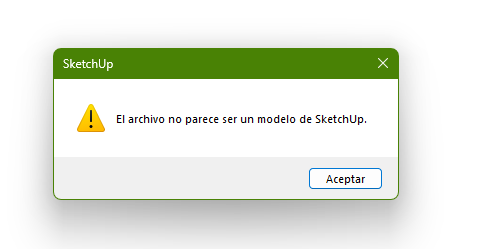
-
What are you trying to do ??
Please read the full guidance notes.Simple checklist...
You need a model with a PNG image installed, which has some transparent pixels which get deleted. It also needs the the other solid pixels to have no transparency at all.
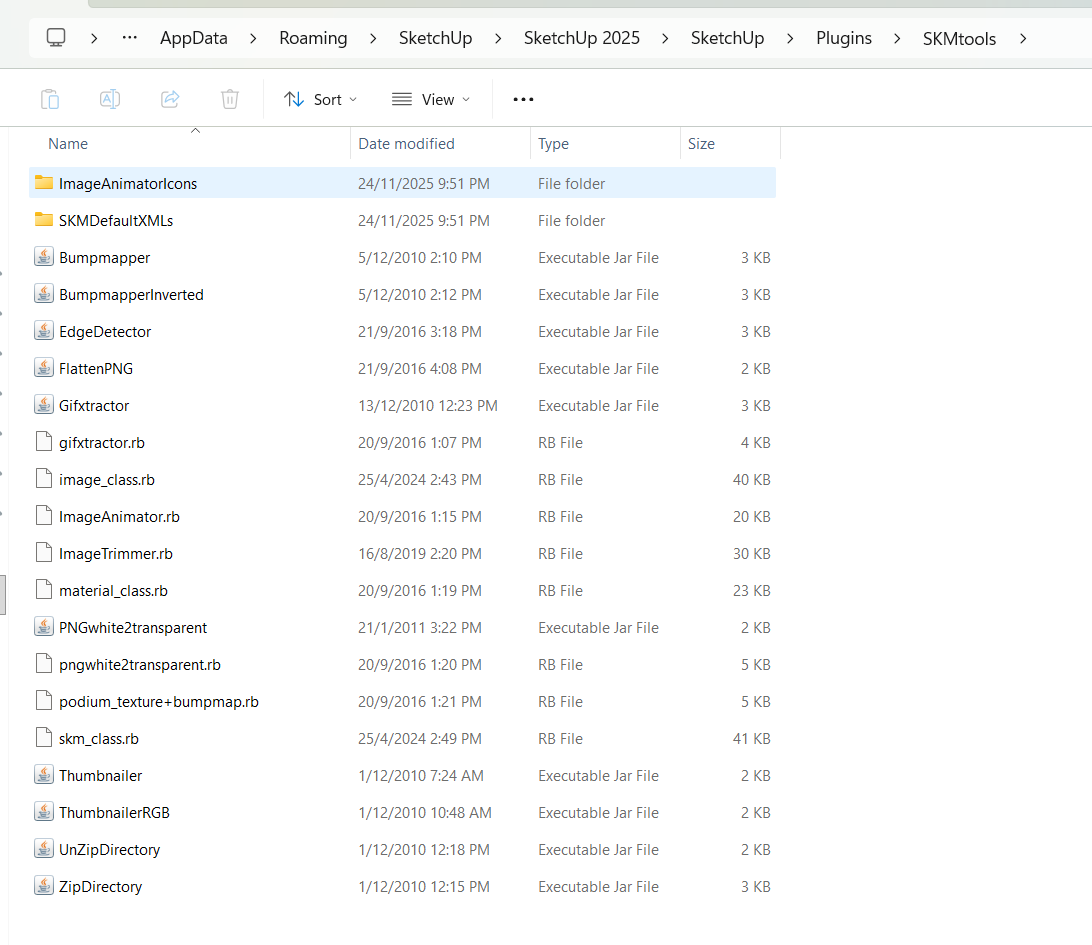
You need the SKMtools installed to give you ImagerTrimmer.
ImageTrimmer uses some java applets [.JAR files] to do image manipulation.
You need JAVA installing to use them.
Some people get problems because the compression-app is set to open them.
Also [as it appears in your case] you CANNOT have the .jar file-type extension associated with any other program.
Perhaps in your case looks like it's been given over to something like WinRar.
When you install some compression/decompression programs the default set of file-types which they are set up to open often includes .jar - which is actually a re-suffixed ZIP file - just like a SKM, Style or Layout file.
To stop this happening, open WinRar's preferences and un-check [unassociate] that .jar file-type, save changes and close WinRar.
Now retest ImageTrimmer in SketchUp and see if the .jar applets execute properly [rather than open]...
If you set the JAR files to open in SketchUp it will not work - so delete that option. -
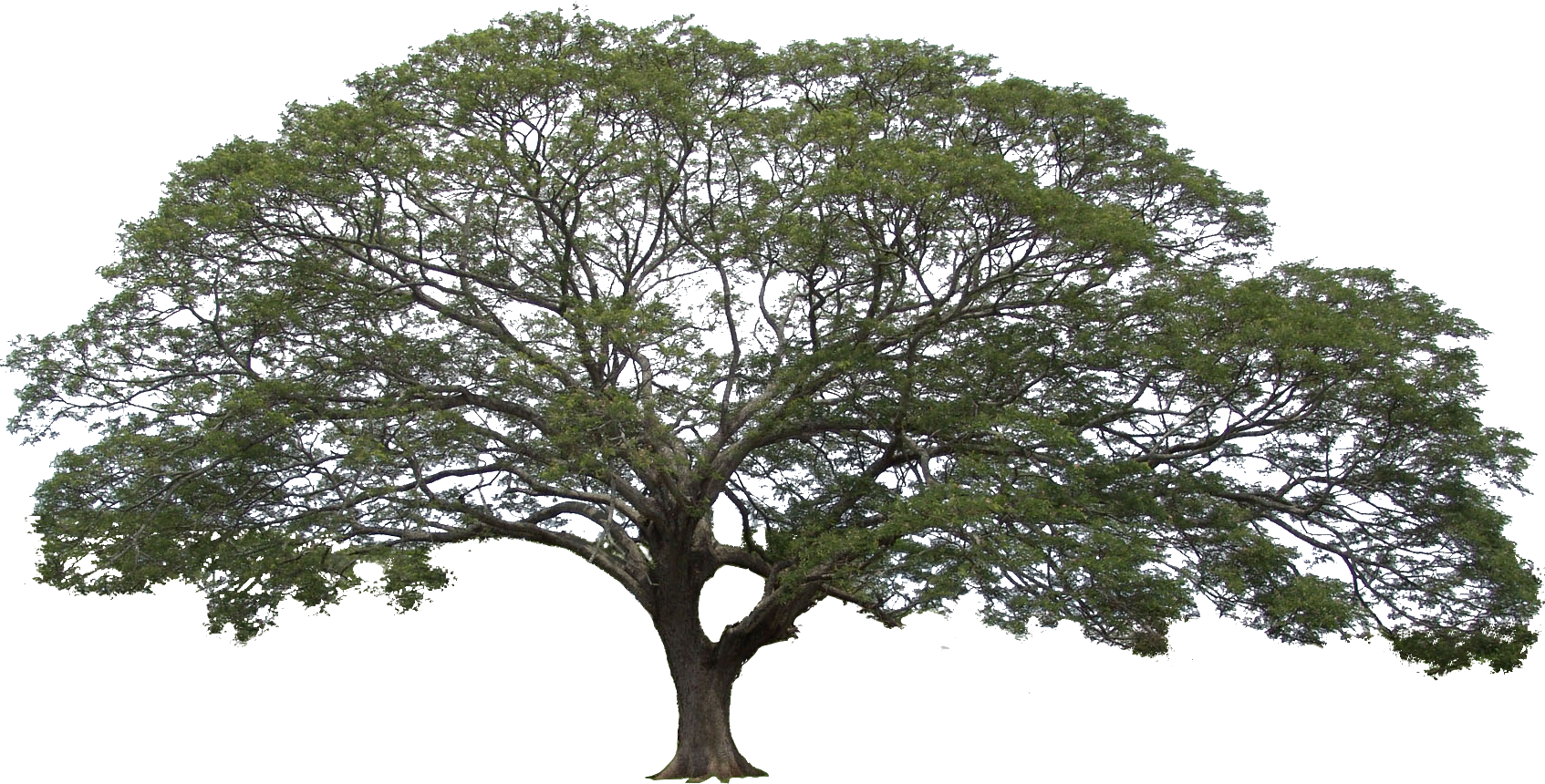
Hi TIG I'm trying to trim this image, but everytime I use the plugin, sketchup freezes and I have to force the program to close.
-
@Nicklaus-Tang said in Image Trimmer Plugin issue:
but everytime I use the plugin, sketchup freezes
That isn't a surprise. You're asking the extension to create many thousands of edges. That will take a long time. You could speed it up some by eliminating the excessive detail with a simpler silhouette.
-
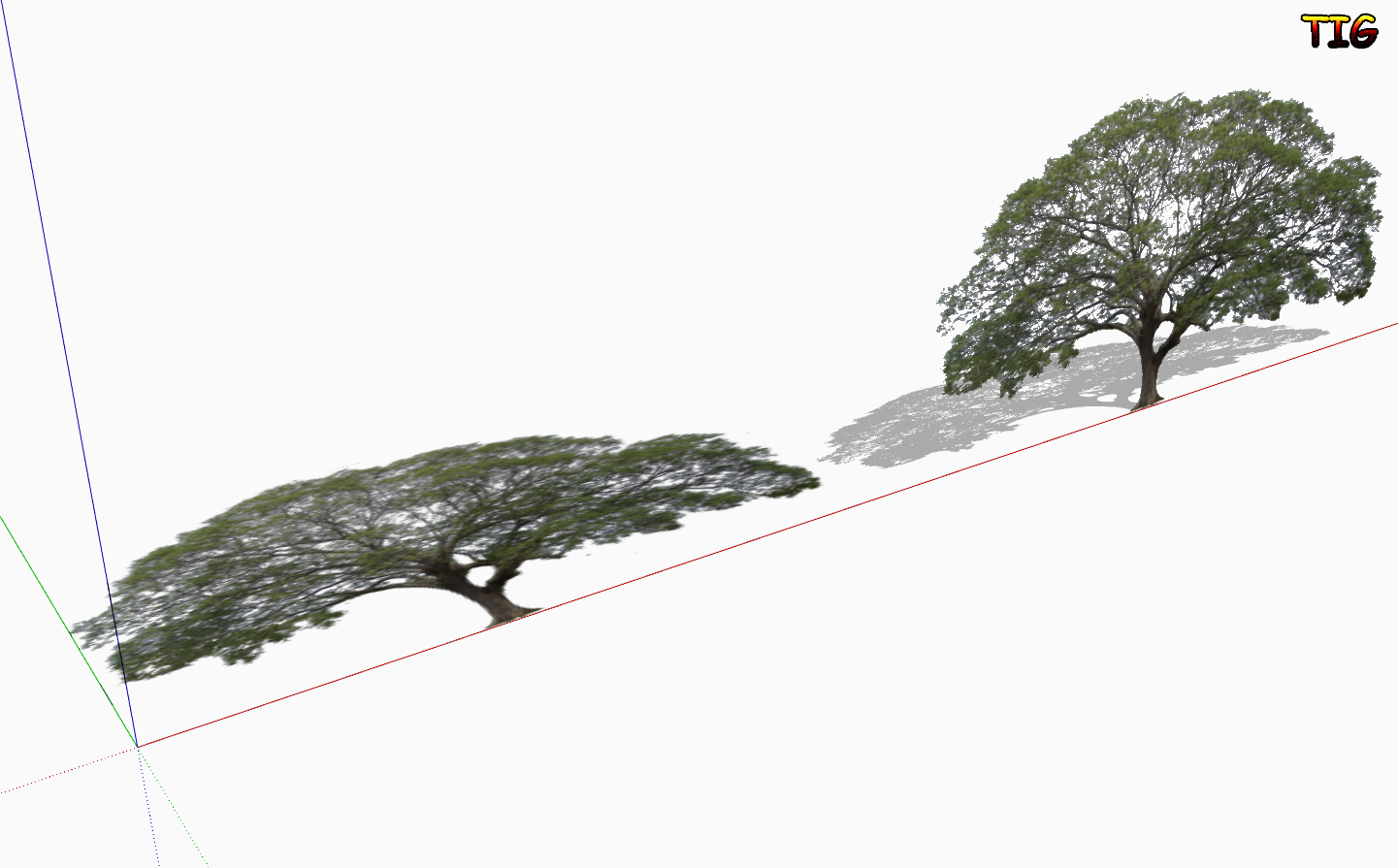
I tried it with my very old ImageTrimmer, and it took a very very long time !
Then I tried it with Fredo6's new https://sketchucation.com/pluginstore?pln=Pic2Shape
It took 25 minutes, and I had to manually hide the edges and stand it up, but it worked well. Here's the SKP v2026... trimmed.skp





Advertisement