Medeek Wall Plugin
-
@MtnArch
My last house had three of them and I found them quite clunky to use. They look nice but functionality is marginal. -
And privacy next to non-existent. I can see in a primary bedroom for the ensuite, but I see them being used for powder baths now, too. Yikes!
-
anyone seeing my naked through my windows is all the punishment they need...
 Mindwash
 is very expensive... LOL
 -
Version 4.2.6 - 01.24.2026
- Added a one and two panel option for rectangular half glass and 3/4 glass doors.
- Added a one and two panel option for rectangular double half glass and double 3/4 glass doors.
- Added a one and two panel option for arched half glass and 3/4 glass doors.
- Added a one and two panel option for arched double half glass and double 3/4 glass doors.
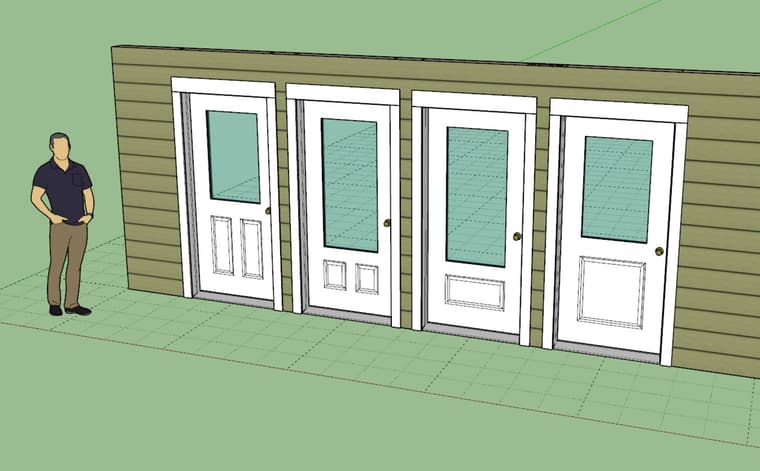
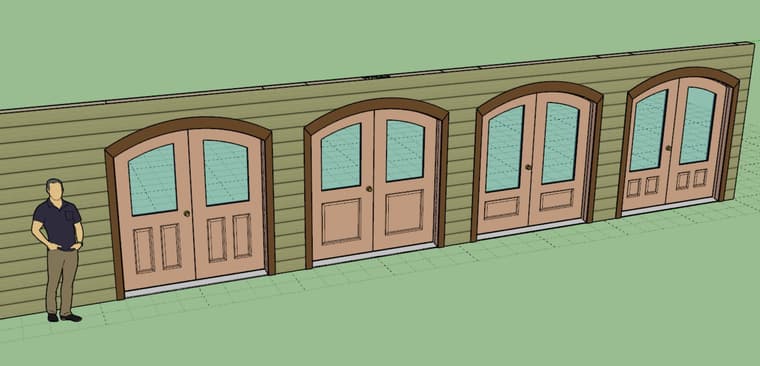
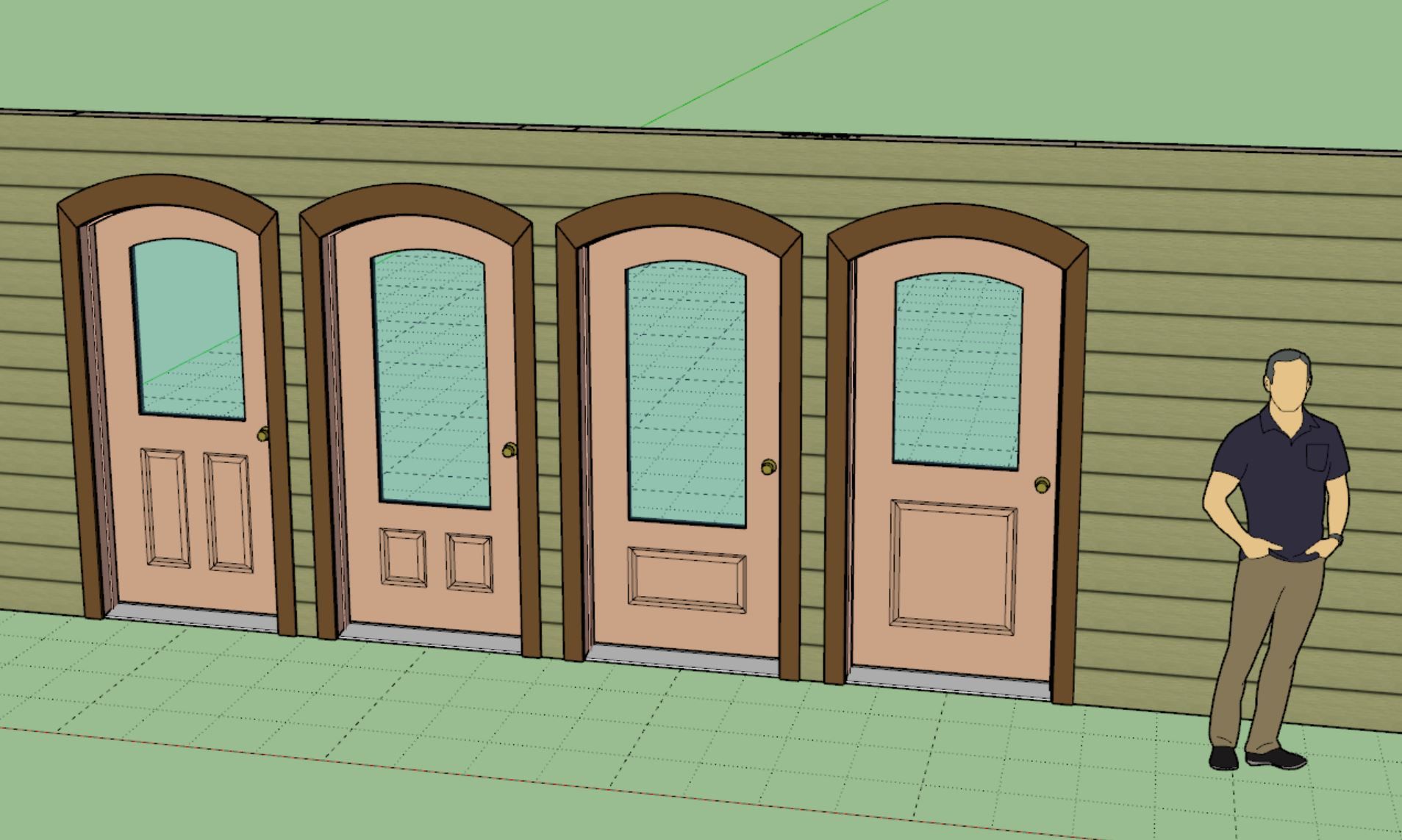
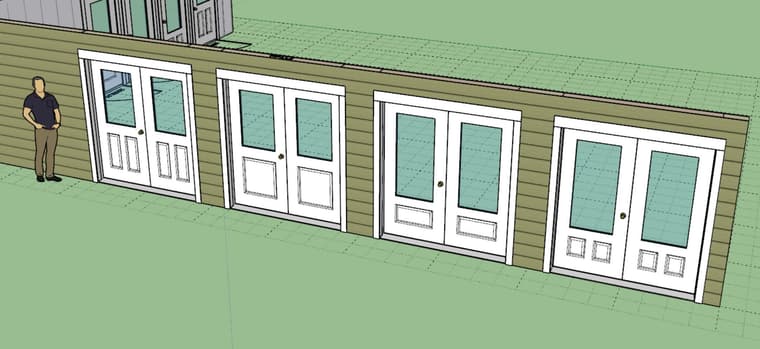
This update per customer request.
There are many other door configurations I could add but these were obvious low hanging fruit so I jumped on it and knocked it out fairly quickly. I will take another look at pocket doors and bypass doors and see if I can add some panel options to those as well.
-
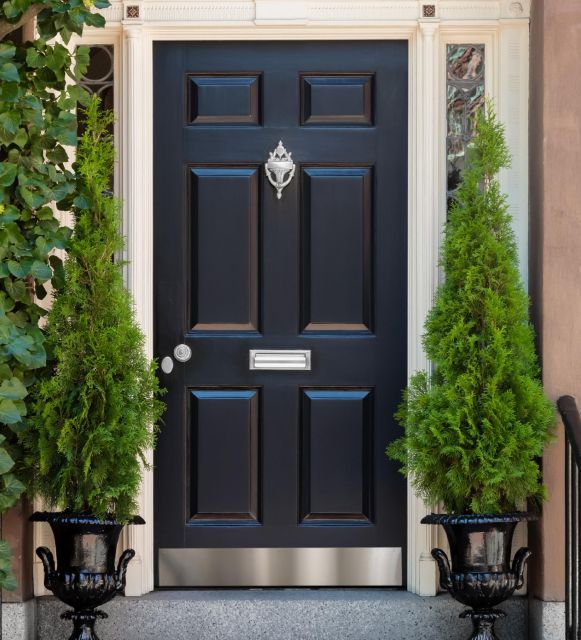
I was also wondering if anyone had any thoughts on kick plates for doors. Is this something anyone is interested in?
-
Version 4.2.7 - 01.26.2026
- Added a kick plate option for all swing doors (rectangular and arched).
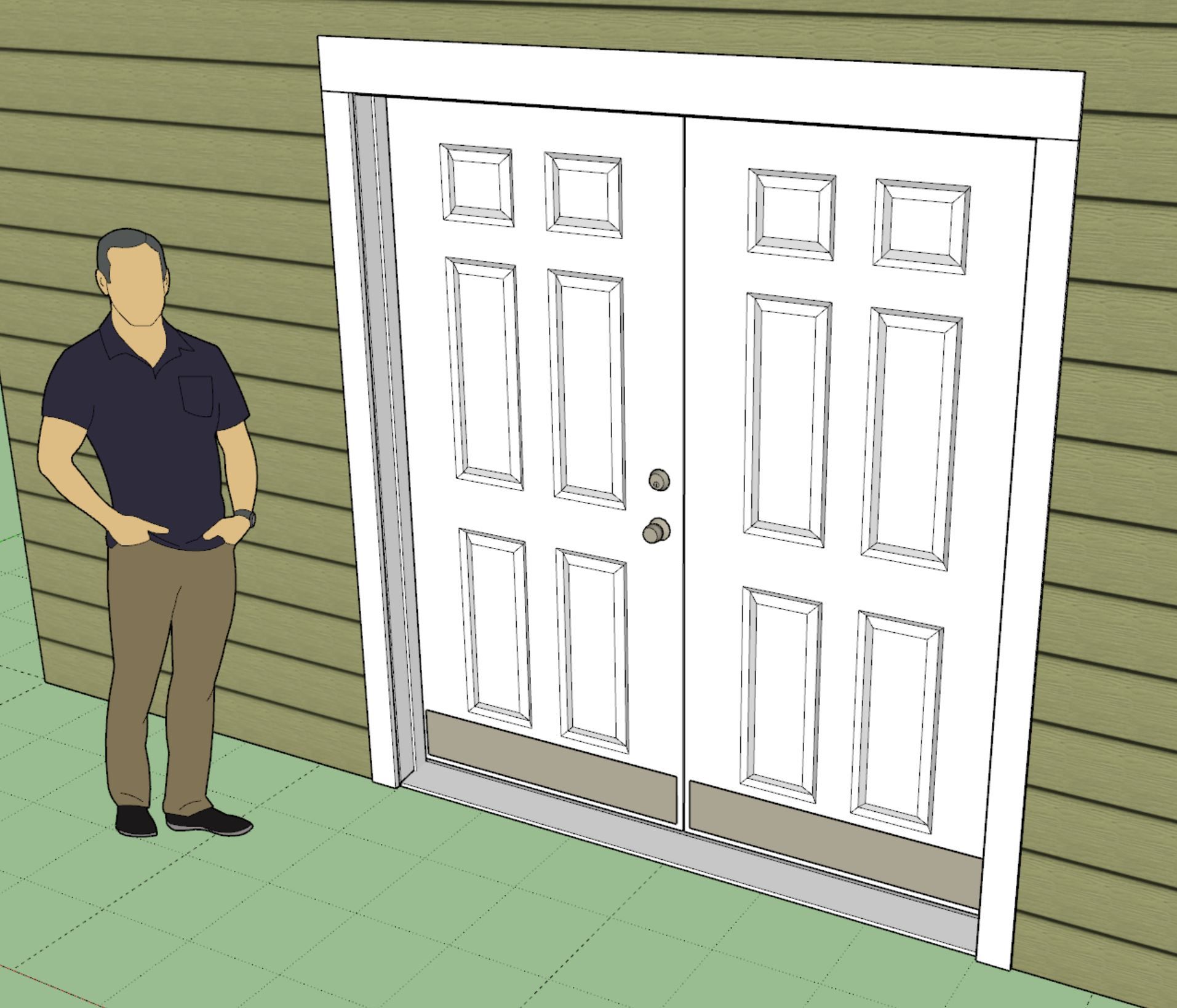
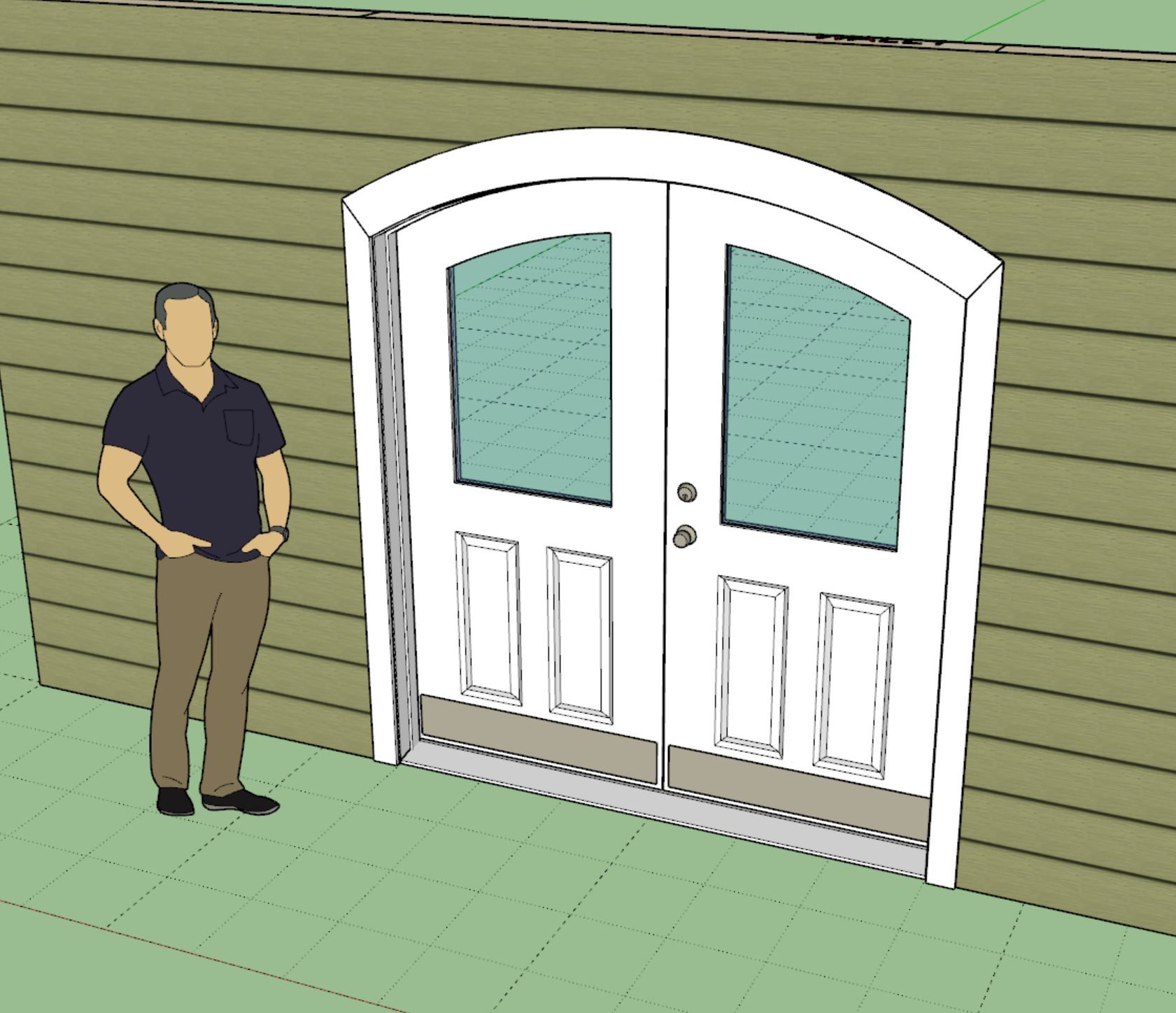
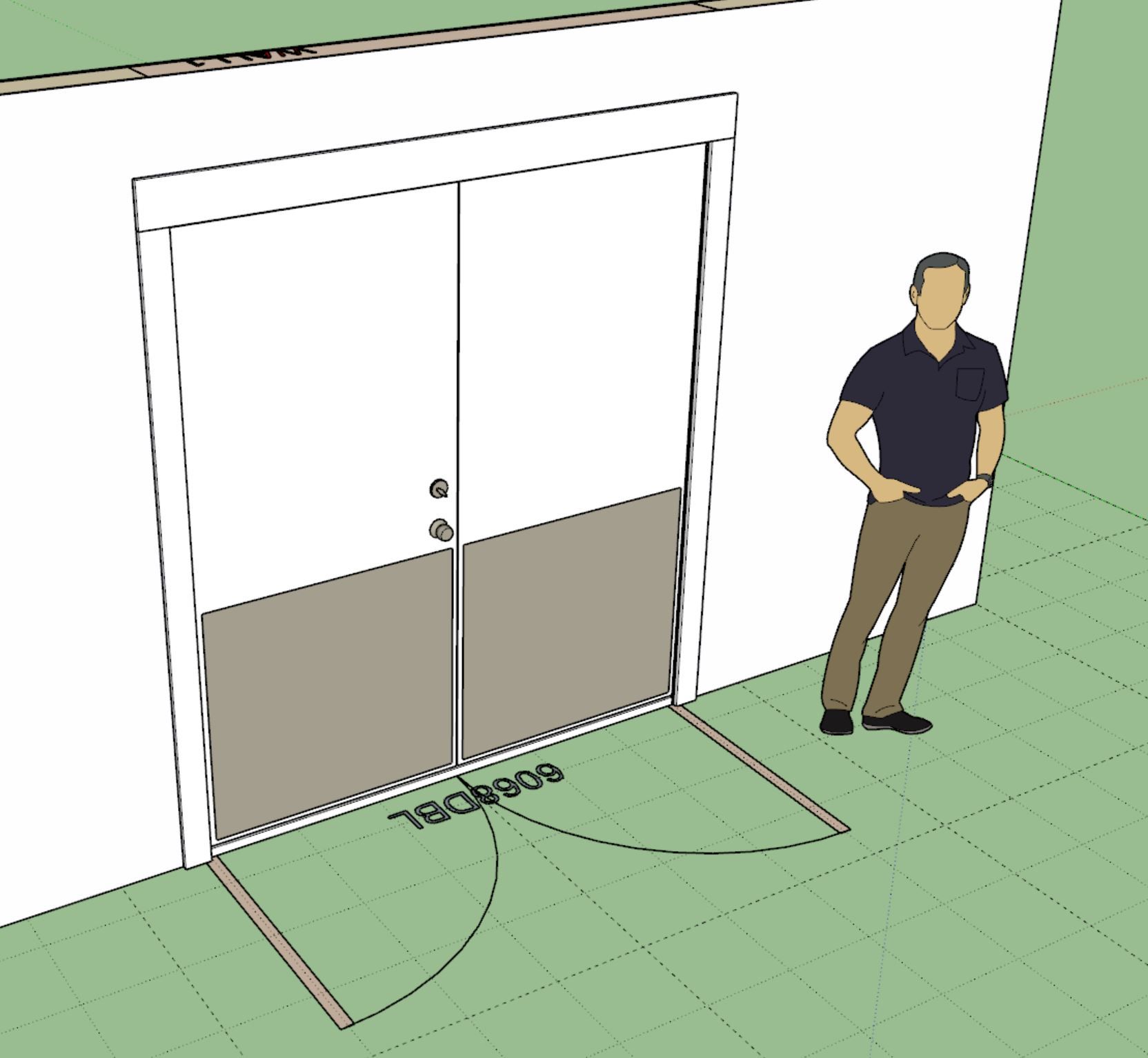
Yet another update following up on a customer request. Probably not the highest priority on my list but a welcome addition for those that need this feature.
The kick plate(s) can be positioned on the exterior, interior or both sides of the door. The height and thickness is configurable. For now the margin at the edge is hard coded in at 0.75 inches (width is auto calculated based on door size). The material (ie. brass, nickel etc...) is configurable the same way the door hardware is.
-
Tutorial 81 - Door Kick Plates (4:29 min.)
-
Version 4.2.8 - 01.27.2026
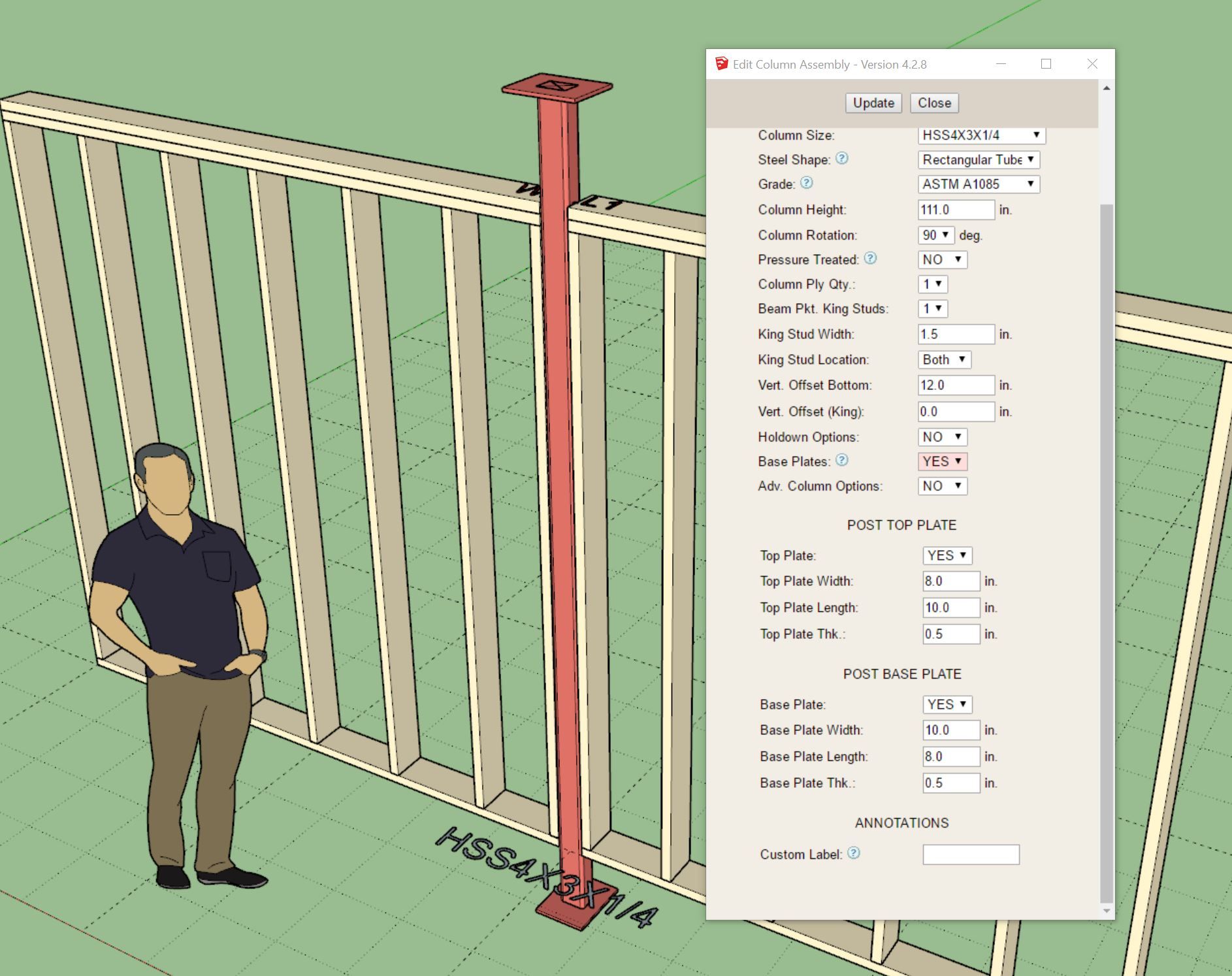
- Added the following steel column types to the column module: Round (HSS), Pipe (NPS).
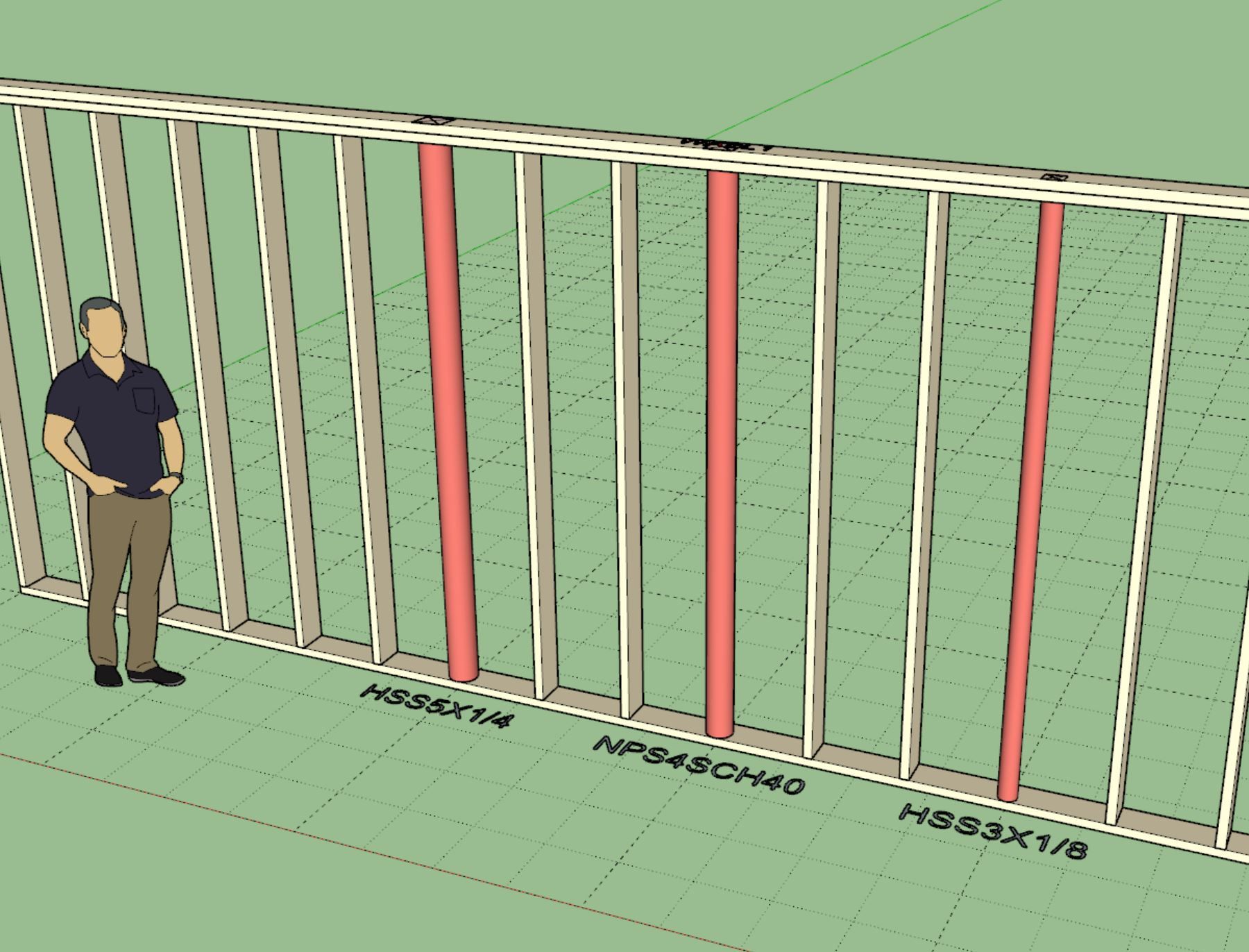
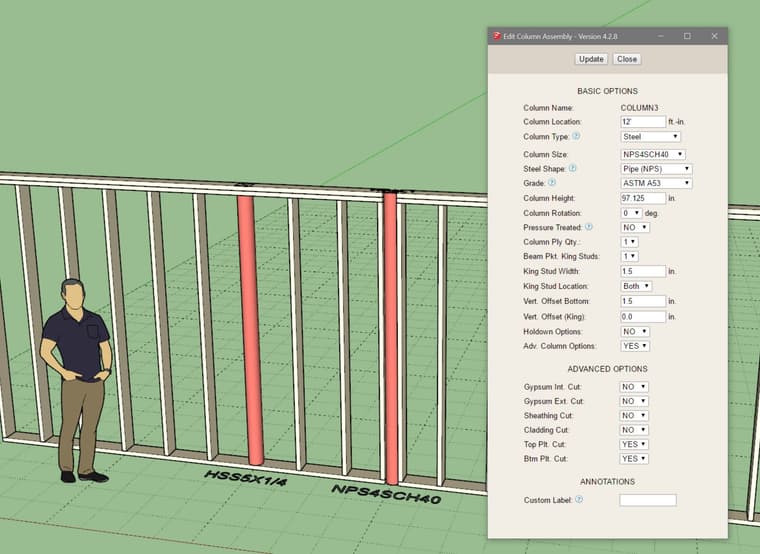
Update per customer request.
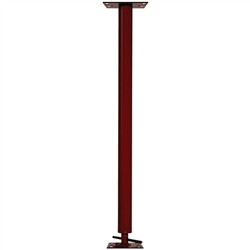
You can now add round steel in-wall columns into your Medeek walls. These aren't actually lally columns since that specific product is typically installed with an adjustable screw assembly. However for most design purposes I think showing the round column like the image above will suffice.
-
Version 4.2.9 - 01.30.2026
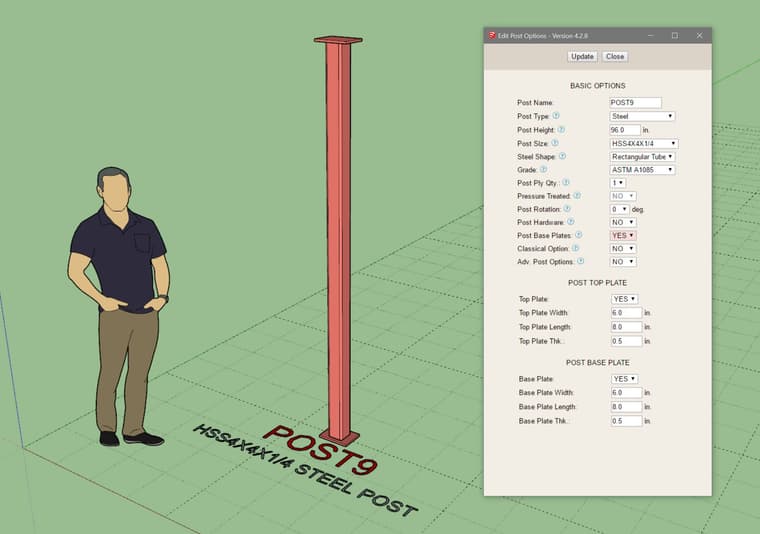
- Added a base plate (top and bottom) option to the post module.
- Fixed a bug in the post module related to hardware caps and bases.
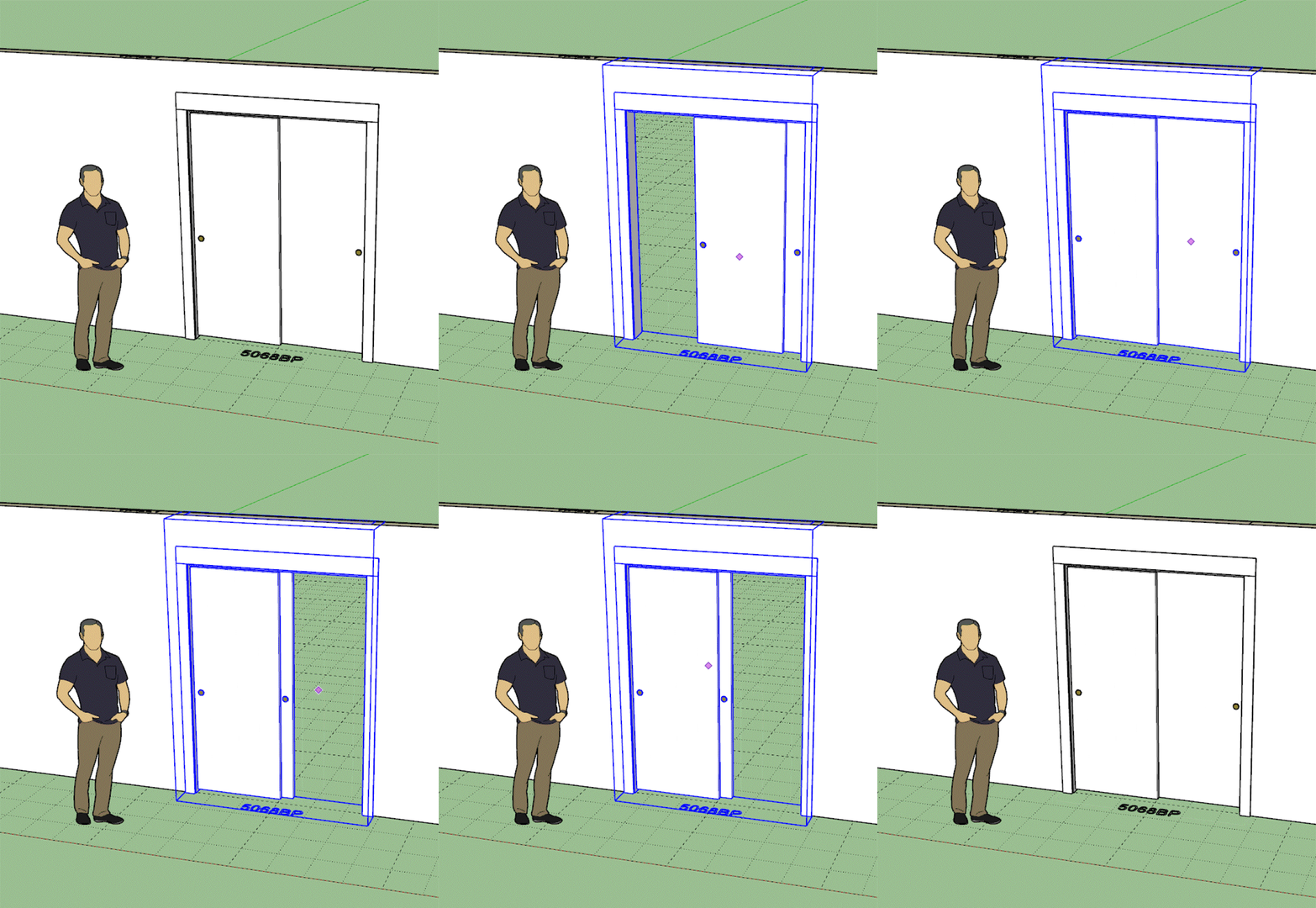
- Updated the bypass door opening algorithm so one can open both sides of the door.
-
Version 4.3.0 - 02.01.2026
- Added a base plate (top and bottom) option to the in-wall column module.
- Added "Opening Outline" options to the General tab of the Global Settings for windows, door and garage doors.
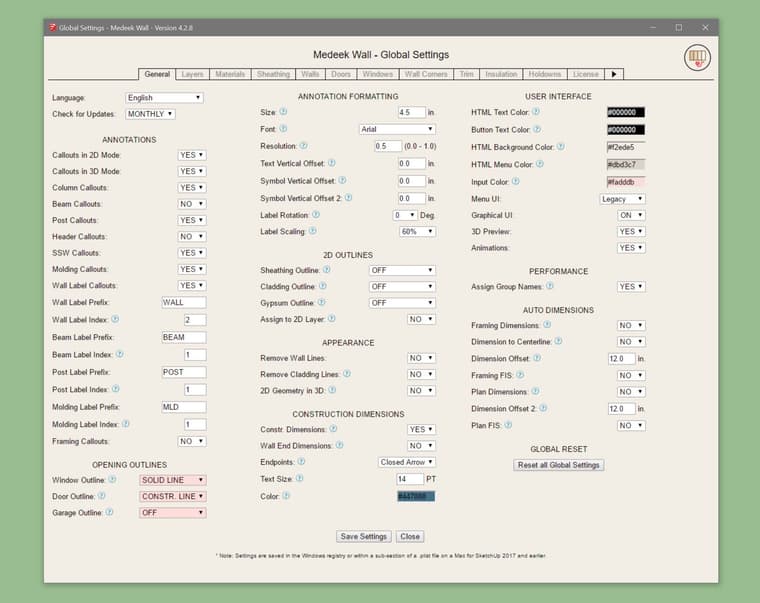
The option to set the opening outlines as regular edges or dashed (construction lines) was requested by a user. This option only changes the outline created at the top of the wall, it does not change or remove the door swing symbol or the garage door extent outline (dashed construction line).
I’m trying to not add more parameters and options but users always contact me with something new they need. Everyone has their own workflow or the way they want things to appear in Layout. Flexibility and a smorgasbord of options is critical but at the same time it does balloon the number of parameters and increases complexity which tends to scare away some potential users.
I always tell new users to not be frightened of all the options, if you don’t know what it does then just leave it as default, that is generally your safe bet.
-
Version 4.3.1 - 02.02.2026
- Added a six panel option for pocket doors.
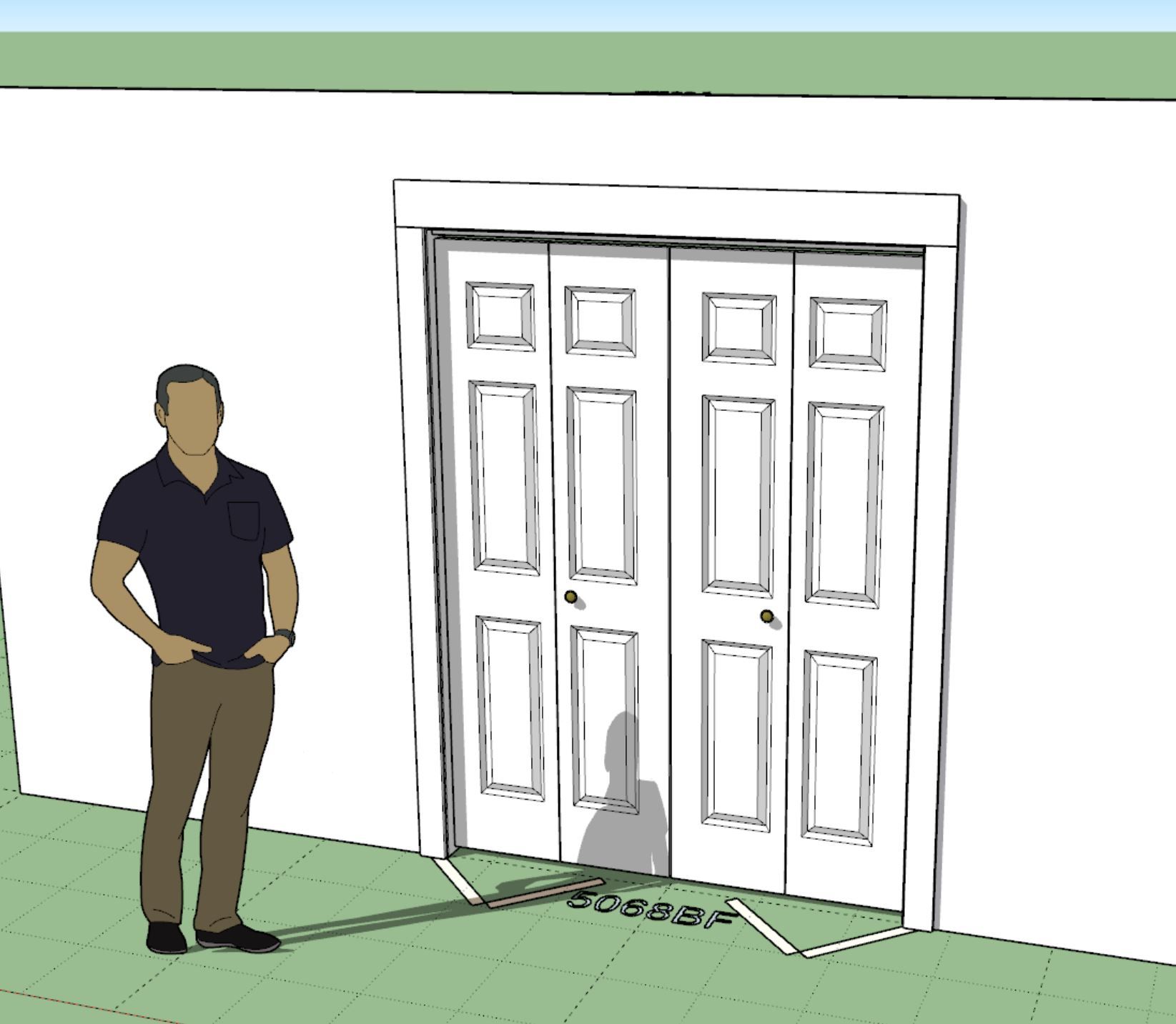
- Added a six panel option for bifold 2 and bifold 4 doors.
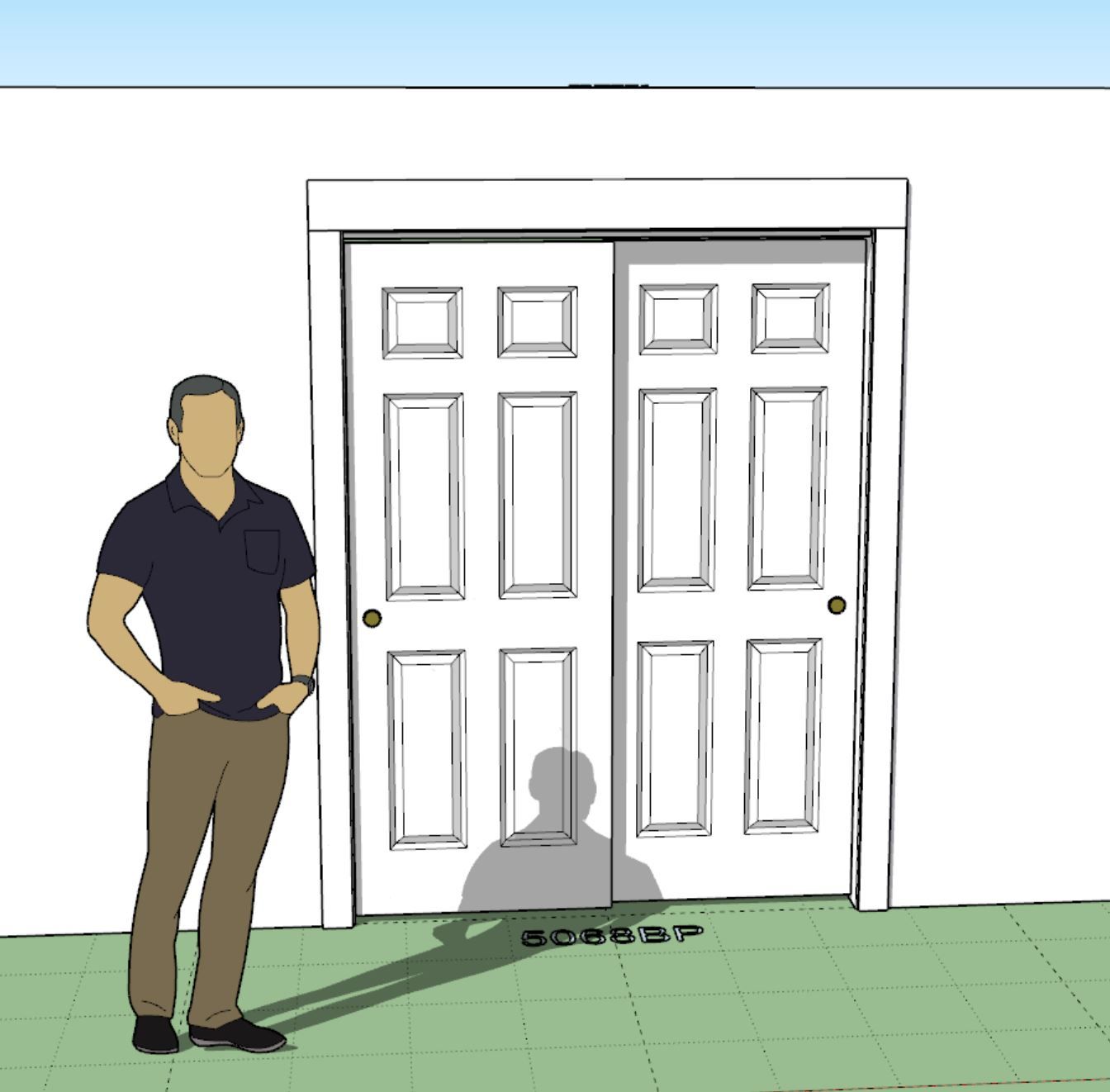
- Added a six panel option for bypass doors.
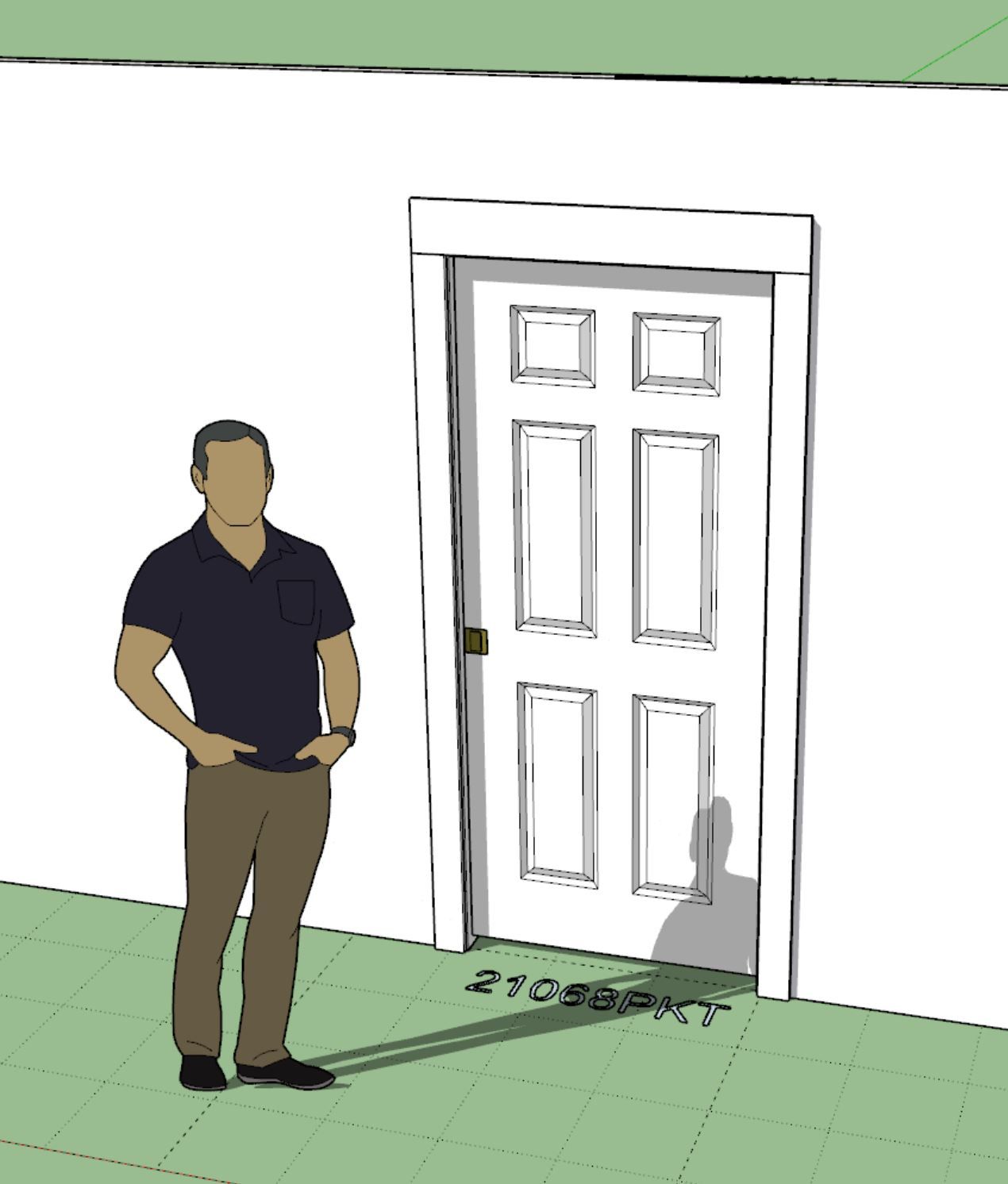
-
Version 4.3.2 - 02.05.2026
- Added flat panel options for pocket doors.
- Added flat panel options for bifold 2 and bifold 4 doors.
- Added flat panel options for bypass doors.
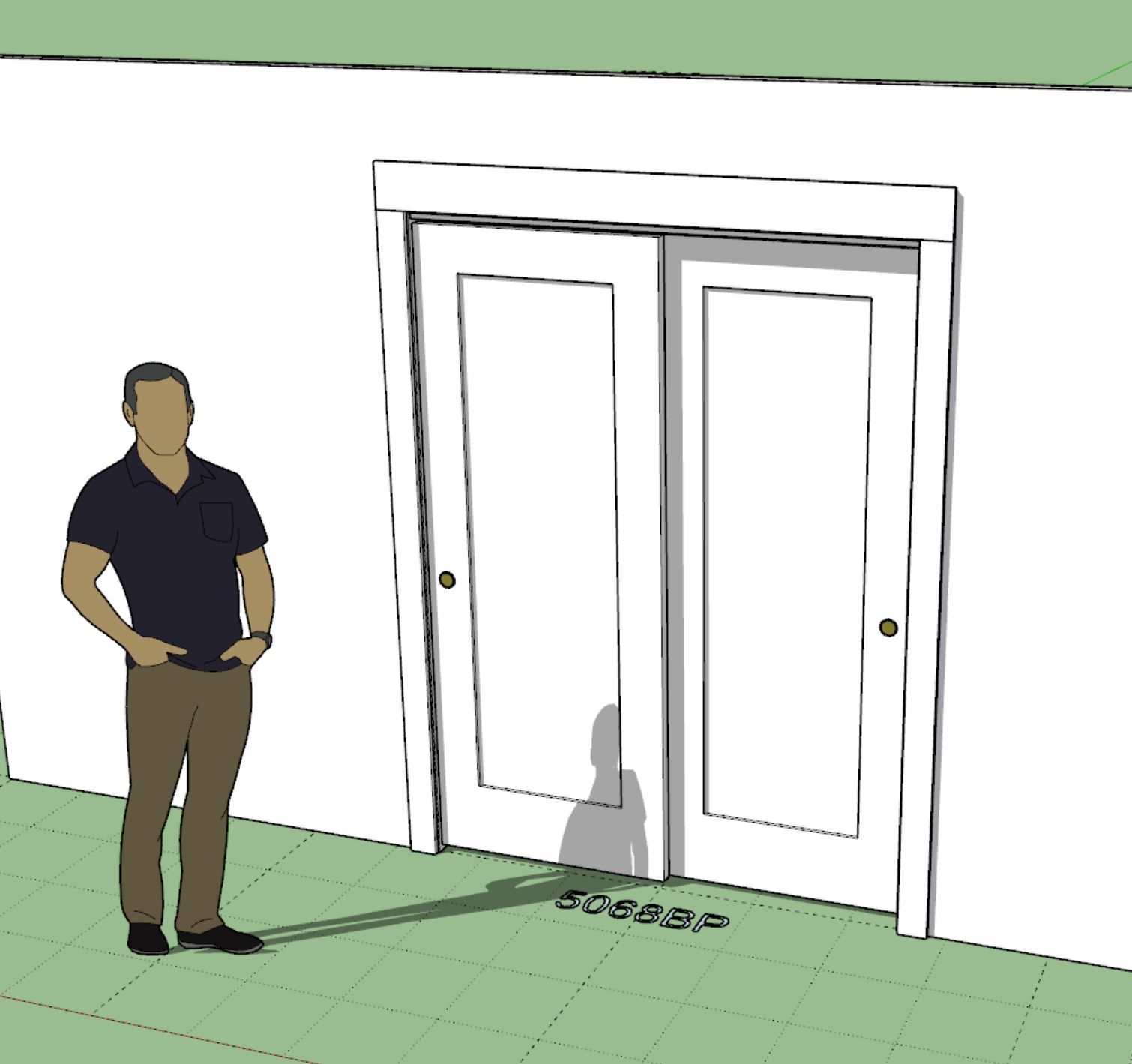
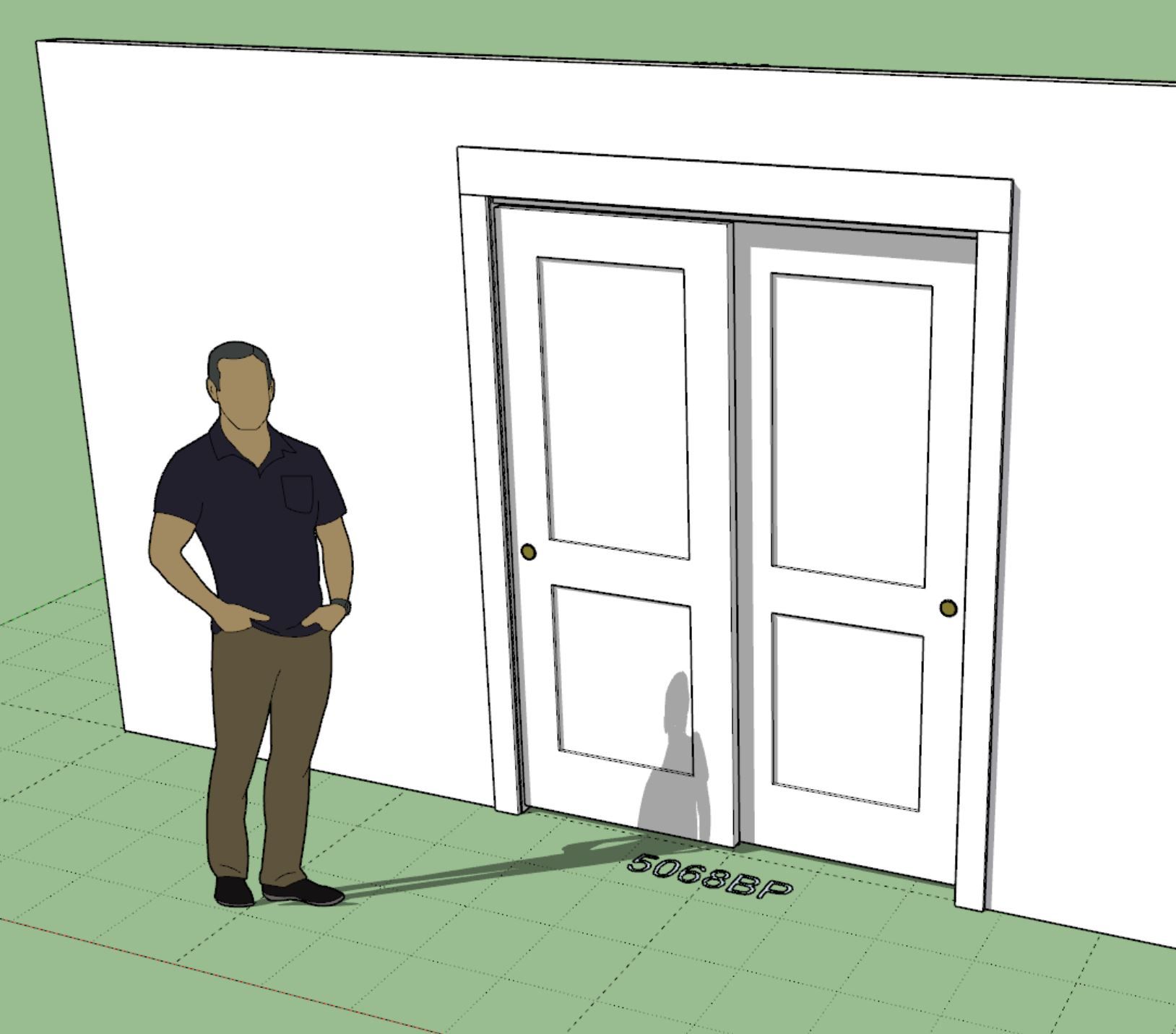
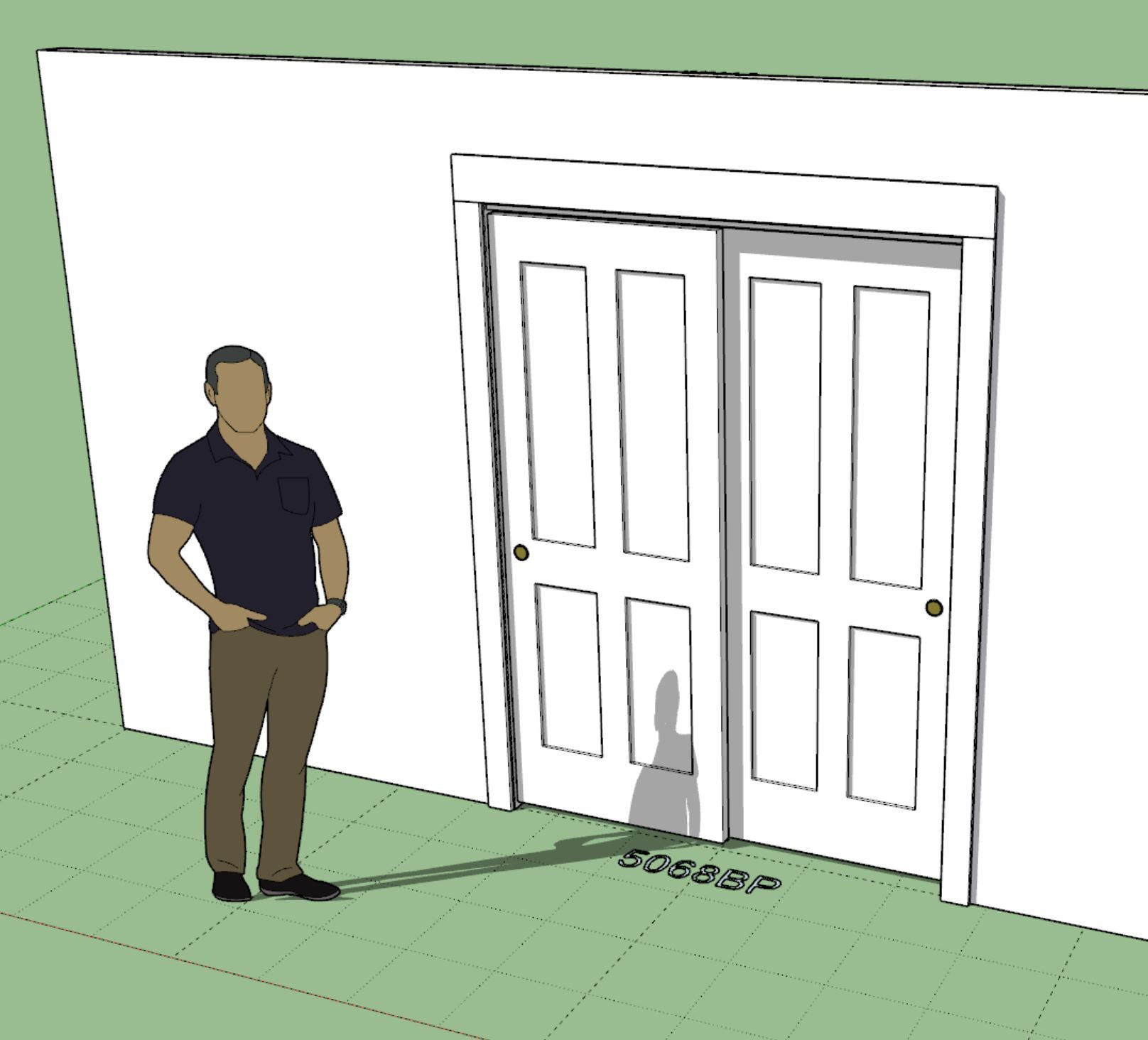
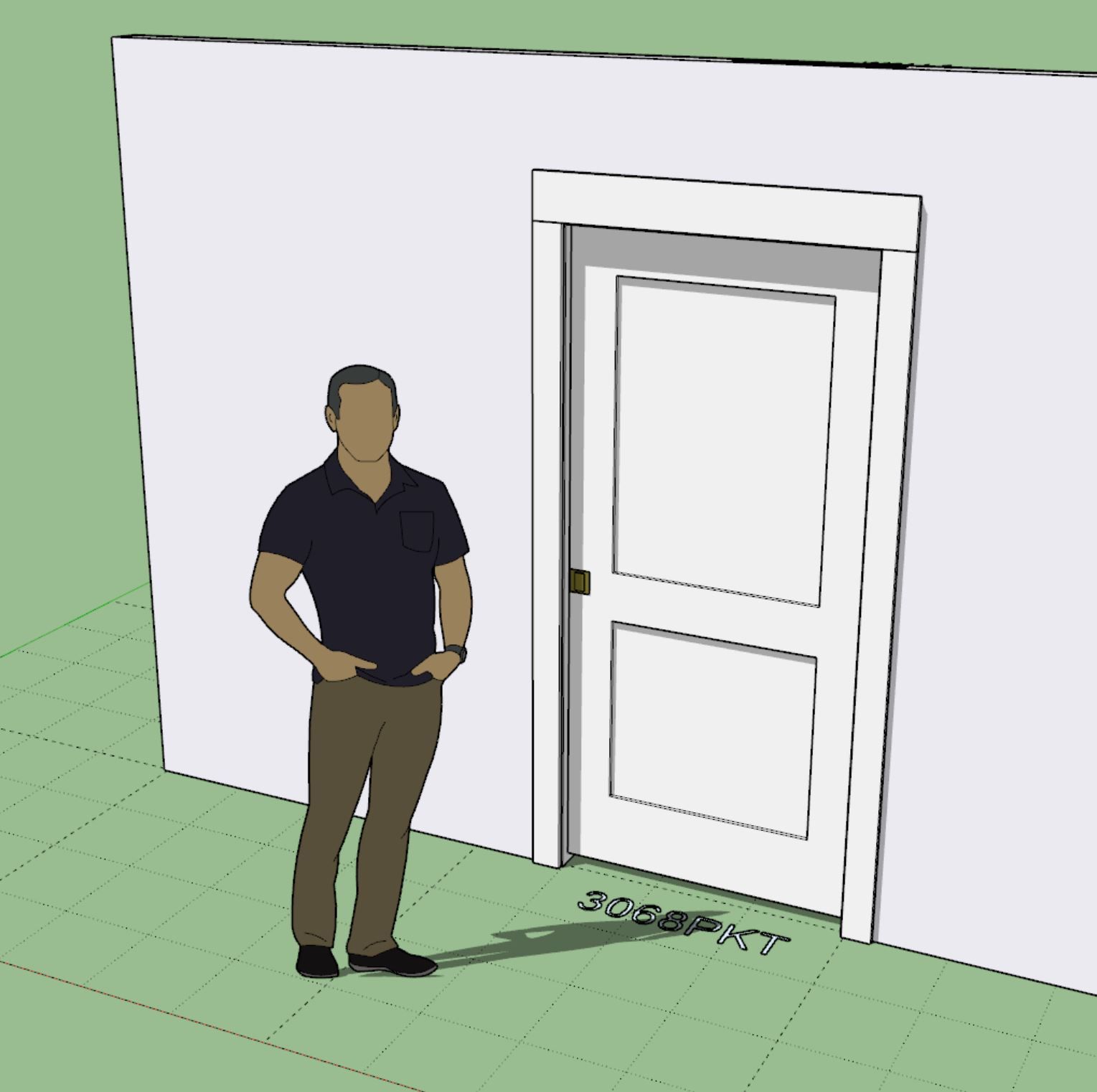
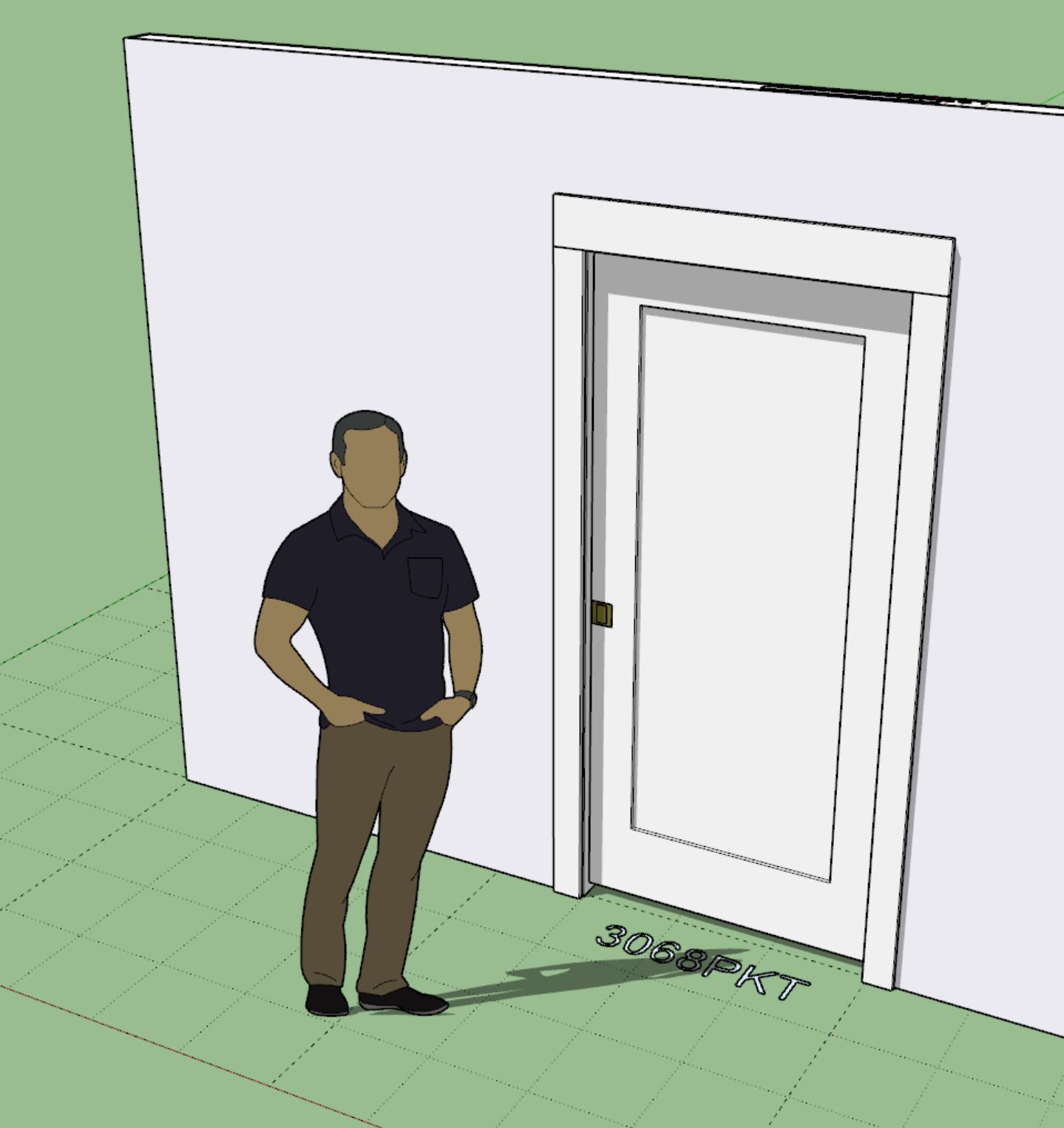
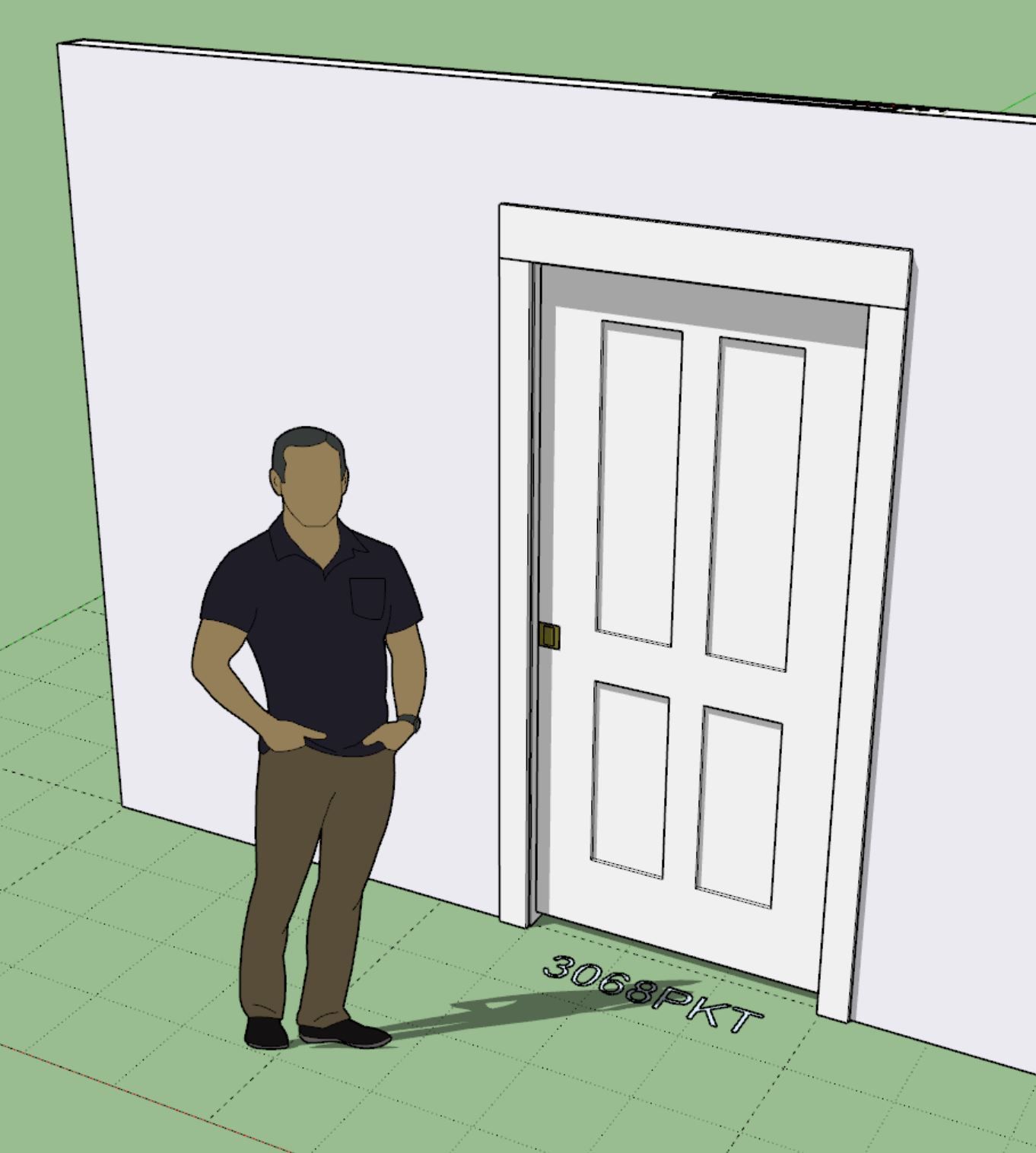
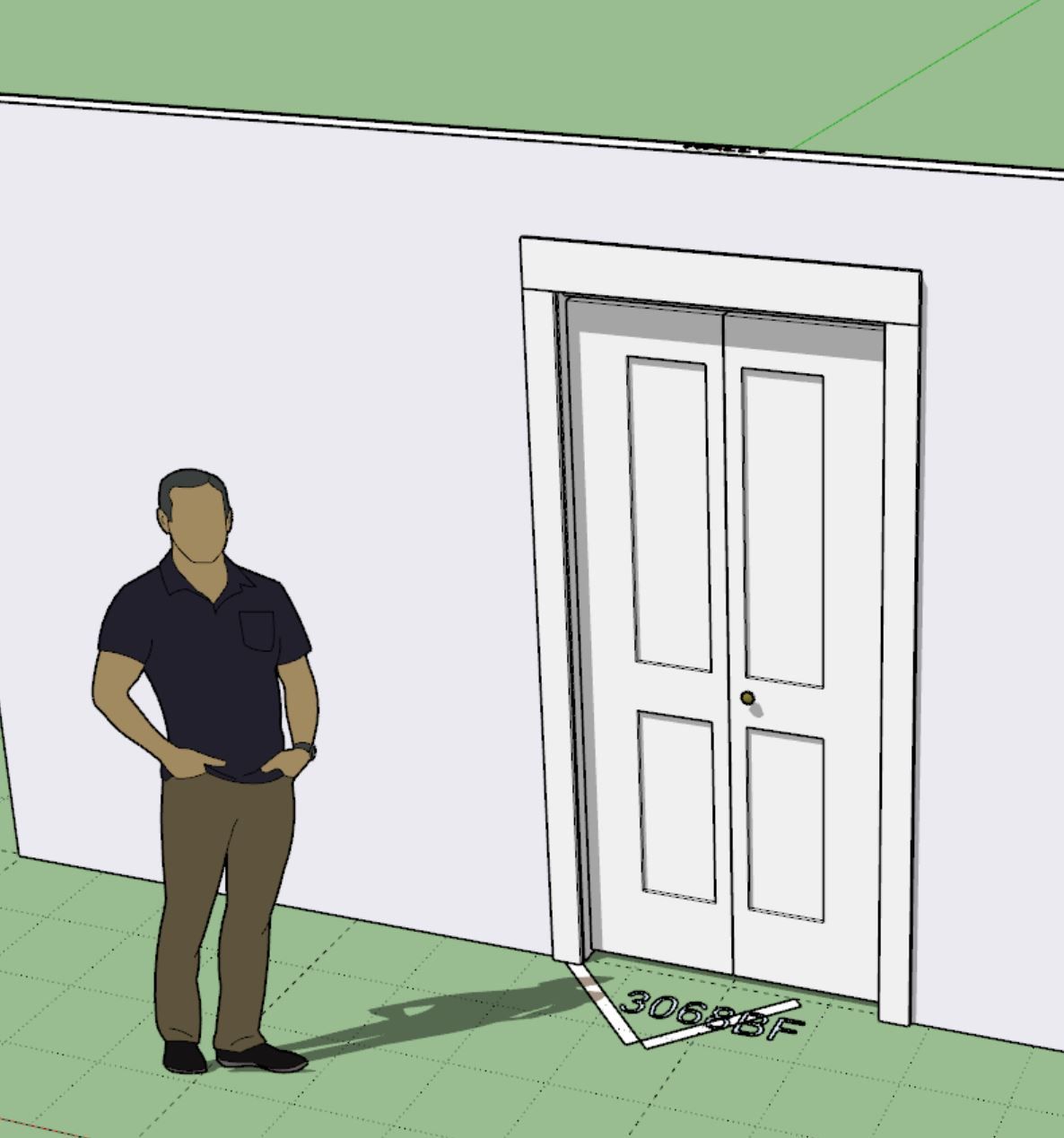
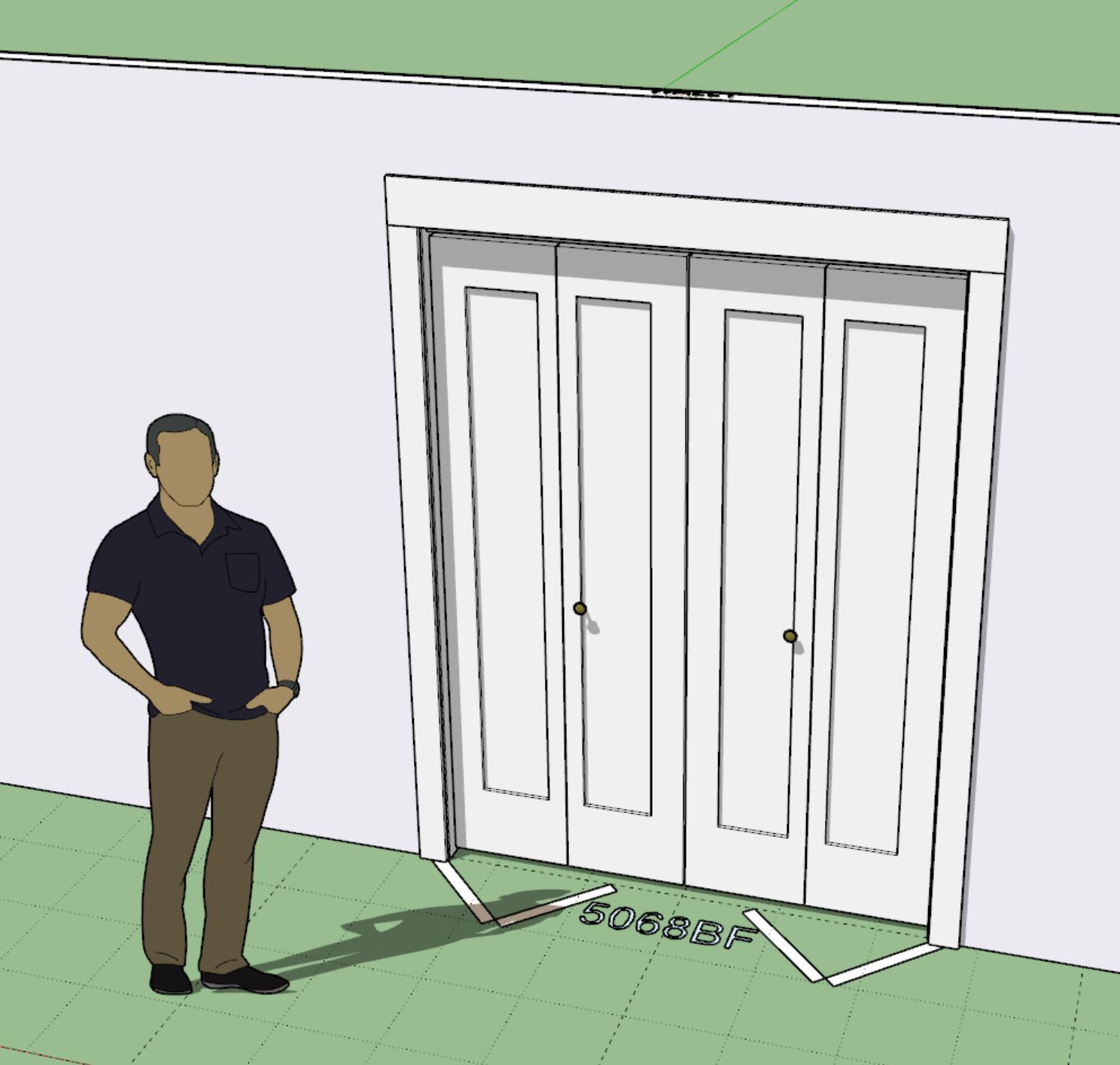
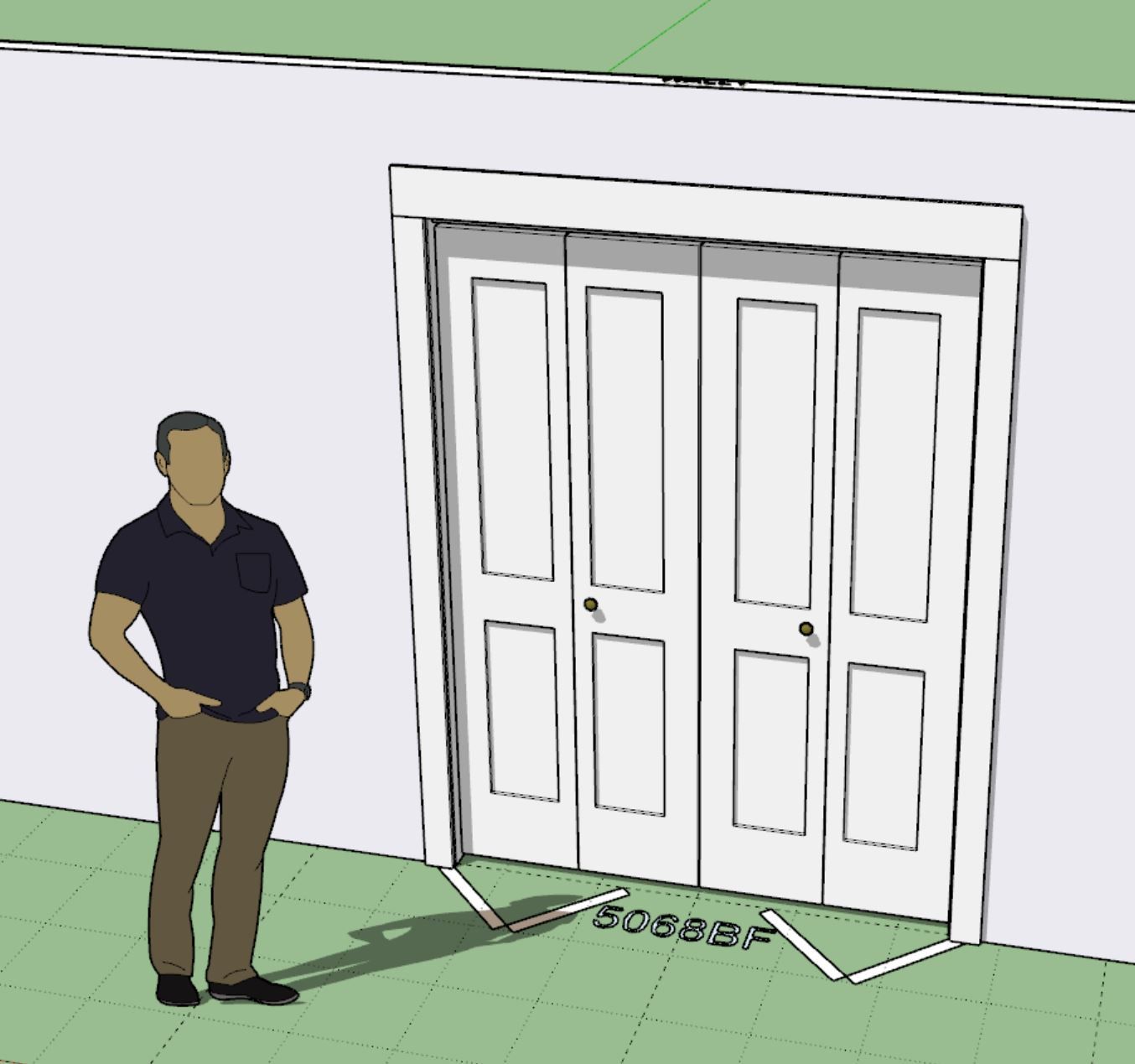
I think that finally completes all of the door panel options for all the other non standard door types (rectangular doors) within the Wall plugin.
-
Version 4.3.3 - 02.08.2026
- Added the following Simpson Strong-Tie anchor bolts to the wall, column and shearwall modules: SABR58-24, SABR34-26, SABR78-28, SABR1-30, SABR114-32.
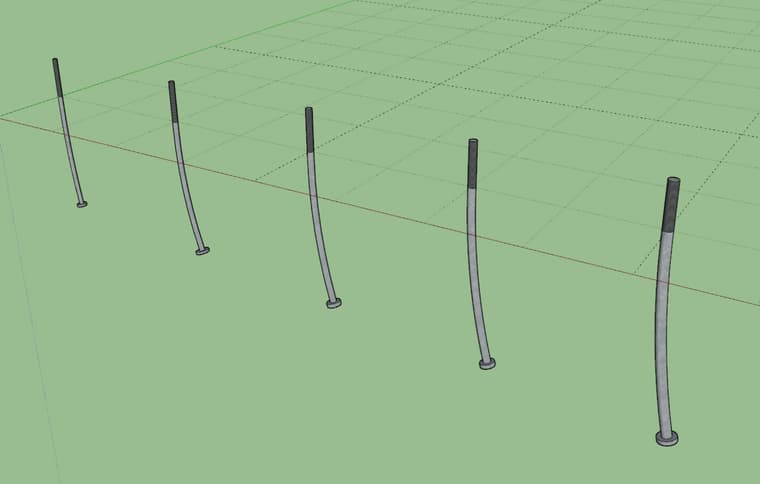
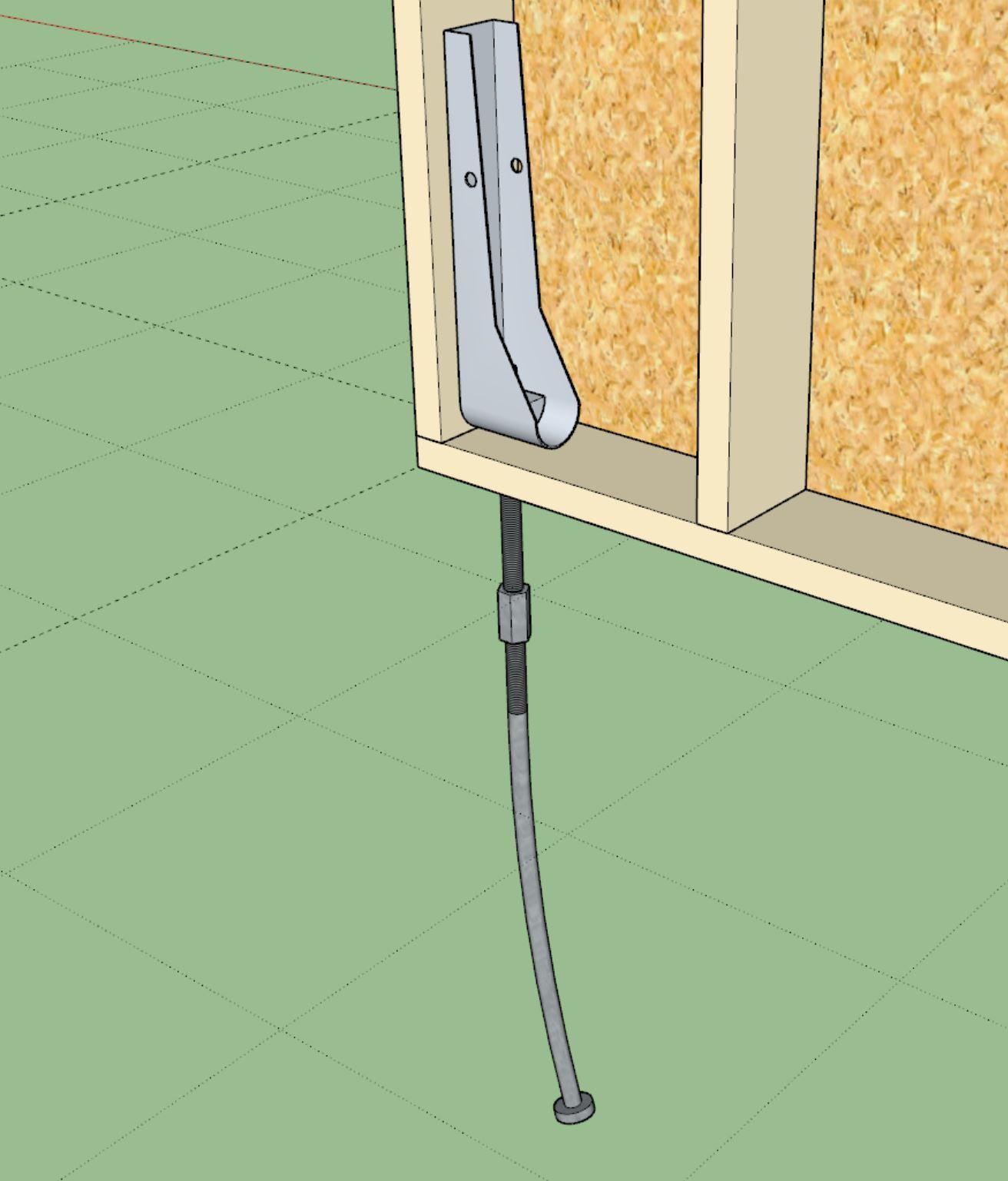
These new anchor bolts are included in the new Wood Construction Connectors Catalog (C-C-2026) for 2026.
These low poly versions of the anchor bolts are based on the models provided on Simpsons website.
-
Version 4.3.3b - 02.10.2026
- Fixed a bug with pocket and sliding glass doors as related to the sidelite and transom options.
-
Version 4.3.4 - 02.13.2026
- Fixed a bug with bypass, bifold, pocket and sliding glass doors as related to the sidelite and transom options.
- Fixed a bug with the kick plate option for doors.
-
Version 4.3.5 - 02.15.2026
- Added the ability to create custom "Beveled T&G" wall cladding materials within the Material Library.
- Enabled "3D" Beveled T&G wall cladding for all wall types: Rectangular, Gable, Shed and Hip.
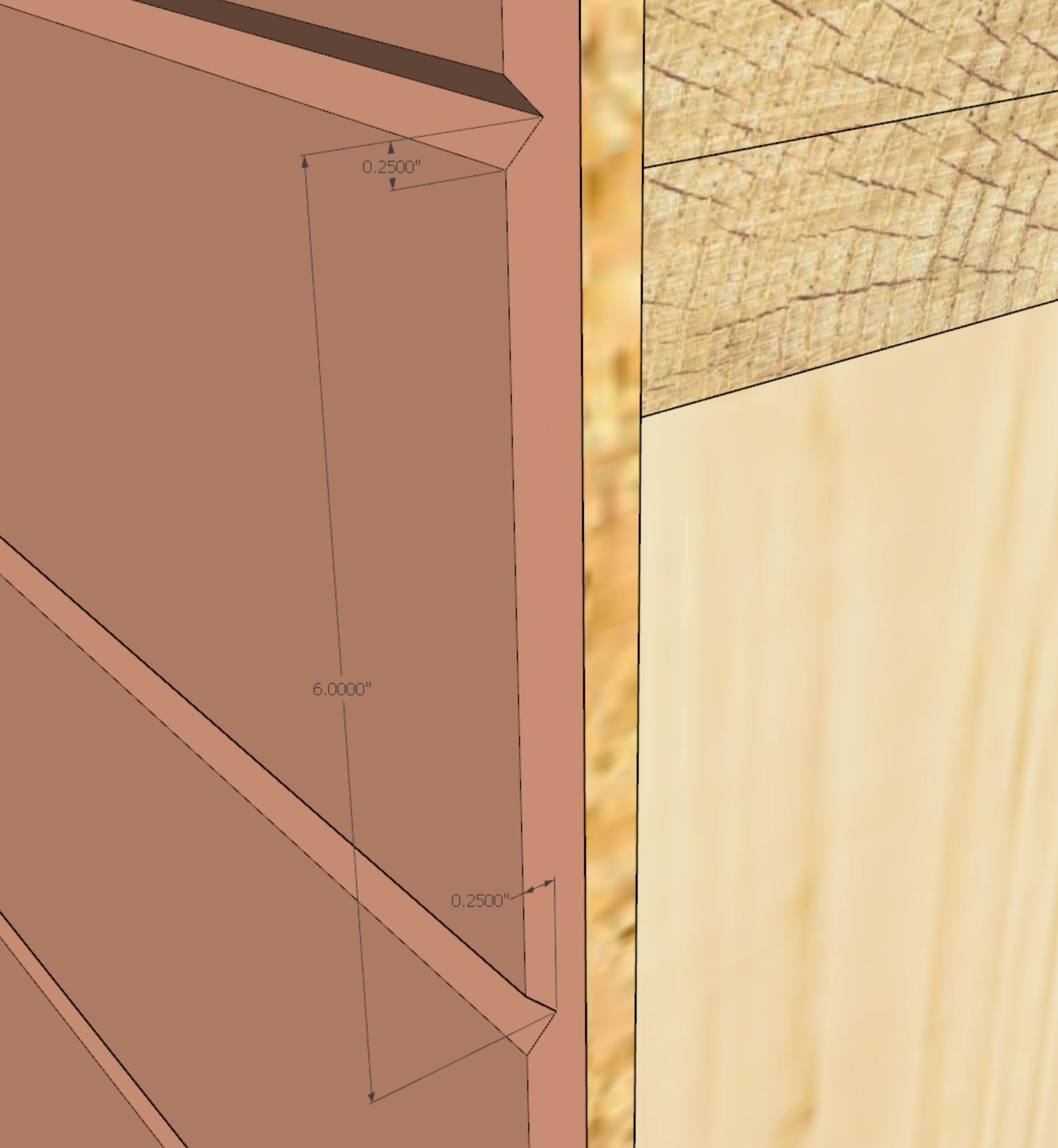
This 3D material by customer request.
The three numeric parameters in order are: board spacing, bevel height and bevel depth
An example of this 3D material might be:
beveltg_6.0_0.25_0.25 -
I've recently had the request to add an annotation to the wall panels that displays the cladding area (net and/or total). See example below:
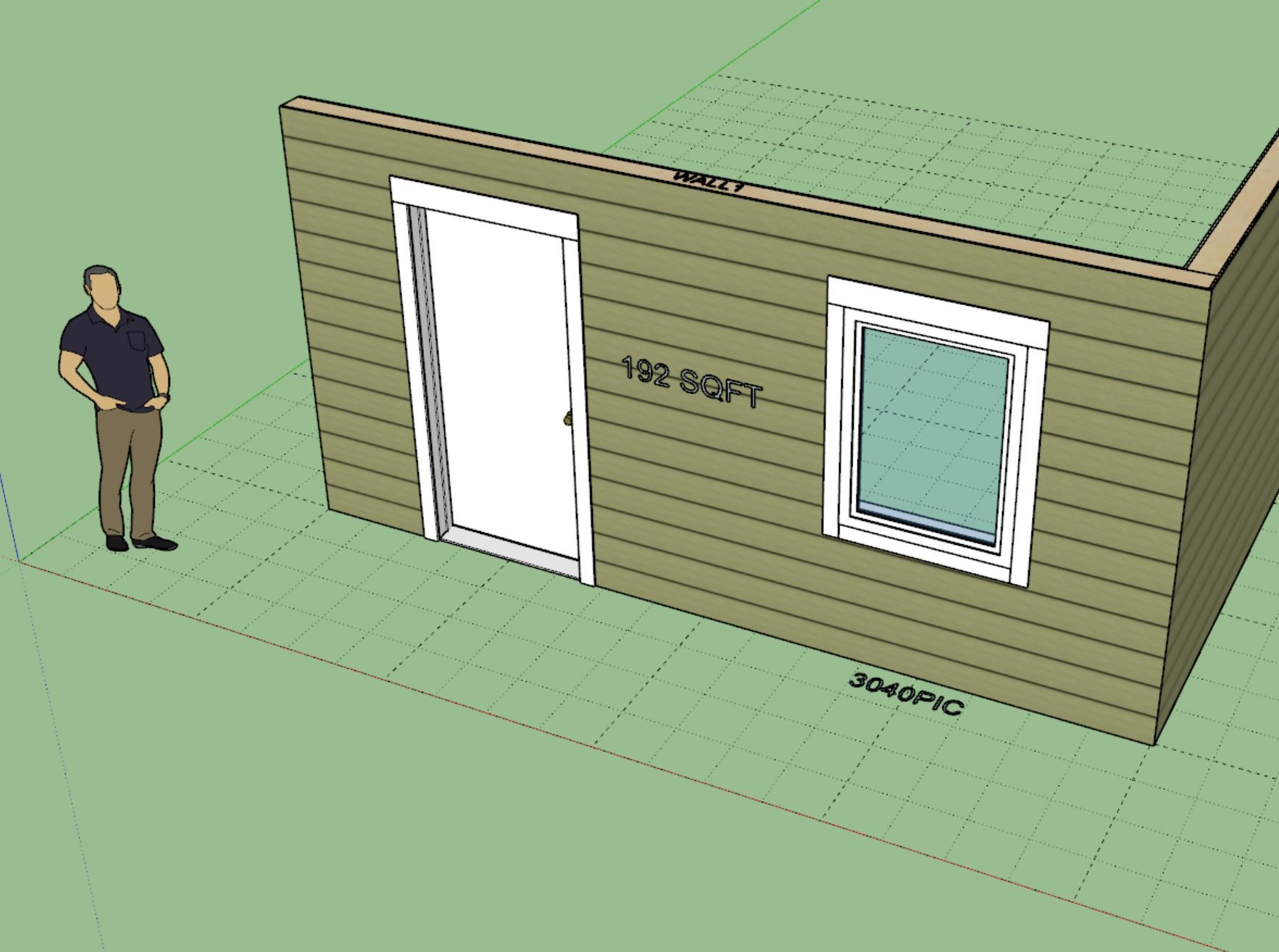
Obviously I would add this to a separate dimension layer/tag so one could easily toggle it on and off. One can already get this information from the estimating module but this would simply provide a quick and easy way to pull the sqft (area) of a wall panel. By default this extra annotation would be turned off but if desired one could enable it in the global settings (Sheathing tab).
It would not be too much trouble to add something like this in but I just want to roll this in front of a larger audience and see if it is even something that would be useful or beneficial to the majority of the user base.
-
Version 4.3.7 - 02.28.2026
- Added a "Garage Door Extent" option to the Garage Door tab of the Global Settings.
- The garage door extent symbol/outline can now be removed or toggled between a dashed (construction line) or solid line.
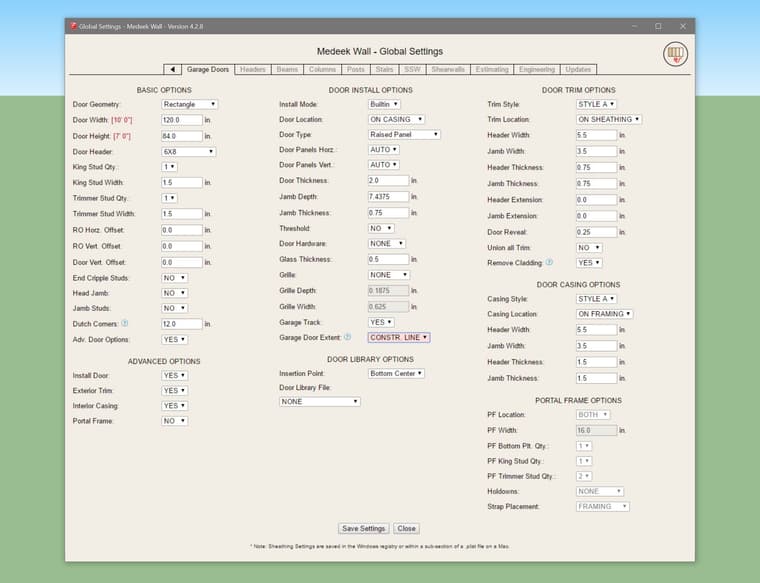
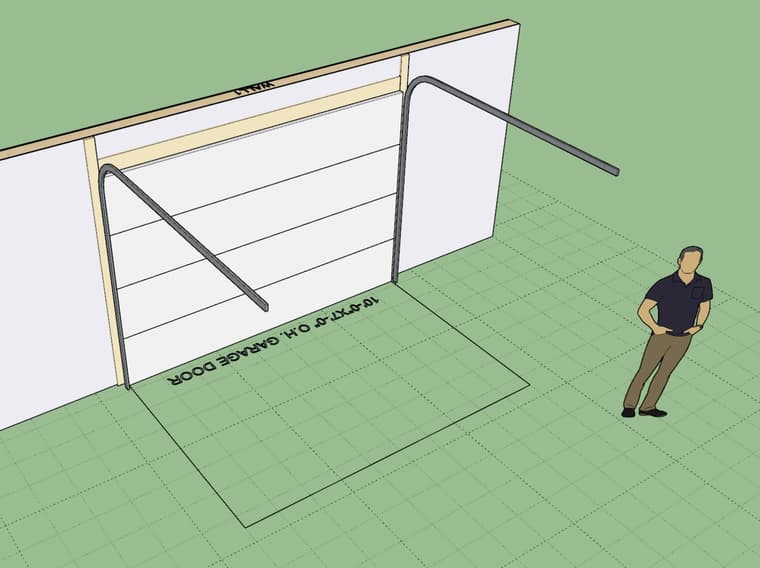
This update per customer request.
-
Version 4.3.8 - 03.01.2026
- Updated the draw wall perimeter tool with a more robust "face" draw option.
-
I would highly recommend that new users of my extensions watch this intro video as well as those who are contemplating purchasing any of the extensions.



Hello! It looks like you're interested in this conversation, but you don't have an account yet.
Getting fed up of having to scroll through the same posts each visit? When you register for an account, you'll always come back to exactly where you were before, and choose to be notified of new replies (either via email, or push notification). You'll also be able to save bookmarks and upvote posts to show your appreciation to other community members.
With your input, this post could be even better 💗
Register Login


Advertisement