Vray Beta Error Gui License
-
hello everybody
I have the vray beta for sketchup 2016 installed on my notebook.
everything is going well. Now I wanted to install the beta also on my desktop.
I get always the error message:
"Failed to checkout v-ray gui license"What can I do?
-
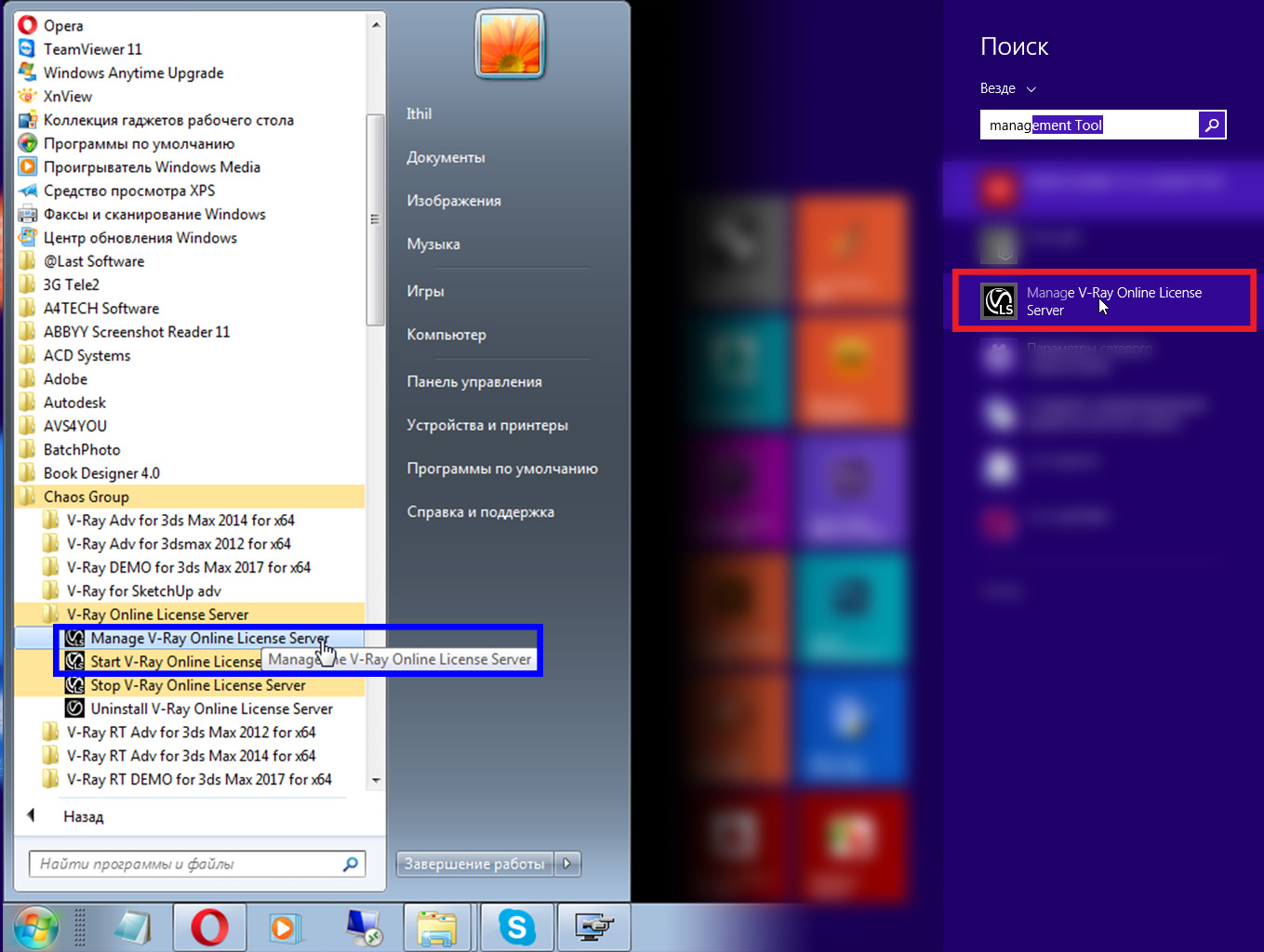
After installing this one we find a shortcut "Manage V-Ray Online License Server" and run.
Once clicked, the page activation. Choosing online registration.
And do not forget to check your firewall and antivirus.They can block Internet access for vray
-
yeeeah great. thank you very much ithil. it run now .-)
-
@ithil said:
After installing this one we find a shortcut "Manage V-Ray Online License Server" and run.
Once clicked, the page activation. Choosing online registration.
And do not forget to check your firewall and antivirus.They can block Internet access for vray
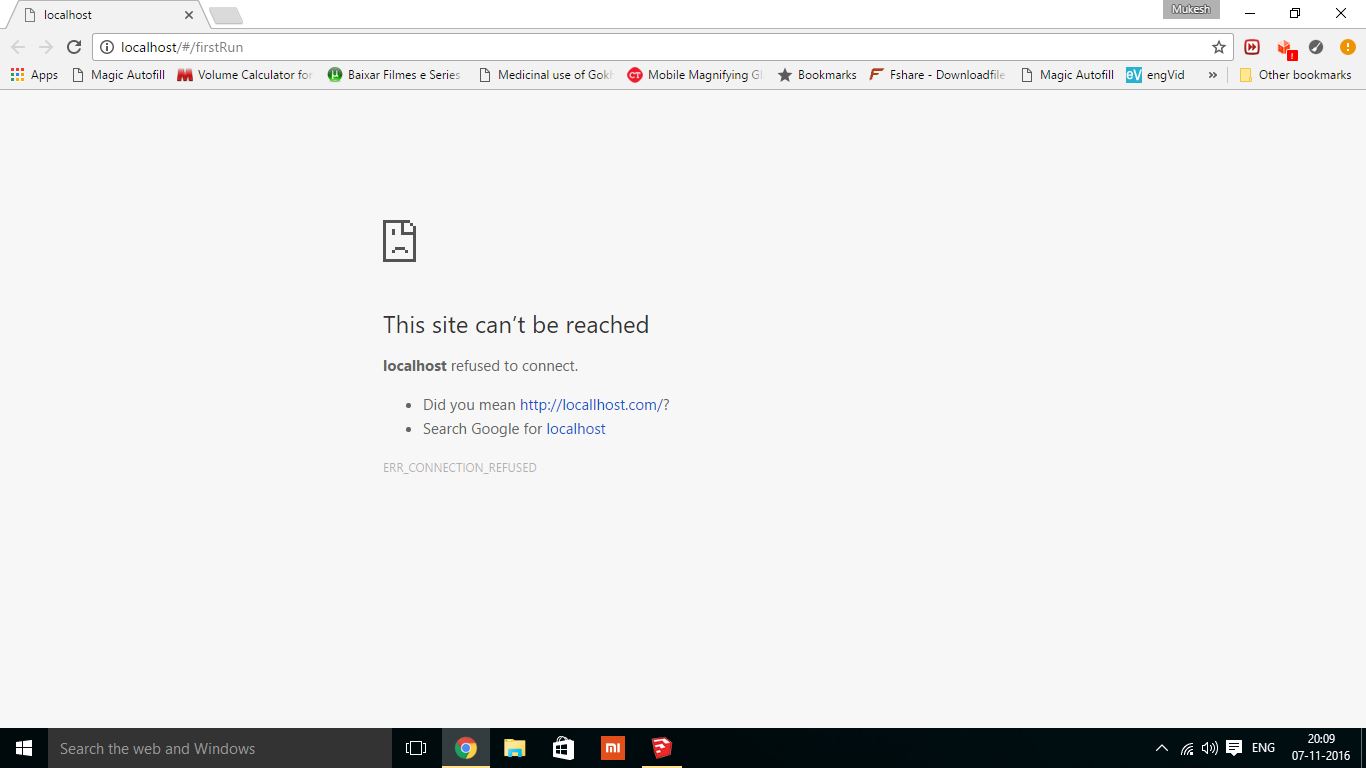
I did what you given in description but i got below error.
pls tell how to fix it
-
@ithil said:
After installing this one we find a shortcut "Manage V-Ray Online License Server" and run.
Once clicked, the page activation. Choosing online registration.
And do not forget to check your firewall and antivirus.They can block Internet access for vray
I followed your instruction but i got this massage.
-
hi everybody.i cant load hdri in vray 3 beta sketchup . Actually i can load this but dont show in render.please help me

-
Hello, has anybody tried to solve this for the Mac OS version? I sent a support email and i'm awaiting reply
-
@elsolo1 said:
Hello, has anybody tried to solve this for the Mac OS version? I sent a support email and i'm awaiting reply
i got the same issue
-
Go to C:\Program Files\Common Files\ChaosGroup\ and open config.json and verify if the vrolPort is set to 30304. Write it if not, then save and restart vrl service. Also add the localhost:30304/ 127.0.0.1:30304 IP as exception to your browser or remove the browser from the Firewall blocked softwares. That's it.
Had the same issue, but after contacting support, that's what they advised me to do and worked like a feather.
-
I'm having the same problems. This is how my config.json reads:
{
"local": {
"vrolHost": "0.0.0.0",
"vrolPort": 30304,
"dongleEnabled": true,
"vrlPort": 30314
},
"portal": "https://ols.chaosgroup.com",
"diagnostics": {
"level": "debug"
},
"proxy": {
"host": "",
"port": 0,
"type": "none",
"username": "",
"password": ""
}
}Can anyone edit this for me? (I'm not sure how to add the localhost:30304/ 127.0.0.1:30304 IP as exception....I'm a 3D artist, not a programmer!
 )
) -
My problem was solved after contacting vray support.
Here's what did it:
-
Make sure VRLService is running. You can check that by going to Task Manger > Services.
It wasn't running...so, on to step 2 -
Download and install V-Ray license server:
https://download.chaosgroup.com/downloads/289/download
Installed it, then ran 'Manage Vray Online License Server'
Good to go....now I'm having fun with the 3.0 beta. UI is gonna take some getting used to...but some real cool features so far
-
-
Dont know where to put the localhost:30304/ 127.0.0.1:30304 IP
i´ve just opened the file json. file -
hi everybody.I followed your instruction but i got this massage.(NO LICENSES AVAILABLE)
-
press ALT+cTRL+DELTE to open Task manager, go to Service tab ,find VRLservice (just enable it )
id u enable it then the CHAOSGROUP webpage will open immediately ,,then evry thing is ok
no u can render -
Guys if you still have the Vray Beta error you can download the Json.file and replace it.
C:\Program Files\Common Files\ChaosGroup
-
any suggestion for mac os version?
-
hi, i may have missed something out. and tried some of the steps you guys showed here. earlier i get the gui license error then downloaded the vlr service in chaosgroup and worked fine afterwards, but then when i started to use sketchup up a while ago, it said that it failed to check license, did the same thing again but its does not render. i think if the machine is offline it is not going to work.. do you guys experience the same issue? if not maybe you can guide me on how to use vray beta offline. thanks guys..
-
I was having this same error on Mac and was able to solve it by downloading the License Server 4.3.1 ADV. Apparently this was just posted yesterday (Feb 9th).
https://download.chaosgroup.com/




Hello! It looks like you're interested in this conversation, but you don't have an account yet.
Getting fed up of having to scroll through the same posts each visit? When you register for an account, you'll always come back to exactly where you were before, and choose to be notified of new replies (either via email, or push notification). You'll also be able to save bookmarks and upvote posts to show your appreciation to other community members.
With your input, this post could be even better 💗
Register Login


Advertisement