All my 2-D components are z-fighting!
-
Okay I chopped out lots of stuff and got this file down to the basic problem. A quick render shows that the z-fighting happens when the view is through a transparent wall. The wall is there so that it can cast a shadow on the scene. If I take it away, the shadow is gone, but if it is not transparent, then I cannot view the scene the way I want...
Any suggestions appreciated!
Chopped down file, z-fighting when seen through transparent wall.
-
maybe try changing your window-style-face settings to 'nicer' instead of 'faster'. That can improve quality of transparent objects.
-
@kaas said:
maybe try changing your window-style-face settings to 'nicer' instead of 'faster'. That can improve quality of transparent objects.
Thanks kaas I will try that.
-
where do you see the z-fighting. I see none if I run the animation or move through manually?
it may be graphic card related...
john
-
@driven said:
where do you see the z-fighting. I see none if I run the animation or move through manually?
it may be graphic card related...
john
Thanks John - I do not see it when navigating the model, only when it is rendering as an animation.
You are right, it may indeed be a problem with my graphic card, this is a rather old laptop that has the OS reinstalled several times. Will try looking into that...

I redesigned the scenes so that I no longer needed any transparency, and I am still getting the same z-fighting.
-
Could it be related to the reversed faces you have in the model.
Look at it in Monochrome and see if the fighting is happening on the blue areas. -
Possible your graphic card. You should try Window>Preference>OpenGL and check/uncheck options there.
-
I can also recreate on export even without the transparent walls [which thought may be causing an openGL glitch]
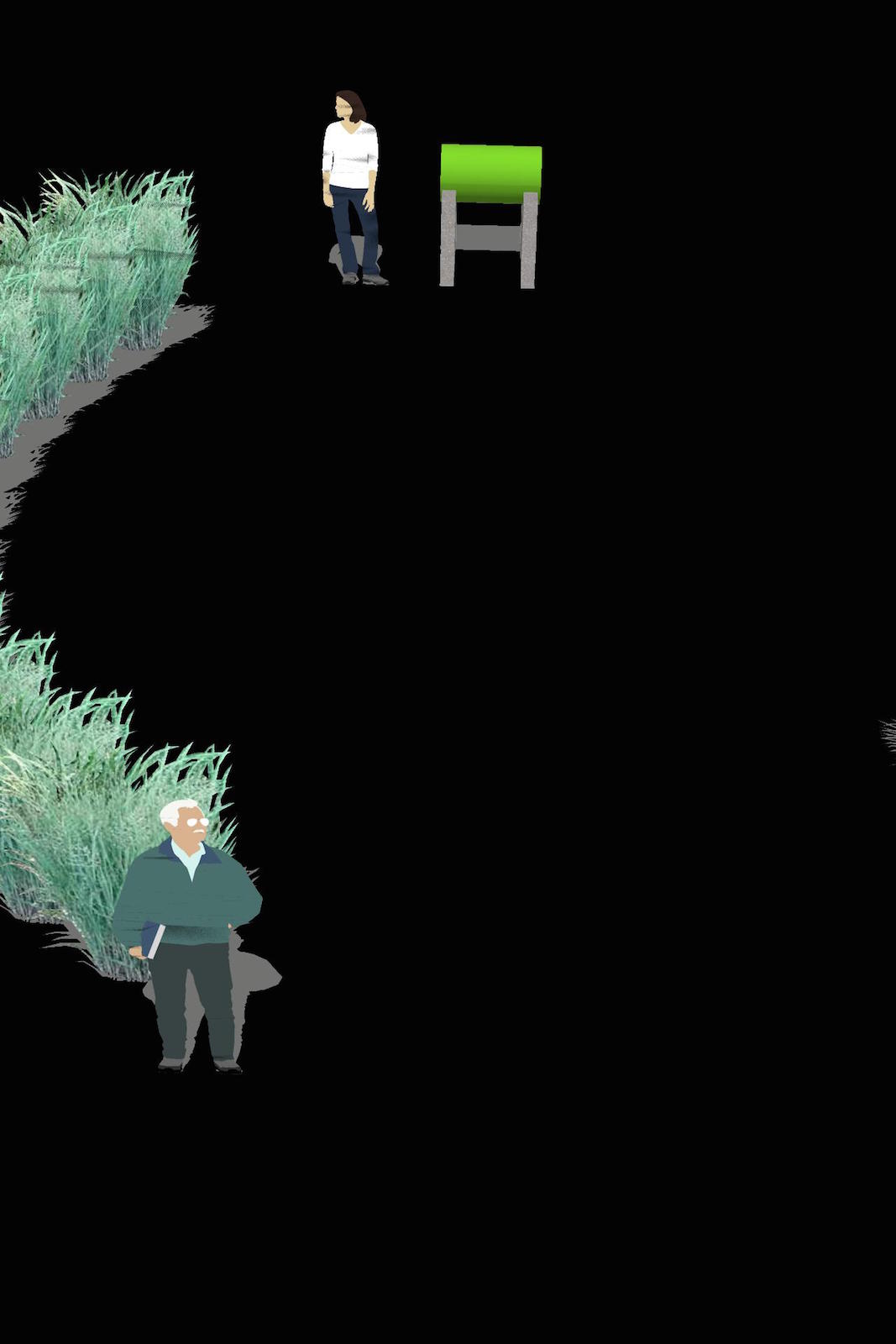
-
@driven said:
I can also recreate on export even without the transparent walls [which thought may be causing an openGL glitch][attachment=0:1mbcevkl]<!-- ia0 -->test-less-scenes0004.jpg<!-- ia0 -->[/attachment:1mbcevkl]
Thanks driven! So it is not just me
 Yes, I got rid of the invisible wall as well, and made all my scenes take place within the courtyard area (not looking through anything), and still got the z-fighting. I have been out all day, so have not had the chance to check my graphics card. I know I have two more projects coming up that I will be using sketchup on, so need to sort this out... when I do, I will post solution here.
Thanks everyone for suggestions, and keep them coming if you think of something no one else has mentioned.
-
I've had this issue too. I can't recall how or if we fixed it. I'll check back (its a couple of years ago). In the mean time, if you discover an answer, I'd be very pleased to know also.


Hello! It looks like you're interested in this conversation, but you don't have an account yet.
Getting fed up of having to scroll through the same posts each visit? When you register for an account, you'll always come back to exactly where you were before, and choose to be notified of new replies (either via email, or push notification). You'll also be able to save bookmarks and upvote posts to show your appreciation to other community members.
With your input, this post could be even better 💗
Register Login


Advertisement