MoveCopy a line BUG?
-
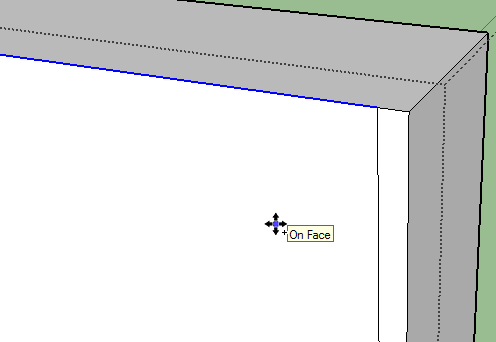
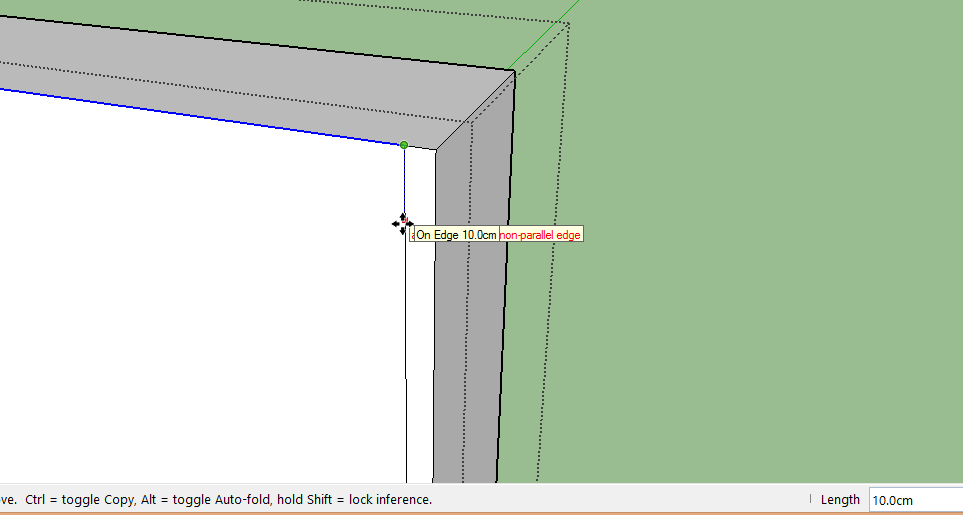
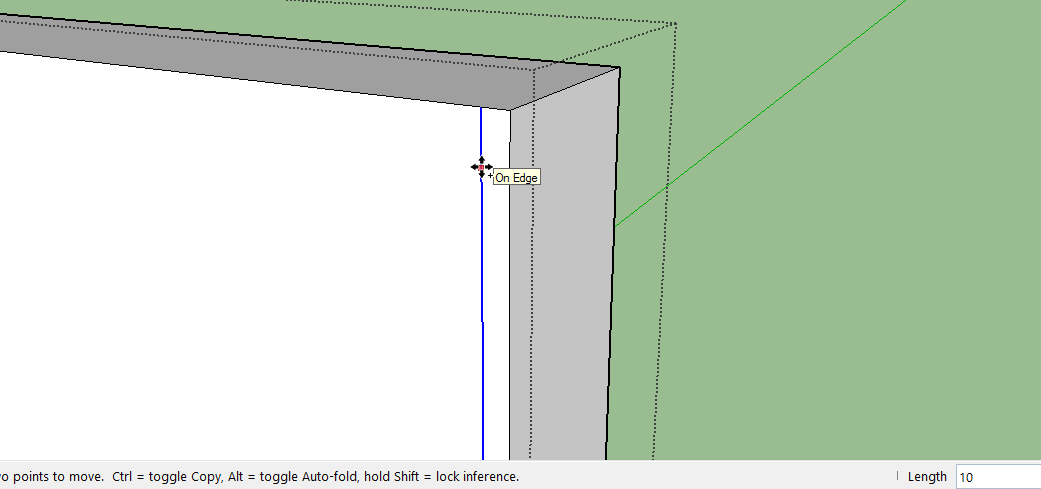
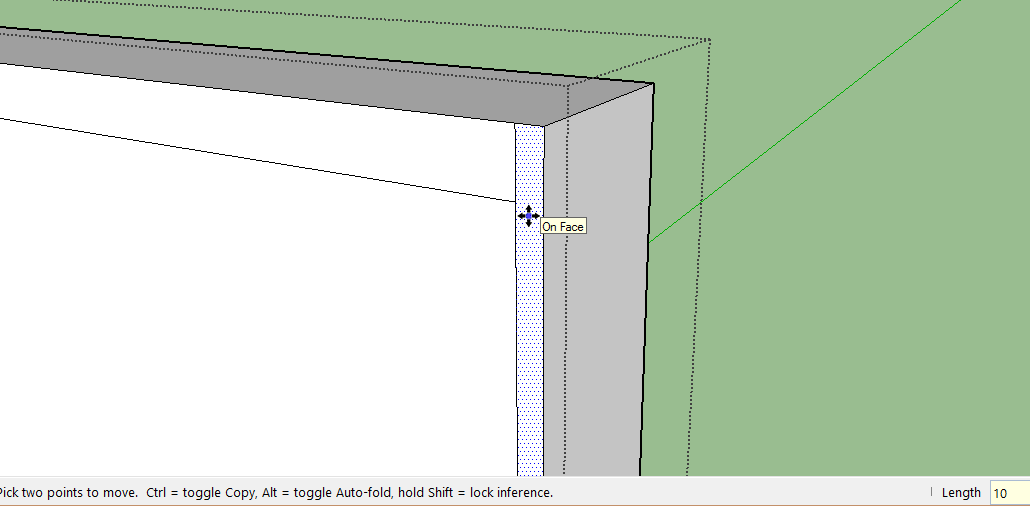
why when
1.i select a line
2.i click and move it with ctrl means copy
3.i put a number , etc 10
4.enter
5.it not move or doing anything at all.
6.i reenter 10. enter
7.and it move 10 point.why i must double entry to copy a line?
-
Your description isn't very clear are you actually moving the selected line in the desired direction before typing 10? Maybe you could make a video capture of what you're doing and post it here?
-
Do you wish to copy it 1 time or 10 times or copy/ move it 10 units away?
-
Select the edge
Activate Move + Ctrl
Pick a start point
Move the edge in the desired direction
Type the distance desired + <enter> [say 6]
The copy of the edge is made moved 6 units in that direction
Immediately typing another distance changes the moved amount
Next immediately type the number of copies you want, followed by x and <enter>
So for 10 copies that'd be 10x
The moved edge is replicated 10 times in the direction you chose, beyond the first copy, using the same distance each time...To copy a number of edges between the original and the first copy's position use /10 instead... then the space between the original edge and the first copy is subdivided with new duplicates, evenly spaced to fit in...




Hello! It looks like you're interested in this conversation, but you don't have an account yet.
Getting fed up of having to scroll through the same posts each visit? When you register for an account, you'll always come back to exactly where you were before, and choose to be notified of new replies (either via email, or push notification). You'll also be able to save bookmarks and upvote posts to show your appreciation to other community members.
With your input, this post could be even better 💗
Register Login


Advertisement