sketchucation logo sketchucation
    • 登入
    Oops, your profile's looking a bit empty! To help us tailor your experience, please fill in key details like your SketchUp version, skill level, operating system, and more. Update and save your info on your profile page today!
    🔌 Smart Spline | Fluid way to handle splines for furniture design and complex structures. Download

    [Plugin][$] TopoShaper - v2.7b - 30 Jan 26


    已排程 已置頂 已鎖定 已移動 Plugins
    456 貼文 144 Posters 714.9k 瀏覽 143 Watching
    正在載入更多貼文
    • 從舊到新
    • 從新到舊
    • 最多點贊
    回覆
    • 在新貼文中回覆
    登入後回覆
    此主題已被刪除。只有擁有主題管理權限的使用者可以查看。
    • T 離線
      tomislavm
      最後由 編輯

      thank You!

      1 條回覆 最後回覆 回覆 引用 0
      • F 離線
        filipeefilipe
        最後由 編輯

        am I ignorant?
        Why is this plugin better than sandbox?

        Filipe from Brazil

        1 條回覆 最後回覆 回覆 引用 0
        • M 離線
          miikka1978
          最後由 編輯

          Thanks for this excellent plugin!

          One question. I have a terrain with contours which is 3000x3000m. I have been using TopoShaper for creating terrain, but I have been running problems when changing the grid size from 50x50 to 100x100. TopeShaper always gets stuck in 63% (calculating boundaries). Has anybody else had similar problems?

          1 條回覆 最後回覆 回覆 引用 0
          • fredo6F 離線
            fredo6
            最後由 編輯

            @miikka1978 said:

            Thanks for this excellent plugin!

            One question. I have a terrain with contours which is 3000x3000m. I have been using TopoShaper for creating terrain, but I have been running problems when changing the grid size from 50x50 to 100x100. TopeShaper always gets stuck in 63% (calculating boundaries). Has anybody else had similar problems?

            If you can, could you open the Ruby console when you do the test 100x100 just in case there is a message displayed.
            Otherwise, may be the best is to post or PM the model.

            Fredo

            1 條回覆 最後回覆 回覆 引用 0
            • M 離線
              miikka1978
              最後由 編輯

              I just checked Ruby console but there was nothing. I will PM the model.

              1 條回覆 最後回覆 回覆 引用 0
              • fredo6F 離線
                fredo6
                最後由 編輯

                @miikka1978 said:

                I just checked Ruby console but there was nothing. I will PM the model.

                I answered the PM.
                The problem is due to an artificial rectangular hull which you includes in the terrain. This prevents to calculate the correct concave hull and therefore the zone of influence of contours.

                Fredo

                PS: By the way, your model is quite complex, but apparently Toposhaper could deal with it

                1 條回覆 最後回覆 回覆 引用 0
                • bobpineoB 離線
                  bobpineo
                  最後由 編輯

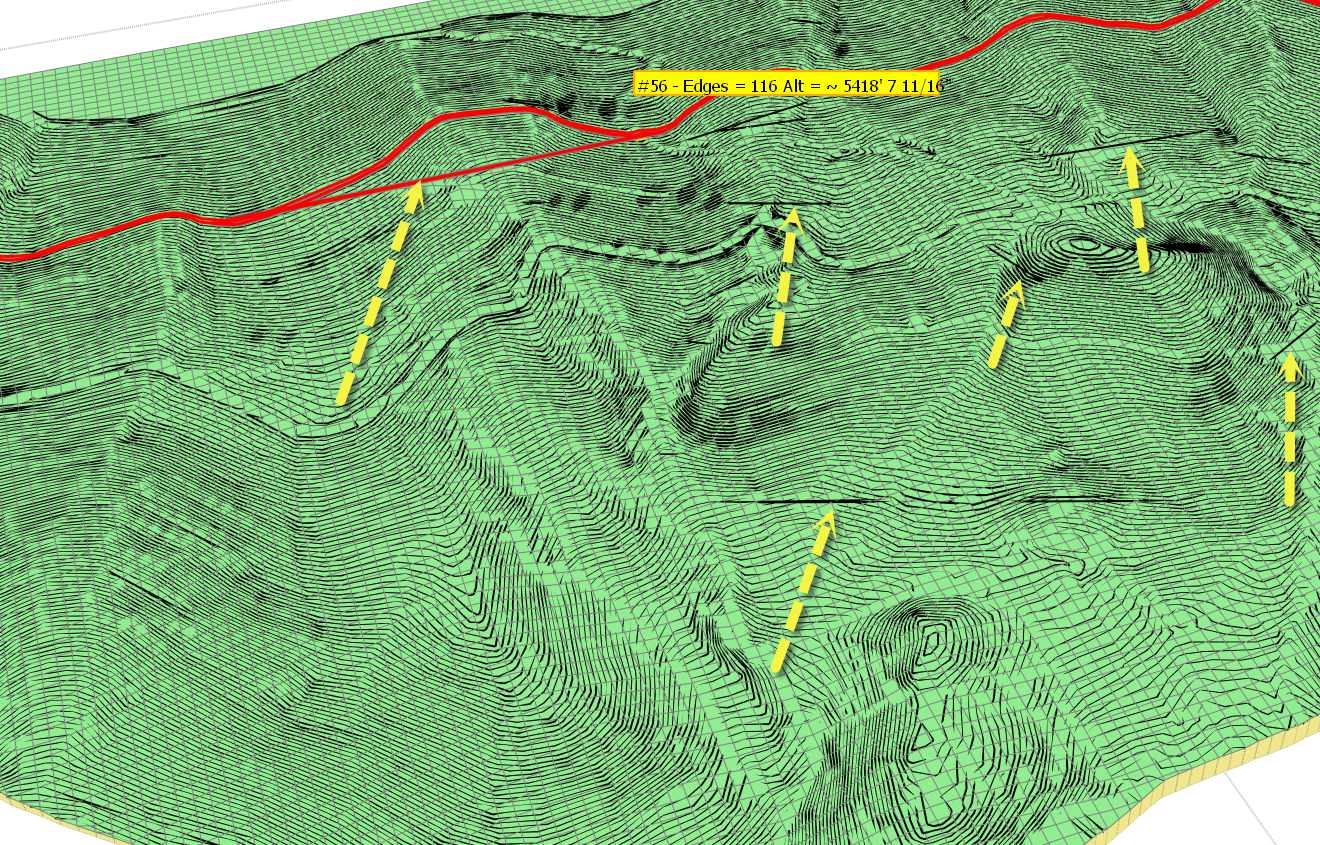
                  Toposhaper screen captureHello Fredo
                  Love your script!
                  Can't tell you how long I have hoped for something like this.

                  I am having a problem with a large topo map I am working on.
                  As illustrated in the attached image, when I go to preview created mesh there are lines that do not correlate with my topo set.
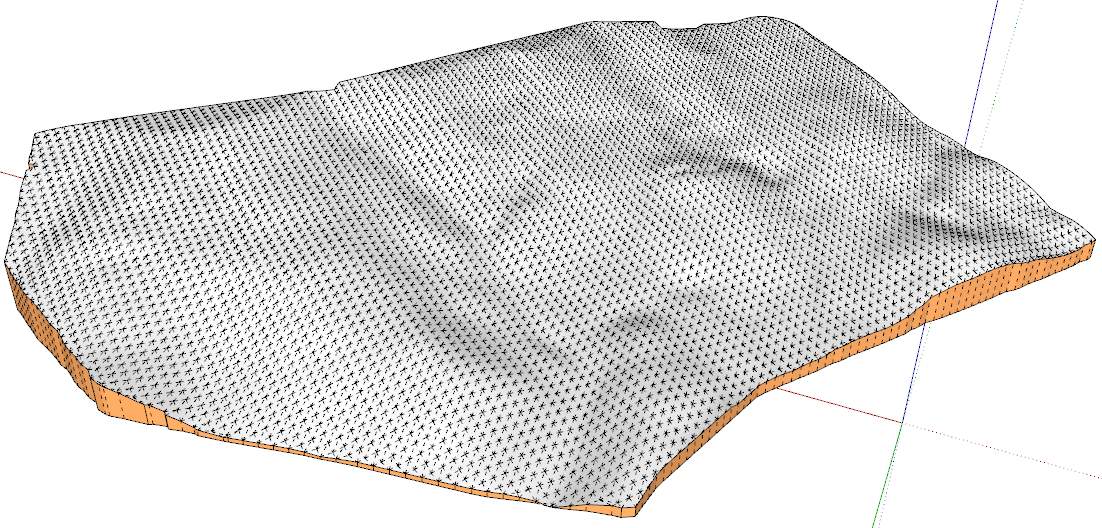
                  When I generate the mesh, i get this type of deviation.
                  Can you suggest what might be going wrong?
                  many thanks in advance.
                  Best.
                  Bob Pineo
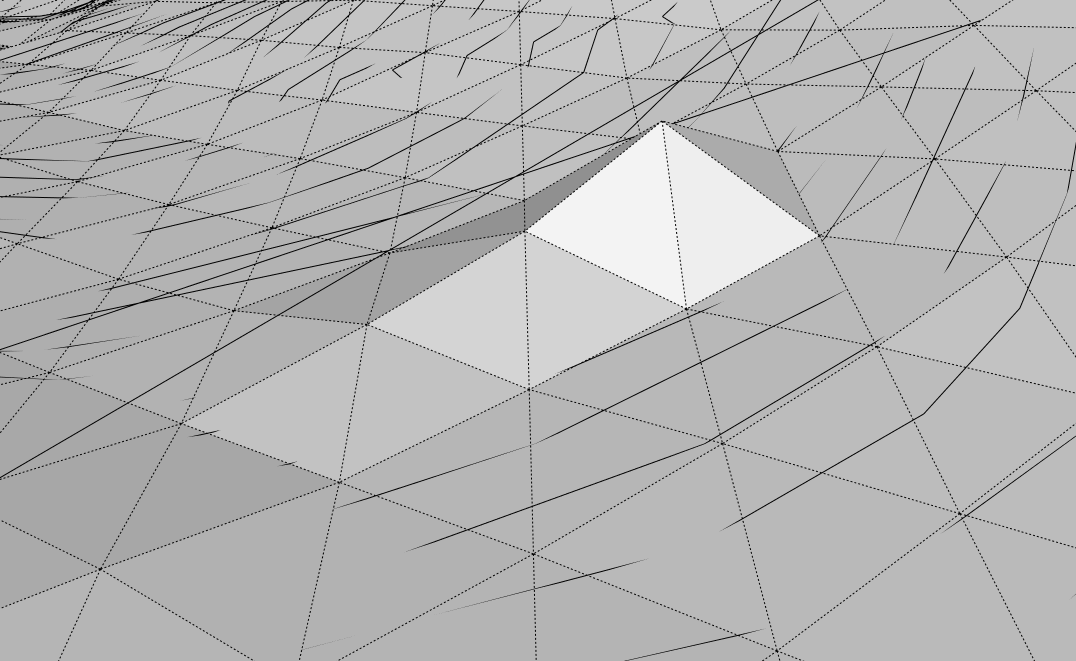

                  Result on mesh

                  Bob Pineo, Design Develop LLC http://www.designdevelop.org.

                  1 條回覆 最後回覆 回覆 引用 0
                  • bobpineoB 離線
                    bobpineo
                    最後由 編輯

                    Fredo,
                    Thought it would be helpful if you had topos in case you wanted to run script yourself.
                    Here is a link to Dropbox.
                    https://www.dropbox.com/s/0brplieftg8p27v/just%20raw%20mesh%20for%20TIG.skp

                    Best.
                    BP

                    Bob Pineo, Design Develop LLC http://www.designdevelop.org.

                    1 條回覆 最後回覆 回覆 引用 0
                    • fredo6F 離線
                      fredo6
                      最後由 編輯

                      @bobpineo,

                      Your contour map is extremely large, with close to 30,000 edges, 750 contours, 400 automatic junctions, but also extremely dense, since contours are separated by a very small distance.

                      It's a miracle that TopoShaper (and Ruby underneath) can do something with it!

                      There are a number of problems that I detected:

                      1. do not simplify the contours. There are only 12 simplified, but the contour map is so dense that the simplification creates overlaps with adjacent contours.

                      2. watch out some automatic junctions at the periphery. Some are overlapping.

                      3. there seems to be a bug in Toposhaper, because I observe some shadow straight contours in the Preview mode (but not in the Cleanser mode). I keep your model and will have a closer look at it. It may be related to the calculation of the Concave hull.

                      I run the generation with a 100 x 69 and obtained a result which is not too bad. But with the density of the contours, I think that the sampling should be over 300 x 200 to exploit the high definition of the contours.

                      I can't tell you what to do exactly to avoid some of the artefacts you may observe, except maybe to remove some contours and try again.

                      Fredo
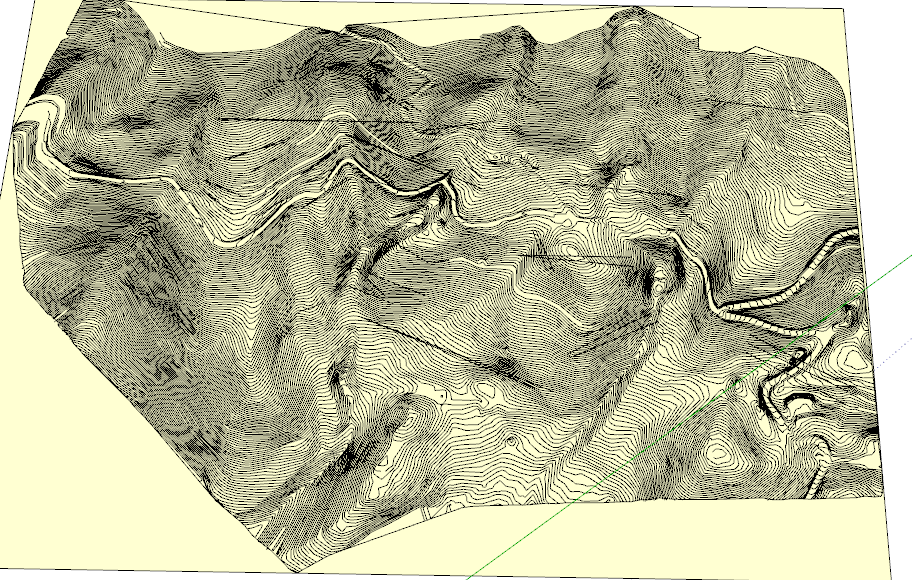
                      Bobpineo contours - shadow lines.png

                      Bobpineo contours - generation.png

                      1 條回覆 最後回覆 回覆 引用 0
                      • bobpineoB 離線
                        bobpineo
                        最後由 編輯

                        Thanks Fredo.
                        Yes you are right, this was a dense a map, but I thought I would get as high a resolution as possible because I thought the denser mesh would provide finer resolution for up close shots.
                        The way I solved the problems showing up when I ran the plugin was to open the sketchup file twice, and arrange each one on my split screens. I ran Topo Shaper on one file, and where I noticed a particular problem on one of the contours I would spend some time on it figuring out what was going on.
                        In some cases there was an odd remnant that had to be removed, in other case I just deleted that entire line.
                        in the end, and once the problems where identified and fixed the mesh was created without any trouble.
                        Thanks so much for this plugin, its been wonderful.
                        Best.
                        BP

                        Bob Pineo, Design Develop LLC http://www.designdevelop.org.

                        1 條回覆 最後回覆 回覆 引用 0
                        • L 離線
                          ly871108
                          最後由 編輯

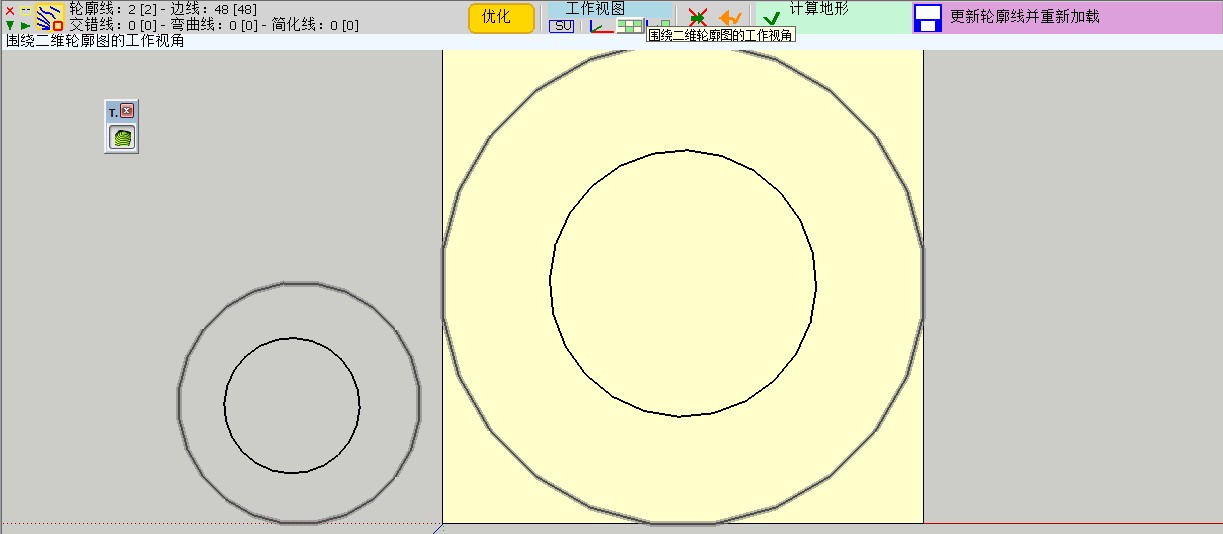
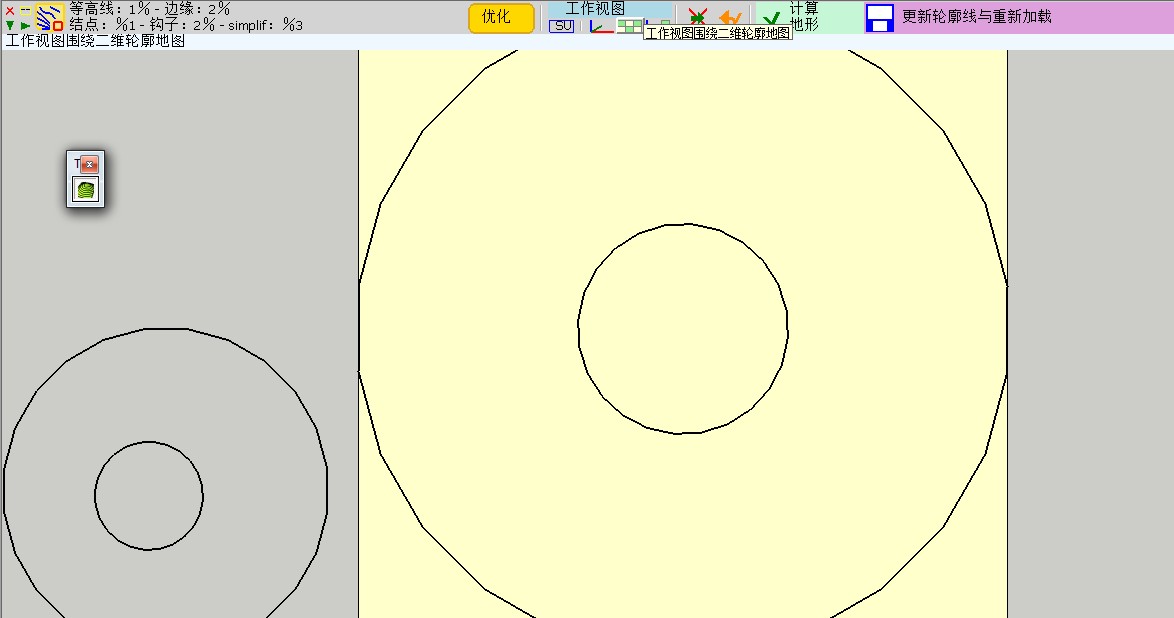
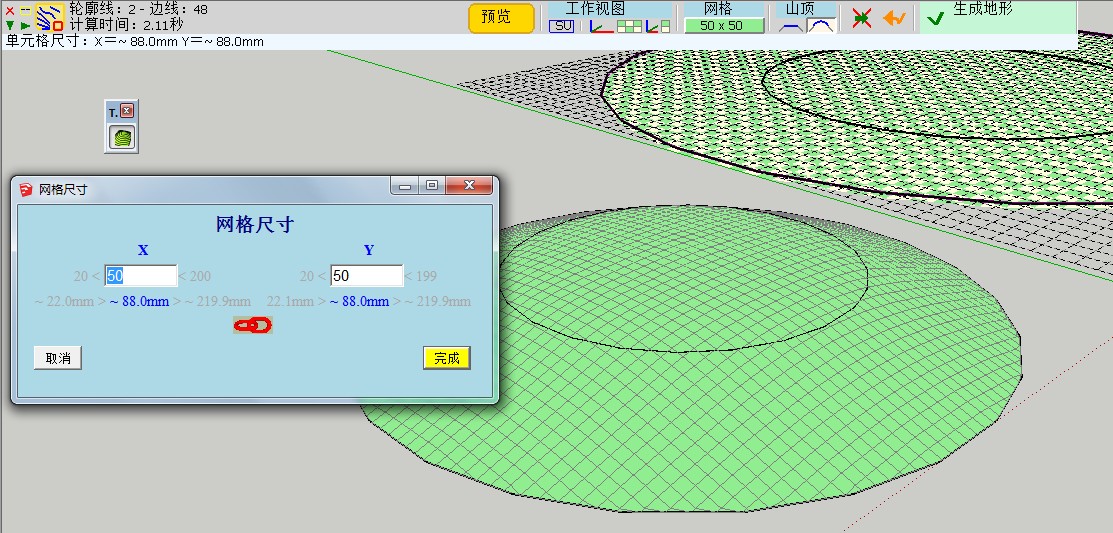
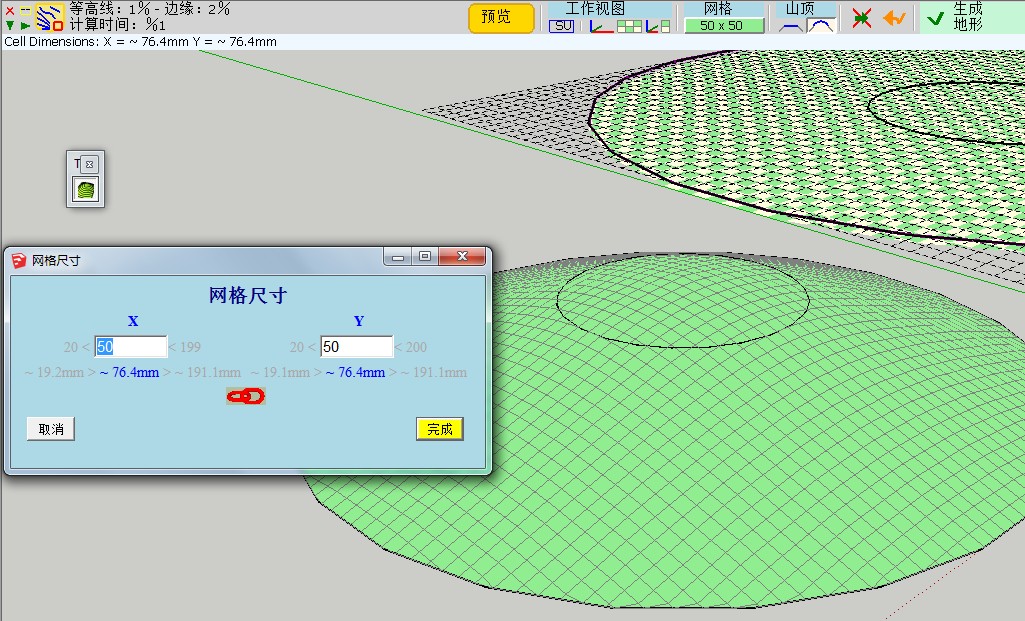
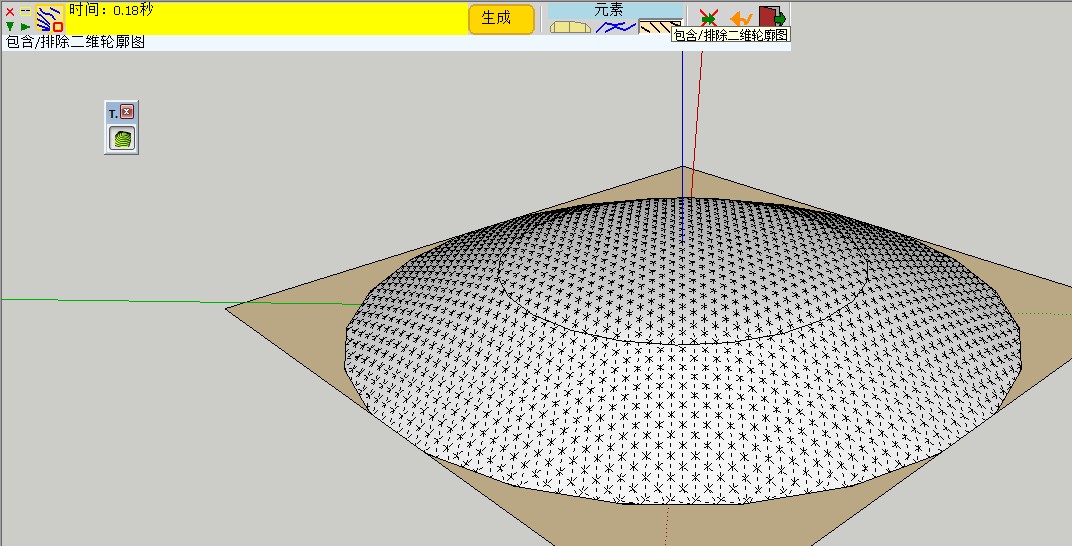
                          The Chinese version by GUANJIN is too bad ,and lots of Chinese friends ask me to translate the TOPOSHAPER in Chinese again.It spends me a lot of energy and time.This one must be the best Chinese version.Enjoy it!Thank You!

                          Here is a contrast:LY's and GUANJIN's.
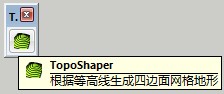
                          LY0.jpgGUANJIN0.jpg
                          LY1.jpgGUANJIN1.jpg
                          LY2.jpgGUANJIN2.jpg
                          LY3.jpgGUANJIN3.jpg

                          You will find the truth.
                          SketchUpBAR LY871108

                          1 條回覆 最後回覆 回覆 引用 0
                          • fredo6F 離線
                            fredo6
                            最後由 編輯

                            Bob,

                            Glad to see that you finally found some workarounds.

                            My experience with the few contour maps I have been using for testing is that the resolution of the contours should always be put in perspective of the required mesh definition. Toposhaper is based on interpolation, which means that intermediate contours below the resolution of the mesh won't really be useful. In the case of your terrain, I think you needed a resolution above 300 x 200 to exploit all the details of your contours.

                            I still think there are some bugs left in TopoShaper and your contour map will be useful for me to track them (and hopefully fix them in a next release).

                            Fredo

                            1 條回覆 最後回覆 回覆 引用 0
                            • bobpineoB 離線
                              bobpineo
                              最後由 編輯

                              Thanks so much Fredo.
                              Best.
                              BP

                              Bob Pineo, Design Develop LLC http://www.designdevelop.org.

                              1 條回覆 最後回覆 回覆 引用 0
                              • D 離線
                                DOD3R
                                最後由 編輯

                                Hi,
                                Thanks for this plugin, really helps a lot.
                                I was trying to do some landscape design and used toposhaper to make faces in my cad underlay, but all triangles did get unsmoothed. Is there any way how to prevent that ?
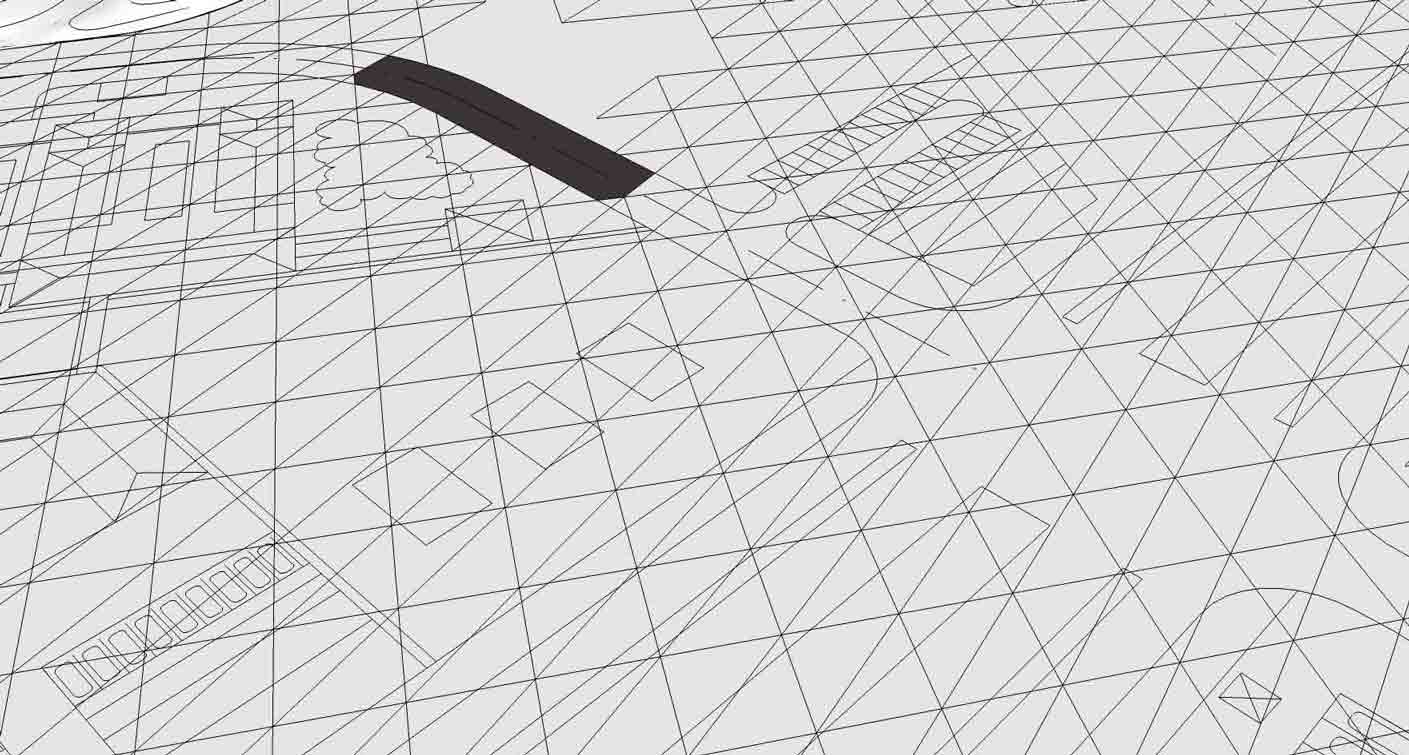

                                my landscape with unsmoothed triangular edges

                                1 條回覆 最後回覆 回覆 引用 0
                                • fredo6F 離線
                                  fredo6
                                  最後由 編輯

                                  I guess you just need to select the terrain as a group and then soften / smooth it via the SU dialog box.

                                  Fredo

                                  1 條回覆 最後回覆 回覆 引用 0
                                  • D 離線
                                    DOD3R
                                    最後由 編輯

                                    hi,
                                    i am sorry my question wasn't precise enough. I want to all triangulated edges to be smoothened, but i want to keep my drawing edges visible. And i want to be able to select surfaces and read the area of streets gardens etc.
                                    If i use your suggestion all edges will be smoothened.
                                    Is there any setting that can do that or some workaround ?

                                    thank you for this great plug in

                                    D.

                                    1 條回覆 最後回覆 回覆 引用 0
                                    • pbacotP 離線
                                      pbacot
                                      最後由 編輯

                                      Not sure what you did but the native (well, SandBox IS a plugin) SU way would be to create the terrain surface and then drape (Sandbox tools) your line work onto it. That way the line work will show as edges on a smoothed terrain.

                                      MacOSX MojaveSketchUp Pro v19 Twilight v2 Thea v3 PowerCADD

                                      1 條回覆 最後回覆 回覆 引用 0
                                      • D 離線
                                        DOD3R
                                        最後由 編輯

                                        Brief description what i did.
                                        import dwg (mostly in one plane)
                                        run toposhaper

                                        what i hoped for = have a surface generate over dwg lines with separate surfaces for different parts of dwg. Like street, lawns, pavements would be one surface with selectable areas.

                                        1 條回覆 最後回覆 回覆 引用 0
                                        • pbacotP 離線
                                          pbacot
                                          最後由 編輯

                                          I tried this and I got a flat surface with soften-smoothed triangulation--separate from the import.

                                          This is not what toposhaper is developed for, but you could at that point "drape" the dwg lines onto it if you want with SandBox. Within the limitations of dwg import (often has problems) and the software (can't solve everything) you may get what you want.

                                          I would recommend: 1. Remove all lines you really don't need in a terrain model before import. 2. Separate buildings and things that are not going to be molded with the terrain into groups before import and possibly group roads and landscape areas. 3. Clean up the dwg after you get it in. Intersections of curves for example will not be correct. You may wish to make faces in the dwg before going further.

                                          Then use the Sandbox tools to make a terrain and drape the lines onto it. Alternately there are ways to just apply a terrain grid in specified areas like lawns. I'd try it with simpler shapes first. The whole dwg import may be too much for it.

                                          My methodology would be to separate graded or sculpted terrain completely from buildings and most hardscape--merging or cutting only where it's useful.

                                          MacOSX MojaveSketchUp Pro v19 Twilight v2 Thea v3 PowerCADD

                                          1 條回覆 最後回覆 回覆 引用 0
                                          • D 離線
                                            DOD3R
                                            最後由 編輯

                                            thanks i will look into it.

                                            1 條回覆 最後回覆 回覆 引用 0
                                            • 1
                                            • 2
                                            • 19
                                            • 20
                                            • 21
                                            • 22
                                            • 23
                                            • 22 / 23
                                            • 第一個貼文
                                              最後的貼文
                                            Buy SketchPlus
                                            Buy SUbD
                                            Buy WrapR
                                            Buy eBook
                                            Buy Modelur
                                            Buy Vertex Tools
                                            Buy SketchCuisine
                                            Buy FormFonts

                                            Advertisement