Sketchup Vray rendering problem
-
It worked!
I saw that render as a .vri file was still on, turned that off again and I'm able to render again.
So I'm not able to use materials from vray? When I apply a material now the rendering stops working again, so that means no vray materials for me?
I'm using the material pack from the official website (http://www.vray.com/free_vray_tools/vismat_material_collection/index.shtml)Thank you for your help.
-
unfortunately, that's an old set of materials. The way materials are defined has changed in the current version of vfsu, and some of those old one will not work. You can get materials from the actual official website of vray for sketchup: http://chaosgroup.com (registration required)
-
Hi,
thanks for the answer. So the problem is the material pack I used from vray itself?
Are there alternatives to the ones vray supplies? Would like to have some more variation, but don't know which ones will work and which won't..Thanks again.
Bert
-
I get that message a lot. I found a few things to do to get rendering again.
Under the VRay plugins menu there is a help section. In the help section there is a debugging option. in that there is a clear material cache option. That sometimes works. The other option in that menu also help but will remove all textures from the VRay material box. So you will have to reload them all, if you still get problems; load one material at a time and render after each. this should help you find the problem. Also purge the unused items and save close and reopen can sort it out as well.
Hope it helps
-
as I mentioned, the chaosgroup.com website has a downloads section for sketchup for vray materials which are all current. You need to be registered to have access.
-
Thought I'd share some final renders for the project.. here you go:
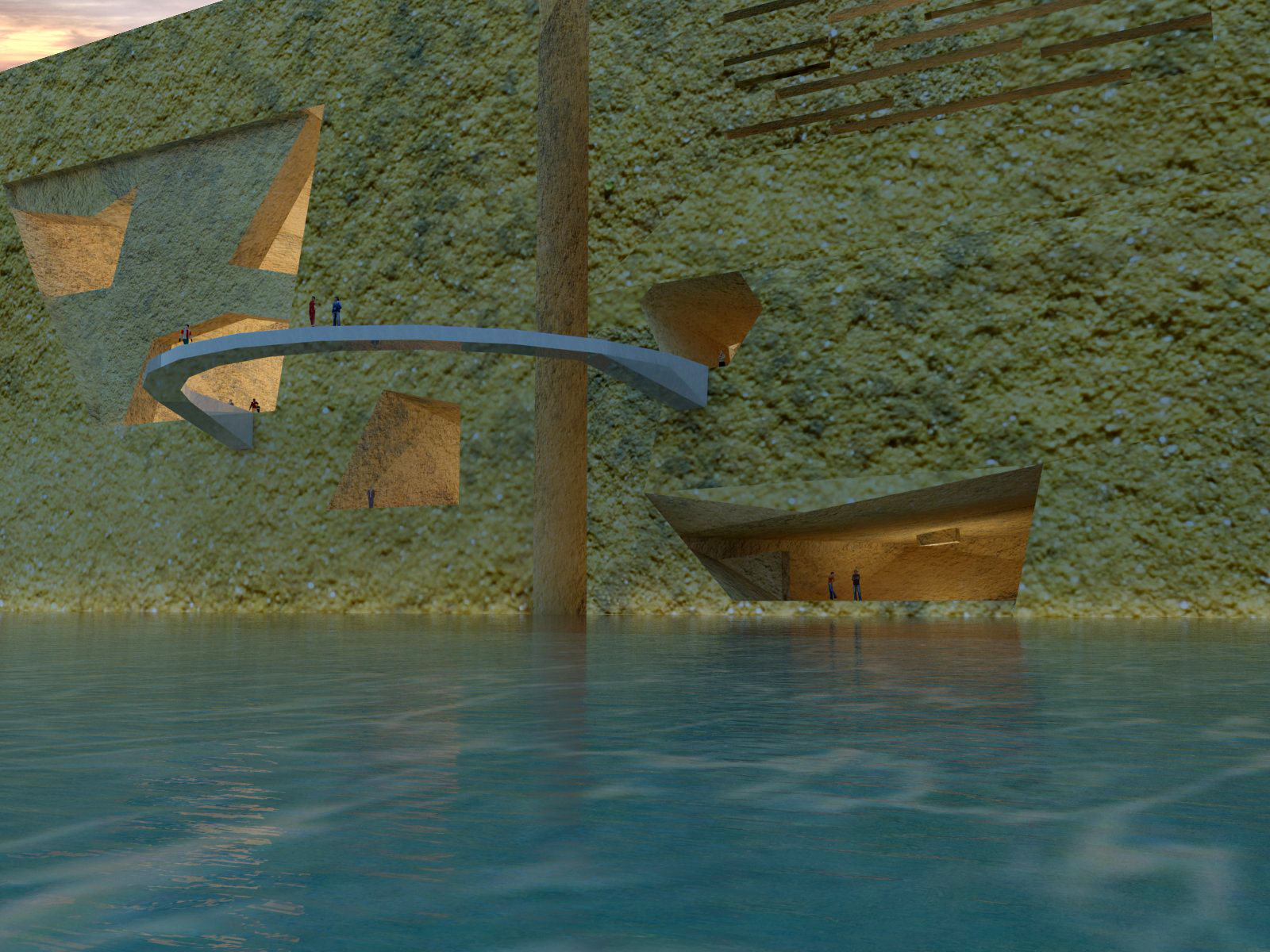
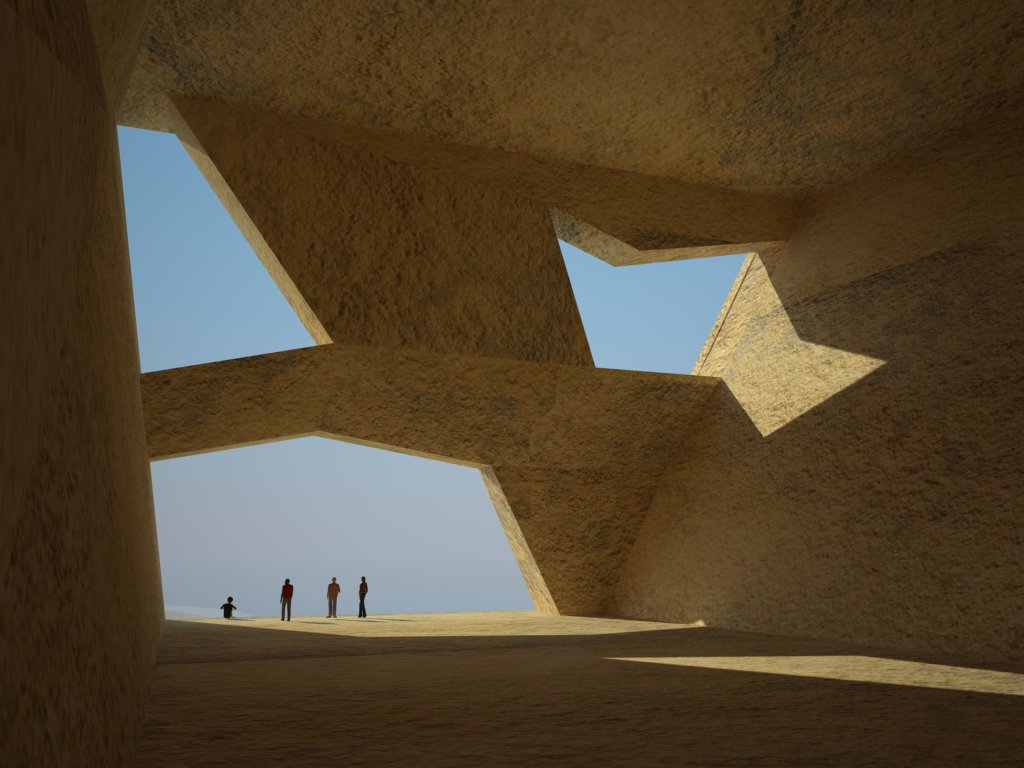
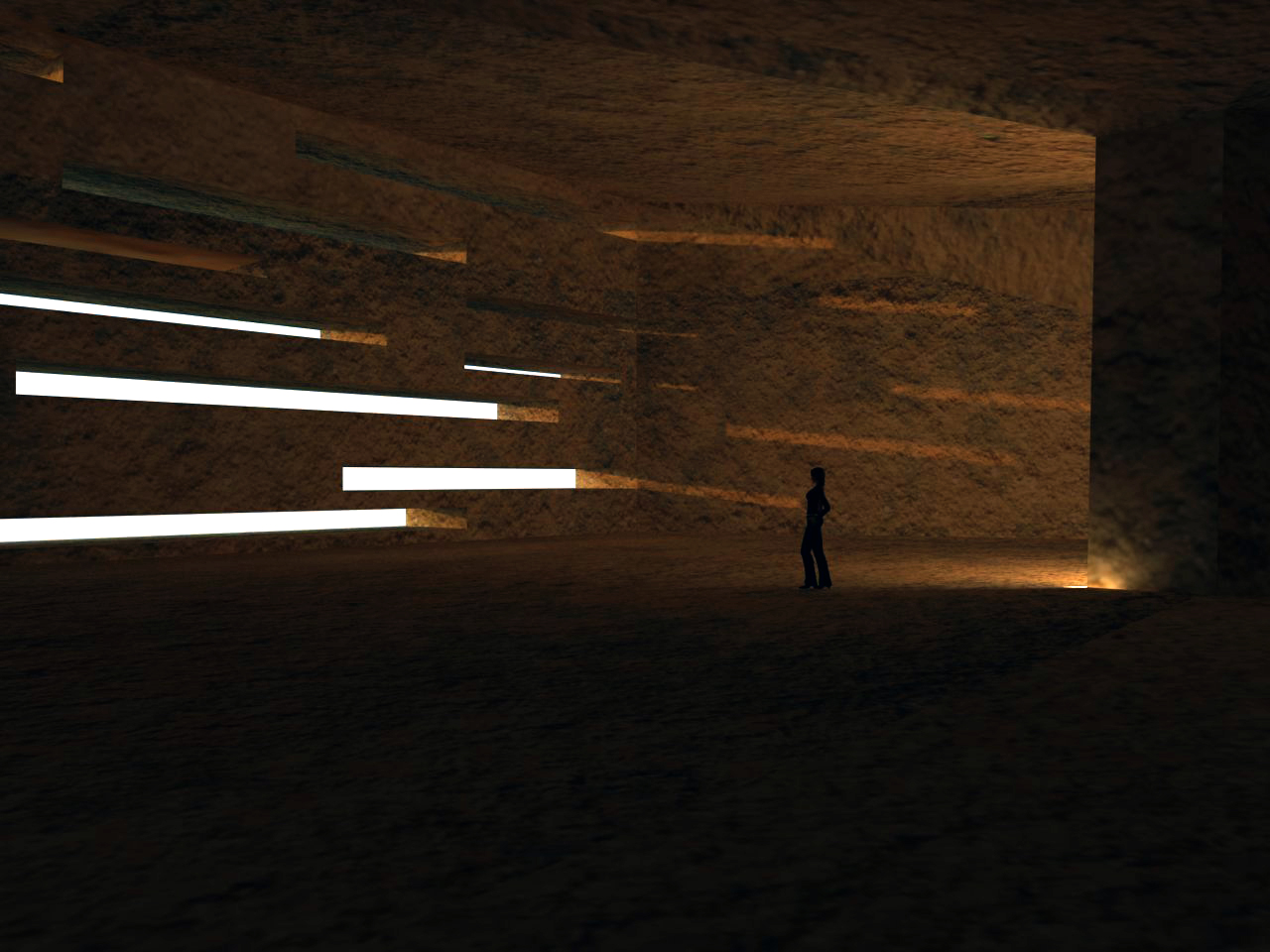

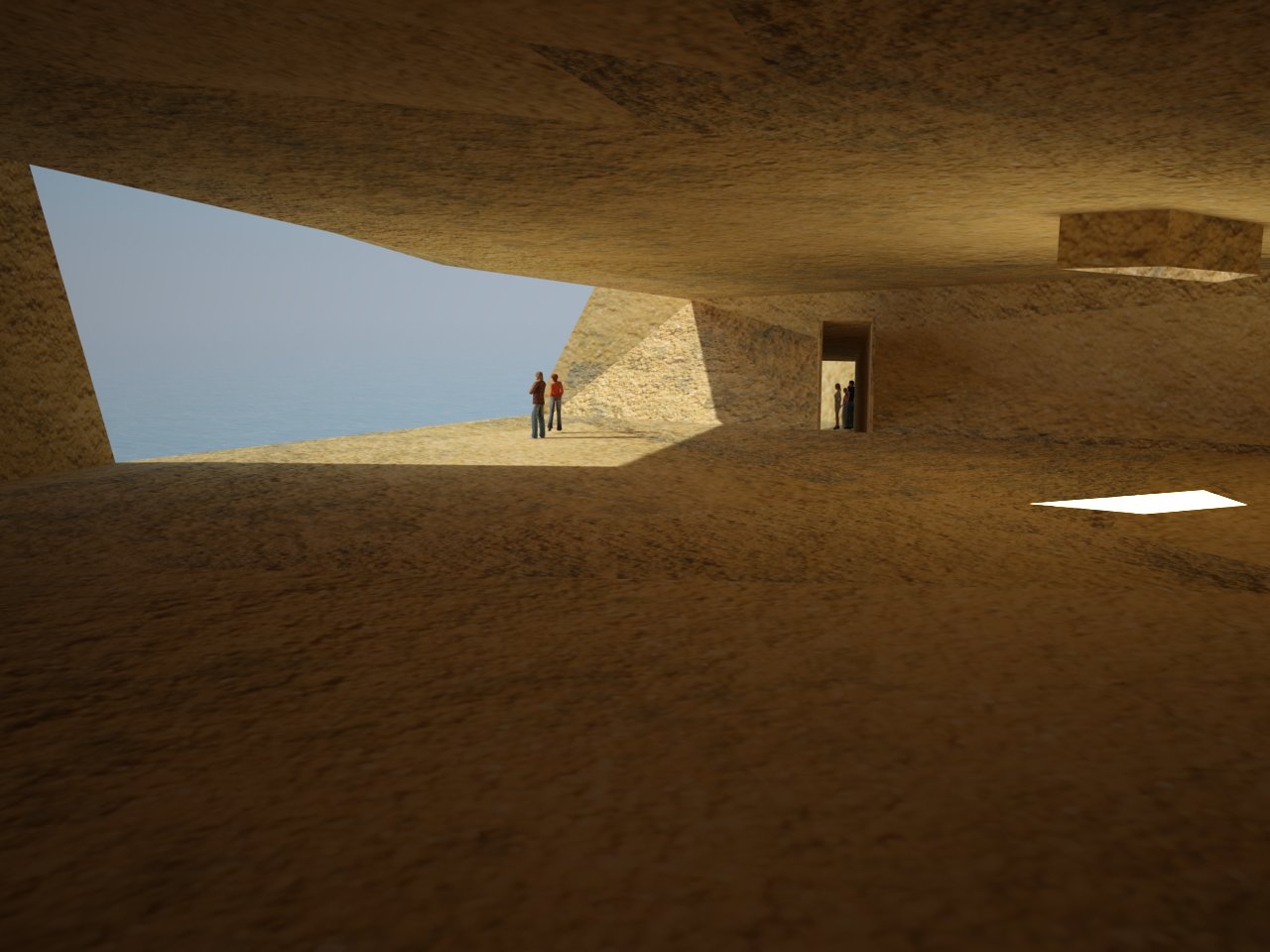
I know it doesn't look that realistic, but it would have been too much work too separate my models so I could add special materials etc..
Thanks for the help guys. -
That is a nice conceptual piece of design, well done.

It doesnt have to be realistic if its conceptual.
-
hi, i have a question , how can i purge the unused materials?
-
yeah, vray.com is not the official website what so ever. You'll notice, at the top of their website (and I believe on every page) there is a notice that says the following: "V-Ray is a trademark of Chaos Software Ltd. The official source of information on V-Ray is chaosgroup.com. This site is not affiliated with chaosgroup.com." If you go to the chaosgroup website, there are materials available for download there, which are official materials.
-
@hawai508 said:
hi, i have a question , how can i purge the unused materials?
Open the V-Ray material editor, and right click on Scene Materials at the top of the material list, you should see the option there.
-
hello mister HvanEssen
i really have a big problem with the sketchup 2014 with vray 2.0. after i hit the render button in a very short while vray will stop working and it causes the entire PC to stop working too. all i have to do is to steady press the shut down button to make the PC restart and troubleshoot the problem. can i have your email address please so i may send you the file? thanks
-
Please submit your question to support@chaosgroup.com with a more detailed description of your process and what is happening in your scene when you render. If you would like to provide us with the scene, please do so using a file sharing service of your choice. We typically use http://www.dropbox.com.
-
Hi there,
I've been using vray for some weeks now. I have to finish a project in two weeks, but lately I can't render anymore. I always get this message:unable to create a an error report,please check your temp folder.
I looked this up on the internet, and people get this message when they are trying to render files that are to big.. but my file isn't that big? It's 25mb. I have added some bit maps and even vray proxy also for 3d trees & components
I need a big size rendered image i.e. is like 3000 x 1500, I'm using the latest sketchup version 8 pro with vray 2.0.please help me.
-
If you are rendering a large image size, you can still run out of memory. Take a look at the 64bit rendering tutorial on our tutorial page: http://docs.chaosgroup.com/display/VRAY2SKETCHUP/64+Bit+Workflow
This should help alleviate your issue.
-
I have also a problem with rendering in vray. The problem is that when I finish with the render almost every material in the picture went black. I see this kind of problem for the first time so I can not even find a solution to this problem on internet. And if I can sent somehow a picture of finish render it will be great.
Thanks alot people

-
It's too bad we cant see the LC pass when using the 64 bit trick.
-
hi friends,
i have a problem in rendering.
when start to render a black page appear and after a few seconds sketch up jumps out and report problem page appear. i try to purge extra material and clean up extra edges but it does not work.
i am fresh in sketch up. i upload the su file.
is there any one to help with this?
http://uploadyar.com/59df123ac02b9d1/rar/Untitled.rar -
hey i am unable to to render the scene that i have set on a particular file, everytime i click on render button i see just the white screen
-
hey, I get a message :vray encountered an error while trying to render, please check the ruby console for errors.
can someone help?
ruby console:
"C:/ProgramData/ASGVIS/VfS/Ruby/3rdPartyHelpers.rb:63:incall'", "C:/ProgramData/ASGVIS/VfS/Ruby/3rdPartyHelpers.rb:63:inblock in evalExternalCb'", "C:/ProgramData/ASGVIS/VfS/Ruby/3rdPartyHelpers.rb:59:ineach'", "C:/ProgramData/ASGVIS/VfS/Ruby/3rdPartyHelpers.rb:59:inevalExternalCb'", "C:/ProgramData/ASGVIS/VfS/Ruby/VfSExport.rb:1981:instart_render'", "C:/ProgramData/ASGVIS/VfS/Ruby/R2PCallbacks.rb:538:instart_render_cb'", "C:/ProgramData/ASGVIS/VfS/Ruby/VfSExport.rb:1938:indirect_send'", "C:/ProgramData/ASGVIS/VfS/Ruby/VfSExport.rb:1938:inrender'", "C:/ProgramData/ASGVIS/VfS/Ruby/R2P.rb:1482:inlaunch_vray_render'", "C:/ProgramData/ASGVIS/VfS/Ruby/R2PToolbar.rb:30:inblock in module:VRayForSketchUp'", "SketchUp:1:in `call'"]Scene fully processed in 0.050 seconds






Advertisement