sketchucation logo sketchucation
    • Login
    Oops, your profile's looking a bit empty! To help us tailor your experience, please fill in key details like your SketchUp version, skill level, operating system, and more. Update and save your info on your profile page today!
    ⚠️ Important | Libfredo 15.6b introduces important bugfixes for Fredo's Extensions Update

    Where is Susan?

    Scheduled Pinned Locked Moved SketchUp Discussions
    sketchup
    22 Posts 7 Posters 7.3k Views 7 Watching
    Loading More Posts
    • Oldest to Newest
    • Newest to Oldest
    • Most Votes
    Reply
    • Reply as topic
    Log in to reply
    This topic has been deleted. Only users with topic management privileges can see it.
    • GaieusG Offline
      Gaieus
      last edited by

      And even if you remove from the system, she will remain in your template.

      Gai...

      1 Reply Last reply Reply Quote 0
      • GaieusG Offline
        Gaieus
        last edited by

        @unknownuser said:

        In a new SketchUp window, delete Sang/Susan/Bryce/Csaba and then click File > Save As Template.

        Also do not forget to purge unused components before saving as a template.

        Gai...

        1 Reply Last reply Reply Quote 0
        • S Offline
          SketchUpNoobie
          last edited by

          @charly2008 said:

          I asked this question because I somehow managed to eliminate Sang at the start in Sketchup 7 and i would like to do the same in Sketchup 8.

          In a new SketchUp window, delete Sang/Susan/Bryce/Csaba and then click File > Save As Template. Give it a name and set it as your default template. You can also use this method to change your default view when you open SketchUp. Just orbit/pan/zoom around to your desired default view and save the template again.

          Hope I was clear. 😕

          Edit: Rich beat me but I'll leave this up in case you're not sure how to do it.

          --

          SketchUpNoobie: the complete noob in all things SketchUp.

          1 Reply Last reply Reply Quote 0
          • S Offline
            SketchUpNoobie
            last edited by

            @gaieus said:

            @unknownuser said:

            In a new SketchUp window, delete Sang/Susan/Bryce/Csaba and then click File > Save As Template.

            Also do not forget to purge unused components before saving as a template.

            😮 I never thought of that! Thanks! 😄

            --

            SketchUpNoobie: the complete noob in all things SketchUp.

            1 Reply Last reply Reply Quote 0
            • Rich O BrienR Offline
              Rich O Brien Moderator
              last edited by

              @unknownuser said:

              delete Sang/Susan/Bryce/Csaba

              Csaba?

              I've no little angry lunatic in my SU?

              Download the free D'oh Book for SketchUp 📖

              1 Reply Last reply Reply Quote 0
              • thomthomT Offline
                thomthom
                last edited by

                @unknownuser said:

                I've no little angry lunatic in my SU?

                Sure you do - what did you think was causing BugSplats... 😒

                Thomas Thomassen — SketchUp Monkey & Coding addict
                List of my plugins and link to the CookieWare fund

                1 Reply Last reply Reply Quote 0
                • charly2008C Offline
                  charly2008
                  last edited by

                  Thanks Rich,

                  it Is so simple. I saved my workspace as a template without Susan, problem solved. Sorry Susan.

                  Charly

                  He who makes no mistakes, makes nothing

                  1 Reply Last reply Reply Quote 0
                  • Rich O BrienR Offline
                    Rich O Brien Moderator
                    last edited by

                    No worries Charly and no offence to Susan but I don't like it loading either. Although having Csaba loading would be a novelty.

                    Pete, if you read this we need a 2D of that Green Csaba you posted months back 👍

                    Download the free D'oh Book for SketchUp 📖

                    1 Reply Last reply Reply Quote 0
                    • charly2008C Offline
                      charly2008
                      last edited by

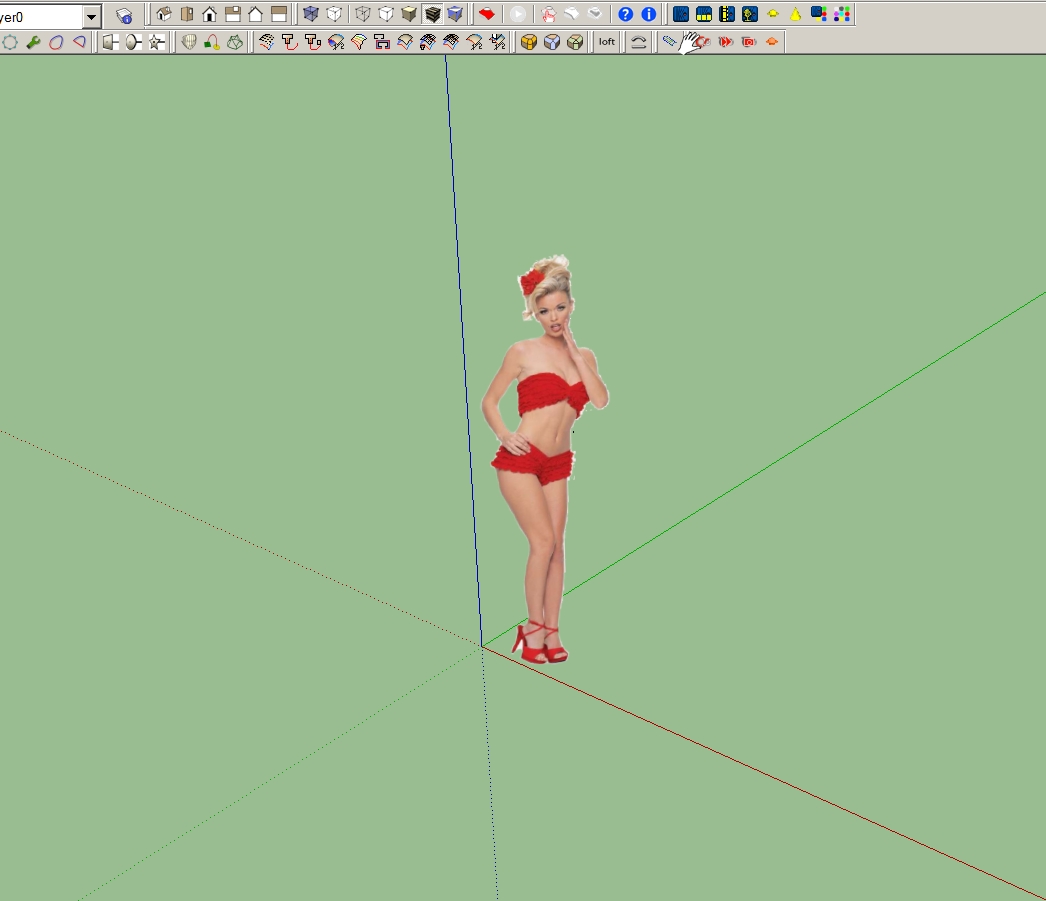
                      But I've found a replacement.


                      2011-06-23_172010.jpg

                      He who makes no mistakes, makes nothing

                      1 Reply Last reply Reply Quote 0
                      • GaieusG Offline
                        Gaieus
                        last edited by

                        Ah well, I doubt Susan would have posed like that for modelling...

                        Gai...

                        1 Reply Last reply Reply Quote 0
                        • charly2008C Offline
                          charly2008
                          last edited by

                          Hi Gaieus,

                          You're right, I doubt that too.
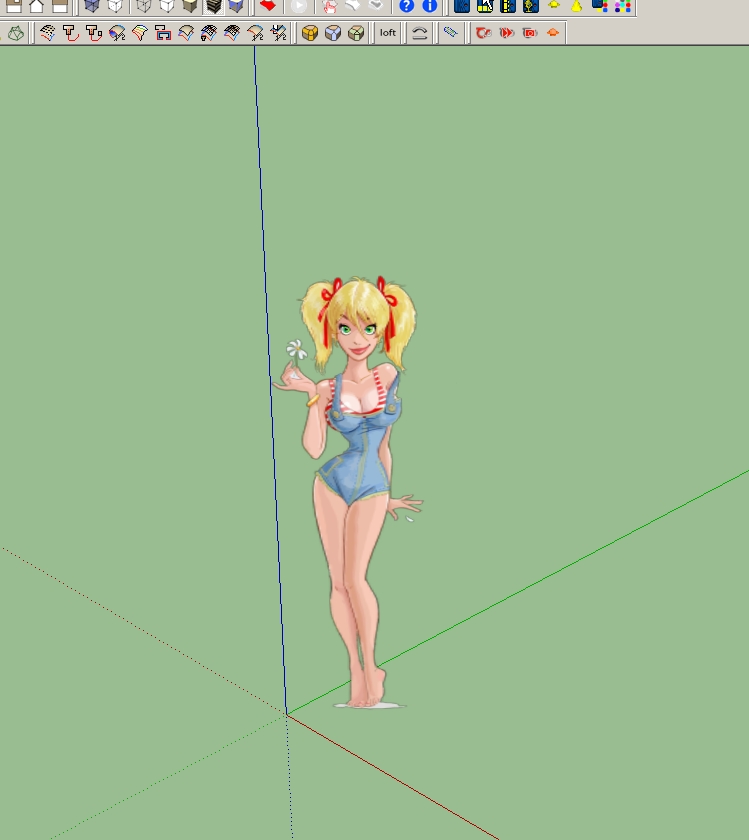

                          2011-06-23_181610.jpg

                          He who makes no mistakes, makes nothing

                          1 Reply Last reply Reply Quote 0
                          • jeff hammondJ Offline
                            jeff hammond
                            last edited by

                            @gaieus said:

                            Also do not forget to purge unused components before saving as a template.

                            likewise, purging will rid the template of all her colors so you'll be able to start off with a blank slate of materials..

                            dotdotdot

                            1 Reply Last reply Reply Quote 0
                            • S Offline
                              SketchUpNoobie
                              last edited by

                              @unknownuser said:

                              @gaieus said:

                              Also do not forget to purge unused components before saving as a template.

                              likewise, purging will rid the template of all her colors so you'll be able to start off with a blank slate of materials..

                              😲 😮 That's were all those were coming from! Man, I feel so dumb right now. 😒

                              --

                              SketchUpNoobie: the complete noob in all things SketchUp.

                              1 Reply Last reply Reply Quote 0
                              • 1
                              • 2
                              • 1 / 2
                              • First post
                                Last post
                              Buy SketchPlus
                              Buy SUbD
                              Buy WrapR
                              Buy eBook
                              Buy Modelur
                              Buy Vertex Tools
                              Buy SketchCuisine
                              Buy FormFonts

                              Advertisement