Google Earth into Sketchup?
-
If 7.1 you can import when GE is open
if 8 just choose add location
Which version Oli?
-
Actually in 7.1 you can use Tools>Google Earth>Get current view....
In 8 it's View>Toolbar>Google and in the toolbar 'Add Location'
-
Im using 7.1 because I can still import dwg files for free!
Shame how they removed this feature from 8, an incentive to buy I guess.
right i'll give it a go now. cheers
-
@olishea said:
Im using 7.1 because I can still import dwg files for free!
Shame how they removed this feature from 8, an incentive to buy I guess.
right i'll give it a go now. cheersA weak marketing ploy as you can still keep 7.1 just to do your dwg imports and then import that file into a v8 skp... however, v8 does offer several other new features as well as various format import, like Layout and boolean ops...
-
BINGO!! Is this one of those 'duh' moments?
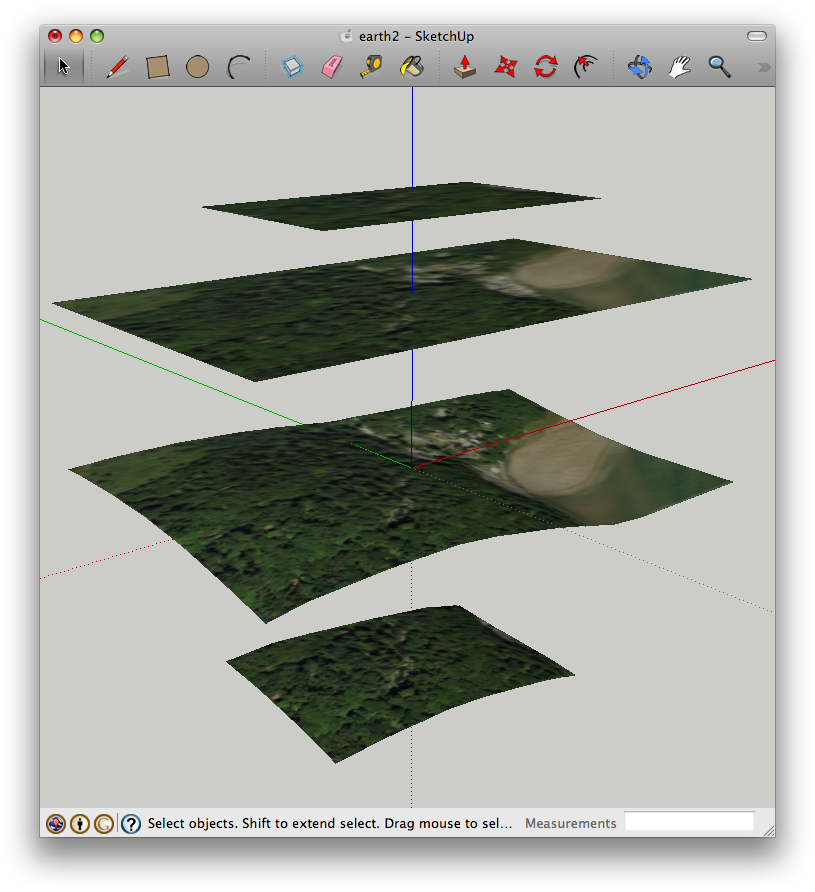
how come the actual satellite photo texture is in black and white?
TIG. yeah i really liked the bool style tools but I just didn't think they were worth the money. Also, photomatch is now crap!! I have to use 7.1 because there are less features in the new one!! WHY?!!

-
Well with 8 it imports in colour then save as 7...voila
-
besides 8 being in color, it also has more detailed and precise terrain elevations.
edit- and you don't have to also use google earth with su8
-
cheers guys massive help!! its for a university project, im designing a shrine of all things.

i just deleted sketchup 8 out of frustration! time to reinstall.....

-
Hi,
Please, can you help me with this problem i asked in the post below.
Charly
-
can i just ask why you still want to import into sketchup 7? you get a colour texture in sketchup 8....
-
You asking charly or the world?
-
Too bad that the image resolution is still pretty weak in version 8, I believe that bing 3d maps may be better.

-
Hi Olishea,
I have also ver.8 but mainly I still work with 7.1. And I can not stop if something is not working properly.
Charly
-
@solo said:
Too bad that the image resolution is still pretty weak in version 8, I believe that bing 3d maps may be better.
Pete, is there a way to get Bing data into Sketchup?
-
same here charly, i'm still with 7.1 for most work.
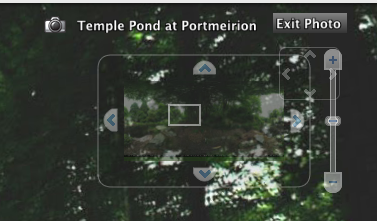
is there a way of saving the spherical image from google street views? i can see the preview in google earth (see screengrab) but i cant save the whole image.....any suggestions? (besides stitching)
-
@solo said:
Too bad that the image resolution is still pretty weak in version 8, I believe that bing 3d maps may be better.
Some places, yes. My city's just a barely coloured blob in Bing. The new SU 8 import brings in the best available resolution both for the imagery and the terrain (when zoomed in properly).
-
Csaba,
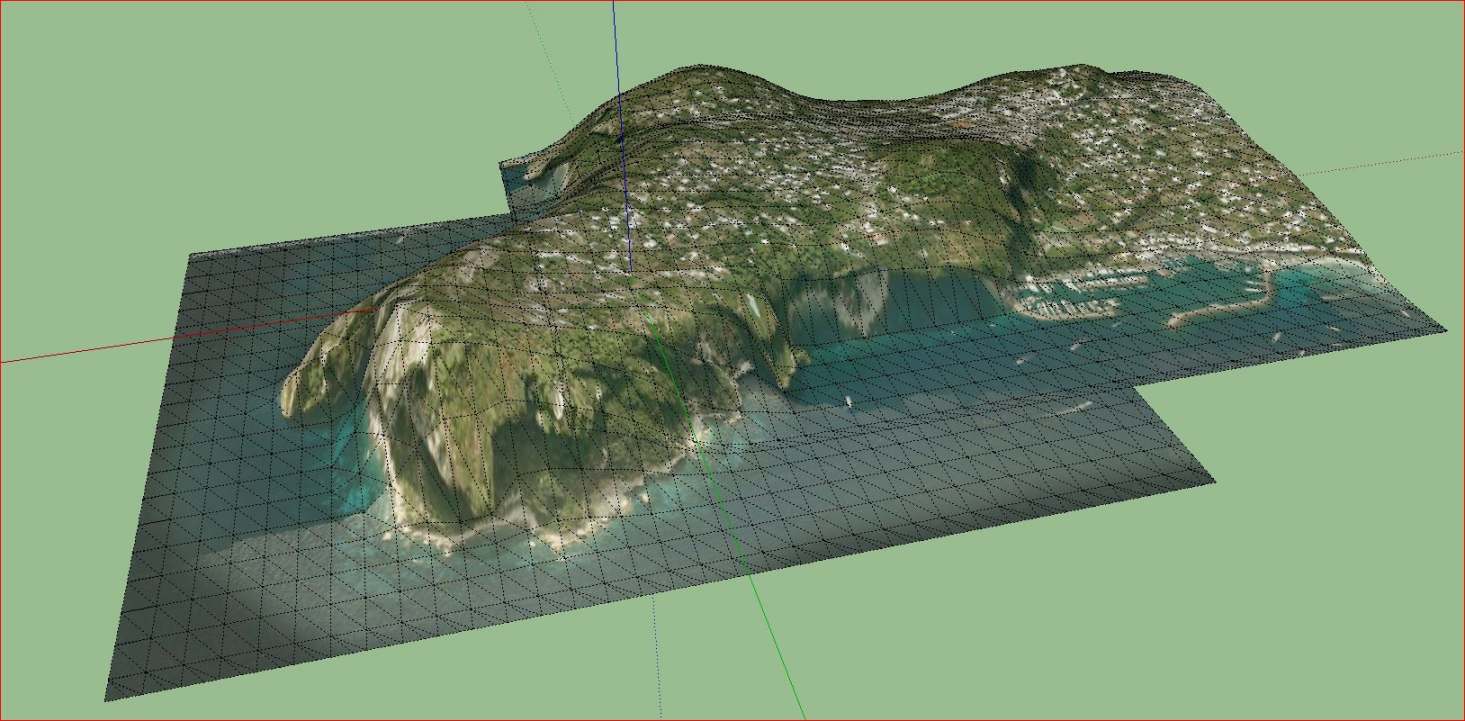
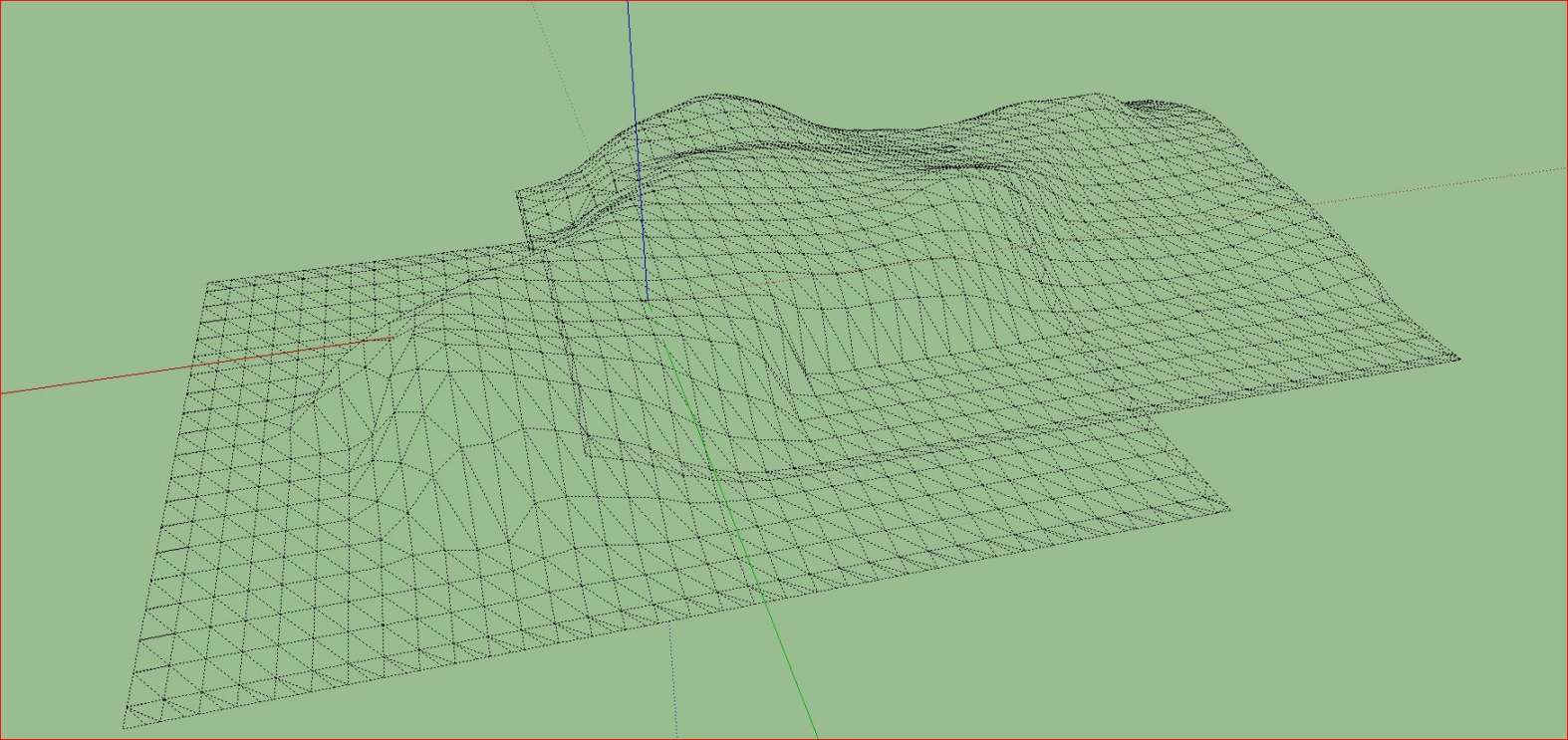
I agree with you. Also the terrain overlap in SKP 8 has been clearly improved. Yesterday I bought a 24 "widescreen monitor and I'm thrilled that I can now import huge pieces. It is a pity that the selection window, only in height but not can change in width.
Charly
-
I would still like a safe and precise way to merge those terrains (hopefully not completely manually).
-
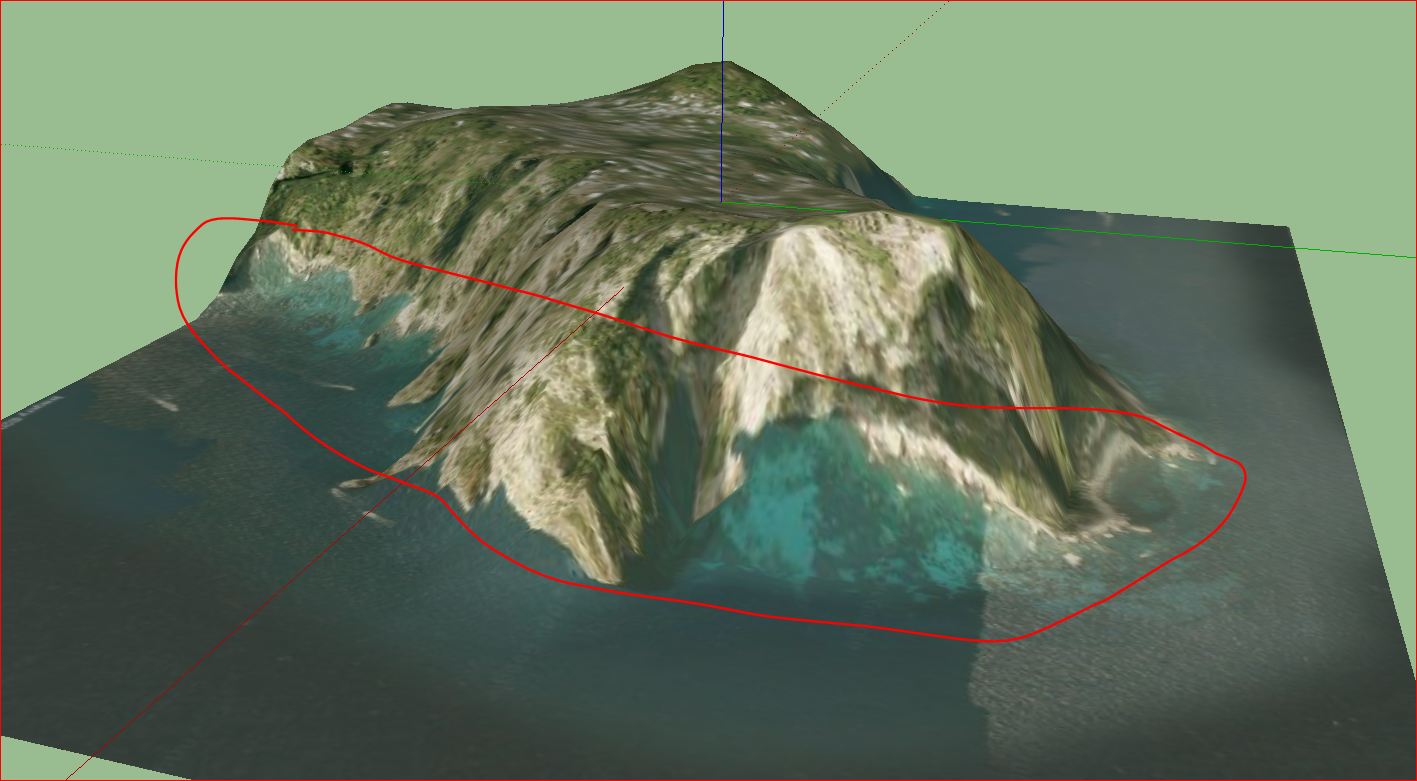
I would like also. The other would be a better projection of the image. But I do not know if such a thing were possible. That would probably require a more accurate DTM.
-
Hehe. That's a neat, slanting shoreline!







Hello! It looks like you're interested in this conversation, but you don't have an account yet.
Getting fed up of having to scroll through the same posts each visit? When you register for an account, you'll always come back to exactly where you were before, and choose to be notified of new replies (either via email, or push notification). You'll also be able to save bookmarks and upvote posts to show your appreciation to other community members.
With your input, this post could be even better 💗
Register Login


Advertisement