[Plugin] Export 2d with Alpha
-
It was actually one of Pete's submissions.
But later I'll provide the model itself in case there's a difference
-
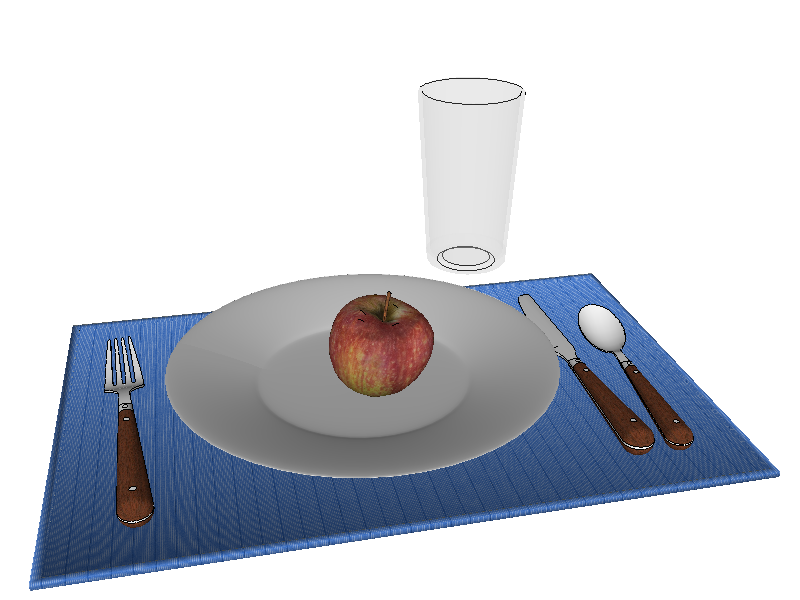
I had no problems getting the transparency. I just loaded the model and exported.
Exactly what do you do?
-
Haven't the foggiest? It's meant to run from plugins menu, right?
-

-
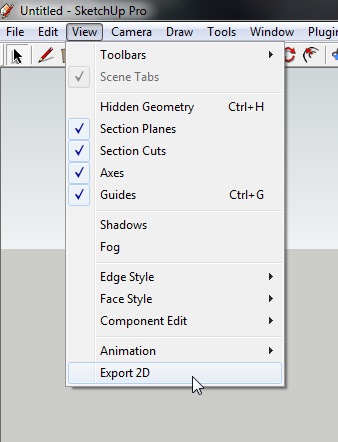
Not there, it's Plugins > Thomthom's Plugins > Export 2D.
I've got conflict somewhere?
-
@unknownuser said:
Not there, it's Plugins > Thomthom's Plugins > Export 2D.
I've got conflict somewhere?
That's the correct menu item - it's just that you got ThomThom's menu installed which moves all my menu items to that position.
But it should not affect the result. Can you send me a quick video recording of what you do when you try to export with transparency?
-
-
view.html.write_image
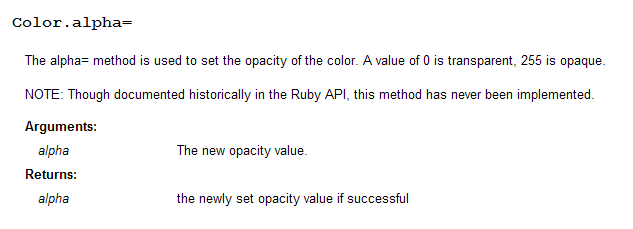
http://code.google.com/apis/sketchup/docs/ourdoc/view.html#write_imageAs of SU8, if you use the hash variant for the arguments you can specify transparency.
-
Thanks, I see that the api notes that the method applies to v6.0+. How can that be correct?
-
@honoluludesktop said:
Thanks, I see that the api notes that the method applies to v6.0+. How can that be correct?
The method is old, but the transparency argument is new.
-
Thank you Thom Thom!
New to SketchUp 8 (1) month. Had the 'no transparency in 2D export" problem. Found SketchUcation , found your plug in
  , fixed my problem.
Thank you very much.
-Donna
-

-
Brilliant, works a treat. Thank-you
-
Thank you for this. Opens up a lot of possibilities.
-
I have a suggestion for this great plugin (if still in development).
Would it be possible to export multiple layers as a series of png's? I see that ImageReady CS2 has an option to import a series of images to layers, which can then be saved out as a psd file. This would make SketchUp great for blocking in some layers -say foreground/midground/background elements and individual objects, then opening in Photoshop to do paintovers with the objects seperated by layer.
-
Takk for det!
-
Hey thom and thanks for this great plugin.
I need to produce some 2d transparency alpha maps. Installed TT_lib2 folder along side tt_lib and tt_export.rb into the plugins directory.
Don't have the dialoug which you mark "Transparency" while exporting png from file>export>2d graphic.
many thanks
-
@mooshonov said:
Don't have the dialoug which you mark "Transparency" while exporting png from file>export>2d graphic.
See the description again in the first post. The menu is not located under File, it is "View -> Export 2d".
-
Thom,
Ever notice some funny screen cropping using this?
-
Cropping? It exports the incorrect area?




Hello! It looks like you're interested in this conversation, but you don't have an account yet.
Getting fed up of having to scroll through the same posts each visit? When you register for an account, you'll always come back to exactly where you were before, and choose to be notified of new replies (either via email, or push notification). You'll also be able to save bookmarks and upvote posts to show your appreciation to other community members.
With your input, this post could be even better 💗
Register Login


Advertisement