Question: Render reduction as camera pans out
-
-
Okay, I have created the correct (but empty) folders for both versions 6 (free) and 7 (free)
-
Still no effect
-
With Ruby Console open - running the script - I got this message
Error; #<NoMethodError; undefined method `+' for nil;NilClass>
/Library/Application Support/Google SketchUp 6/SketchUp/Plugins/MatrixProximity.rb;550;in `proximity'
/Library/Application Support/Google SketchUp 6/SketchUp/Plugins/MatrixProximity.rb;686
/Library/Application Support/Google SketchUp 6/SketchUp/Plugins/MatrixProximity.rb;550;in `call'
/Library/Application Support/Google SketchUp 6/SketchUp/Plugins/MatrixProximity.rb;550
Does this mean anything to you? Or is this a generic error?
I thank you again sir!
-
-
OK we have some new info

It's saying that it's having trouble finding a folder
C:/Program Files/Google/Google SketchUp 6/Components/Proximity Components/
(or 7 ?)
I don't get those errors, so I can't see why you do... but...
Here's v1.8 that MIGHT stop the error ???
Try it and report backMatrixProximity.rb
Check you have the folder correctly made... -
Thank you for posting the revamped script! Half GREAT news! On Windows XP running SU6 (Pro) it WORKED!!!!!!
The Half BAD news, on my Mac (my primary computer) in both SU 6 (Free) and SU 7 (Free) I get a NEW errorError; #<TypeError; can't convert nil into String> /Library/Application Support/Google SketchUp 6/SketchUp/Plugins/MatrixProximity.rb;552;in `open' /Library/Application Support/Google SketchUp 6/SketchUp/Plugins/MatrixProximity.rb;552;in `entries' /Library/Application Support/Google SketchUp 6/SketchUp/Plugins/MatrixProximity.rb;552;in `proximity' /Library/Application Support/Google SketchUp 6/SketchUp/Plugins/MatrixProximity.rb;687 /Library/Application Support/Google SketchUp 6/SketchUp/Plugins/MatrixProximity.rb;552;in `call' /Library/Application Support/Google SketchUp 6/SketchUp/Plugins/MatrixProximity.rb;552So, again, thank you for your patience (I owe you huge after this) - does this error (from my mac) tell you anything new?
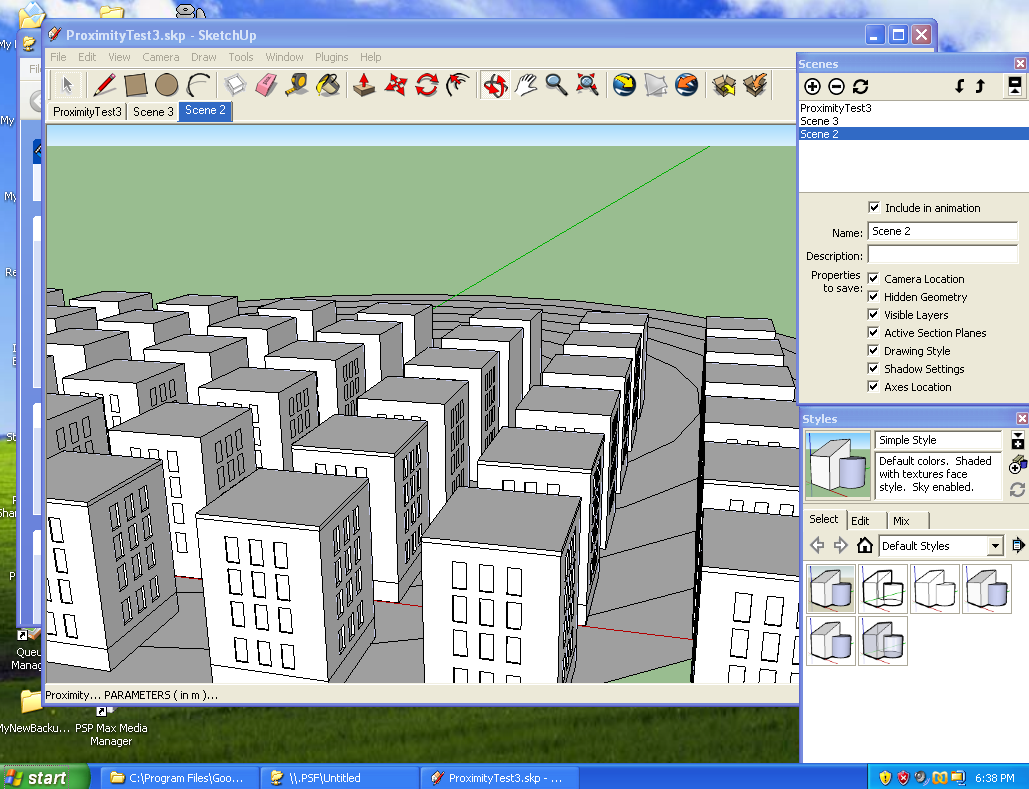
I've attached a screen shot of where I have my "Proximity Components" folder:
- Is there anything wrong (that you can tell) with this folder?
- Is this folder in the wrong place?

-
Try this - the /Components/Proximity Components/ folder MUST now exist and if it doesn't you get an error message.MatrixProximity.rb
-
The folder structure is different on the MAC side. This is what it looks like:
"/Library/Application Support/Google SketchUp 6/Sketchup/Components/Proximity Components"
(note that the "Components" folder in not located in the Google Sketchup application folder itself)
Can you alter the .rb to work with both Mac and PC?
-
Why not make a folder within the Sketchup structure - the ../Components/ folder should be in the same relationship as the ../Plugins/ folder ??? To get it to work make an empty ../Components/ folder where it's looking and an empty ../Components/Proximity Componnets folder too... that'll fool it.
I think your Mac's folder structure is wrong... if you copy/paste these two lines into the Ruby Console they should return the same path ?
Sketchup.find_support_file("","Components") Sketchup.find_support_file("","Plugins")

-
Hey guys!
The folder path is different from PC to Mac.
I spoke to my coding friend, who took at TIG's code, and in addition to being really impressed with what you created, he was able to "Frankenstein" it and got it to work for both PC and Mac.
Now the script checks for platform first, and that effects where it looks for the "Proximity Components" folder
Tested on WinXP and MacOSX with

Hope this helps, and thank you for sharing!
-
HOLY CRAP (the new one) WORKS FOR BOTH MY MAC AND PC!!!!
AWESOME! Thank you both Especially you TIG!!!



Advertisement