sketchucation logo sketchucation
    • Anmelden
    Oops, your profile's looking a bit empty! To help us tailor your experience, please fill in key details like your SketchUp version, skill level, operating system, and more. Update and save your info on your profile page today!
    ⚠️ Important | Libfredo 15.6b introduces important bugfixes for Fredo's Extensions Update

    [Plugin] Extrude Edges by Rails to Lattice

    Geplant Angeheftet Gesperrt Verschoben Plugins
    73 Beiträge 25 Kommentatoren 96.0k Aufrufe 25 Watching
    Lade mehr Beiträge
    • Älteste zuerst
    • Neuste zuerst
    • Meiste Stimmen
    Antworten
    • In einem neuen Thema antworten
    Anmelden zum Antworten
    Dieses Thema wurde gelöscht. Nur Nutzer mit entsprechenden Rechten können es sehen.
    • pilouP Offline
      pilou
      zuletzt editiert von

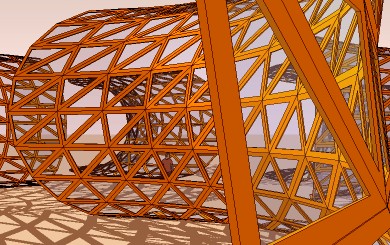
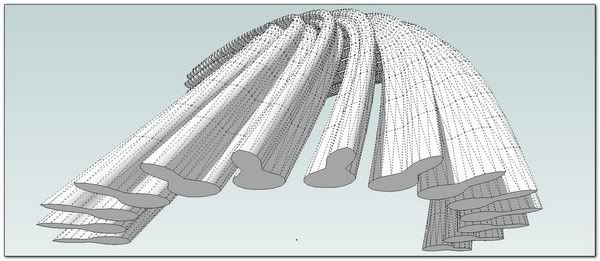
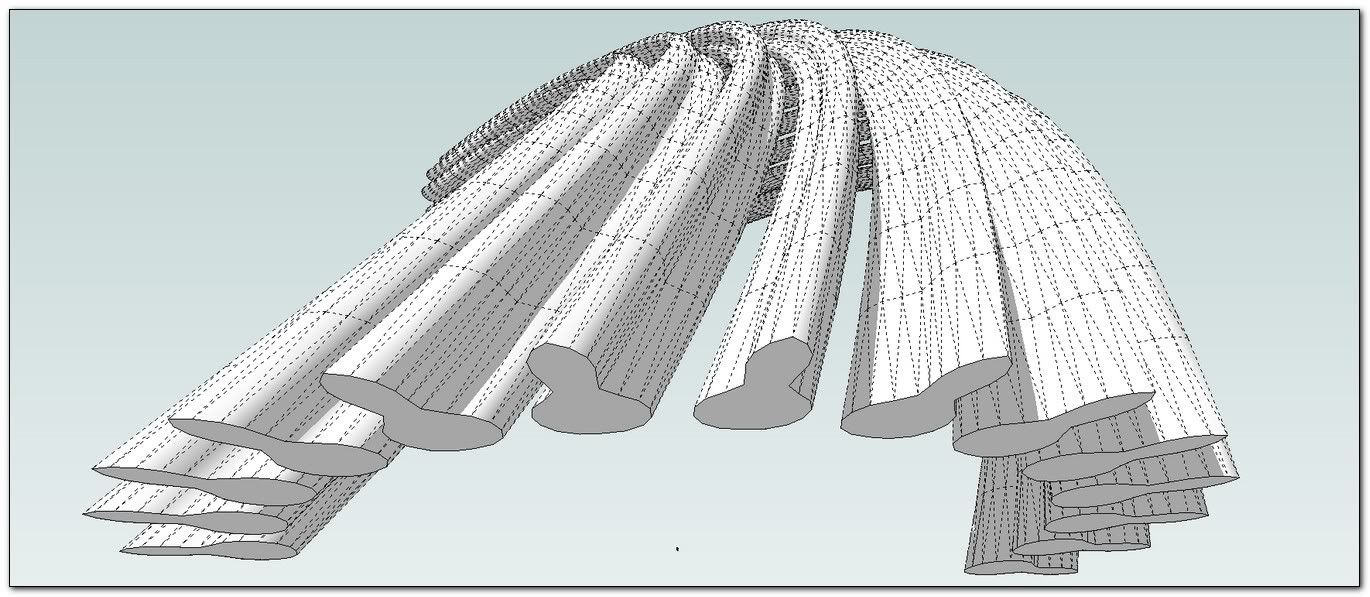
      That rules now 👍 😎
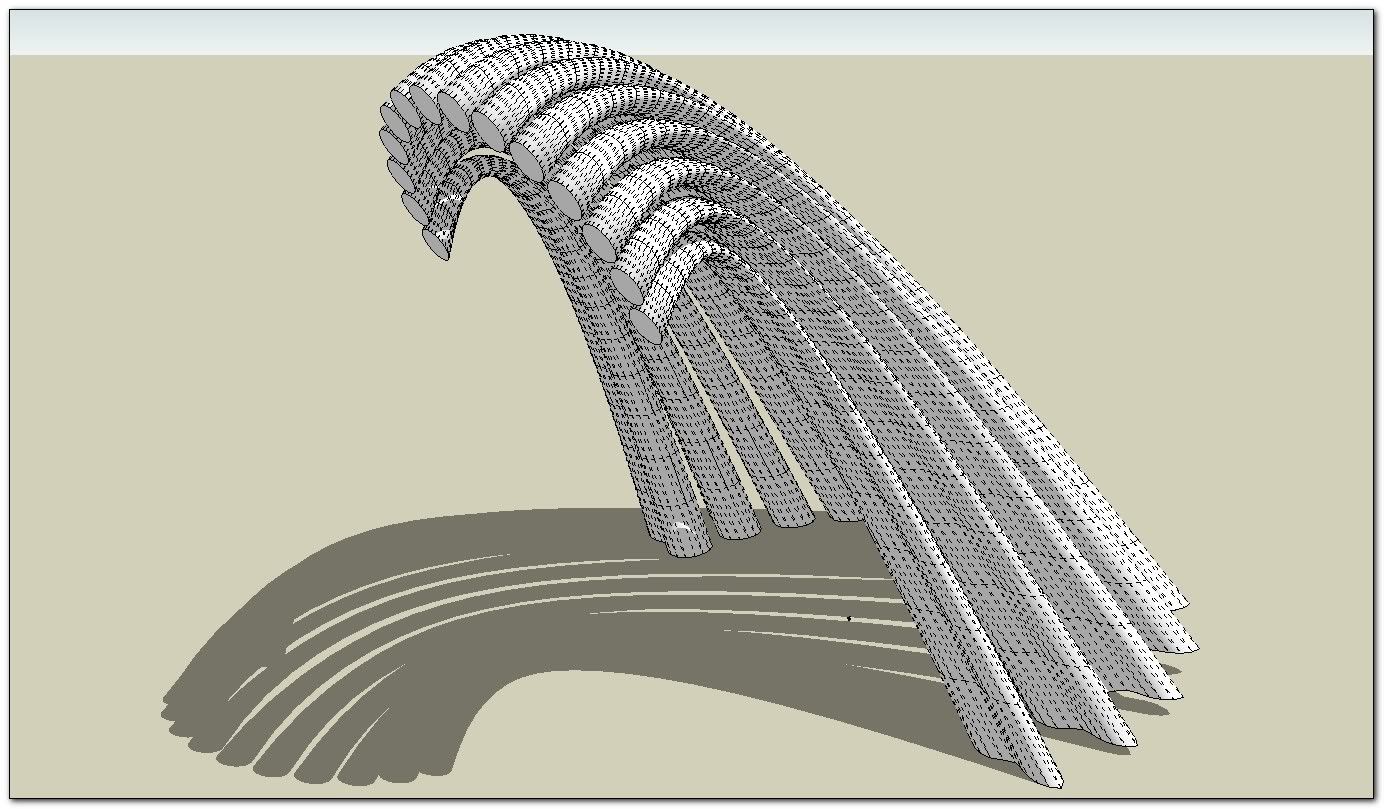
      fine2.jpg

      Frenchy Pilou
      Is beautiful that please without concept!
      My Little site :)

      1 Antwort Letzte Antwort Antworten Zitieren 0
      • TIGT Offline
        TIG Moderator
        zuletzt editiert von

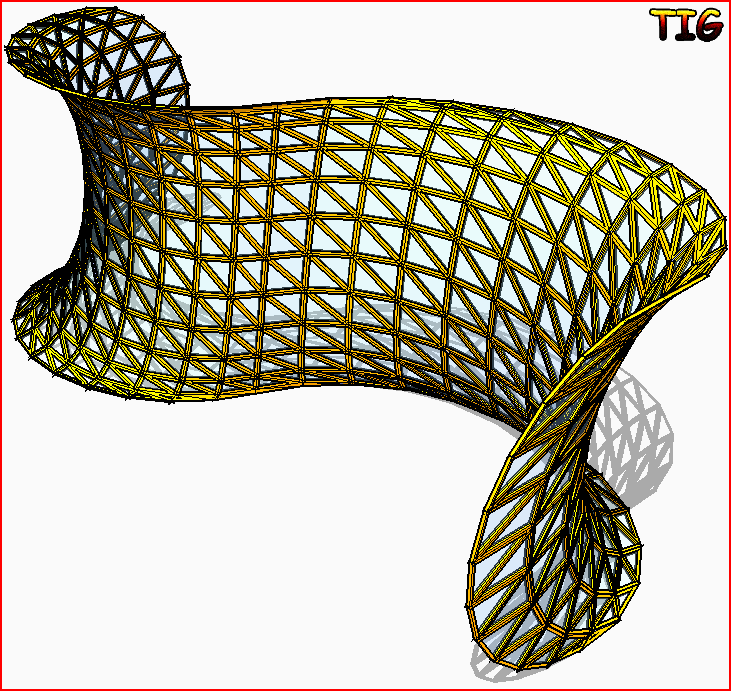
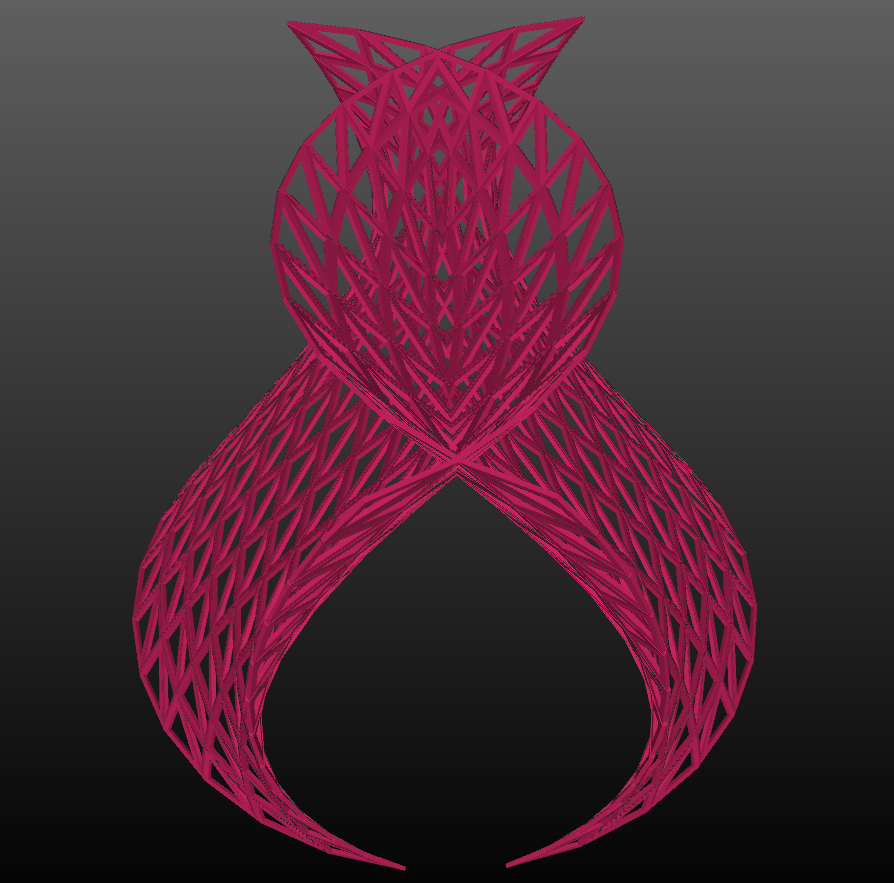
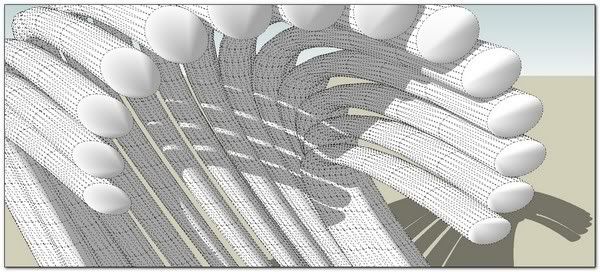
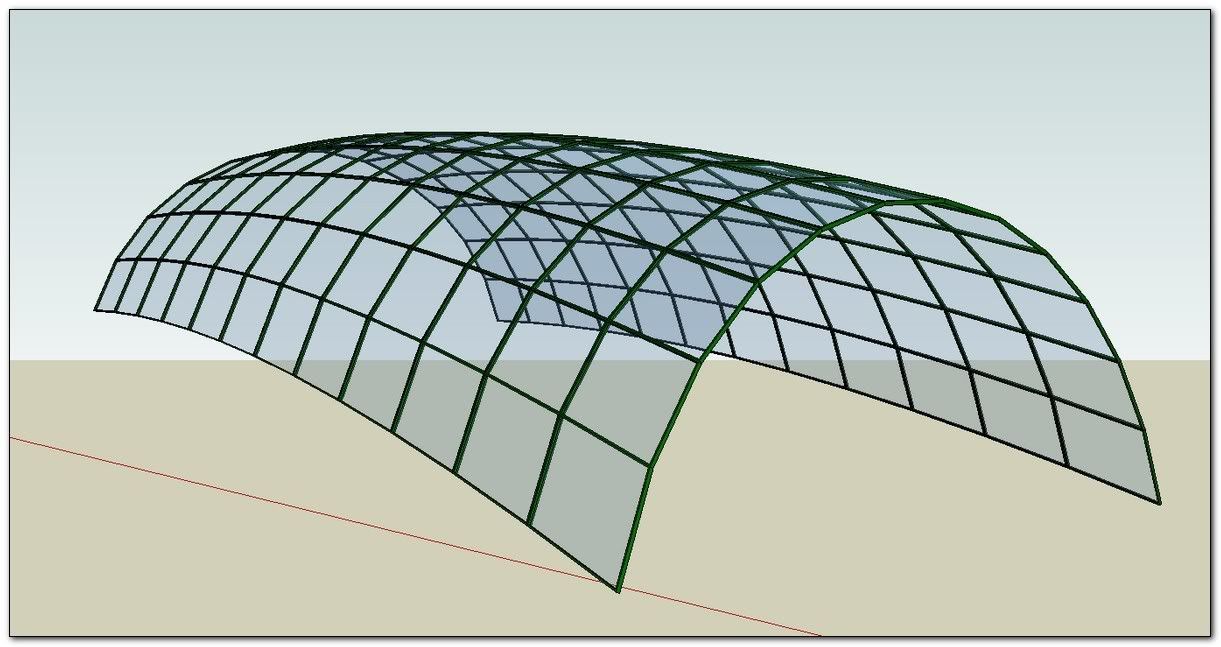
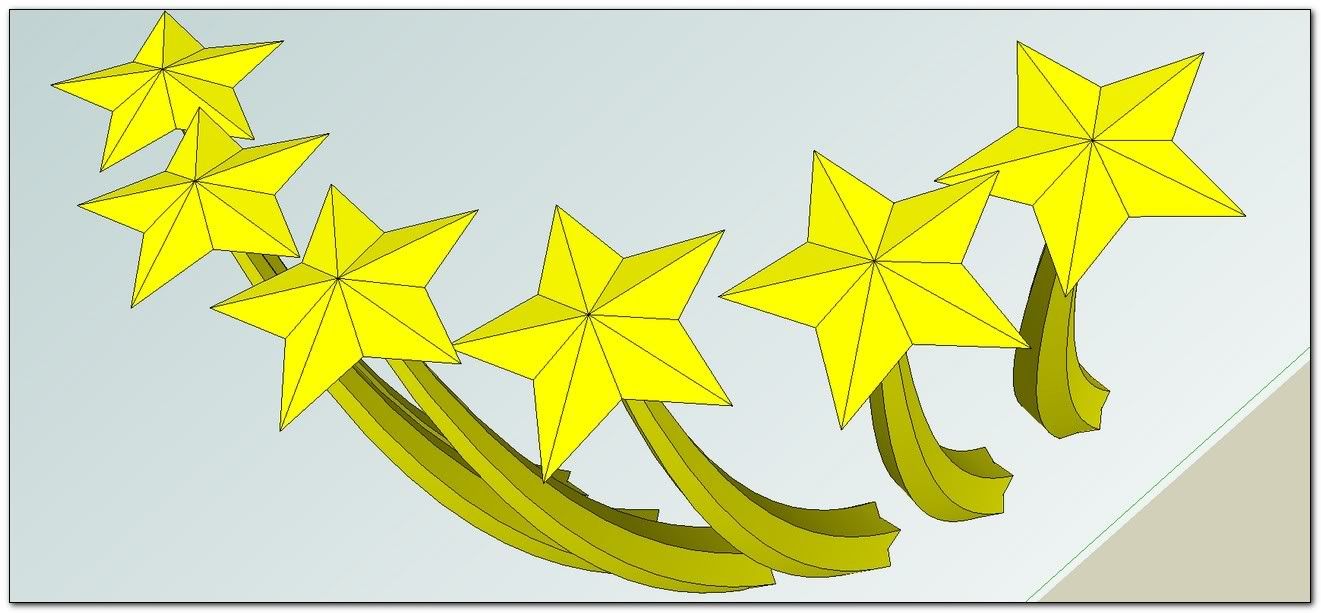
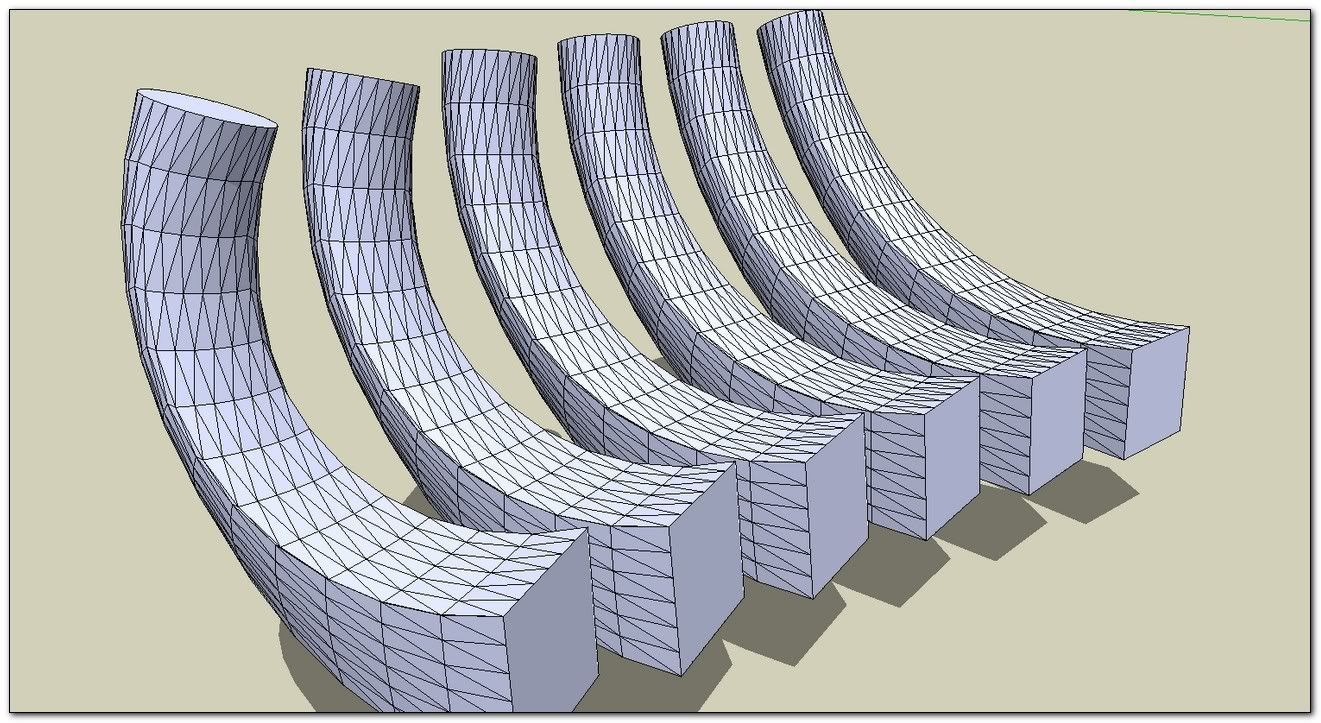
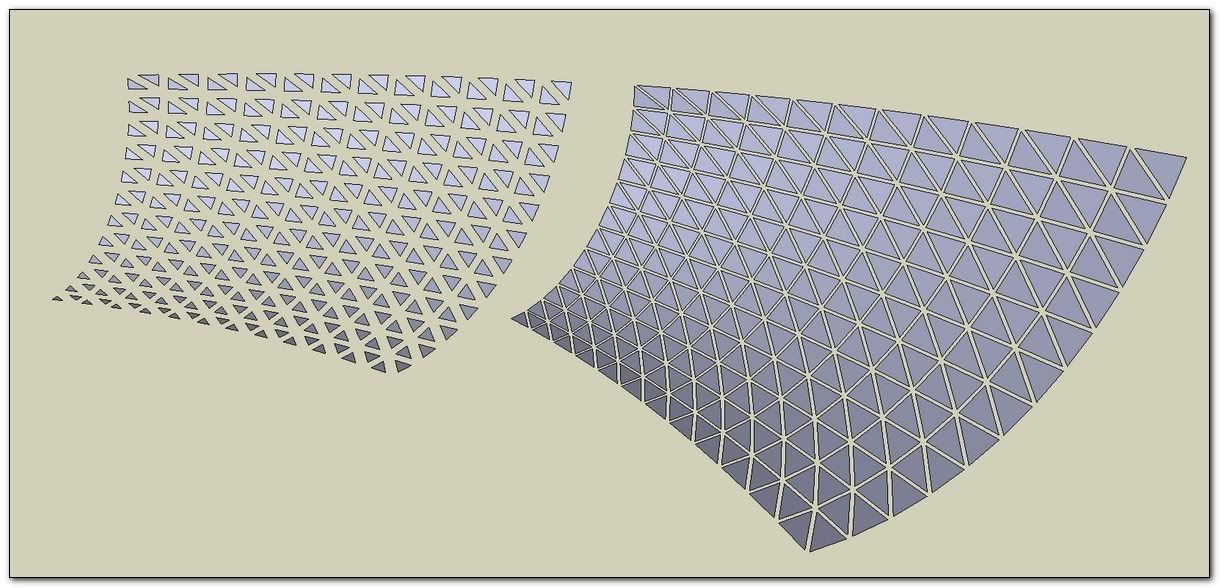
        Here's another form...Capture.PNG

        TIG

        1 Antwort Letzte Antwort Antworten Zitieren 0
        • TIGT Offline
          TIG Moderator
          zuletzt editiert von

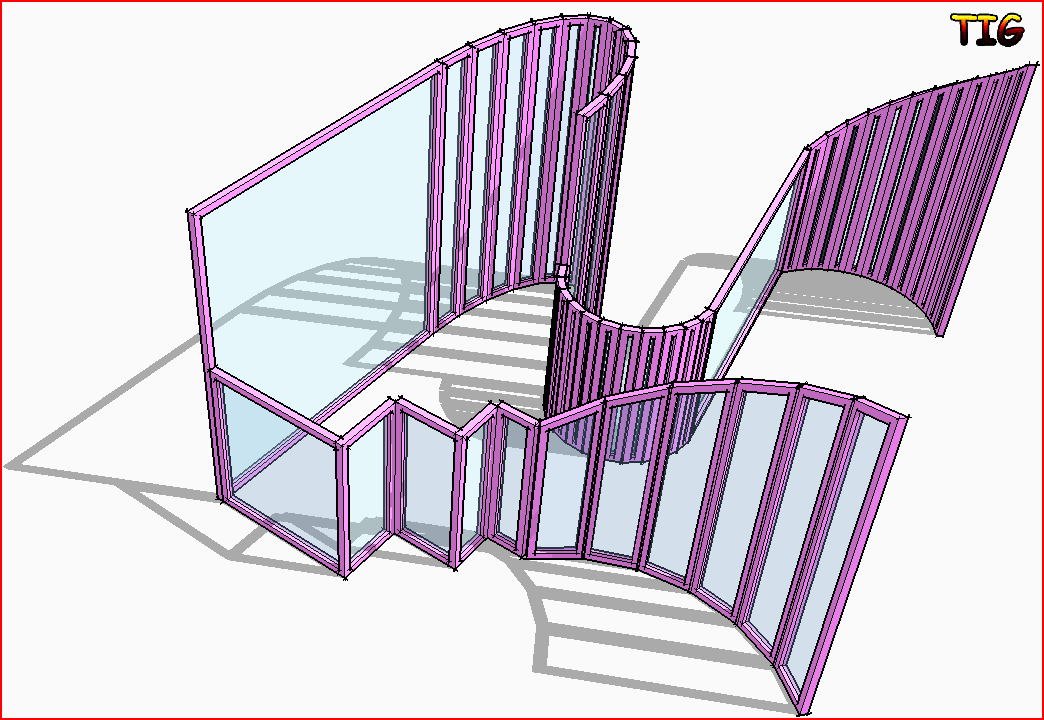
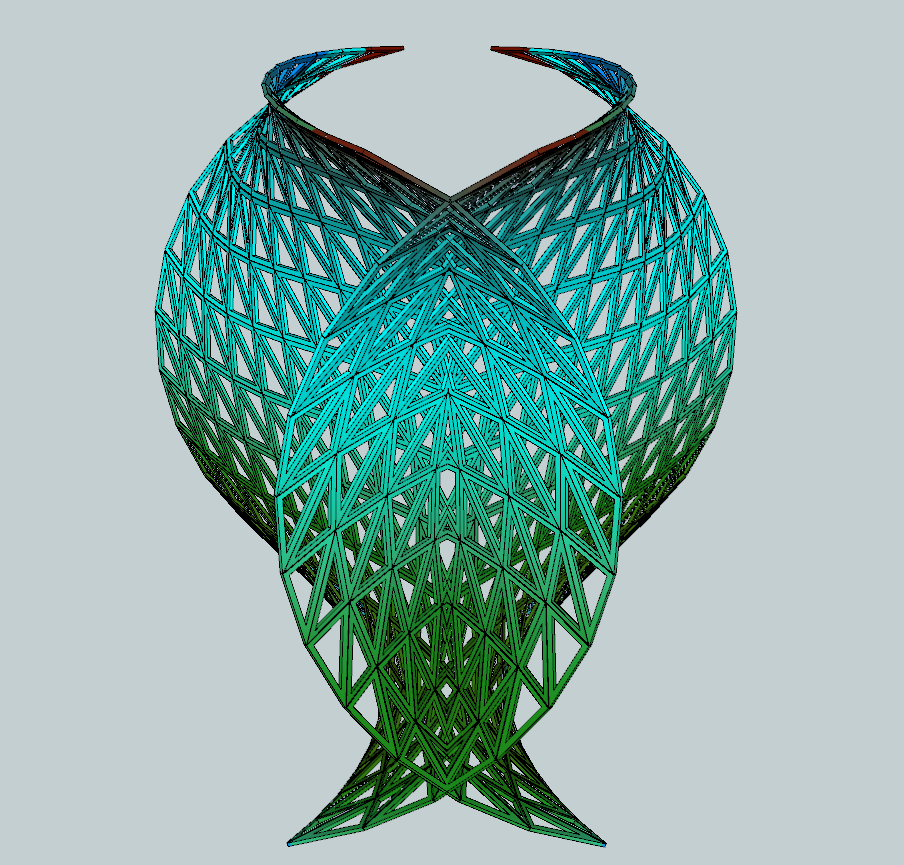
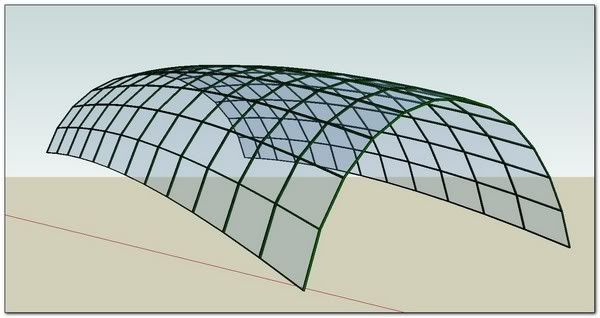
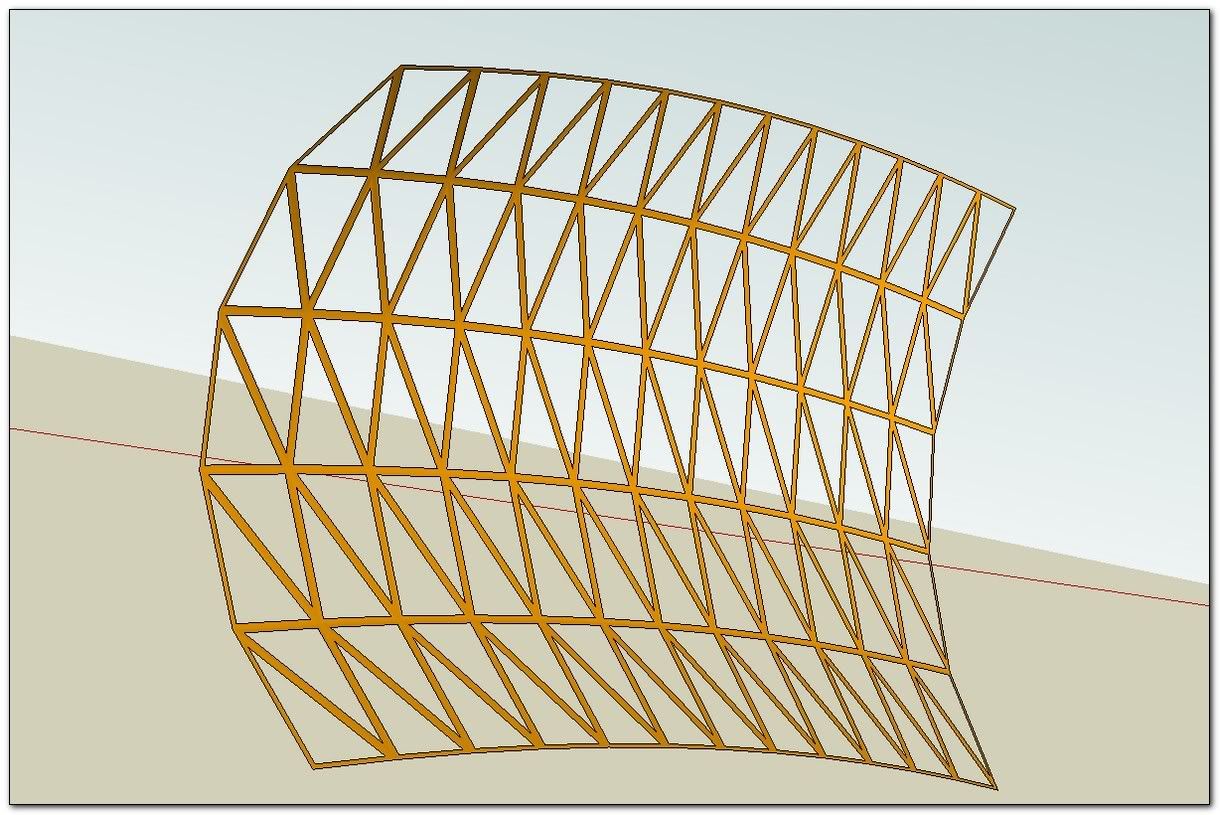
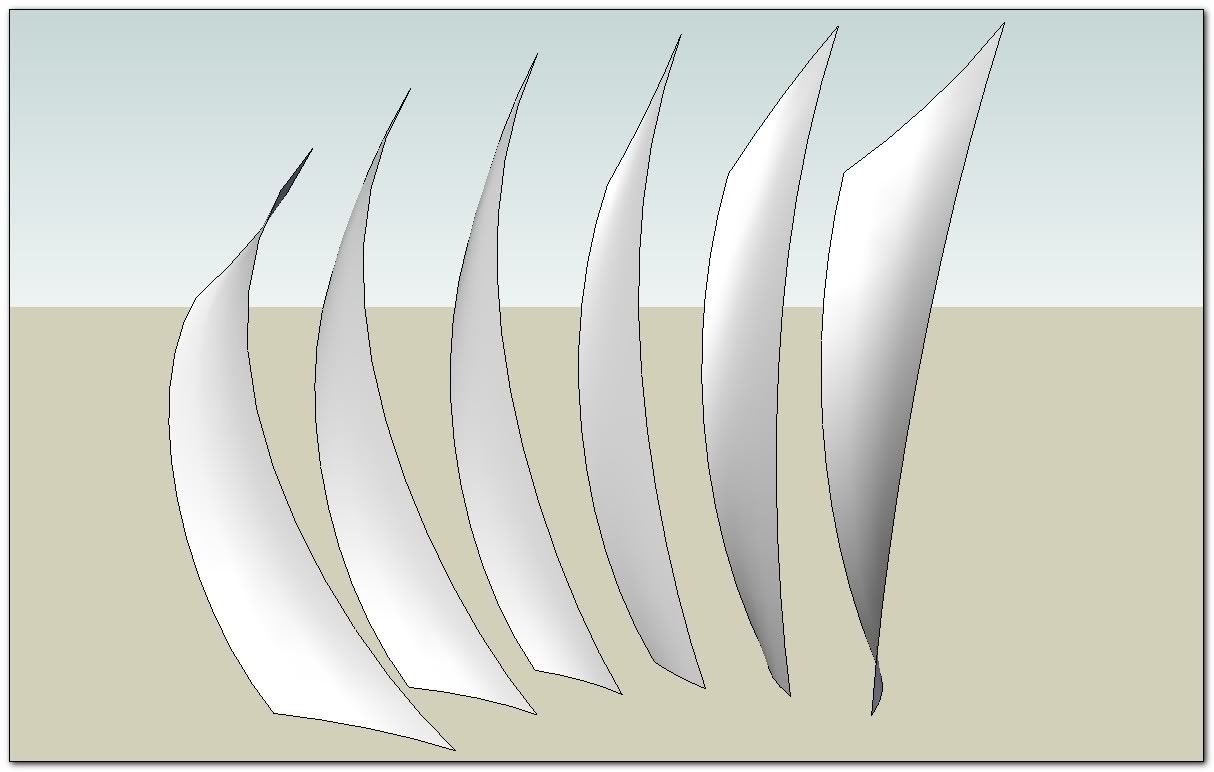
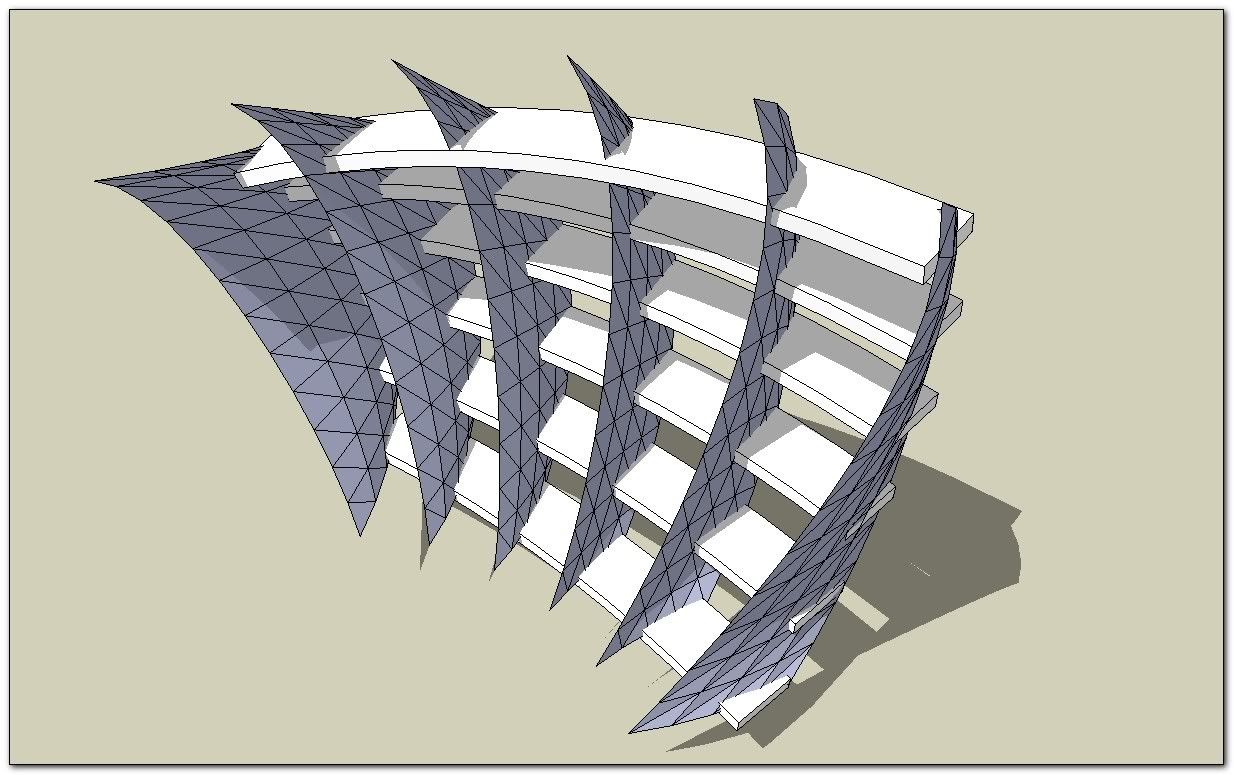
          And anotherCapture.PNG

          TIG

          1 Antwort Letzte Antwort Antworten Zitieren 0
          • pilouP Offline
            pilou
            zuletzt editiert von

            😉

            http://forums.sketchucation.com/download/file.php?id=47505

            Frenchy Pilou
            Is beautiful that please without concept!
            My Little site :)

            1 Antwort Letzte Antwort Antworten Zitieren 0
            • S Offline
              saturne45
              zuletzt editiert von

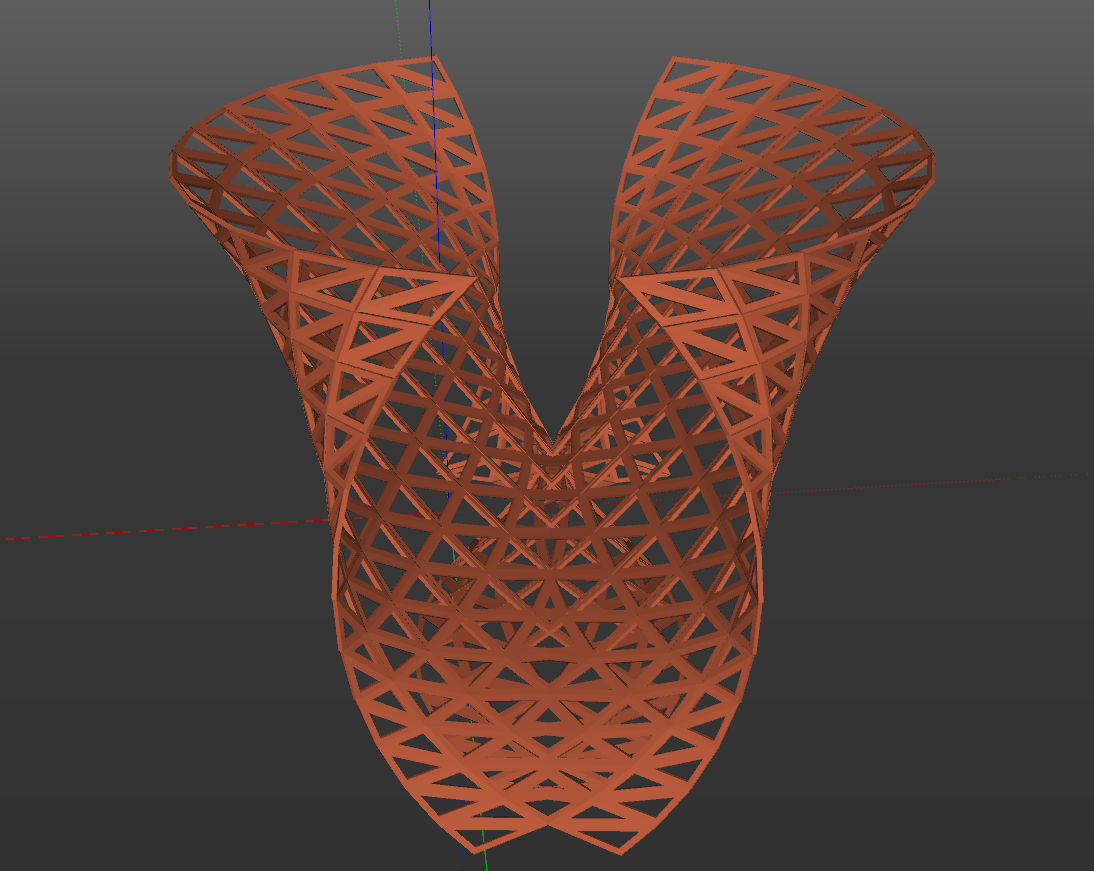
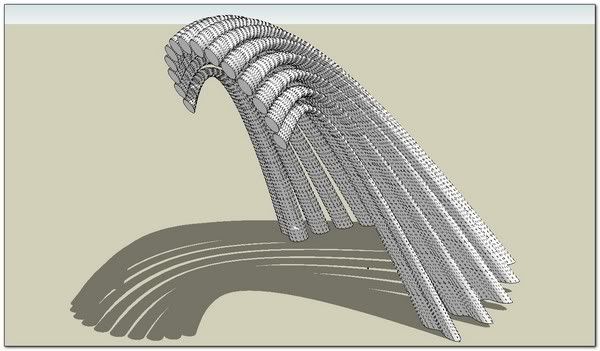
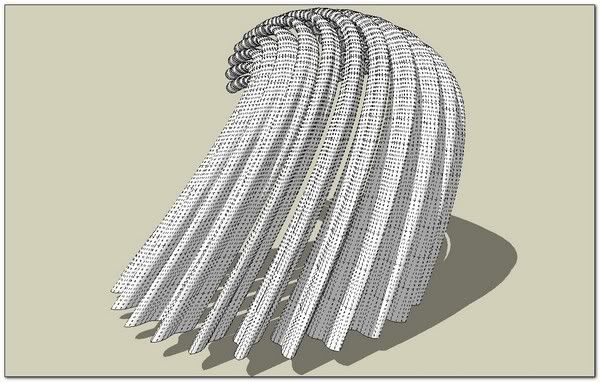
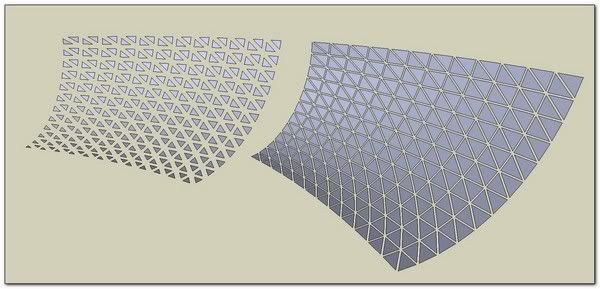
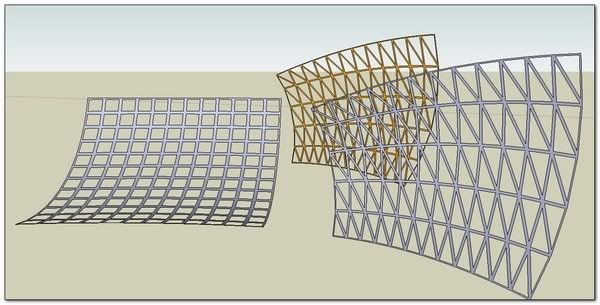
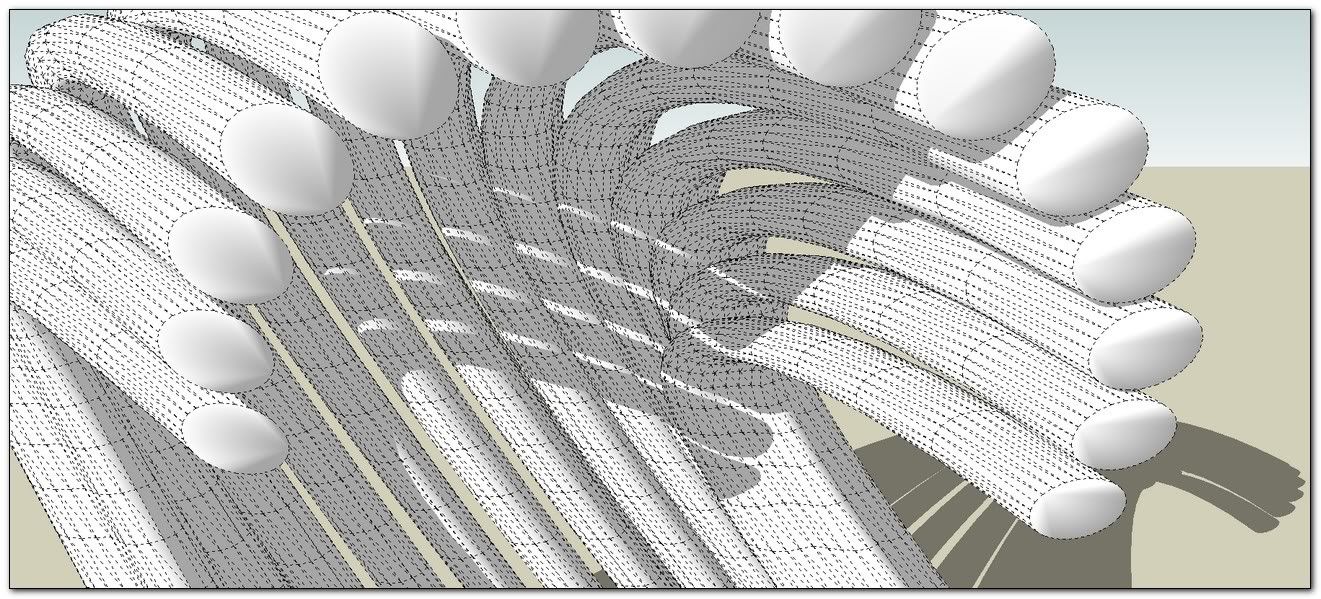
              TREILLIS 01.pngTreillis 01TREILLIS 05.pngTREILLIS 03.png

              1 Antwort Letzte Antwort Antworten Zitieren 0
              • olisheaO Offline
                olishea
                zuletzt editiert von

                this is seriously amazing! been playing with it for hours now! just a question TIG: is there a way to group separately the "glass panes" from the frame? so the frame is one group and the panes are another...... 😕

                oli

                1 Antwort Letzte Antwort Antworten Zitieren 0
                • N Offline
                  notareal
                  zuletzt editiert von

                  Wow, you did it again!

                  Welcome to try [Thea Render](http://www.thearender.com/), Thea support | [kerkythea.net](http://www.kerkythea.net/) -team member

                  1 Antwort Letzte Antwort Antworten Zitieren 0
                  • TIGT Offline
                    TIG Moderator
                    zuletzt editiert von

                    @olishea said:

                    this is seriously amazing! been playing with it for hours now! just a question TIG: is there a way to group separately the "glass panes" from the frame? so the frame is one group and the panes are another...... 😕

                    Give the frames and panes different colors - say 'red' and 'glass'.
                    Edit the group and select a pane.
                    Right-click Context-menu > Select > All with same Material...
                    All the panes are selected, Right-click Context-menu > Group.
                    Repeat for the frames.
                    You now have the original lattice group that contains two sub-groups - one for the panes the other for the frames.
                    Re-color them as desired.
                    One of the reasons I gave a limited 'rainbow' of colors+glass was to avoid long material lists in the dialog which always causes grief when the color you want is off the screen... and as explained above you can always select everything by a material and apply any color/material onto them that you like later on... 🤓

                    TIG

                    1 Antwort Letzte Antwort Antworten Zitieren 0
                    • simon le bonS Offline
                      simon le bon
                      zuletzt editiert von

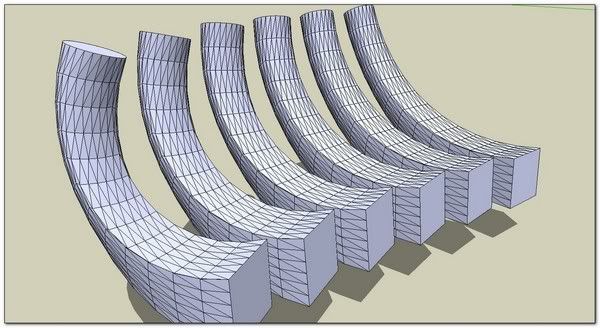
                      playing:


                      http://i274.photobucket.com/albums/jj245/Spendauballet/SketchUp/EEbRtL_011_th.jpg


                      http://i274.photobucket.com/albums/jj245/Spendauballet/SketchUp/EEbRtL_012_th.jpg


                      http://i274.photobucket.com/albums/jj245/Spendauballet/SketchUp/EEbRtL_013_th.jpg


                      http://i274.photobucket.com/albums/jj245/Spendauballet/SketchUp/EEbRtL_014_th.jpg

                      I don't see how I could do the same with else tools ❓
                      *s

                      1 Antwort Letzte Antwort Antworten Zitieren 0
                      • pilouP Offline
                        pilou
                        zuletzt editiert von

                        @unknownuser said:

                        I don't see how I could do the same with else tools

                        Maybe 2 faces + path + FFD(or fredoscale) 😉

                        Frenchy Pilou
                        Is beautiful that please without concept!
                        My Little site :)

                        1 Antwort Letzte Antwort Antworten Zitieren 0
                        • simon le bonS Offline
                          simon le bon
                          zuletzt editiert von

                          Thank you so much Dear Tig for this new amazing tool. 👍 👍

                          @tig said:

                          Tip
                          You are prompted to erase coplanar edges if the faces can survive without triangulation divisions.
                          To ensure that you get 'flat' quad faces make sure that the profiles and rails are identical [perhaps copy them].

                          Pretty good tip!

                          http://i274.photobucket.com/albums/jj245/Spendauballet/SketchUp/EEbRtL_001_th.jpg

                          @unknownuser said:

                          ../
                          Edit the group and select a pane.
                          Right-click Context-menu > Select > All with same Material...
                          All the panes are selected, Right-click Context-menu > Group.
                          Repeat for the frames.

                          I wanted to tell this one, but I'm outstripped by TIG 😄

                          http://i274.photobucket.com/albums/jj245/Spendauballet/SketchUp/EEbRtL_002_th.jpg

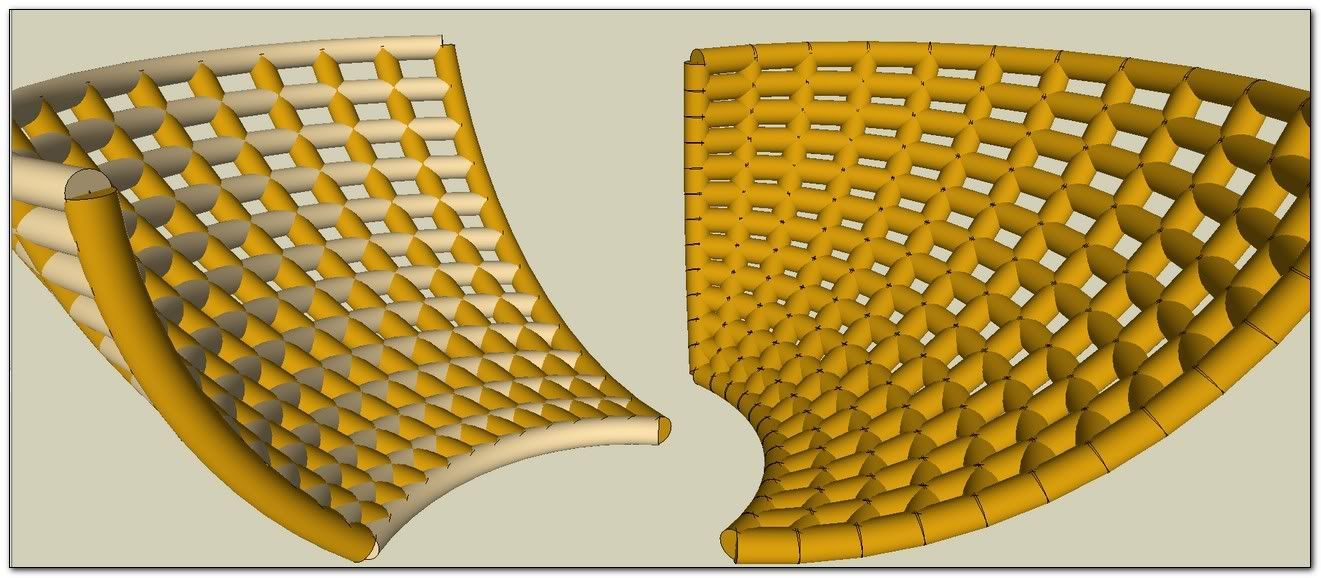
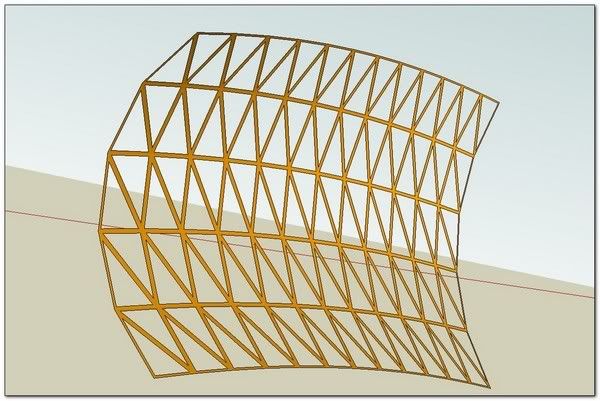
                          another interesting result is to adjust the depth to 0 in order to get a flat frame
                          (and use soften & smooth for a simple aspect)
                          http://i274.photobucket.com/albums/jj245/Spendauballet/SketchUp/EEbRtL_003_th.jpg


                          http://i274.photobucket.com/albums/jj245/Spendauballet/SketchUp/EEbRtL_004_th.jpg


                          @unknownuser said:

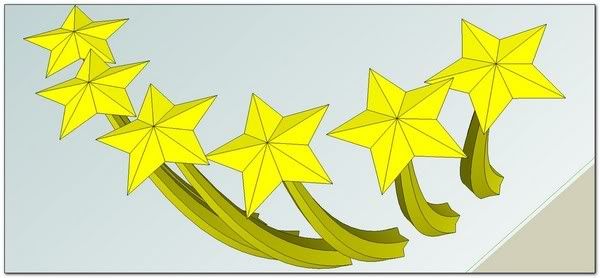
                          The tool 'EEbyRailsToLattice' was written to do a 3D lattice or the profiles/rails rib-lines as simple separated curves - so you can use them for other things - like 'EEbyFace' using different profiles for different parts...
                          🤓

                          Extrude Edges by Rails to Lattice + ExtrudeEdgesBy2Faces
                          http://i274.photobucket.com/albums/jj245/Spendauballet/SketchUp/EEbRtL_005_th.jpg


                          http://i274.photobucket.com/albums/jj245/Spendauballet/SketchUp/EEbRtL_006_th.jpg

                          Extrude Edges by Rails to Lattice + ExtrudeEdgesByEdges
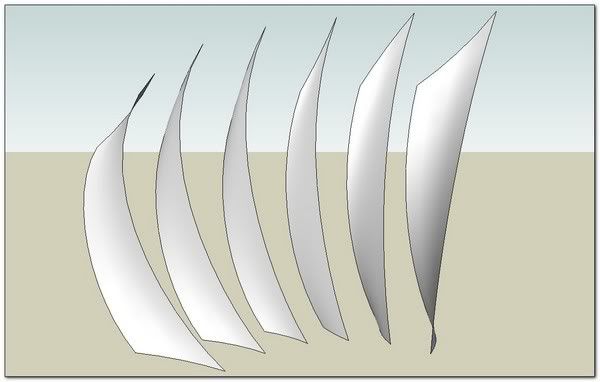
                          http://i274.photobucket.com/albums/jj245/Spendauballet/SketchUp/EEbRtL_007_th.jpg

                          Extrude Edges by Rails to Lattice + ExtrudeEdgesByEdges + ExtrudeEdgesByRailsByFace
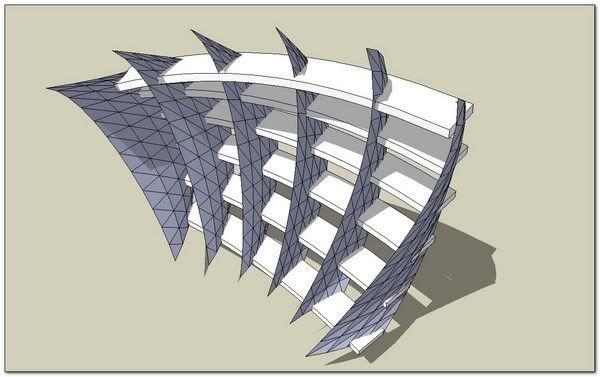
                          http://i274.photobucket.com/albums/jj245/Spendauballet/SketchUp/EEbRtL_008_th.jpg


                          Extrude Edges by Rails to Lattice + Chris Fullmer tools
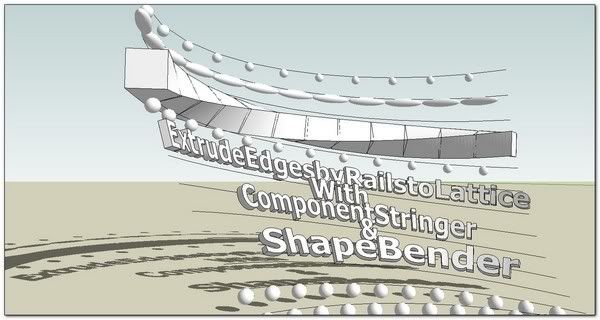
                          http://i274.photobucket.com/albums/jj245/Spendauballet/SketchUp/EEbRtL_009_th.jpg

                          Extrude Edges by Rails to Lattice + Didier Bur "lines to tubes" (with and without EEbRtL)
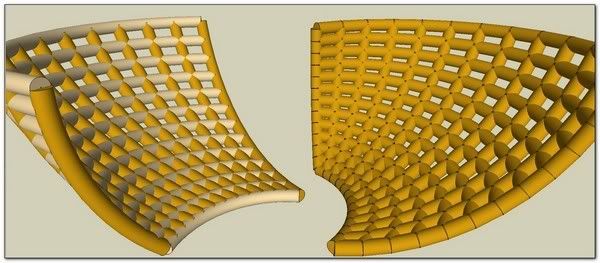
                          http://i274.photobucket.com/albums/jj245/Spendauballet/SketchUp/EEbRtL_010_th.jpg

                          etc.. etc..

                          Vast possibilities 👍 👍

                          %(#0000BF)[Dear TIG, may I comment ? 😕
                          -Extrude Edges by Rails to Lattice uses only ExtrudeEdgesByEdges. I would be really cool if we would be able to pick curves the same starting from ExtrudeEdgesByLoft and also from ExtrudeEdgesBy2Faces or from ExtrudeEdgesByLathe !
                          -Do you think it would be possible to select also the diagonal curves family?]

                          with my friendly respect, simon.

                          1 Antwort Letzte Antwort Antworten Zitieren 0
                          • TIGT Offline
                            TIG Moderator
                            zuletzt editiert von

                            Here's an update http://forums.sketchucation.com/viewtopic.php?p=242239#p242239
                            It now has 'Diagonals' as an option.
                            Reversing the order of picking the Rails swaps the direction of the diagonals.
                            The lingvo files have been updated to match.

                            TIG

                            1 Antwort Letzte Antwort Antworten Zitieren 0
                            • olisheaO Offline
                              olishea
                              zuletzt editiert von

                              cheers for grouping explanation.I think i clicked select all connected by color or something.....oopsy 😳

                              fantastic work TIG, hats off!

                              oli

                              1 Antwort Letzte Antwort Antworten Zitieren 0
                              • pilouP Offline
                                pilou
                                zuletzt editiert von

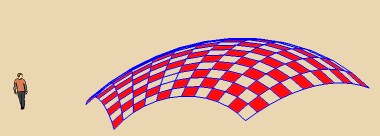
                                As you refine more and more does it possible to generate a "2 colors Checkboard" from the lattice?
                                ☀
                                I have missed one case 💚
                                checker.jpg

                                Frenchy Pilou
                                Is beautiful that please without concept!
                                My Little site :)

                                1 Antwort Letzte Antwort Antworten Zitieren 0
                                • TIGT Offline
                                  TIG Moderator
                                  zuletzt editiert von

                                  @unknownuser said:

                                  As you refine more and more does it possible to generate a "2 colors Checkboard" from the lattice? ☀ [attachment=0:2q921w1c]<!-- ia0 -->checker.jpg<!-- ia0 -->[/attachment:2q921w1c]

                                  Pilou !
                                  Maintenant vous 'prenez la pisse' !
                                  🤣
                                  However, it would be relatively easy - the panes are stored as an array in the logical order they are made.
                                  We know the number of them down the rail and across the profile.
                                  If the number of profiles is odd then every other one is colored, if it's even then every other one is colored, BUT swapping the rule over at every 'rail' step change...
                                  If you separate out the panes by selecting by material and grouping they will remain ordered.
                                  Then find the group's faces...

                                  group=Sketchup.active_model.selection[0]
                                  panes=[]
                                  group.entities.each{|e|panes<< e if e.class==Sketchup;;Face}
                                  0.upto(panes.length-1) do |i|panes[i].material="black" if i/2==1/2.0; end
                                  

                                  Swap "black" for your desired color...
                                  This works for odd-numbers of panes across the profile - I'll leave you to do the line of code to do it for even-numbers... 😉

                                  TIG

                                  1 Antwort Letzte Antwort Antworten Zitieren 0
                                  • pilouP Offline
                                    pilou
                                    zuletzt editiert von

                                    I will examine that 😄
                                    I hope that can be input in the ruby console 😳

                                    For the French line does it possible to have the original
                                    because seems the translator gives a very exotic result 😆
                                    something like that! 🤣

                                    http://www.fotosearch.fr/bthumb/LIF/LIF139/NU106007.jpg

                                    Frenchy Pilou
                                    Is beautiful that please without concept!
                                    My Little site :)

                                    1 Antwort Letzte Antwort Antworten Zitieren 0
                                    • olisheaO Offline
                                      olishea
                                      zuletzt editiert von

                                      🤣

                                      lost in translation

                                      oli

                                      1 Antwort Letzte Antwort Antworten Zitieren 0
                                      • TIGT Offline
                                        TIG Moderator
                                        zuletzt editiert von

                                        🤣
                                        It's actually the same is English !
                                        Even the same word, but without the 'e'.
                                        Means much the same thing, 'faire pipi'...
                                        We say "taking the " = making an unwelcome joke.
                                        A convoluted way of saying someone is making a bad joke at your expense is to say, "You are extracting the urine, aren't you?".
                                        C'est comme 'chier' ?
                                        Noteworthy: to be "ed" is to be drunk [intoxicated] in the UK, but it means very fed-up or in a bad mood in the USA.
                                        In the UK we would used "ed off" to be very fed-up or in a bad mood...
                                        Which confusing is a vulgar way of saying that someone has left unexpectedly [probably in a bad mood] - e.g. "He's ed off !" = He has [just] left here.
                                        Then to be on the '
                                        ' is to be out on the town drinking.
                                        To be a drunk is a to be a '
                                        -head' [pejorative].
                                        To waste something valuable is to '
                                        it up the wall'.
                                        Whilst something of unacceptably low quality is said to be '
                                        -poor' !
                                        In construction '****ed' means to be out of plumb - not vertical: e.g. "That door-frame is ****ed".

                                        All very confusing 😕

                                        TIG

                                        1 Antwort Letzte Antwort Antworten Zitieren 0
                                        • pilouP Offline
                                          pilou
                                          zuletzt editiert von

                                          Ok I see what do you mean 😄
                                          But that is absolutly not the same in French 😉
                                          That don't exist with this liquid for these meanings! 💚
                                          A very familiar slang can be "vous vous foutez de moi" = you exagerate, you overpass the limits, you take me for a fool...
                                          (or "tu te fous de moi" between best friends )
                                          A convoluted way of saying someone is making a bad joke at your expense is to say
                                          More elegant : "Vous vous moquez du monde", "Vous ne manquez pas d'air", "vous me prenez pour un pigeon, une andouille" etc... 😆
                                          "Vous me faites chier" is the ultimate, insurmontable, for something who is absolutly obstrusive disturbing in the univers of the person! 😉
                                          But very slanguy language indeed! 😒

                                          Frenchy Pilou
                                          Is beautiful that please without concept!
                                          My Little site :)

                                          1 Antwort Letzte Antwort Antworten Zitieren 0
                                          • TIGT Offline
                                            TIG Moderator
                                            zuletzt editiert von

                                            So, we both learn how to cuss better in our respective languages !
                                            😉
                                            So, don't mess with me dude ! 👊
                                            TIG

                                            1 Antwort Letzte Antwort Antworten Zitieren 0
                                            • 1
                                            • 2
                                            • 3
                                            • 4
                                            • 2 / 4
                                            • Erster Beitrag
                                              Letzter Beitrag
                                            Buy SketchPlus
                                            Buy SUbD
                                            Buy WrapR
                                            Buy eBook
                                            Buy Modelur
                                            Buy Vertex Tools
                                            Buy SketchCuisine
                                            Buy FormFonts

                                            Advertisement