Pasting a Logo or Seal to a cylinder
-
What you need to do is start with a texture. Turn on hidden geometry and draw lines on the surface of the cylinder to block out exactly where the texture goes...then hide those lines. Line up texture, then project texture onto cylinder...sample and paint from one segment to the next (still with hidden geometry on). Keep sampling last segment and painting on next so that the texture lines up. When you are done, turn off hidden geometry and its perfect.
Make sure logo background color matches the rest of the cylinder...
See screen capture and .skp file. The scale of the logo is messed up, sorry!
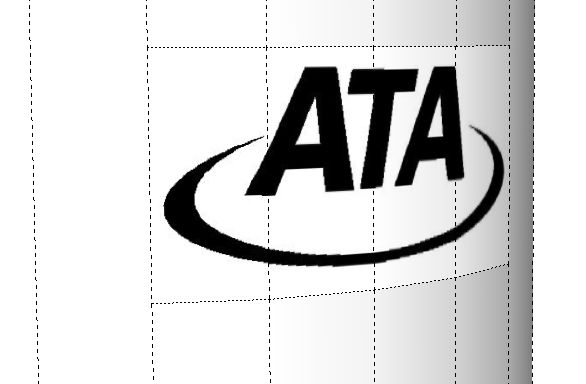
-
That would work but in fact, there is the problem that intersected geometry on a curved surface will distort the surface very ugly. That's what the whole conversation started with.
-
u can do something else too..pretty fast..
Make a high texture with the logo in the position u want..import the texture,scale the texture to fit 4 or 5 segments of the cylinder,apply the texture,unsoften the the lateral edges of those 4,5 segments ..scale the original texture for the logo to get out of object range..and apply it to the entire object ..All the best!
Elisei
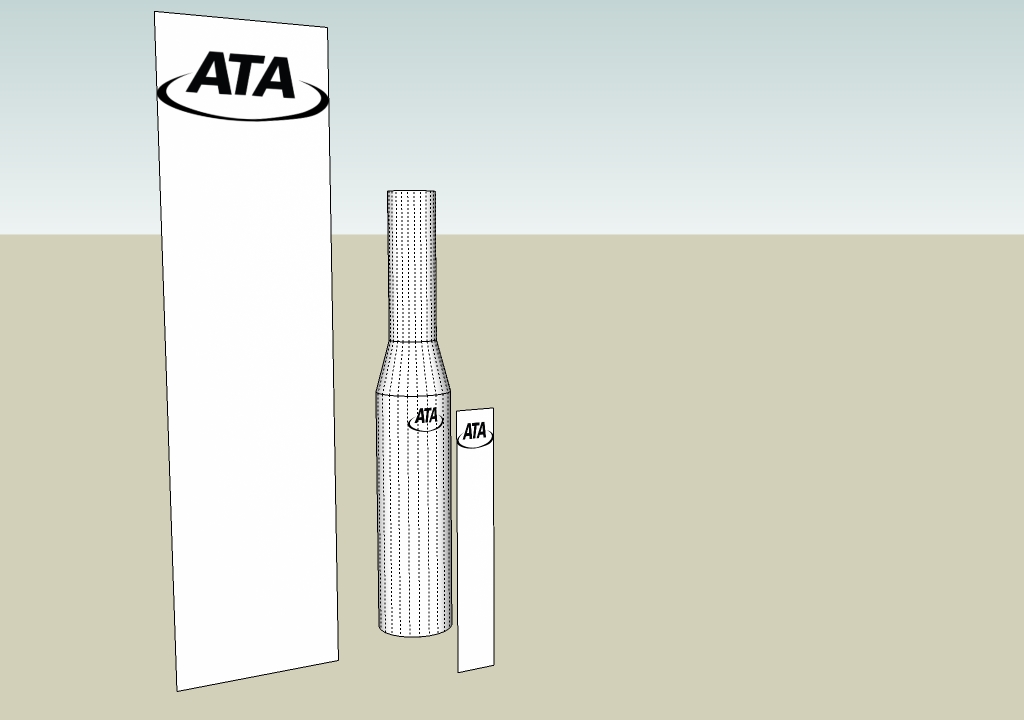
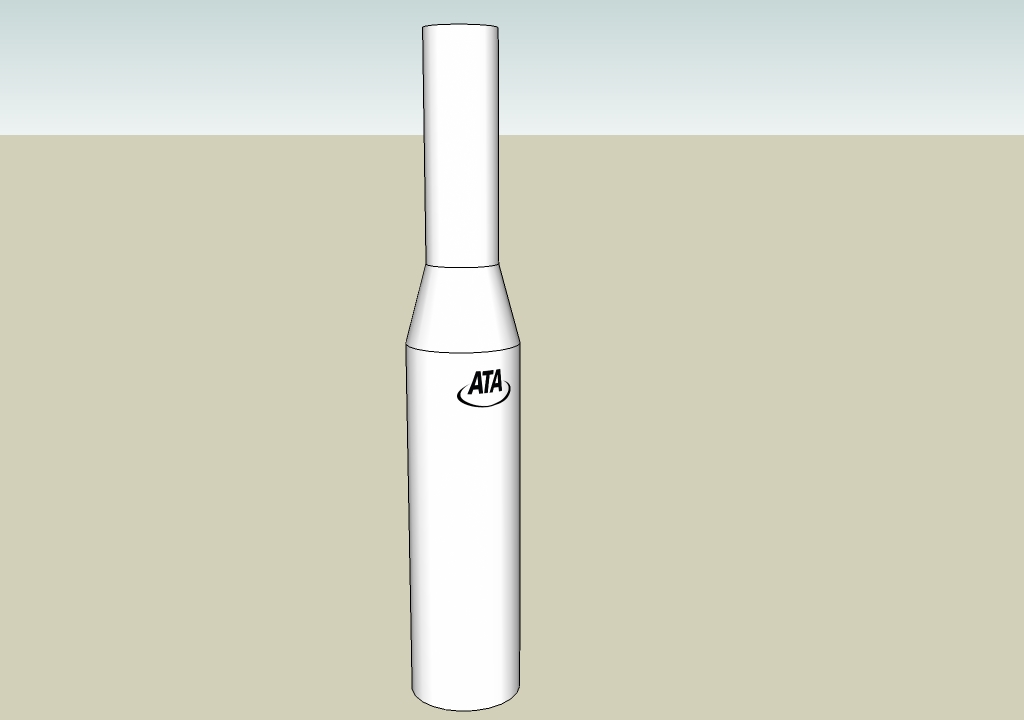
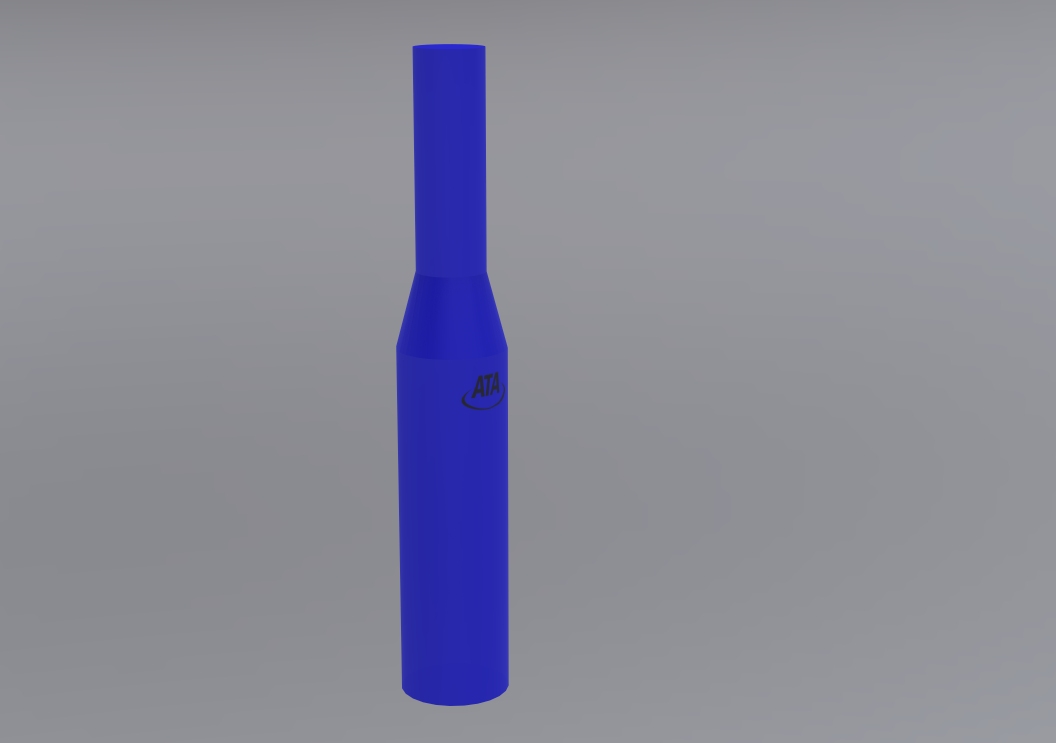
-
@gaieus said:
That would work but in fact, there is the problem that intersected geometry on a curved surface will distort the surface very ugly. That's what the whole conversation started with.
 sorry, I thought it would work, but I didn't try it.
However, this should work: Stick groups to mesh http://forums.sketchucation.com/viewtopic.php?p=211560#p211560 Just keep the logo a separate group and just far enough away from the cylinder that there is no z-fighting.
-
Gentlemen,
I can't thank you all enough for your help. This is what I think is tremendous about the SketchUp community. People willing to take time out of their important day to help others learn from their experience! Rest assured that I don't typically bother posting questions until I have read, and re-read the books that I have, and the posts on the forum. Materials and textures are still one of the biggest mysteries to me.The suggestions that you all provided were excellent and I was able to paste the logos onto the cylinder as necessary.
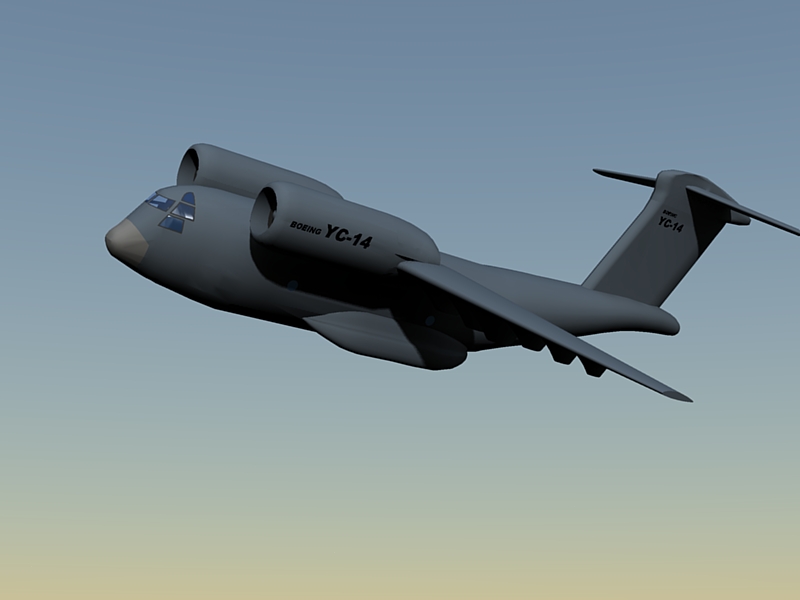
I hope sometime in the future someone can find out what causes the surface "crumpling" when you intersect a logo or stamp with a smooth body, and put together a work around solution. I have used that technique before to put markings on airplane models (see attached file). The intersection method was a great suggestion provided by another SketchUp expert and seemed to work well for flat, smooth bodies. When intersecting logos with rounded engines or fuselages however, the crumpling would sometimes occur. It is frustrating when it occurs because of the time spent carefully tracing over an intricate logo for intersecting with the body.Again, many thanks for your kind comments and suggestions!
-
Hi Elisei,
how did you do this "high texture"? In the moment I have no idea how to do it.
Karlheinz
-
@charly2008 said:
Hi Elisei,
how did you do this "high texture"? In the moment I have no idea how to do it.
Karlheinz
Sorry i didn specified that..whatever program u have ,like:paint,photoshop,etc.
Happy sketching!
Elisei
-
Hi,
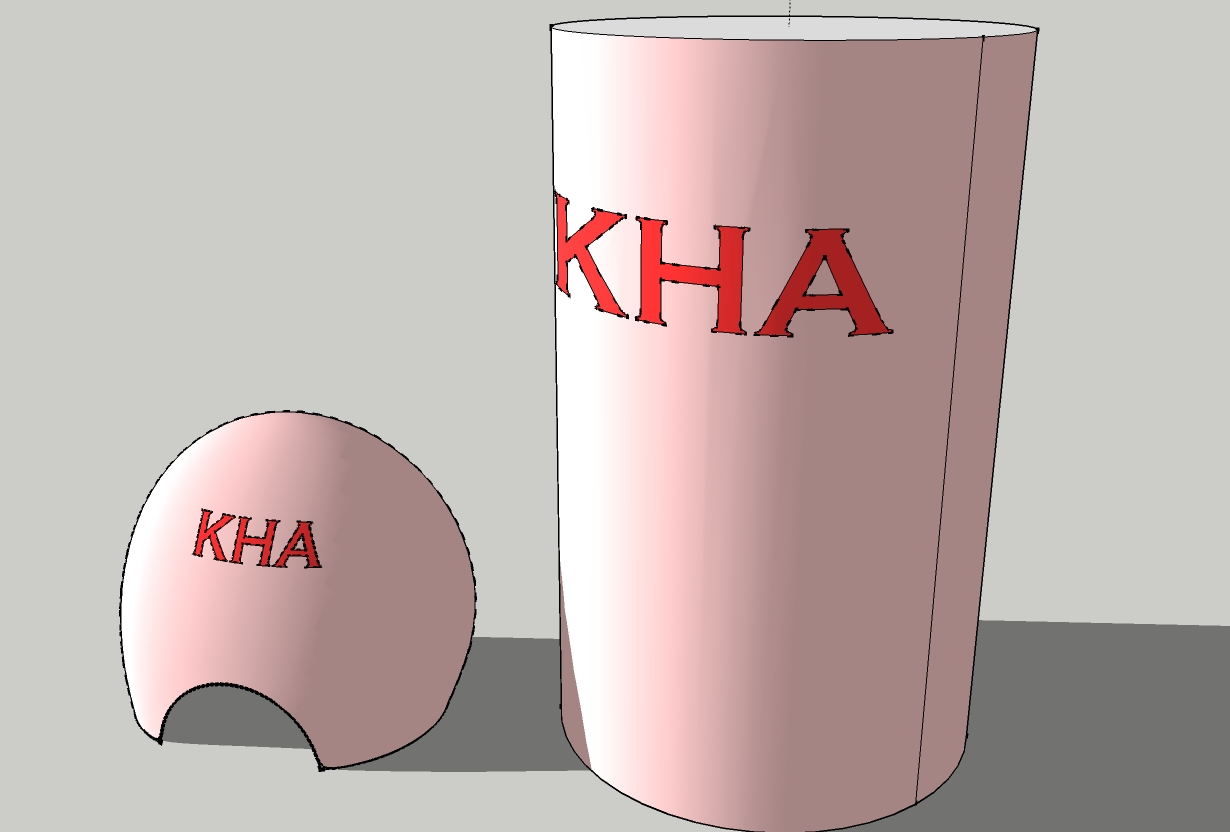
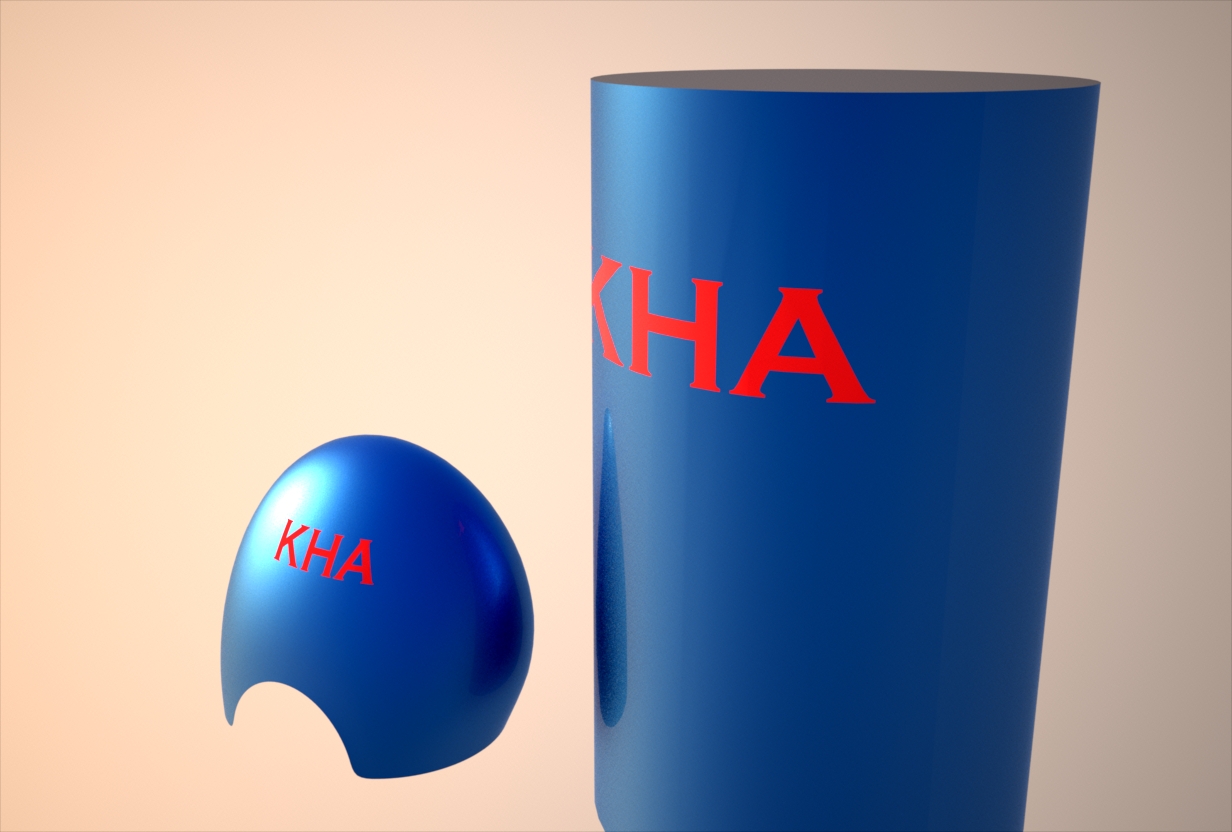
I've tried it with the logo too. The disortion effect can be minimized. The organic model I've smoothed
and the cylinder is made with 48 sectors.
-
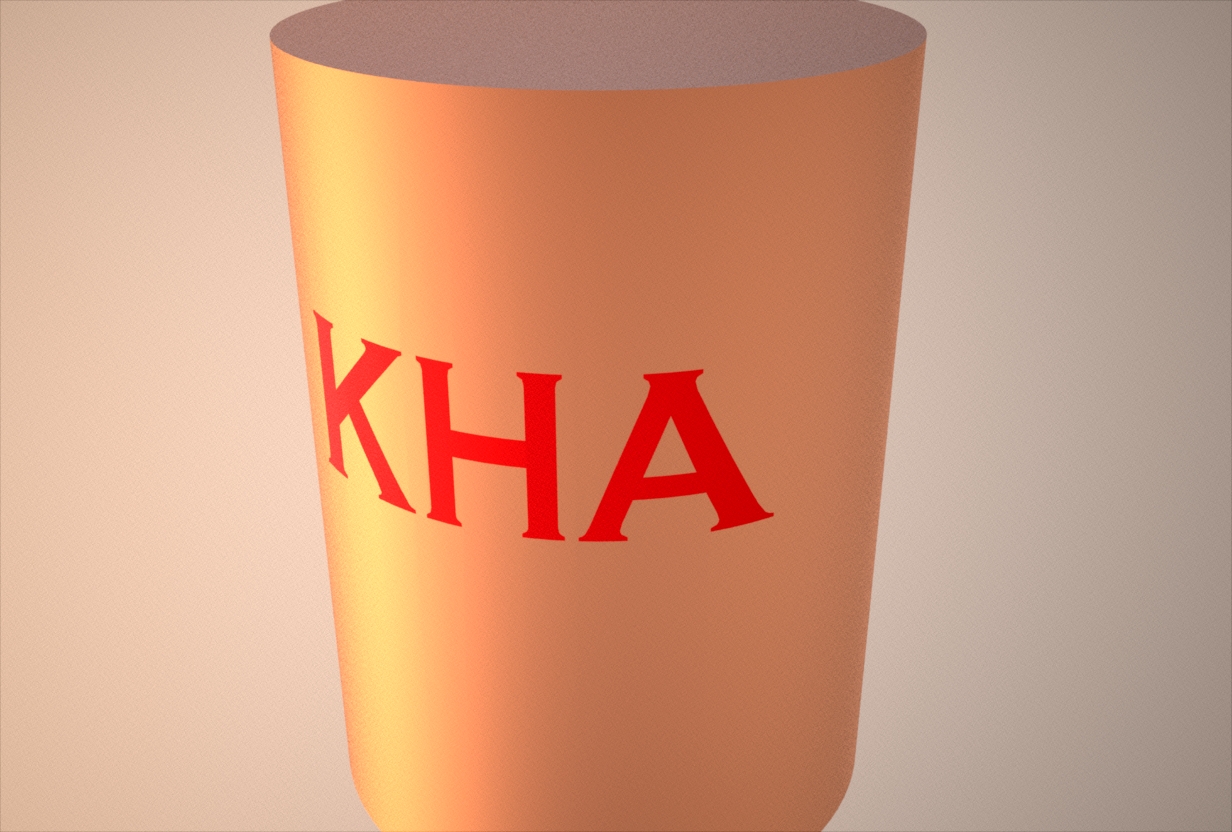
With 96 sectors the disortion effect is no longer recognizable.
-
Although for our eyes, SU seems to use single faces for unlimited number of polygons, I suspect that in the background it in fact triangulates those faces. And when you intersect some curved surfaces, you have no control over the direction of that triangulation/autofold function - thus the ugly effect.
This can also be suspected when you try to close the face of some definitely coplanar but rather complex structure and often SU only lets you do it by manual triangulation and then keeps the face even after you delete those coplanar, dividing edges.
-
Is there a plugin that will take rectangular faces and triangulate them?
-
Here you can find one.






Advertisement