Tools on surface not working
-
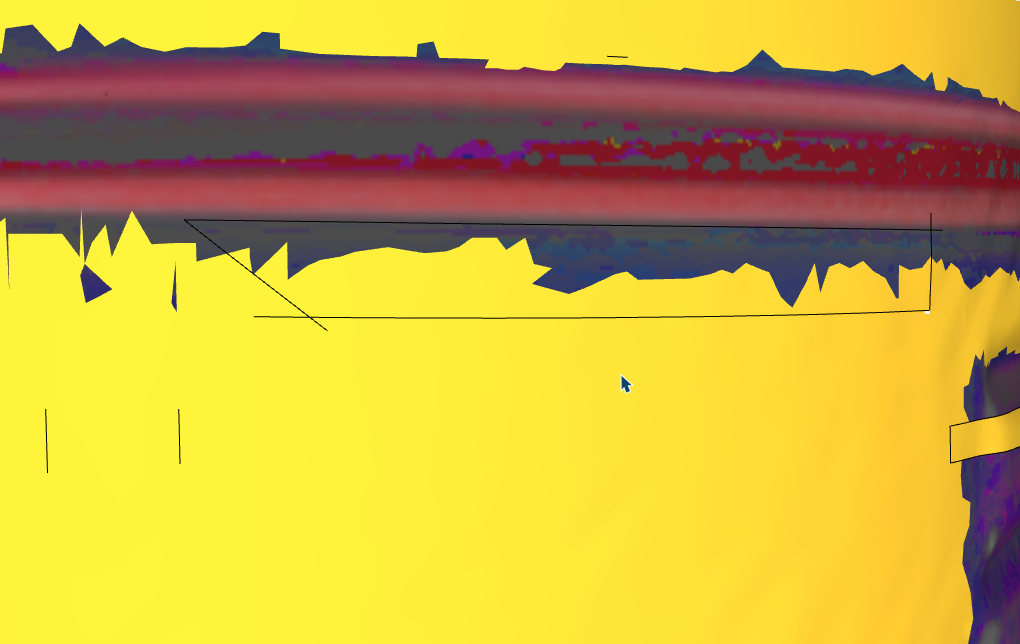
hello, I have a model with many polylines and the line tool doesn't work... is there a trick?I have a model with many polygons, and the line tool isn't working... is there a trick?
It can't isolate these faces; I've also tried showing the hidden geometry. Sometimes it works, sometimes it doesn't.
Krass
-
ce serait tellement bien si ça pouvait marcher un jour....
-
@Krass said in Tools on surface not working:
the line tool doesn't work
Can you expand on this? Is it that the enclosed area is not selectable?
-
yes, i need to paint high poly surfaces, hard edges painting, but no way
-
no this zone is not selectable as it should
-
SketchUp has limitations healing edges when they are below 1mm. Are you encountering that limit?
If yes, scale the object 10 - 100x and try drawing.
-
yes you are right! I forgot to scale the object... But at the end, I did it manualy
-
I enlarged it by a factor of 100, but it doesn't work.
-
Actually, it works better; I tested it elsewhere and the rectangle isolated the face well.
-
In 90% of edges not healing or holes not filling or missing it is edge size.
If you are importing scans it is best to x100 the scale to avoid this behaviour.
-
I often work with a scale of 1000x. I can treat millmeters as meters that way.
-
The simplest way to deal with many errors, imho.
-
Thank you: multiplied by a thousand, it's perfect!





Hello! It looks like you're interested in this conversation, but you don't have an account yet.
Getting fed up of having to scroll through the same posts each visit? When you register for an account, you'll always come back to exactly where you were before, and choose to be notified of new replies (either via email, or push notification). You'll also be able to save bookmarks and upvote posts to show your appreciation to other community members.
With your input, this post could be even better 💗
Register Login


Advertisement