[Plugin][$] FredoScale - v3.7c - 19 Aug 26




-
Well, it seems to me that the user interface has changed, or am I completely mistaken?
-
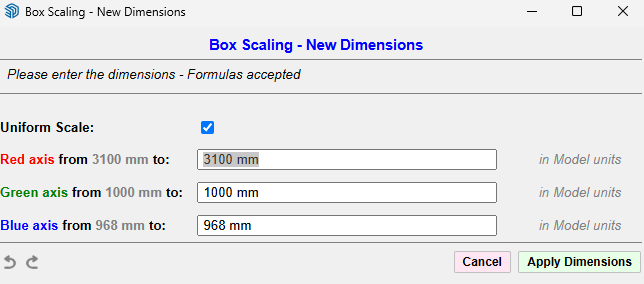
This is completely new to me, or am I wrong?
-
This dialog always existed and is invoked by pressing Tab when the mouse is over a handle. Simply there was a bug for some situations.
-
@fredo6 Great work. This latest “Uniform Scale” modification, although visually a small change, has actually been a major breakthrough for me. Congratulations!
-
@fredo6

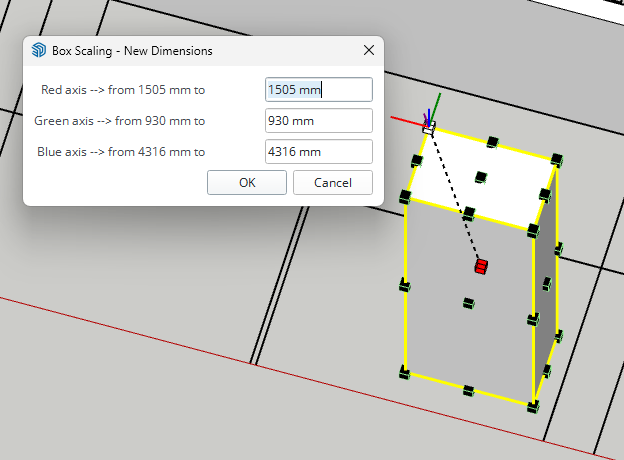
I always got this dialog when pressed the tab and LOVED it!
 .
.
When pressing ctrl- & shift I could scale uniformly. I don't see the improvement...sorry
-
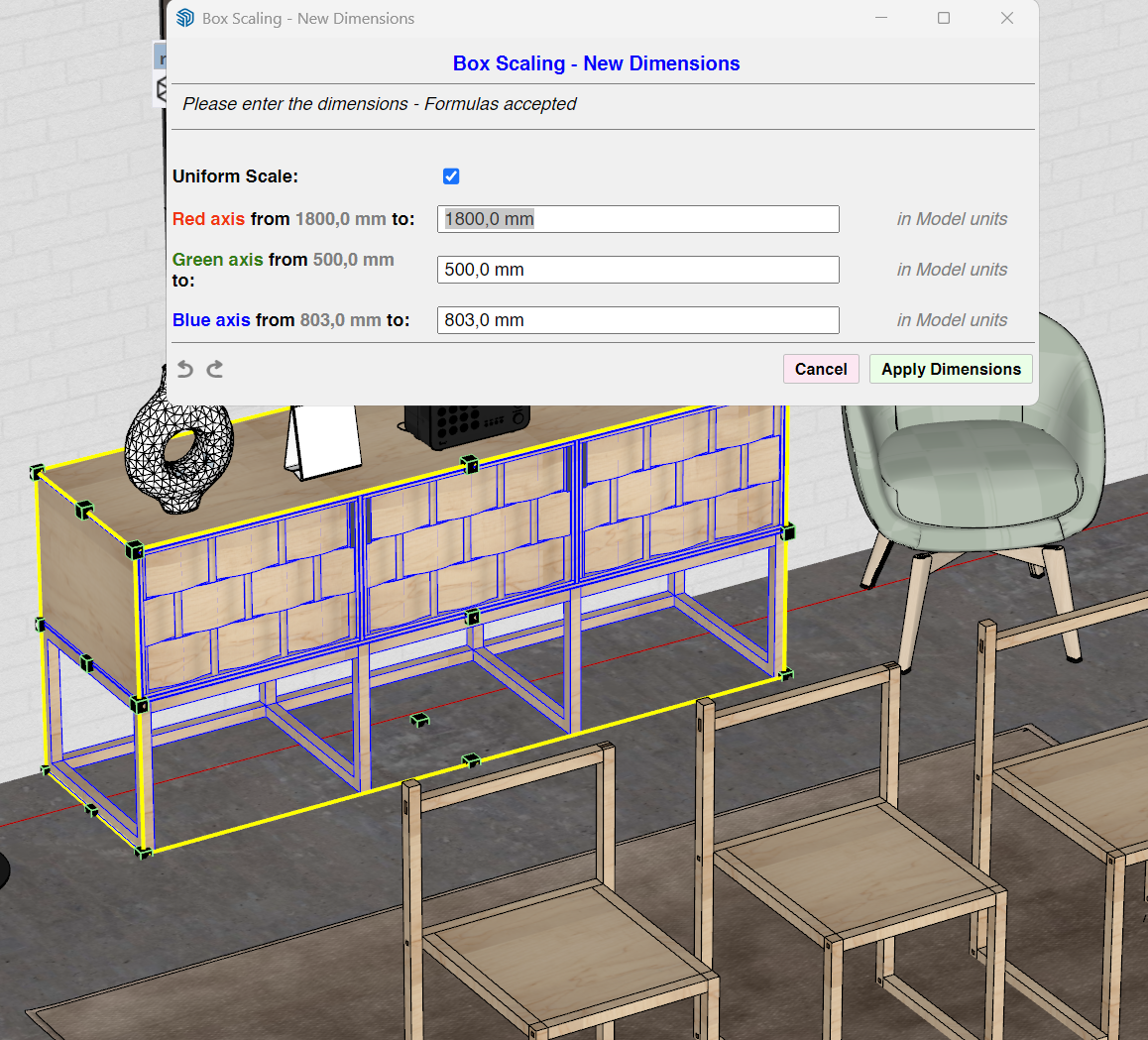
@pep75 This is the panel that appears with the button in the latest version 3.7a, with a tab in one corner of the box. It's improved because now you can disconnect the measurements.
-
Yes, I understand that, but I find it incredibly cumbersome. Every time I want to scale objects, I first have to disable the "uniform scale" option and then press Enter twice (which isn't a big deal). The way it was before worked fine; I wasn't missing anything at all.
-
@pep75 Before this change, when there was no uniform scale, it was impossible to unlock uniformity. This means that if you need to scale an object—for example, a chair that is not to scale—but you know one dimension, such as its height, you could resize the object by entering just that single dimension. For me, this is an extremely useful and precise feature. Previously, it was absolutely not possible to do this, whereas with SketchUp’s standard Scale tool it was possible, albeit in a less sophisticated way.
Let me give you an example: if you insert a door, then change your mind and want to resize it while keeping it in scale, just by modifying the height with an exact measurement, how did you do it before? You just need to get used to it. -
@alexpacio2013 In this situation I used the BOX stretch tool. Absolutely a must have tool in Sketchup. I always draw doors with a frame, so when you use the scale tool it also scales the frame, therefore the stretch tool is a better tool then the scale tool. Sorry but I did not mis anything and it worked like a charm.
-
I will publish a change where the Uniform Scale checkbox is set to what it was when you last left the dialog.
-
@fredo6 Thanks!

-
NEW RELEASE: FredoScale v3.7c - 19 Aug 26
Requirements:
- LibFredo6 v15.9d.
- Sketchucation PluginStore v5.0.7.
FredoScale 3.7c includes changes for:
- Adjustment for Dimension dialog box
Home Page of FredoScale for information and Download.
-
Thanks! Brilliant!
-
@fredo6
The latest version is causing bugsplats and causing Sketchup not to startup. Is there a place where I can download a previous version of Fredoscale? -
not working on sketchup 26.2.243 64bits
-
not working on sketchup 26.2.243 64bits
Please provide a bit more info. Ruby Console Errors or any dialog messages.
Also please run Window > Libfredo Settings > Fredo6 Plugins Information for Sketchucation Support menu command and copy/paste the output into your reply.
-
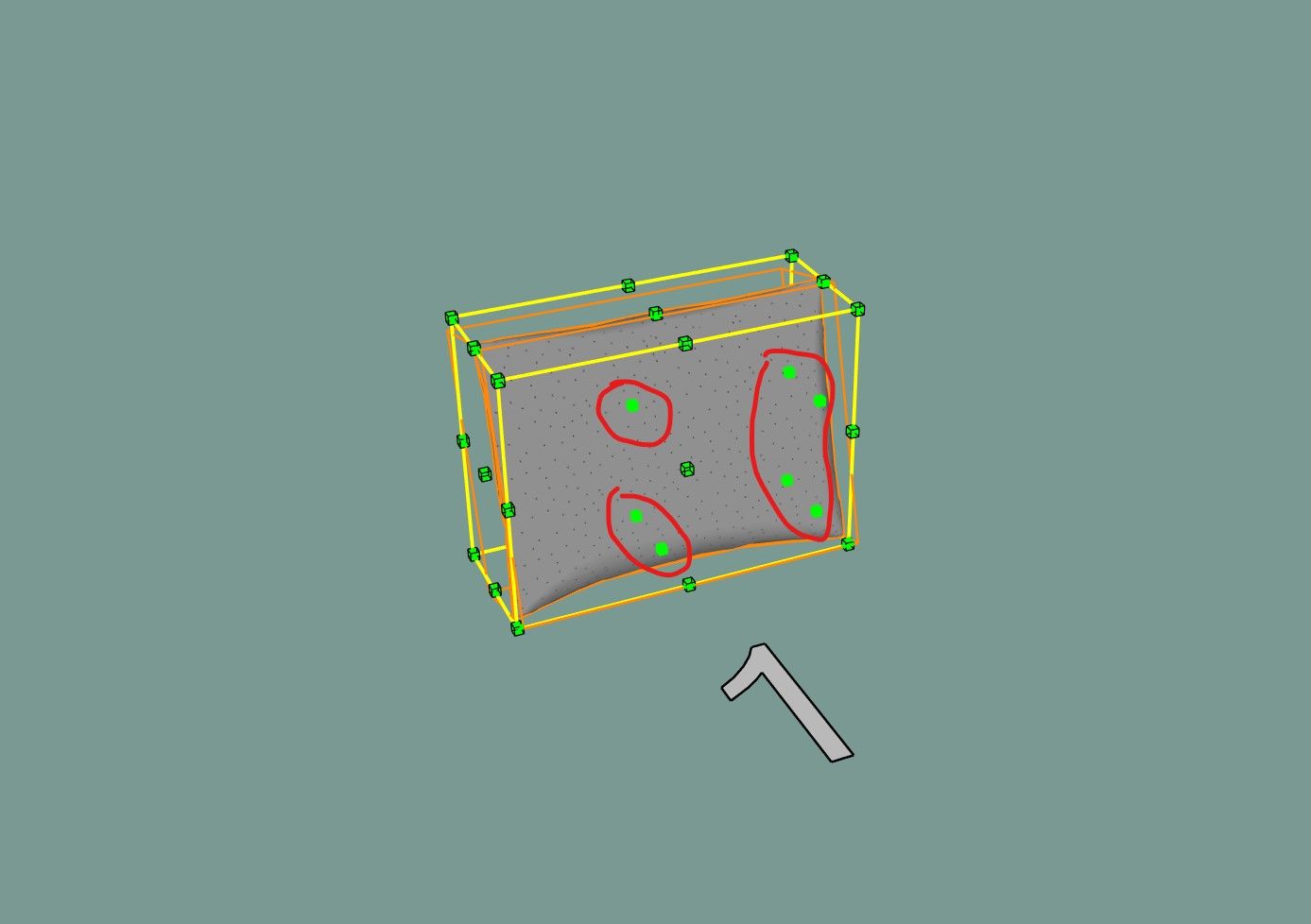
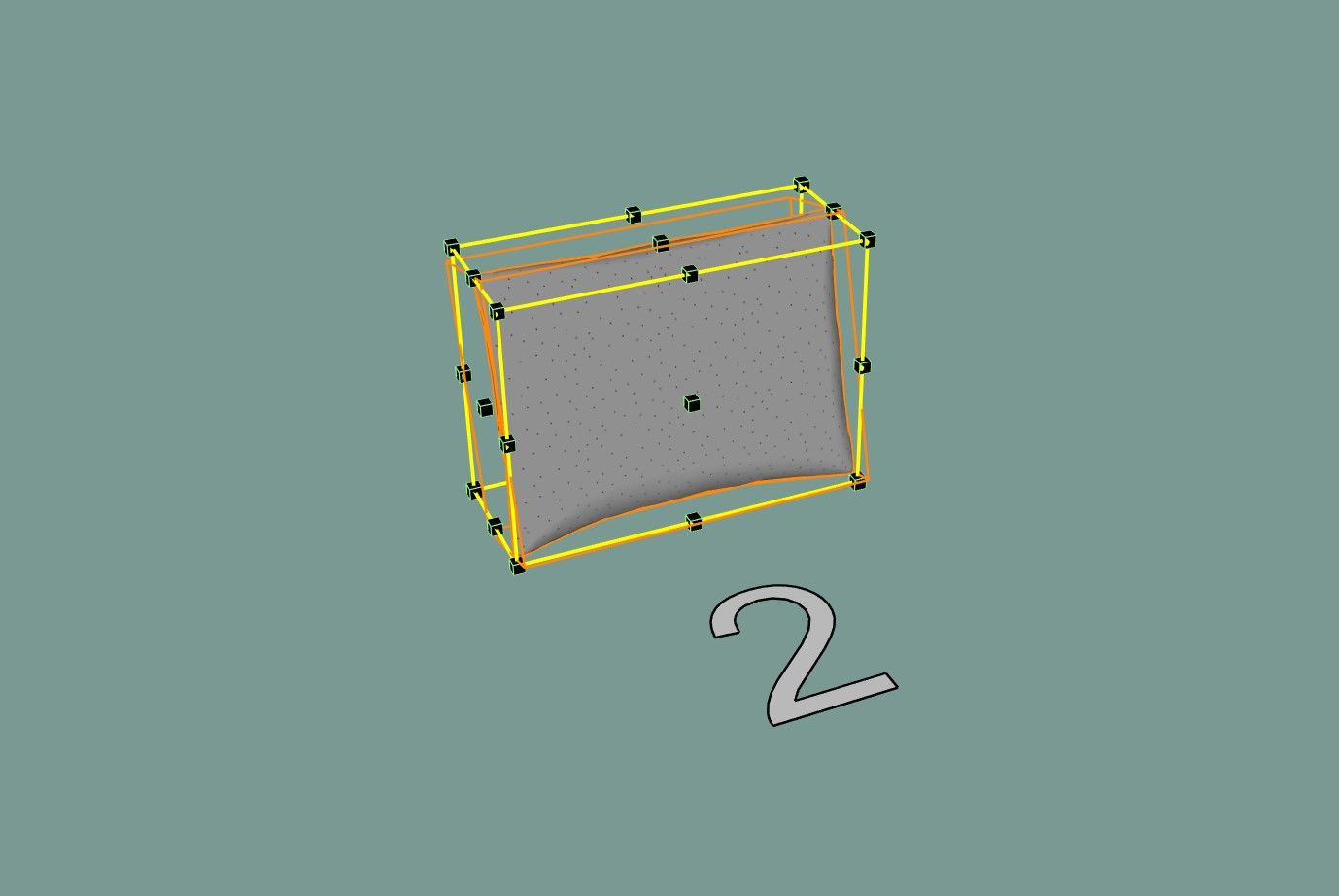
Hi Freddo. I have a suggestion, or I might say a request for help, so that you can improve the visual representation of the deformation points in the same style as the standard zoom tool. It is very inconvenient to look for the point of deformation that is behind the object, I have to either look for it without looking, or turn on the X-ray mode to find it. In the standard zoom tool, these points are highlighted through the object, which is very convenient. Could you add this improvement to make it easier to use the plugin?)) Maybe this feature can be enabled on demand in the settings. Or maybe it already exists, but I couldn’t find it?
I’m attaching 2 screenshots: the first one shows the standard scale tool, and the second one shows FredoScale. (so you can see the difference)
-
If you wish to use an opposite handle which is hidden, just hover the handle which is visible. You will see the 2 handles and can select the opposite handle.
-
@fredo6 20261014-1121-08.6873644.mp4
I understand that you can first aim at the opposite point, highlight the point I need and continue searching for it at random) This is an unprofessional approach)) Wasted time and unnecessary actions. Moreover, you can miss and grab the wrong point. Apparently, you will have to turn on the X-ray mode again, and this is very inconvenient. -
No need to get upset. The behavior of FredoScale was just mimicking the behavior of the native Scale tool.
Simply, Sketchup added these 'hidden' handles visible in SU2026 (maybe even SU2026.2). This is why you have a discrepancy.
I will probably introduce the 'hidden handles' in an update of FredoScale.





Hello! It looks like you're interested in this conversation, but you don't have an account yet.
Getting fed up of having to scroll through the same posts each visit? When you register for an account, you'll always come back to exactly where you were before, and choose to be notified of new replies (either via email, or push notification). You'll also be able to save bookmarks and upvote posts to show your appreciation to other community members.
With your input, this post could be even better 💗
Register Login


Advertisement