sketchucation logo sketchucation
    • 登入
    Oops, your profile's looking a bit empty! To help us tailor your experience, please fill in key details like your SketchUp version, skill level, operating system, and more. Update and save your info on your profile page today!
    🔌 Easy Offset | Offset selected faces in SketchUp in positive and negative offsets. Download

    [Plugin] follow me rotate

    已排程 已置頂 已鎖定 已移動 Plugins
    211 貼文 79 Posters 243.5k 瀏覽 79 Watching
    正在載入更多貼文
    • 從舊到新
    • 從新到舊
    • 最多點贊
    回覆
    • 在新貼文中回覆
    登入後回覆
    此主題已被刪除。只有擁有主題管理權限的使用者可以查看。
    • W 離線
      wikii
      最後由 編輯

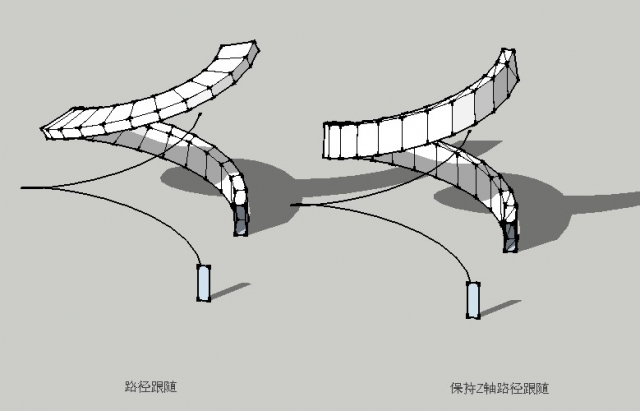
      Another script still in development can do followme and keep the profile from rolling.
      Left part of the first image is followme ,right part is follow_me_and_keep .
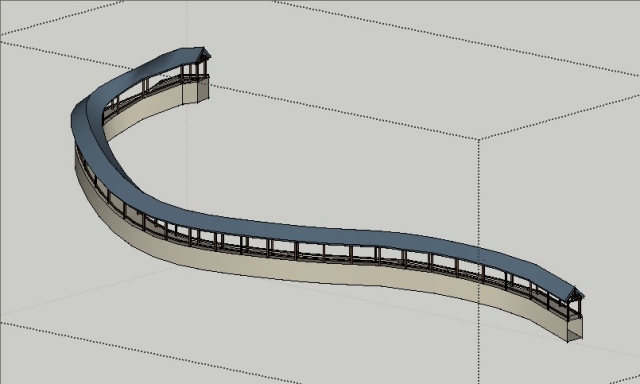
      In the second image ,the Long Corridor (exclude columns) is built by follow_me_and_keep after one time running.
      1.jpg


      2.jpg

      1 條回覆 最後回覆 回覆 引用 0
      • S 離線
        sorgesu
        最後由 編輯

        Fantastic! Can't wait.

        Susan Sorger
        Former Seller Hand Rendered Entourage
        Former Canadian Authorized Training Centre, SketchUp

        1 條回覆 最後回覆 回覆 引用 0
        • GaieusG 離線
          Gaieus
          最後由 編輯

          👍
          Sounds fantastic! That would be something needed so long!

          Gai...

          1 條回覆 最後回覆 回覆 引用 0
          • E 離線
            Ecuadorian
            最後由 編輯

            Follow_me_and_keep should be a big hit among fans of the Great Wall, and will certainly help a lot when modeling roads. Keep up the excellent work, wikii!

            Mrs. Susan, for your specific case, the screw1_5.rb script works well, too. Unlike FollowMeRotate, with screw1_5.rb you have to select both the face and its borders, and it only works around the blue axis, so before using it you have to center your stair in the origin. You can find it here:

            404 Not Found

            favicon

            (www.crai.archi.fr)

            The "first end" and "second end" that you are required to enter are just required to determine a differential in height, so, irrespective of where you click, the shape will always be created around the blue axis.

            -Miguel Lescano
            Subscribe to my house plans YouTube channel! (30K+ subs)

            1 條回覆 最後回覆 回覆 引用 0
            • N 離線
              notareal
              最後由 編輯

              @wikii said:

              Another script still in development can do followme and keep the profile from rolling.
              Left part of the first image is followme ,right part is follow_me_and_keep .
              In the second image ,the Long Corridor (exclude columns) is built by follow_me_and_keep after one time running.

              A must have tool!

              Welcome to try [Thea Render](http://www.thearender.com/), Thea support | [kerkythea.net](http://www.kerkythea.net/) -team member

              1 條回覆 最後回覆 回覆 引用 0
              • boofredlayB 離線
                boofredlay
                最後由 編輯

                I am looking forward to it.

                http://www.coroflot.com/boofredlay

                1 條回覆 最後回覆 回覆 引用 0
                • E 離線
                  Ecuadorian
                  最後由 編輯

                  Until follow_me_and_keep is ready (which will save all these following steps), here's a workaround:

                  • Go to Camera > Standard Views > Left

                  • Draw your profile within the plane formed by the positive blue and green axis, touching the origin.

                  • Erase the face leaving the lines, and make it a component.

                  • Select your profile (it must be a curve or a polygon, if it isn't, first join the edges with the join tool by Rick Wilson in the SCF Power Toolbar).

                  • Use the "copy along distance" button on the SCF Power Toolbar (also a script by Rick Wilson) and play with the distance until you're satisfied.

                  • Select all instances of the component and explode them. You can use Rick Wilson's script "select all instances": http://www.smustard.com/script/Instances

                  • Click on the "configuration" button of the "Skin" script by Darrel to "By order". Leave the other options blank.

                  • Execute the "skin" command and keep pressing "Enter" like crazy until the full object is done.

                  • Add soften/smooth edges to your taste.

                  You can download the "skin" script from this post:
                  http://www.sketchucation.com/forums/scf/viewtopic.php?f=180&t=1306&st=0&sk=t&sd=a&hilit=skin&start=105#p101209
                  And you can browse the rest of that thread for the latest version of skin.rb, too, if you want...

                  Yeah, it's a lot of extra work, that's why all await for follow_me_and_keep.

                  -Miguel Lescano
                  Subscribe to my house plans YouTube channel! (30K+ subs)

                  1 條回覆 最後回覆 回覆 引用 0
                  • david_hD 離線
                    david_h
                    最後由 編輯

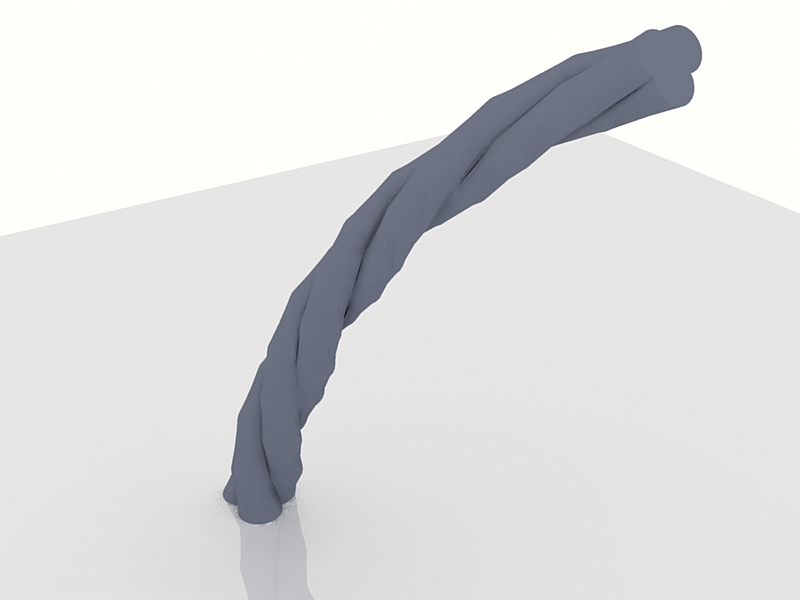
                    This is pretty fun to play with.


                    20090317161553_34s.jpg

                    If I make it look easy...It is probably easy

                    1 條回覆 最後回覆 回覆 引用 0
                    • A 離線
                      ada123
                      最後由 編輯

                      it's really nice

                      1 條回覆 最後回覆 回覆 引用 0
                      • SwissmountainS 離線
                        Swissmountain
                        最後由 編輯

                        Thanks for this awesome script! 👍

                        Cogito ergo dum-di-dum

                        1 條回覆 最後回覆 回覆 引用 0
                        • T 離線
                          tamfore
                          最後由 編輯

                          is there a link for a text file or description and instructions on what this plugin does and how to use it?

                          thanks
                          Tamfore

                          1 條回覆 最後回覆 回覆 引用 0
                          • thomthomT 離線
                            thomthom
                            最後由 編輯

                            @tamfore said:

                            is there a link for a text file or description and instructions on what this plugin does and how to use it?

                            thanks
                            Tamfore

                            @unknownuser said:

                            Select welded edges as path and a face before using this script.

                            Thomas Thomassen — SketchUp Monkey & Coding addict
                            List of my plugins and link to the CookieWare fund

                            1 條回覆 最後回覆 回覆 引用 0
                            • K 離線
                              kostas_designer
                              最後由 編輯

                              Cool!...

                              Jeff: i think you are talking about the SCF POWERBAR:
                              http://forums.sketchucation.com/viewtopic.php?f=180&t=14770&st=0&sk=t&sd=a&hilit=powertoolbar#p112024
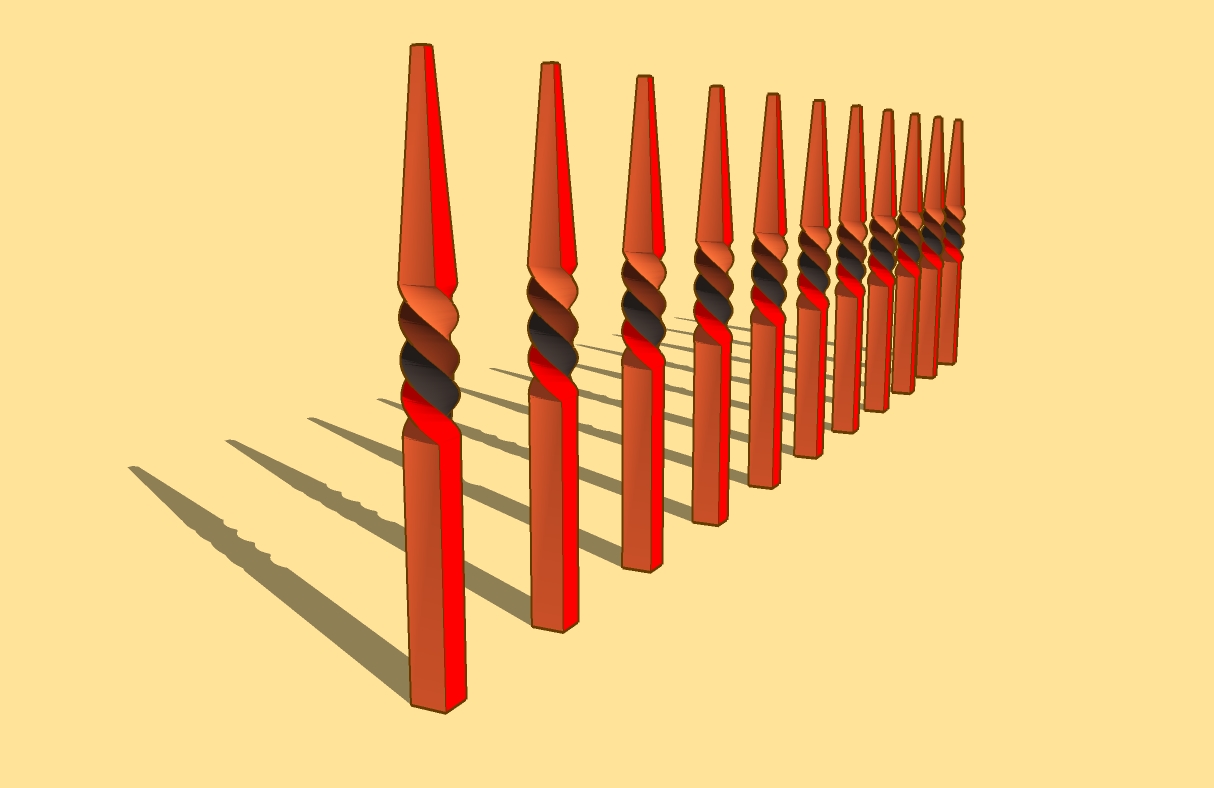

                              follow and rotate.jpg

                              1 條回覆 最後回覆 回覆 引用 0
                              • A 離線
                                ayieartwork
                                最後由 編輯

                                guys.how to rotate the shape from bigger to smaller?

                                Intel Core i7-3930k with 16gb G.Skill Ripjaws

                                1 條回覆 最後回覆 回覆 引用 0
                                • brookefoxB 離線
                                  brookefox
                                  最後由 編輯

                                  I unzip to plugins; get FollowAndRotate_cn.rbs, FollowAndRotate_en.rbs and inputbox.rb, which I must rename as I have a larger file of that name already (I put far.skp elsewhere). No plugins result in my pull down. I rename them *.rb and still nothing. Any tips?

                                  ~ Brooke

                                  1 條回覆 最後回覆 回覆 引用 0
                                  • pilouP 離線
                                    pilou
                                    最後由 編輯

                                    you must keep names *.rbs!

                                    Frenchy Pilou
                                    Is beautiful that please without concept!
                                    My Little site :)

                                    1 條回覆 最後回覆 回覆 引用 0
                                    • brookefoxB 離線
                                      brookefox
                                      最後由 編輯

                                      OK, thanks, though they did not work that way ---> It dawned on me belatedly that I needed to provide for the re-naming or not of inbox.rb: if I rename it then I guess I need to go through the code and replace the old name with the new name wherever it occurs.

                                      ~ Brooke

                                      1 條回覆 最後回覆 回覆 引用 0
                                      • Chris FullmerC 離線
                                        Chris Fullmer
                                        最後由 編輯

                                        What? You already have a inputbox.rb? This plugin appears to have a file called that, as well as another plugin then? Do you know what other plugin supplied the other inputbox.rb? If you PM them both to me, I'll look at them and see if I can help un-entangle this issue. It will probably take more than just changing file names inside the script.

                                        Chris

                                        Lately you've been tan, suspicious for the winter.
                                        All my Plugins I've written

                                        1 條回覆 最後回覆 回覆 引用 0
                                        • brookefoxB 離線
                                          brookefox
                                          最後由 編輯

                                          Thanks, Chris.

                                          @unknownuser said:

                                          You already have a inputbox.rb? This plugin appears to have a file called that, as well as another plugin then?

                                          Yes; yes. The three being: FollowAndRotate_cn.rbs, FollowAndRotate_en.rbs and inputbox.rb.

                                          @unknownuser said:

                                          Do you know what other plugin supplied the other inputbox.rb?

                                          Both inputbox.rb open as below, but are different implementations:

                                          @unknownuser said:

                                          Inputbox.rb Copyright 2008 jim.foltz@gmail.com

                                          The Inputbox class makes it easy to create user input
                                          dialogs by providing a consistent interface to UI.inputbox for
                                          text fields and drop-down selection fields.

                                          Checking the date stamps and my downloads leads to 2 DLs on 4.4.: inputbox and model_location.rb, which may or may not require input box (it has been snipped from some search result locations).

                                          Certainly I can try renaming the existing to something else in order to see if that will enable FAR.

                                          ~ Brooke

                                          1 條回覆 最後回覆 回覆 引用 0
                                          • brookefoxB 離線
                                            brookefox
                                            最後由 編輯

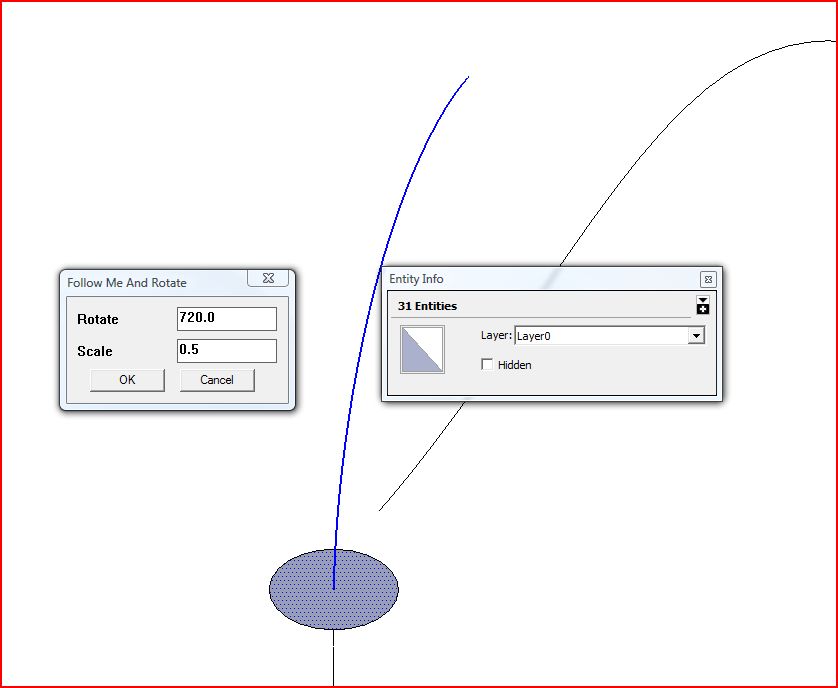
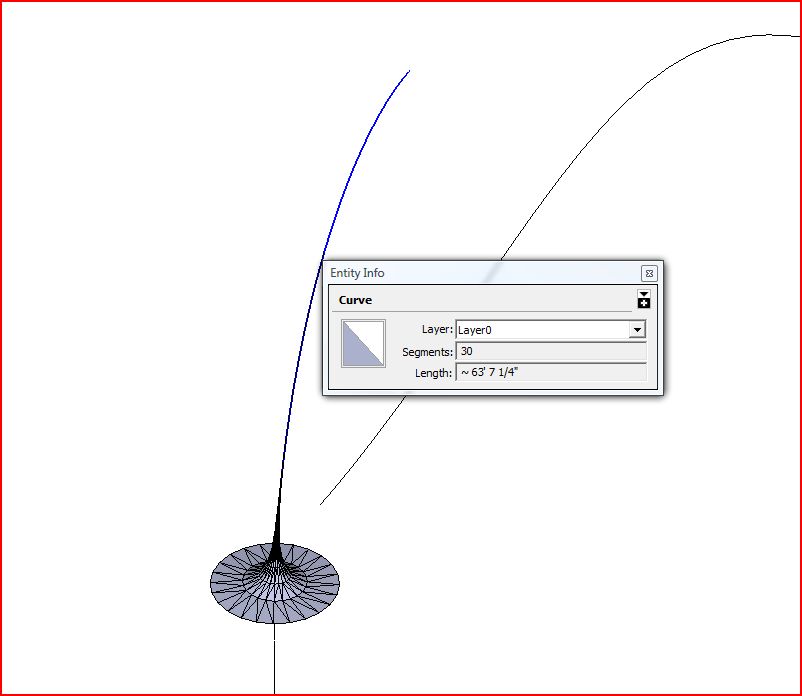
                                            The renaming (and re-starting SU, as opposed to just re-loading the scripts) worked, but behavior is erratic. (I didn't want to trouble you further, Chris, if I could make the re-naming work.)

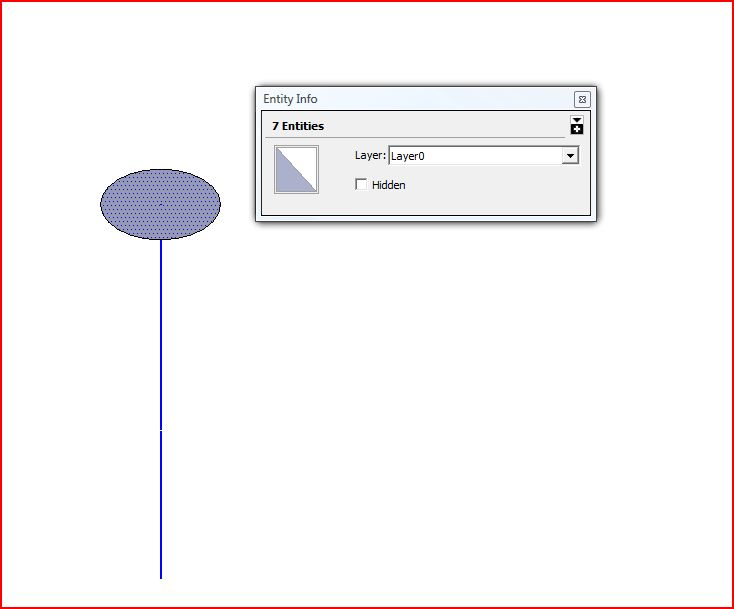
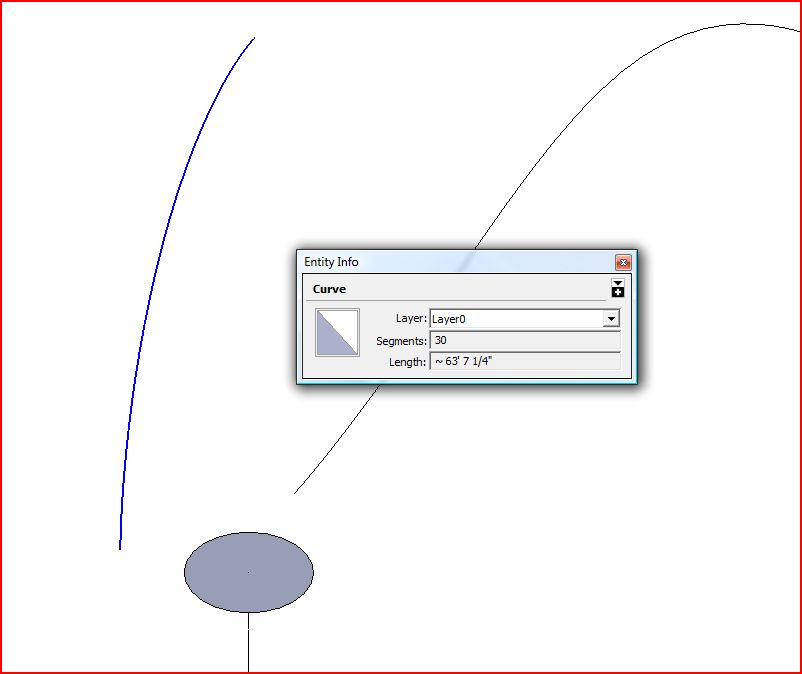
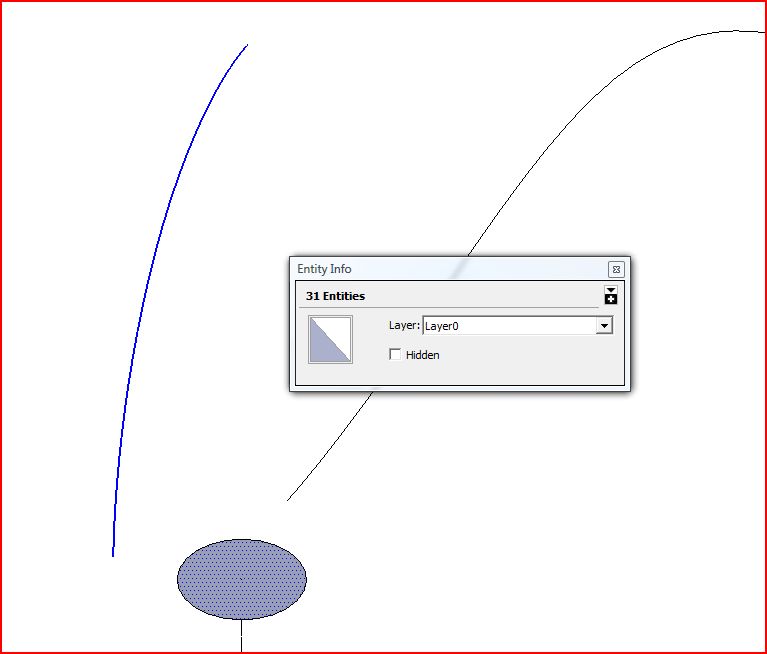
                                            First 4 images show a failure with a welded straight path (called a curve by SU) and a rectangular face.

                                            Second 4 show success with a truly (apparently) curved path and a round face.

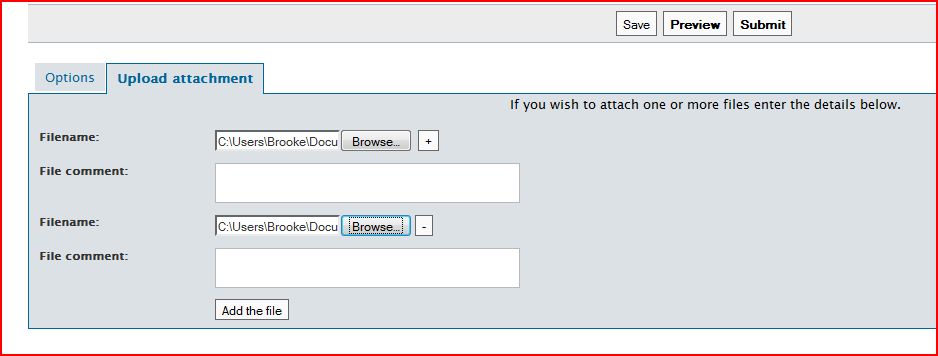
                                            The final image shows the SU upload dialog which leads one to believe you can upload more than one attachment at a time but which then ignores the request.
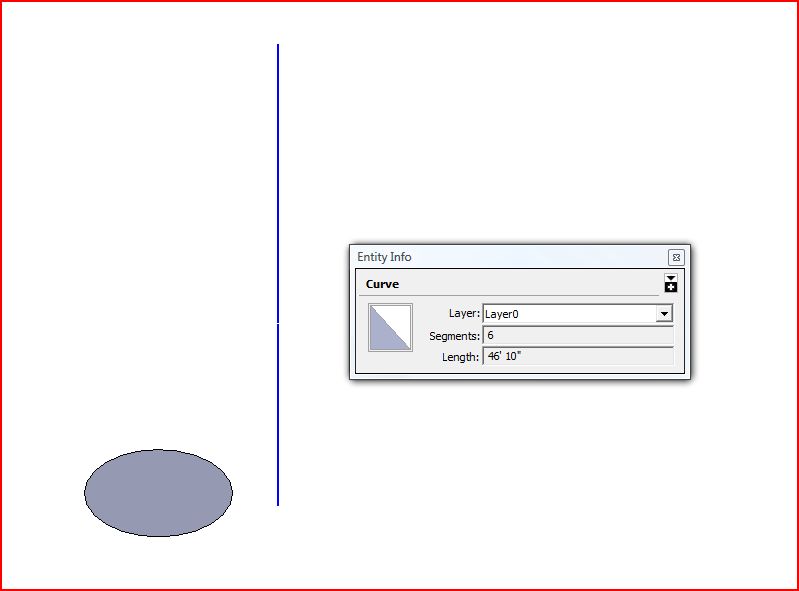
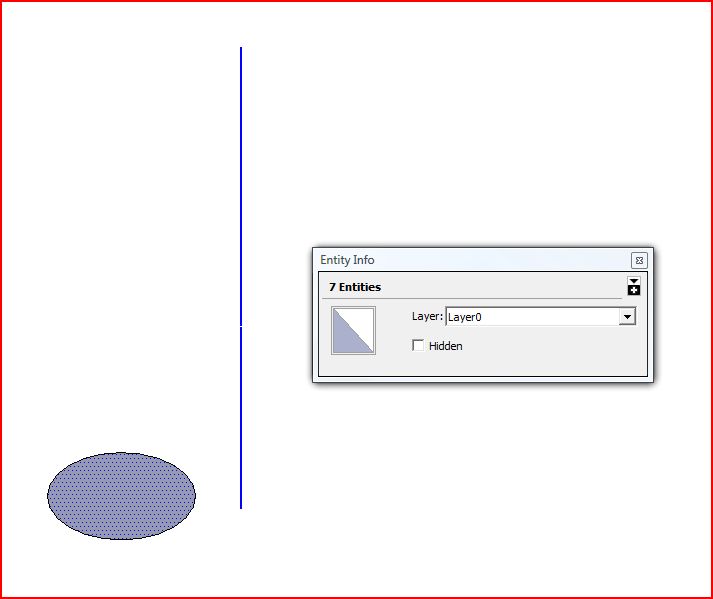
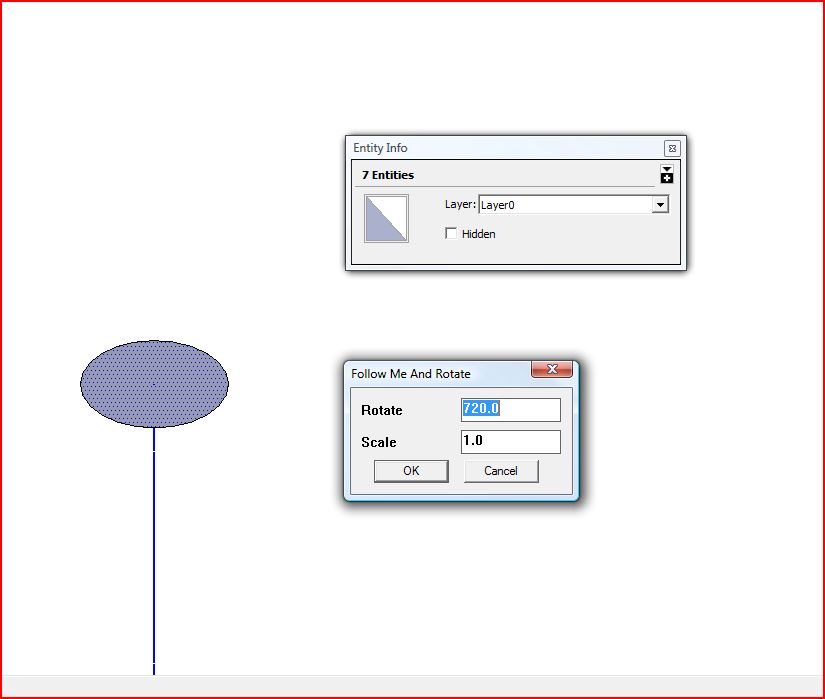
                                            FAR-1.JPG


                                            FAR-2.JPG


                                            FAR-3.JPG


                                            FAR-4.JPG


                                            FAR-1c.JPG


                                            FAR-2c.JPG


                                            FAR-3c.JPG


                                            FAR-4c.JPG


                                            upload multi.JPG

                                            ~ Brooke

                                            1 條回覆 最後回覆 回覆 引用 0
                                            • 1
                                            • 2
                                            • 3
                                            • 4
                                            • 5
                                            • 6
                                            • 7
                                            • 8
                                            • 9
                                            • 10
                                            • 11
                                            • 6 / 11
                                            • 第一個貼文
                                              最後的貼文
                                            Buy SketchPlus
                                            Buy SUbD
                                            Buy WrapR
                                            Buy eBook
                                            Buy Modelur
                                            Buy Vertex Tools
                                            Buy SketchCuisine
                                            Buy FormFonts

                                            Advertisement