sketchucation logo sketchucation
    • 登入
    Oops, your profile's looking a bit empty! To help us tailor your experience, please fill in key details like your SketchUp version, skill level, operating system, and more. Update and save your info on your profile page today!
    🔌 Smart Spline | Fluid way to handle splines for furniture design and complex structures. Download

    Rogue's W.I.P's!

    已排程 已置頂 已鎖定 已移動 Gallery
    922 貼文 55 Posters 192.6k 瀏覽 55 Watching
    正在載入更多貼文
    • 從舊到新
    • 從新到舊
    • 最多點贊
    回覆
    • 在新貼文中回覆
    登入後回覆
    此主題已被刪除。只有擁有主題管理權限的使用者可以查看。
    • Roguer1R 離線
      Roguer1
      最後由 編輯

      I particularly like the Falcon XC one, nice work! I've only ever done a few renders, but I can't remember the name of the software I used. I might try and find it again...

      Find all my models on the 3D Warehouse

      1 條回覆 最後回覆 回覆 引用 0
      • ntxdaveN 離線
        ntxdave
        最後由 編輯

        Bryan, I really like these model and think that the renders really bring the "alive". 😎

        Press F1...thank me later

        1 條回覆 最後回覆 回覆 引用 0
        • Bryan KB 離線
          Bryan K
          最後由 編輯

          @ntxdave said:

          Bryan, I really like these model and think that the renders really bring the "alive". 😎

          Thanks Dave.

          Ben makes some great models so it was both inspiring and easy to do the renders for him.

          Like I said, I wish I had a larger library of HDRIs.

          See my portfolio at https://delphiscousin.blogspot.com/

          1 條回覆 最後回覆 回覆 引用 0
          • Bryan KB 離線
            Bryan K
            最後由 編輯

            @unknownuser said:

            I particularly like the Falcon XC one, nice work! I've only ever done a few renders, but I can't remember the name of the software I used. I might try and find it again...

            Thanks Ben.

            I was trying two different types of lighting. One in the shade and one in direct sunlight.

            The Falcon is more of a "glamour / studio set" shot and the Milano is more of natural, "from a phone cam" shot.

            See my portfolio at https://delphiscousin.blogspot.com/

            1 條回覆 最後回覆 回覆 引用 0
            • Roguer1R 離線
              Roguer1
              最後由 編輯

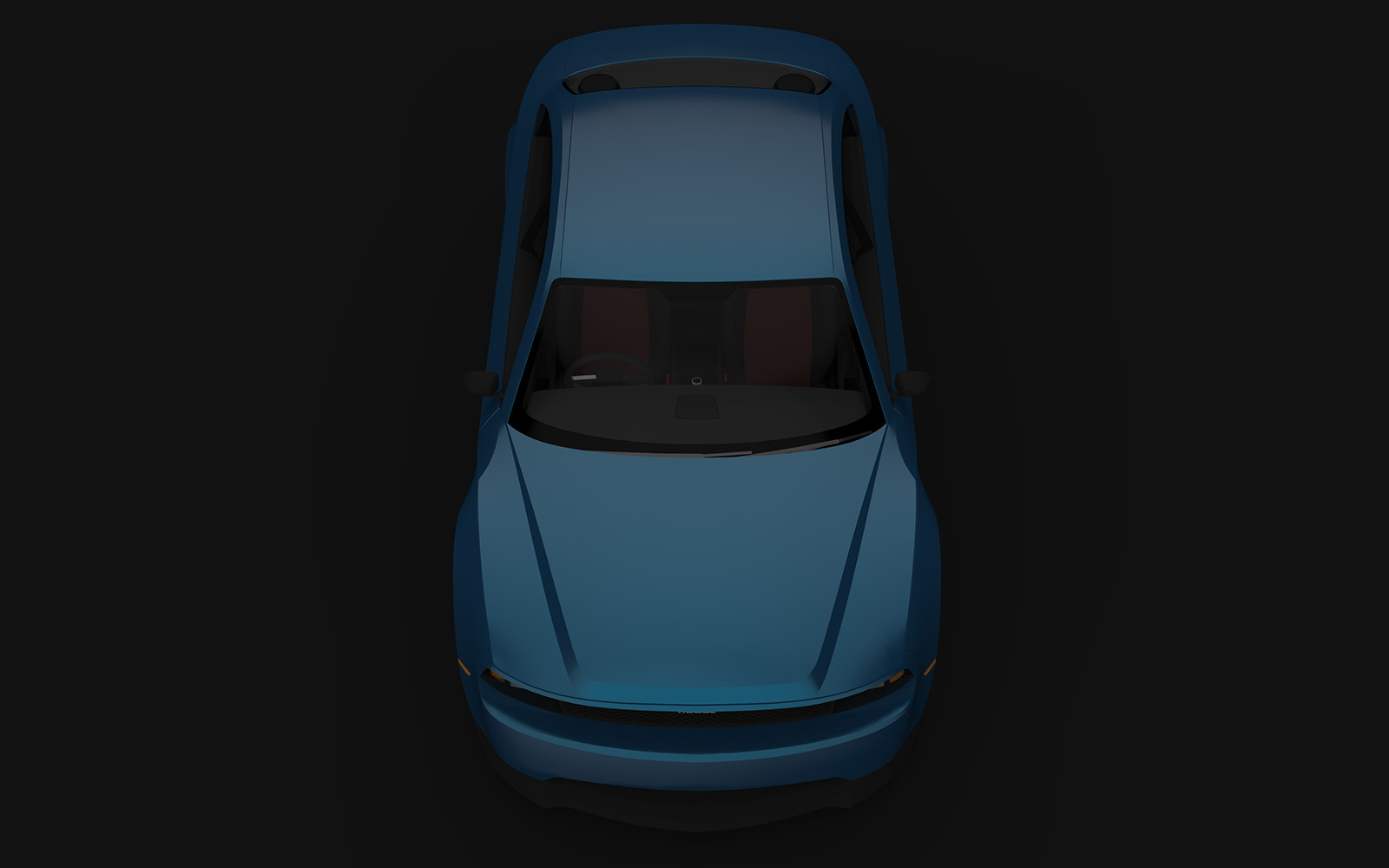
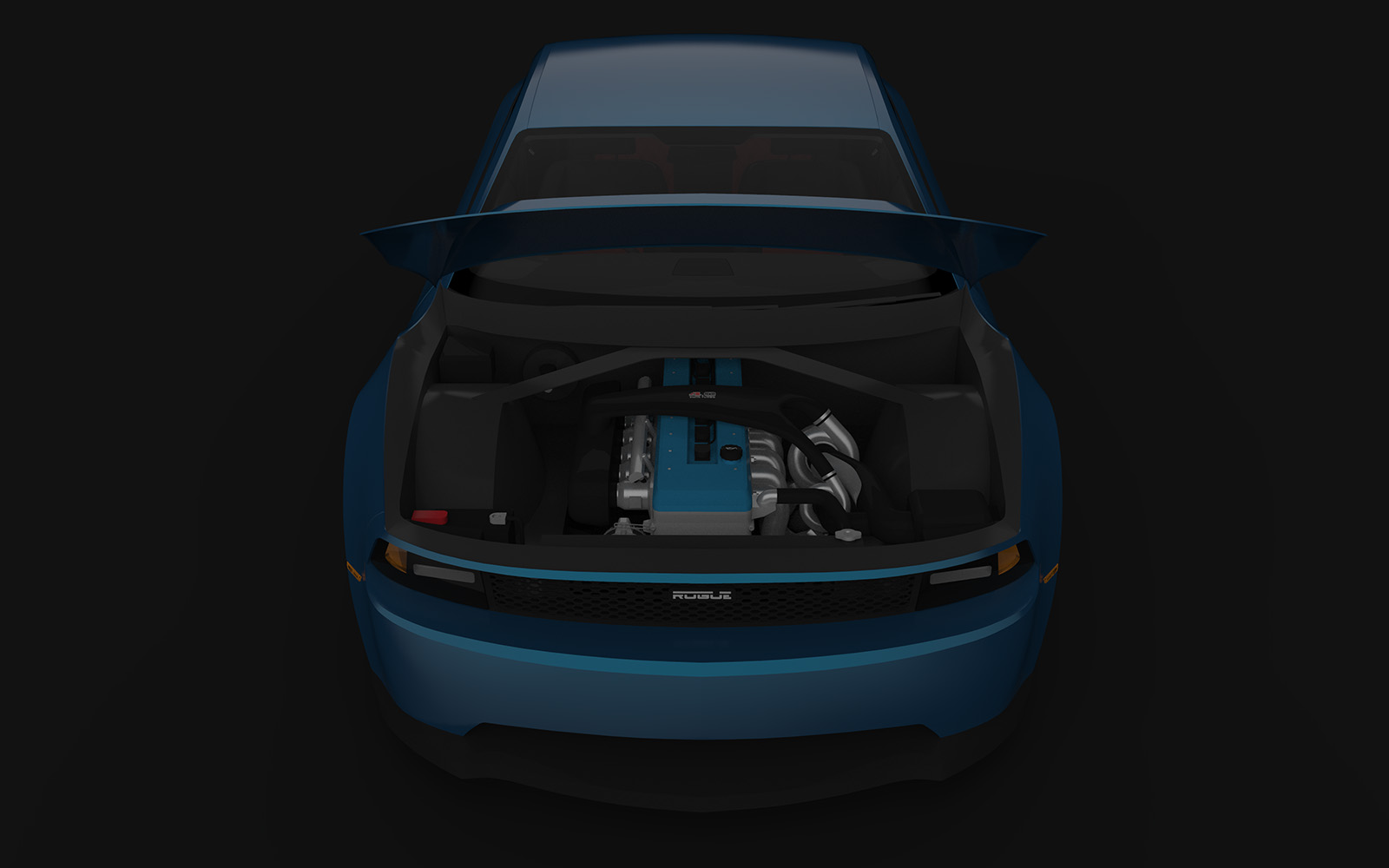
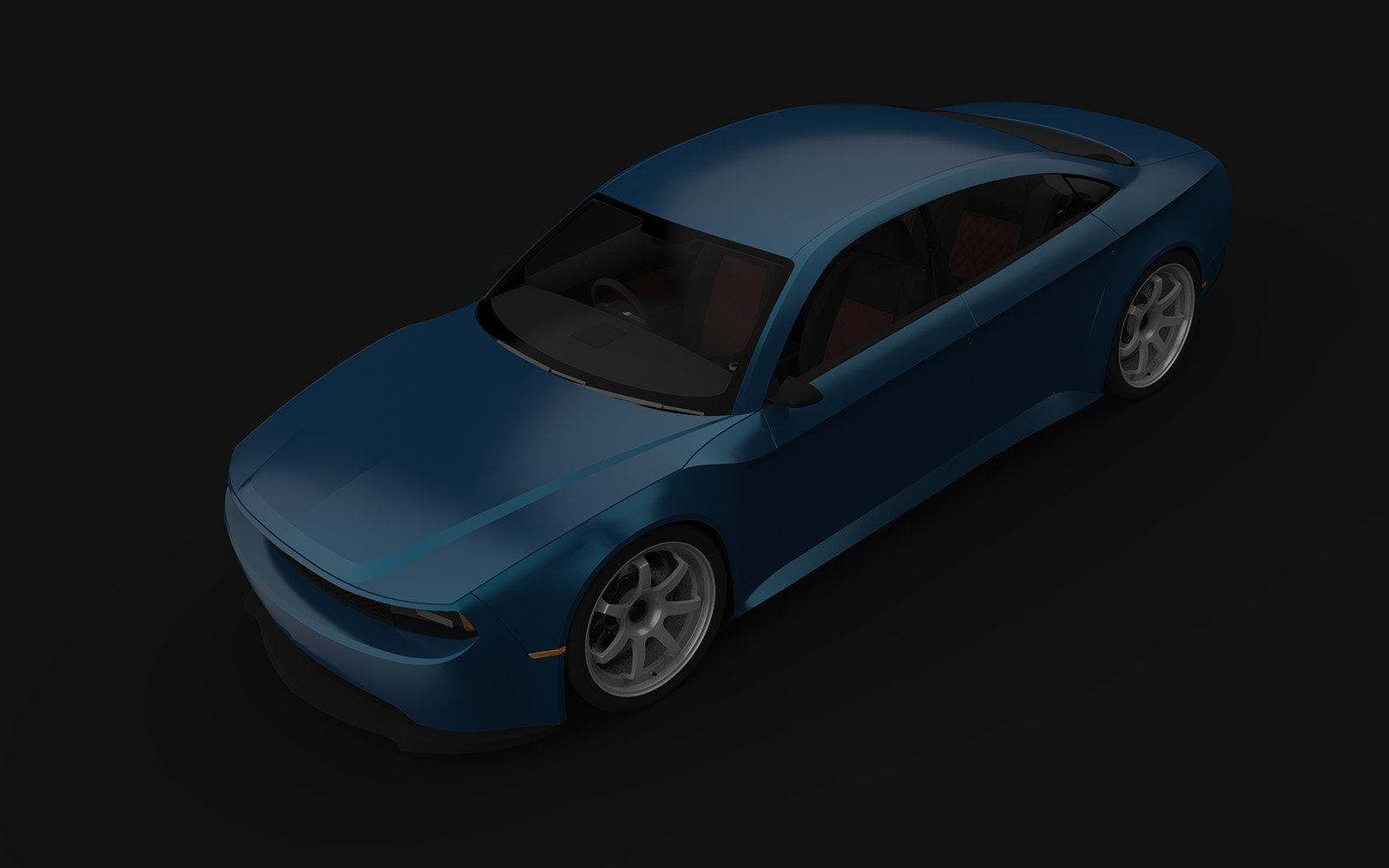
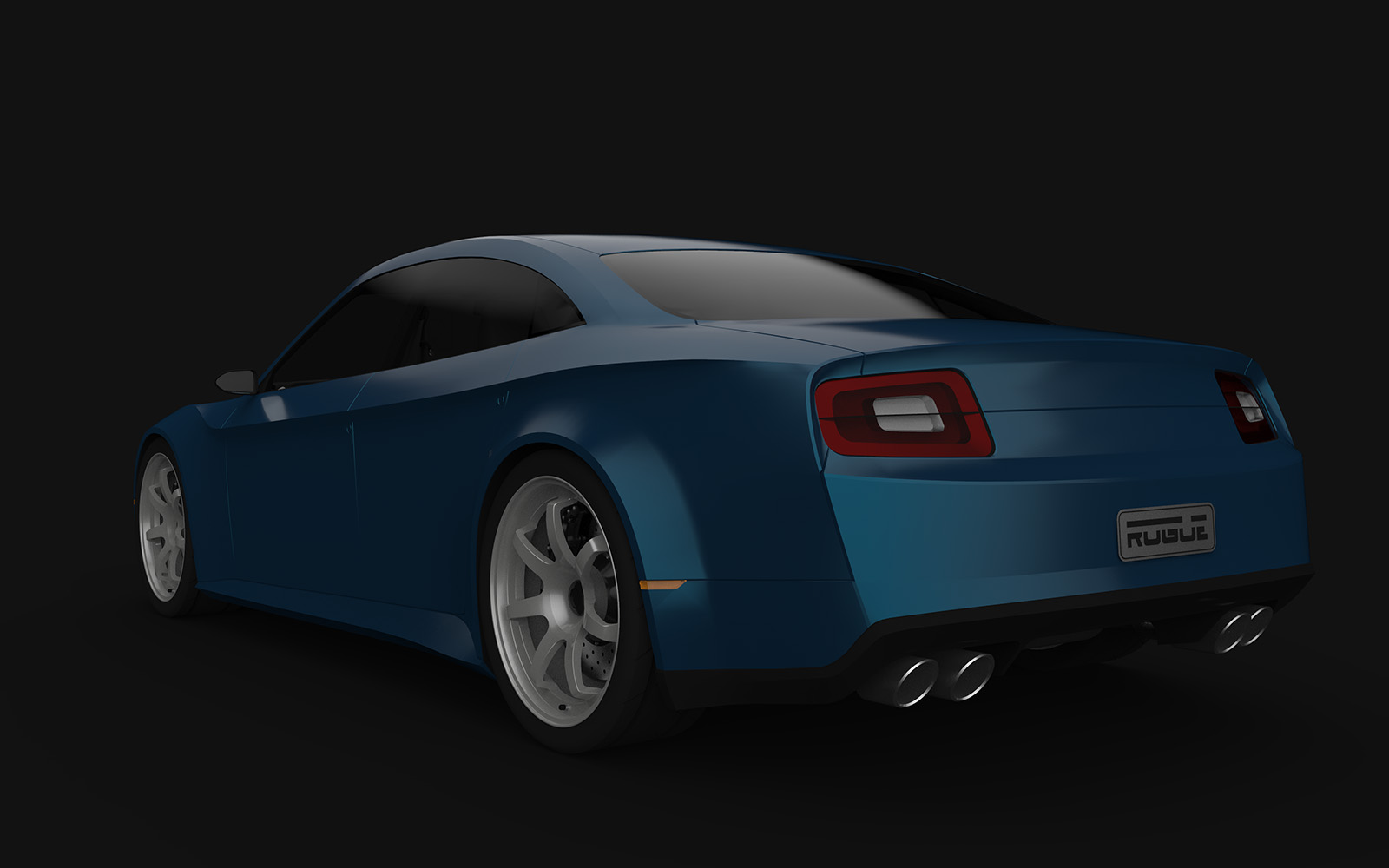
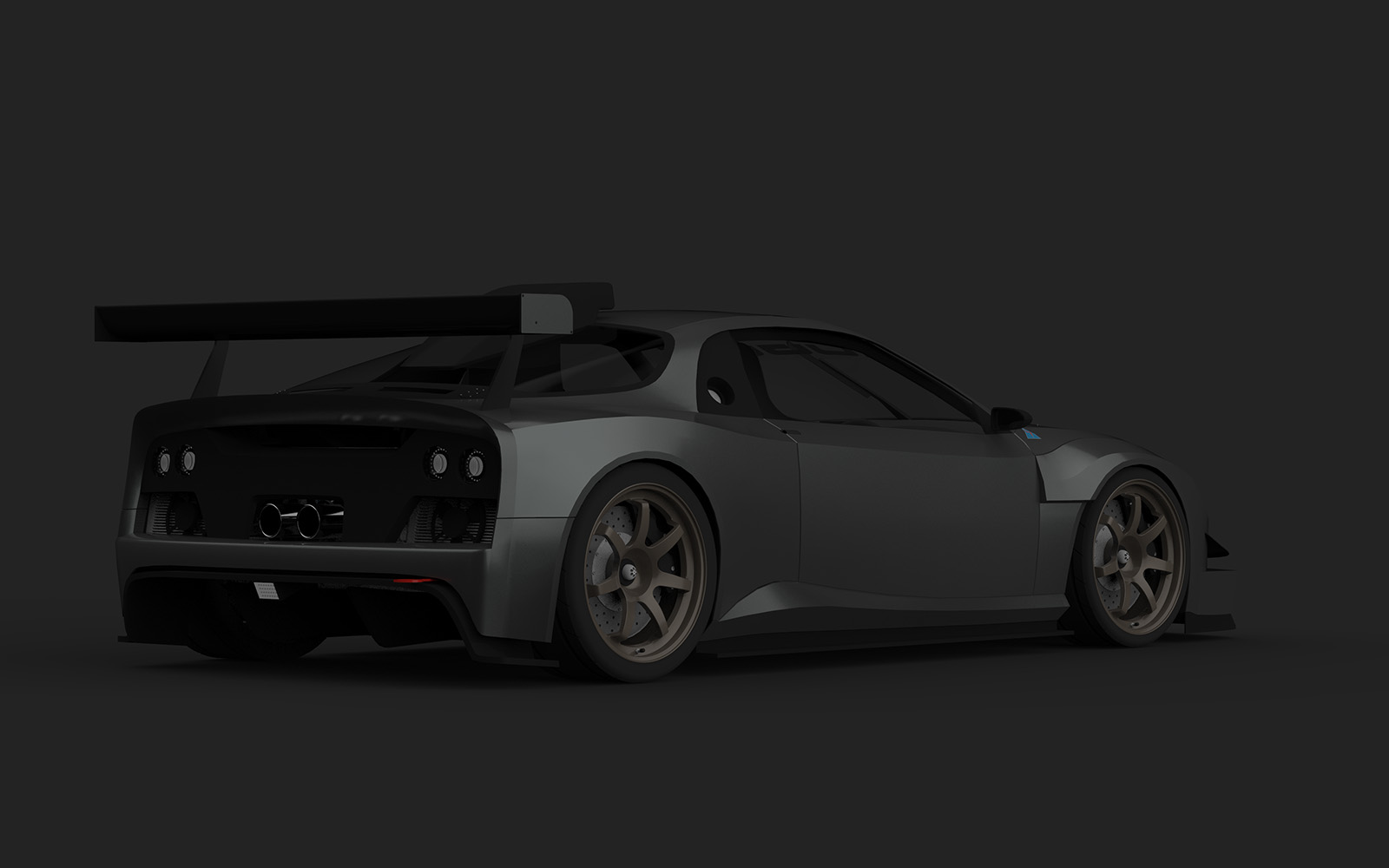
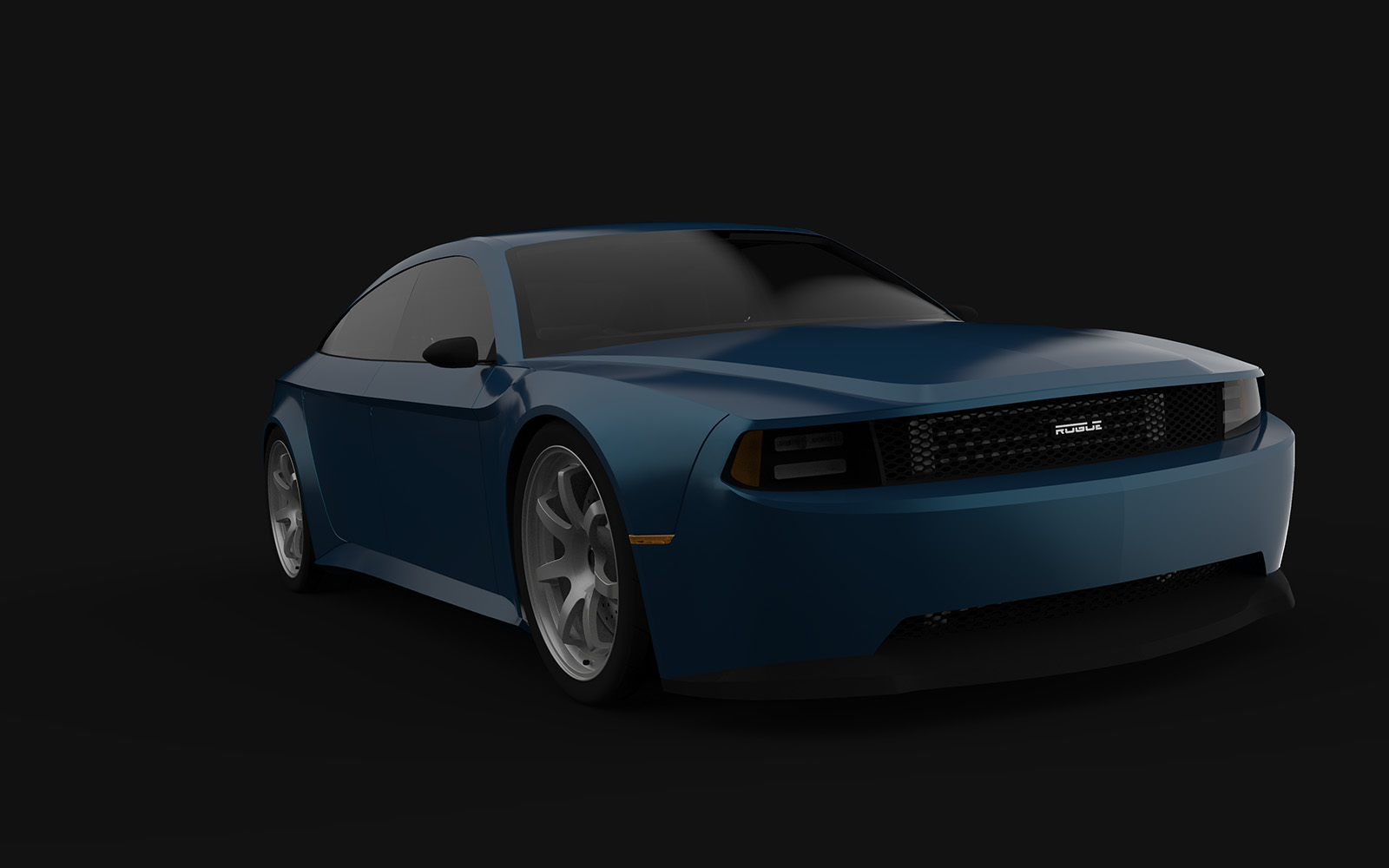
              Well, I found my old licence for KeyShot and reinstalled to play with some renders. I've spent the best part of 6 hours playing with textures and lighting. It's not perfect, they're a little dark, but I'm happy enough with the results. It doesn't hurt that my new models are significantly more well optimised for rendering and that my PC is dozens of times more powerful than my old laptop. Renders at 1080p would have taken me an hour before, but these took me about 2-3 min each...

              First set is of some of the Milano Sedan set, I'll upload more as I play around a bit more
              01.jpg

              03.jpg

              04.jpg

              05.jpg

              07.jpg

              08.jpg

              09.jpg

              Find all my models on the 3D Warehouse

              1 條回覆 最後回覆 回覆 引用 0
              • Roguer1R 離線
                Roguer1
                最後由 編輯

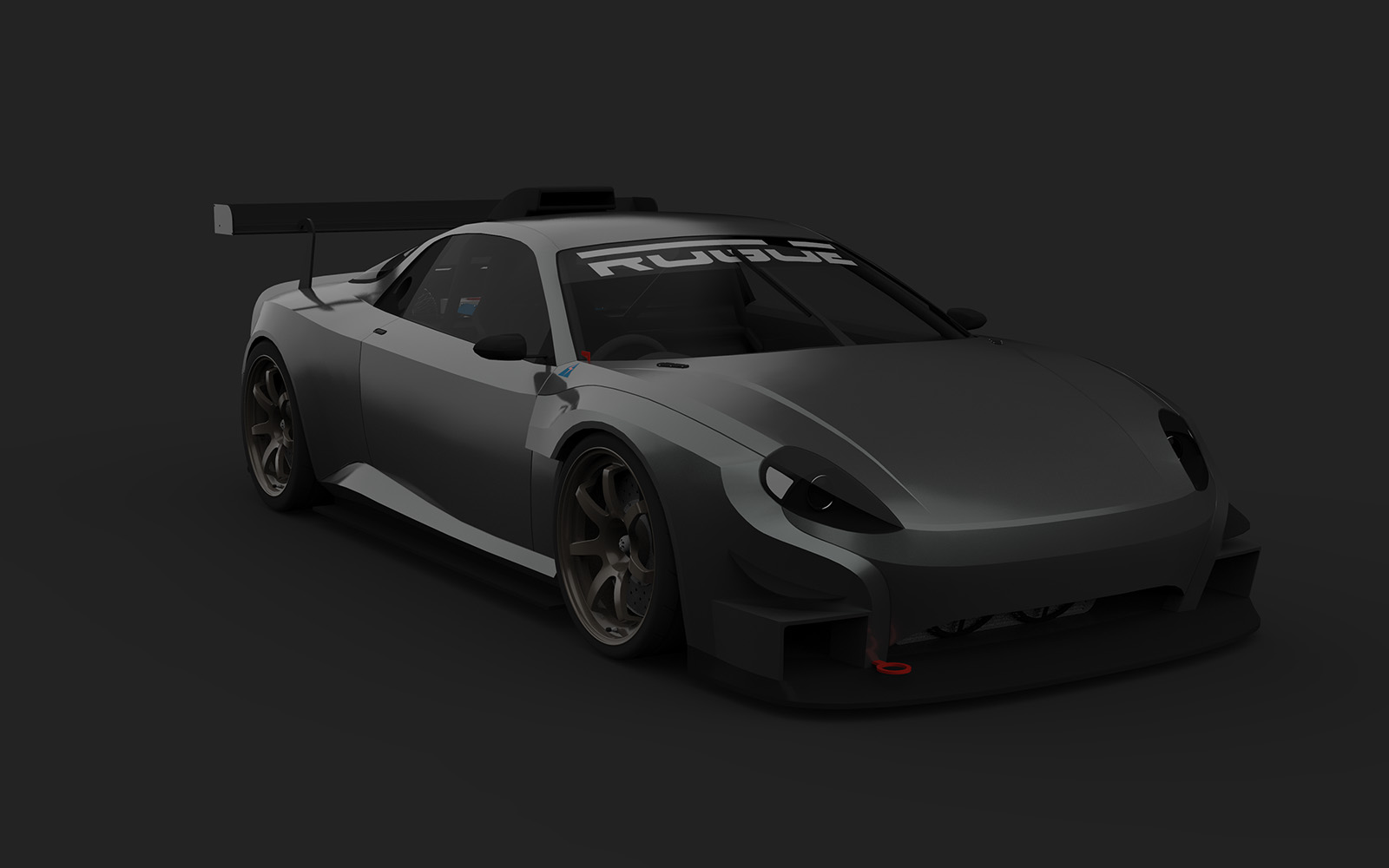
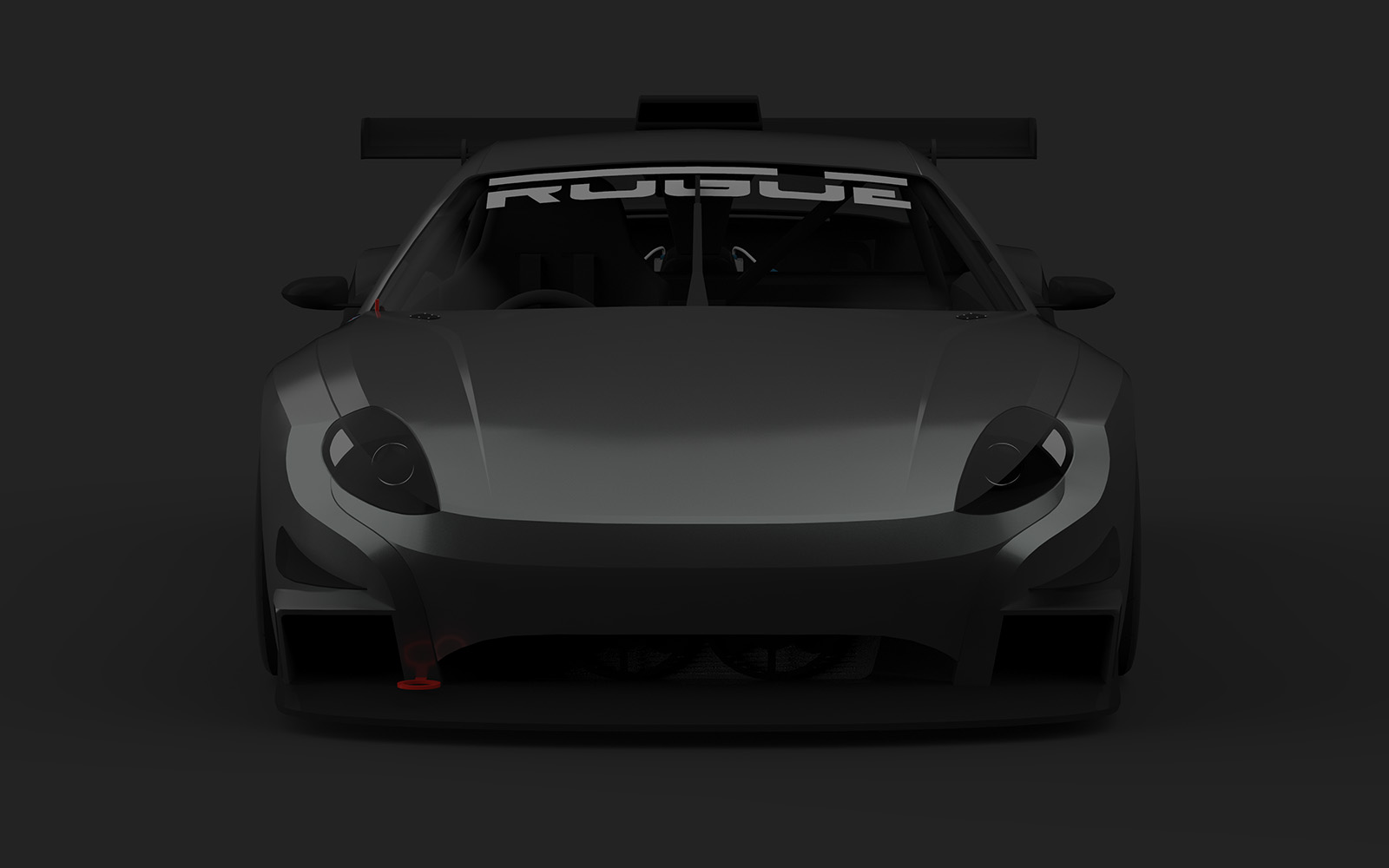
                Here is the Azione R-Spec. It sort of disappears into the background, but I liked the colour too much
                02.jpg

                03.jpg

                05.jpg

                08.jpg

                09.jpg

                10.jpg

                12.jpg

                13.jpg

                15.jpg

                Find all my models on the 3D Warehouse

                1 條回覆 最後回覆 回覆 引用 0
                • Bryan KB 離線
                  Bryan K
                  最後由 編輯

                  Very nice!

                  See my portfolio at https://delphiscousin.blogspot.com/

                  1 條回覆 最後回覆 回覆 引用 0
                  • Bryan KB 離線
                    Bryan K
                    最後由 編輯

                    Ben, I noticed when I was rendering your models that you used some kind of subdivide on you models. Could you explain your work flow? The subdivide seems to be the key to making smooth curved surfaces, but when I try using Artisan I get very crude and unusable results.

                    See my portfolio at https://delphiscousin.blogspot.com/

                    1 條回覆 最後回覆 回覆 引用 0
                    • Roguer1R 離線
                      Roguer1
                      最後由 編輯

                      I do occasionally use a tool called 'Subdivide and Smooth'. I've an older (paid?) version which isn't fully compatible with SU anymore but still subdivides fine. I only usually use it when I really can't be bothered adding detail to smooth out the poly lines on an edge, for example; a wheel arch curve.

                      I typically group off only a section of mesh (a single surface of a panel or just around the area where the line is I want to smooth), use sub-smooth, copy the edge that's been subdivided, back up a few steps, delete the old mesh in that area, paste the line in place and then manually stitch it in. I do this because the resulting sub-smoothed can be quite messy and I really just want the clean/ smooth edge that would be more accurate than what I can create by eyeing it.

                      A lot of subdivision I do manually, just by filling in extra lines into the mesh and moving them into place to smooth out a surface or edge. I'm rather envious of the tools in blender than can cleanly turn a fairly low detail mesh into a very clean subdivided one, but I really can't get my head around all the tools in Blender and find it much easier to do most of it manually.

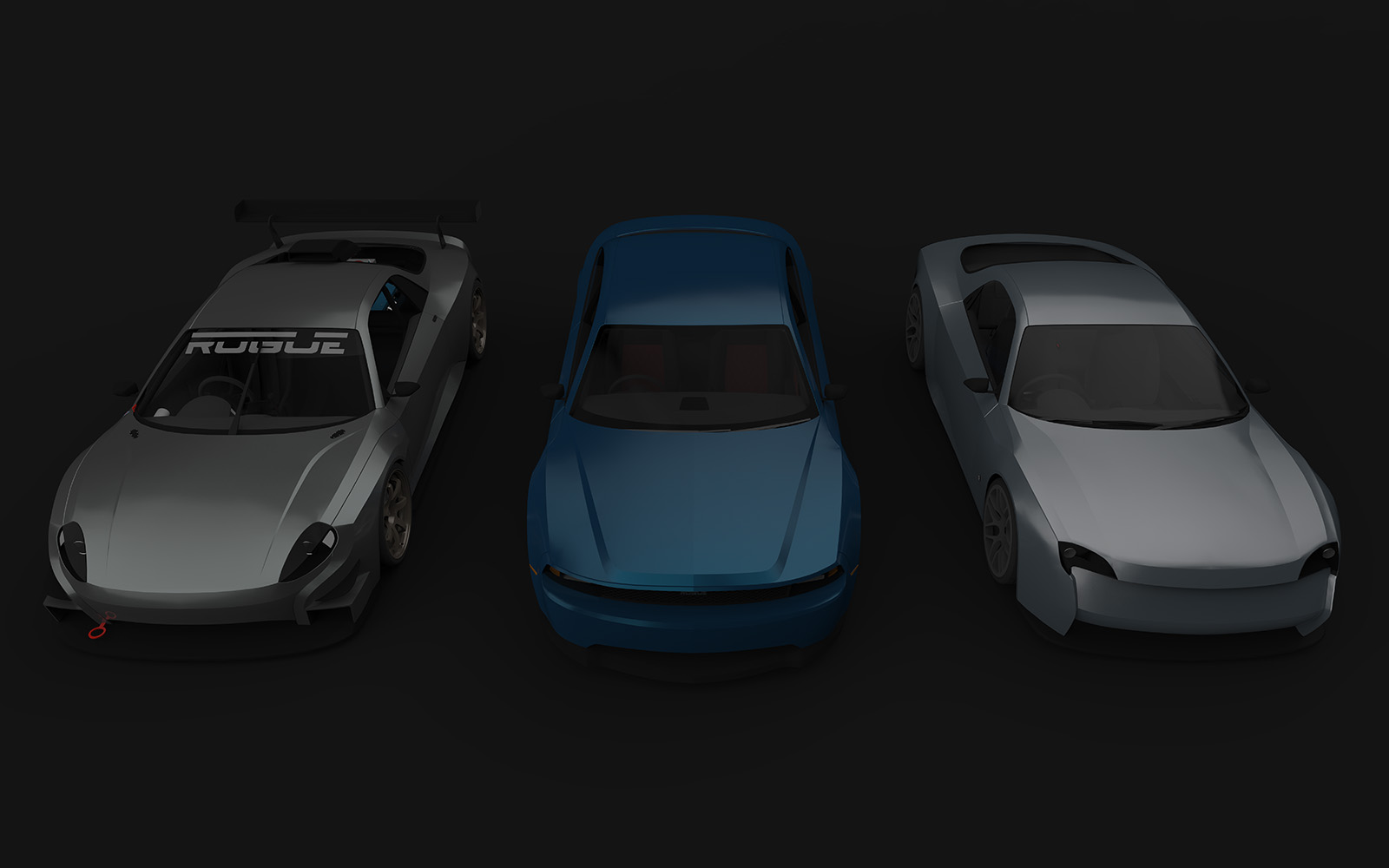
                      Also, felt like adding my latest render. This is my new desktop background
                      Instigator + Azione + Milano.24.jpg

                      Find all my models on the 3D Warehouse

                      1 條回覆 最後回覆 回覆 引用 0
                      • Bryan KB 離線
                        Bryan K
                        最後由 編輯

                        Thanks.

                        Artisan has a Subdivide and Smooth function but it sometime feels crude. Mostly likely it is me not using it right.

                        Could I ask you to post a small example of how you do it?

                        That said, nice renders!

                        See my portfolio at https://delphiscousin.blogspot.com/

                        1 條回覆 最後回覆 回覆 引用 0
                        • Roguer1R 離線
                          Roguer1
                          最後由 編輯

                          No problem Bryan. I've attached a small example of how to do it how I do. This is a round-about method because I prefer to have a cleaner mesh, so I do it by hand. I've saved it as SU 2016 format for compatibility reasons, just in case someone is using an older version and still wants to access it

                          Switch tabs to see the different steps, or just pan to the right
                          SDS Example (2016 format).skp

                          Find all my models on the 3D Warehouse

                          1 條回覆 最後回覆 回覆 引用 0
                          • Bryan KB 離線
                            Bryan K
                            最後由 編輯

                            Thanks Ben! I really do appreciate it.

                            See my portfolio at https://delphiscousin.blogspot.com/

                            1 條回覆 最後回覆 回覆 引用 0
                            • Roguer1R 離線
                              Roguer1
                              最後由 編輯

                              So, did that explain it sufficiently Bryan?

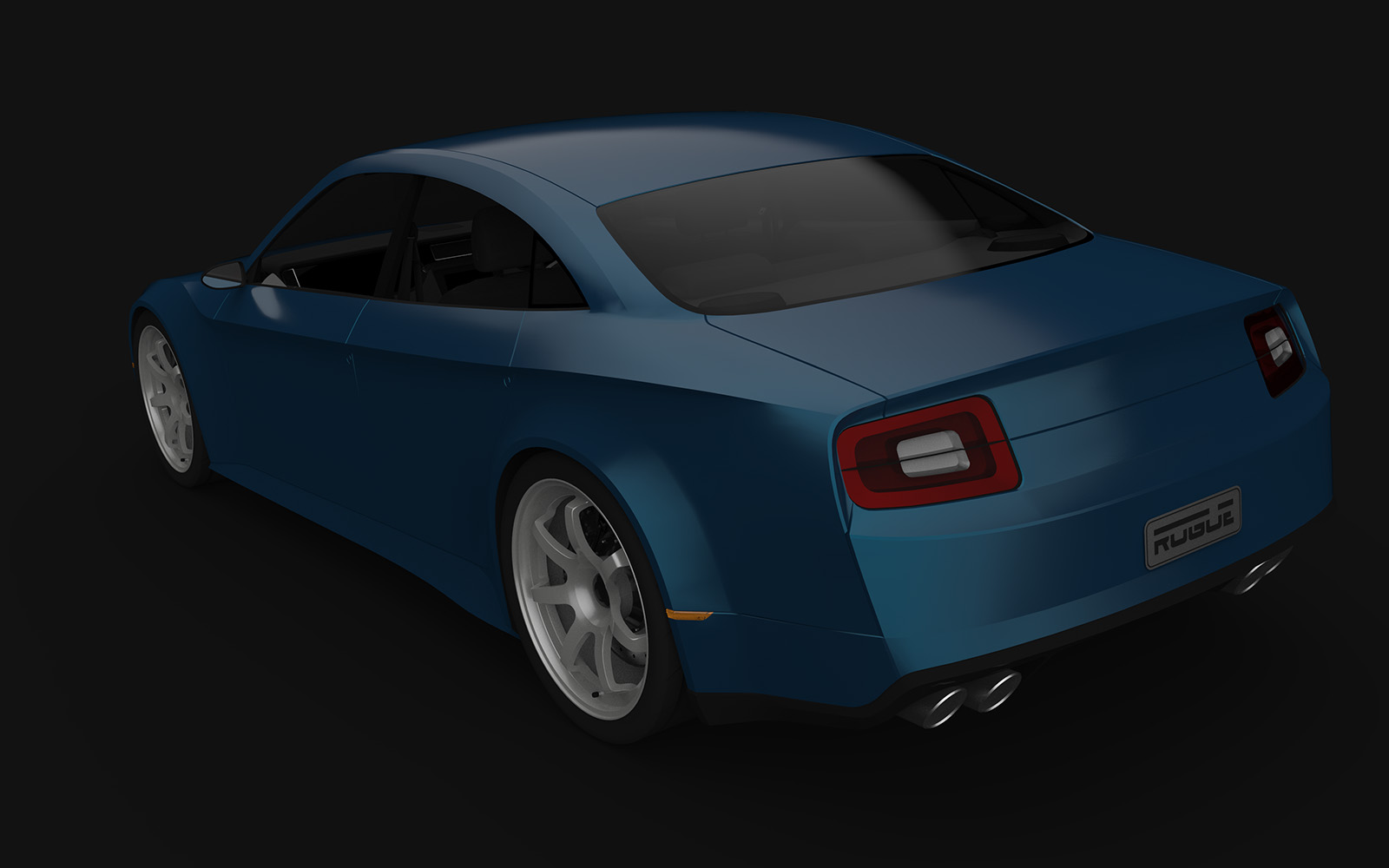
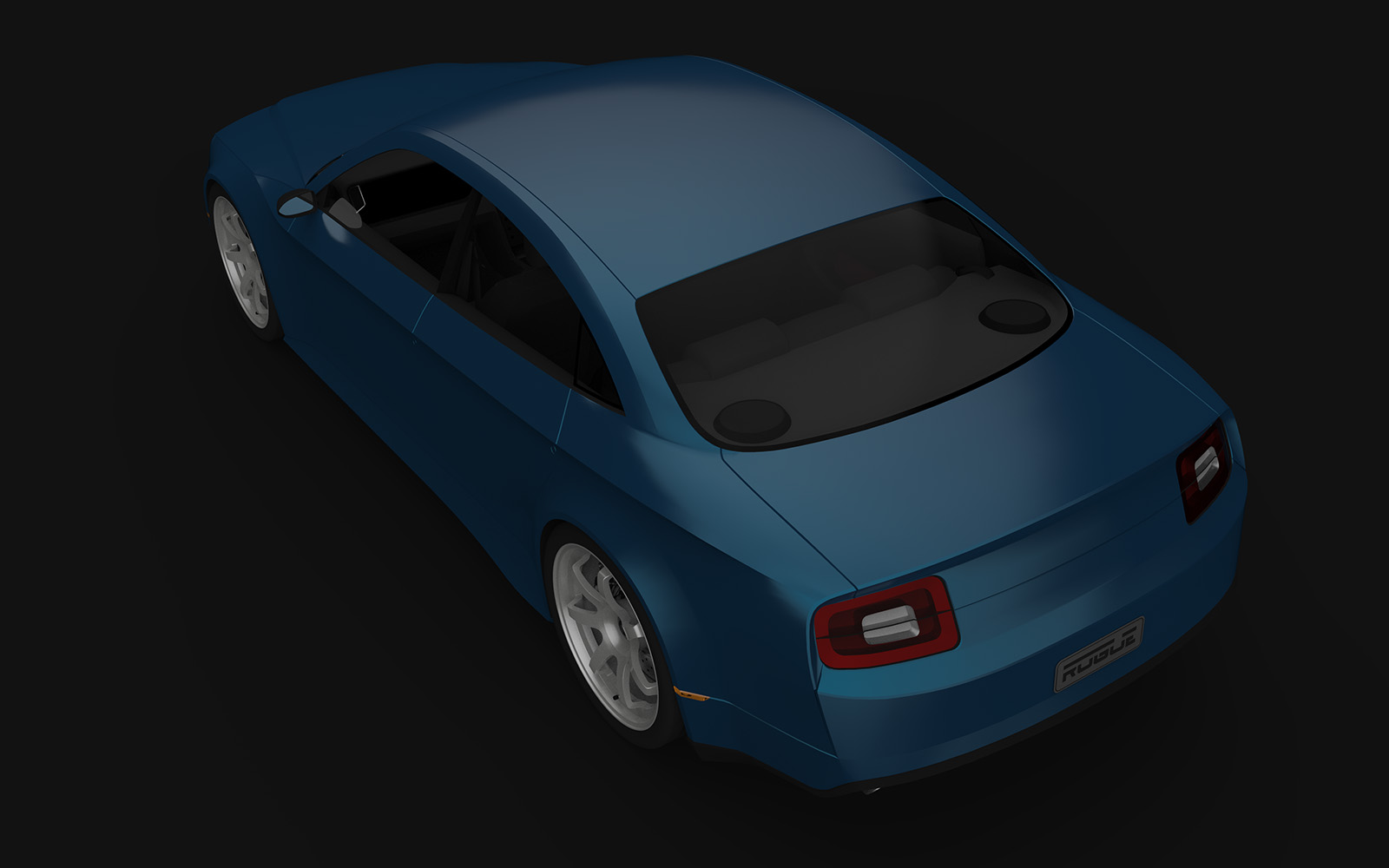
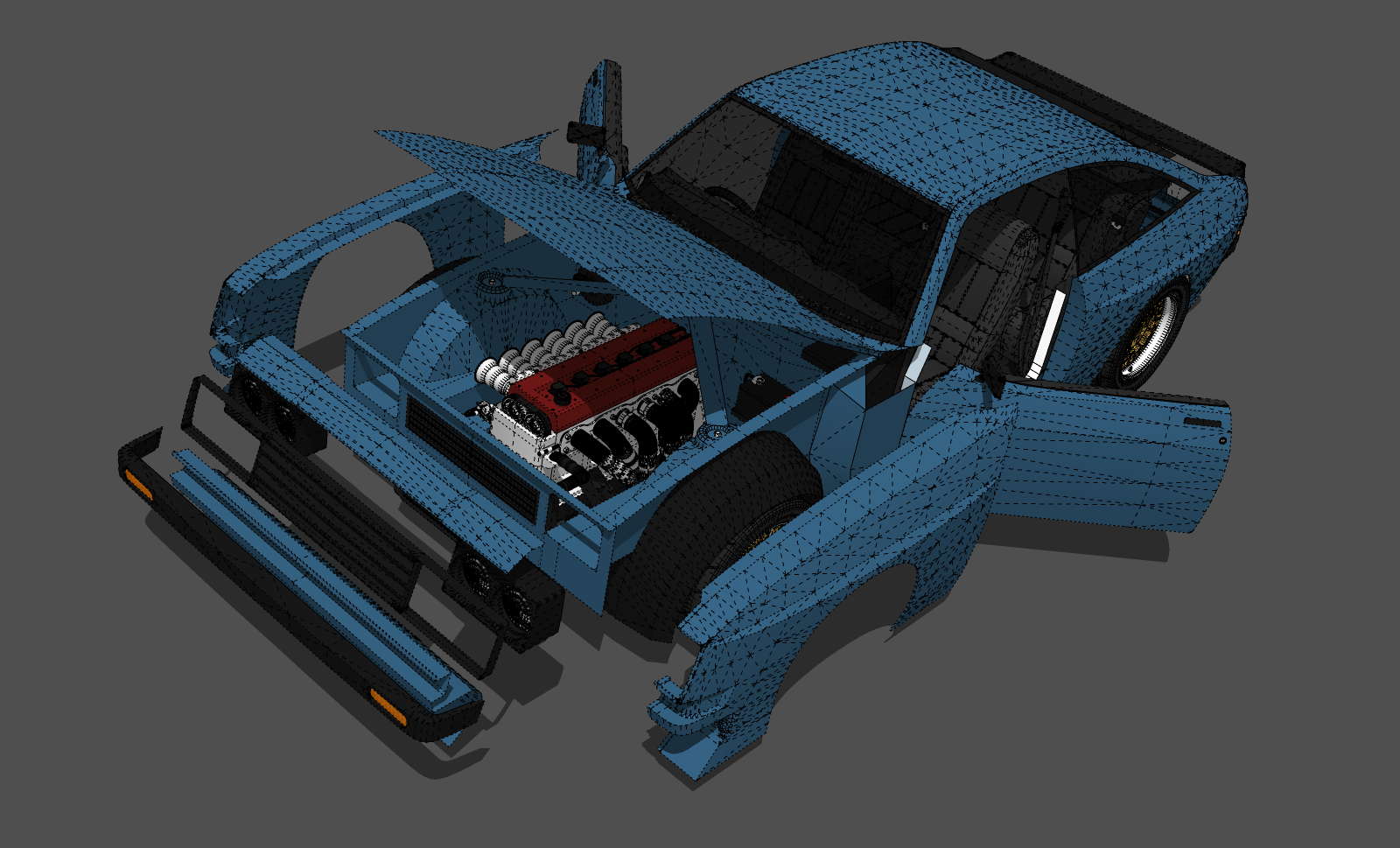
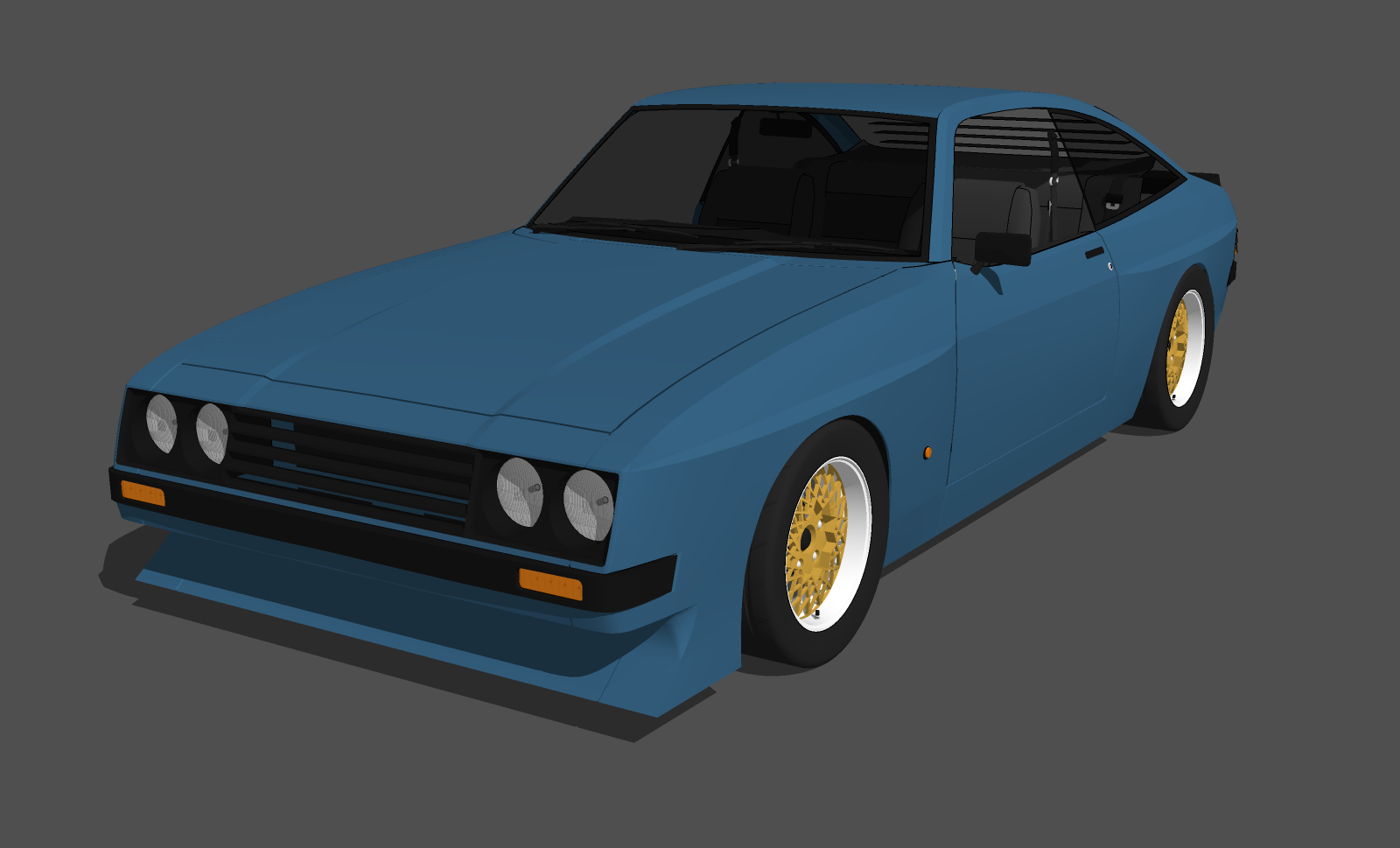
                              Here is another update. Have been trying something a little different with the panel gap, in trying to make it look a lot more realistic, while not going all out on poly count. So far I can say that the results are fairly good, but it requires a lot of work and likely won't be done for future models.
                              Rogue Puma 01.png

                              Rogue Puma 02.png

                              I also want to do something like the Zakspeed Capri
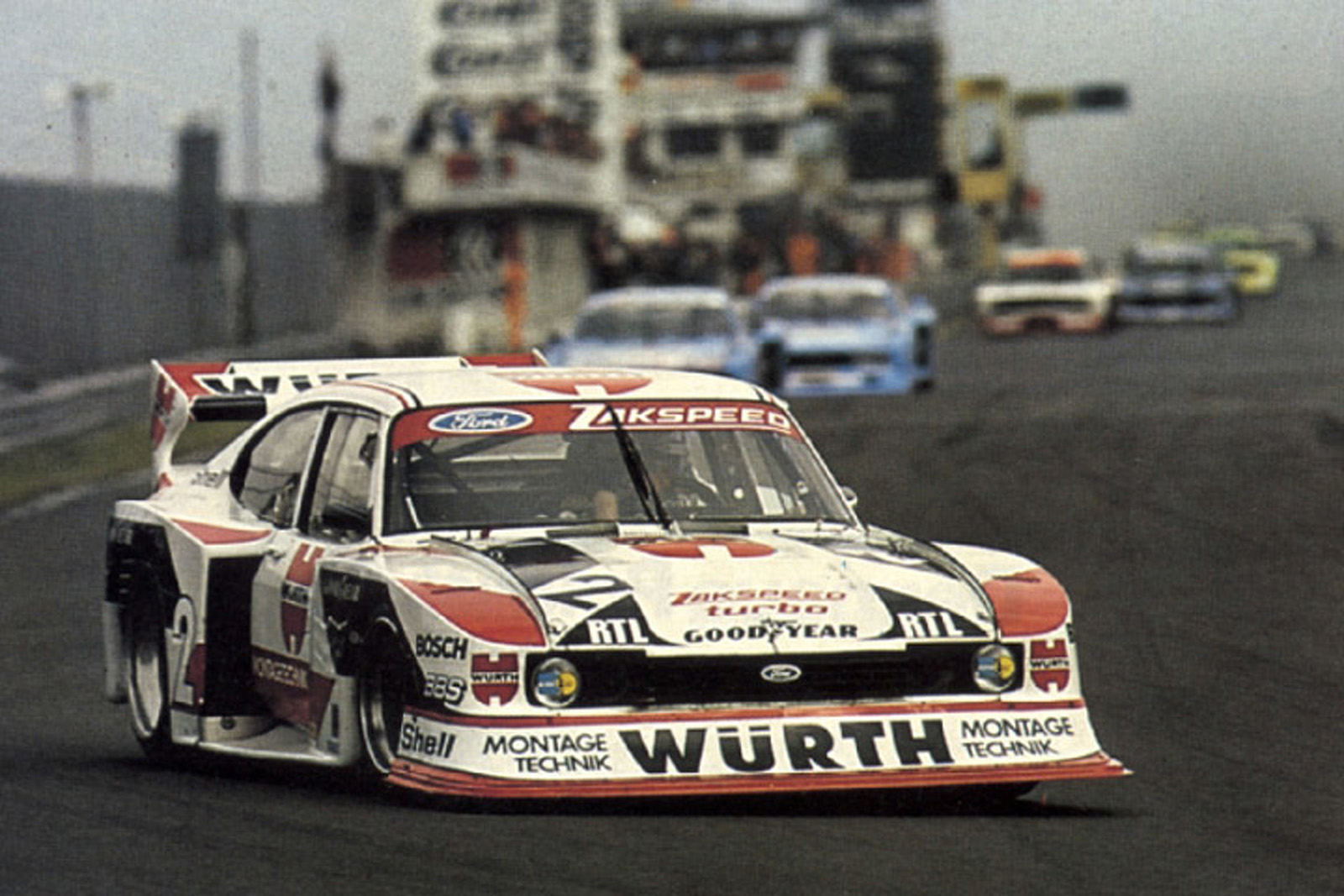
                              zakspeed.jpg

                              Find all my models on the 3D Warehouse

                              1 條回覆 最後回覆 回覆 引用 0
                              • Bryan KB 離線
                                Bryan K
                                最後由 編輯

                                Thanks Ben.

                                Yes, sort of. I am experimenting now with the current WIP.

                                2 days later I was able to recreate the technique and it's work great.

                                Thanks again!

                                See my portfolio at https://delphiscousin.blogspot.com/

                                1 條回覆 最後回覆 回覆 引用 0
                                • Roguer1R 離線
                                  Roguer1
                                  最後由 編輯

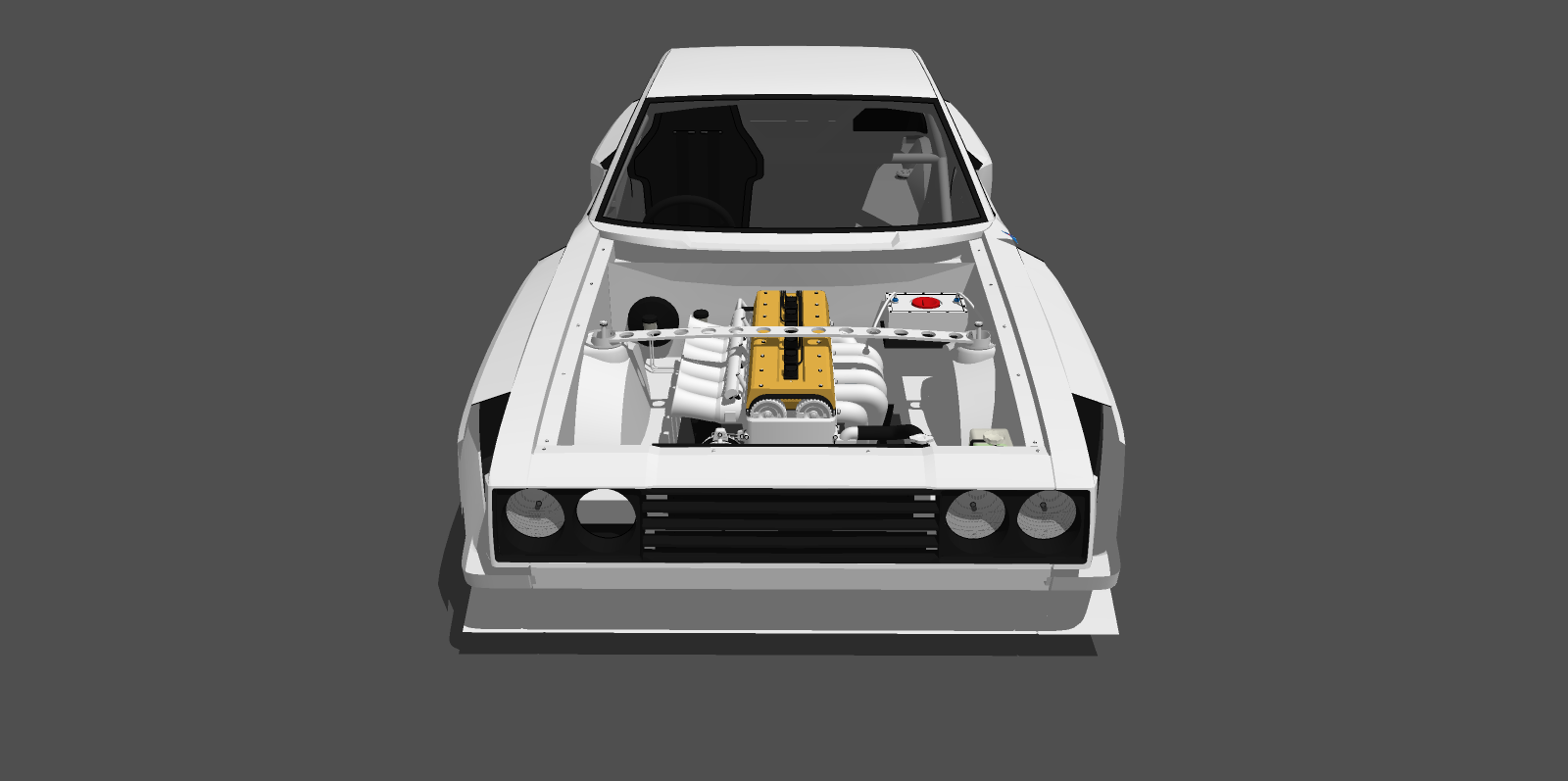
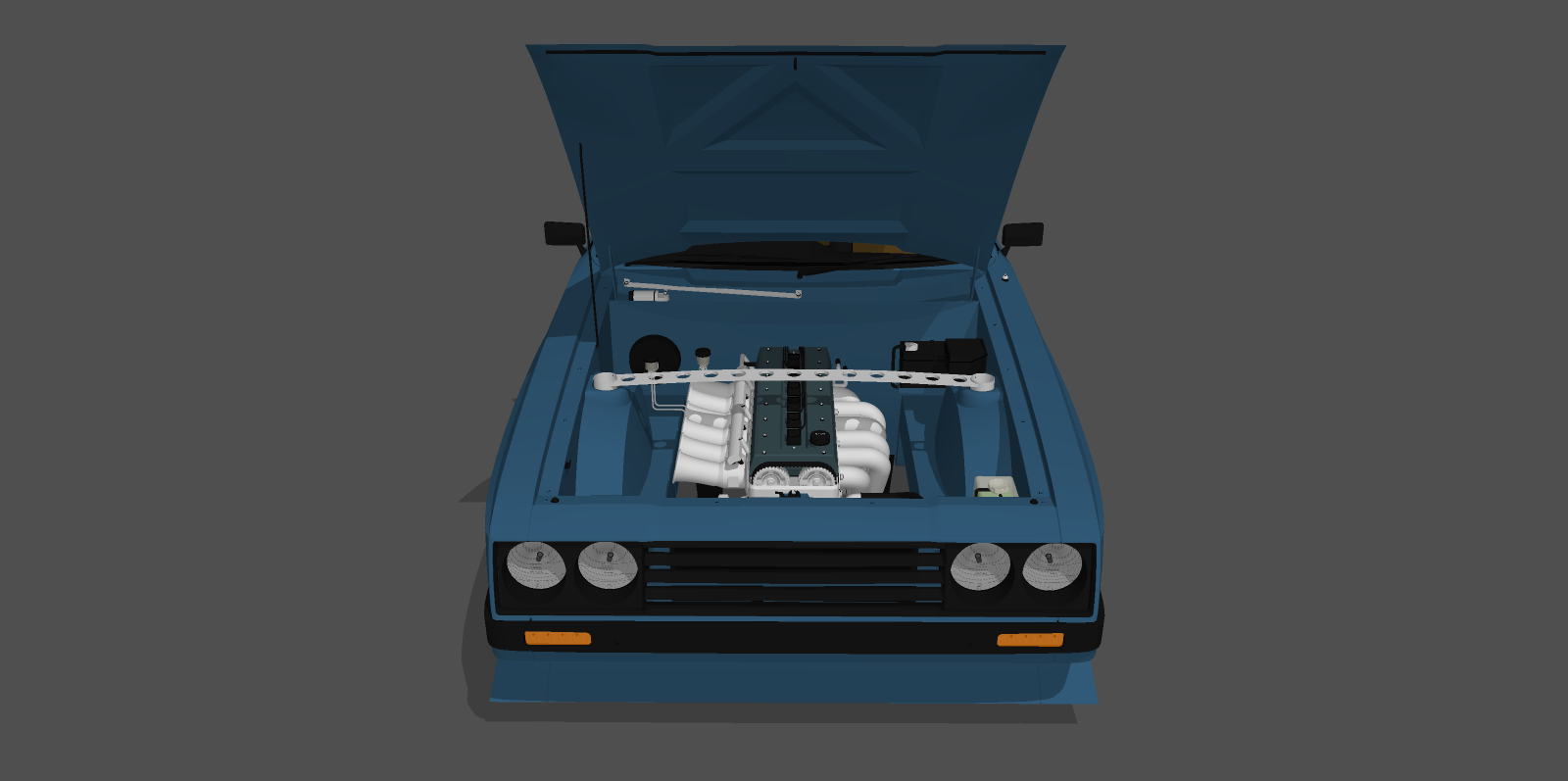
                                  Here is an update on the engine bay, which is quickly becoming my most detailed yet
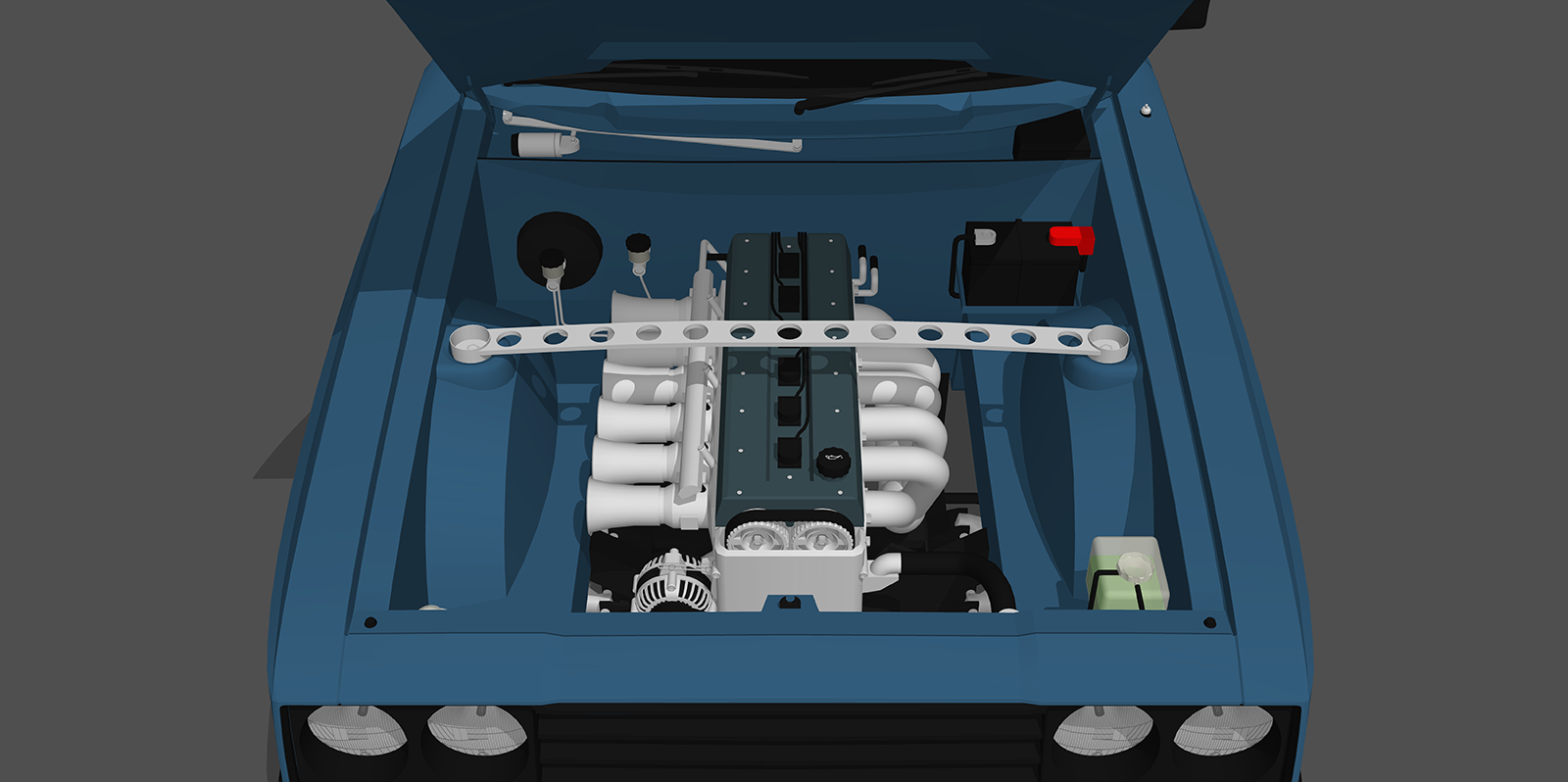
                                  Rogue Puma engine.png

                                  Find all my models on the 3D Warehouse

                                  1 條回覆 最後回覆 回覆 引用 0
                                  • Bryan KB 離線
                                    Bryan K
                                    最後由 編輯

                                    Looking good!

                                    See my portfolio at https://delphiscousin.blogspot.com/

                                    1 條回覆 最後回覆 回覆 引用 0
                                    • Roguer1R 離線
                                      Roguer1
                                      最後由 編輯

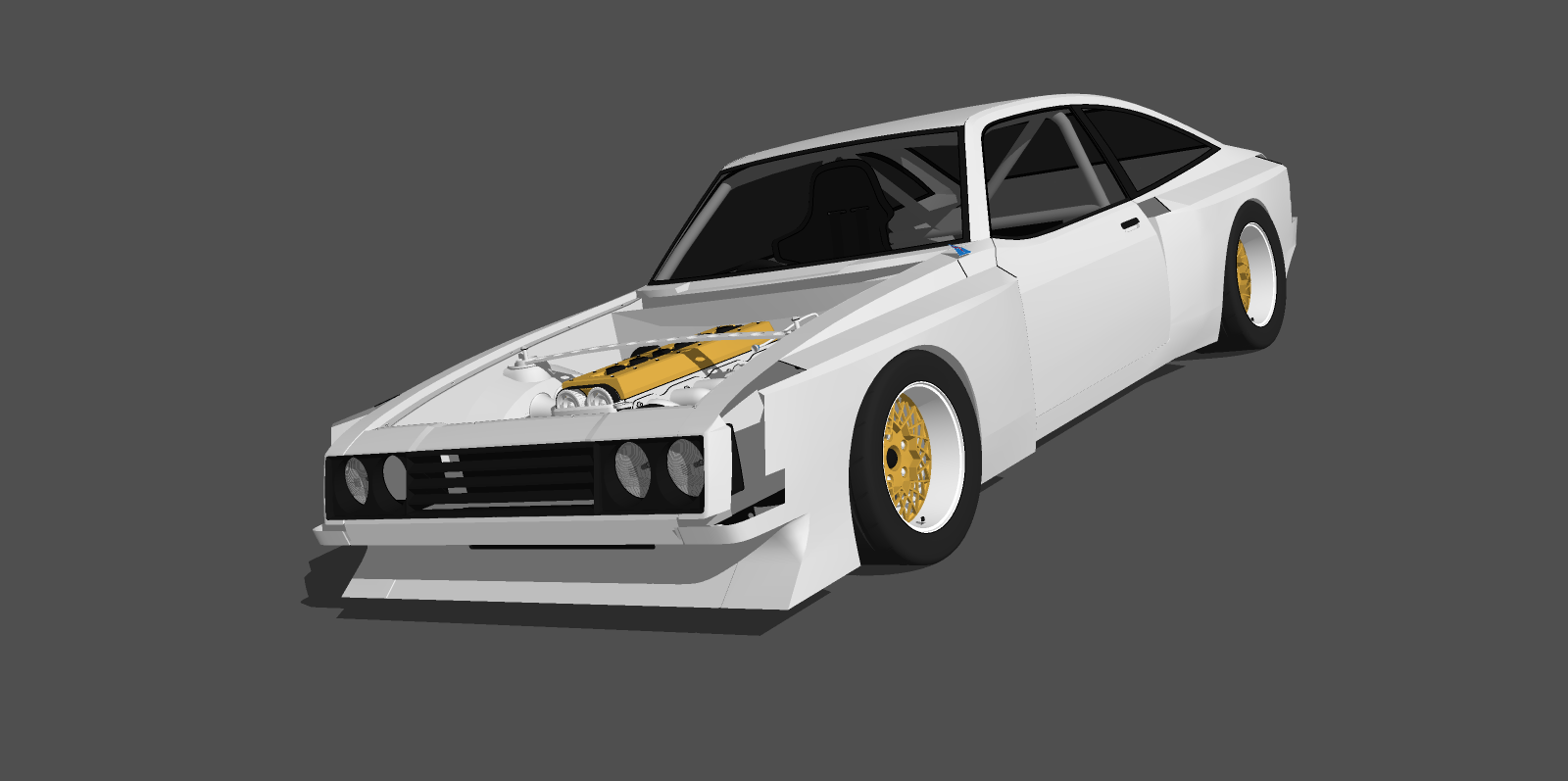
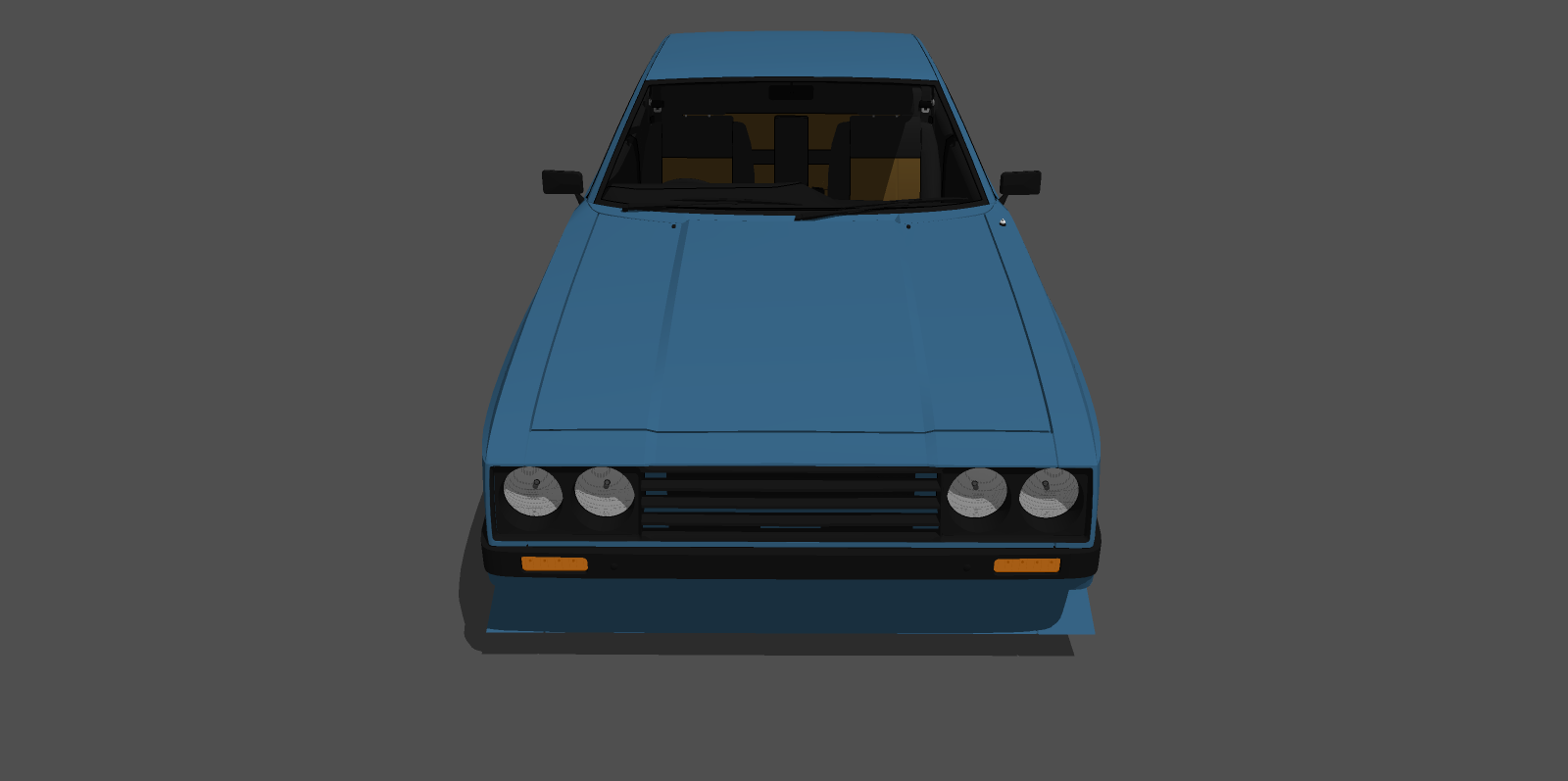
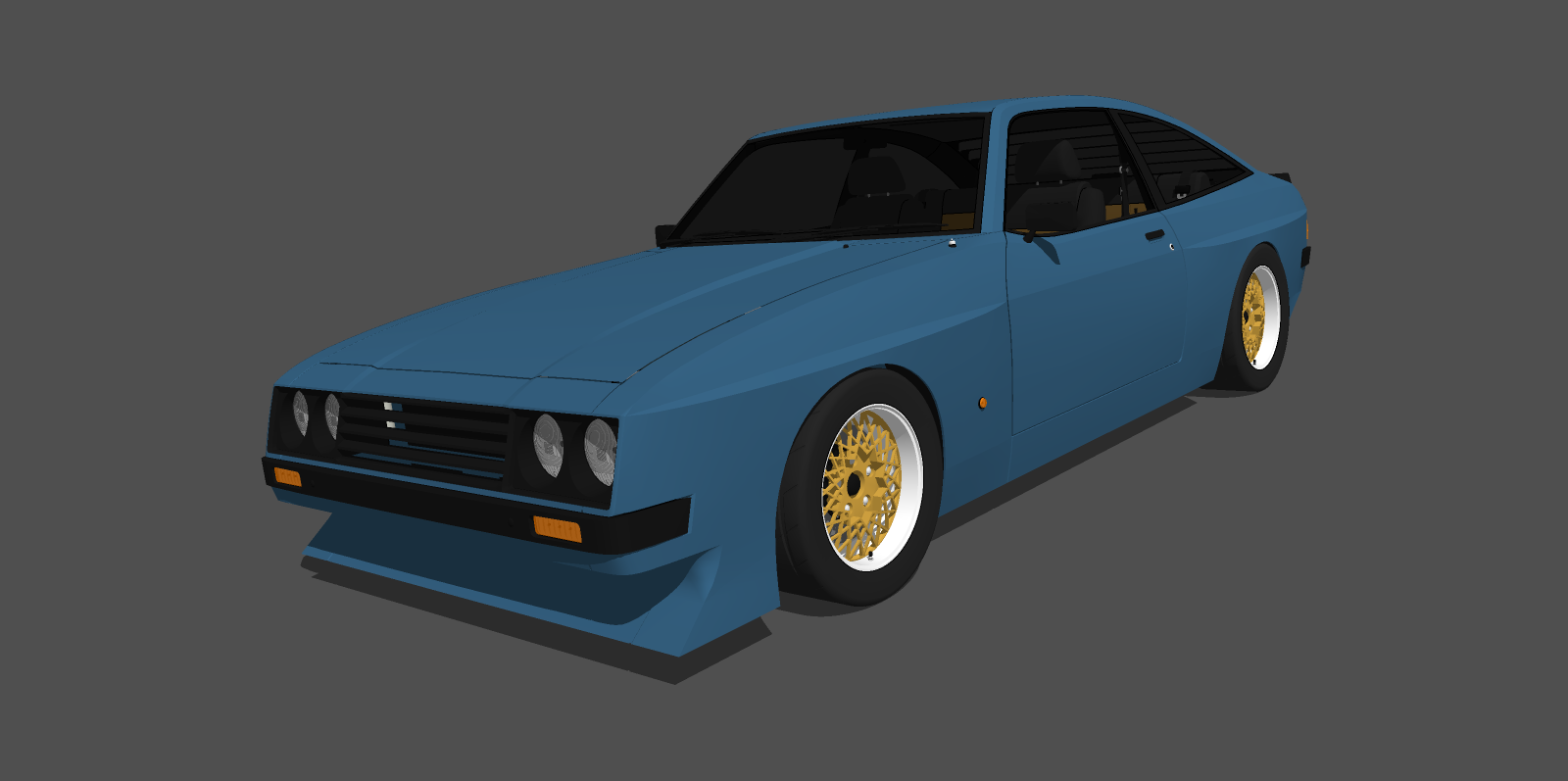
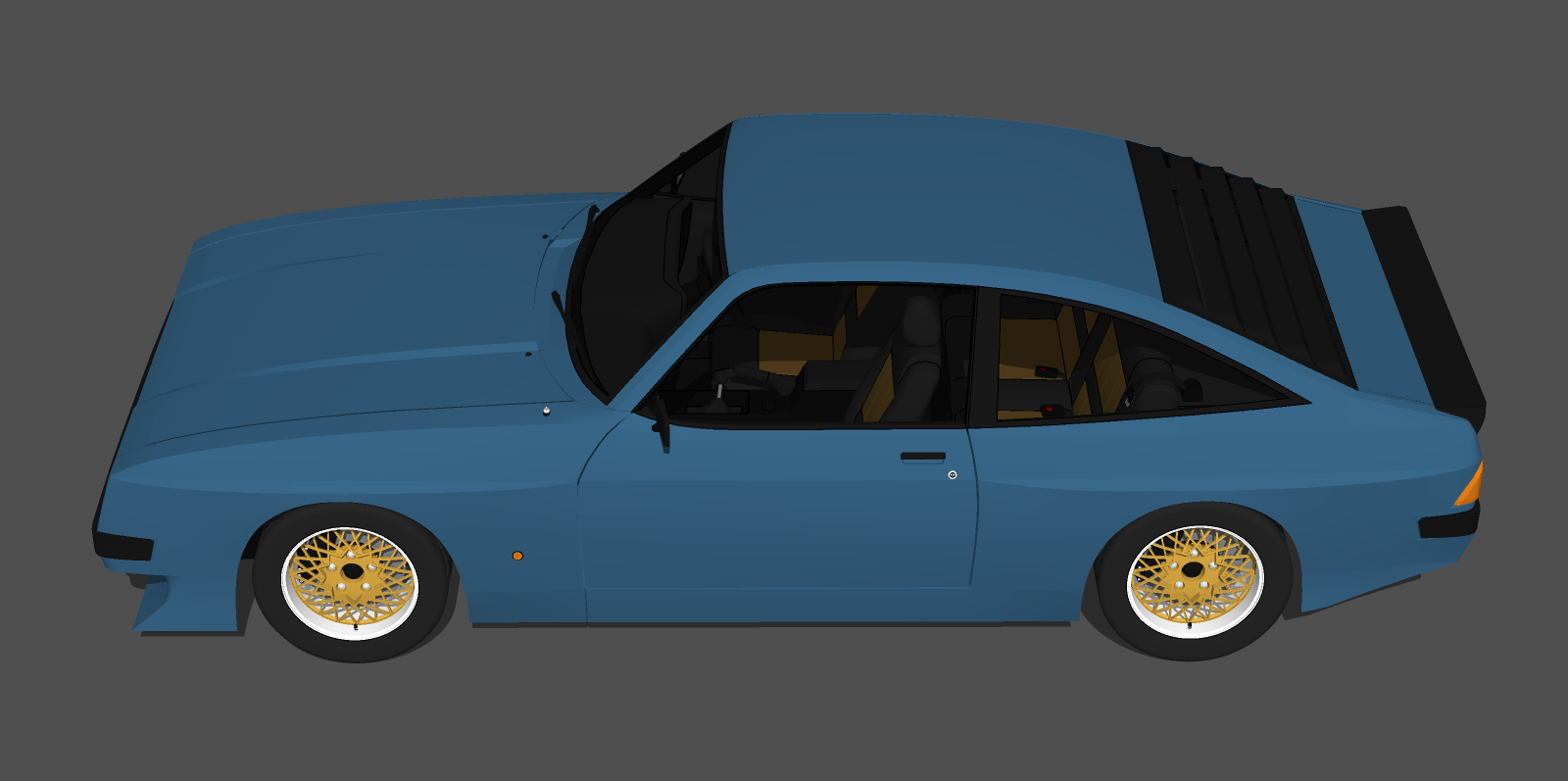
                                      Here it is!
                                      https://3dwarehouse.sketchup.com/model/e54c705c-3af0-4873-8506-24a772b6c95b/2020-Rogue-Puma

                                      2020 Rogue Puma 01.png
                                      2020 Rogue Puma 02.png
                                      2020 Rogue Puma 03.png
                                      2020 Rogue Puma 04.png
                                      2020 Rogue Puma 05.png
                                      2020 Rogue Puma 06.png

                                      Find all my models on the 3D Warehouse

                                      1 條回覆 最後回覆 回覆 引用 0
                                      • Roguer1R 離線
                                        Roguer1
                                        最後由 編輯

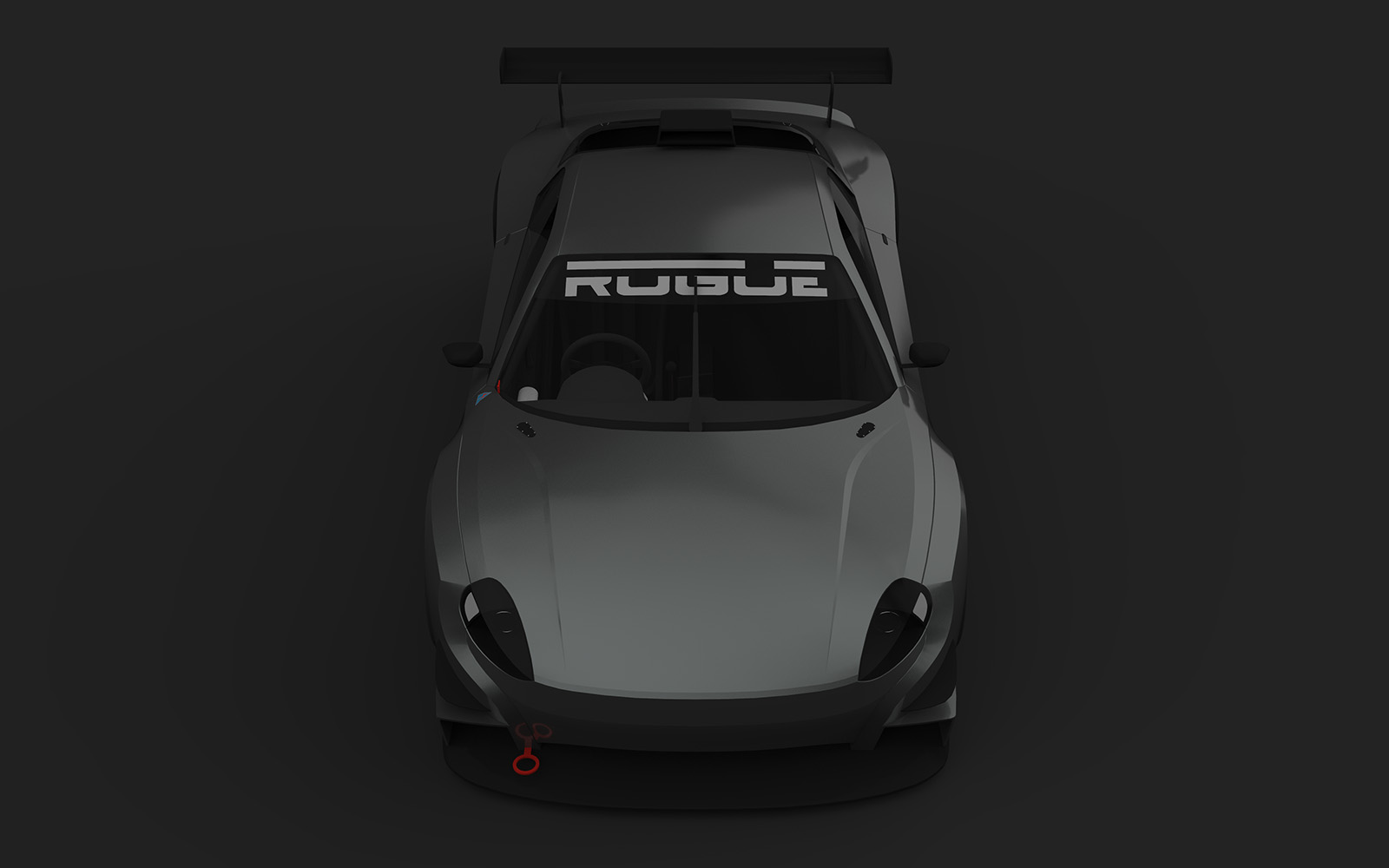
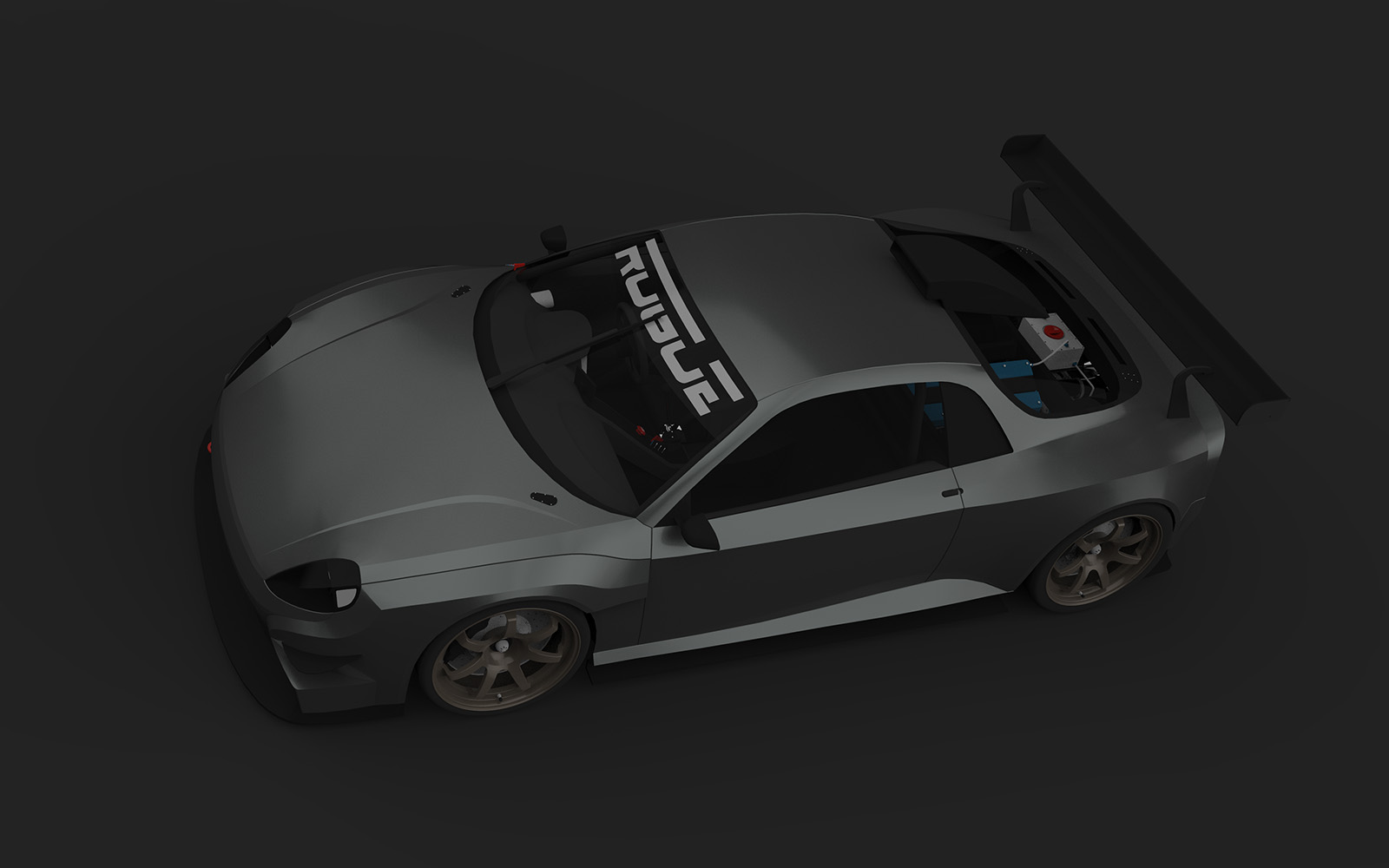
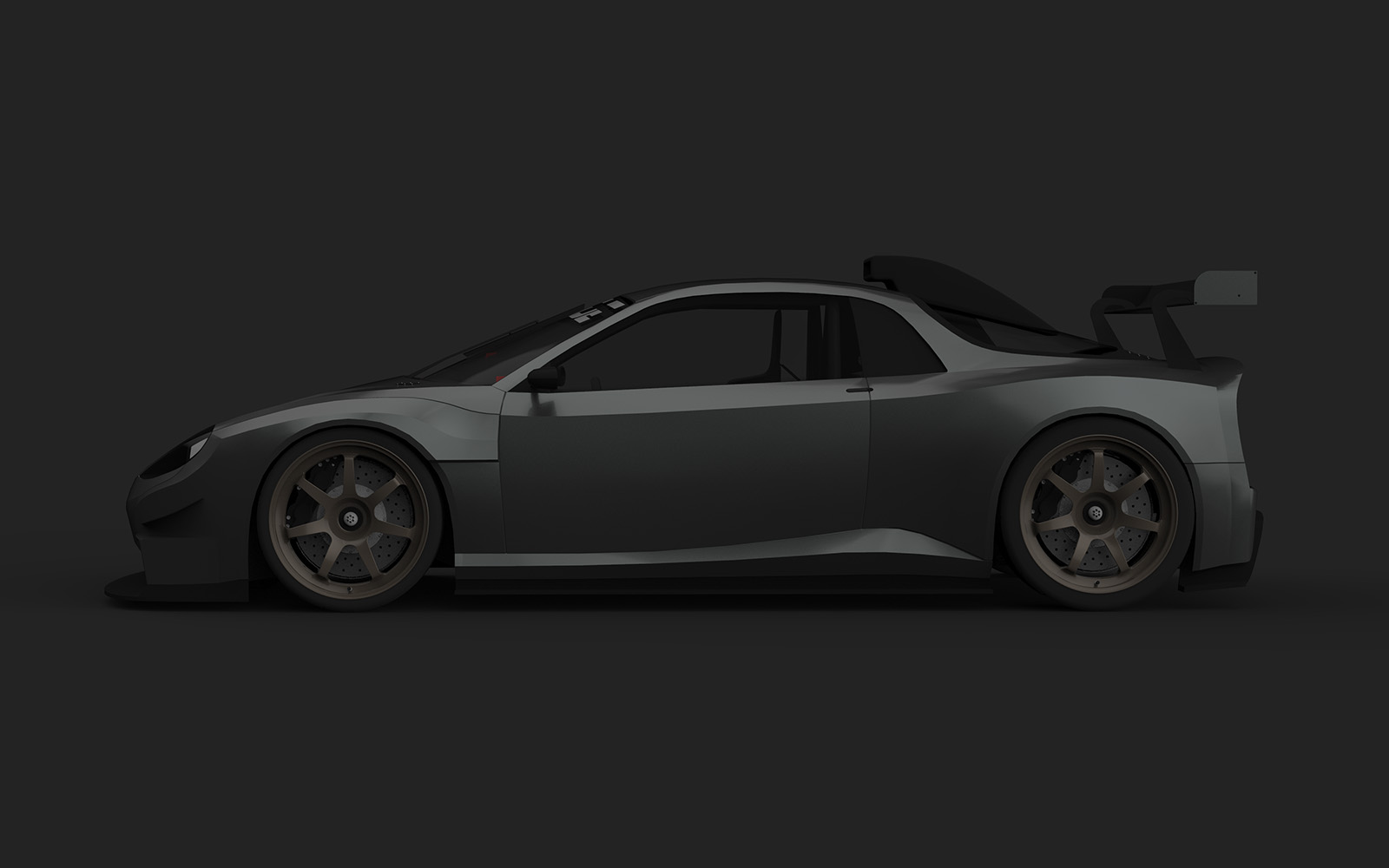
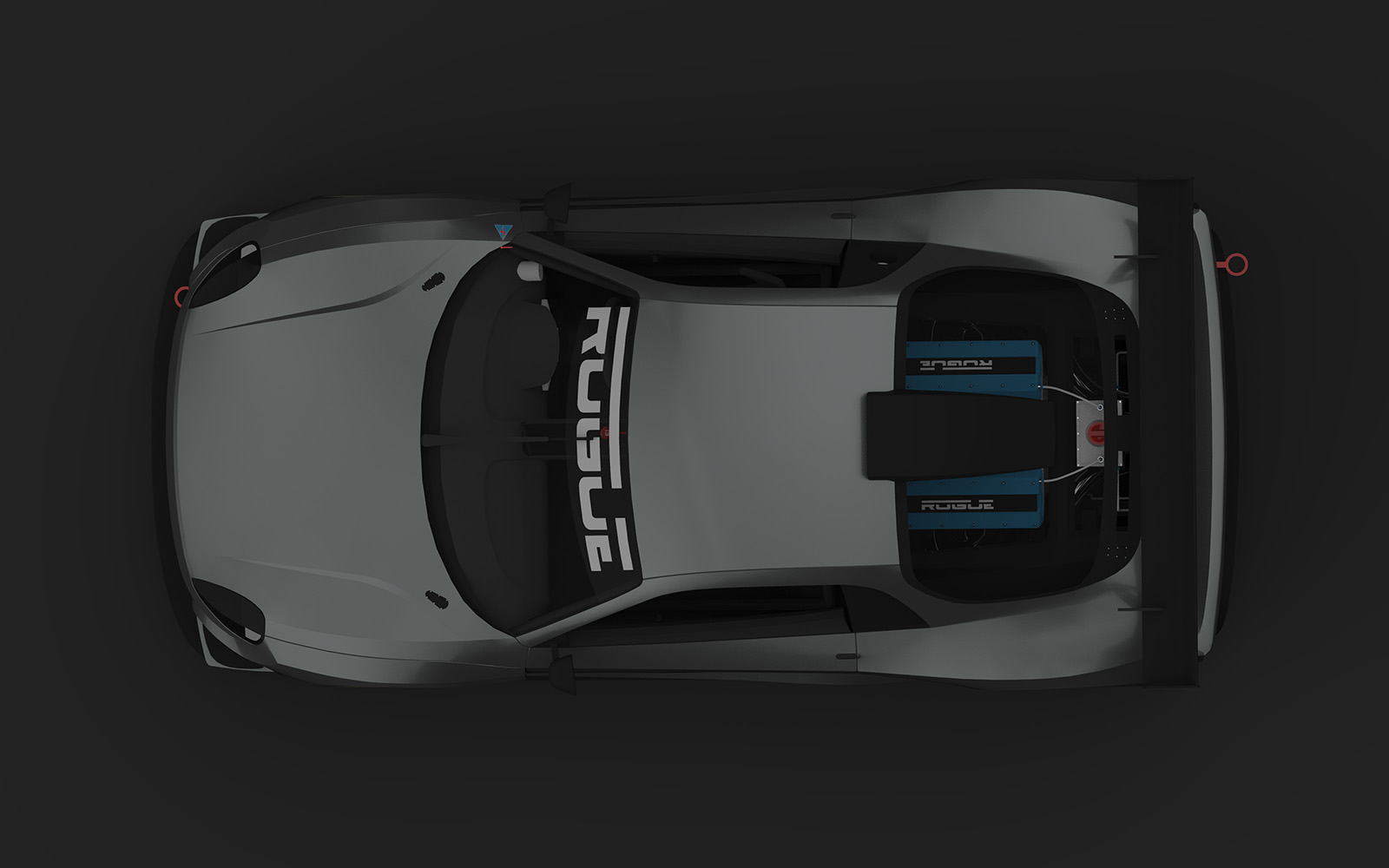
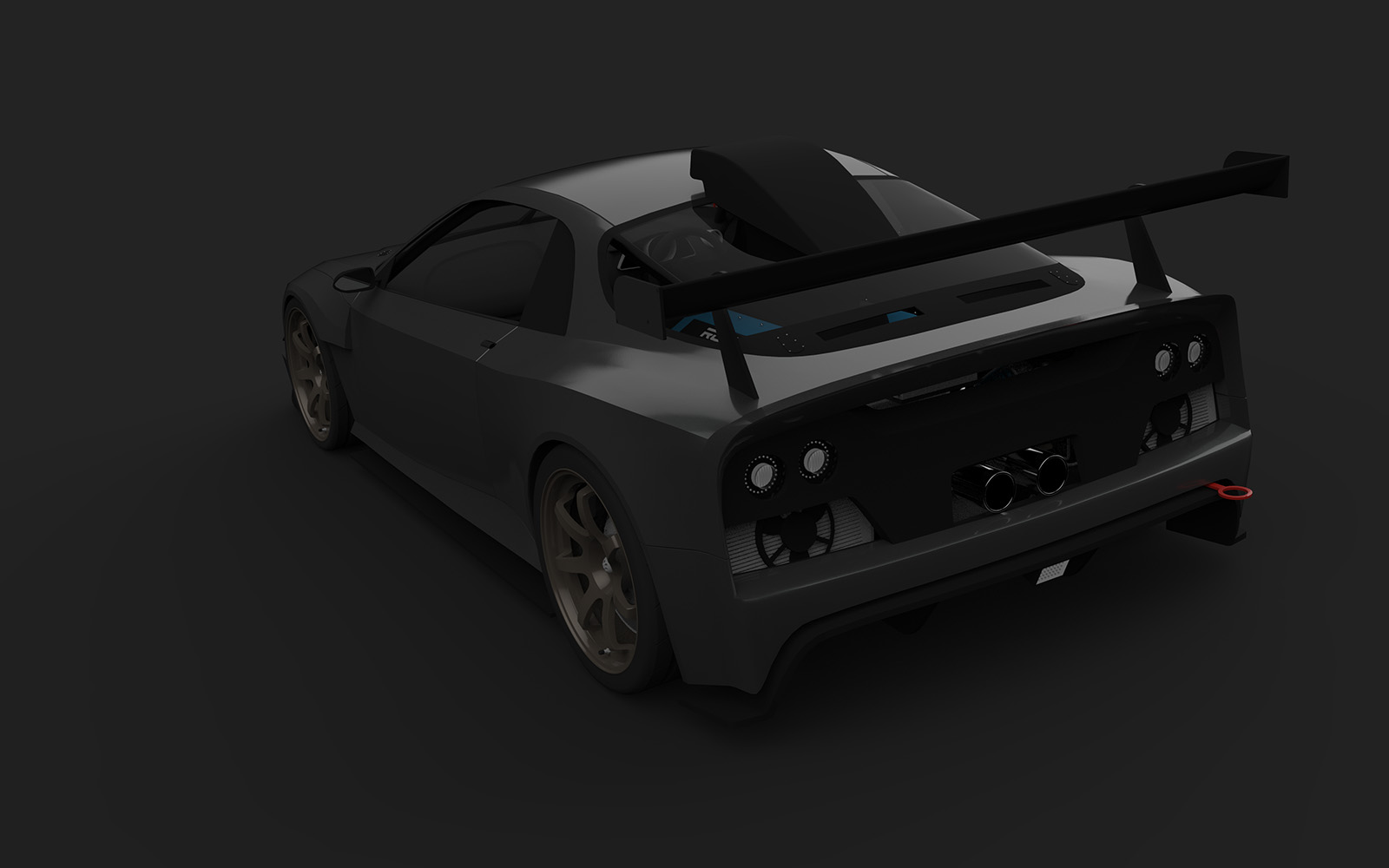
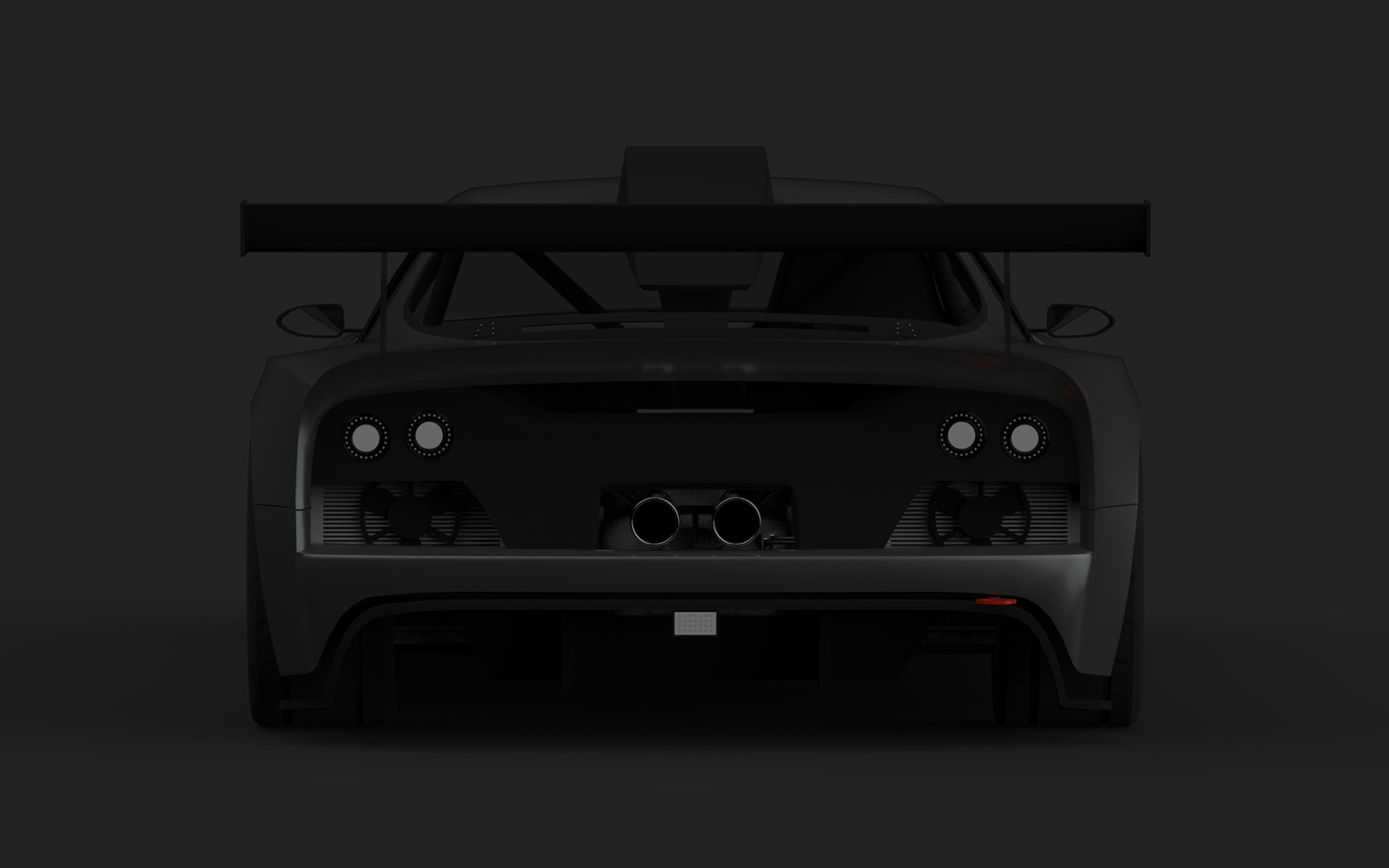
                                        Started work on the race version

                                        2020 Rogue Puma R-Spec 01.png
                                        2020 Rogue Puma R-Spec 02.png

                                        Find all my models on the 3D Warehouse

                                        1 條回覆 最後回覆 回覆 引用 0
                                        • Bryan KB 離線
                                          Bryan K
                                          最後由 編輯

                                          Wow! That's looking great!

                                          See my portfolio at https://delphiscousin.blogspot.com/

                                          1 條回覆 最後回覆 回覆 引用 0
                                          • Roguer1R 離線
                                            Roguer1
                                            最後由 編輯

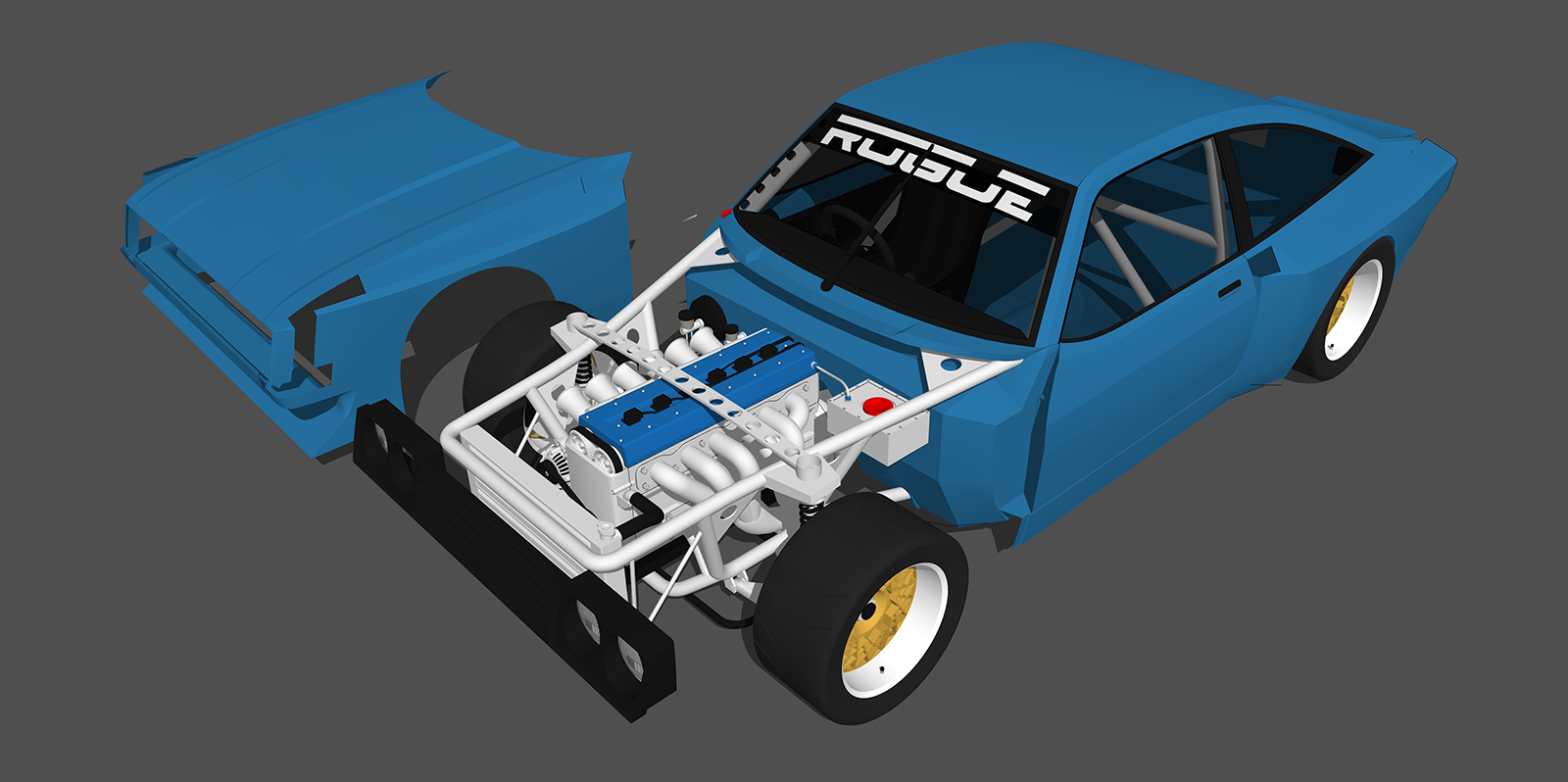
                                            Front tube-frame basically complete

                                            2020_Rogue_Puma_R-Spec_01.png

                                            Find all my models on the 3D Warehouse

                                            1 條回覆 最後回覆 回覆 引用 0
                                            • 1
                                            • 2
                                            • 23
                                            • 24
                                            • 25
                                            • 26
                                            • 27
                                            • 46
                                            • 47
                                            • 25 / 47
                                            • 第一個貼文
                                              最後的貼文
                                            Buy SketchPlus
                                            Buy SUbD
                                            Buy WrapR
                                            Buy eBook
                                            Buy Modelur
                                            Buy Vertex Tools
                                            Buy SketchCuisine
                                            Buy FormFonts

                                            Advertisement