[Plugin] Component Spray Tool 1.3.
-
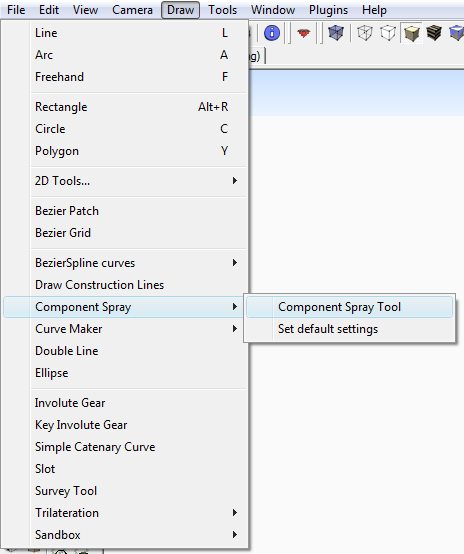
If you read the PDF help file you'd see that Component Spray Tool is accessed from a pop-out menu in Draw Menu NOT the Plugins Menu !
-
@tig said:
If you read the PDF help file you'd see that Component Spray Tool is accessed from a pop-out menu in Draw Menu NOT the Plugins Menu ![attachment=0:2qfvuyqu]<!-- ia0 -->CStool.png<!-- ia0 -->[/attachment:2qfvuyqu]
Thank you! I guess I should read the whole manual...
This is an amazing tool.
-
This is a GREAT tool...
Would it be possible to make an option, where components sprayed don't intersect with each other...??
It's possible to prevent stacking, but I miss an option, where components don't intersect also...Perhaps even an option, where I can define how close components can be to each other...
Could have both positive and negative entries...
Any ideas...?? -
Yes please, I have the same issue where I need to mass some proxies but the boxes I'm using are all stacked and intersecting, maybe a collision checkbox?
-
I've just installed this (SU 7.1, WinXP), and I have a question about the spray pressure parameter. In the user guide it says that the # of components dropped is calculated as:
[area of surface]/[average area of component(s)]*[spray pressure]
In my case, the surface is a 10x10 square, and the component is a 1x1 square -- so the surface is 100 times the component area. If I select a spray pressure of 10%, I would expect 10 components to be dropped, but what I get is 100 components. Basically this calculation seems to be off by a factor of 10: if I ask for 100% pressure, then 1000 components get dropped, and so on.
Am I missing something? I ask because for my model I really need lower densities; i.e. in line with the calculation described in the guide.
Thanks,
Chris.
-
Another observation:
I select "random rotate", but when I look at the results it's clear that only 6 specific rotation angles are being used...actually more like 3 pairs of angles, 120 degrees apart, with the items in each pair being 8 degrees apart. Is this expected?
Thanks, Chris.
-
Hi csolar,
Do you have set any angle snapping ? -
Hi Didier,
Any chance of adding what Solo and I have requested...??
-
@didier bur said:
Do you have set any angle snapping ?
I did, but the results are the same after I turned off angle snapping.
-
@unknownuser said:
Any chance of adding what Solo and I have requested...?
Yes. The only question is: when ?

-
-
Didier:
If you replace the native
model.raytestwith this method the rays won't stop on invisible entities:# Raytrace method that does not stop on hidden entities. def self.raytest(ray) model = Sketchup.active_model vector = ray[1] while true # Shot ray test = model.raytest(ray) return nil if test.nil? # Verify visibility point, path = test if path.all? { |e| e.visible? && e.layer.visible? } return test else # raytest stopped on a hidden entity - create a new ray from that point # and let the loop continue until it hits something visible, or nothing. ray = [ point, vector ] end end # while end -
Hi tt,

-
thank so much

-
Problems with component spray tool...Tool will not pick point after clicking.
Is anyone else have problems with the tool? All the parameters appear correct.
I'm placing byce on a simple plane is not working. Openig a new drawing helped but it always goes back to not working at some point.I'm using in V6.
-
Hi,
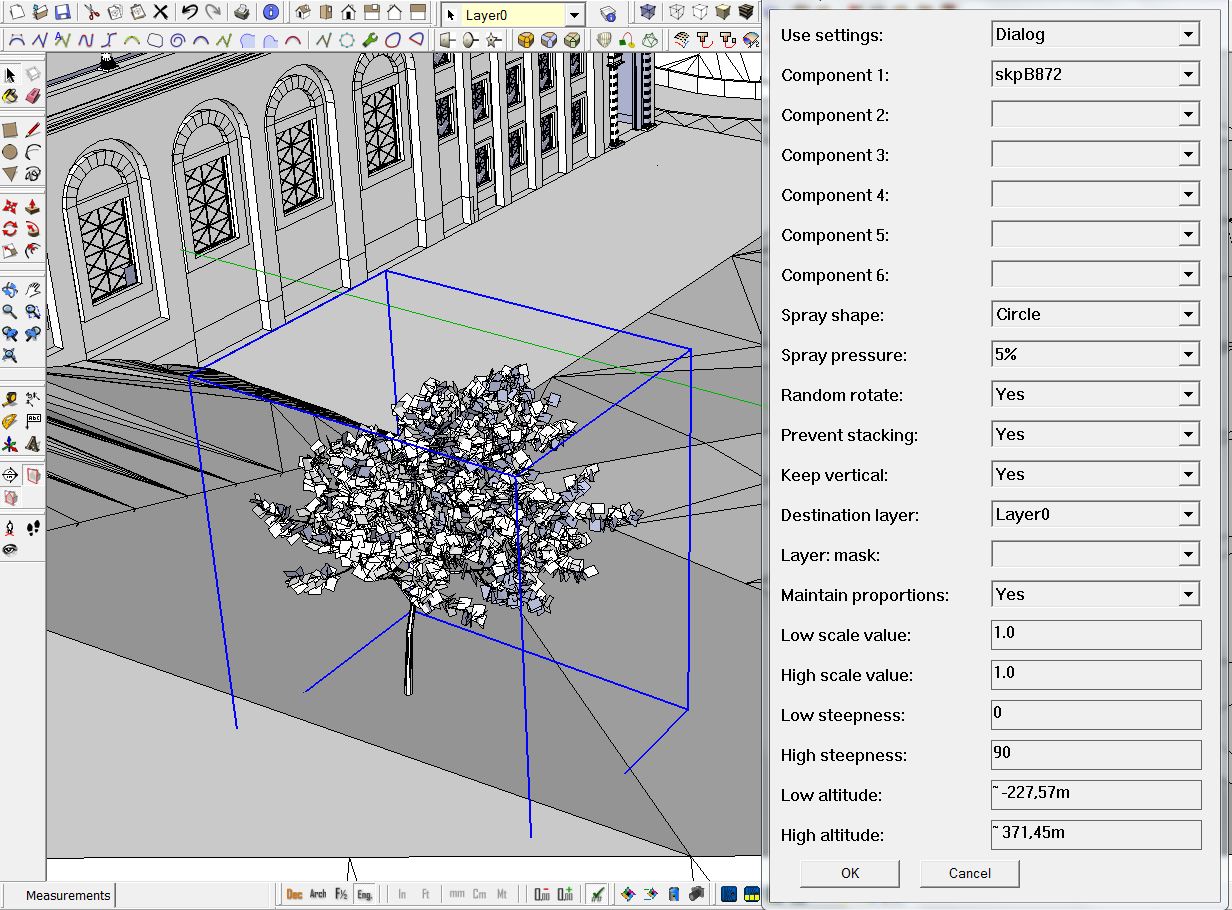
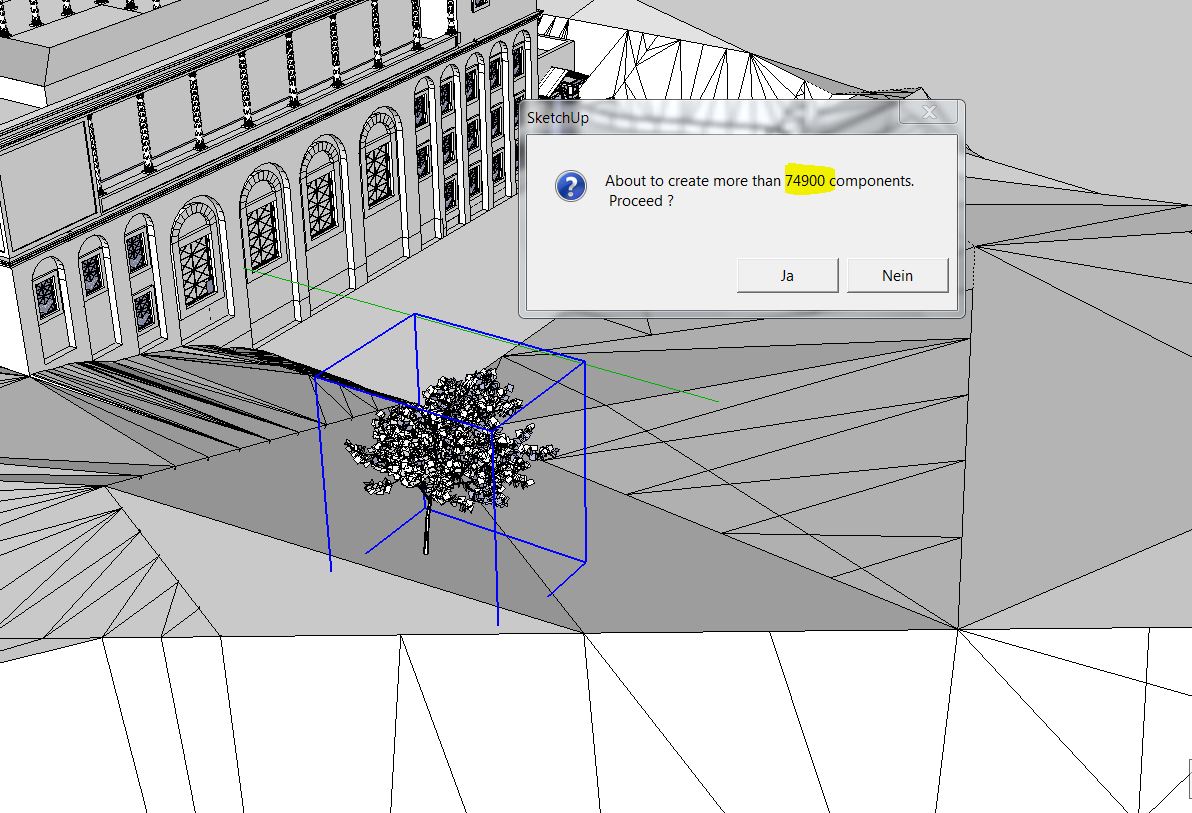
I wanted to try compo spray but I get a huge number of components at a small circle. What am I doing wrong?
Charly
-
Hi,
Did you draw a great circle (20m or so) or a small one (2m or so) ?
But don't worry, since FaceMe components don't really have a bounding box, the number of components to be created is wrong, if I remember well...
Regards, -
Hi Didier,
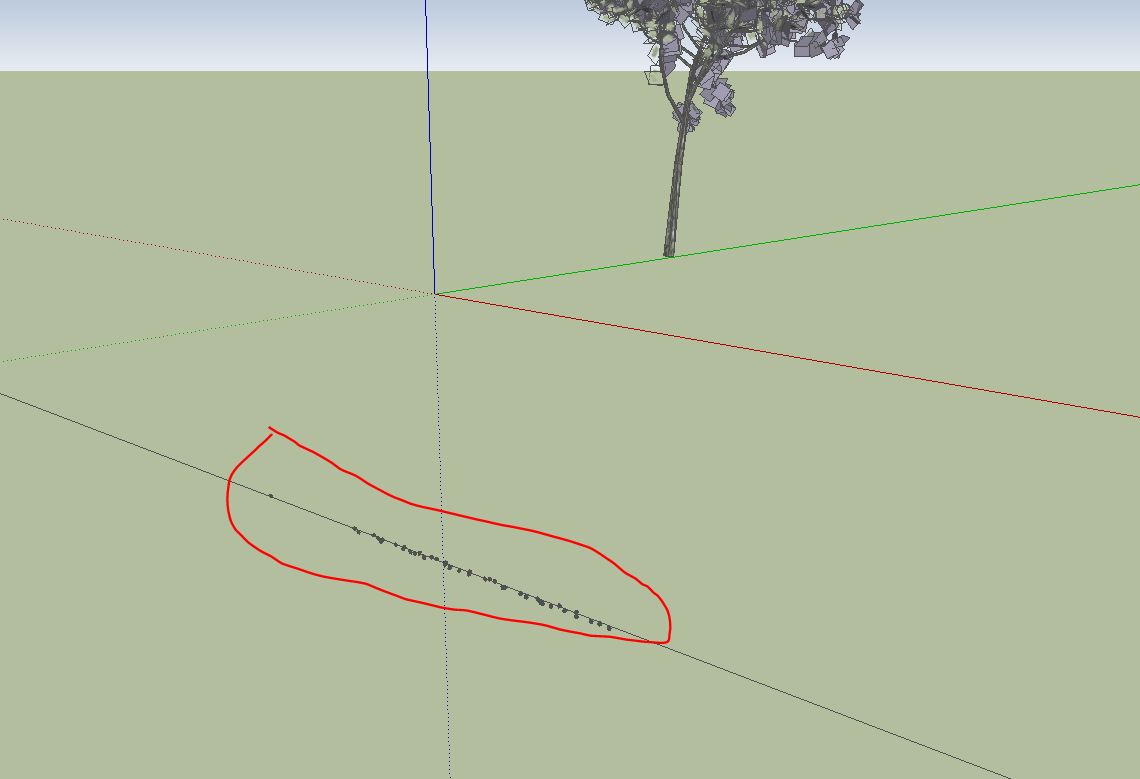
The circle was about three meters. I tried the whole day. If i use it at a single line or a point then i get very small copies.
Charly
-
For the above mentioned problem i found the solution. The values for Low and high scale where to less.
But now although Keep vertical is selected, the tree is horizontal. For this I could not find the reason.
Charly

-
Hi,
I found the error. This component was the reason. After I exploded the component and made it a new component, the error was gone.
Charly






Hello! It looks like you're interested in this conversation, but you don't have an account yet.
Getting fed up of having to scroll through the same posts each visit? When you register for an account, you'll always come back to exactly where you were before, and choose to be notified of new replies (either via email, or push notification). You'll also be able to save bookmarks and upvote posts to show your appreciation to other community members.
With your input, this post could be even better 💗
Register Login


Advertisement