sketchucation logo sketchucation
    • 登入
    Oops, your profile's looking a bit empty! To help us tailor your experience, please fill in key details like your SketchUp version, skill level, operating system, and more. Update and save your info on your profile page today!
    🔌 Smart Spline | Fluid way to handle splines for furniture design and complex structures. Download

    [Plugin] SketchyFFD (Classic)

    已排程 已置頂 已鎖定 已移動 Plugins
    412 貼文 153 Posters 451.2k 瀏覽 153 Watching
    正在載入更多貼文
    • 從舊到新
    • 從新到舊
    • 最多點贊
    回覆
    • 在新貼文中回覆
    登入後回覆
    此主題已被刪除。只有擁有主題管理權限的使用者可以查看。
    • C 離線
      cokea
      最後由 編輯

      can't it be used on su5? it formed a group containing just one construction point at 0,0,0 instead of the 2x2 or 3x3 or nxn points 🎉

      1 條回覆 最後回覆 回覆 引用 0
      • F 離線
        fransoiski
        最後由 編輯

        Hi
        this script seems to be great, but actually it does'nt work with me, i can move the choosen points but nothing happens (i never have the choice "uptade FFD")
        what's wrong ? if someone can help me it would be great. Thanks (sketchup 6, windows XP)

        1 條回覆 最後回覆 回覆 引用 0
        • T 離線
          teya
          最後由 編輯

          I have the same problem! the UPDATE FFD does not apear. It seemn pretty easy to use this plugin, I really got the idea in 10 seconds. But it doesn'n work at me. Did i do something wrong? Also, no erors in the Ruby console.

          1 條回覆 最後回覆 回覆 引用 0
          • M 離線
            myrto
            最後由 編輯

            @unknownuser said:

            @unknownuser said:

            That is the new group created by the FFD. You can simply delete or hide it when done with it.

            THX: very simple indeed ! ☀

            hello, i need a bit of help. I downloaded the ruby and copied it in the plugin directory but the ffd tool doesnt show up when i restart sketchup. Any ideas?

            1 條回覆 最後回覆 回覆 引用 0
            • M 離線
              myrto
              最後由 編輯

              hello, i need a bit of help. I downloaded the ruby and copied it in the plugin directory but the ffd tool doesnt show up when i restart sketchup. Any ideas?

              1 條回覆 最後回覆 回覆 引用 0
              • M 離線
                myrto
                最後由 編輯

                hello, i need a bit of help. I downloaded the ruby and copied it in the plugin directory but the ffd tool doesnt show up when i restart sketchup. Any ideas?

                1 條回覆 最後回覆 回覆 引用 0
                • massimoM 離線
                  massimo Moderator
                  最後由 編輯

                  Hi myrto, as far as i know, FFD works on groups. So you have to group your object then right click and you will find FFD in your context menu. Add how many control points you want and use the tool.
                  Read the very first post of this thread for detailed explanations.

                  1 條回覆 最後回覆 回覆 引用 0
                  • A 離線
                    avya
                    最後由 編輯

                    thanks...

                    i'm gonna make make a try for this one.

                    1 條回覆 最後回覆 回覆 引用 0
                    • majidM 離線
                      majid
                      最後由 編輯

                      it seems that doesn't work on my SU7.1 free version 😞 anyone ealse has fronted with such problem too?

                      My inspiring A, B, Sketches book: https://sketchucation.com/shop/books/intermediate/2612-alphabet-inspired-sketches--inspiring-drills-for-architects--3d-artists-and-designers-

                      1 條回覆 最後回覆 回覆 引用 0
                      • X 離線
                        xrok1
                        最後由 編輯

                        worked for me in 7.1 pro?

                        BTW, i just used this script for first time for an actual purpose instead of just playing! 😍 awsome thanks again. there was no other way i could think of to achieve the same result. i'm sure i could have tweaked and tweaked manually until i gave up. 😕 put its not my style. 😆


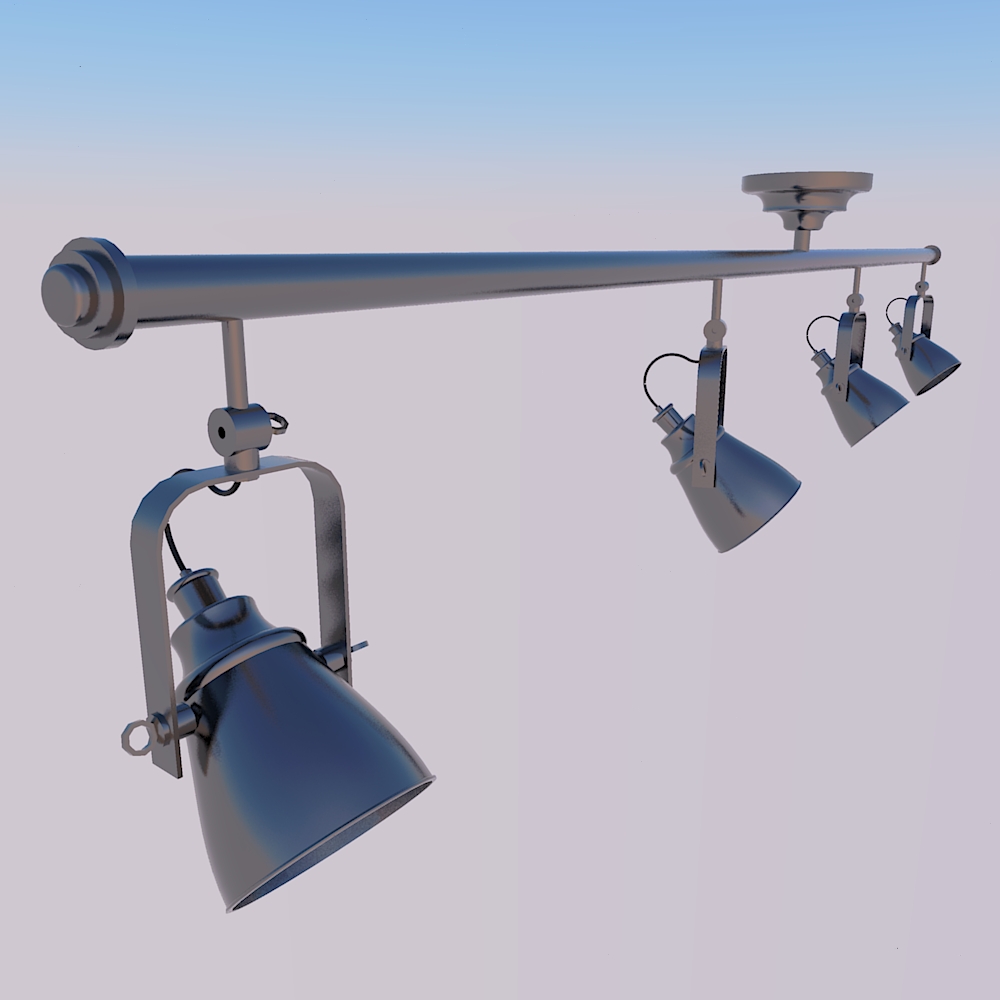
                        4-maya-tracklight-lowplus-34s.jpg

                        “There are three classes of people: those who see. Those who see when they are shown. Those who do not see.”

                        http://www.Twilightrender.com try it!

                        1 條回覆 最後回覆 回覆 引用 0
                        • C 離線
                          chango70
                          最後由 編輯

                          Doesn't appear to work anymore... (The May Version works fine)

                          1 條回覆 最後回覆 回覆 引用 0
                          • X 離線
                            xrok1
                            最後由 編輯

                            yeah, i think i made have the older version.

                            “There are three classes of people: those who see. Those who see when they are shown. Those who do not see.”

                            http://www.Twilightrender.com try it!

                            1 條回覆 最後回覆 回覆 引用 0
                            • B 離線
                              BlueScreen
                              最後由 編輯

                              Hello my name paan,

                              can you find or make sketchup plugin that can detect the edge of the texture and turn into that shape . It's more like make the rectangle turn into the shape of the texture that have transparent background .

                              sorry for my bad English and i hope you understand what i meant
                              and if you find it don't forgate to send an email to me at:
                              fan_mustar@yahoo.com.my

                              1 條回覆 最後回覆 回覆 引用 0
                              • plot-parisP 離線
                                plot-paris
                                最後由 編輯

                                hi paan,

                                I think that is quite difficult, because SketchUp isn't ment to do such operations with textures. I am not a ruby coder though.
                                if you have got Adobe Illustrator there may be a workaround by importing the image, tracing it and then exporting as dwg. file. then you can import the dwg into SketchUp... haven't done it myself though.

                                oh, and in future it might be better to open up a new thread for such enquiries. that is a completely different topic after all. having it as a separate discussion would help others too, when they are looking to solve similar problems 😉

                                1 條回覆 最後回覆 回覆 引用 0
                                • thomthomT 離線
                                  thomthom
                                  最後由 編輯

                                  @bluescreen said:

                                  Hello my name paan,

                                  can you find or make sketchup plugin that can detect the edge of the texture and turn into that shape . It's more like make the rectangle turn into the shape of the texture that have transparent background .

                                  sorry for my bad English and i hope you understand what i meant
                                  and if you find it don't forgate to send an email to me at:
                                  fan_mustar@yahoo.com.my

                                  http://forums.sketchucation.com/viewtopic.php?f=180&t=2564

                                  Thomas Thomassen — SketchUp Monkey & Coding addict
                                  List of my plugins and link to the CookieWare fund

                                  1 條回覆 最後回覆 回覆 引用 0
                                  • majidM 離線
                                    majid
                                    最後由 編輯

                                    I am confusing...FFD works for me occasionally!!!

                                    My inspiring A, B, Sketches book: https://sketchucation.com/shop/books/intermediate/2612-alphabet-inspired-sketches--inspiring-drills-for-architects--3d-artists-and-designers-

                                    1 條回覆 最後回覆 回覆 引用 0
                                    • plot-parisP 離線
                                      plot-paris
                                      最後由 編輯

                                      same for me. sometimes it works with 3x3 control points. sometimes it doesn't. sometimes it just needs a restart. sometimes it needs a whole new file. and sometimes it doesn't work at all, no matter what I do (custom control point numbers don't seem to work at all anymore).

                                      so I am afraid this script needs to be rewritten for SU 7.1
                                      what a pity 😞

                                      1 條回覆 最後回覆 回覆 引用 0
                                      • C 離線
                                        CPhillips
                                        最後由 編輯

                                        Sorry, I wasnt keeping up on this thread.

                                        There is a problem with the script under 7.1 or just 7.0? Can you give me some idea how to reproduce the bug? If it starts misbehaving open up the ruby console and see if it is printing any errors.

                                        1 條回覆 最後回覆 回覆 引用 0
                                        • majidM 離線
                                          majid
                                          最後由 編輯

                                          now I have only 7.1, and no idea , how it works/or not!!!!

                                          My inspiring A, B, Sketches book: https://sketchucation.com/shop/books/intermediate/2612-alphabet-inspired-sketches--inspiring-drills-for-architects--3d-artists-and-designers-

                                          1 條回覆 最後回覆 回覆 引用 0
                                          • K 離線
                                            krash88
                                            最後由 編輯

                                            Here's what I get in the console on 7.1 running on XP Home...

                                            WARNING: make_unique is a deprecated method of Sketchup:Group
                                            Error: #<NoMethodError: undefined method `*' for nil:NilClass>

                                            1 條回覆 最後回覆 回覆 引用 0
                                            • 1
                                            • 2
                                            • 8
                                            • 9
                                            • 10
                                            • 11
                                            • 12
                                            • 20
                                            • 21
                                            • 10 / 21
                                            • 第一個貼文
                                              最後的貼文
                                            Buy SketchPlus
                                            Buy SUbD
                                            Buy WrapR
                                            Buy eBook
                                            Buy Modelur
                                            Buy Vertex Tools
                                            Buy SketchCuisine
                                            Buy FormFonts

                                            Advertisement