Rayscaper New Releases
-
@krass, let me know how it goes. This is only the first step for now. I've only tested so far with
claude-codeandcodex-cli(ChatGPT). But I can definitely see how AI provides the best of both worlds here: you keep 100% control over the output images because they aren't AI-generated, but you can still iterate quickly on scenes by letting the AI agent configure scenes.I am looking into adding AI features for users who want them, without enforcing them for those who don't. So let me know what kind of features would be useful for you. The idea would be to still have the pay-once, own-forever license model, but you can buy credit packs for your AI workflows.
-
I am currently working on an elaborate animation using Animator; the subject matter is a rather silly cartoon, but it’s helping me get a solid grasp of how Animator works. I actually asked GPT to create a modified version of a component already present in the model. The result was excellent—it even generated the normal maps for the materials it applied, which I was then able to import into Rayscaper. It’s a minor detail, perhaps, but it’s not entirely unrelated to the potential future integration of AI into Rayscaper.
I need to finish this animation first, and then I’ll look into how I might test ChatGPT and Rayscaper together. -
With respect, cartoons take as much planning as any graphical media interaction, film. music video etc.
As a definite 'old git' I still love cartoons. Looking forwards to getting a look at yours mate. -
Hey, Rayscaper users!
Rayscaper 1.0.5 is available. You can get it via:
- The SketchUcation store.
- Direct download: Rayscaper_Win_1.0.5.rbz.
I recommend upgrading to the latest version, especially if you have an NVIDIA RTX 50-series graphics card.
What Changed?
- Fix a slow first render on NVIDIA RTX 50-series graphics cards (RTX 5050 to 5090, and the RTX PRO Blackwell cards). The first render could take several minutes before showing an image; Rayscaper now includes a renderer built for these cards, so it starts in seconds.
Full release notes: rayscaper.com/manual/release-notes
Help Me Build the Community

If you like Rayscaper, please share your renders (final or work-in-progress, it doesn't matter)! This is motivating
and helps me showcase its capabilities to new users.Follow me on X.
Happy Rendering!
Thomas -
Hello,
thanks.
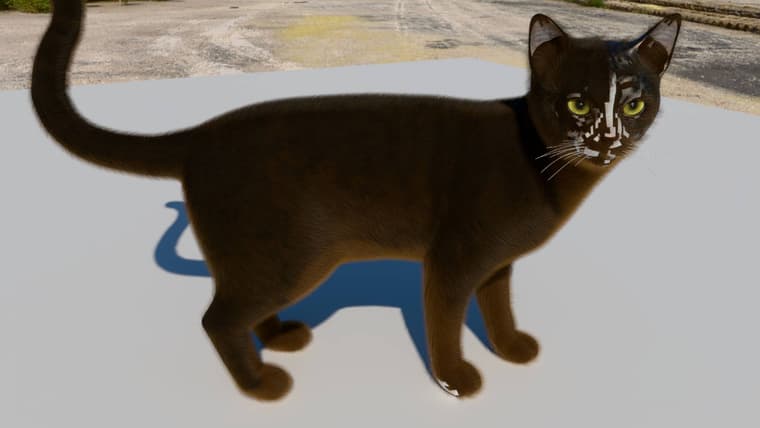
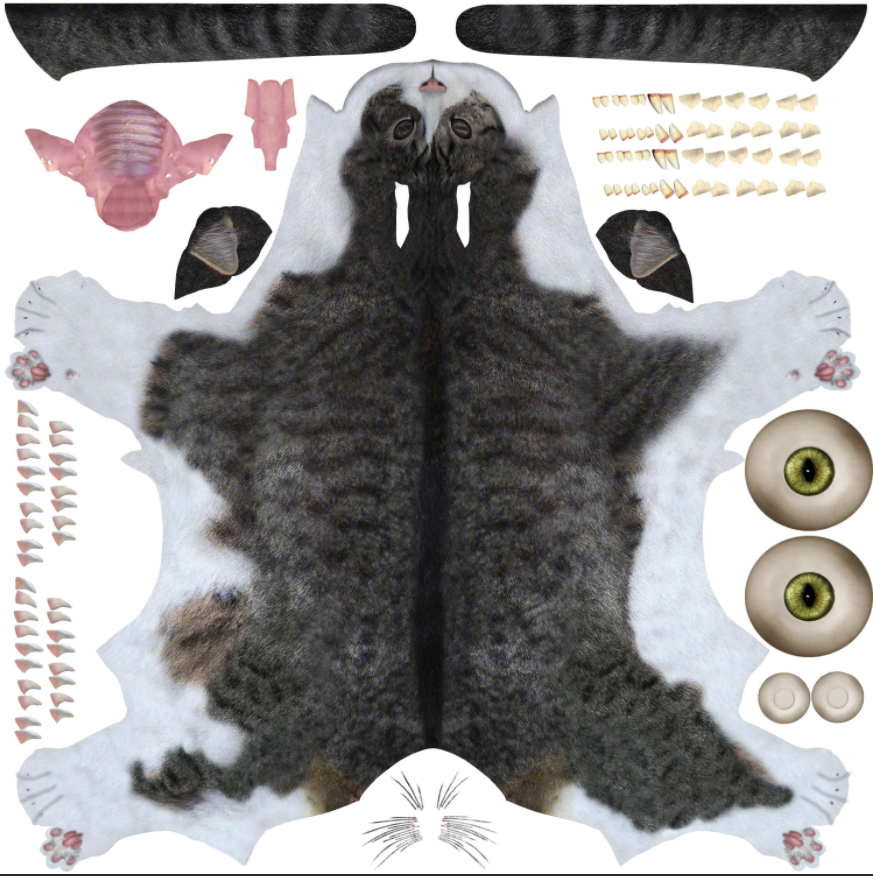
I wonder why this material becomes brown when adding fur? (even without fur)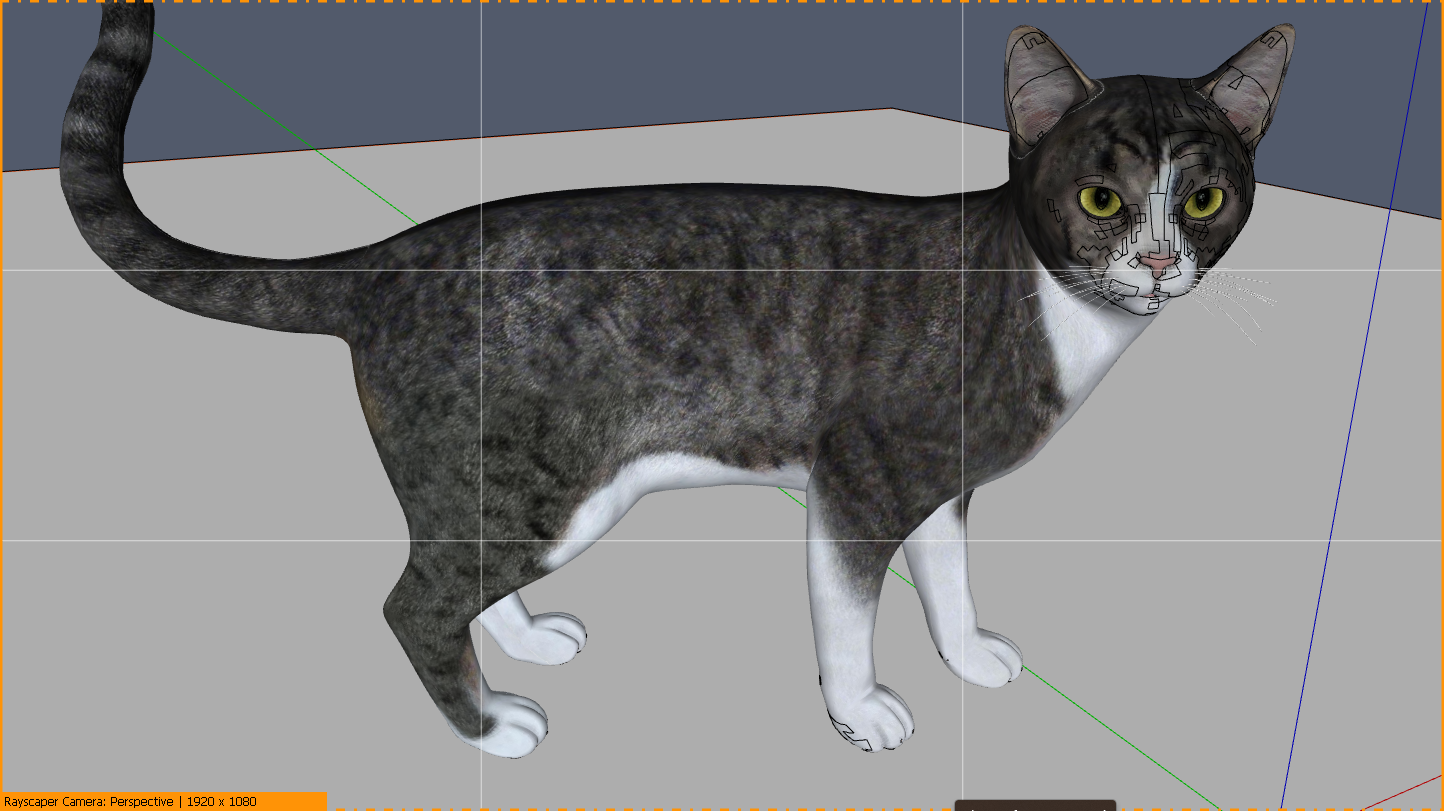
-
I believe the maximum image size for the free tier should be increased. I have been actively sharing my feedback and experience with the software since its early versions, and I think all users deserve a larger limit—it would certainly encourage more people to use the tool for their work and provide input. This is especially important given that the application serves as a vital resource for those with hardware that doesn't support modern GPUs; for instance, I personally use an NVIDIA Quadro K1100M. please
-
indeed, GPU rendering won't work with your CG. But you can't ask a for a lower price for a pemanent licence

-
Hello,
An animation that makes no rhyme or reason, but a good exercise for trying to master Animator, Rayscaper, and EffectCraft—a clone of After Effects.
No AI—though perhaps I should have used it to replace the screenwriter and the cinematographer, neither of whom I have on hand. -
Jeezes, dude, this is good! Love it! Very nice work, a very good soundtrack. Do you mind if I share it on social media?
-
No, of course not!
I promise that I’ll also create some great architectural visualization animations that are in better taste! -
Hello,
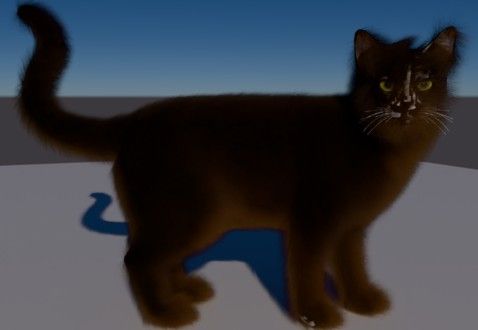
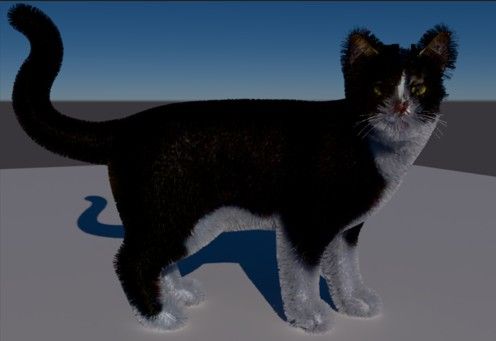
It seems that your "animal fur" preset doesn't take the SketchUp texture into account. If I apply the "carpet" preset, it works... but... what would you recommend? It would have been great to be able to use the texture for this cat—which is actually quite good—while still being able to take advantage of the "animal fur" preset.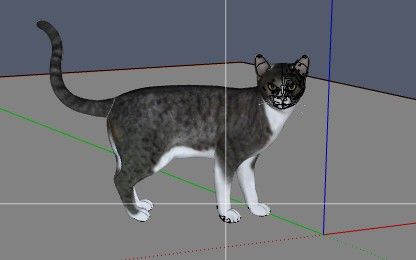
-
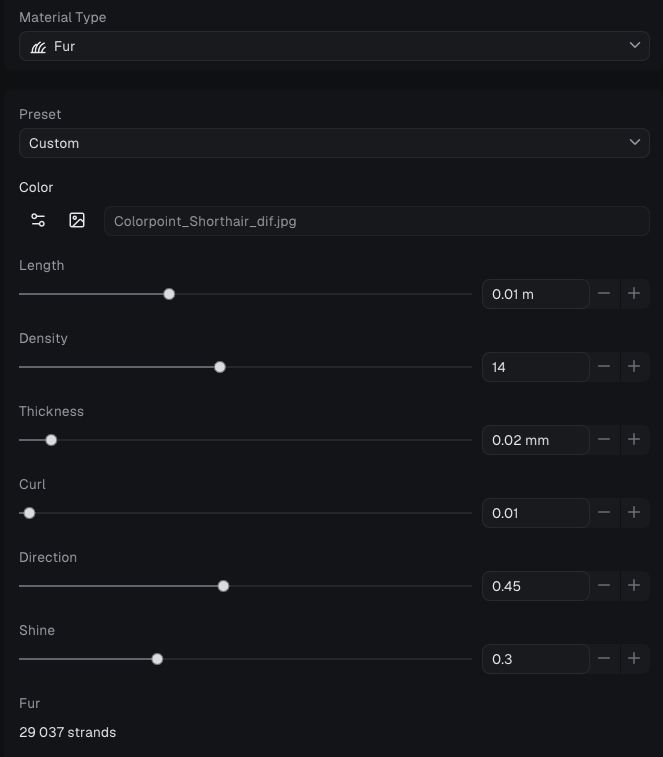
You have to really pull those values down, fur on most animals is 'suggested' rather than being a huge feature. Cats, unless a long hair variant look like caricatures otherwise.
-
Thomas,
Hi,
Connecting Codex to Rayscaper is easy—and since I’m a bit lazy, I asked it to handle that part for me, too.
It works really well; I think it can be a real time-saver for exterior scenes.
Here’s an example of an interior scene.
I’m quite familiar with modeling using Codex in SketchUp, and I find it’s often best to keep the MCP SketchUp server active alongside the Rayscaper connection.
For instance, it’s highly efficient for placing spotlights—a genuine time-saver, as you can ask it to distribute the lights while simultaneously adding the necessary mounting hardware to your SketchUp geometry.
It understands commands well, though you have to wait a moment before telling it to "stop!"—it carries out the modifications in successive stages.
All of this is great, but I quickly hit my daily token limit (I’m on the entry-level ChatGPT plan), and I’ve likely already used up the available resets for this month.
The process can be quite lengthy, and when you’re already fairly proficient with Rayscaper, you sometimes realize you could have done it faster "by hand."
That said, I want to highlight how useful it is for distributing lights—it’s excellent. I also imagine that for exterior projects—I’m saving my tokens for client work—being able to place vegetation and set up the lighting must be truly impressive.
Looking forward to my next experiments!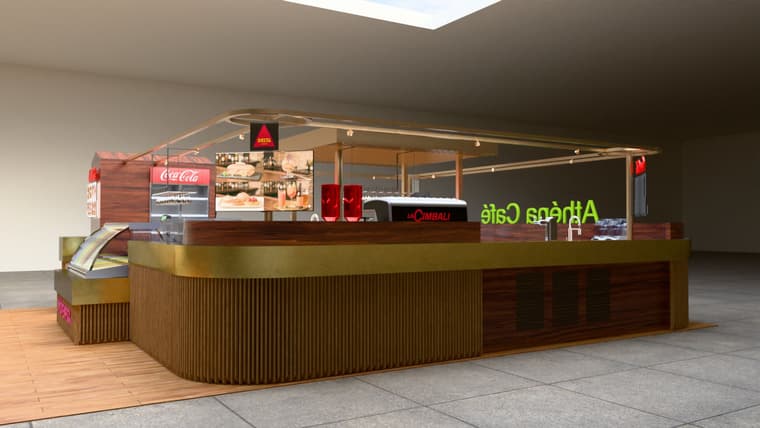



Hello! It looks like you're interested in this conversation, but you don't have an account yet.
Getting fed up of having to scroll through the same posts each visit? When you register for an account, you'll always come back to exactly where you were before, and choose to be notified of new replies (either via email, or push notification). You'll also be able to save bookmarks and upvote posts to show your appreciation to other community members.
With your input, this post could be even better 💗
Register Login


Advertisement