sketchucation logo sketchucation
    • Login
    Oops, your profile's looking a bit empty! To help us tailor your experience, please fill in key details like your SketchUp version, skill level, operating system, and more. Update and save your info on your profile page today!
    Check out Febhouse | New extensions for Shadow Analysis in SketchUp Download

    FredoSection partly not working

    Scheduled Pinned Locked Moved Extensions & Applications Discussions
    12 Posts 5 Posters 43 Views 5 Watching
    Loading More Posts
    • Oldest to Newest
    • Newest to Oldest
    • Most Votes
    Reply
    • Reply as topic
    Log in to reply
    This topic has been deleted. Only users with topic management privileges can see it.
    • Dave RD Offline
      Dave R @frontif
      last edited by

      @frontif said:

      but my components are just simply cut and empty.

      It would help if you share the components that don't get the section faces. I expect it's a problem with the way they are made.

      Etaoin Shrdlu

      %

      (THERE'S NO PLACE LIKE)

      G28 X0.0 Y0.0 Z0.0

      M30

      %

      F 1 Reply Last reply Reply Quote 1
      • fredo6F Offline
        fredo6
        last edited by

        Could you also leave the Ruby console open to catch error messages.

        F 1 Reply Last reply Reply Quote 1
        • F Offline
          frontif @Rich O Brien
          last edited by

          @Rich-O-Brien Yeah, first thing when I realised it doesn't work.

          1 Reply Last reply Reply Quote 0
          • F Offline
            frontif @Dave R
            last edited by

            @Dave-R Doesn't matter, it won't work on any, even the simplest of cubes.

            1 Reply Last reply Reply Quote 0
            • TIGT Online
              TIG Moderator @frontif
              last edited by

              @frontif said:

              fixing SketchUp in run as administrator, double clicking.

              In case of confusion...
              Do NOT change the SketchUp exe file's Properties > Compatibility, to 'always run as administrator' - because although this can solve some incorrect installation issues, it creates new problems - like breaking drag-n-drop.

              To recap the correct way to install OR repair SketchUp...

              Close SketchUp.
              Login to Windows as your normal user-account.
              Find the SketchUp installer exe file - usually in your Downloads folder [or download a fresh copy].
              Select that installer's exe file's icon, right-click > context-menu > 'Run as administrator'
              When prompted choose 'Repair' [as in your case].
              Restart SketchUp.
              This will properly reset the folder and file permissions needed to save/reuse settings, preferences, and so on.
              Never install a complex app by double-clicking its installer's icon to 'Run' it - even if your user-account has admin powers it is NOT the same thing. The results can be varied - from nothing bad to all of your permissions messed up and weird issues popping up unexpectedly...

              TIG

              F 2 Replies Last reply Reply Quote 0
              • F Offline
                frontif @TIG
                last edited by

                @TIG That's exactly what I did since I found this (maybe yours) answer somewhere else. I didn't change any compatibility, just repaired.

                1 Reply Last reply Reply Quote 0
                • F Offline
                  frontif @fredo6
                  last edited by Rich O Brien

                  @fredo6
                  Ok! I tried somethings with the plugin during this console writing. Pressed different options.

                  Ruby Console Errors

                  TIGT 1 Reply Last reply Reply Quote 0
                  • F Offline
                    frontif @TIG
                    last edited by

                    @TIG Ah and by double clicking I meant there was someone that could run Fredos plugins only by double clicking its icons, and I tried that too in case my general windows setup was having a weird reaction. I didn't mean that i double click where I'm not supposed to.

                    Actually this is my first time here since 2013 because I excel at finding solutions online, even very deep, or somehom working them myself. But this time I just give up 😧

                    1 Reply Last reply Reply Quote 1
                    • Rich O BrienR Offline
                      Rich O Brien Moderator
                      last edited by

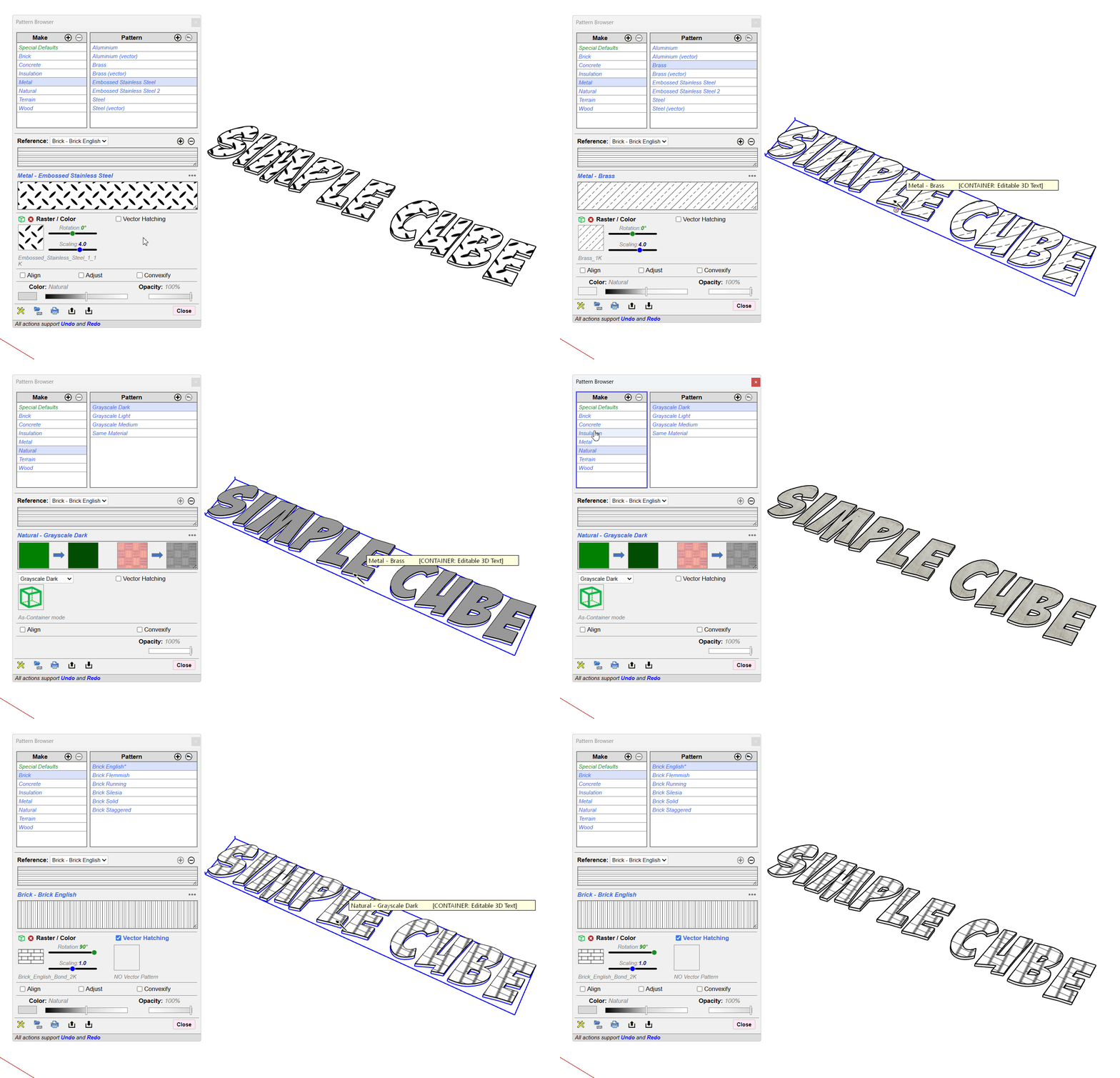
                      It works so it might be how you are expecting it to work.
                      SketchUp_cL1XtpRoxc.gif

                      38c262fe-9c04-4779-a4c0-9f4632c788a2-image.jpeg

                      Maybe shared a simple model where it is failing for you.

                      Download the free D'oh Book for SketchUp πŸ“–

                      1 Reply Last reply Reply Quote 0
                      • TIGT Online
                        TIG Moderator @frontif
                        last edited by

                        @frontif
                        Your Ruby Consol error messages might be helpful to @fredo6

                        TIG

                        1 Reply Last reply Reply Quote 0

                        Hello! It looks like you're interested in this conversation, but you don't have an account yet.

                        Getting fed up of having to scroll through the same posts each visit? When you register for an account, you'll always come back to exactly where you were before, and choose to be notified of new replies (either via email, or push notification). You'll also be able to save bookmarks and upvote posts to show your appreciation to other community members.

                        With your input, this post could be even better πŸ’—

                        Register Login
                        • 1 / 1
                        • First post
                          Last post
                        Buy SketchPlus
                        Buy SUbD
                        Buy WrapR
                        Buy eBook
                        Buy Modelur
                        Buy Vertex Tools
                        Buy SketchCuisine
                        Buy FormFonts

                        Advertisement