Fredo Corner issues, need experts to enlighten me.
-
Hi all, I just recently bought FredoCorner hoping it can help me bevel edges for my projects atm and on future ones too. but Im encountering issues right now the breaks the face of my model.
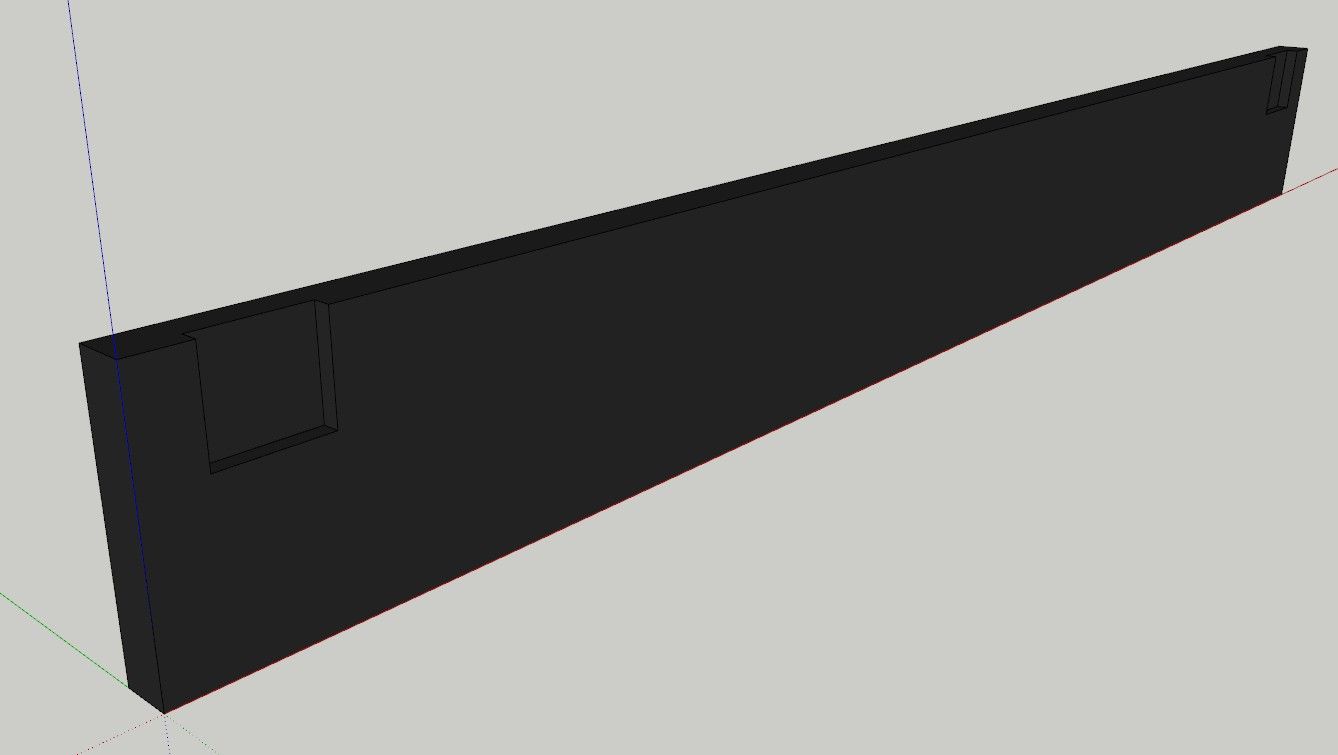
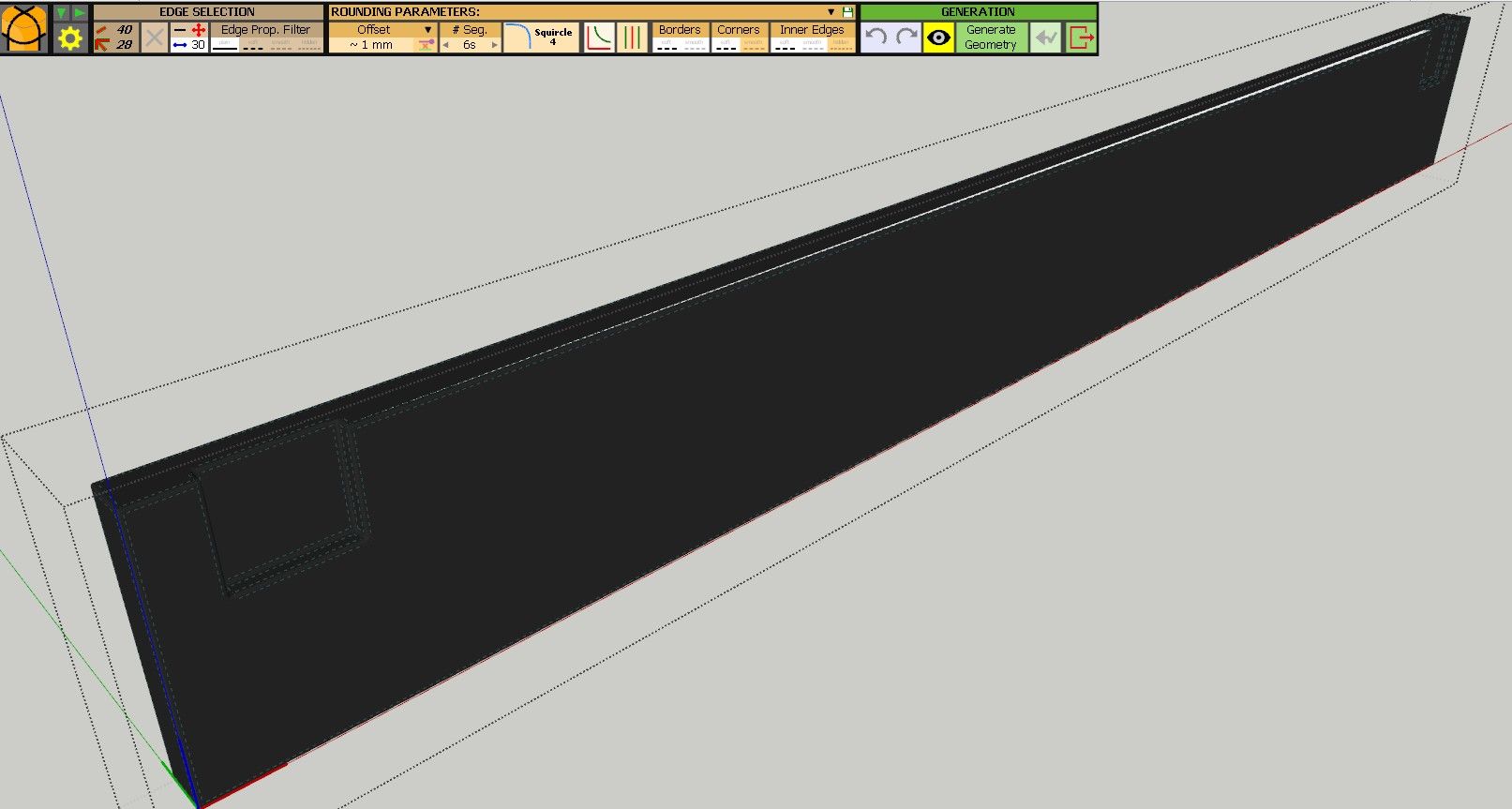
im fairly new to using the plugin so id like to know work arounds for this kind of problems and quick fixes using the plugin itself, otherwise I might refund and get round corner to try that one :<
-
I don't think you've hit an issue with Fredo Corner moreso an issue with SketchUp forming faces on large Ngons.
If you toggle off Super Rounding you get a proper rounding.
Firstly you're models normals are flipped so you need to correct that. It is also very small. SketchUp struggle to form faces under 1mm. So scale the object 100x and use 100mm for your rounding value with Super Rounding Off.
-
Okay I tried to flip the normals and toggle off the Super Rounding and also scaled my object to 100 as per instruction but it still breaks on my end. Can I know how or what exactly you did?
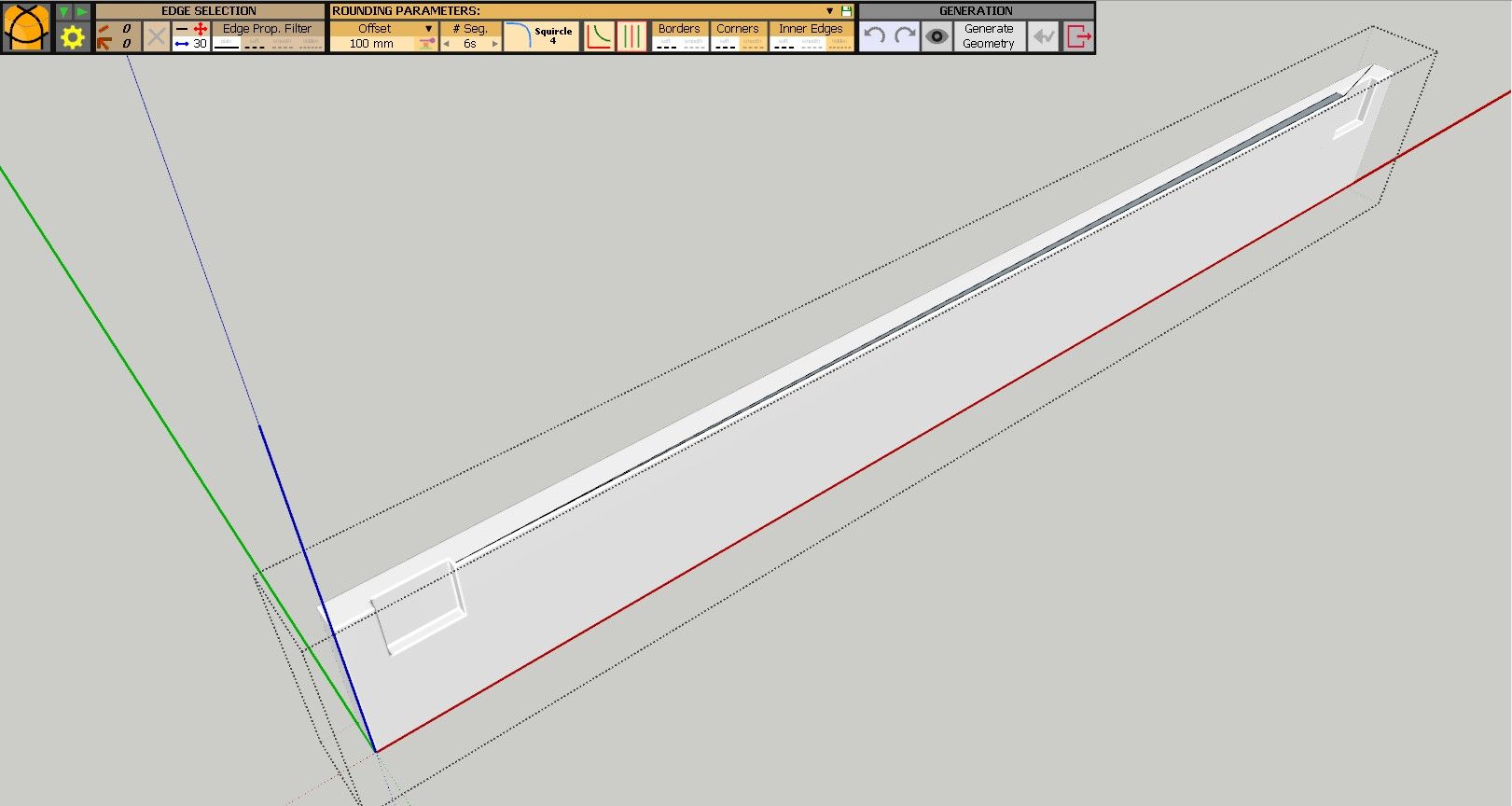
-
As mentioned on your separate email there are times where SketchUp needs some helper edge to prevent Ngons not forming faces. See attached.

Download the free D'oh Book for SketchUp 📖
-
Due to differences in the extensions, there are some times when Round Corner works better than FredoCorner.
-
@Arkanthiell SketchUp is a polygon modeler not a "solid/nurbs" cad modeler such as Solid Works or Inventor.
In whatever polygon modeler (including the most powerful ones, such as 3dsMax or Blender) ngons are a well-known source of problems, in particular the ones which are concave and/or have holes into them.
They are always triangulated at a machine level and this automatic triangulation tends to give artifacts and problems more often than not. This is even worst when you have very elongated ngons with lot of vertices, which is exactly your case here.
In this kind of situation, you have those very long and thin triangles which can cause holes and shading artifacts.The proper way to manage this (aside from super-pro full quads mesh typology) is to place a few "strategical" cuts to shorten the ngons and "encourage" proper triangulation on concave ngons.
-
what exactly you did
I did exactly this and it worked perfectly.


 Download SKP

Hello! It looks like you're interested in this conversation, but you don't have an account yet.
Getting fed up of having to scroll through the same posts each visit? When you register for an account, you'll always come back to exactly where you were before, and choose to be notified of new replies (either via email, or push notification). You'll also be able to save bookmarks and upvote posts to show your appreciation to other community members.
With your input, this post could be even better 💗
Register Login


Advertisement