Create new or adjust materials
-
@Dave-R Thanks once again Dave, as you will see int the image below, I got the issues addressed.

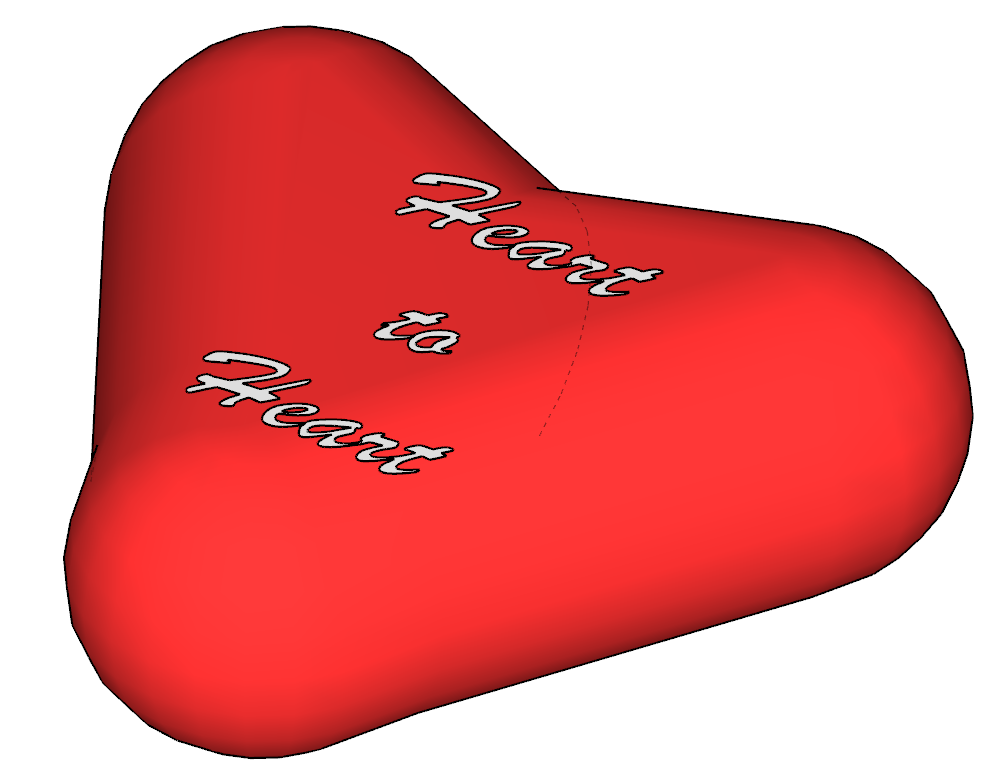
Now I need to work on the shape of the heart.
-
Sometimes it's easier to start 2D flat and progress to 3D then add gentle deformations...
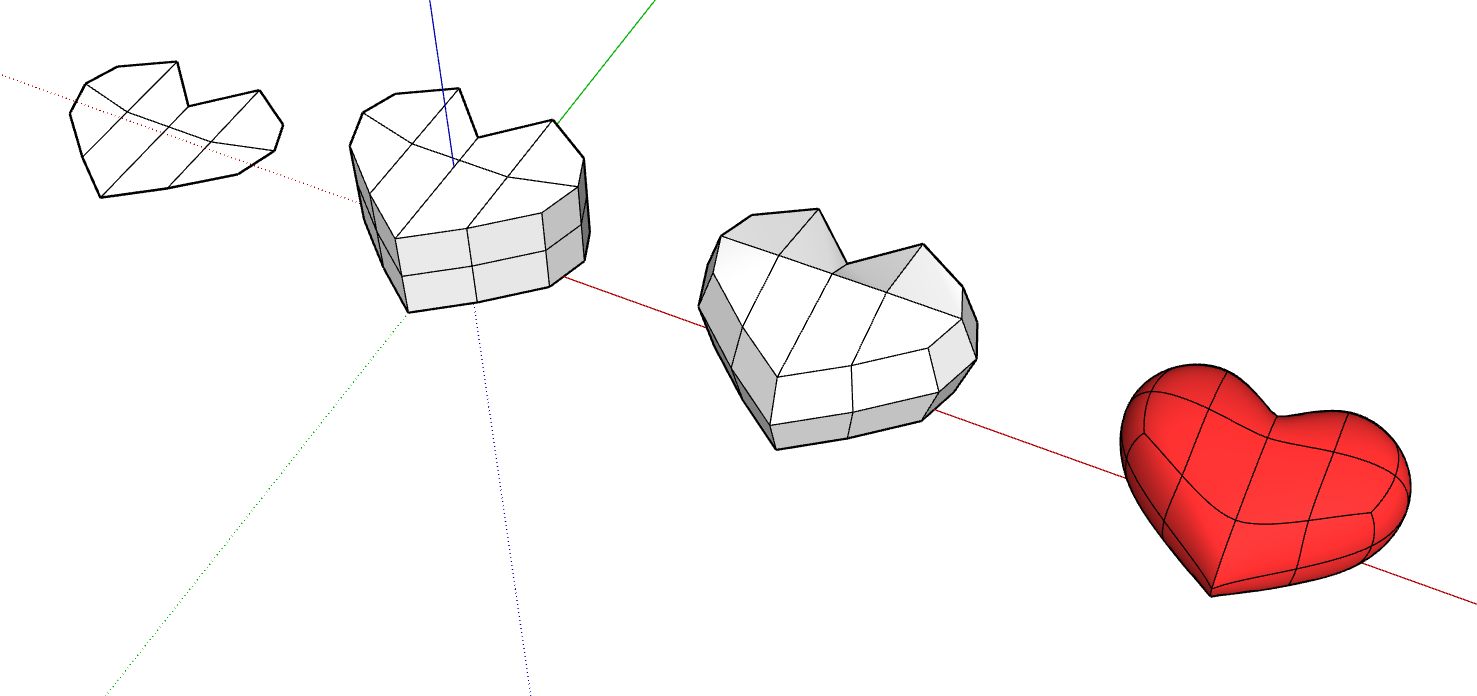
With the 'crude' form you can then let SUbD do the heaving lifting.
But, like your other thread this is now unrelated to creating materials.
My advice to practice, make mistakes, try fix them yourself and rinse repeat.
-
Yes, once agin I have gone of track. Seems to be a pattern lately.
I had drawn a heart recently but when I tried it again (several times) it did not come out good. I will keep trying though.
 . I will figure it out. Wish I could afford SubD.
 -
Making some progress

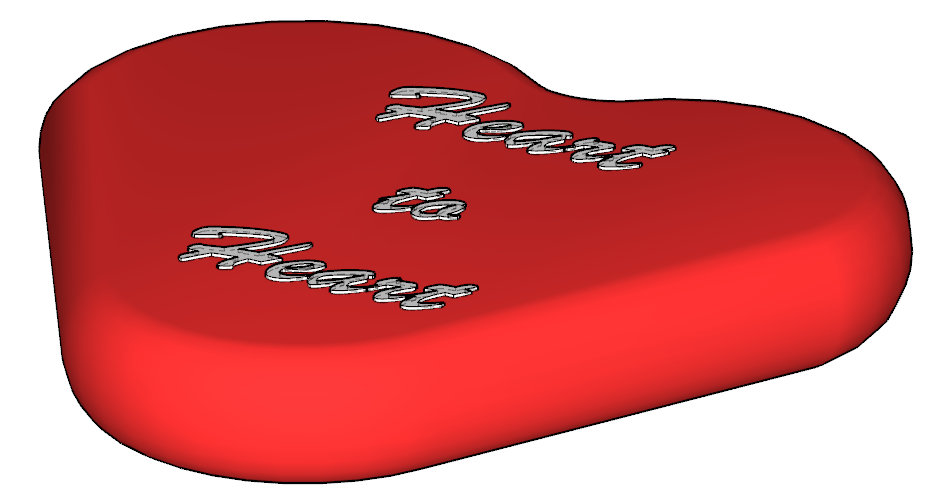
-
OK guys, I am having some more problems. If you look at the image below, I think I have outlined my problems.
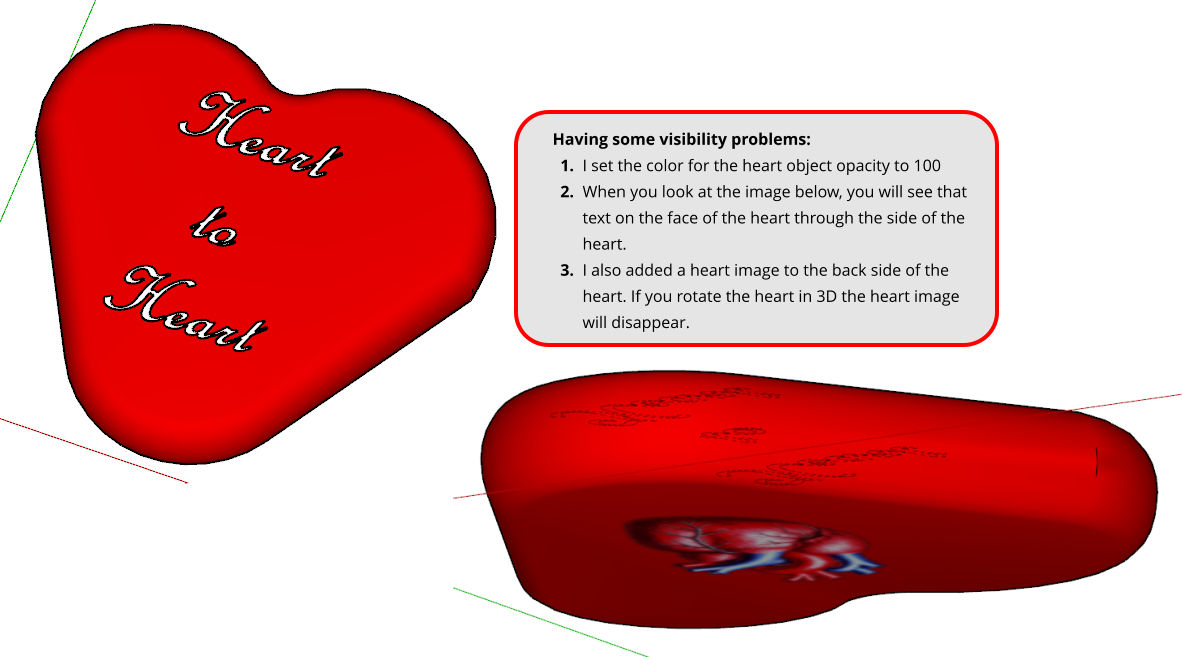
Yes @rich-o-brien I do have an F1 key but I am having some new problems. I hope someone can give me some pointers.
-
 N ntxdave referenced this topic on
-
did you by any chance press k on the keyboard, it looks like back edges are showing
-
You appear to have Back Edges turned on. K is the default keyboard short. Tap it and the Back Edges should turn off.
Are you rotating the object or orbiting the camera?
@ntxdave said in Create new or adjust materials:
I do have an F1 key but I am having some new problems.
What problems? F1 is a hard coded shortcut so you can change that one.
Etaoin Shrdlu
%
(THERE'S NO PLACE LIKE)
G28 X0.0 Y0.0 Z0.0
M30
%
-
@sashapepperspray said in Create new or adjust materials:
did you by any chance press k on the keyboard, it looks like back edges are showing
Not sure what you are asking about the K key.
-
@Dave-R said in Create new or adjust materials:
You appear to have Back Edges turned on. K is the default keyboard short. Tap it and the Back Edges should turn off.
I will give that a try the next time I start up my laptop. Is that for the heart or the other objects? I have been having a little problem trying to place the 3D text at the right Z level.
Are you rotating the object or orbiting the camera?
I was rotating the and I also orbited the camera,
@ntxdave said in Create new or adjust materials:
I do have an F1 key but I am having some new problems.
What problems? F1 is a hard coded shortcut so you can change that one.
That was kind of a joke between me and @rich-o-brien .
-
OK guys (@dave-r and @sashapepperspray), I went and got my laptop and fired up the model. I clicked on the heart object and then clicked on the K key. Guess you guys were right. I can no longer see the text through the model.
The only problem I am having now is that when I rotate the object (actually the camera), the image on the back side of the heart comes and goes. I guess I need to make that a separate object instead of pasting the image to the back surface of the heart.
Gave it a go and all seems to be OK now.
After all the years I have been using SketchUp, I am surprised and embarrassed by the stupid mistakes I have been making lately.
-
@ntxdave said in Create new or adjust materials:
The only problem I am having now is that when I rotate the object (actually the camera)
So you mean orbit the camera?
@ntxdave said in Create new or adjust materials:
the image on the back side of the heart comes and goes
Sounds like Z-fighing. Make the image of the heart a texture and apply it to just the back face of the heart. Turn on Hidden Geometry so you can paint the back separately from the rest.


Hello! It looks like you're interested in this conversation, but you don't have an account yet.
Getting fed up of having to scroll through the same posts each visit? When you register for an account, you'll always come back to exactly where you were before, and choose to be notified of new replies (either via email, or push notification). You'll also be able to save bookmarks and upvote posts to show your appreciation to other community members.
With your input, this post could be even better 💗
Register Login


Advertisement