Playing arround with Sketchup diffusion
-
wow. really good results, but many changes in geometrie: wrong lamps, wrnog meterials....
I think this is going to be the future
-
@l i am said:
Very interesting thread jo-ke
 So from what I understand you use sketchup diffusion and then put it through Stable diffusion? Could you please give examples of your prompts agian? I mean prompts for the bookcase room divider Prompts into Su diffusion and then how you did the enhancment in SD. I certainly seems the best sulution by the look of those images. And I think this is early days for AI. Seems you and and Pilou are ahead of the pack. I don't/did not like the concept of AI but that is Dinosaur thinking. Embrace it or become ectinct
now i took the render to stable diffusion img2img
my prompt is:
photography, concrete wall, wooden floor, low light lora:more_details:1 lora:LowRA:1.1
these are two Loras to change the look of my image
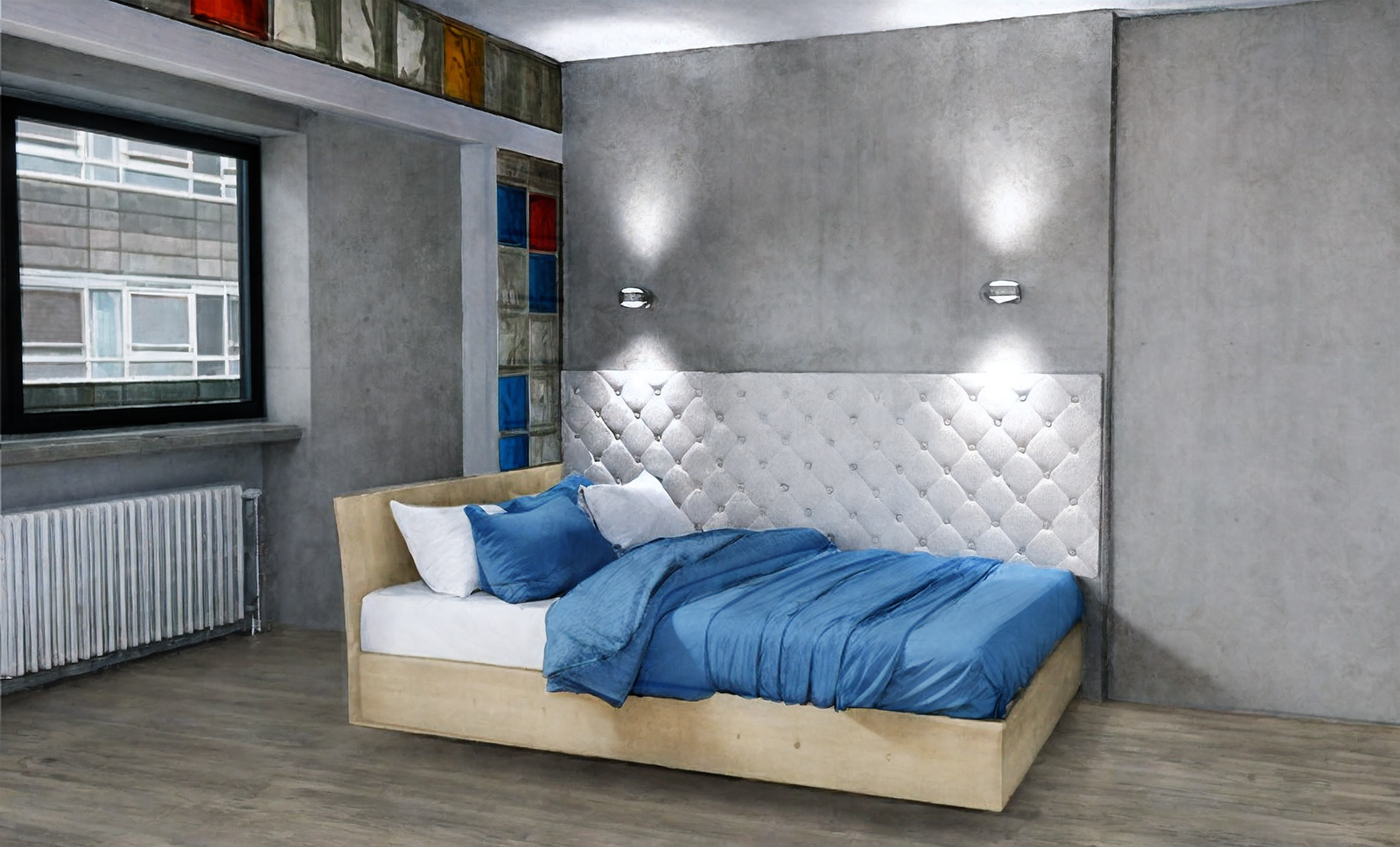
cfg: 3, denoise 0.3then i took the image to photoshop. and made an overlay (soft light) with the sketchup diffsuion render.
The best thing on this method: all geometrie is kept, as I want them to have and the render looks more realistic but with the materials, that I want to have in my render.
My main problem with AI is that they change items and materials, we have not much control. that is the reason, I need the render. I combine them to have both: my modell and material and better textiles an light from AI.
-
From your "Mix" it's so easy inside the free Vizcom!

100%, 50%, 25%, 10% Drawing Influence - Mode Refine
(animation is just Gif Screens Shoots by display the Layers!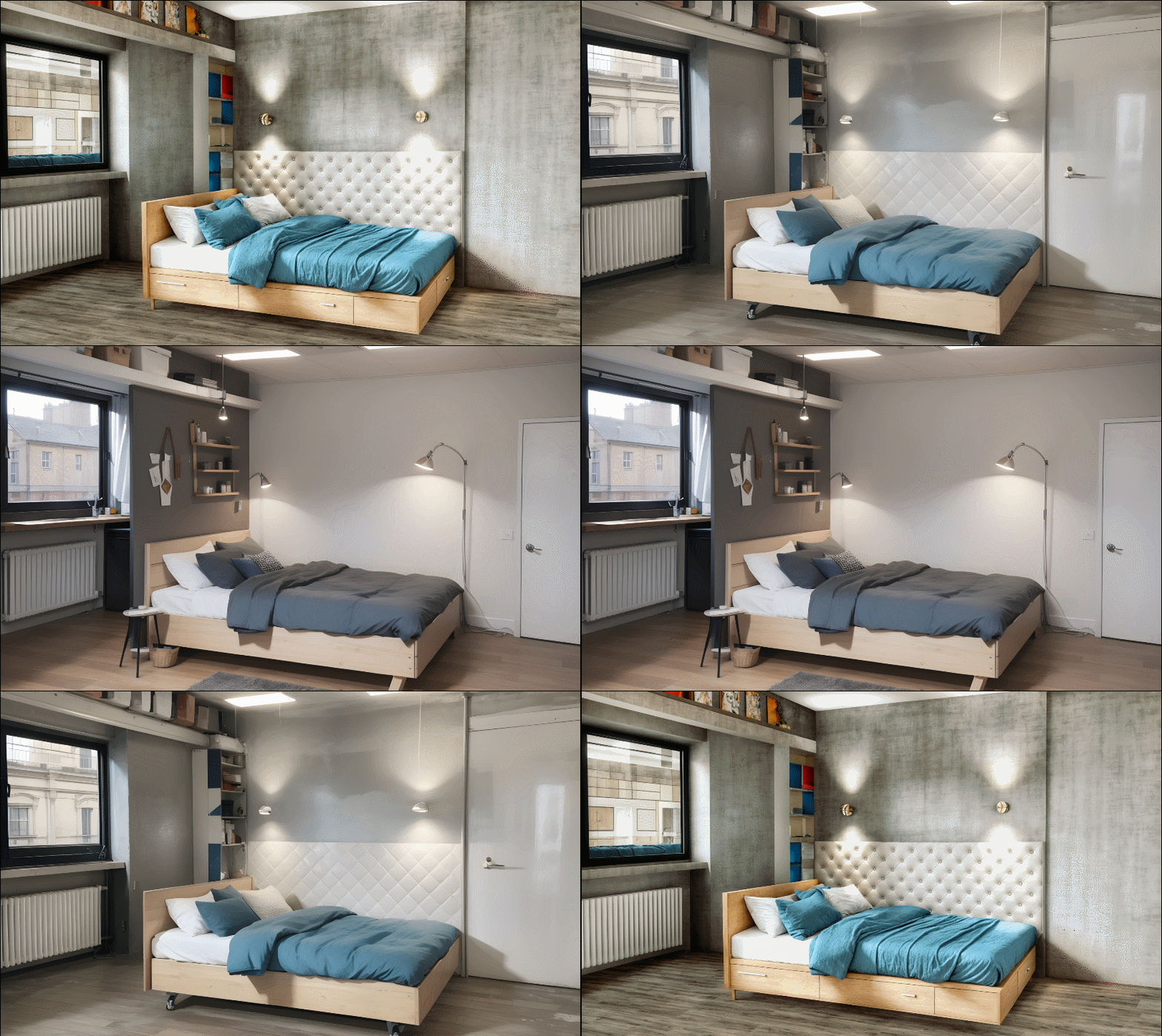
-
So, this whole AI thing may be more than a fad?

-
this is exactly the problem...
nice pictures, indeed, but not what I need.
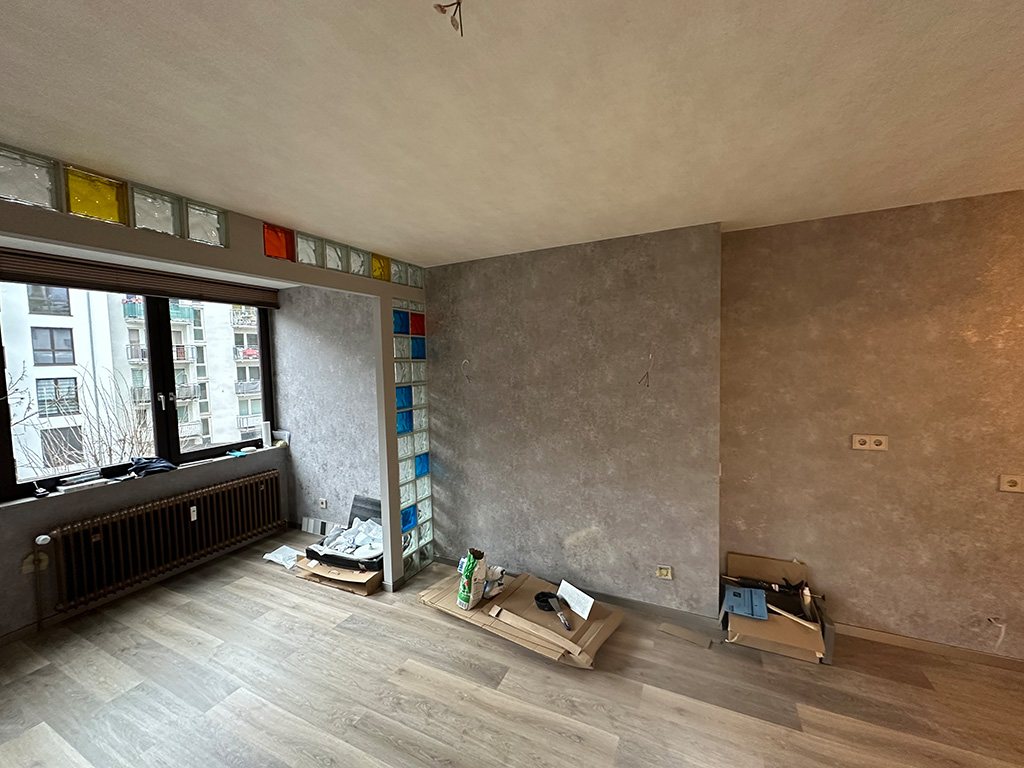
My custumer has his room, I have my items to sell. Each have a special look.
I need to combine them in a photorealistic look for my customer to sell my items.
In this case my customer has that room and a bed with a wooden frame. I want to sell the lamps and the chesterfeild textile wall.
so, I need exactly that in a photorealsitc picture.
-
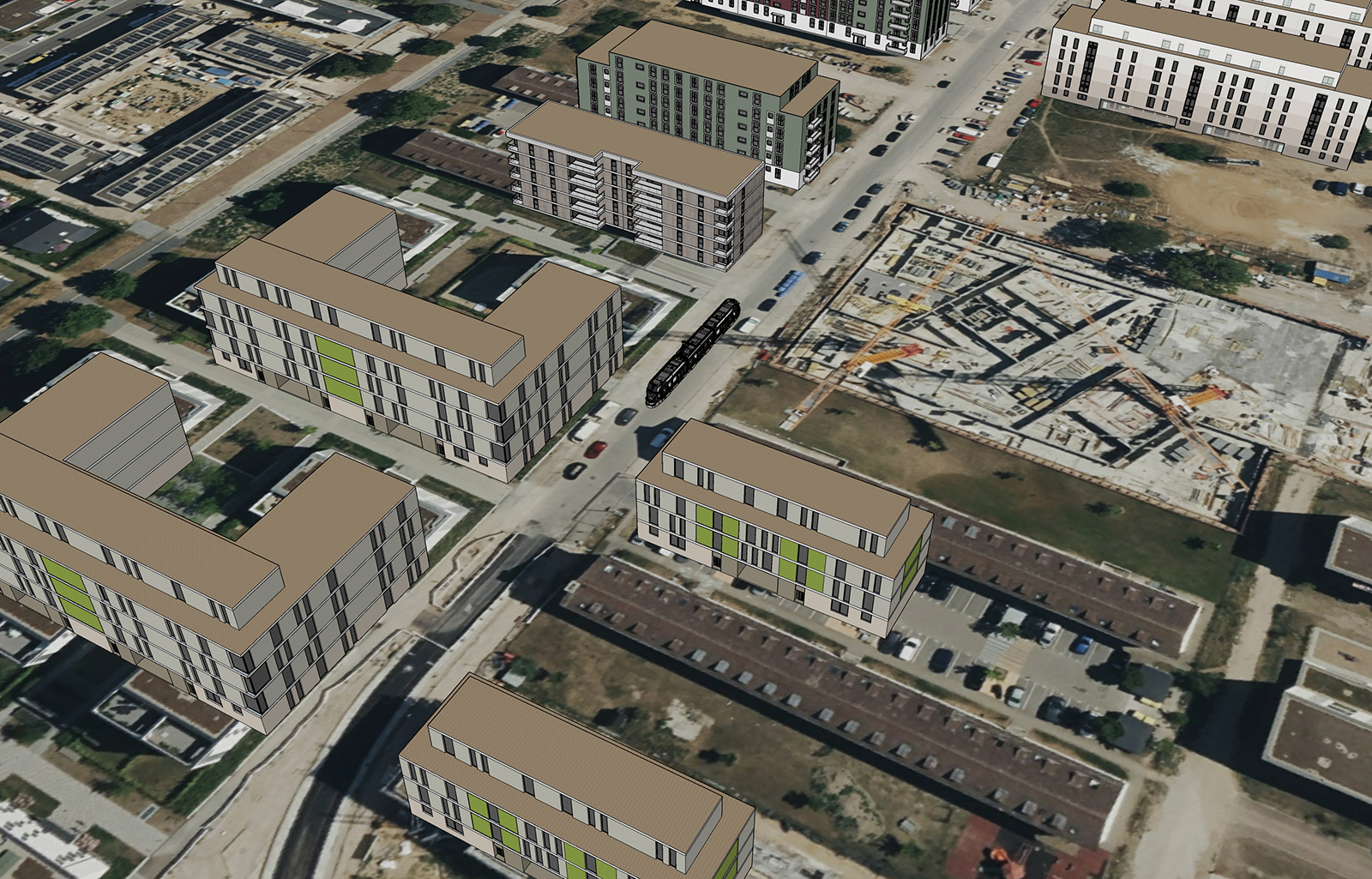
aereal shot
su
su diffuion
stablediffusion img2img
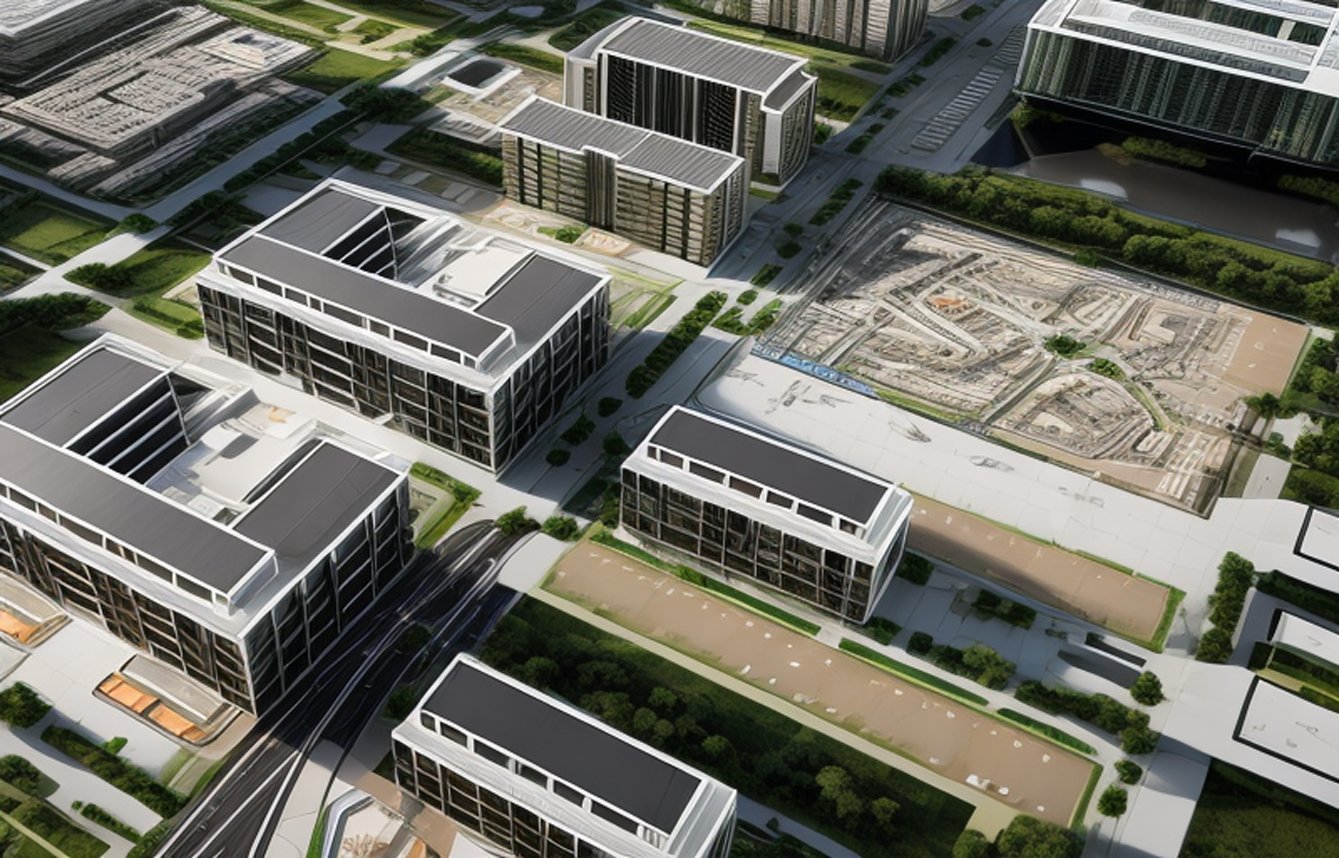
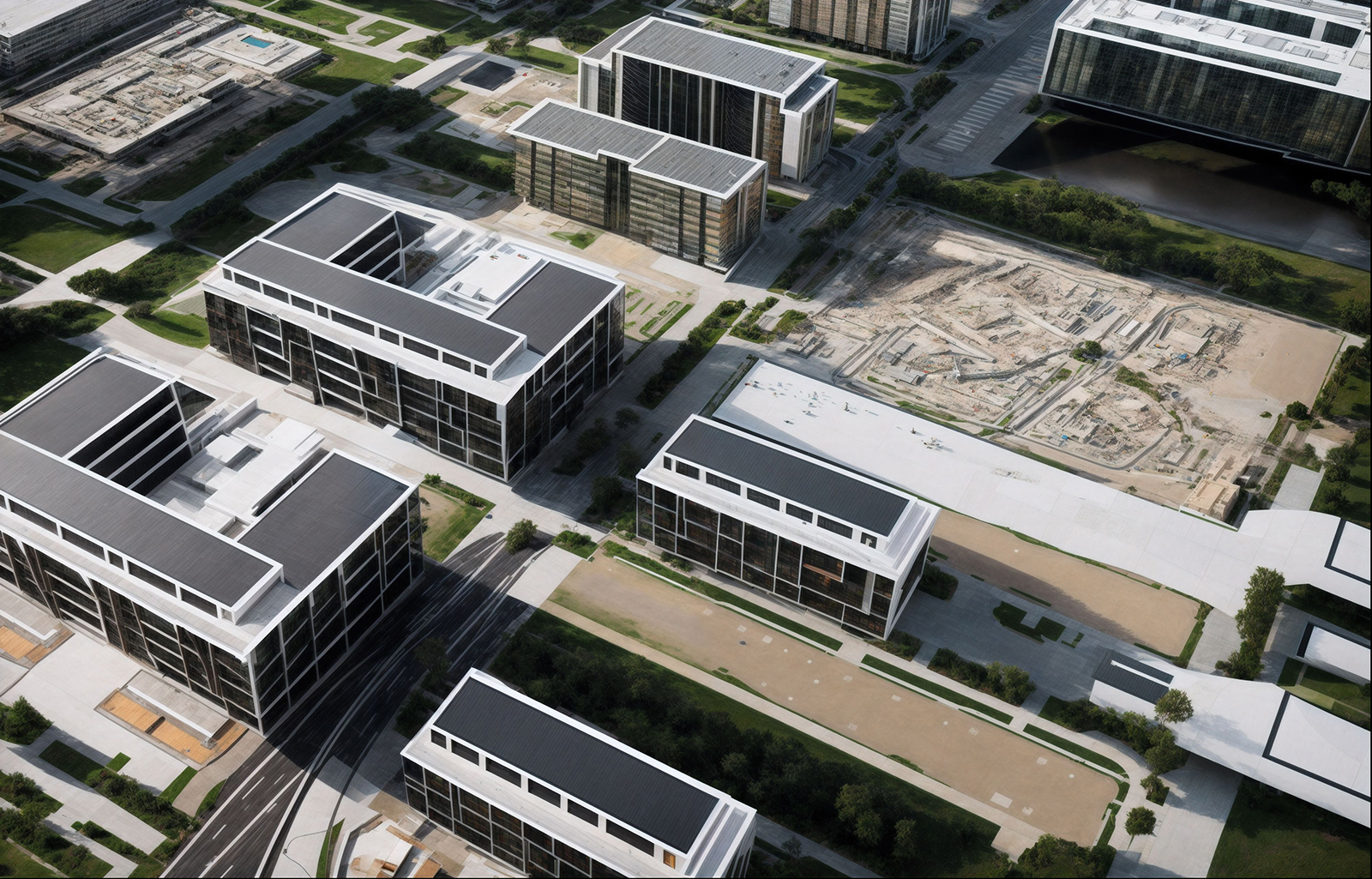
-
- imported su to stable diffusion
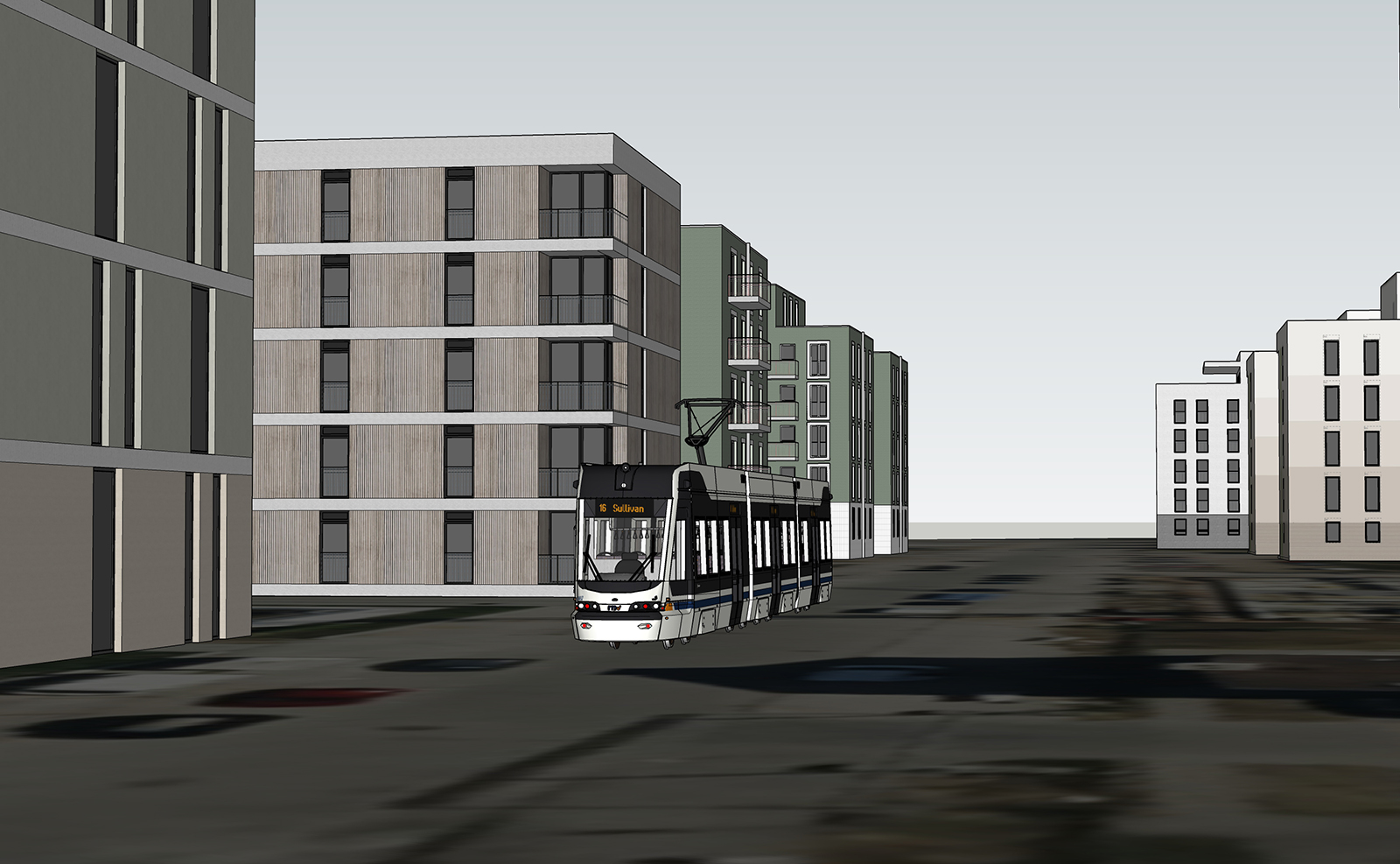
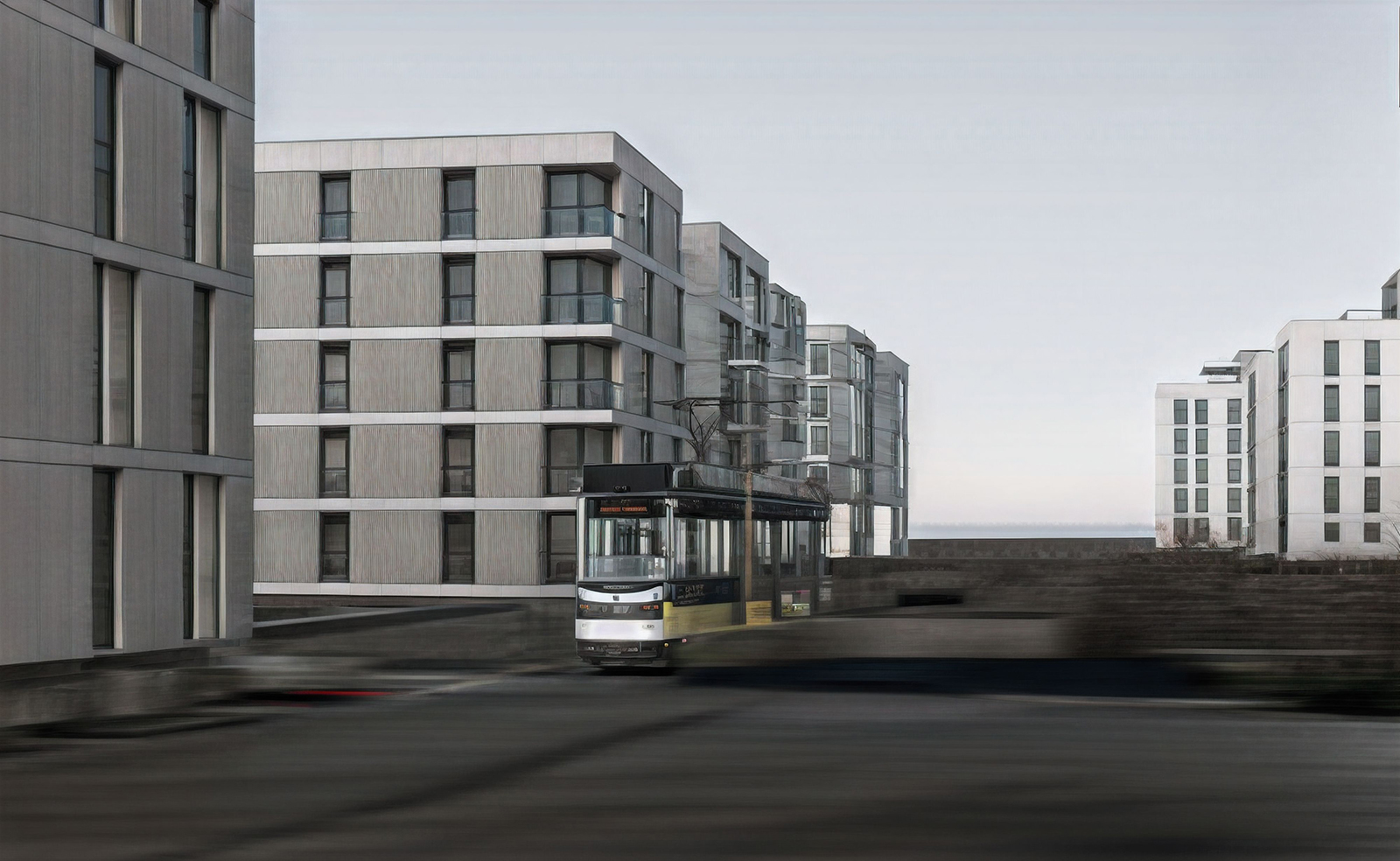
- sktechup diffusion to stable diffusion...

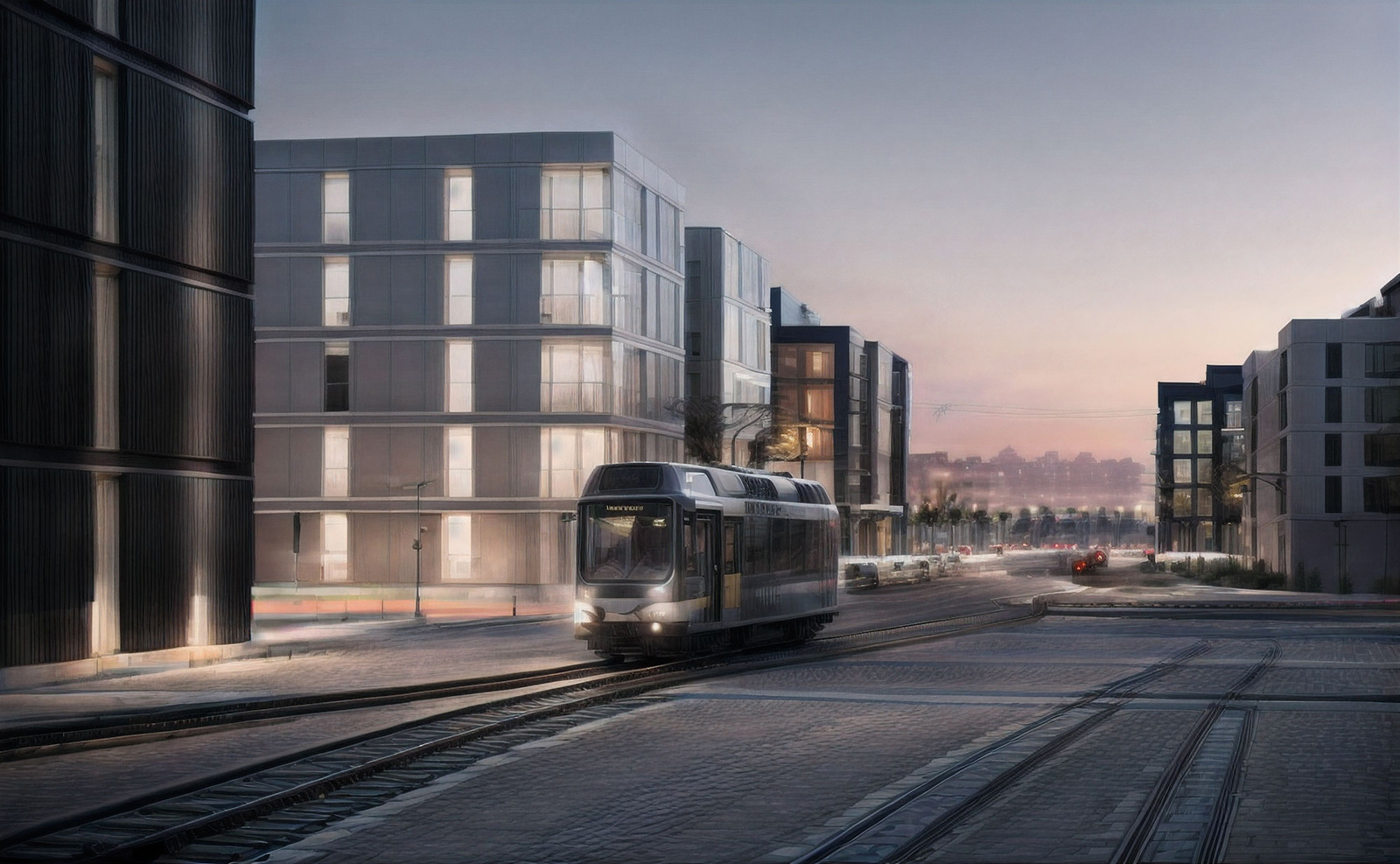
-
after a little photoshop
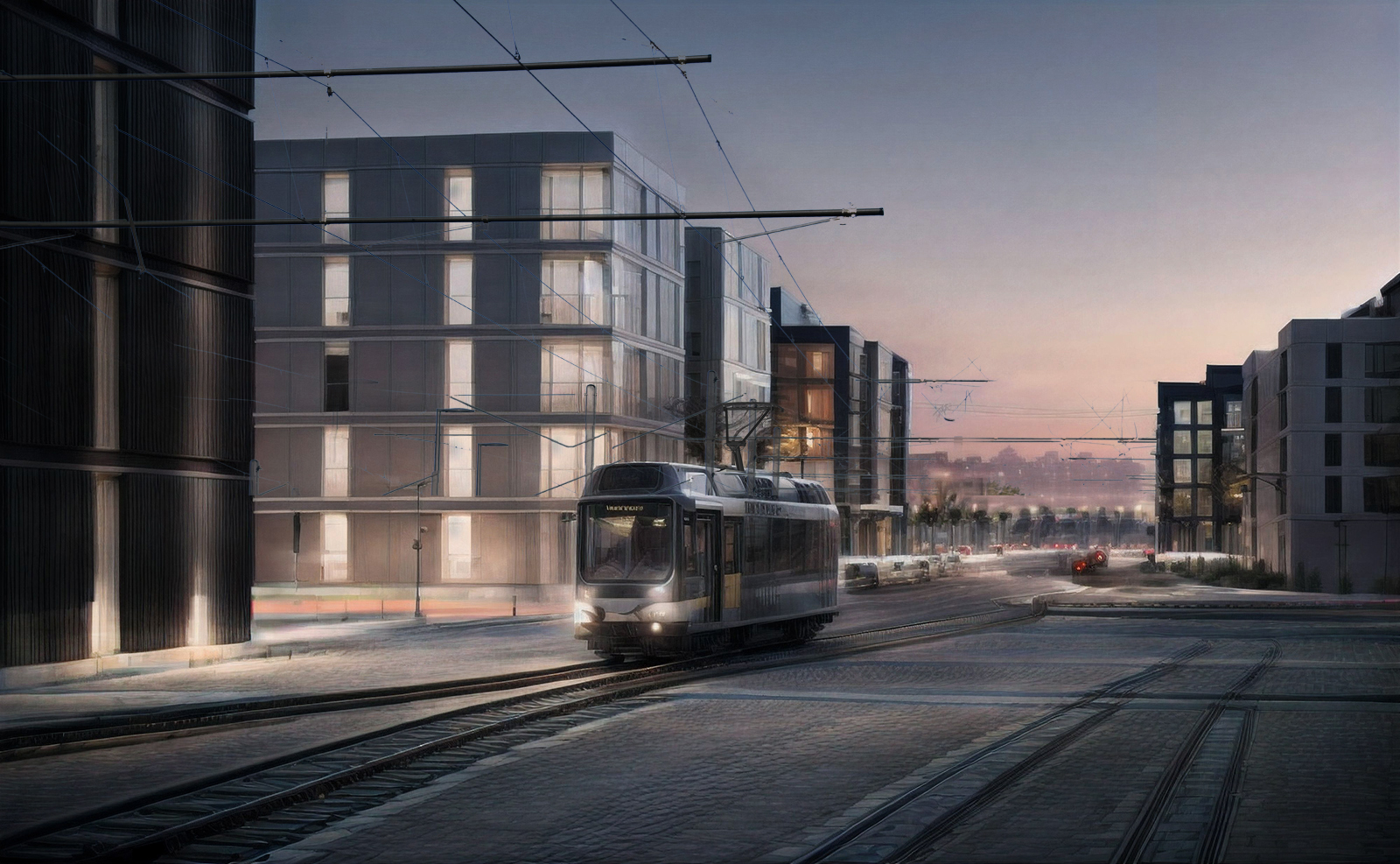
-
I am trying to create something like a npr style.
using raw sketchup view
+sketchup diffuion pencil mode
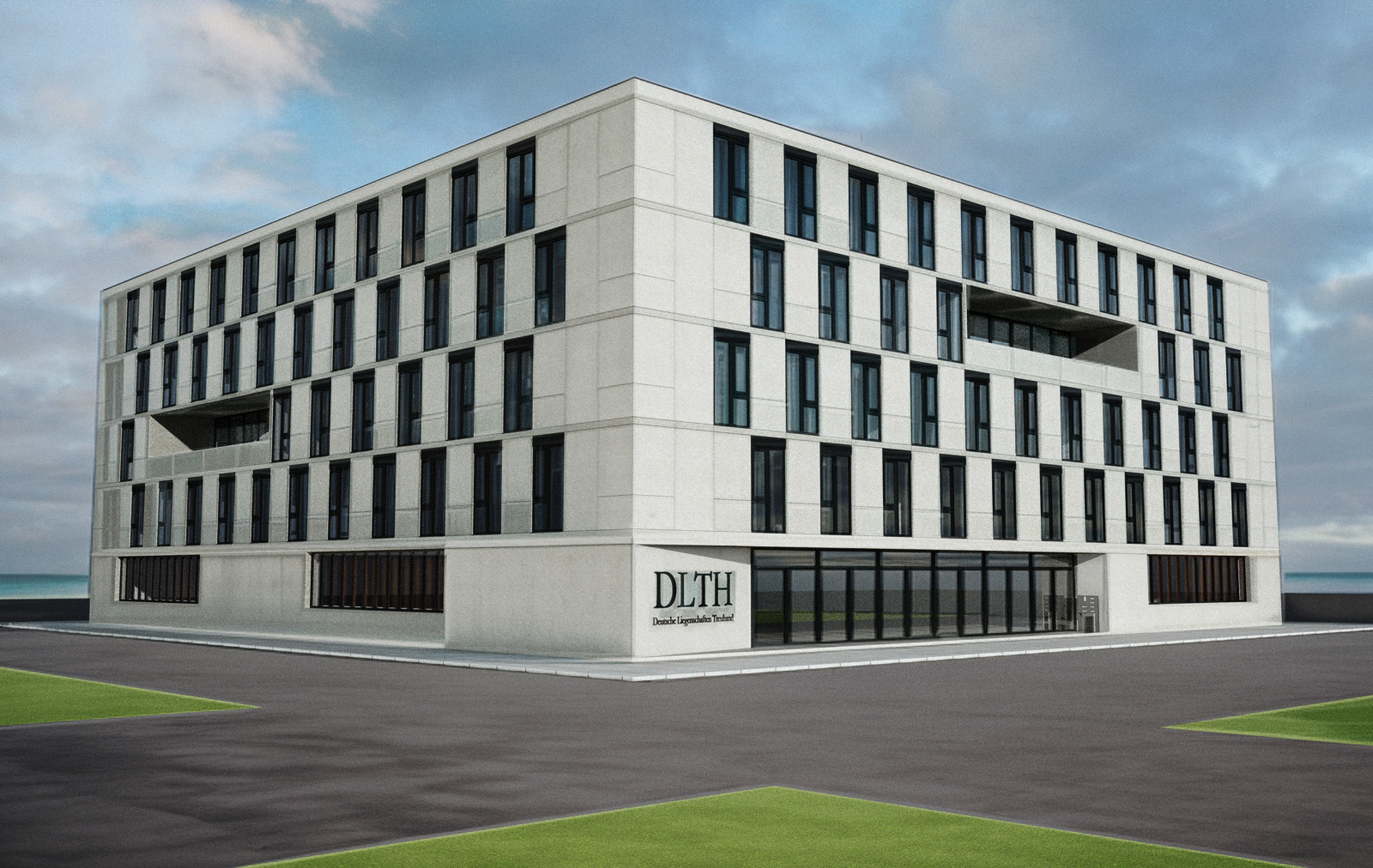
merging them in photoshop gives a nice result:result is acurat and gives a bit of reality
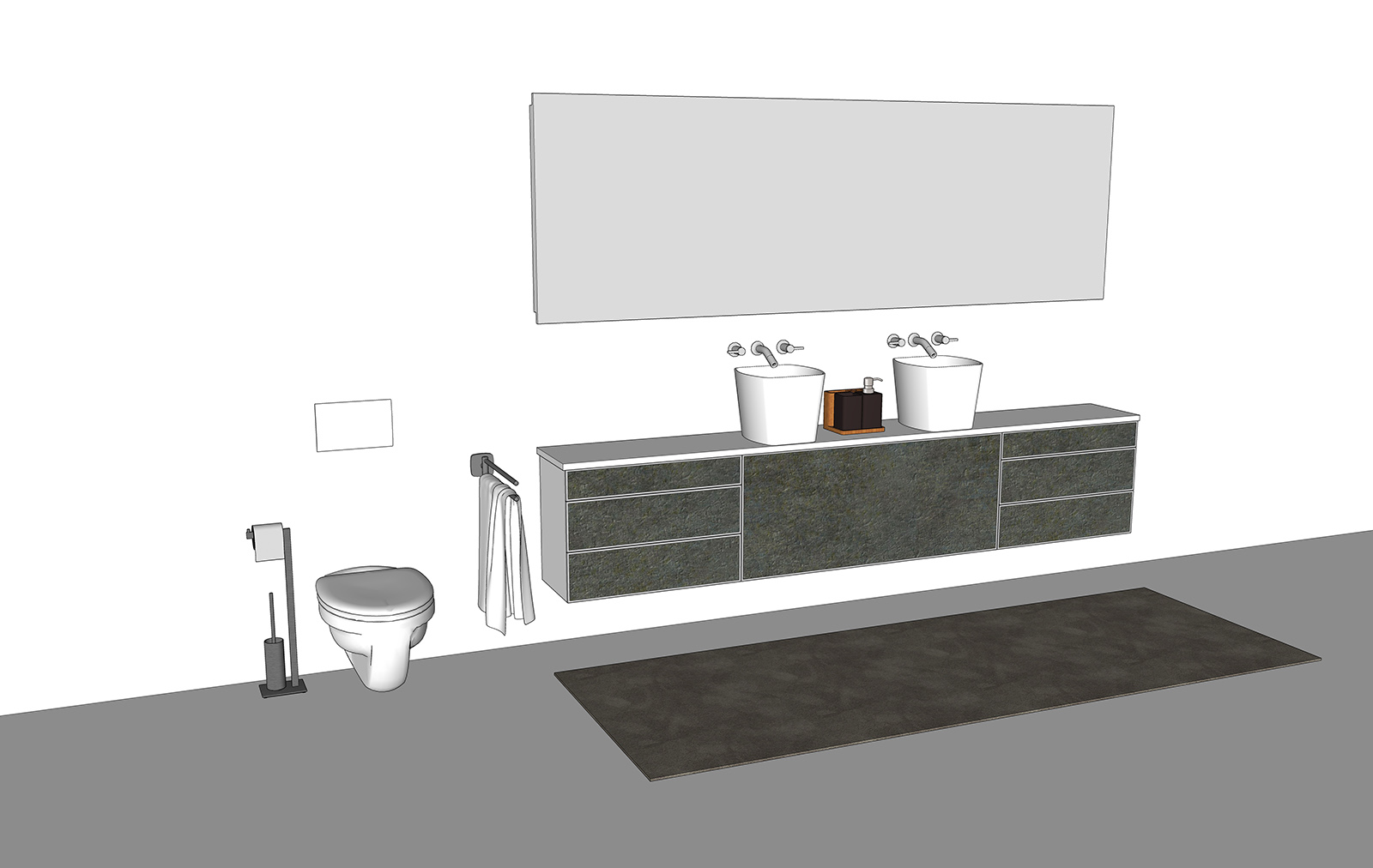

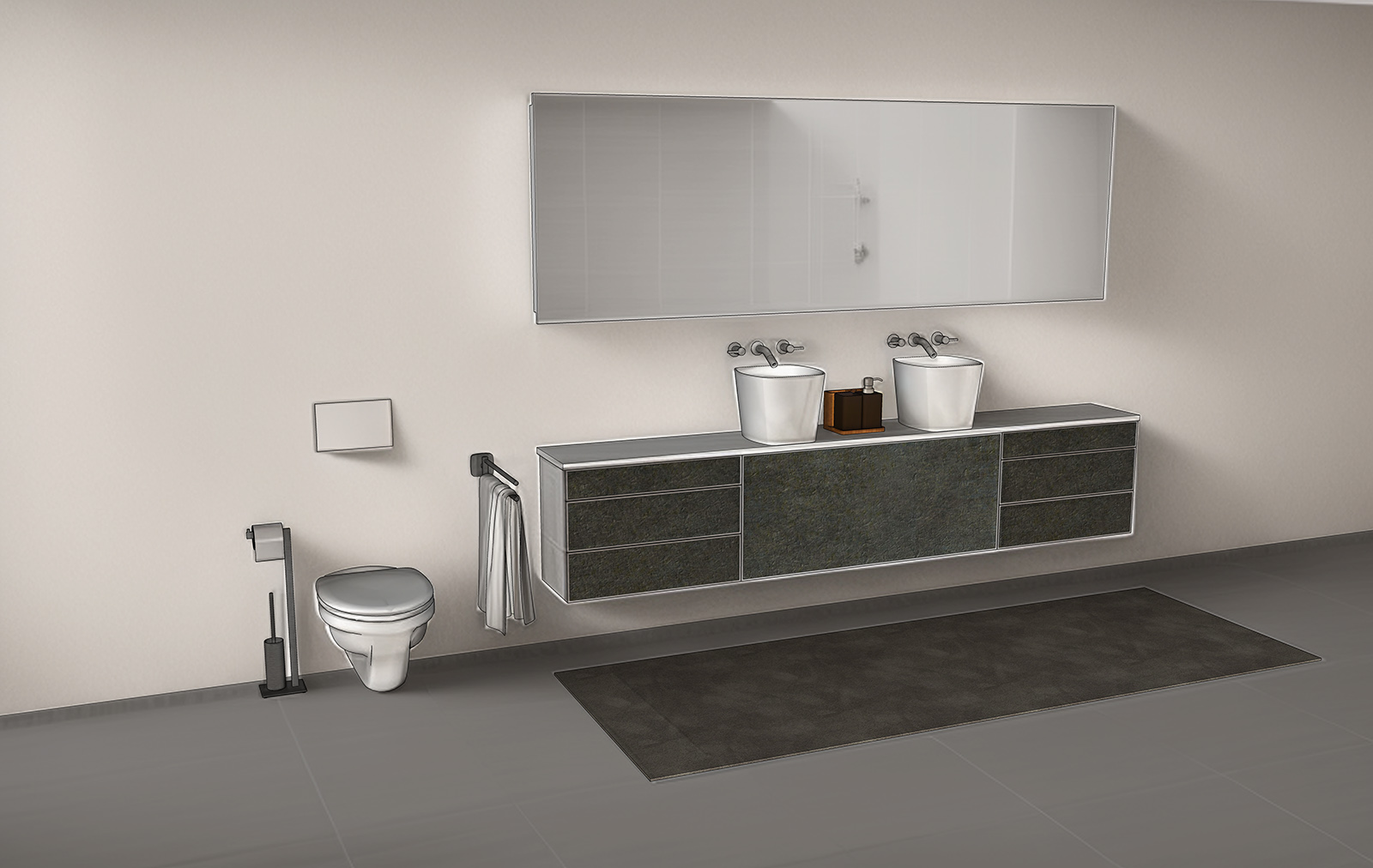
-
and another one this a clay style for shadows
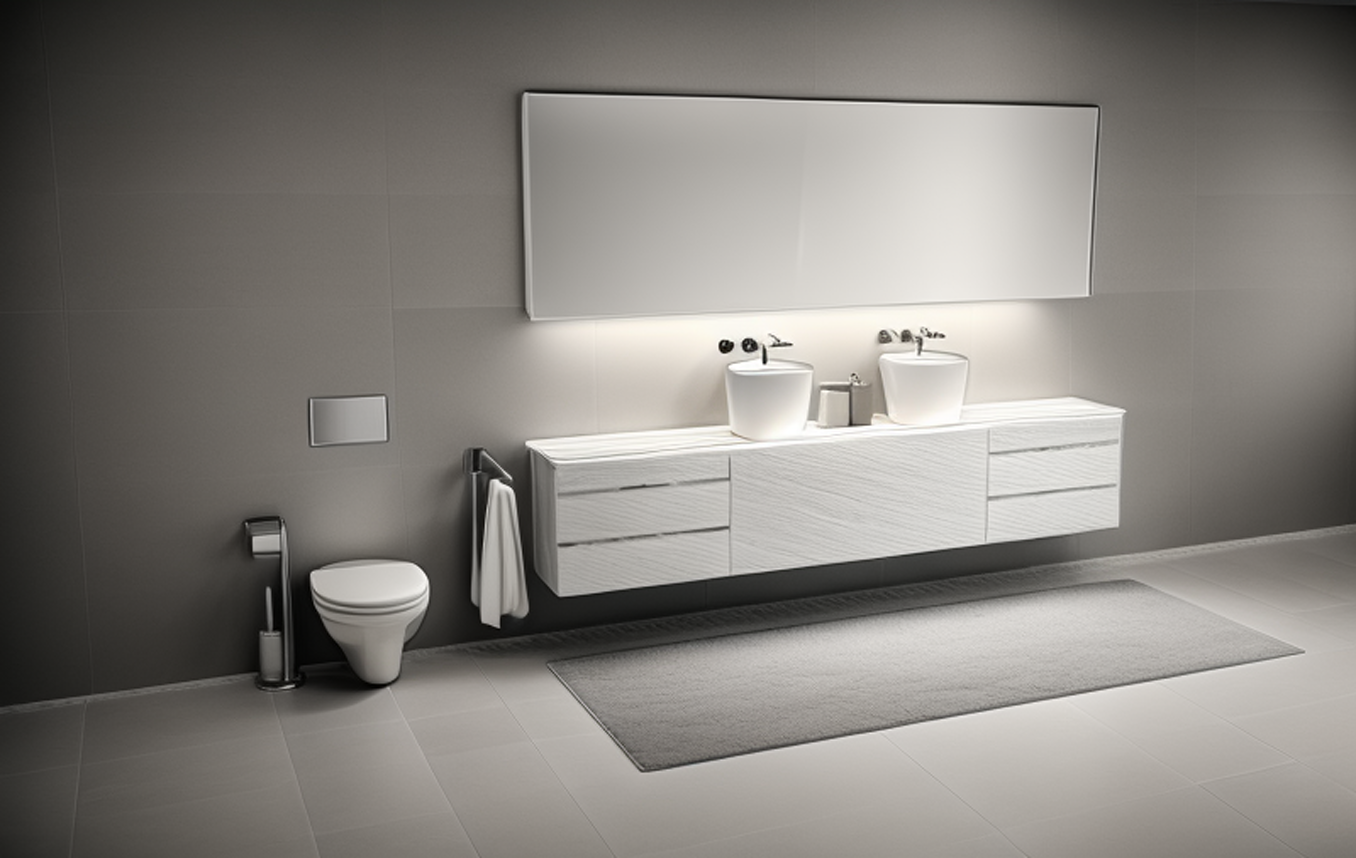
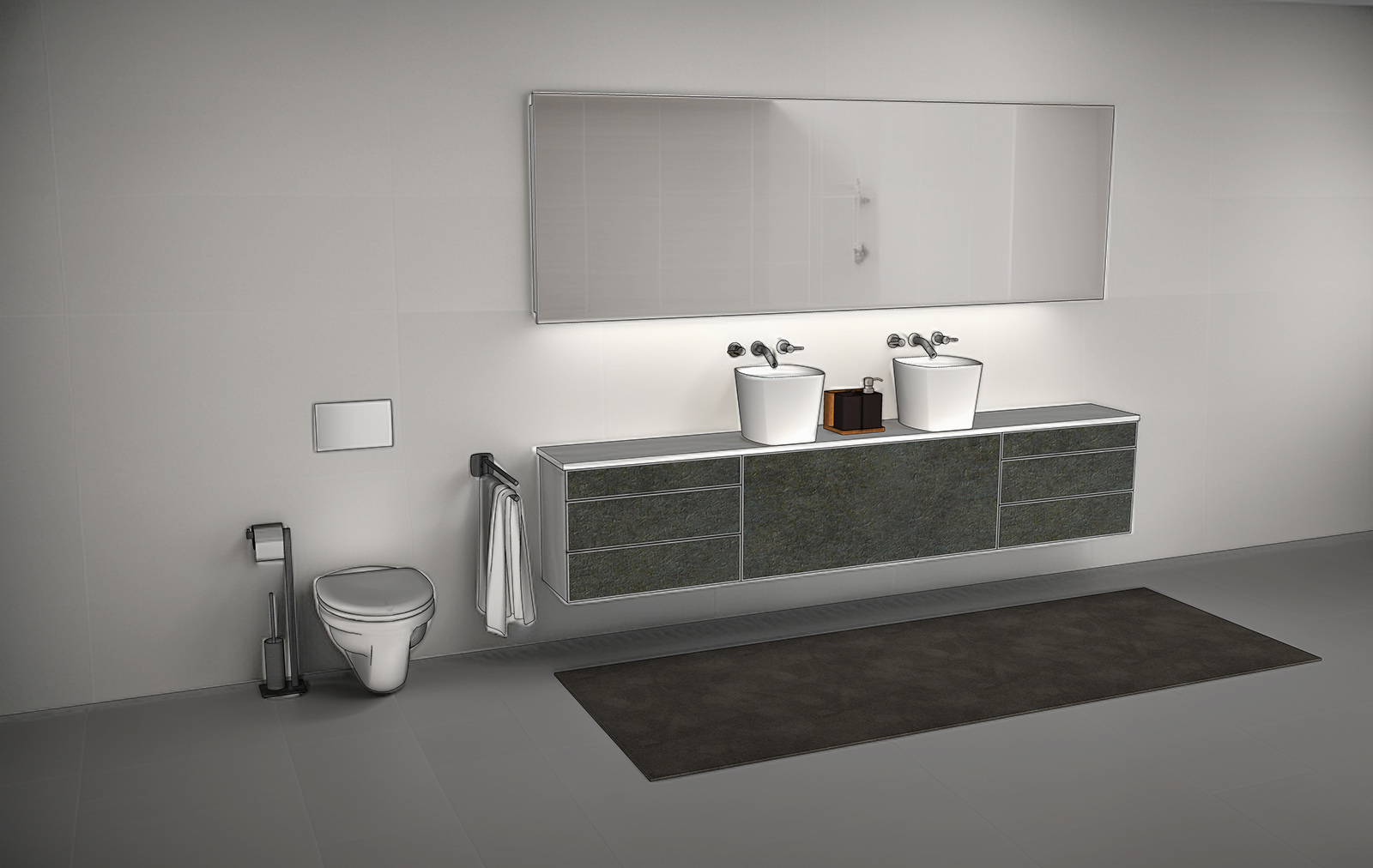
-
and another compared to twinmotion
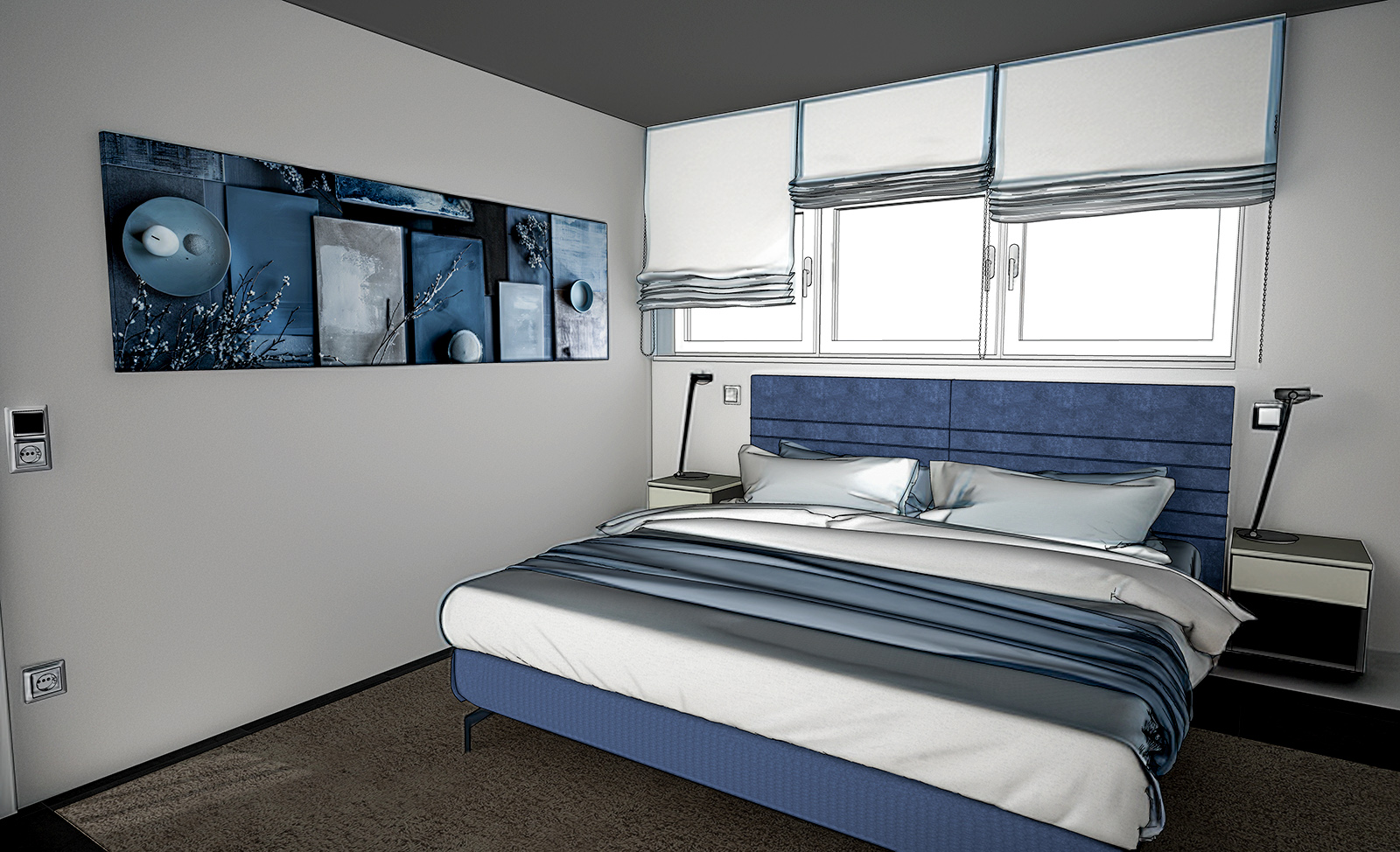
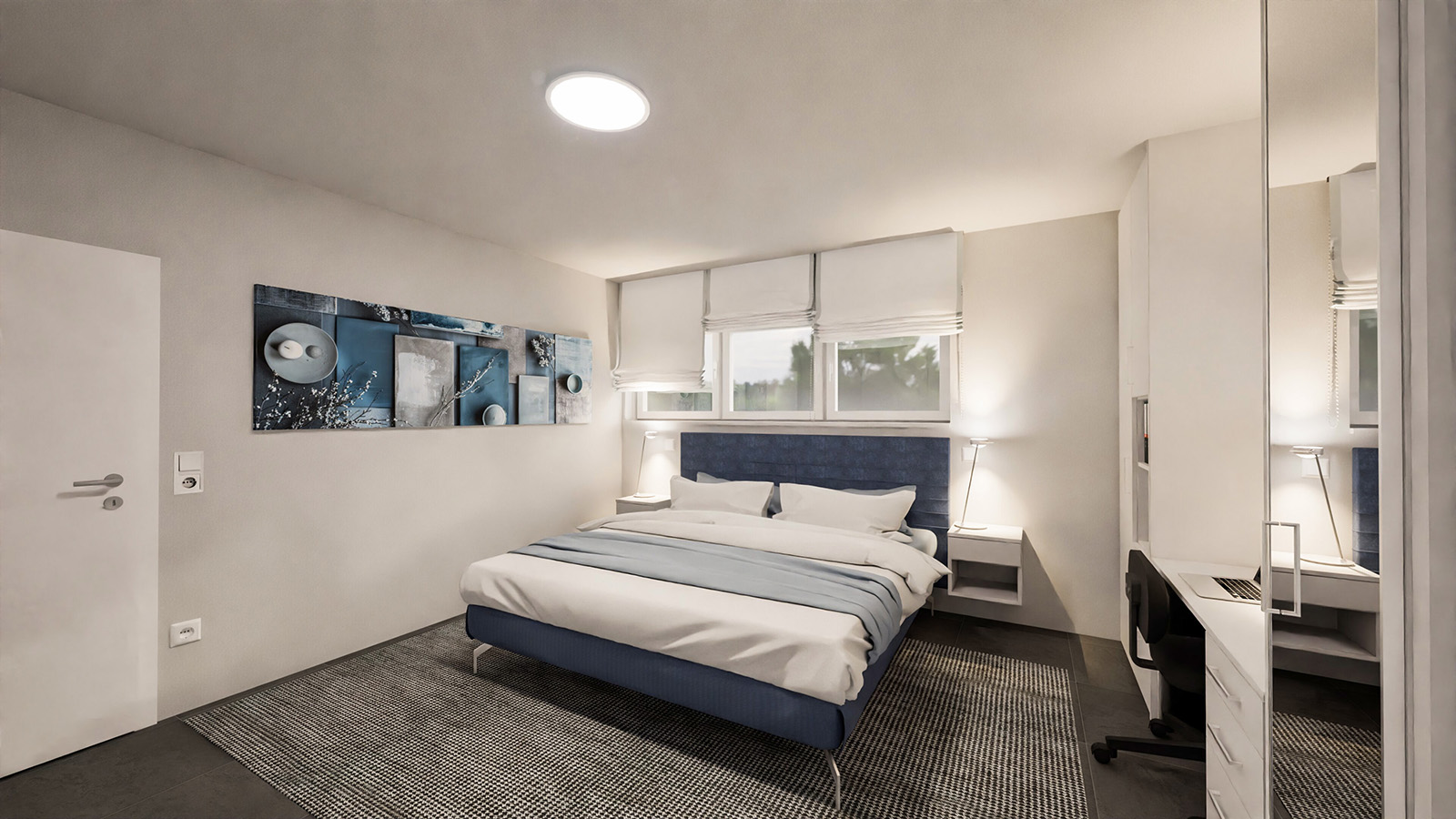
-
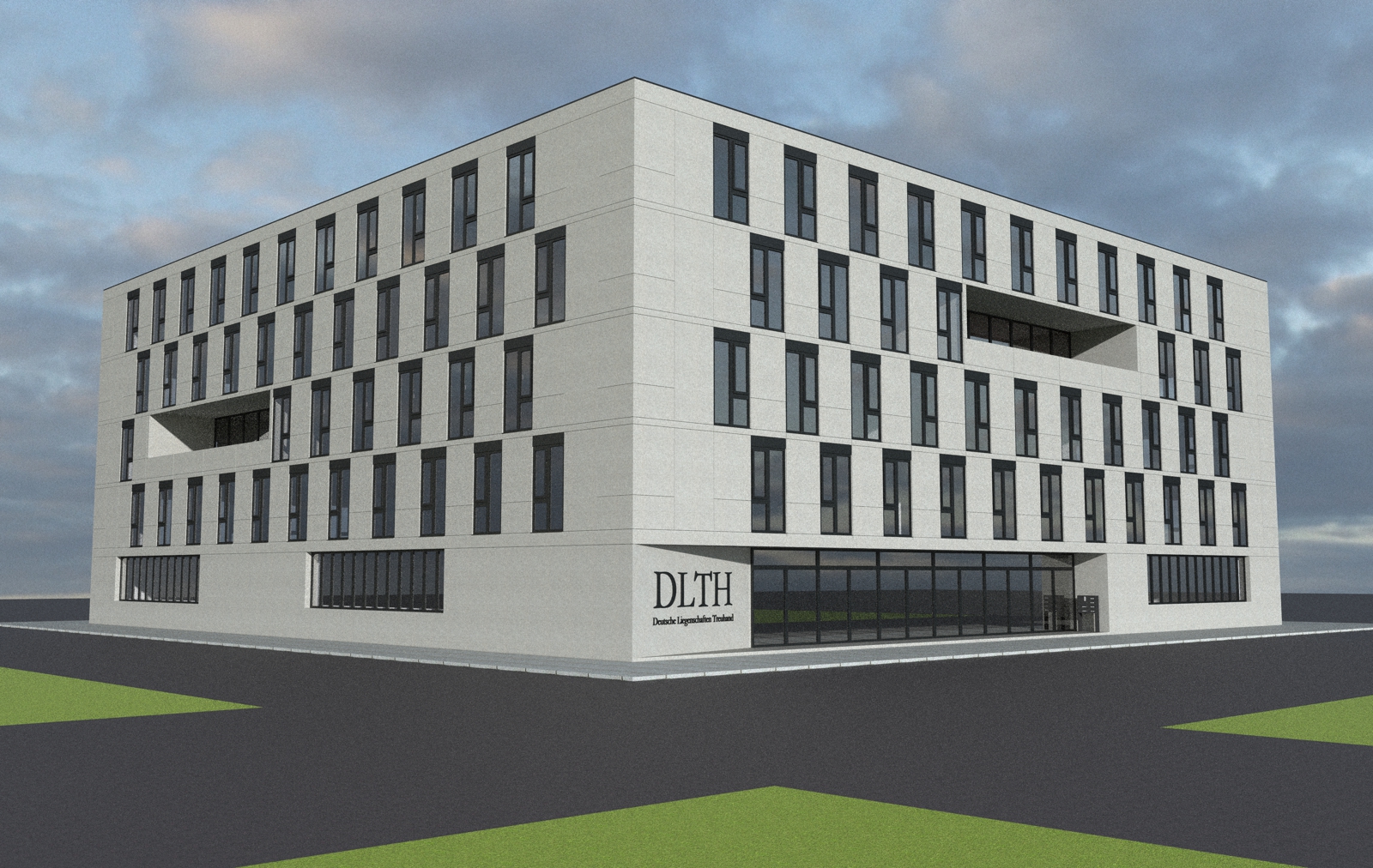
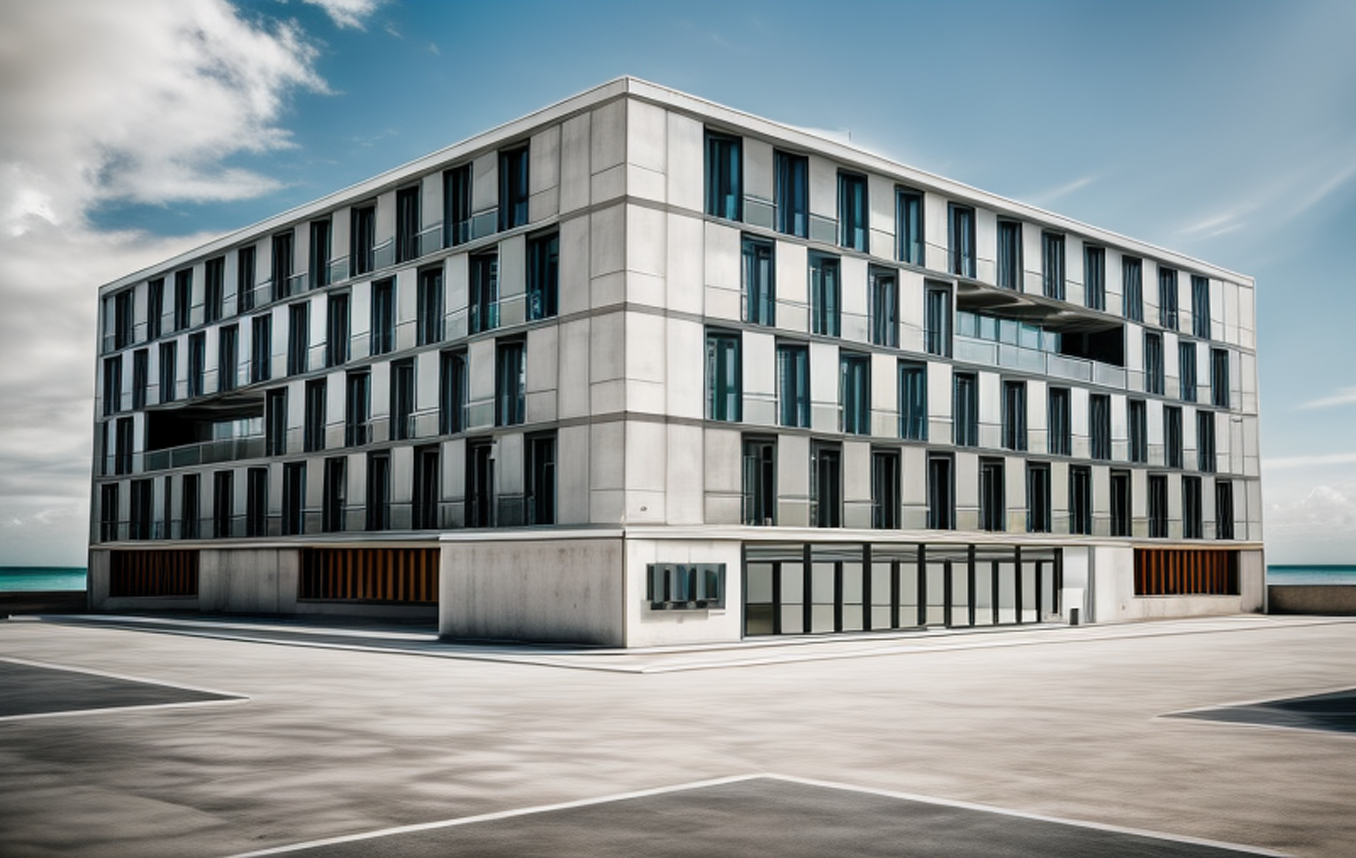
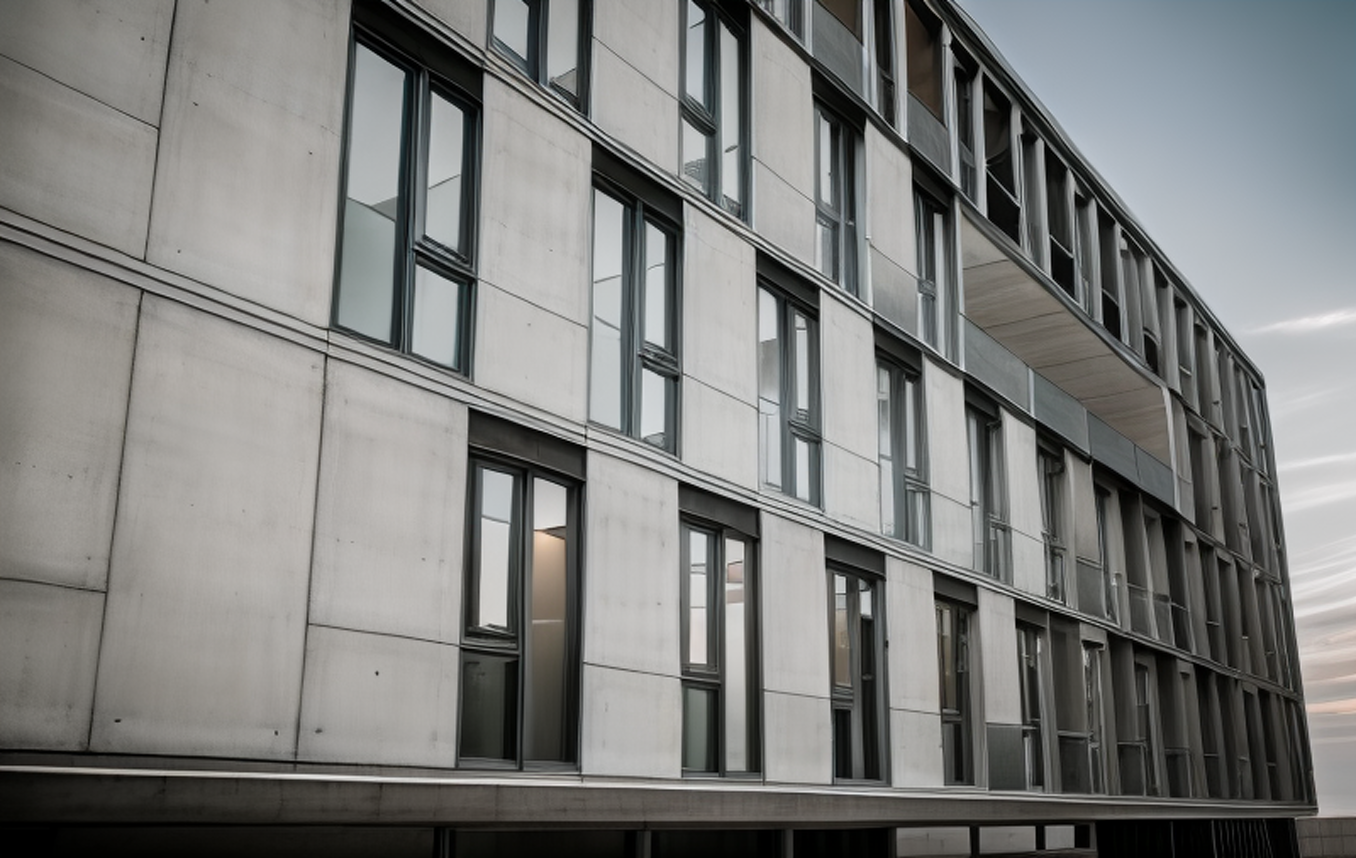
new test: merging Twilghtrender and sketchup diffusion
-
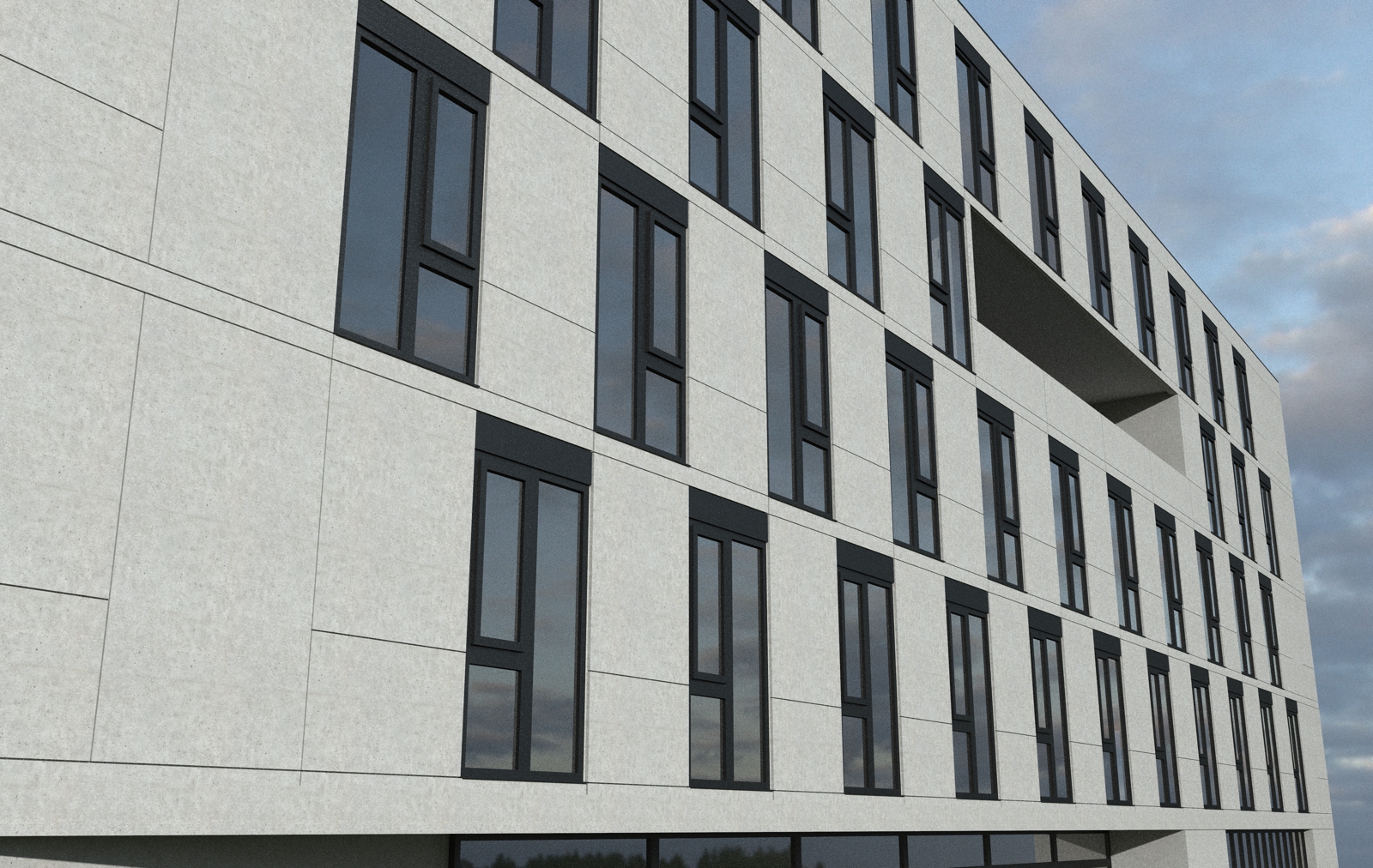
and another one.
It really gives a touch of reality

-
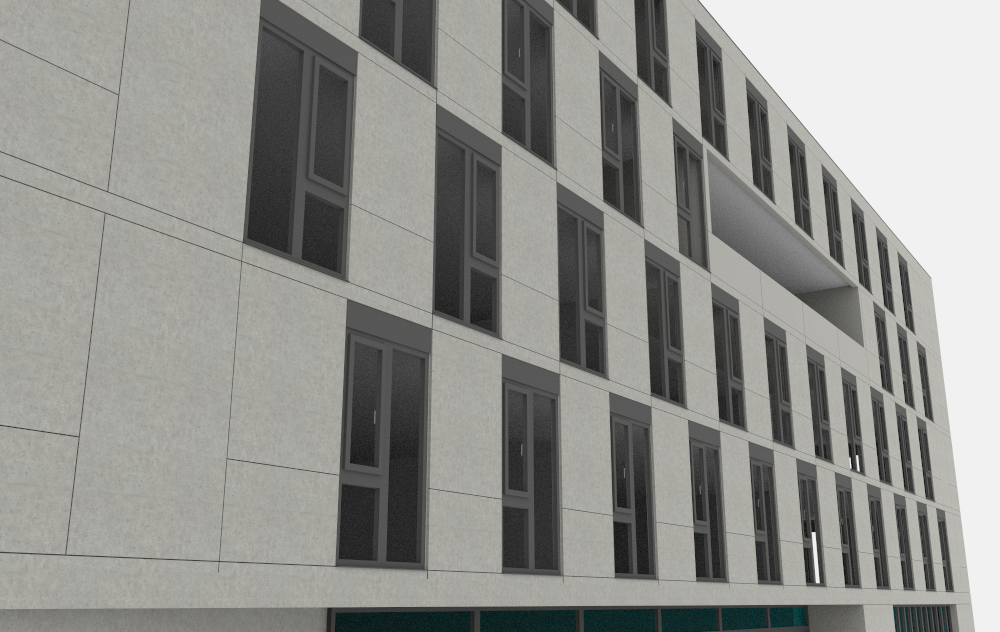
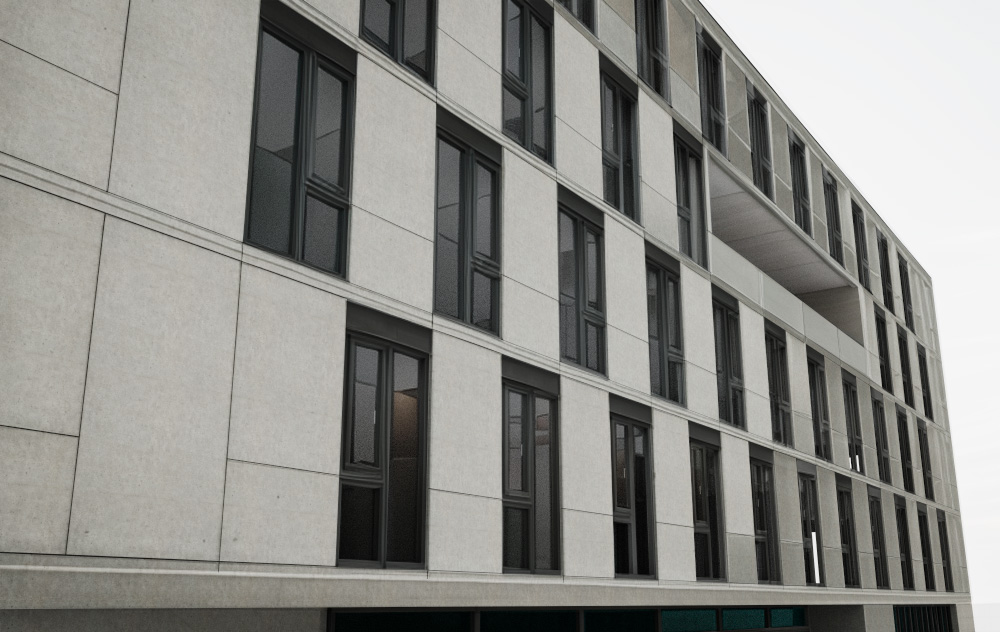
and another one with rayscaper
-
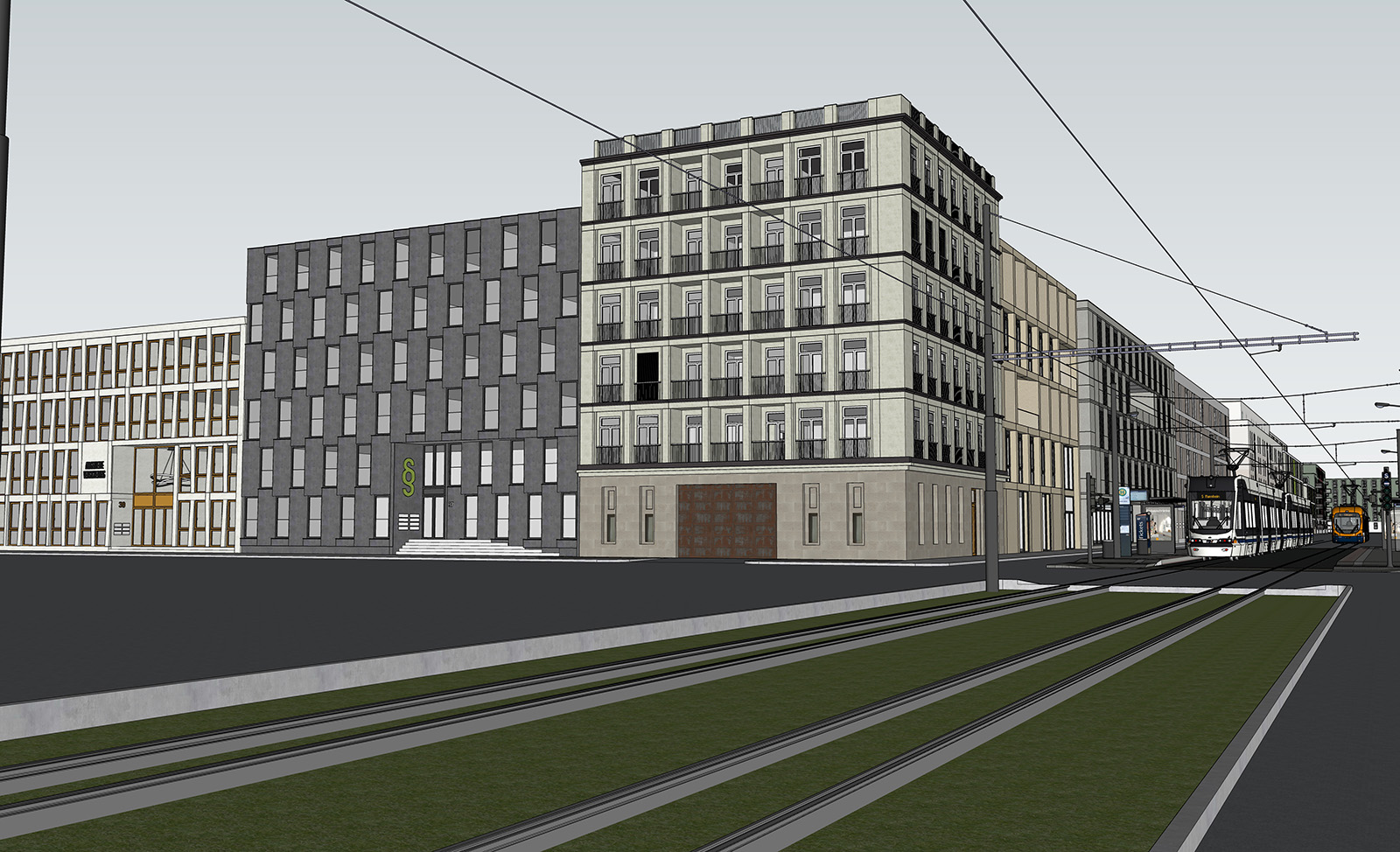
new test
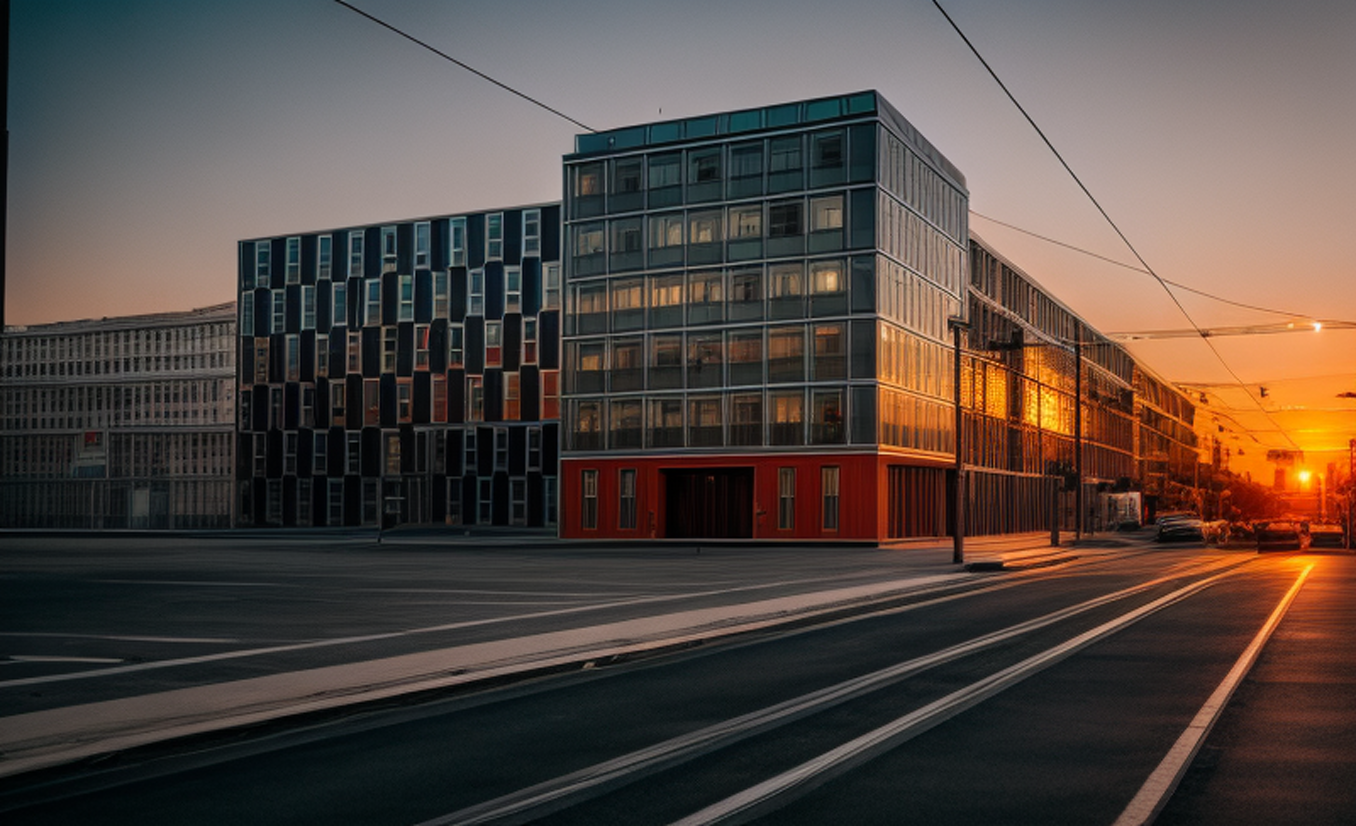
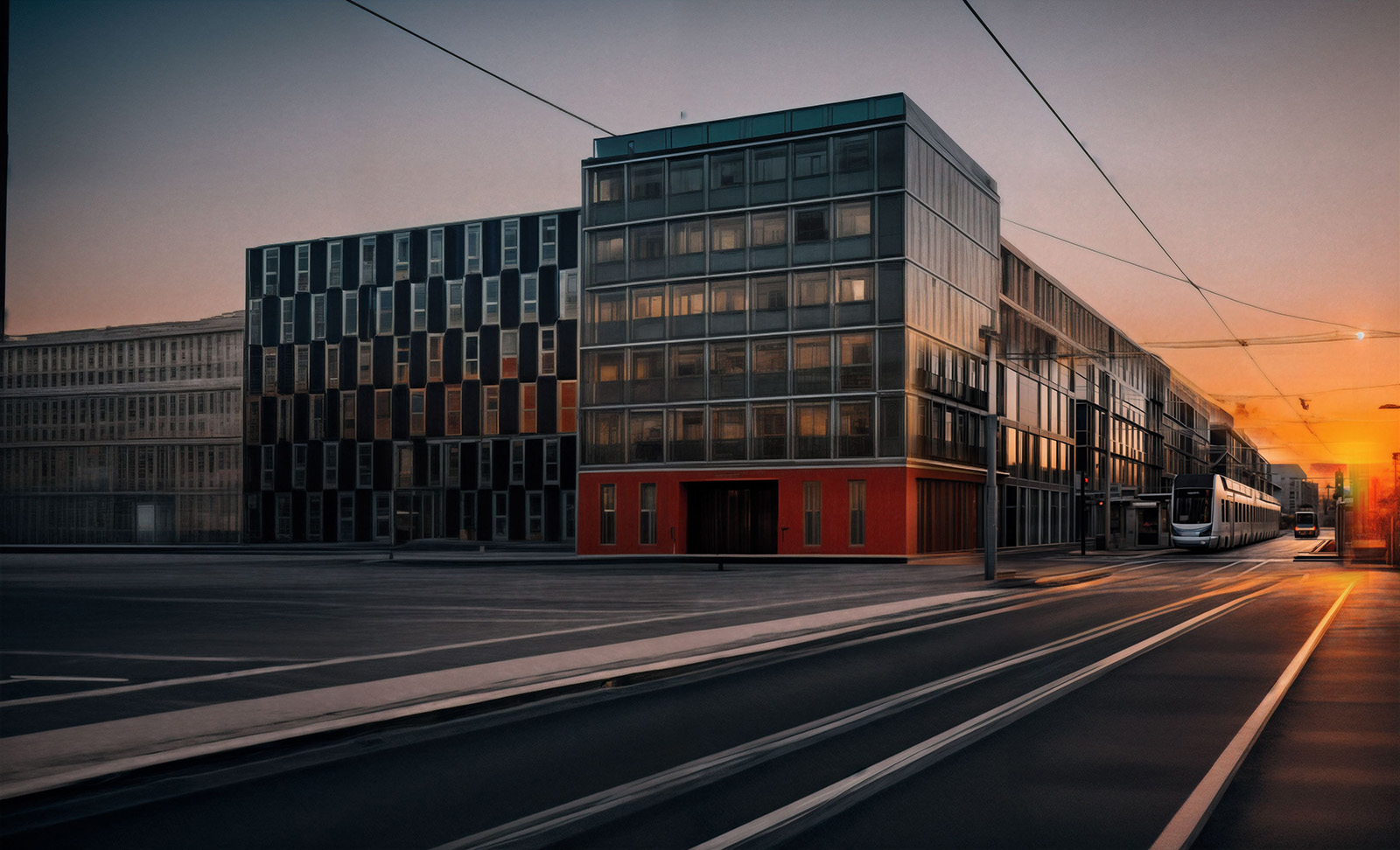
-
Very interesting results.
-
It's very cool to see the interplay of accurate rendering and stable diffusion. Are you already using this technique for client renders, or is it just experimentation?
Cheers,
Thomas -
and another one sketchup to controlnet- stable diffusion
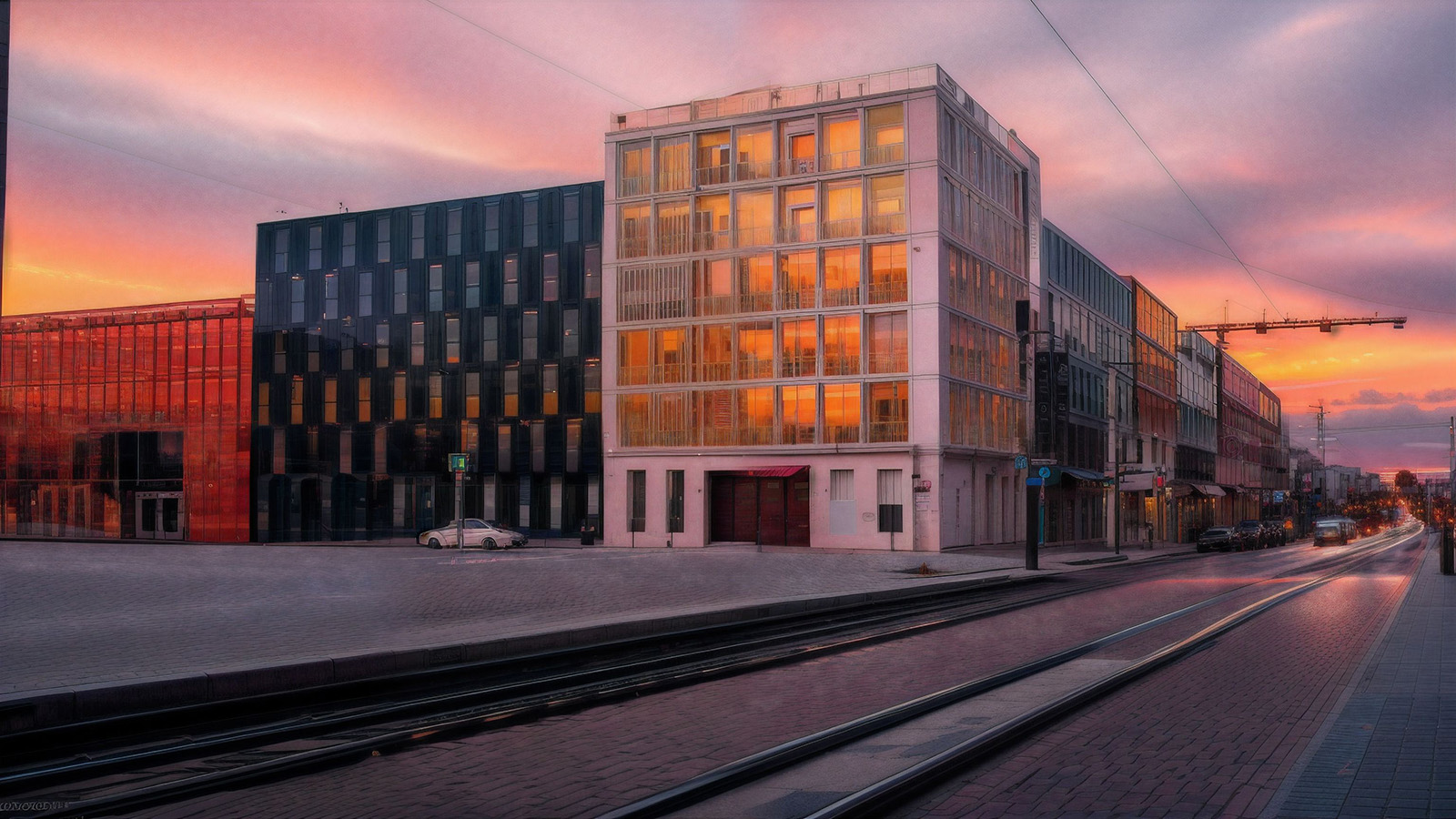
-
@pixelcruncher said:
It's very cool to see the interplay of accurate rendering and stable diffusion. Are you already using this technique for client renders, or is it just experimentation?
Cheers,
Thomasnot yet, but I am trying to get better results with combining different methods. But I am still not happy with it.
-
@jo-ke said:
not yet, but I am trying to get better results with combining different methods. But I am still not happy with it.
Have you tried ComfyUI yet jo-ke? It might help you dial it in but the learning curve is high.
If you are not familiar there is a ton of stuff on Youtube plus theres a great site https://comfyworkflows.com/ where the images shared contain the metadata of how they were made.





Hello! It looks like you're interested in this conversation, but you don't have an account yet.
Getting fed up of having to scroll through the same posts each visit? When you register for an account, you'll always come back to exactly where you were before, and choose to be notified of new replies (either via email, or push notification). You'll also be able to save bookmarks and upvote posts to show your appreciation to other community members.
With your input, this post could be even better 💗
Register Login


Advertisement