Optionally manned drone.
-
Looking good to me.
-
Ta mate, down to refinements now. Panemls, rescue and call signs etc. Still looking to improve the nav lights.
-
Nice! looking forward to the panels, will you be adding decals?
-
@axeonalias said:
Nice! looking forward to the panels, will you be adding decals?
Looking foward to that also
-
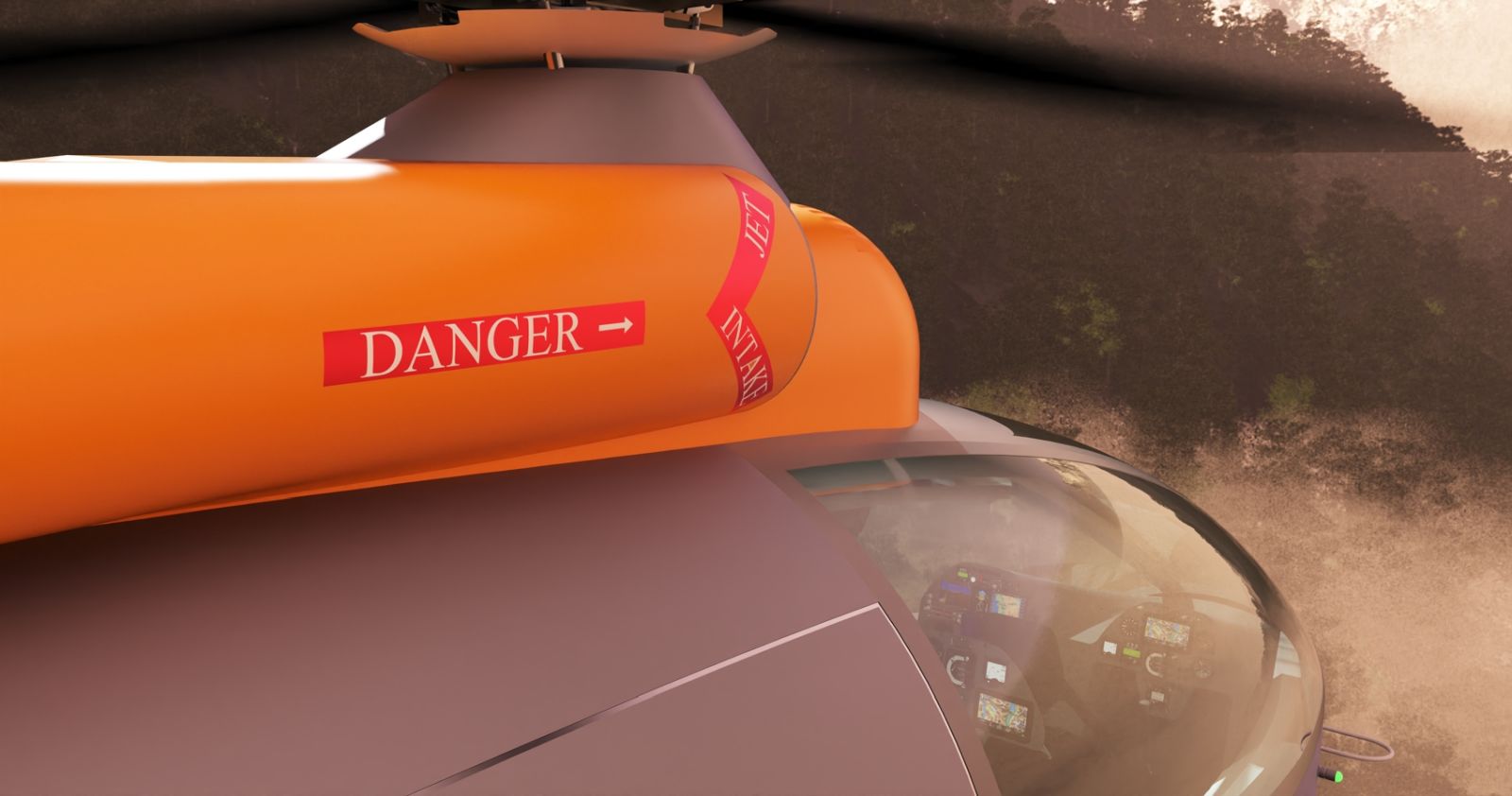
Ta folks, definitely. Researching decals, most panels in place but they are geometry rather than graphics.
-
First decals, also geometry rather than graphics.
-
Oh yeah!

-
Ta mate, the other (Port) side has had me pulling hair, really quite a bit.......

-
@mike amos said:
Ta mate, the other (Port) side has had me pulling hair, really quite a bit.......
I run into this a lot.

My trick is to make the opposite side component Unique and then apply the lettering right way reading.
-
Agreed but, the geometry does not always 'like' this which drive me a little potty time.
Well, Mr Bentine thought so.
-
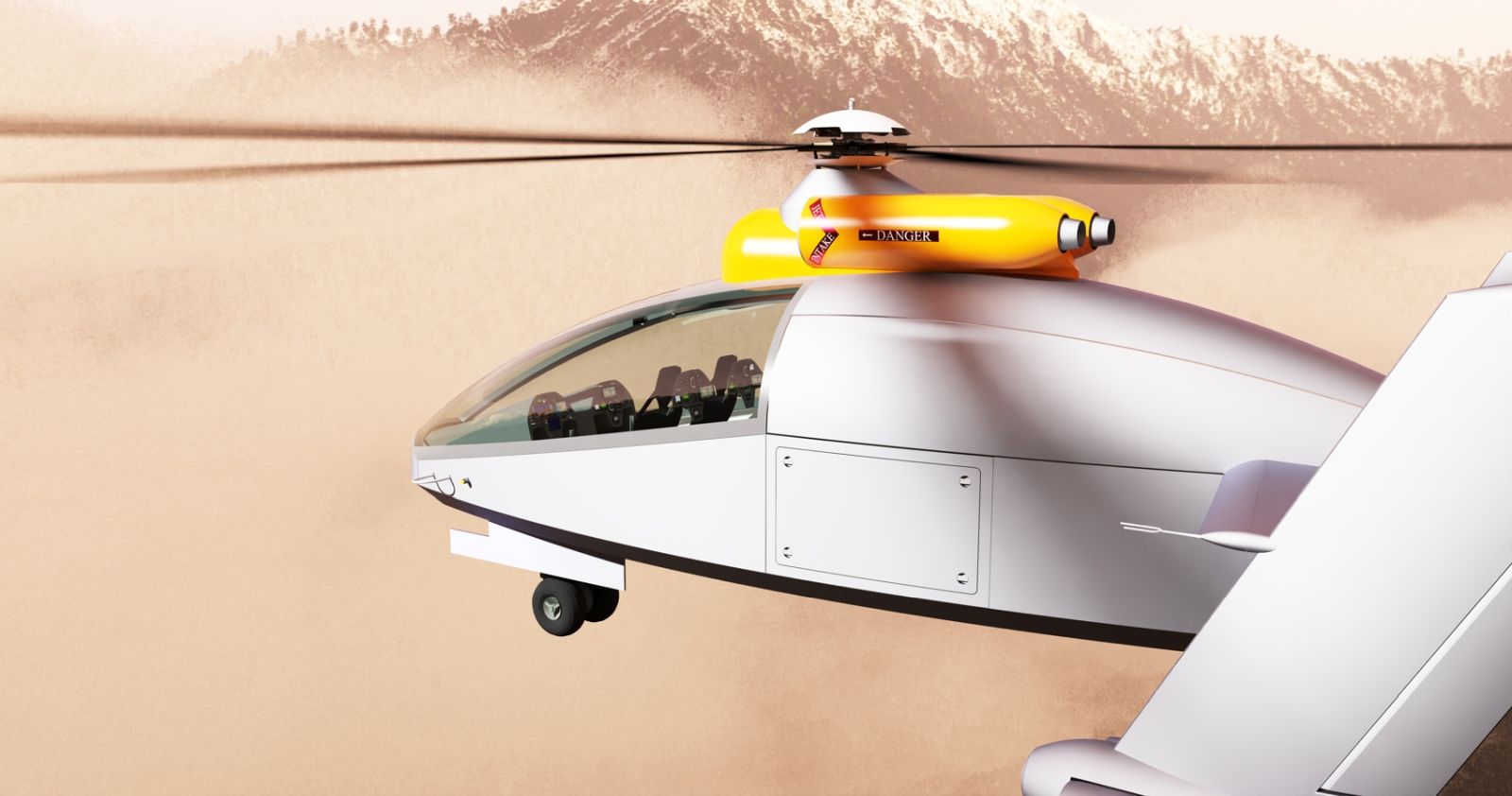
Port side decals.
-
Wow! Looking really good!
-
Tickling the edges now, not too much change at one given time because it is finer changes being made. Moving to Gallery now as I think I am getting there now.
-
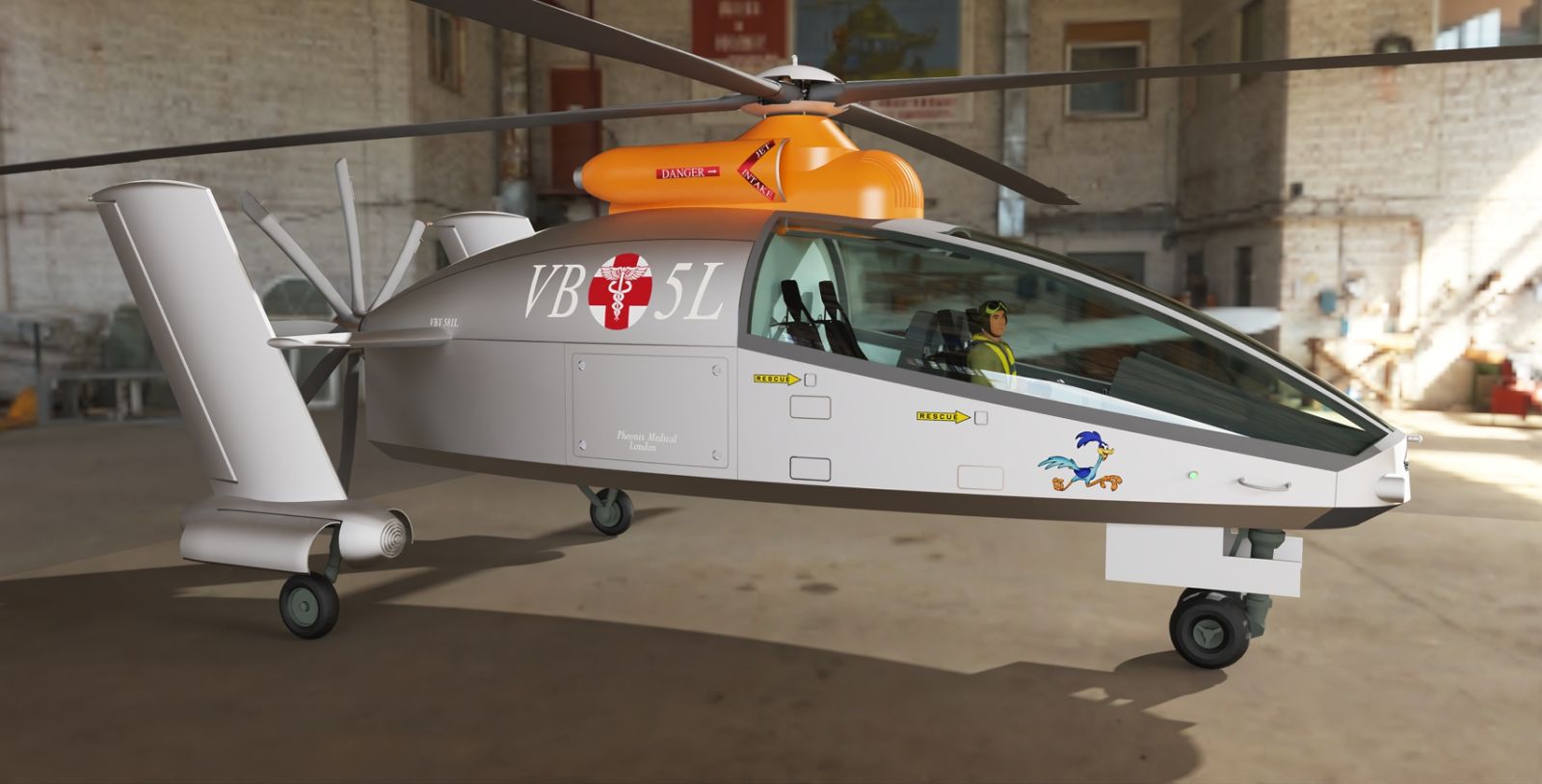
Looking at alternate HDRI and static rotor options.
-
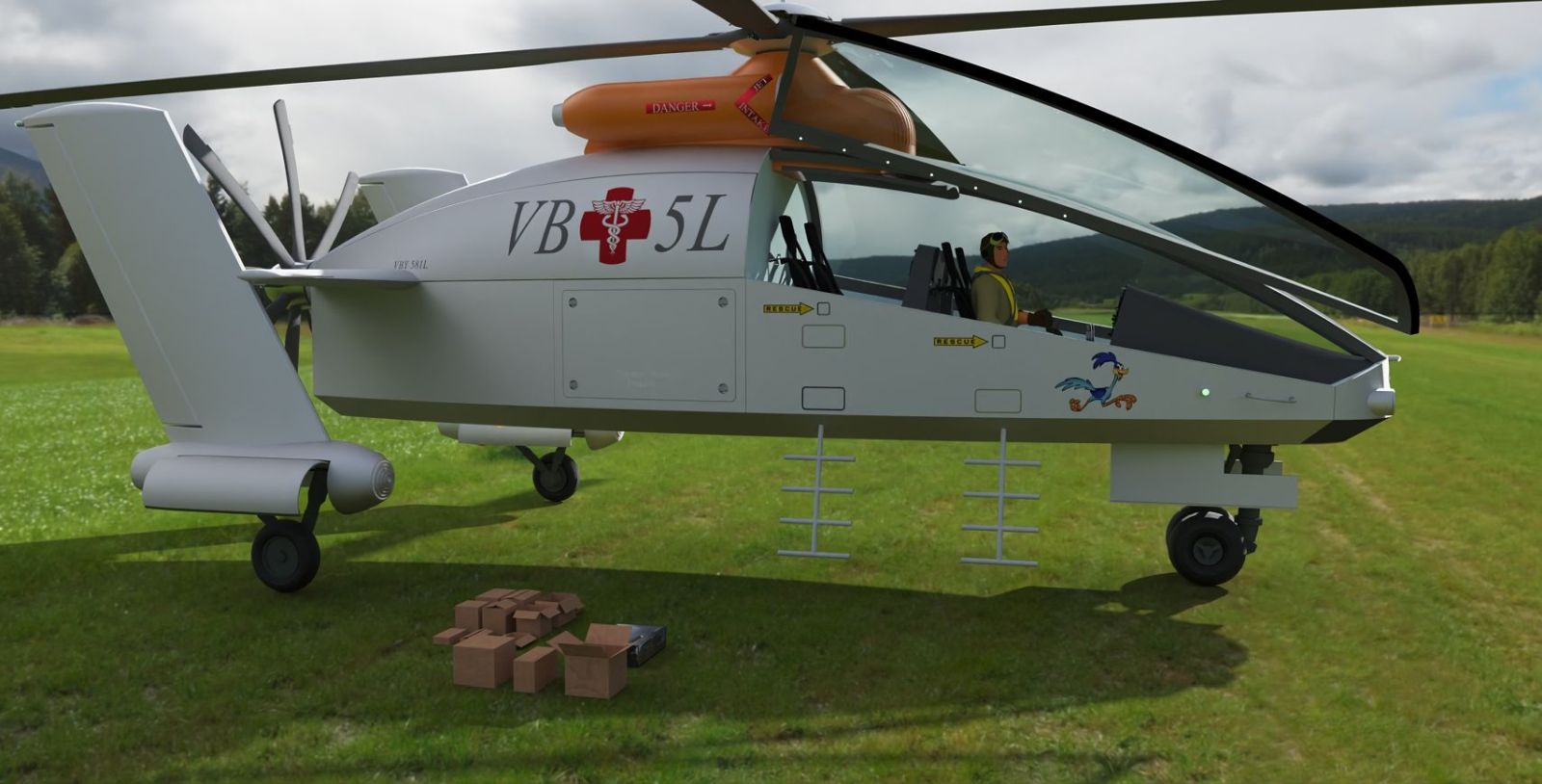
Shot looks great, but the scale is off with the HDRI there, Looks tiny now, like a 1:5 scale RC Heli?
-
I know, waiting for someone to spot that. Laughed my head of when I did.

-
Render looks great!
Yeah HDRI scaling can be a bugger. Still looks good.
-
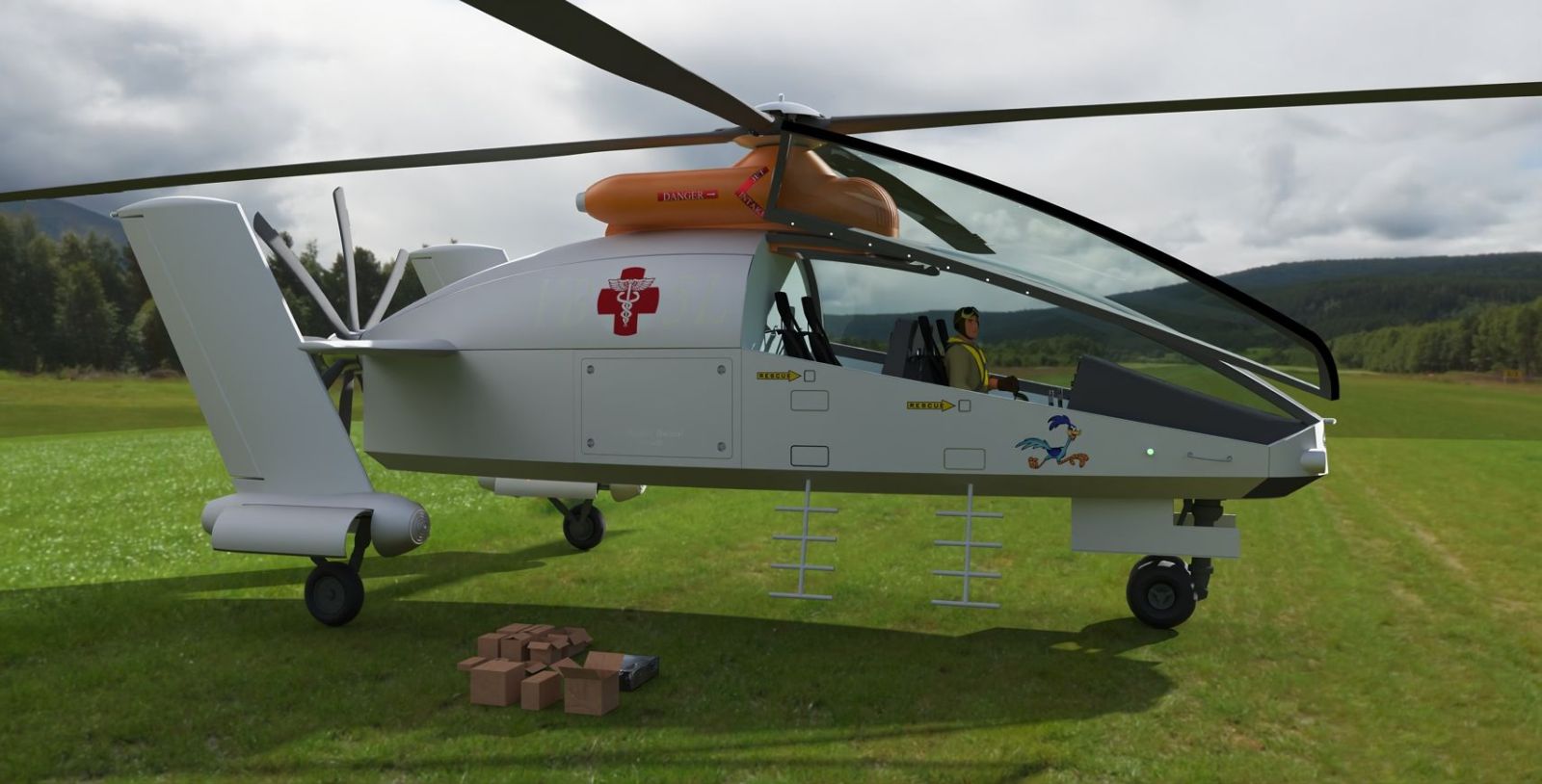
Fleuch has suggested some tree's, OK, more a grass field but shows how it pays to be careful when choosing colours/textures in different light setting. The codes have almost completely vanished. The straight lines in the ground plane are the shadow catcher which I must address.
-
I like the background image and the ground and the way you got them to blend together. I have not been able to get things to blend that good. Where did you get the background image? What texture/material did you use for the ground? My problem might also be my camera angle.
I like the render.
Fletch always seems to come up with good suggestions. 
-
That image has a simple flat plane and a jpg version of the hdri, rotated to match the hdri so 0 degrees here.
I have used an infinite plane (Extensions - Twilight render - Objects - Infinite plane) with the next render painted with a simple colour, Alice blue in this case. Colour is then linked to the texture via the texture/finish dialogue box in Twilight. Not perfect as there is still a straight line visible in the hdri/infinite plane but meh.




Hello! It looks like you're interested in this conversation, but you don't have an account yet.
Getting fed up of having to scroll through the same posts each visit? When you register for an account, you'll always come back to exactly where you were before, and choose to be notified of new replies (either via email, or push notification). You'll also be able to save bookmarks and upvote posts to show your appreciation to other community members.
With your input, this post could be even better 💗
Register Login


Advertisement