Two Tool Bars?
-
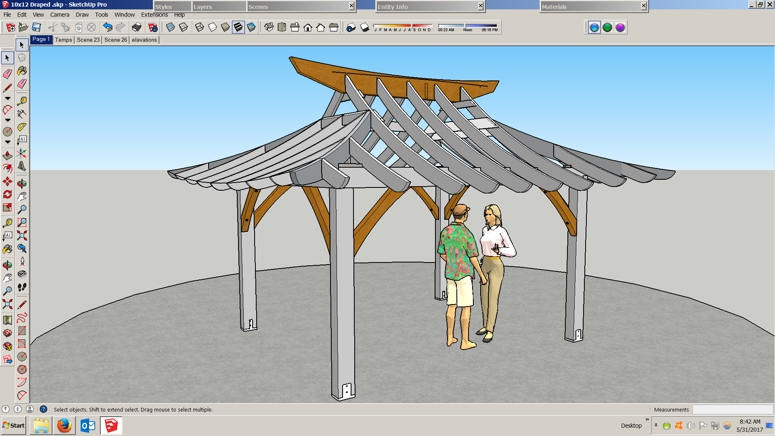
Folks, I opened up SUp 2015 this morning and saw two tool bars over on the left? I didn't touch anything!

so what do I do about this?? Using Win 7 if that matters.
-
Can you re-post: highlighting those 'toolbars' in question.
As it is we can't readily see which ones are confusing you... -
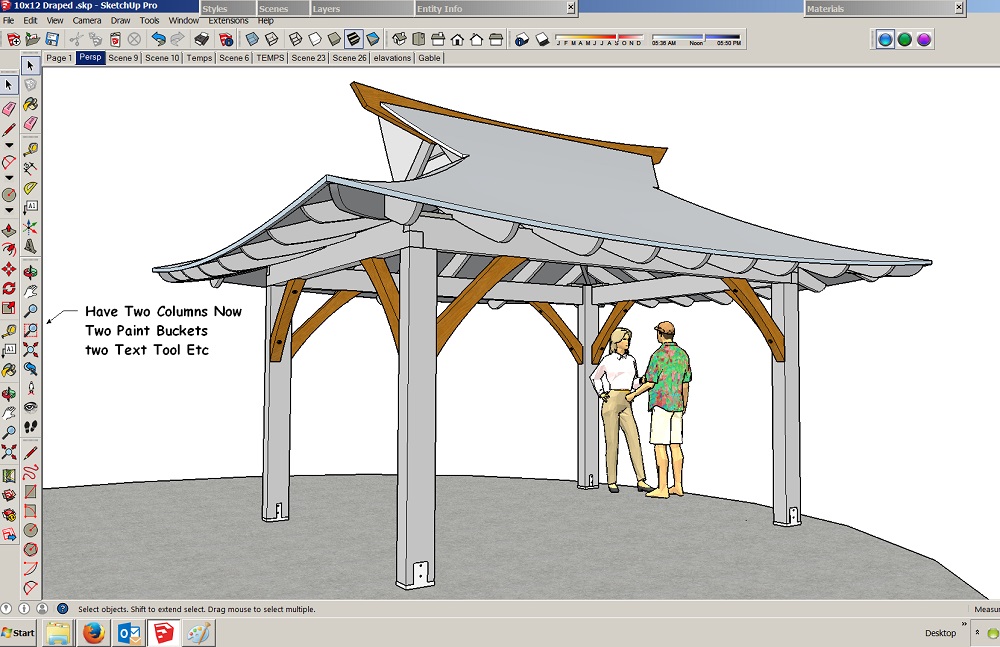
It's those two columns of tools on the left, I only had one,
now I have two Paint Buckets, two Select Tools two Erasers ..
-
One of them is 'Getting Started' toolbar and the other is 'Large Toolset'.
Right click to your toolbar area and enable/disable as you wish. -
Some one has click it inside the Menu Display / Tools Bar

Have you a cat ?
-
Right on, thanks for that, it was the Getting Started! I wonder how that got added?
-
no Cat, not even a dawg anymore!




Hello! It looks like you're interested in this conversation, but you don't have an account yet.
Getting fed up of having to scroll through the same posts each visit? When you register for an account, you'll always come back to exactly where you were before, and choose to be notified of new replies (either via email, or push notification). You'll also be able to save bookmarks and upvote posts to show your appreciation to other community members.
With your input, this post could be even better 💗
Register Login


Advertisement