sketchucation logo sketchucation
    • Login
    Oops, your profile's looking a bit empty! To help us tailor your experience, please fill in key details like your SketchUp version, skill level, operating system, and more. Update and save your info on your profile page today!
    πŸ”Œ Easy Offset | Offset selected faces in SketchUp in positive and negative offsets. Download

    Canyon

    Scheduled Pinned Locked Moved Gallery
    11 Posts 6 Posters 1.7k Views 6 Watching
    Loading More Posts
    • Oldest to Newest
    • Newest to Oldest
    • Most Votes
    Reply
    • Reply as topic
    Log in to reply
    This topic has been deleted. Only users with topic management privileges can see it.
    • Bryan KB Offline
      Bryan K
      last edited by

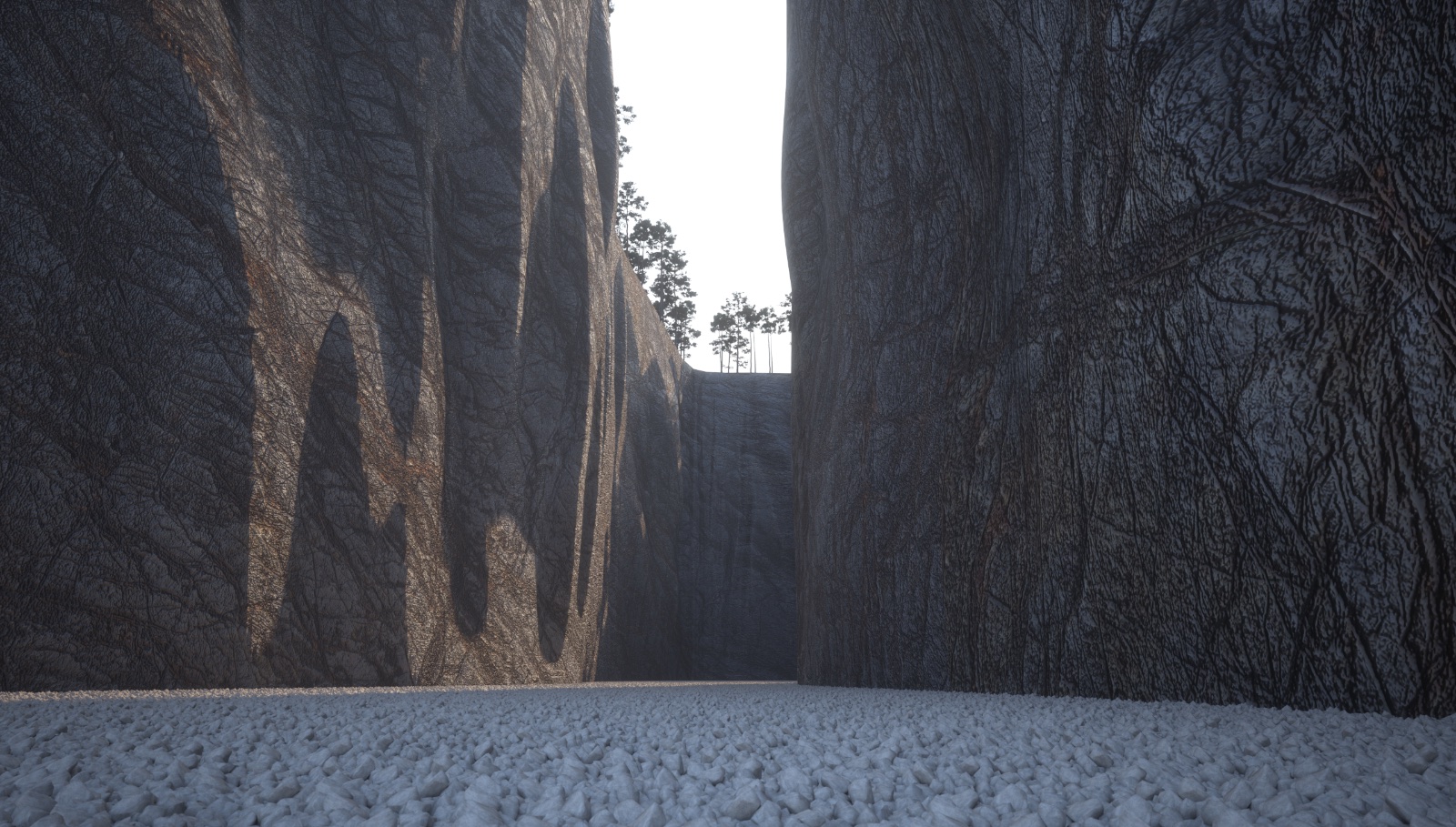
      Are you reading my mind? I've been thinking about how to tackle a canyon scene for some time now.

      That looks excellent!

      I think I need to think about it some more. πŸ’š

      See my portfolio at https://delphiscousin.blogspot.com/

      1 Reply Last reply Reply Quote 0
      • Rich O BrienR Offline
        Rich O Brien Moderator
        last edited by

        Does Maxwell allow you to overlay a noise texture on an existing texture similar to Thea?

        If it does I would try it on the walls to breakup to colour more.

        Download the free D'oh Book for SketchUp πŸ“–

        1 Reply Last reply Reply Quote 0
        • cheddaC Offline
          chedda
          last edited by

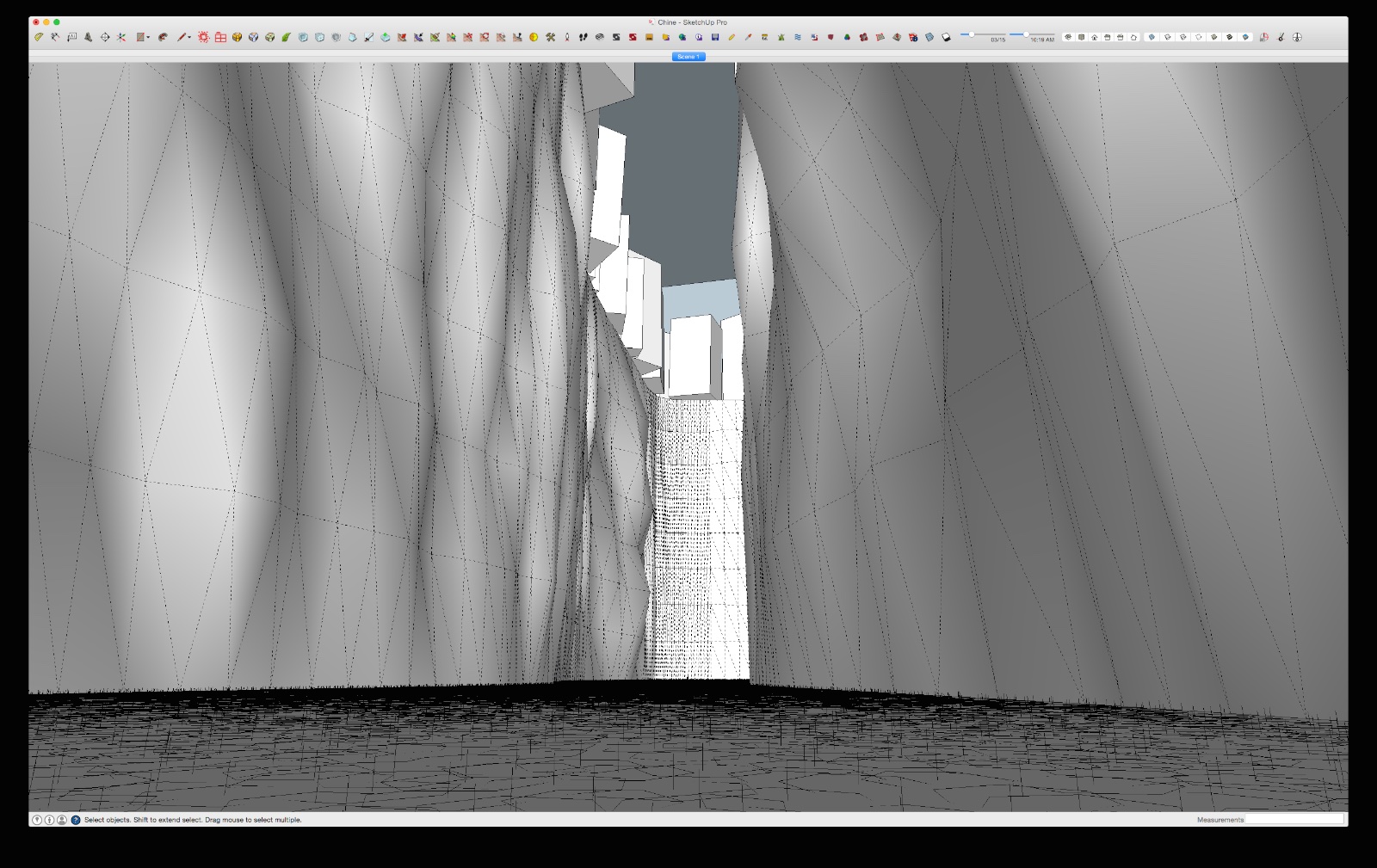
          Thanks for the comments. Yes the texture needs some work i did consider displacement too for a moment but it's such a huge area. The erode plugin is an excellent tool for sketchup i highly recommend it.

          Kraken Wrangler https://www.flickr.com/photos/132441293@N03/

          1 Reply Last reply Reply Quote 0
          • Rich O BrienR Offline
            Rich O Brien Moderator
            last edited by

            I didn't mean displacement noise. I meant colour noise.

            In Thea you can add perlin noise overlay on a texture to procedurally breakup the texture's tone.

            It's a tip Massimo shared for using it on leaves and it works great.

            Download the free D'oh Book for SketchUp πŸ“–

            1 Reply Last reply Reply Quote 0
            • cheddaC Offline
              chedda
              last edited by

              Yes i understood. I can add a layer to allow patches of colour with a different mapping to add differentiation.I often do this with grass over a large area.

              Kraken Wrangler https://www.flickr.com/photos/132441293@N03/

              1 Reply Last reply Reply Quote 0
              • HornOxxH Offline
                HornOxx
                last edited by

                this is just awesome!!! I also thought about such a model task already but had no idea how to start πŸ˜„
                And yes, the erode plugin is a great "must have" tool

                thanks for sharing

                never trust a skinny cook

                1 Reply Last reply Reply Quote 0
                • andybotA Offline
                  andybot
                  last edited by

                  very cool! My 2 crits:

                  • floor is too level and gravel seems too even sized.
                  • the edge of the shadows should not be so smooth (I can understand not wanting to use displacement but it's the shadows where this falls apart...)

                  http://charlottesvillearchitecturalrendering.com/

                  1 Reply Last reply Reply Quote 0
                  • cheddaC Offline
                    chedda
                    last edited by

                    Yes thanks for the observations. If i kept the geometry sharp it would have given away the triangulation and looked a bit false. This scene literally took minutes to model it was just a test initially. It could be improved i'm sure.

                    Kraken Wrangler https://www.flickr.com/photos/132441293@N03/

                    1 Reply Last reply Reply Quote 0
                    • andybotA Offline
                      andybot
                      last edited by

                      Yes, I get that you don't want it to look faceted, that's not what I meant though. You see how the texture is rough, with seams in the rock. A displacement map would break up the edges of the shadow line to match the texture underneath. Right now, the shadow just kind of floats over the texture. I understand it was a quick study - it's more a comment about the materials than the modeling.

                      http://charlottesvillearchitecturalrendering.com/

                      1 Reply Last reply Reply Quote 0
                      • Mike AmosM Offline
                        Mike Amos
                        last edited by

                        Seriously good, needs a bolder strewn floor though.

                        Absentia mortis praesentiam vitae probat, vita autem est argumentum constantiae.

                        1 Reply Last reply Reply Quote 0
                        • 1 / 1
                        • First post
                          Last post
                        Buy SketchPlus
                        Buy SUbD
                        Buy WrapR
                        Buy eBook
                        Buy Modelur
                        Buy Vertex Tools
                        Buy SketchCuisine
                        Buy FormFonts

                        Advertisement