[REQ]Auto Perspective
-
Is this possible?
If I have Ortho Front/Left/Right..... view in SU and I orbit it immediately change to perspective?
I do have shortcuts assigned for Perspective and Ortho but having Sketchup detect that I want to view in Ortho but swap back to Perspective on orbit would be a nice feature.
-
Cool idea. I could use that.
-
Sounds like a job for the 'toolObserver' & id nr 10508 (CameraOrbitTool).
-
@rich o brien said:
I do have shortcuts assigned for Perspective and Ortho but having Sketchup detect that I want to view in Ortho but swap back to Perspective on orbit would be a nice feature.
do you have a shortcut for 'Camera' >> 'Previous', and is that the behaviour your looking for?
john
-
I can see the point but I have a shortcut for camera perspective. It toggles perspective on and off and it's very convenient to me... also for dealing with the famous clipping issues one has some times...
-
I too toggle but I am used to Blenders auto perspective mode.
Snapping out of ortho on orbit seems a logical move.
Unless you need to zoom in very close.
-
It's a great idea so I had a go and it seems to work under Windows.
Save this code as a .rb file and drop it into the plugins folder. I'm a Ruby newby so it might violate proper code habits but feel free to comment.
require 'sketchup.rb'

module MB
class OrbitToPerspectiveObserver < Sketchup;;ToolsObserver
	def onActiveToolChanged(tools, tool_name, tool_id)
		if tool_id==10508
			camera = Sketchup.active_model.active_view.camera
			status = camera.perspective?
			if !status
				camera.perspective = true
			end
		end
	end
end

class OrbitAppObserver < Sketchup;;AppObserver
	def onNewModel(model)
		model.tools.add_observer(OrbitToPerspectiveObserver.new)
	end
	def onOpenModel(model)
		model.tools.add_observer(OrbitToPerspectiveObserver.new)
	end
end

Sketchup.add_observer(OrbitAppObserver.new)

end #module
edit: changed the code so it will now auto-start when Sketchup starts OR a new file is made. Note: double-clicking on a file in windows explorer will not get noticed by these observers
-
@rich o brien said:
Snapping out of ortho on orbit seems a logical move.
on the mac, orbit automatically switches to perspective and remains there, doesn't that happen on a PC?
john
-
If I am in ortho and orbit i remain in ortho
-
@driven said:
@rich o brien said:
Snapping out of ortho on orbit seems a logical move.
on the mac, orbit automatically switches to perspective and remains there, doesn't that happen on a PC?
john
I don't see that on my Mac. When I orbit the view shows an isometric view but it is still parallel projection.
-
If I am in ortho and orbit i remain in perspective
-
This is what I see on my Mac:
Front view.
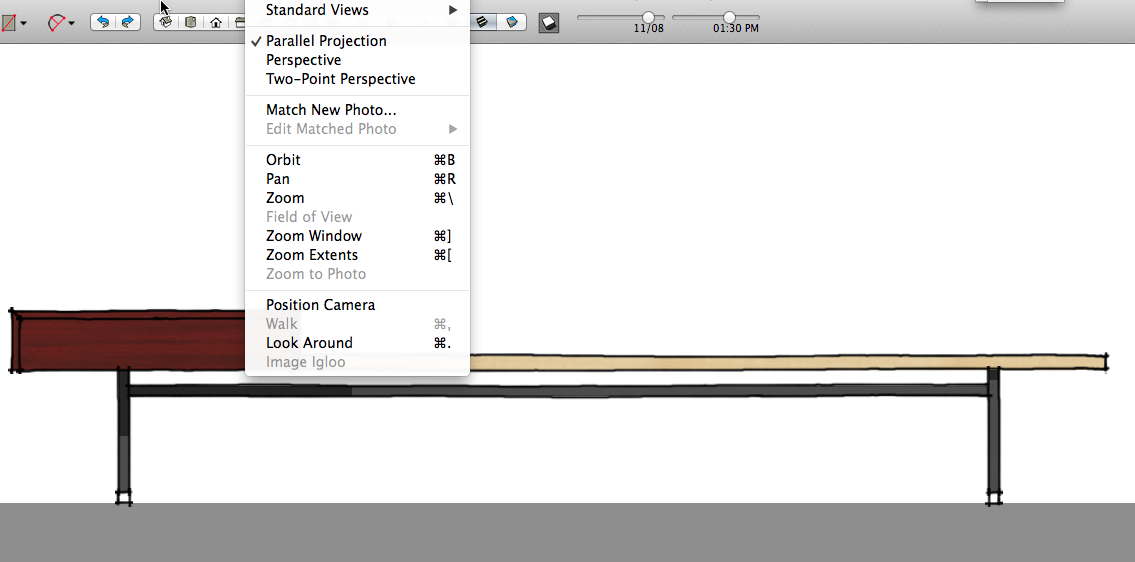
After orbiting.
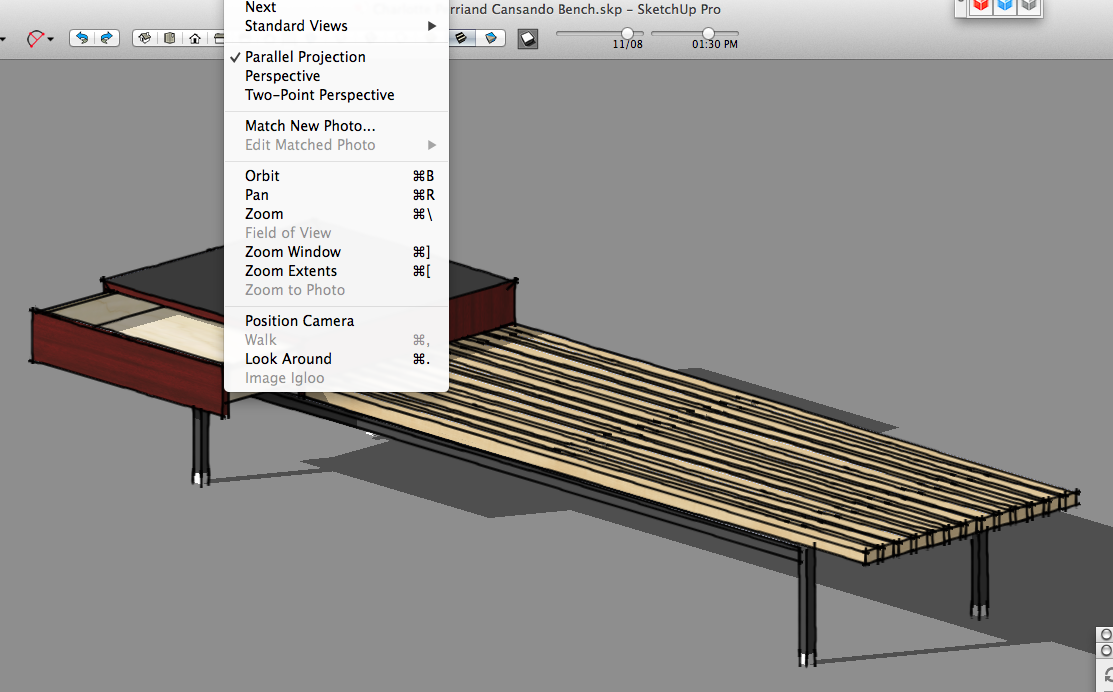
After manually switching camera to Perspective .
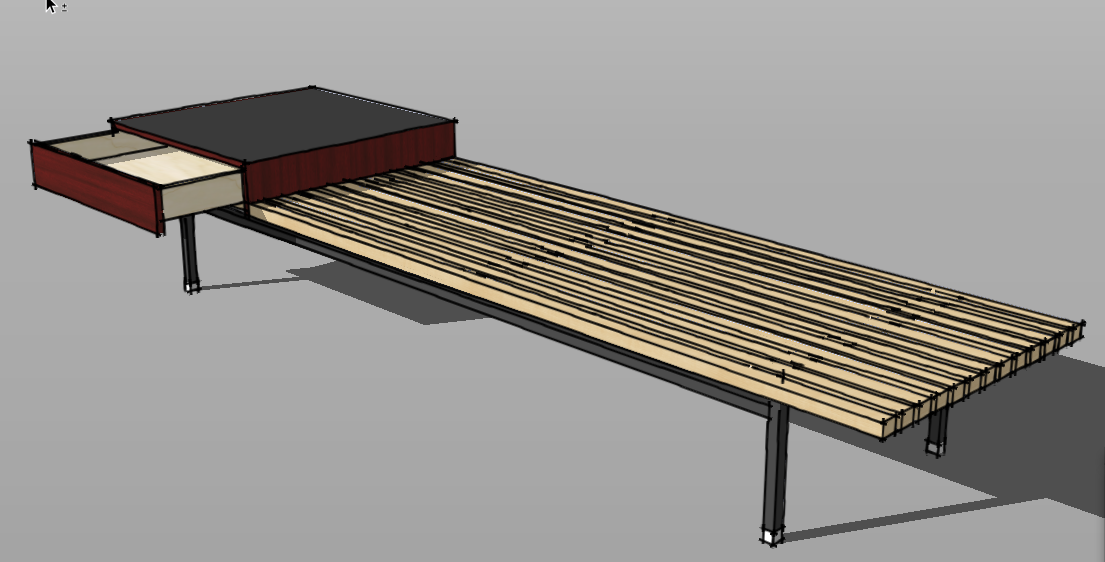
-
@dave r said:
I don't see that on my Mac. When I orbit the view shows an isometric view but it is still parallel projection.
I select Menu >> Camera >> Parallel Projection
I Orbit
I check Menu >> Camera : Perspective is selected
are you seeing something else??
EDIT: I had left the code from above active when I started test, it causes Perspective to 'Stick'
john
-
-
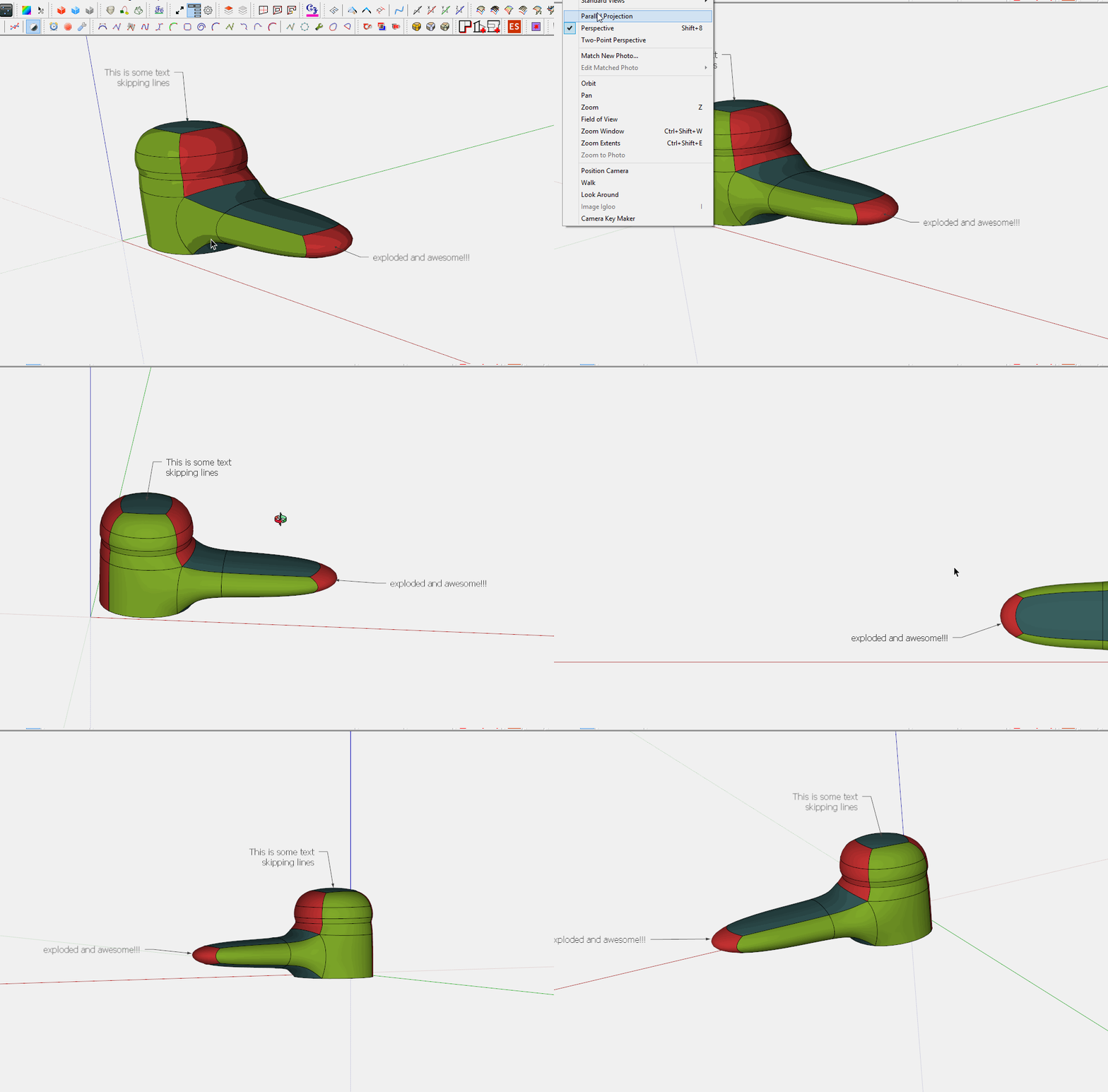
click that image to play it
-
your to quick dave I edited my question because
I had left the code from above active when I started test, it causes Perspective to 'Stick'
oops and thanks
john -
@rich o brien said:
click that image to play it
What did you use to do this Image Rich. It would help in a project I'm developing...




Hello! It looks like you're interested in this conversation, but you don't have an account yet.
Getting fed up of having to scroll through the same posts each visit? When you register for an account, you'll always come back to exactly where you were before, and choose to be notified of new replies (either via email, or push notification). You'll also be able to save bookmarks and upvote posts to show your appreciation to other community members.
With your input, this post could be even better 💗
Register Login


Advertisement