PluginStore for FireFox released
-
https://addons.mozilla.org/en-US/firefox/addon/pluginstoreff/
Now whether on Chrome or Firefox you can grab in Browser updates of what's new in the PluginStore
Mucho Gracias to TIG for his contribution to the PluginStore juggernaut

-
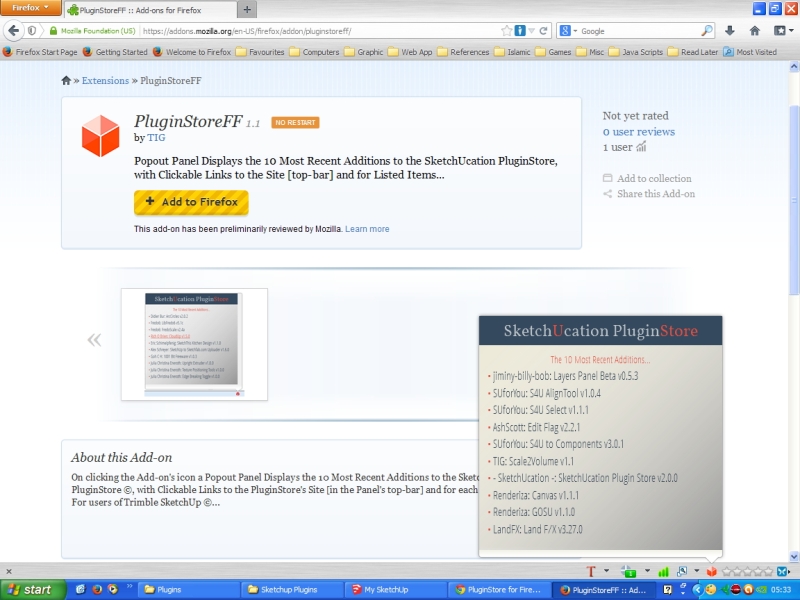
Took me a while to find it in the right bottom corner, but very nice!
-
 I cannot see the icon, the extension had been correctly installed but there's nothing in the extension bar
Same issue both on win7 and XP, firefox is updated to vers.24.0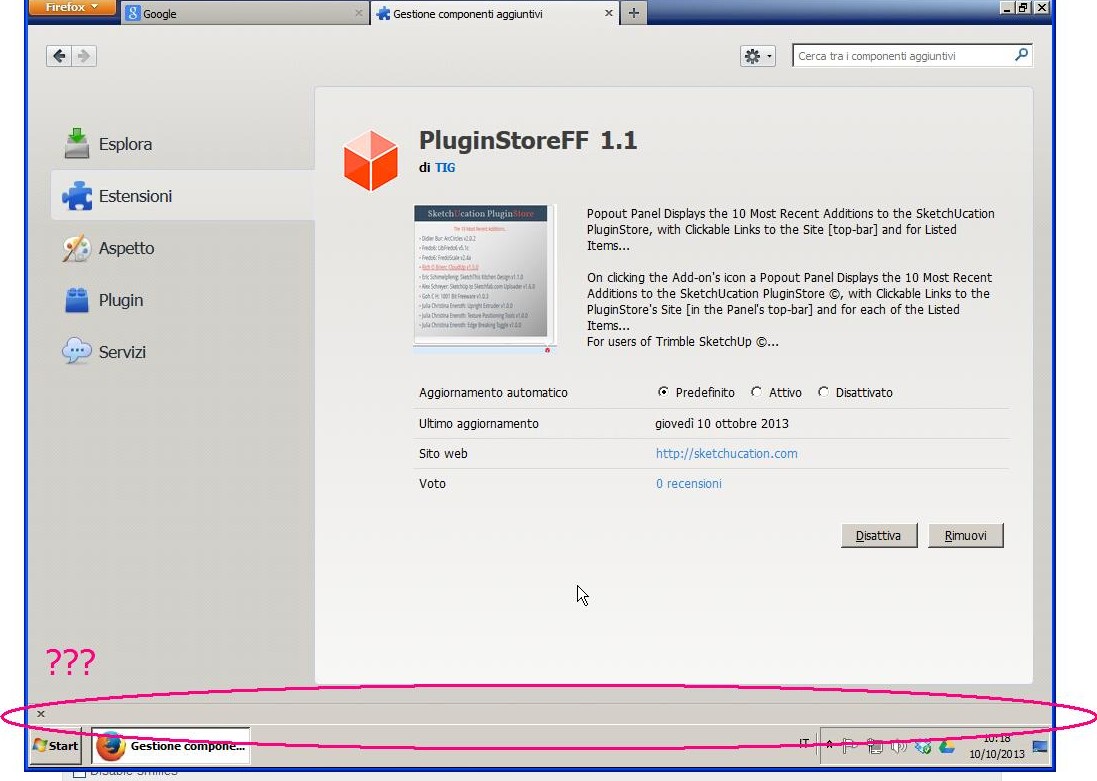
-

Works for me with Win7 & Firefox v24/25
Since you appear to have made a screen-shot I assume it appears in the installed Add-ons Extensions list ?
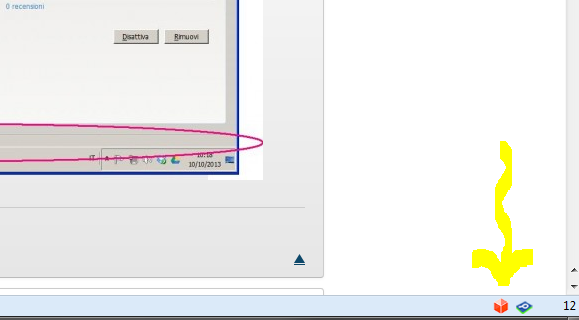
By default it ought to appear in the bottom-right of the bottom Add-on bar [although later on you can relocate it using 'customize'].
Do you have any odd settings in Firefox Options regarding js etc ?
-
@unknownuser said:
I assume it appears in the installed Add-ons Extensions list ?
yes
@unknownuser said:
By default it ought to appear in the bottom-right of the bottom Add-on bar [although later on you can relocate it using 'customize'].
nor I can find it among available commands to customize the bars
@unknownuser said:
Do you have any odd settings in Firefox Options regarding js etc ?
not that I know
-
You can drag-relocate its icon during 'customize' [say onto the top bar], but it isn't on the dialog's list...
Does your Add-on listing for it look like this ?

-
Finally... as suggested elsewhere for similar problem, I totally resumed firefox and reinstalled the plugin, now it works. Weird that the same behaviour occured on two different machines, isn't it? Thanks for your effort
-
 I've got it
it's all due to the private browsing settings, if I don't save browsing hystory the plugin doesn't work
...is it a correct behaviour? I always prefer don't save anything -
Thank you very very much for this one






Hello! It looks like you're interested in this conversation, but you don't have an account yet.
Getting fed up of having to scroll through the same posts each visit? When you register for an account, you'll always come back to exactly where you were before, and choose to be notified of new replies (either via email, or push notification). You'll also be able to save bookmarks and upvote posts to show your appreciation to other community members.
With your input, this post could be even better 💗
Register Login


Advertisement