Mapping texture to a curve
-
Should be pretty straightforward. As seen in the attachment, I have a curved shape (it is flat but curved) and want to position the texture so that it follows the curved shape as opposed to the current rectangle. Any advice or do I need to divide the curve up and position it section by section?

-
Hi Jay,
There are a couple of plugins you will need but with them, it is not hard at all. Here is a tutorial on how to do it: http://forums.sketchucation.com/viewtopic.php?f=18&t=34072&p=299717
(There I subdivided the going-to-be arch into as many segments as many bricks I had in the row but you need not deal with this part and FredoScale can also subdivide it for you - the more segments, the smoother it is at the end)
Then, of course there is a cool UV Mapping plugin, too, see here: http://forums.sketchucation.com/viewtopic.php?t=44501
-
Hi !
I would use this http://forums.sketchucation.com/viewtopic.php?t=18992 and this http://forums.sketchucation.com/viewtopic.php?t=17948 .
First import the texture then divide it in small rectangles and hide the lines,then use the UVToolkit to remember the texture position,then use the Fredoscale to curve the surface then use the UVToolkit to restore the texture .
Cheers !
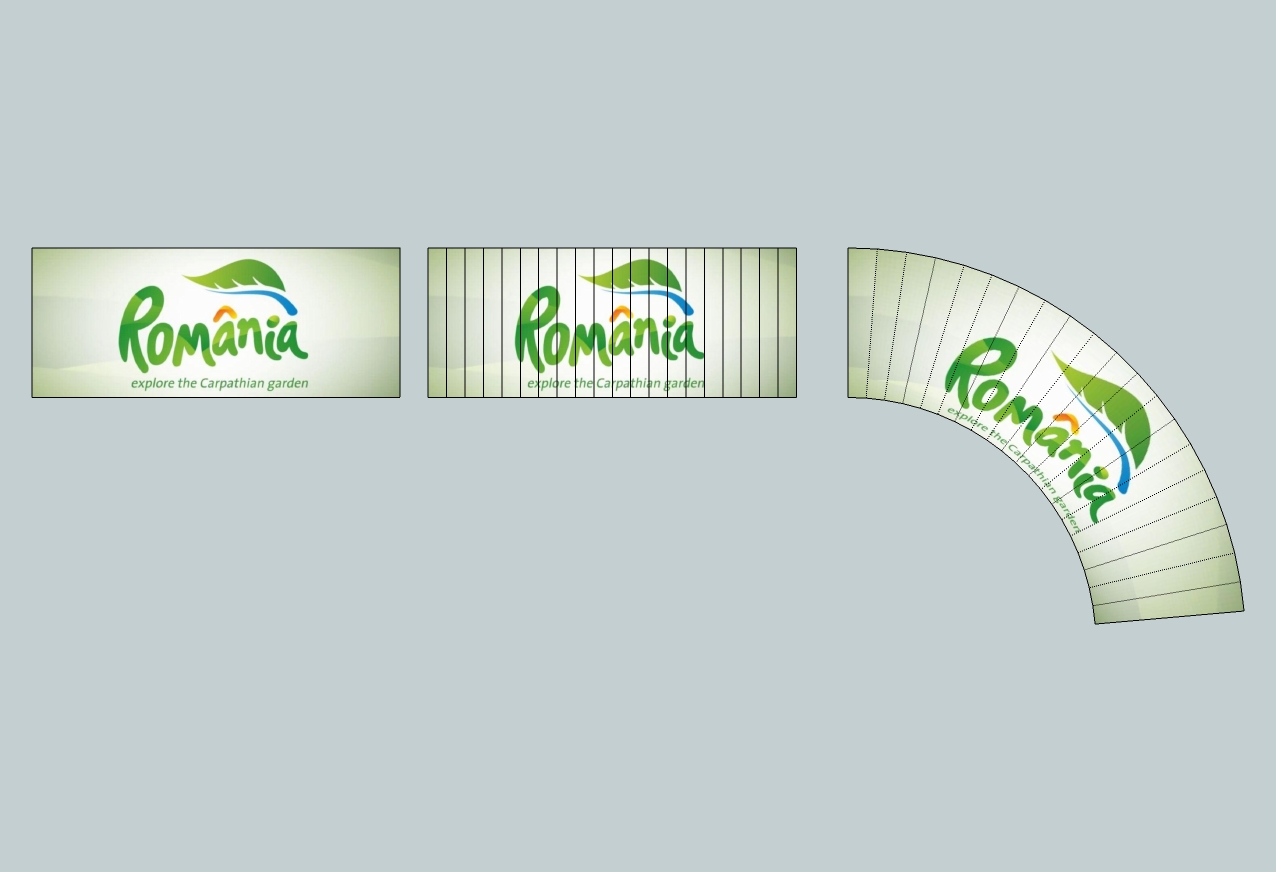
Edited
[off:2bdkj3jj]To Gaieus : Ahh, why you have to be the first all the time ?? Actually I would have been the first but I had to get the picture too ! [/off:2bdkj3jj]
 -
[off:39fq7pv6]Because I have already made the images (in that tutorial) so it was easier to simply link to it. [/off:39fq7pv6]
-
Interesting, UVToolkit will not show up in my sketchup. It looks all good in the plugins folder, the required plugin (TTlib2) is there, but it won't show up in sketchup
EDIT: Disregard. It is in the plugins window, not right-click. Need a break, I think. Will report back with results.
-
Or you can use this plugin.
Follow the modeling steps as suggested by Gai & Elisei and then texture the surface with Fredo's "ThruPaint".
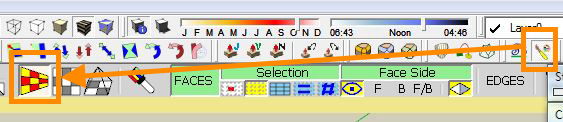
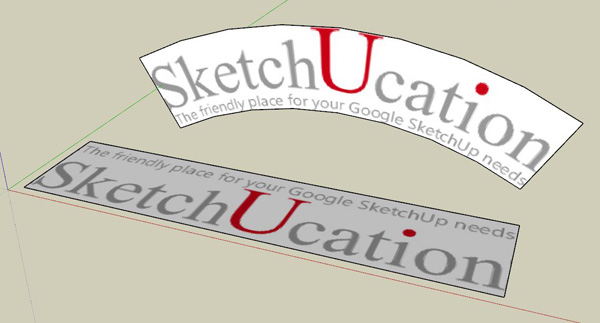
-
Thanks everyone. Was still having trouble getting UVToolkit to remember and restore UV, but massimo posted the perfect plugin - 1 click and it worked. Was also probably benefited by the fact I already had the necessary shape. Thanks very much, as promised, the finished result

-




Hello! It looks like you're interested in this conversation, but you don't have an account yet.
Getting fed up of having to scroll through the same posts each visit? When you register for an account, you'll always come back to exactly where you were before, and choose to be notified of new replies (either via email, or push notification). You'll also be able to save bookmarks and upvote posts to show your appreciation to other community members.
With your input, this post could be even better 💗
Register Login


Advertisement