Cutting a V around object
-
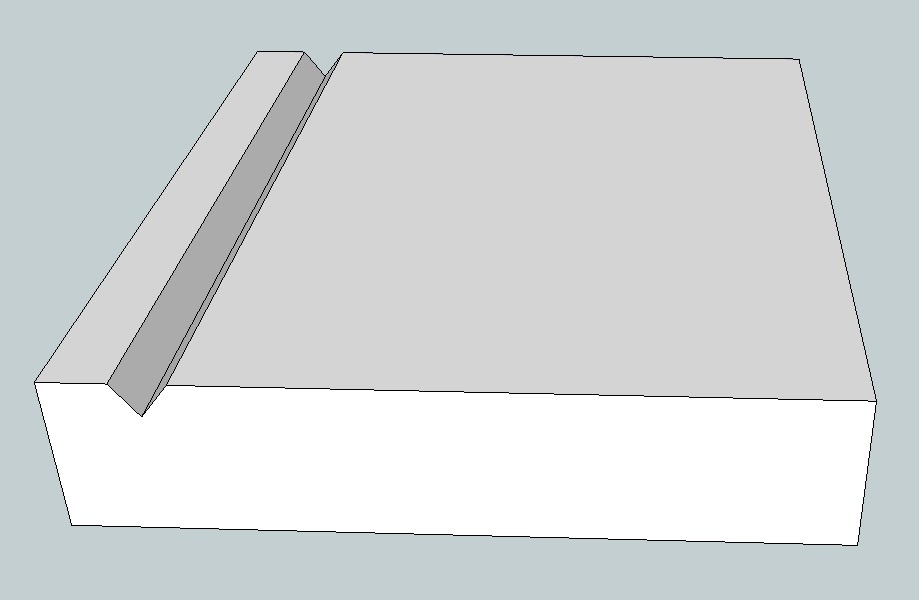
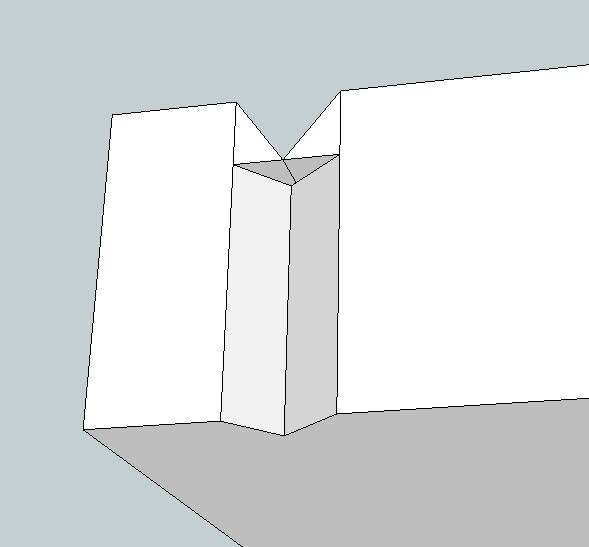
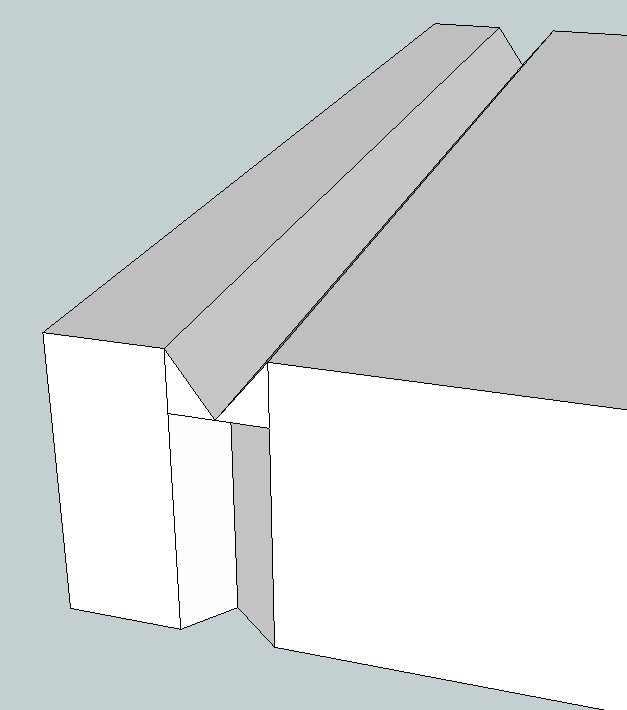
I'm trying to do something that I "thought" would be simple, but like so many thing in Sketchup it is turning out to be a real hassle. All I'm trying to do is cut a V shape on all four sides of a block. I push/pull the first side fine, but when I attempt the second side it stops at the bottom of the V on the first side. I know this is probably a simple operation (for those with more experience than I have), but any help would be much appreciated.
-
Instead of Push/Pull, try the Follow Me tool.
http://sketchup.google.com/support/bin/answer.py?hl=en&answer=94850 -
-
Jeez, I knew there was a simple way to do this. Thanks for the really fast help. Tomorrow I'm gonna go buy "Sketchup for Dummies", unless I can find a copy of "Sketchup for People Who Aren't Smart Enuf to Qualify As A Dummy"
-
For your groove, try this. The Follow Me tool looks like Push/Pull but it isn't. That's a new 'feature' in SU8.




Hello! It looks like you're interested in this conversation, but you don't have an account yet.
Getting fed up of having to scroll through the same posts each visit? When you register for an account, you'll always come back to exactly where you were before, and choose to be notified of new replies (either via email, or push notification). You'll also be able to save bookmarks and upvote posts to show your appreciation to other community members.
With your input, this post could be even better 💗
Register Login


Advertisement