Making Contours problem
-
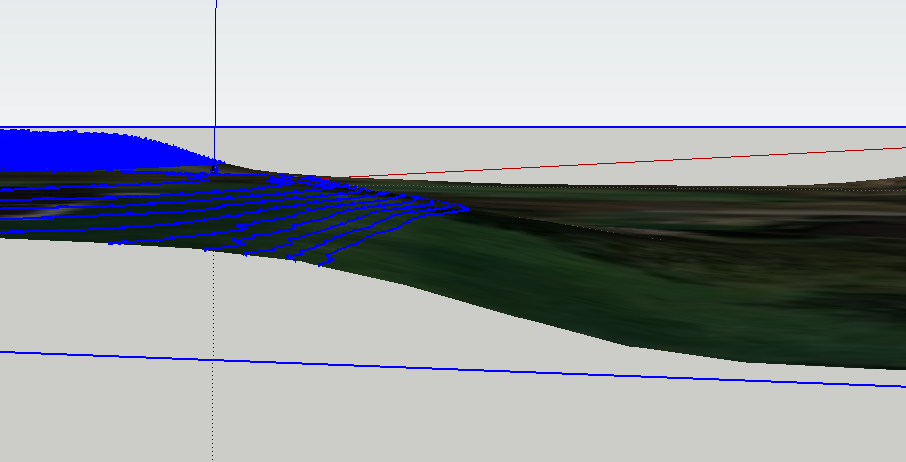
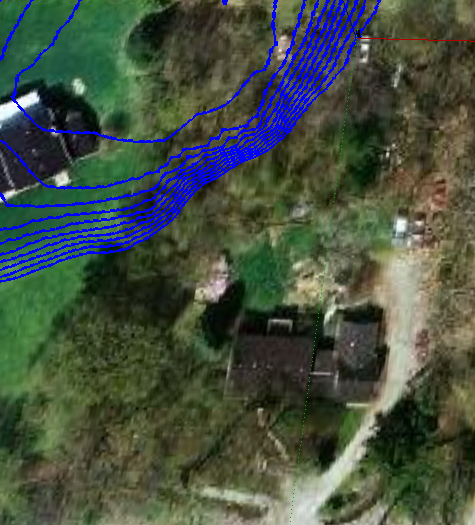
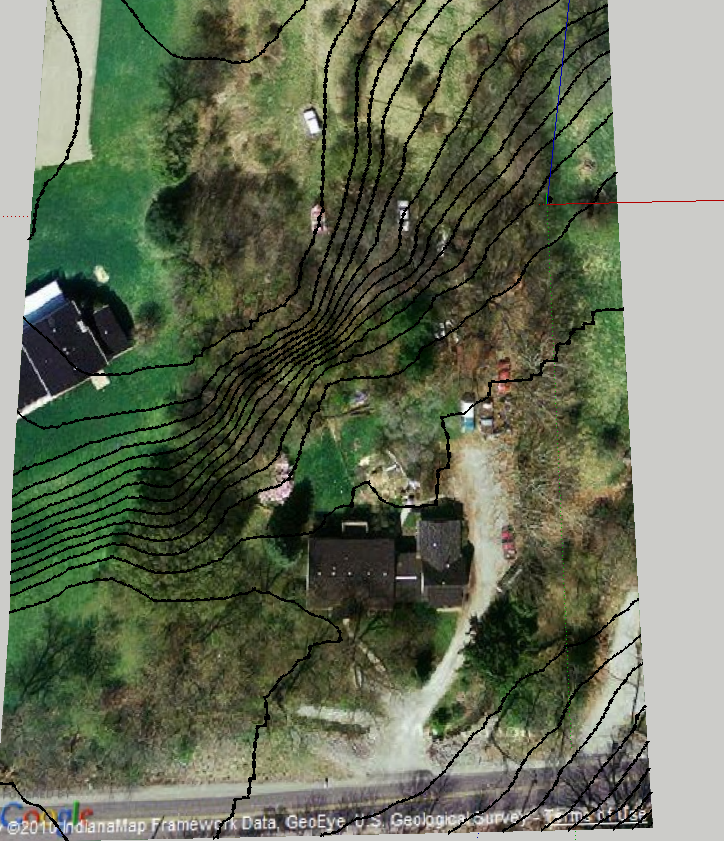
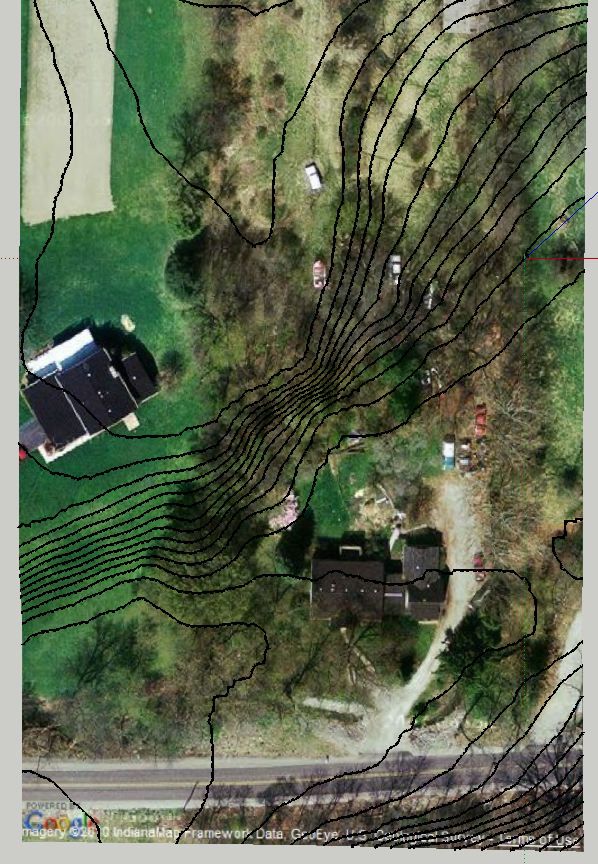
I have a new project to design a home on a nicely coontoured piece of wooded property. I used Google Earth to produce the terrain and used CD Archland - make contours, but the contours don't show all of the height difference. Attached are two images I grabbed from the scene. You can see that the bottom of the ridge is not contoured. I tried a number of intervals, the one show is at 6". Any thoughts? I have never used this feature before. Is there an alternate if this doesn't work?
-
slicer3.rb could do it for you...
-
Actually my
Slicertool came from myContourMakertool - that adds contours at ANY preset height increments through a selected group/instance... http://rhin.crai.archi.fr/rubylibrarydepot/plugin_details.php?id=83
this should do what you want...
-
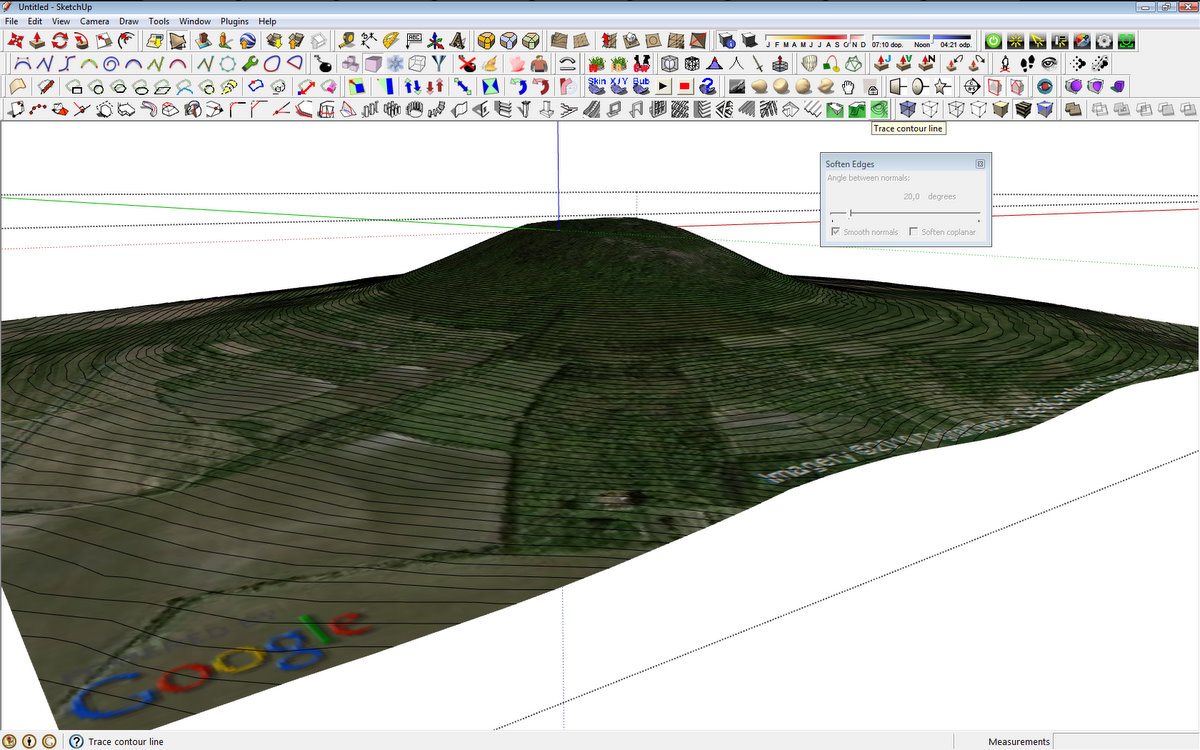
1001bit plugin make contour tool works pretty good ...
-
Thank you Kris, TIG and Starling75.
The 1001Bits trace contour worked.

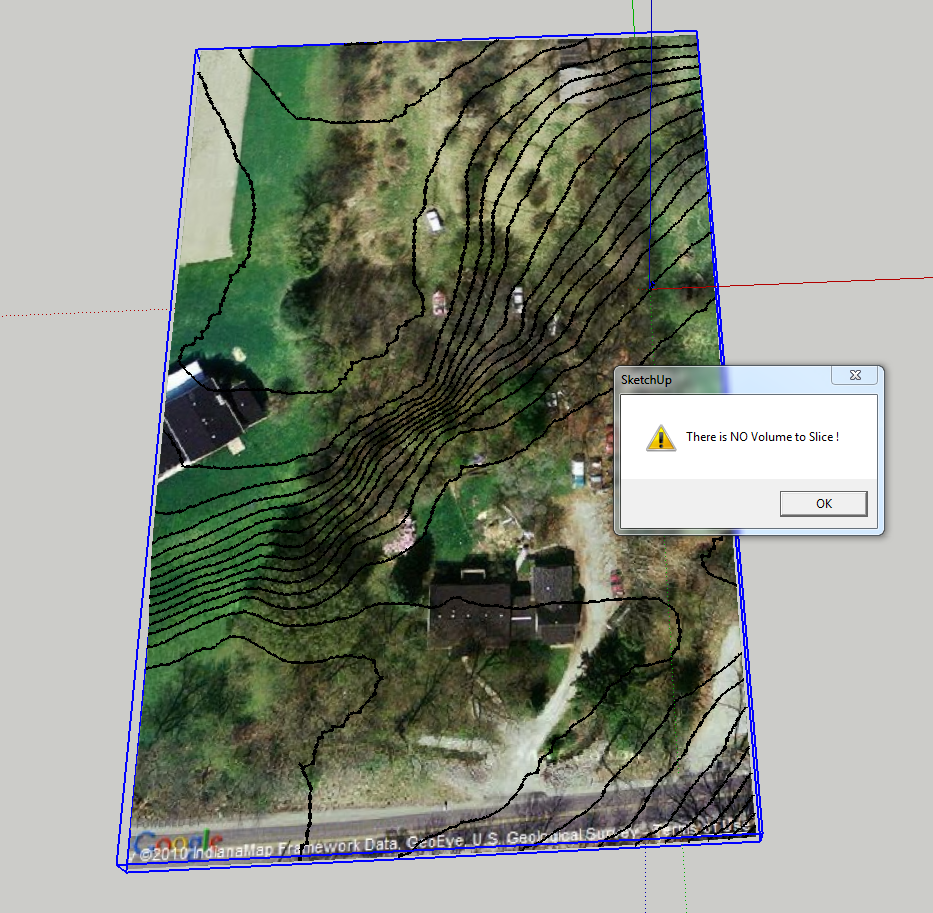
Slicer worked - sort of- It would cut the contour lines but would give me a screen "no volume to cut" and when I click ok - the contours dissapear.
 I varied the slice thickness but no change.
I have used slicer before, but never got that kind of dialog box.

-
Unless you make the surface a 'manifold' volume Slicer will give that error - the surface is simply a rippled sheet and so there is no volume to slice up...
I would use my 'ContourMaker' to add contours to the form at your desired vertical spacing...
-
Thanks TIG, the contour make works fine.I understand why the slicer would not work. All other times I have used it was on solids.
-
Silly question, but how do you get the Google Earth terrain data into Sketchup? I spent hours one day trying to figure it out and never did. Looks like it would save me a lot of time.
-
@earthmover said:
Silly question, but how do you get the Google Earth terrain data into Sketchup? I spent hours one day trying to figure it out and never did. Looks like it would save me a lot of time.
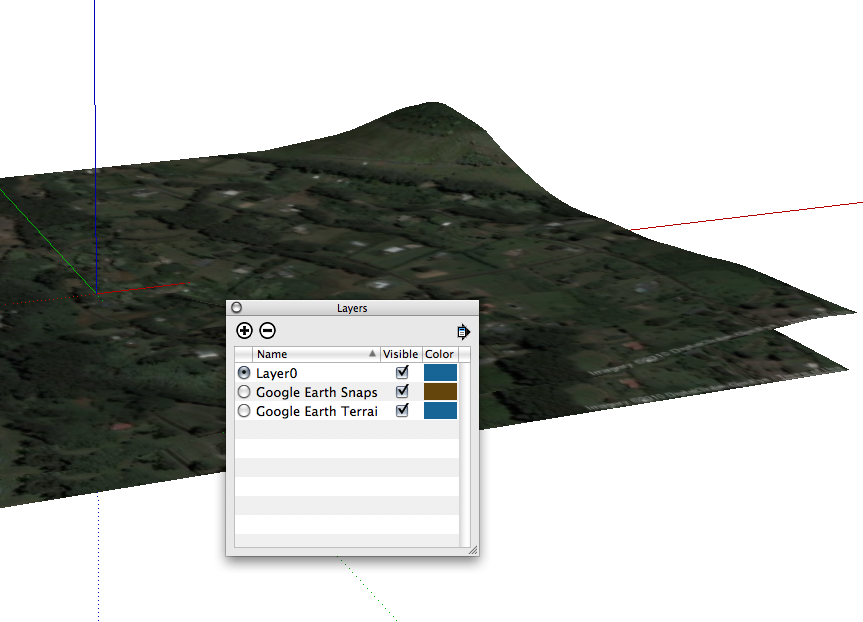
When you import your location terrain comes along as separate layer.
-
Thanks, I found it in the layer winder. I never knew it also came in to scale. That's pretty amazing and the contour drawing will save me so much time on my outdoor construction projects with a lot of grade changes.
-
hmmm... I always just used the "toggle terrain" button. I didn't know it was just a layer.
-
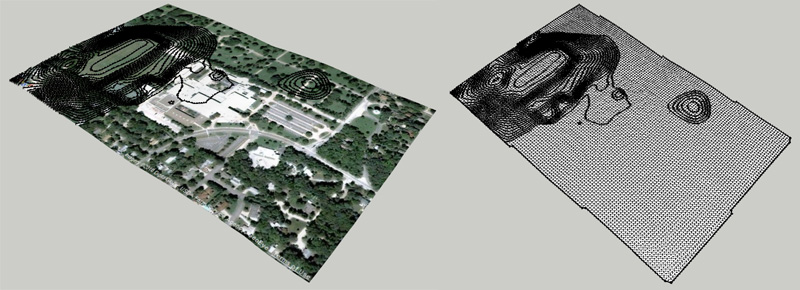
I'm having a related problem. I imported a GE terrain, but when I use Create Contours it only contoured half the model. So I used Drape Cpoint and created a second surface with the Sandbox tools and ran Create Contours again. Same result. I also tried copying the Sandbox terrain to a new file and also tried again after smoothing. No change. I know there is Z data in the surface. Why won't it create contours there?
[Edit]
Problem solved, although it's an annoying solution. Apparently, Contour Maker won't make contours that are below the axis. A simple fix is to raise the GE terrain, make contours, and then move everything back down to its original location. Would a better solution be to try and modify MakeContour.rb or is this something better for Google to try and fix in the next update? -
Here's Contour Maker v1.5 - http://forums.sketchucation.com/viewtopic.php?p=273795#p273795
It does now make contours z<0 and is tidied up - it was 5 years old...
-
Works great TIG. Thanks!





Hello! It looks like you're interested in this conversation, but you don't have an account yet.
Getting fed up of having to scroll through the same posts each visit? When you register for an account, you'll always come back to exactly where you were before, and choose to be notified of new replies (either via email, or push notification). You'll also be able to save bookmarks and upvote posts to show your appreciation to other community members.
With your input, this post could be even better 💗
Register Login


Advertisement