How Can I Show the "Wireframe" and "Face" Style same time ?
-
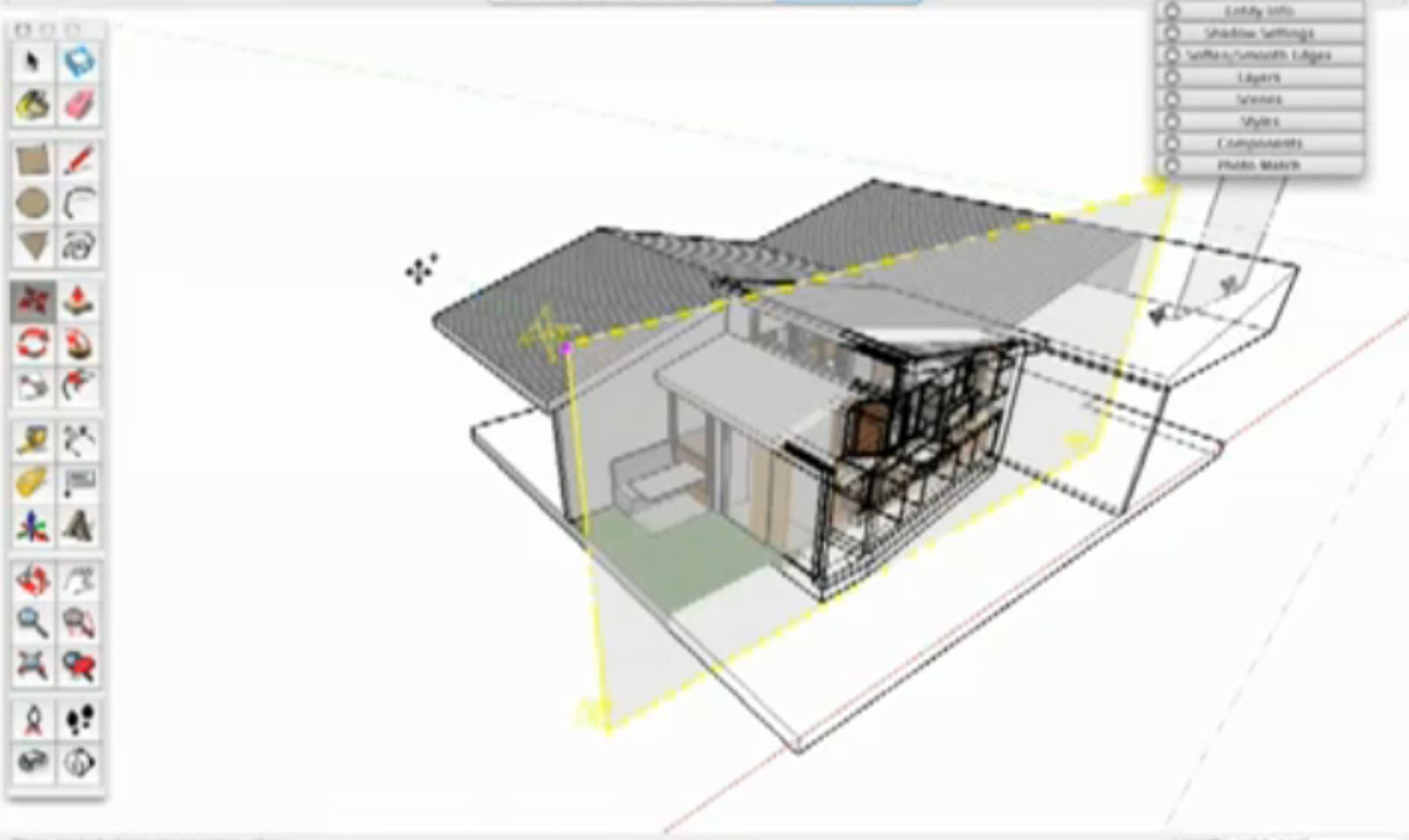
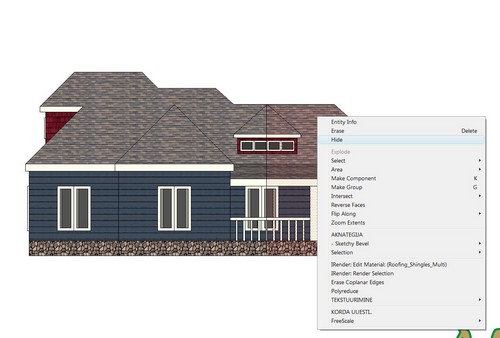
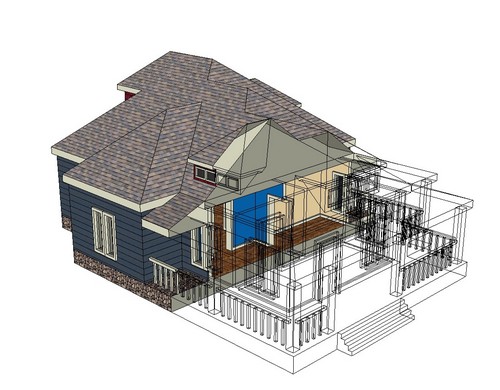
Just like the picture show ~~

I have try more time, but I still don'y how to do that
-
I'm not sure if I understand your problem correctly.
If you want to do the same as in your picture, you have to use sections planes. First activate it.
View > Toolbars > Sections -
@jean-franco said:
I'm not sure if I understand your problem correctly.
If you want to do the same as in your picture, you have to use sections planes. First activate it.
View > Toolbars > SectionsThanks Jean
 ,
,
ummm..
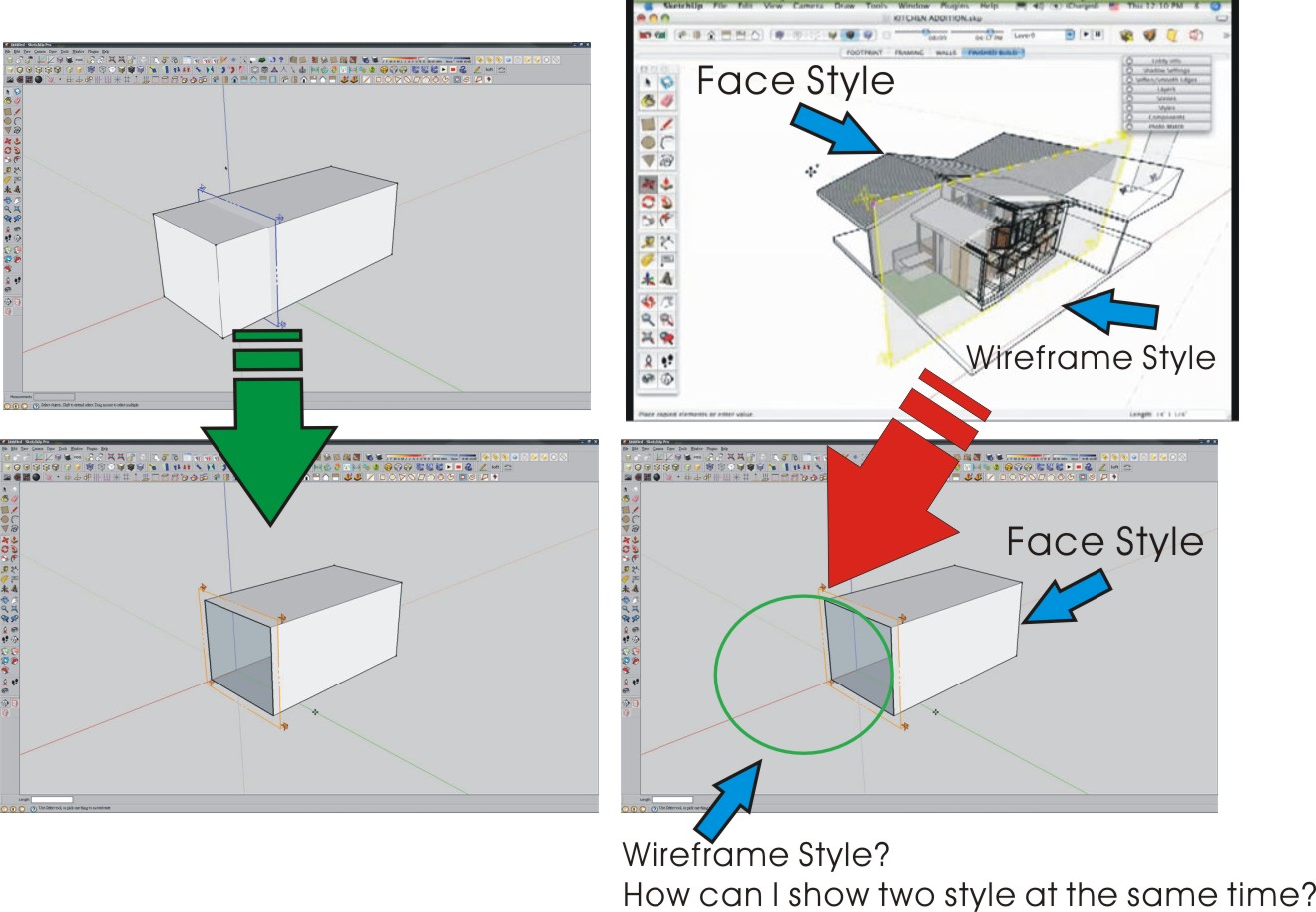
May be like the follow picture~
-
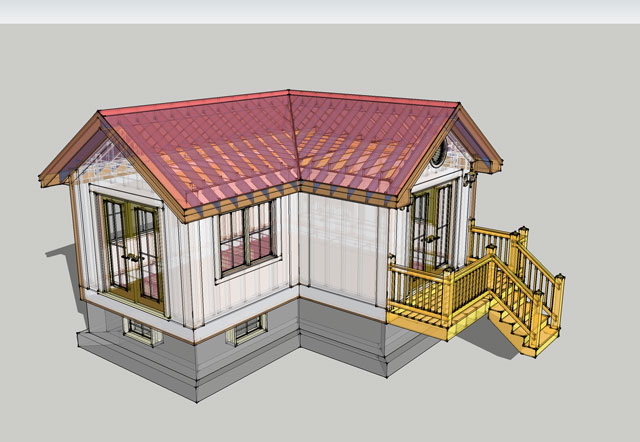
Not sure I understand your goal either........but maybe enable X-ray and set transparency to "nicer".
Best,
C
-
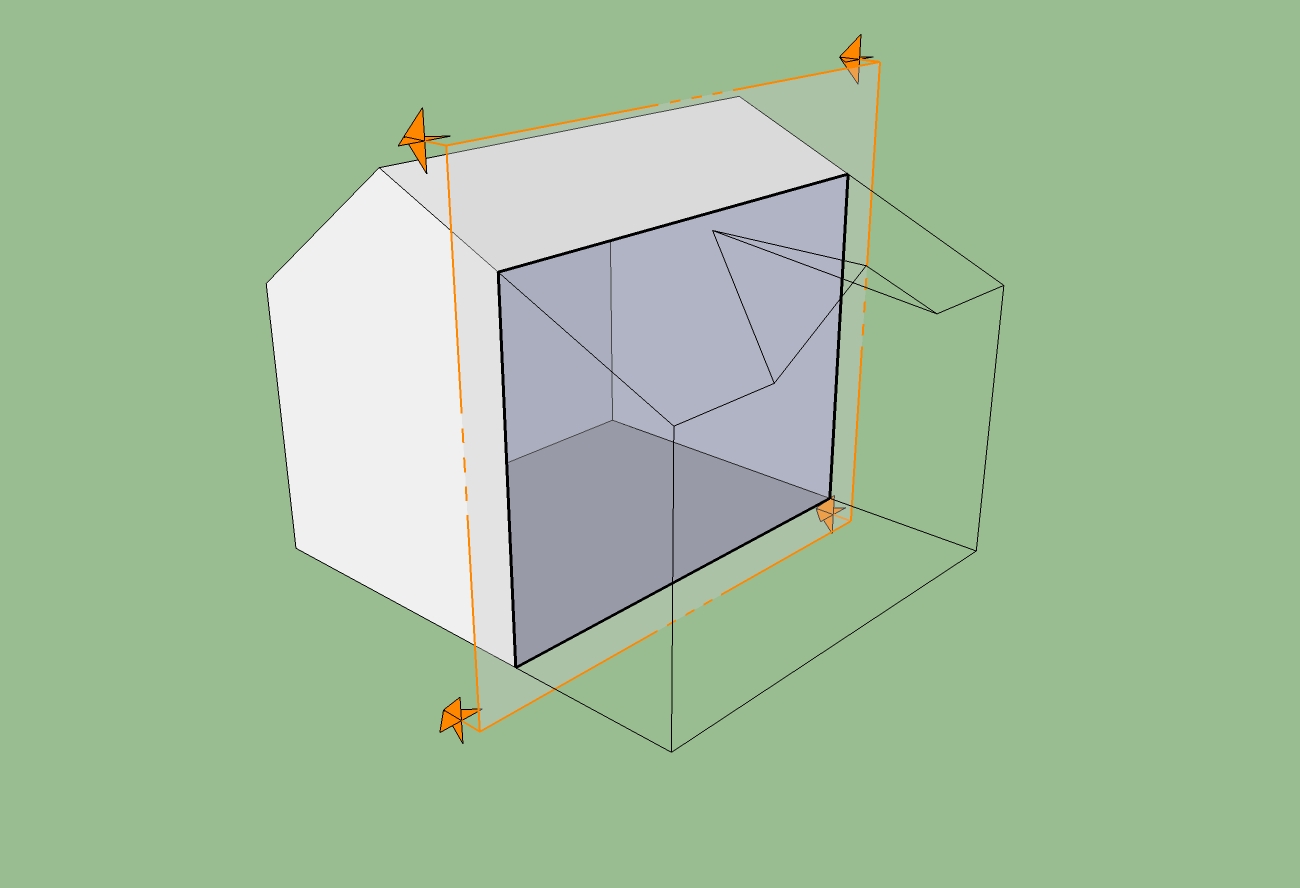
I THINK he wants to have the section plane get rid of only the faces. That's impossible, unless you use a little trick. Here's how: make 2 identical groups. In one, hide all faces. In the group group that doesn't have the faces hidden, add the section cut. It should do this.
-
@ranlai said:
Just like the picture show ~~
I have try more time, but I still don'y how to do that I made it using zorro and filter tools.
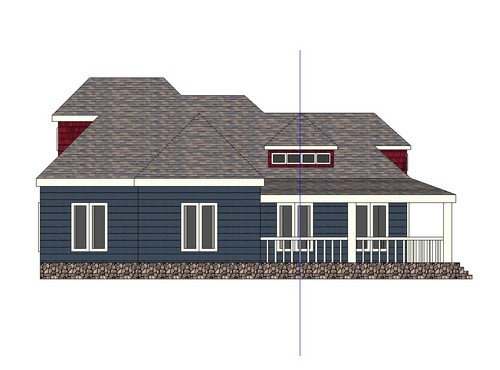
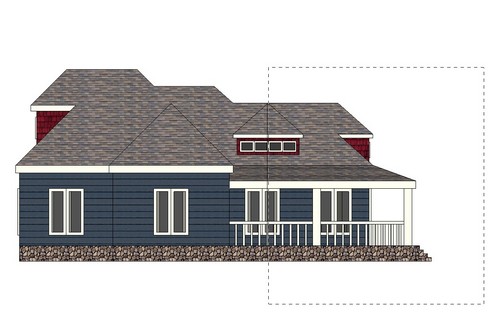
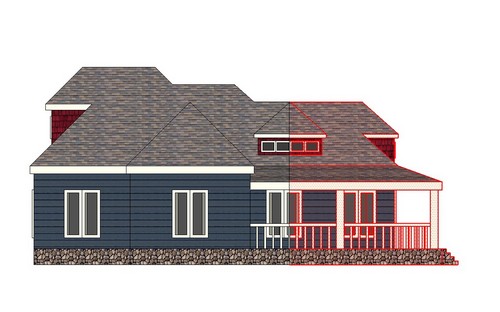
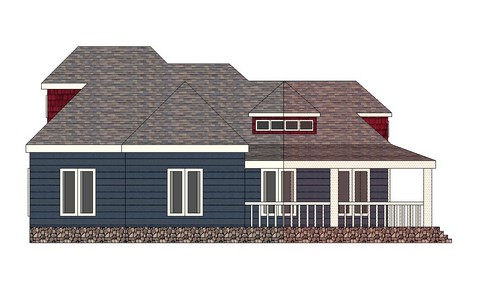
-
THANK ALL GUY
I have see Mike CLICK CLICK the mouse key when the wireframe will show on~
The time range in video at 02:40-02:55
http://www.youtube.com/watch?v=kvtZWQrimV0

Hello! It looks like you're interested in this conversation, but you don't have an account yet.
Getting fed up of having to scroll through the same posts each visit? When you register for an account, you'll always come back to exactly where you were before, and choose to be notified of new replies (either via email, or push notification). You'll also be able to save bookmarks and upvote posts to show your appreciation to other community members.
With your input, this post could be even better 💗
Register Login


Advertisement