I have really been liking the slab size function of the door and glass door, the reporting fits the bill and sizing is more true, but none of the other door modules work the same way. It feels like having the option should either be available everywhere, or nowhere. If you match the jambs to fit with the jambs of a fixed slab, lets say 3068 for the fixed and the same scaled for any other door type and it would report as 32.519769.8504 Door which is a horrible read out. I think in the meantime I just need to not use that function in the regular doors, but it would be helfpul in the future if it was consistent across all door products.
Oops, your profile's looking a bit empty! To help us tailor your experience, please fill in key details like your SketchUp version, skill level, operating system, and more. Update and save your info on your profile page today!
Check out Febhouse | New extensions for Shadow Analysis in SketchUp Download
 J
Offline
J
Offline
Latest posts made by joshtays
-
Consistency in doors
-
Report Name not updating
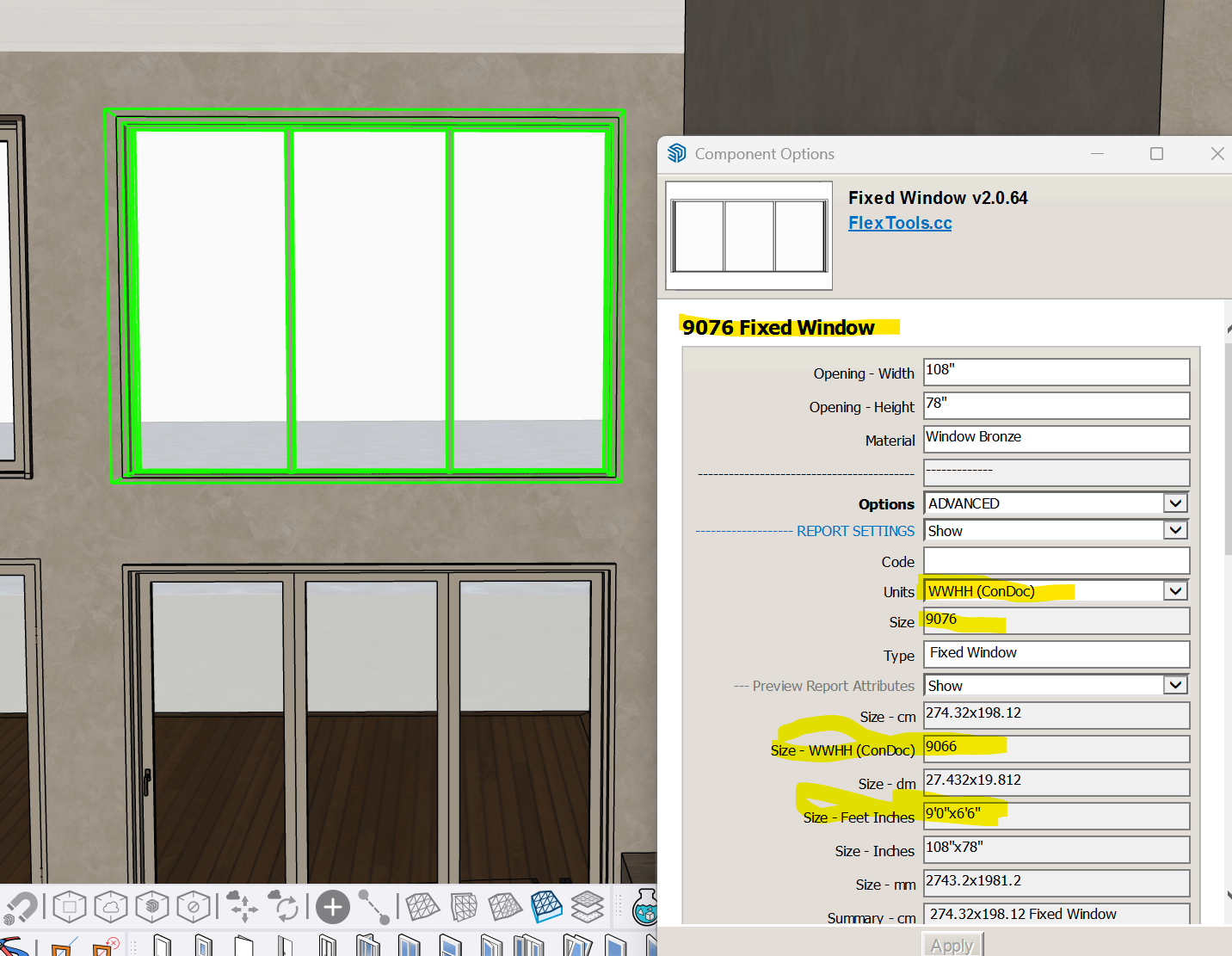
In a few different models, I have experienced the description not updating with size changes for windows. In the screenshot below, I have reduced the opening of window to 6'6 and the report attributes show 9066 and a size of 9'0x6'6, however the size under units in REPORT SETTINGS still says the former state of 9076, the summary in top line also says the incorrect size. It will not update if I change units, resize, cut and paste in place. Any ideas?
-
RE: [Plugin] MultiTags for Sketchup
Hi,
I've been trying to purchase a license, but the pay company for your cart has failed on two different accounts. Is there a way to Venmo, or transfer you payment for a license other than through the cart, or worst case scenario, send another trial license until the cart is fixed and I can properly support your endeavors?
-
Medeek Wall 2D symbol height
Sorry if this has been asked, I tried to search first, and I'm sure I'm just glossing over an obvious setting.
Does anyone know a way to offset the 2D symbols for Medeek wall plugin so that they sit above finished floor level instead of at plate height? I tried vertical offset of door, but that only seems to move the 3d Data, not the 2D.
Thanks all.
-
RE: [Plugin][Code]SKMtools,Material/ImageTools
-Ruby console-
Error: #<Errno::ENOENT: No such file or directory @ rb_sysopen - C:\Users\2atay\Desktop\TrimmedImages\Etsy_Oaxacan_rug_zapotec[Edges].dat>
C:/Users/2atay/AppData/Roaming/SketchUp/SketchUp 2021/SketchUp/Plugins/SKMtools/ImageTrimmer.rb:277:inreadlines' C:/Users/2atay/AppData/Roaming/SketchUp/SketchUp 2021/SketchUp/Plugins/SKMtools/ImageTrimmer.rb:277:inmake_edges'
C:/Users/2atay/AppData/Roaming/SketchUp/SketchUp 2021/SketchUp/Plugins/SKMtools/ImageTrimmer.rb:201:inprocess_image' C:/Users/2atay/AppData/Roaming/SketchUp/SketchUp 2021/SketchUp/Plugins/SKMtools/ImageTrimmer.rb:170:ininitialize'
C:/Users/2atay/AppData/Roaming/SketchUp/SketchUp 2021/SketchUp/Plugins/SKMtools/ImageTrimmer.rb:834:innew' C:/Users/2atay/AppData/Roaming/SketchUp/SketchUp 2021/SketchUp/Plugins/SKMtools/ImageTrimmer.rb:834:inblock in <top (required)>'-Temp Folder-
EdgeDetector.jar
from.ini
to.ini
the ini files are pointing to the trimmed images folder, which for this test happens to be on my desktop -
RE: [Plugin][Code]SKMtools,Material/ImageTools
Dave R, no sorry been a while since I've updated my profile, LOL. I'll update shortly
SU V20.0.391 Win 64
Machine is a gen 10 I7 desktop with RTX 3070 64GB RAM
TIG - I'll try cropping the image harder, but this is happening with images that I have had success with in the past as well. In the temp folder that comes up in model location, the only file inside is a copy of the PNG.Edit not the temp folder you were asking about... Going to run with console on then check the temp folder and get back.
-
RE: [Plugin][Code]SKMtools,Material/ImageTools
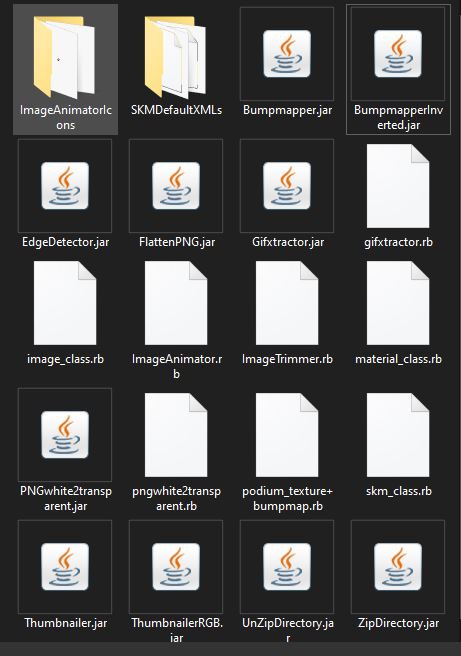 Stumped:
Deleted root level plugin folder and rb file
Downloaded fresh from Sketchucation
re-installed from extension manager
Uninstalled ALL compresssion apps
Ensured all jar files default to java
Ran 2021 installer as admin, repair
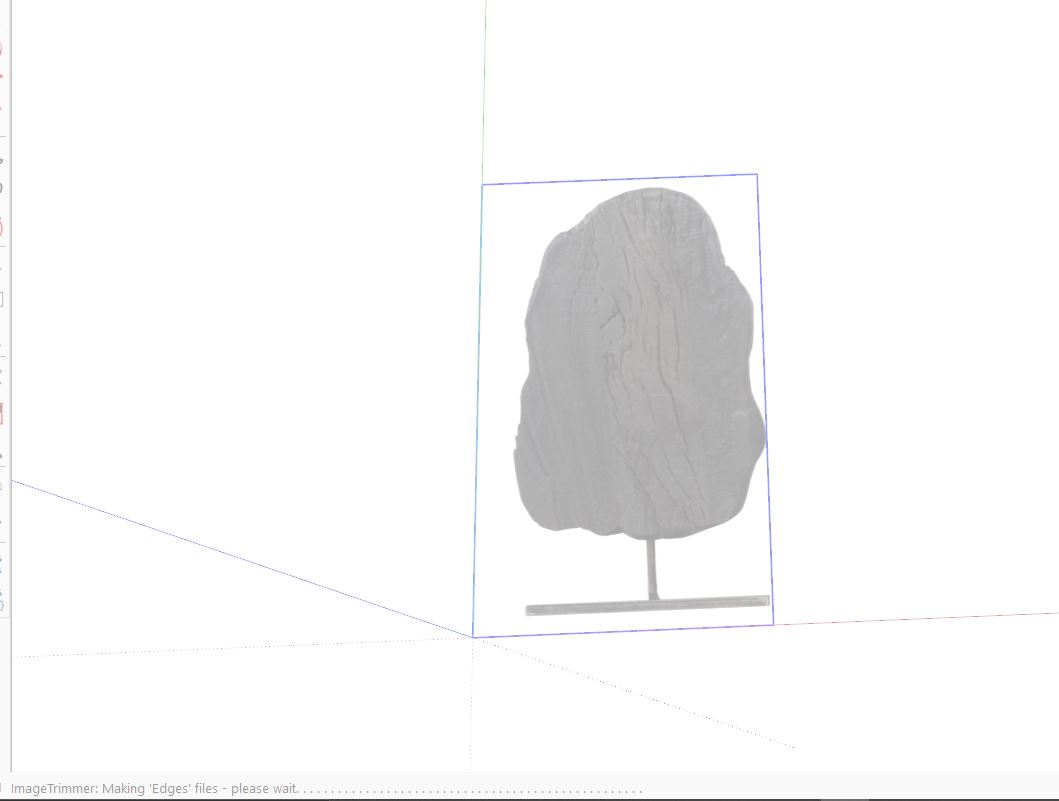
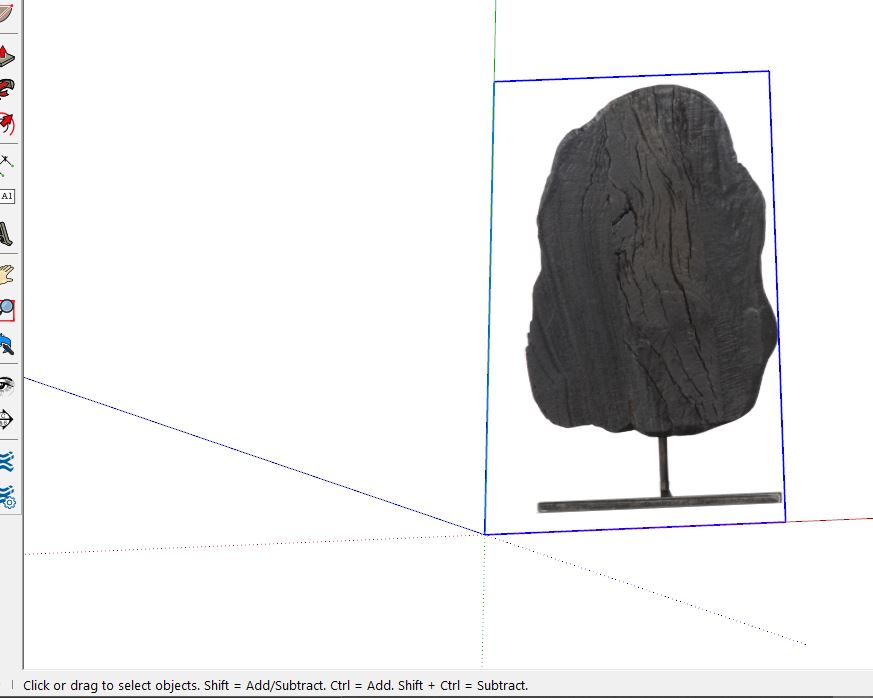
deleted SKMTools temp folderStill getting creating edges, then no dialogue box for simplify, standup, etc, like plugin used to do, processing ends, image remains png.
File is 100% alpha on image and 0% on background, confirmed in PS
TrimmedImages folder with png from SU file is generated in root folder that SU file lives in.
-
RE: [Plugin] Universal Importer - v1.2.6 - 30 July 2024
Maybe this has been asked, I tried to search it just in case, so apologies if it has been answered already... Is there any plan to support PDF in the future? Lack of PDF import to Windows Sketchup boggles my mind.