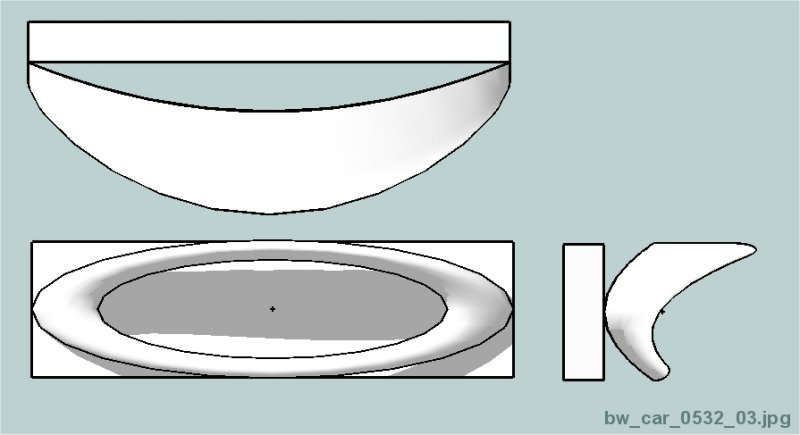
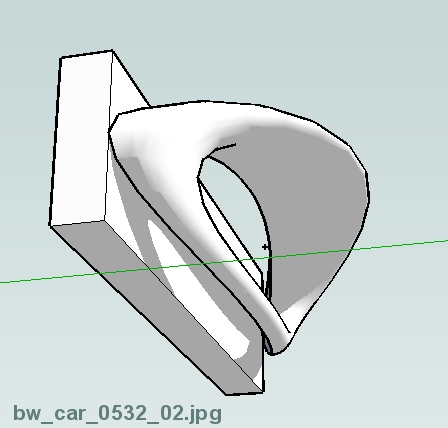
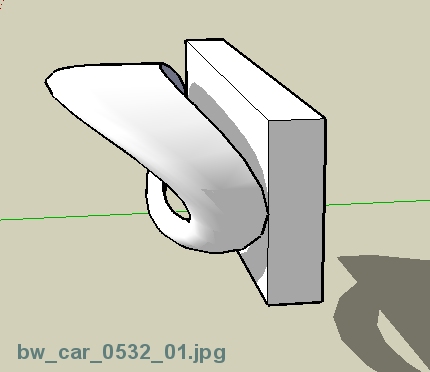
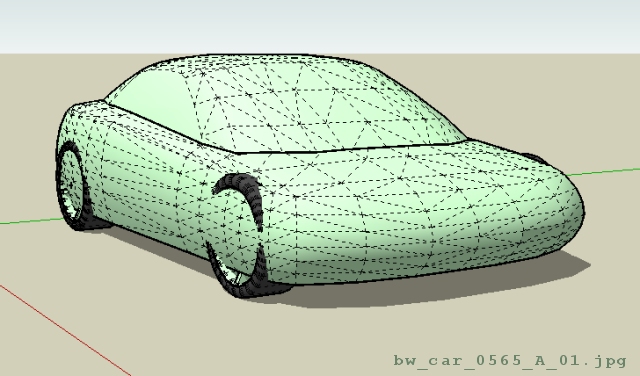
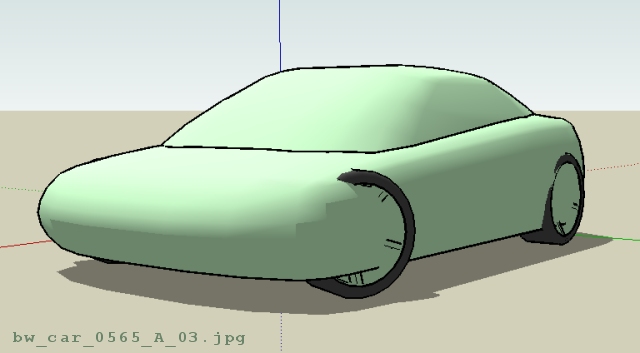
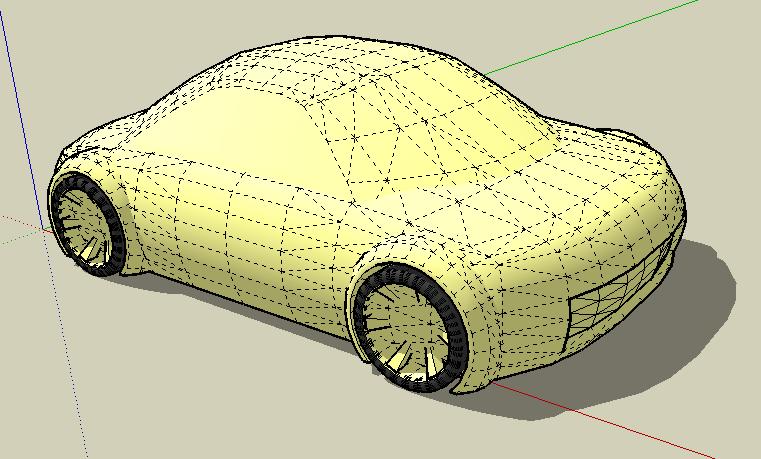
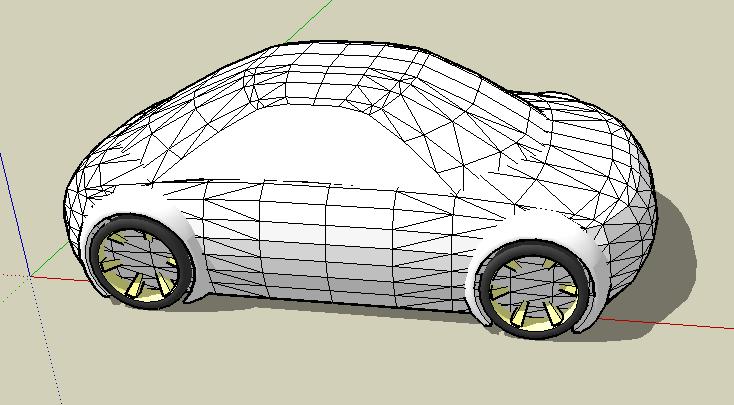
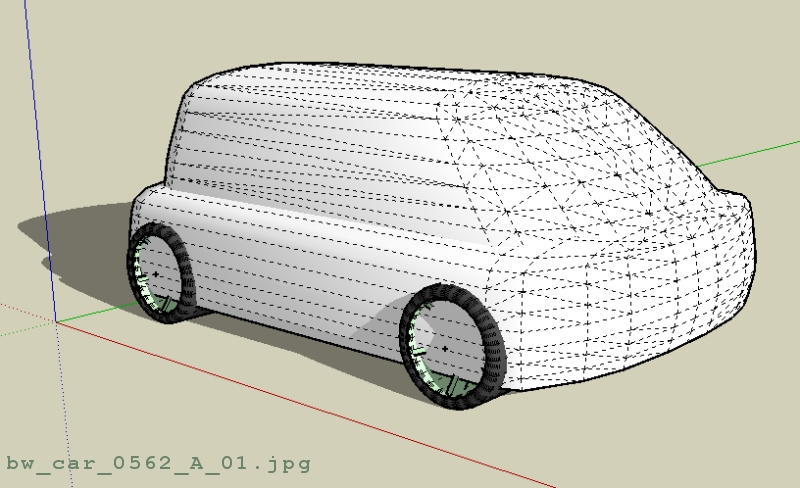
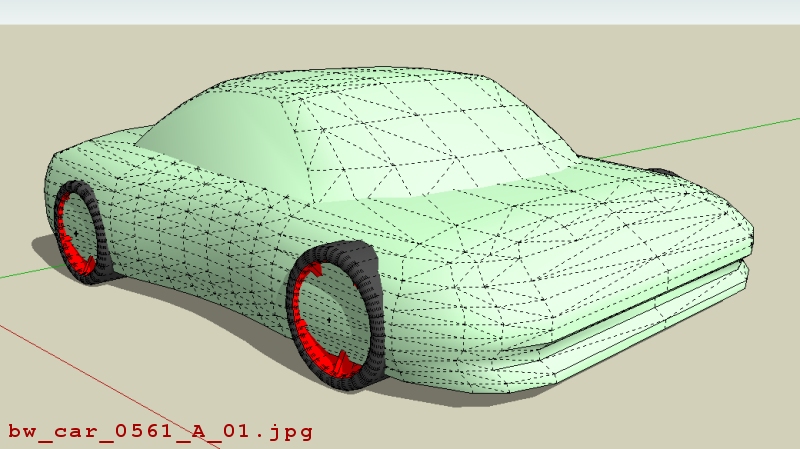
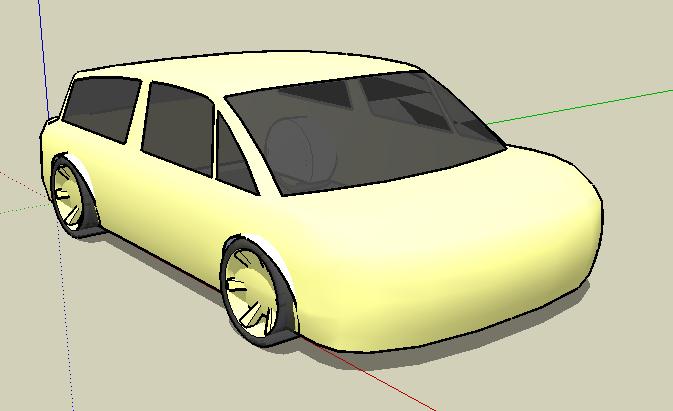
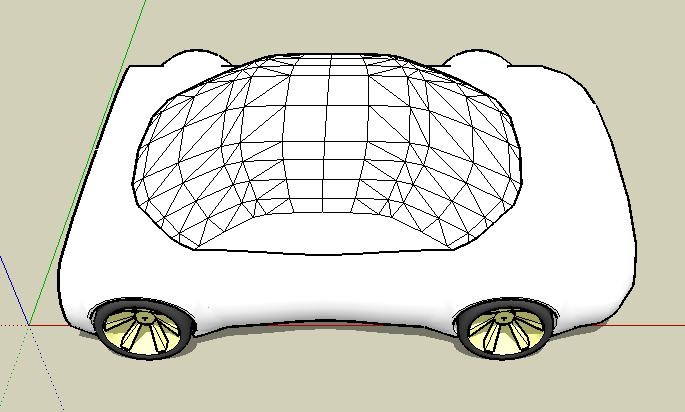
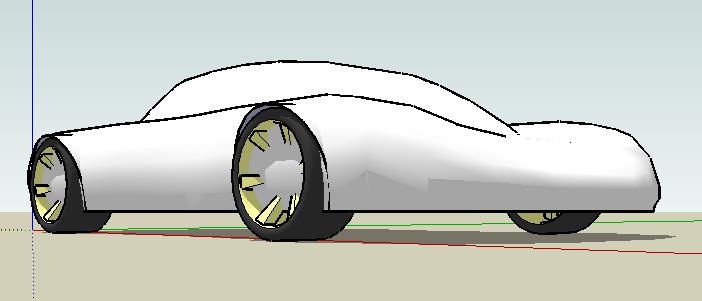
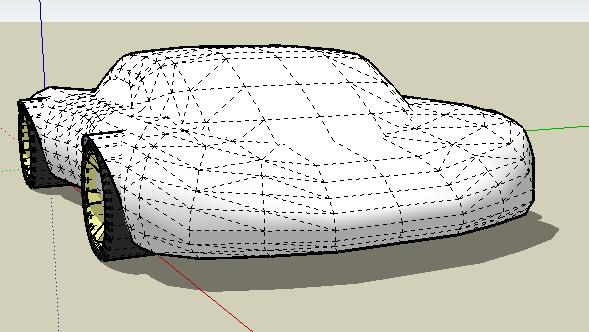
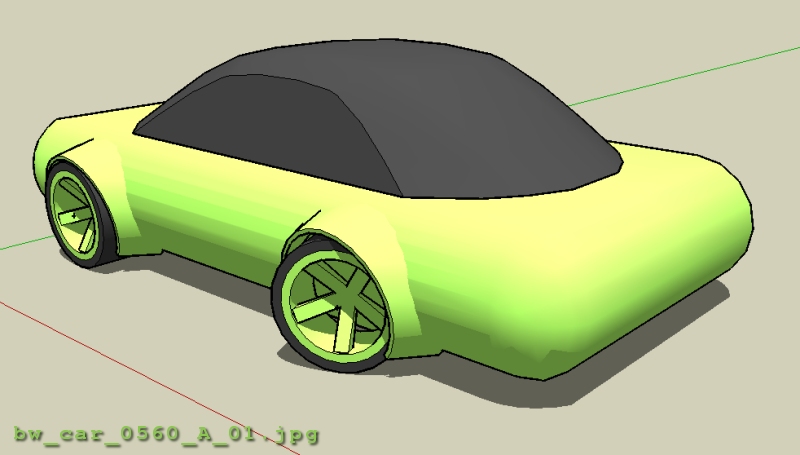
What this series does not show is how easy it is to go back and change shapes. For example, after watching the first & second video it's hopefully obvious to figure out how to create and change shapes very easily (see first image below - although this image does not show formed sides).
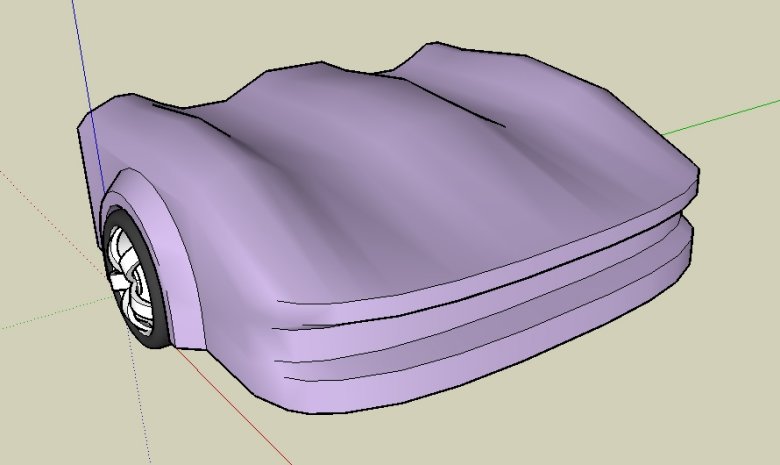
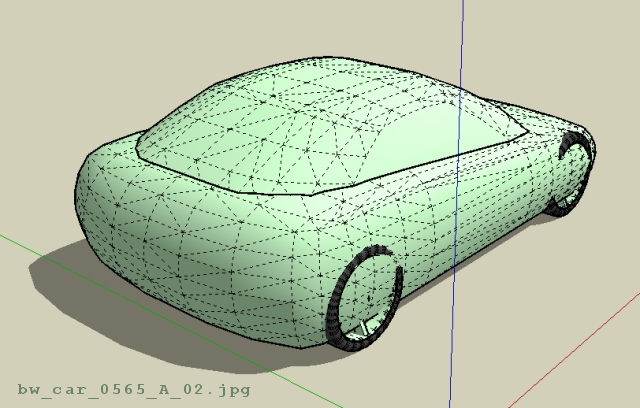
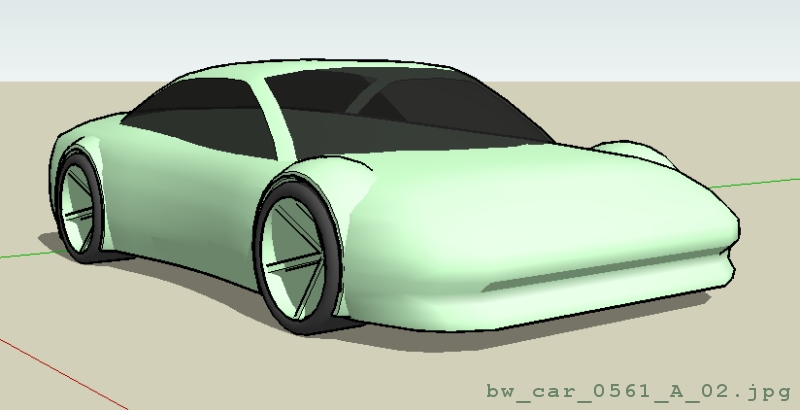
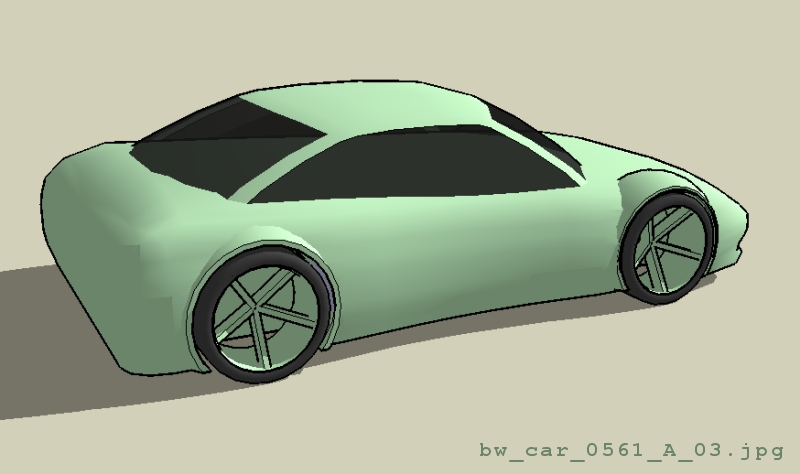
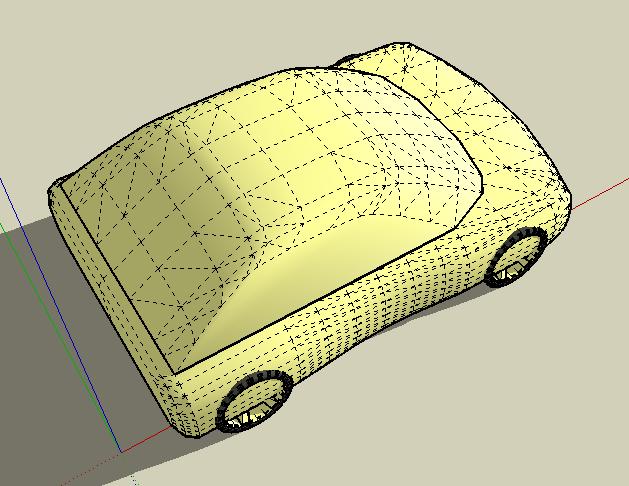
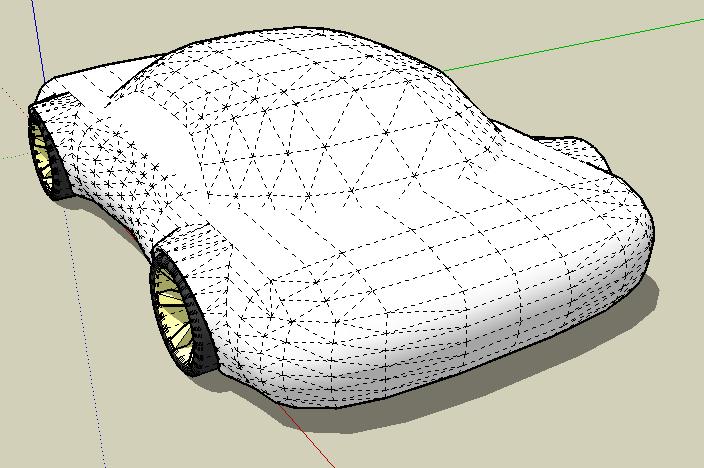
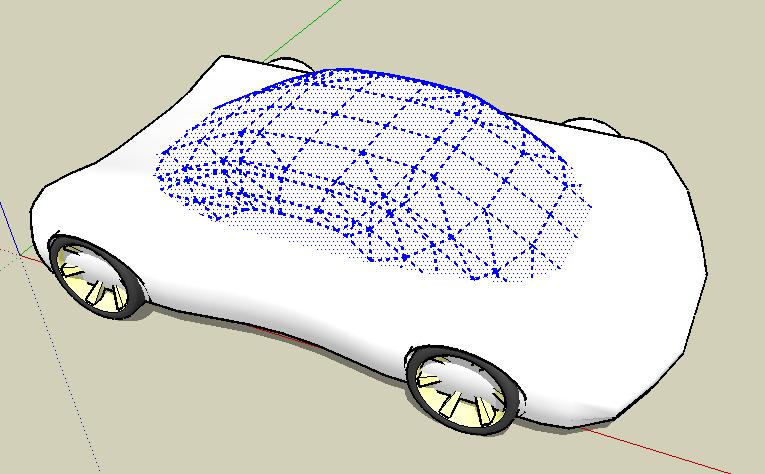
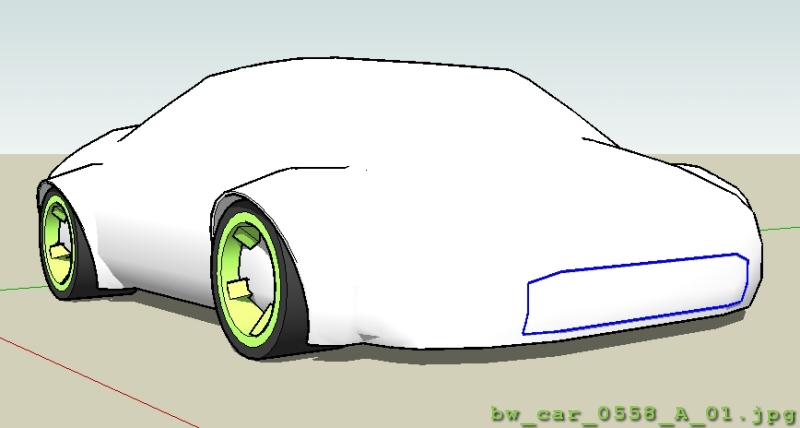
For other shapes, like the top section of a car, you can add move & rotate to the process either when creating or later changing sections/profiles using push-pull and scale. This allows more shaping possibilities such as the top of the car (see second image below).
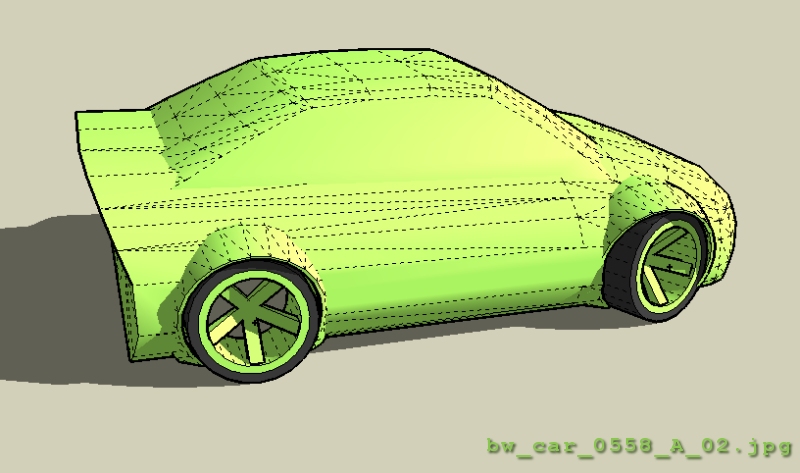
I'd like to post another short video showing how a curved side of the car body can be done - slightly different technique than the front corner.
Please keep in mind, I'm not trying to indicate these methods are "mine" or that they are "the best" or most efficient or anything like that. Usually, I use these methods of creating and editing geometry to end up with shapes that are spinning around in my head or shapes that are defined in photos, hand-generated sketches, et cetera.
Hopefully, these tutorials will help others figure out how to express their ideas using SketchUp. Of course, any comments positive or negative, suggestions, recommendations, or requests are encouraged. I would really enjoy seeing models you have done - please post your models after using these techniques or anything that others can benefit from - concept models for Industrial Design applications, cars, airplanes, whatever.
Also, please keep in mind my intent is not to create a very time intensive, highly detailed model. The style of modeling I'm trying to illustrate was developed/discovered for fast conceptual development of general ideas. Yes, you can get extremely intense models with many details included and spend many hours generating all this geometry if you want. If that's your goal, this software might not be the best choice for that endeavor - I'm thinking Blender, or something similar for those applications.
Thanks,
Brad