sketchucation logo sketchucation
    • Login
    1. Home
    2. Gaieus
    3. Posts
    Oops, your profile's looking a bit empty! To help us tailor your experience, please fill in key details like your SketchUp version, skill level, operating system, and more. Update and save your info on your profile page today!
    🚨 Skimp | 25% Off until March 30 Buy Now
    Offline
    • Profile
    • Following 0
    • Followers 0
    • Topics 427
    • Posts 19,763
    • Groups 1

    Posts

    Recent Best Controversial
    • RE: Plumbing fixtures hard to see -edges too smooth

      Hi Andrew,

      To me, in that pdf, they rather look like poor resolution images inserted - as opposed to the vector rendered house. Is the house imported from SketchUp too? To me it seems that if the house was imported from SU, it's set to render as vector but the washing basins and toilets as raster.

      If you add a one pixel profile to the models imported from SU, they should display those profiles in LayOut as well. Especially if you set them to render as vector, they should display correctly.

      Eventually you could also import them one by one from SU and create scrapbook items for them so that you can re-use them in LO all the time.

      posted in SketchUp Discussions
      GaieusG
      Gaieus
    • RE: ? abt moving groups/components to different layers

      There are rare reasons. One for instance: Twilight render can render geometry that is on hidden layers. Think of millions of grass blades which would definitely slow your modelling experience. Now with this kind of entourage, I usually put the geometry inside the component on a hidden layer - but from this example you can also realize that these are very special cases.

      One further caveat however: If you have your group/component on a different layer but the geometry inside (correctly) on layer 0 and you explode the group/component, for some extremely frustrating reason, this geometry will be moved to the original layer of the group/component. I would call it a bug but actually it's rather a "feature" only.

      When exploded, all the loose geometry is autoselected so you still have some chance to quickly move it back to layer 0. Or (after you have successfully messed up your model already) use this excellent plugin:
      http://sketchucation.com/forums/viewtopic.php?p=47033#p47033

      posted in Newbie Forum
      GaieusG
      Gaieus
    • RE: Sketchup 2013 issues

      @alan fraser said:

      ...Diplomatically edited. 😉

      Not my software - and not my Beta forums & NDA - but thanks. 😄

      posted in SketchUp Discussions
      GaieusG
      Gaieus
    • RE: Sketchup 2013 issues

      @alan fraser said:

      You'll notice that Fredo made a very dipomatic amendment to his library files here (the LibFredo6 stuff) a few weeks back (Something about a version incompatibility fix, if I remember rightly) 😄

      Alan, you might even break NDA' here... 😉

      posted in SketchUp Discussions
      GaieusG
      Gaieus
    • RE: Accès au forum français

      Added...

      posted in Newbie Forum
      GaieusG
      Gaieus
    • RE: Sketchup 2013 issues

      I simply copied the Twilight files into the new folder and it seems to work fine. I have not tested any others yet.

      posted in SketchUp Discussions
      GaieusG
      Gaieus
    • SketchUp 2013

      Megjelent végre a SketchUp legújabb változata. Átugrottak vagy 2001 verziót és rögtön a 2013-assal rukkoltak elő. 😄

      http://www.sketchucation.hu/sketchup-2013/

      posted in Magyar
      GaieusG
      Gaieus
    • RE: SketchUp 2013 ;)

      Well, Jim's custom toolbars plugin does not seem to work. I have not tested all my plugins but what I tested do work. Fredo's Round Corner (on my Win 8 system) only works if I set SU to run as administrator - but then it works.

      But why are you interested so much, Pilou? You'll stick to version 6 anyway, won't you? 😄

      posted in SketchUp Discussions
      GaieusG
      Gaieus
    • RE: Sketchup 2013 issues

      Well, hopefully. Now I am afraid I'll need to memorize some further shortcuts. 😄

      posted in SketchUp Discussions
      GaieusG
      Gaieus
    • RE: SketchUp 2013 ;)

      More or less. 😉

      posted in SketchUp Discussions
      GaieusG
      Gaieus
    • RE: Sketchup 2013 issues

      Why would it be good news if it does not work?

      posted in SketchUp Discussions
      GaieusG
      Gaieus
    • RE: SketchUp 2013 ;)

      @unknownuser said:

      ...
      (say I make a simple copy / past between the Folder Plugins )

      That's what I did - and I started to play with the free version first, too.
      Be careful not to overwrite any native SU files in the Plugins folder however.

      posted in SketchUp Discussions
      GaieusG
      Gaieus
    • RE: Sketchup 2013 issues

      It seems there isn't. I used Jim's custom toolbar plugin with some additional buttons for toggling hidden geometry, parallel and perspective camera, profiles, endpoints etc (which do not have toolbar buttons) but unfortunately that plugin does not seem to work in SU 2013.

      posted in SketchUp Discussions
      GaieusG
      Gaieus
    • RE: SketchUp 2013 ;)

      Hi Twan,

      In my opinion, you can go ahead and use SU 6, 7 and 8 for commercial purposes, too. The new TOS is about "SketchUp Make" - which non of the above are called. 😉

      Edit: found this in the new SU 2013 FAQ (bolded by me):

      @unknownuser said:

      As with all of our previous releases, we don’t require you to update to a new version of SketchUp if you don’t want to. But when we move on to a new release of SketchUp, we very rarely (read: almost never) issue updates or fixes for older versions of SketchUp. You’re welcome to continue using the version of SketchUp you have today (for what you use it for today); we just offer less (or no) support for it going forward.

      posted in SketchUp Discussions
      GaieusG
      Gaieus
    • RE: Undesired Layers Showing Up In PDF Documents

      I haven't seen this issue yet but can imagine that your client's pdf reader messes up things with pdf layers. Are those layers so important for you? If not, when exporting, you could uncheck this option (create pdf layers from LO layers) and hopefully the problem would auto-solve itself.

      posted in LayOut Discussions
      GaieusG
      Gaieus
    • RE: Having trouble installing Plugins

      Best would be to install this plugin first (it's distributed as an rbz file so you can install it from Preferences > Extensions). Then everything is at your hand and you will never need to leave SU in order to find and install a plugin from SketchUcation.

      Read more...

      posted in Newbie Forum
      GaieusG
      Gaieus
    • RE: Possible leaked screens of Sketchup 9.

      Well, last year John Bacus of (now already Trimble) said in his presentation at SketchUp BaseCamp in Boulder, Co. that the new SketchUp will be called "SketchUp 2013" so SketchUp 9 is unlikely to happen (and those screenshots seem to be a hoax too).

      😉

      posted in SketchUp Discussions
      GaieusG
      Gaieus
    • RE: Sketchup view extents vs. Layout

      @dave r said:

      FWIW, the watermark in Gai's example is the gray mask area...

      Exactly. That grey area covering "the rest" of my window is only there to let me set up whatever is inside the transparent area.

      posted in LayOut Discussions
      GaieusG
      Gaieus
    • RE: Sketchup view extents vs. Layout

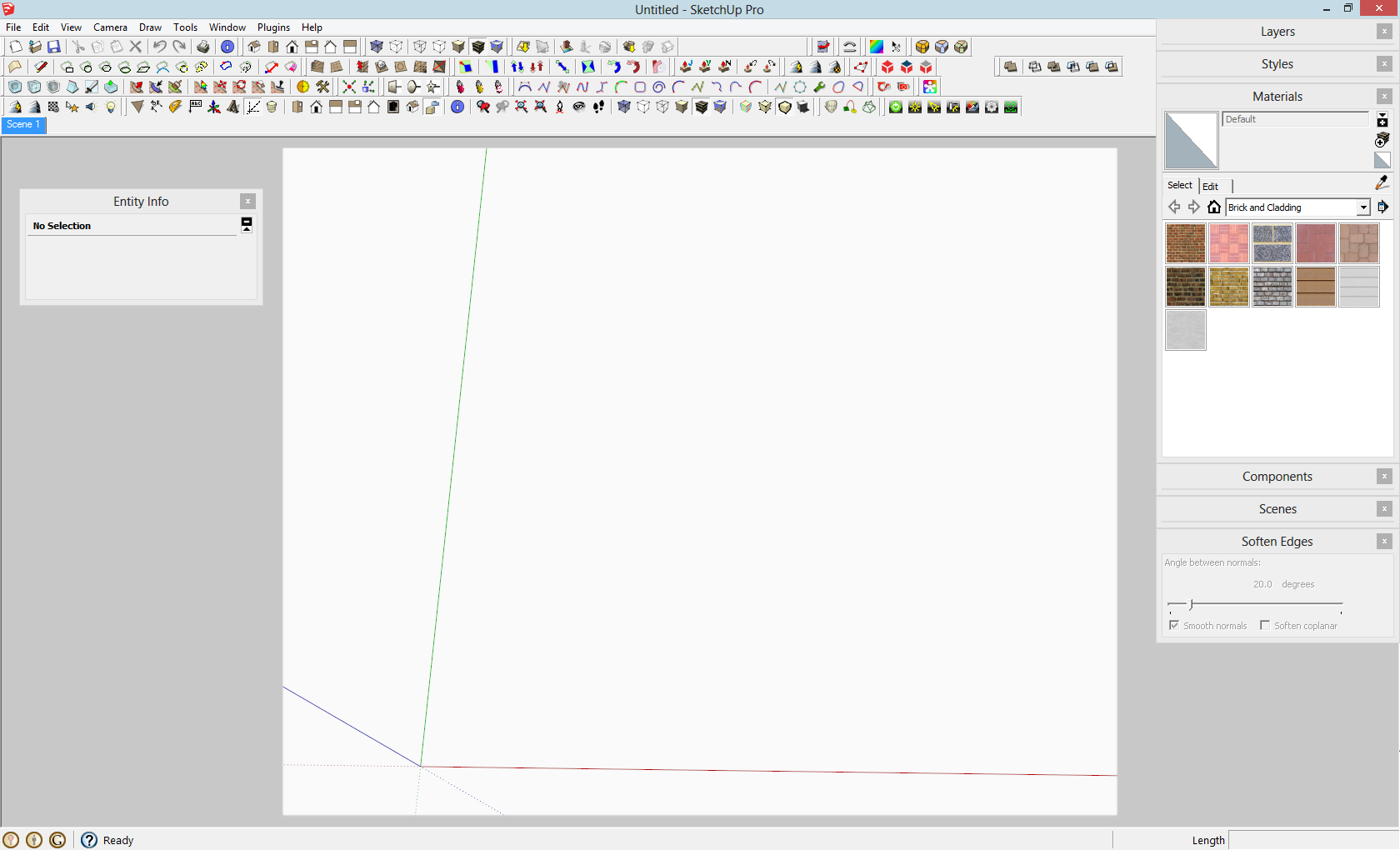
      For a different reason (but I guiess it could be used in this case, too), I have set up a style with a watermark image. Now you could also set up something like this with a "frame" that has the proportions of your LO page (or viewport you wish the SU model to appear) and could already "plan" in SU what will be seen in LO.

      Save a style without this watermark image and set up your scenes using that style so that you won't get the watermark in LO.


      SUwindow.png

      posted in LayOut Discussions
      GaieusG
      Gaieus
    • RE: How to join a closed user group

      Hi Cary,

      Your questuion is not "tough" - you are only a bit impatient to wait for the proper person to answer. 😉

      So there are usergroups. In fact, there are a lot more than you can even see as there are many "hidden" ones, too - mainly for beta testing plugins in (also) hidden subforums.

      As for the "publicly viewable" usergroups; there are some that you can freely sign up, there are some that you can request membership and there are some that are closed.

      This particular "Plugin contributor" usergroup is in fact completely empty for the time being. We are considering populating it along the development of our "Plugin Store" plugin and (possibly) adding some further/additional privileges/forum permissions to its members. Obviously it is a "closed" group and only esteemed members (plugin contributors - as it says) will be members. Similarly to the "Top SketchUcator" usergroup whose members "are known as exceptionally active and helpful as well as highly skilled members of the SketchUcation Community Forums. This is a closed group, new members can only join upon invitation of a group leader".

      It is also a "closed" usergroup which means that only forum administrators (like myself) can add new members (see attached screenshot of the admin panel). I hope this explanation is sufficient and clarifies some issues around usergroups.

      Also, I am moving this topic to the Corner Bar / Ideas box & board issues subforum (where it should belong).


      plugin-contributors.png

      posted in Ideas Box & Board Issues
      GaieusG
      Gaieus
    • 1
    • 2
    • 6
    • 7
    • 8
    • 9
    • 10
    • 988
    • 989
    • 8 / 989