First thought was that it's a combination of short edges and thick lineweight (7), but I can't reproduce this. It's the same if you take a smaller part of the model? Can you share a small part if so?
 Offline
First thought was that it's a combination of short edges and thick lineweight (7), but I can't reproduce this. It's the same if you take a smaller part of the model? Can you share a small part if so?
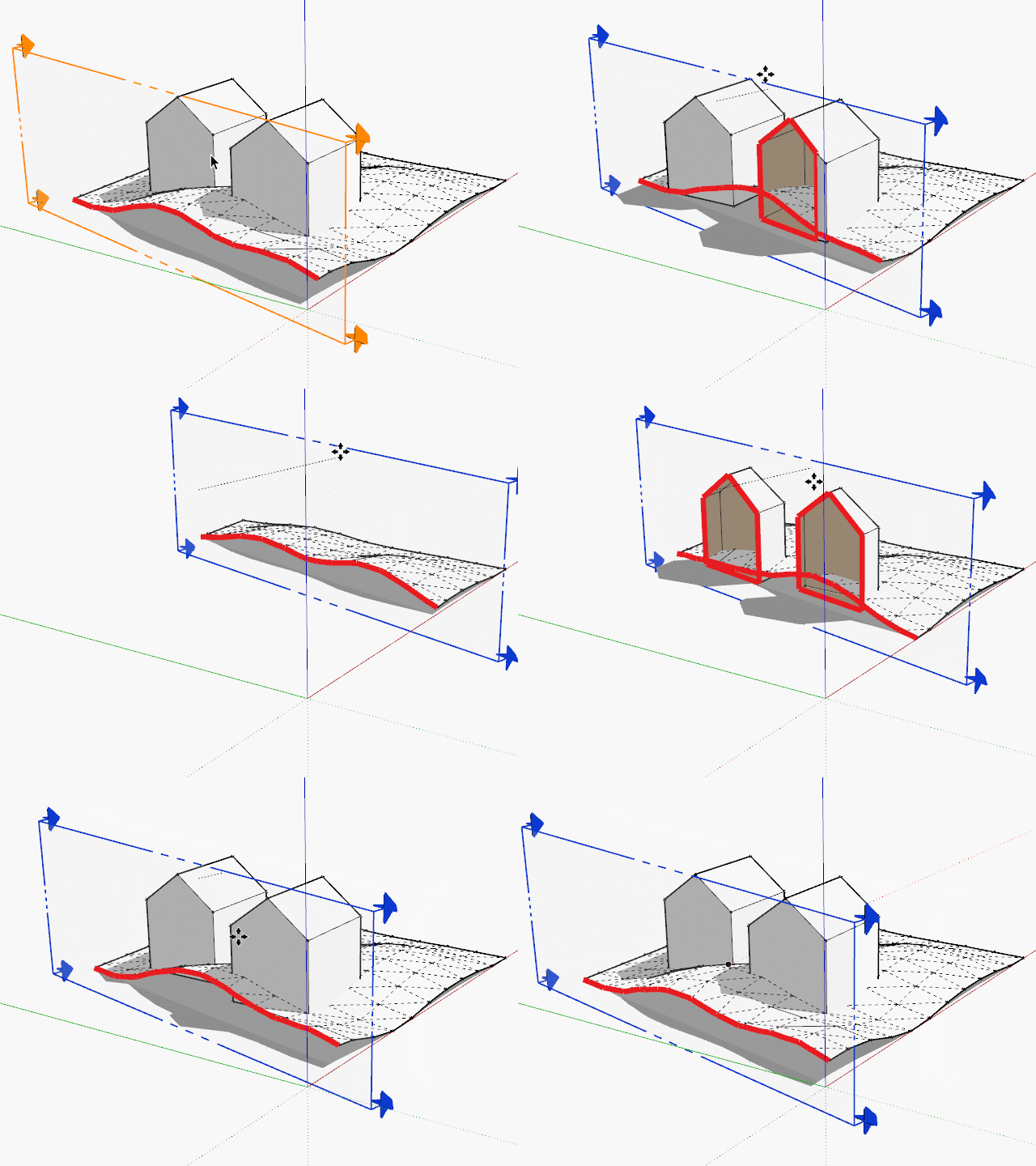
You can create a template file with different scenes, see this example:
From the images I think there are at least two problems:
(You can try the newer version of SolidInspector)
I can't reproduce this problem too, maybe you can create a screencast to show us the problem?
Have you tried TIGs slicer plugin http://sketchucation.com/plugin/781-tig_slicer ?
@clayton49 said:
I'll now check these out.
Just to make clear: some of them are commercial plugins ($) and Skatter isn't yet published (but will be commercial too).
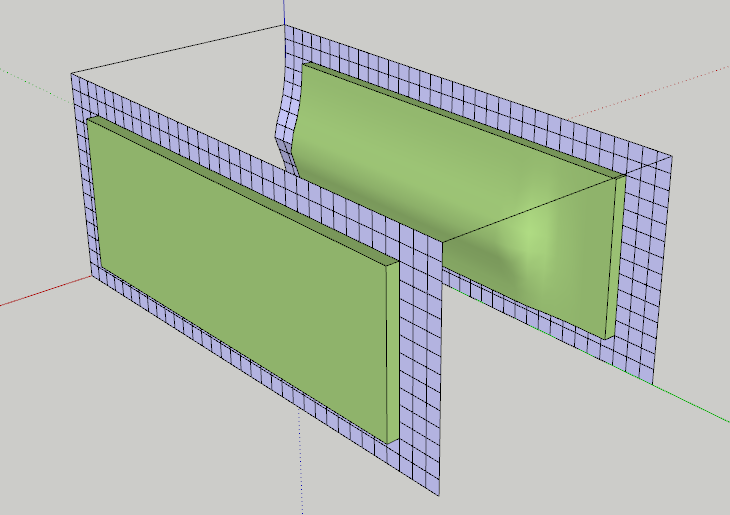
There were little edges or errors in your quad mesh, after repairing them, it worked like a charm...
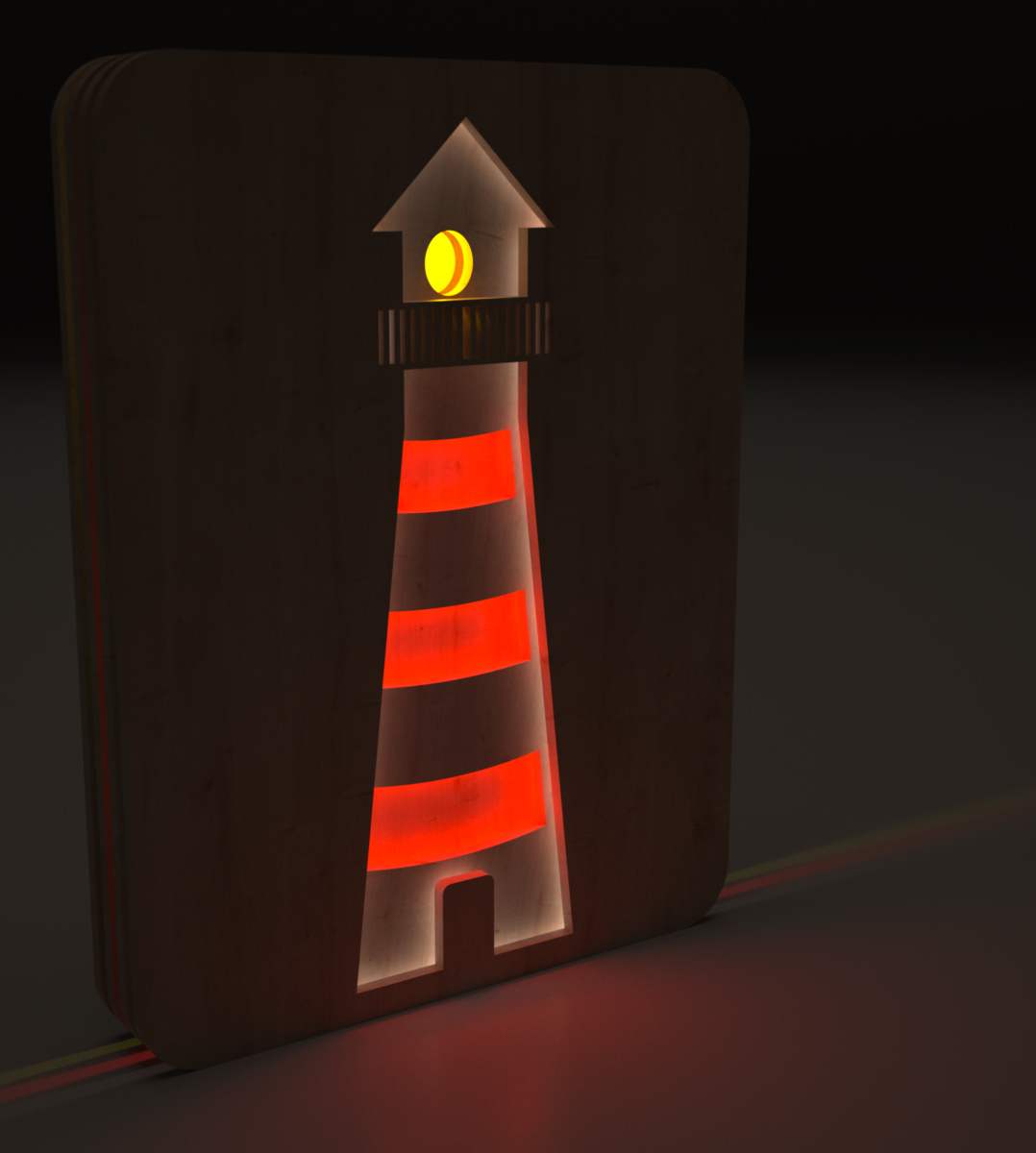
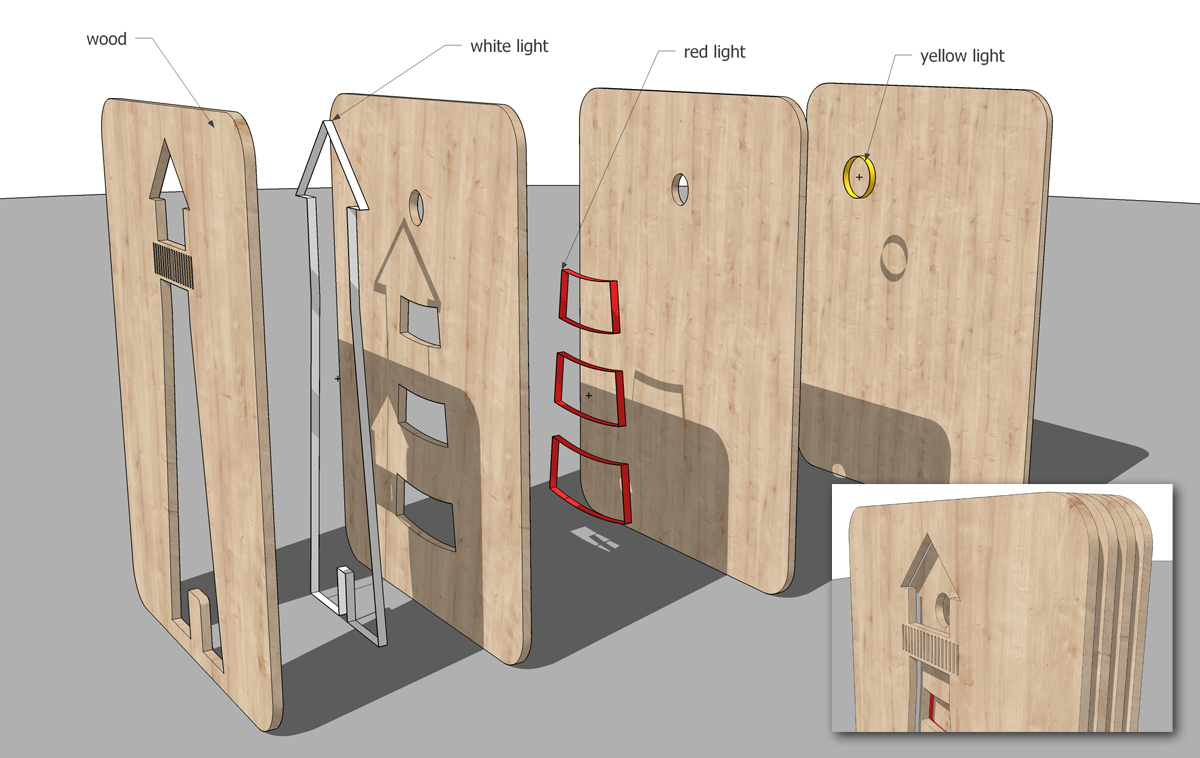
Maybe some kind of LED stripes, they are affordable with RGB colors and remote control...
Thanks for your nice comments!
(Both are rendered with Indigo.)
As long as you know what you do you can combine those hiding possibilities as you like.
Thank you, Mike!
Here's another version with more glass in it...

Thanks fr your comments!
@pbacot: I will give it a try in some days...
For me (Win) it looks like this...